

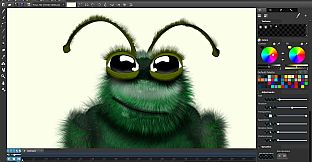
What is Arttista and how it can help you
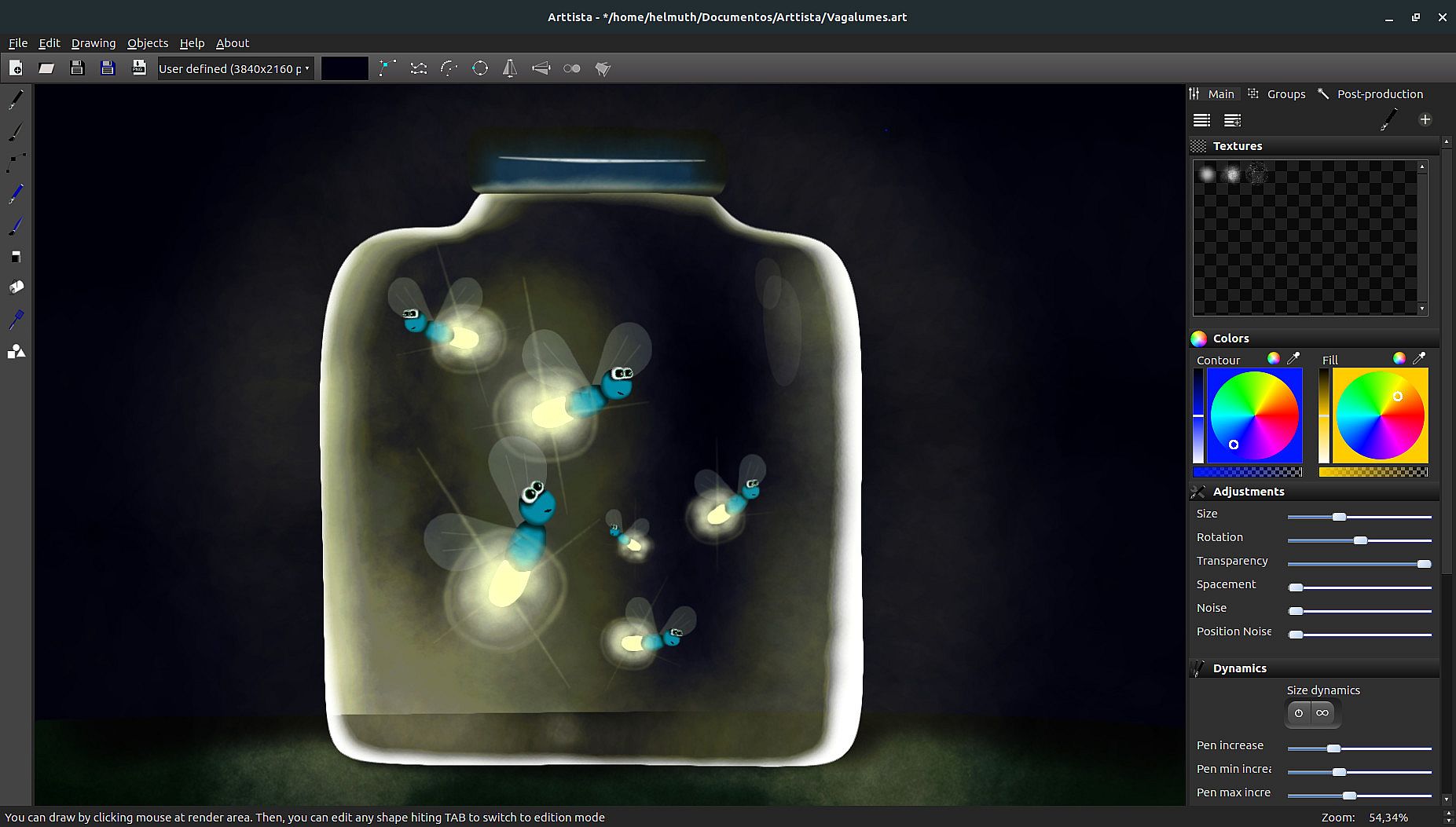
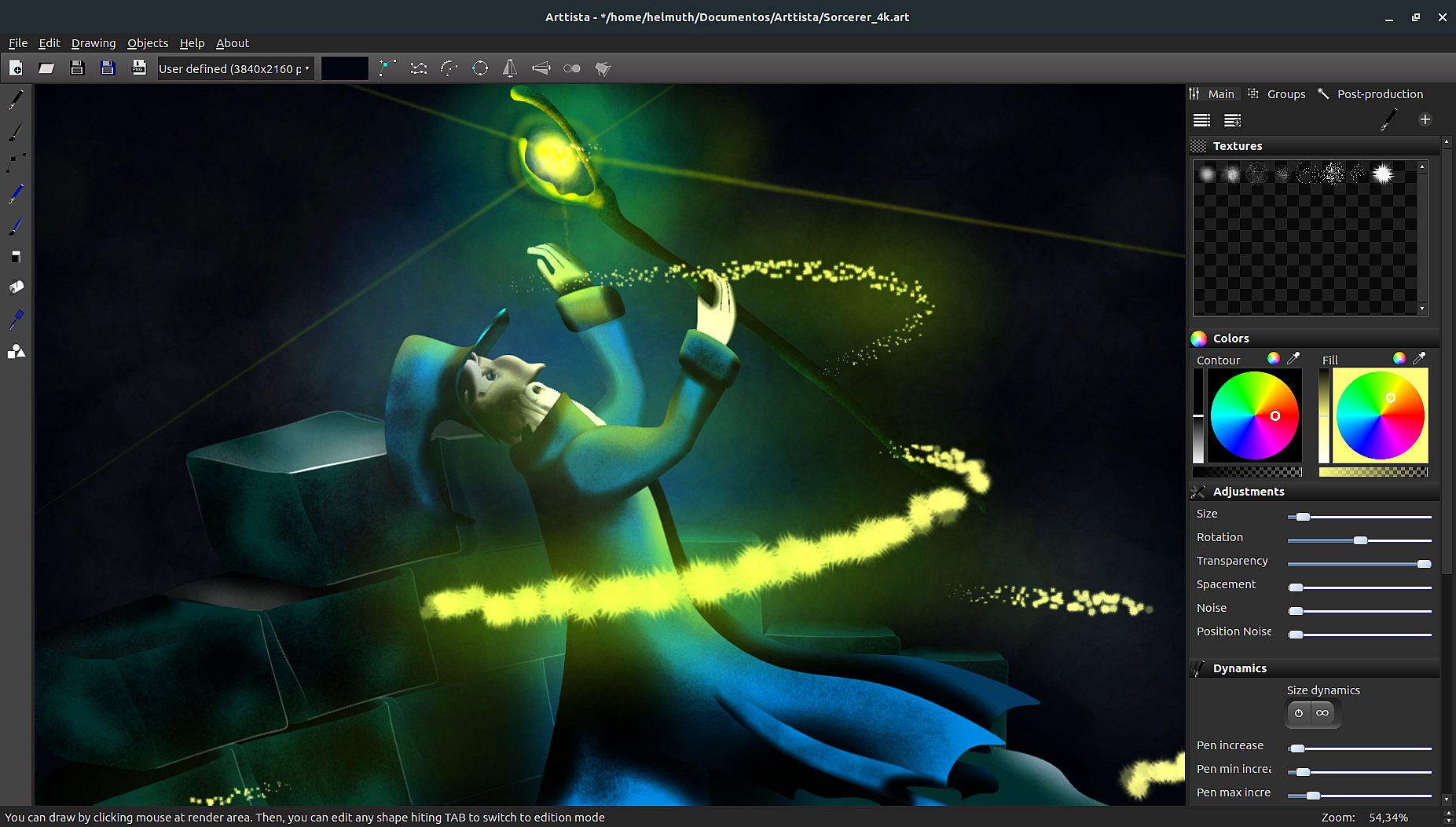
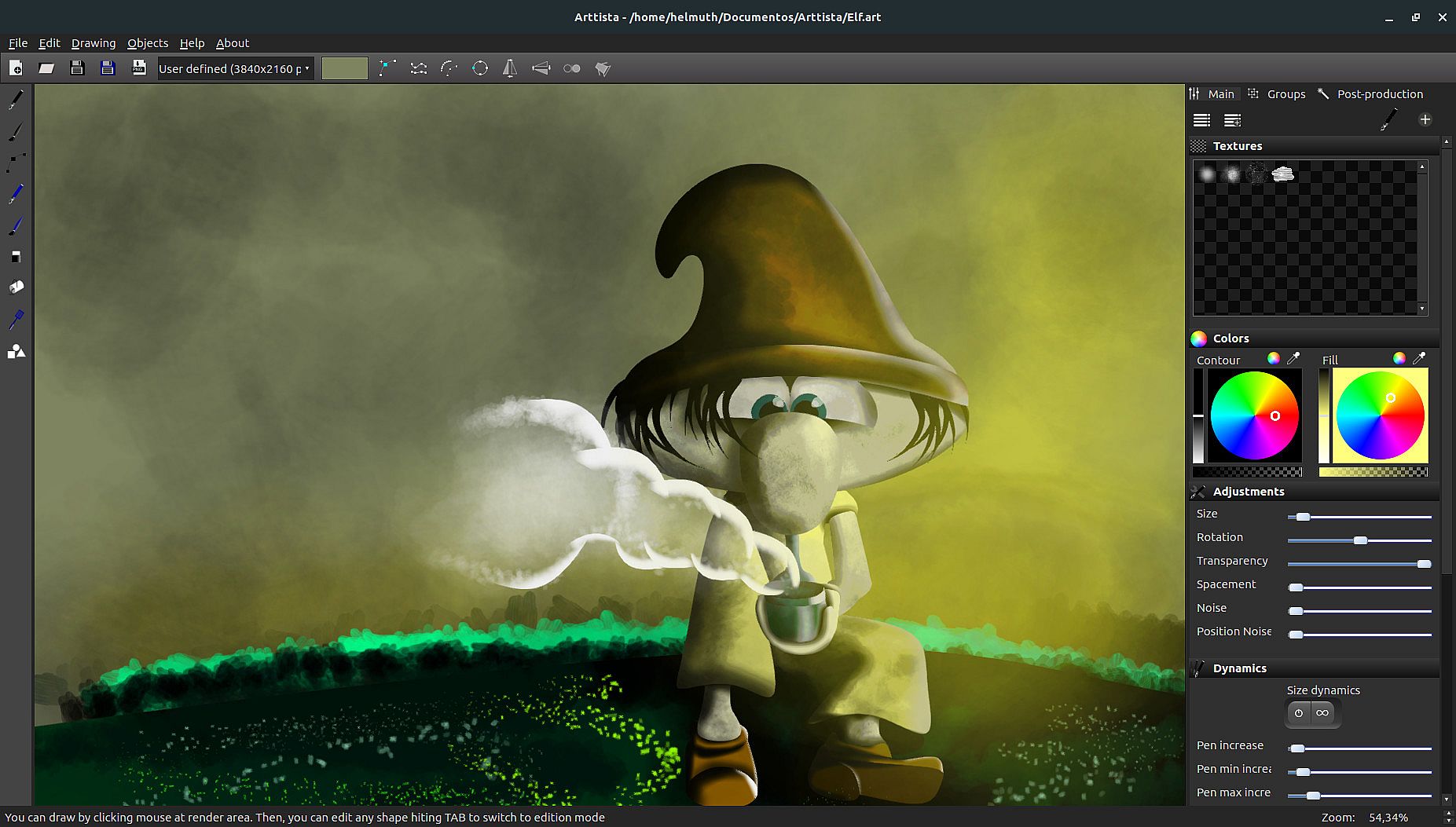
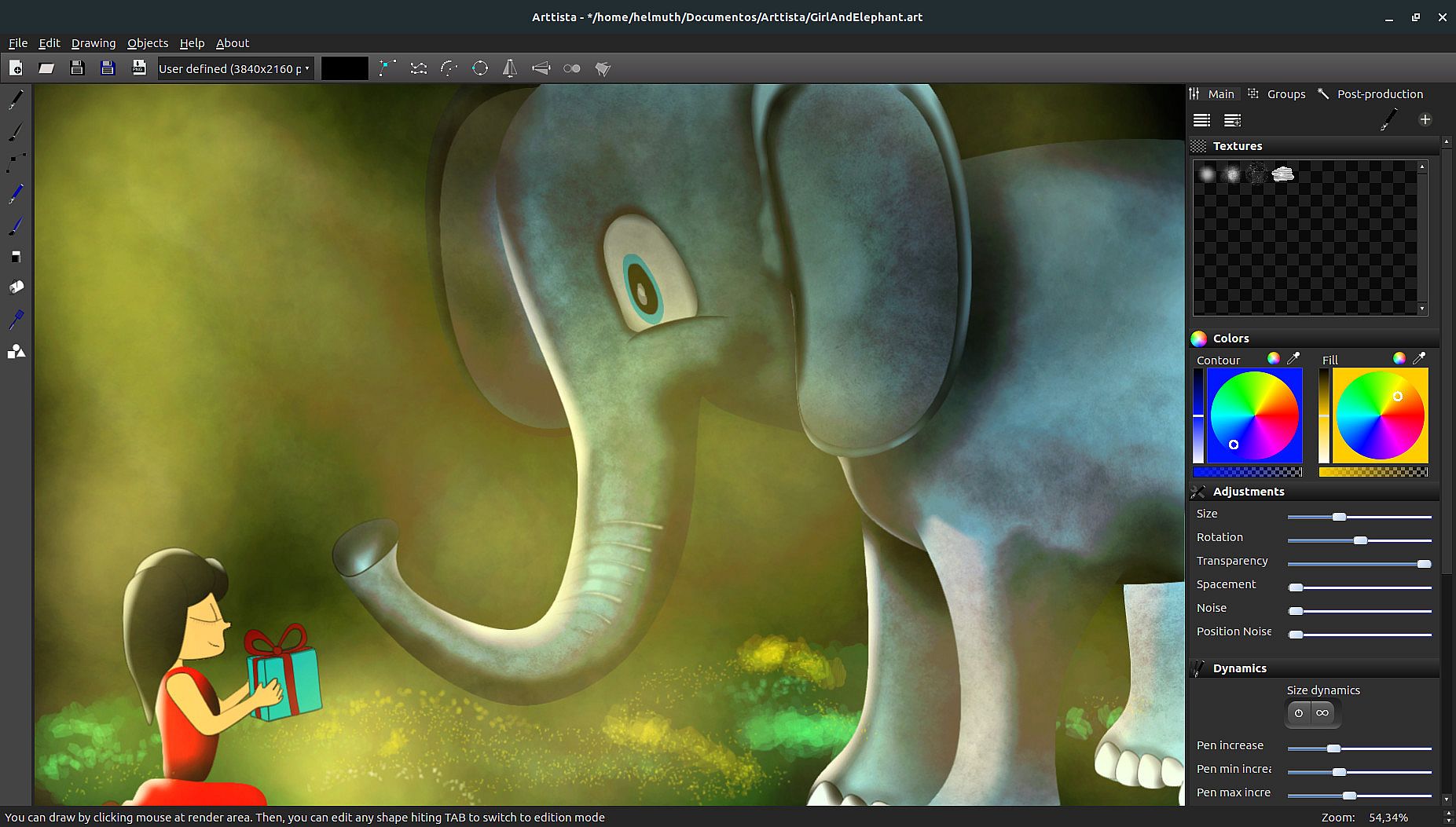
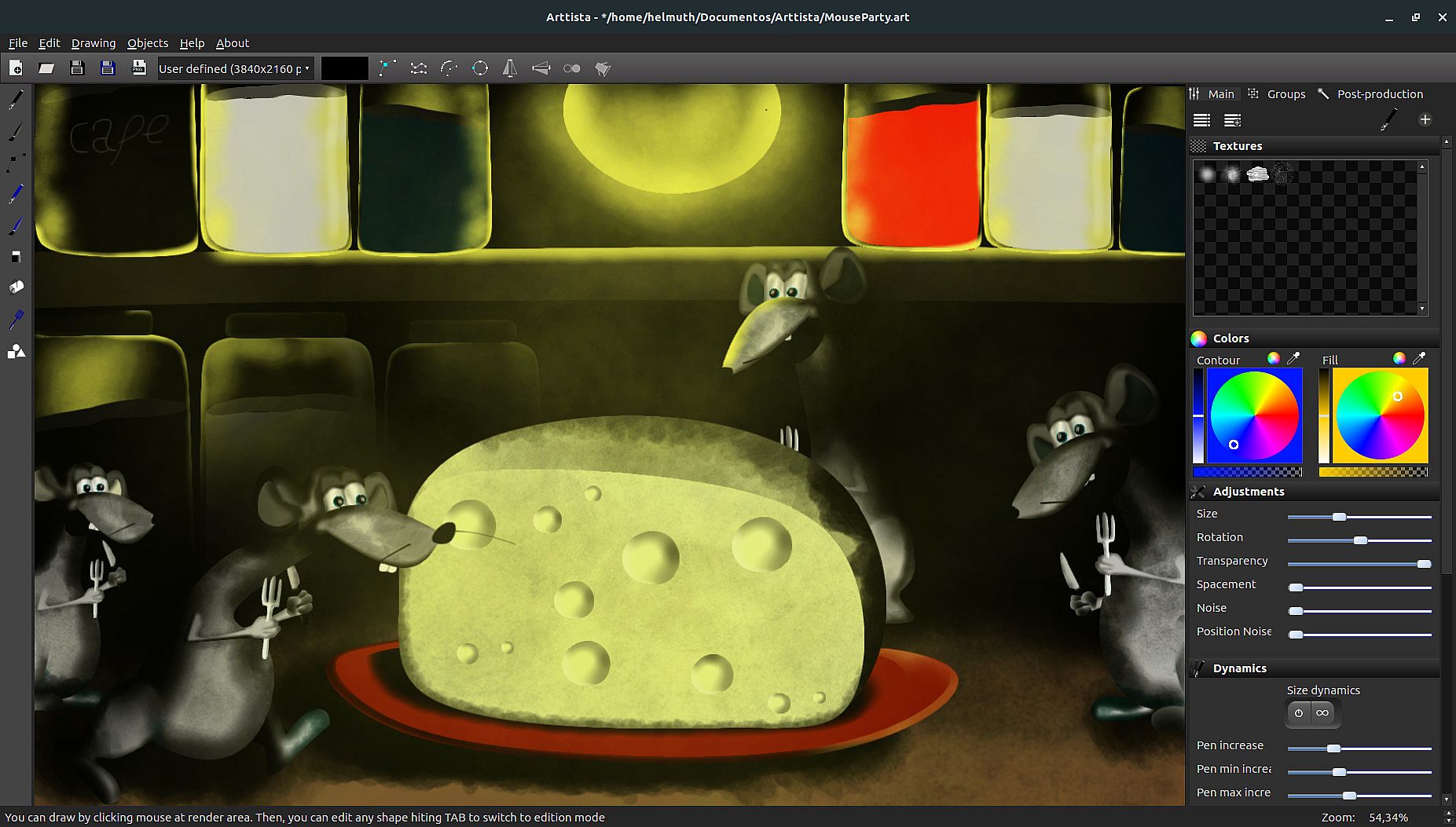
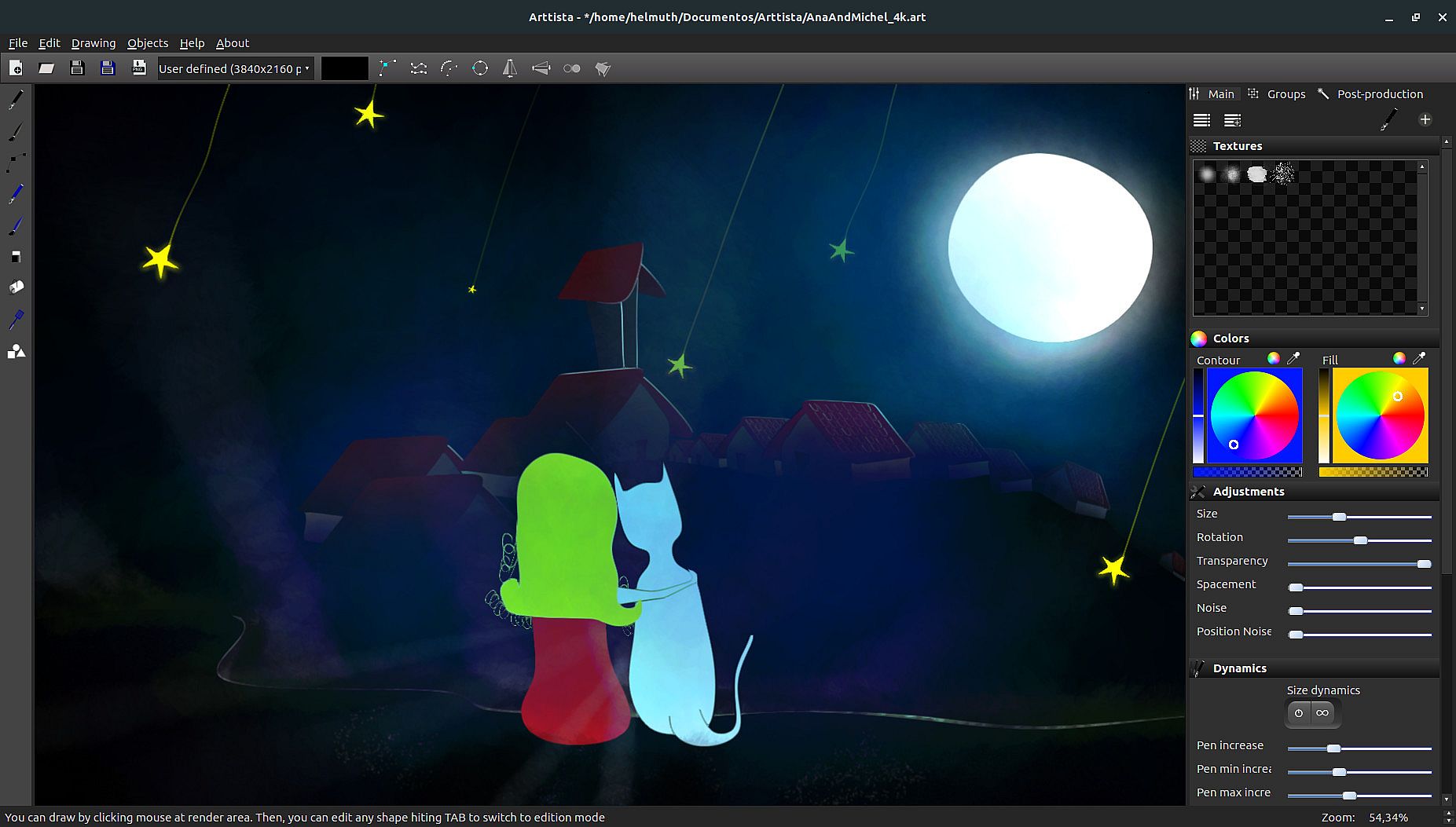
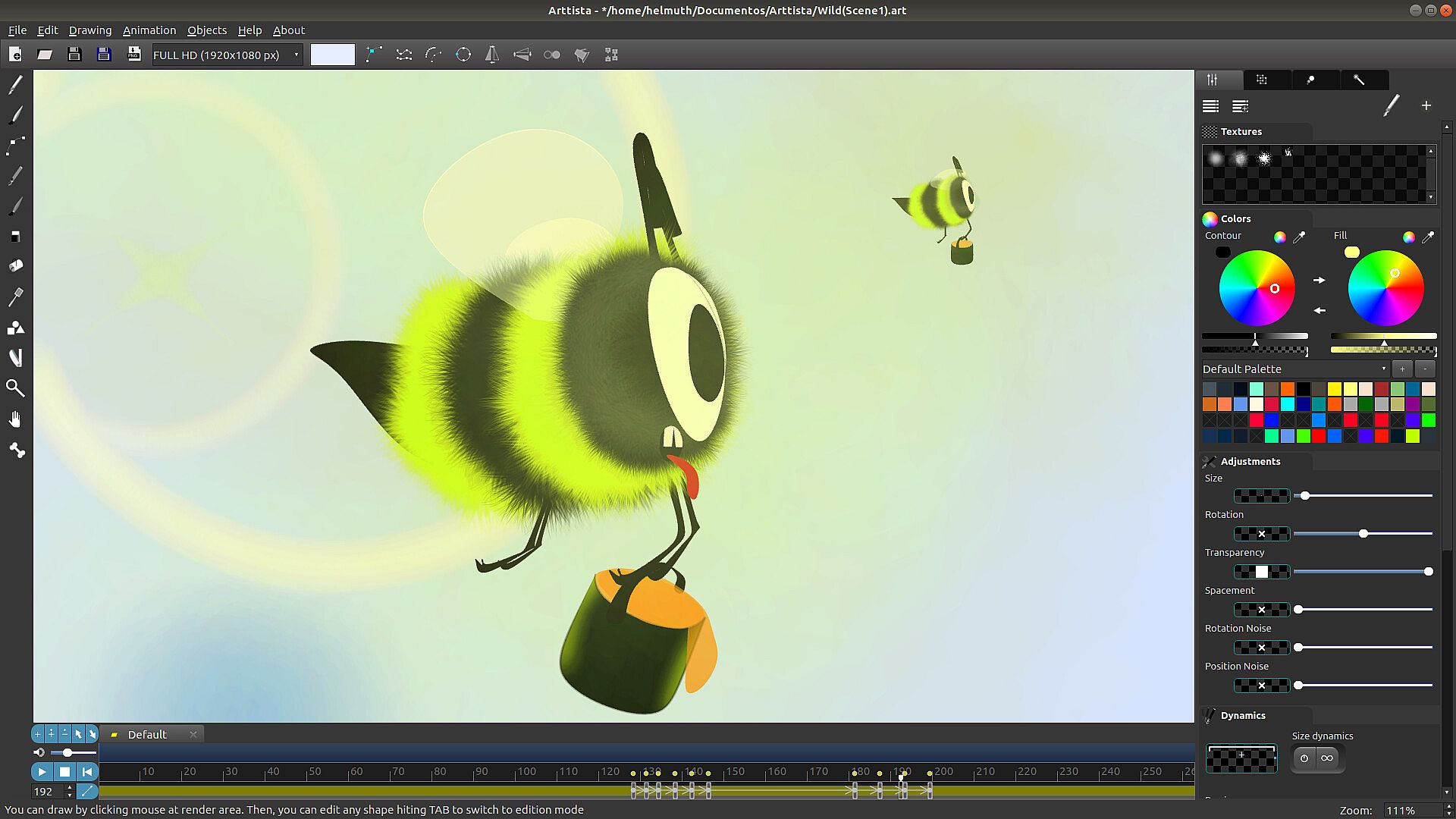
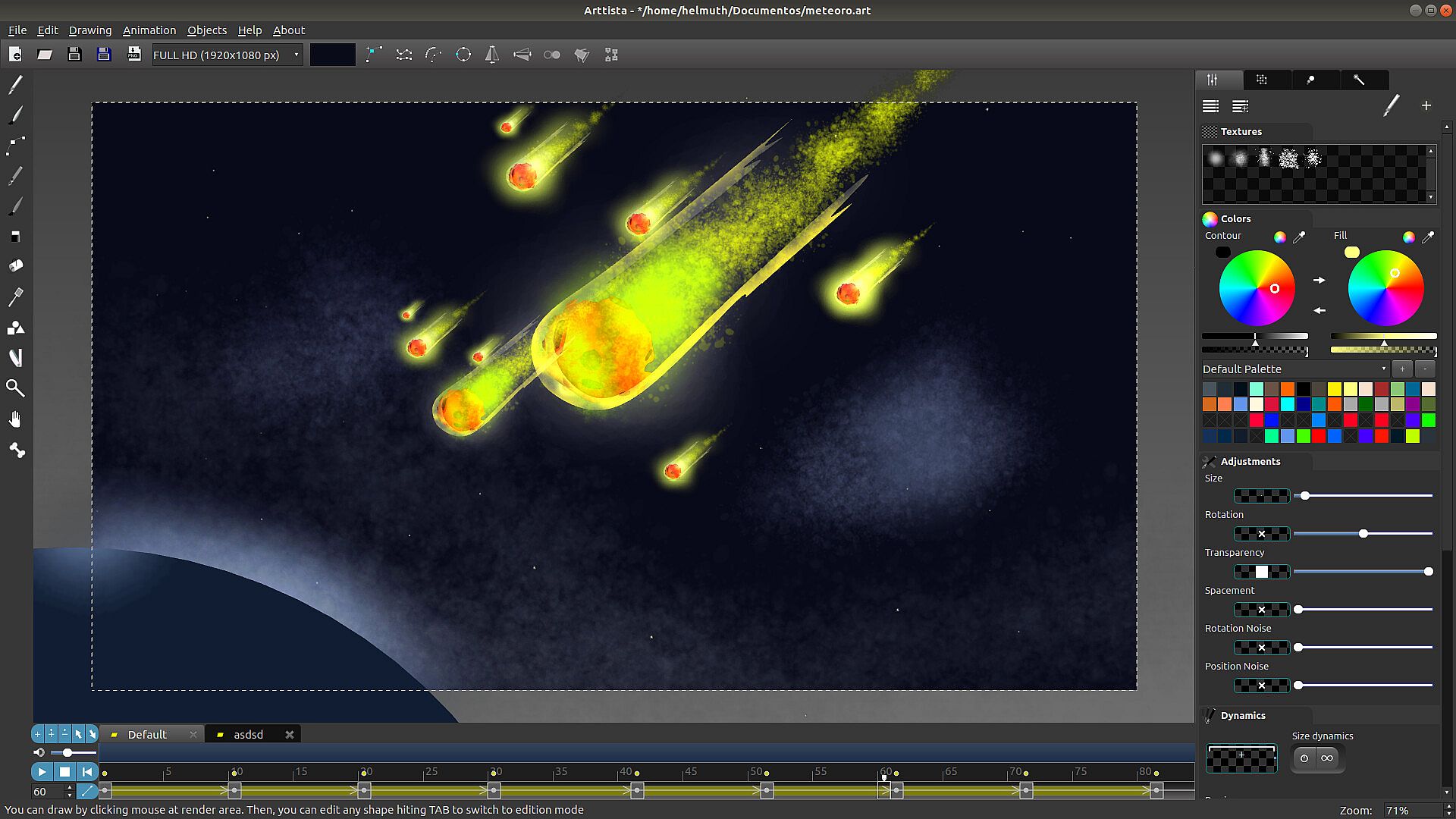
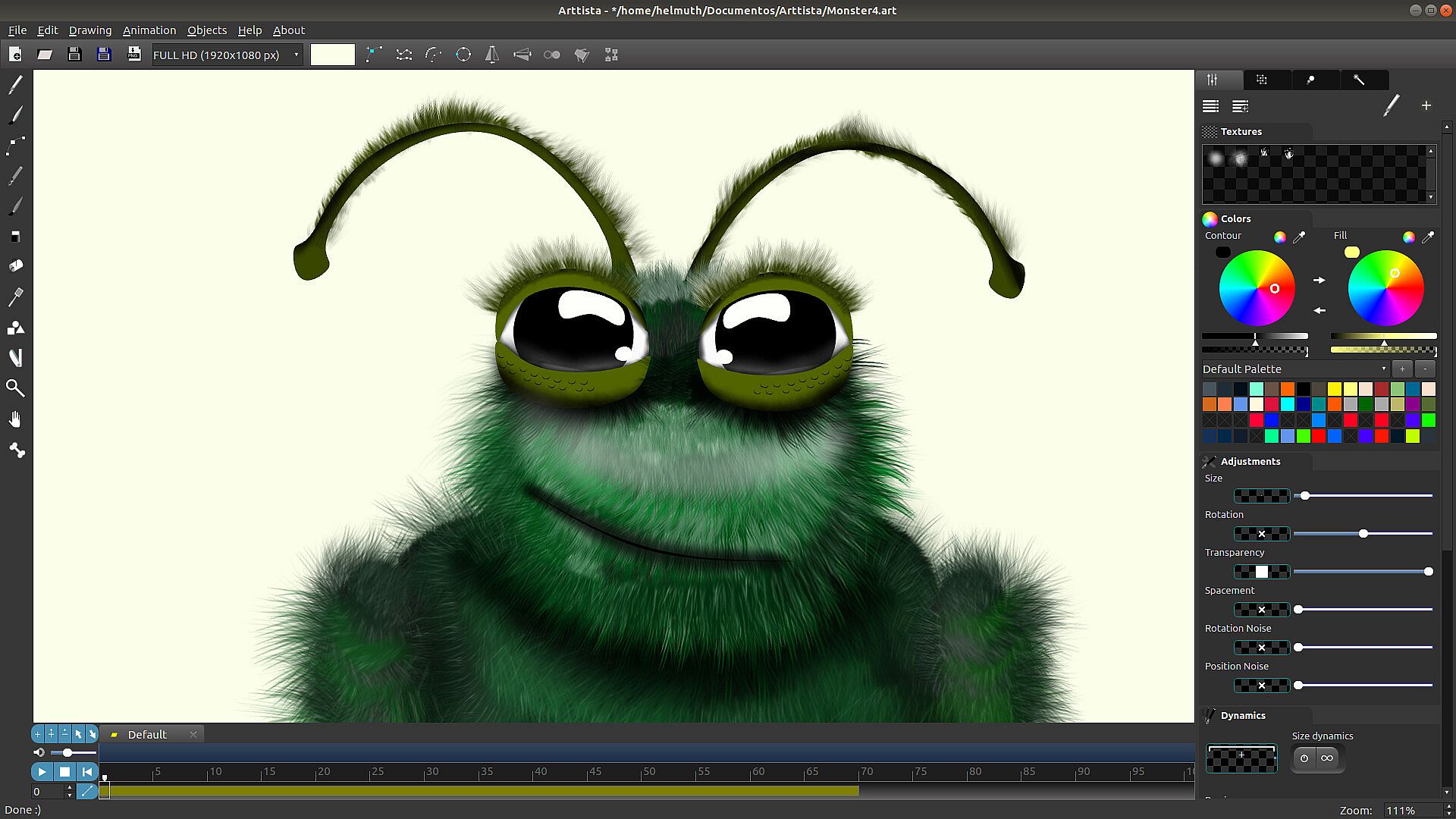
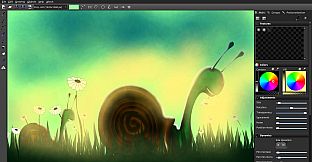
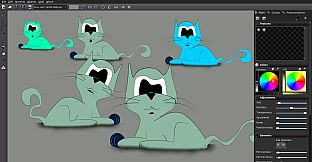
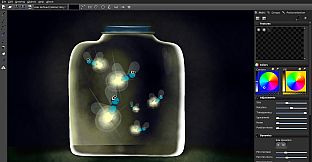
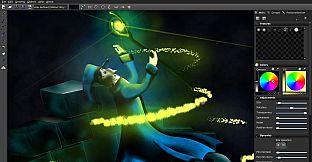
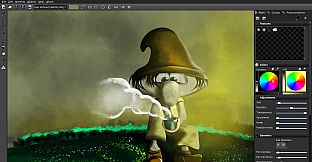
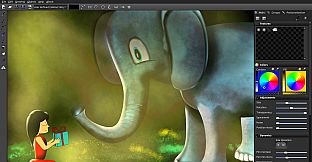
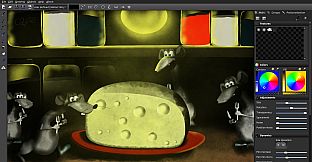
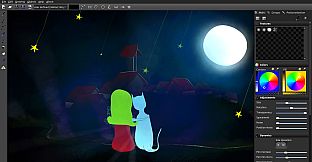
Arttista is a groundbreaking vector drawing and animation application that merges the precision of vector graphics with the expressiveness of hand-drawn art. Designed for artists who value creativity and flexibility, Arttista provides tools that let you create intricate, lifelike works with an organic and vibrant appearance, all while maintaining the advantages of vector-based design. Perfect for landscapes, characters, caricatures, and paintings, Arttista makes the creative process feel as natural as drawing on paper or painting on canvas. Every stroke remains fully editable as a vector, preserving flexibility and precision, yet delivers the warmth and authenticity of traditional art. The animation system in Arttista takes your projects to the next level with its easy-to-use and highly productive features. It combines frame-by-frame animation, interpolation, and vector-based techniques, while also offering advanced support for bones and inverse kinematics. These features allow you to create fluid and realistic animations with minimal effort, enabling complex motion and character rigging with precision and ease. With Arttista, digital art becomes as alive and organic as traditional illustrations, delivering a truly unique experience that combines technology and artistry.
Easy To Use
It’s really really easy to use. In about 20 minutes you can know all Arttista features and how to use them. The rest it’s up to your creativity.
Draw Like You Were Illustrating And Edit Like Everything Were Vector
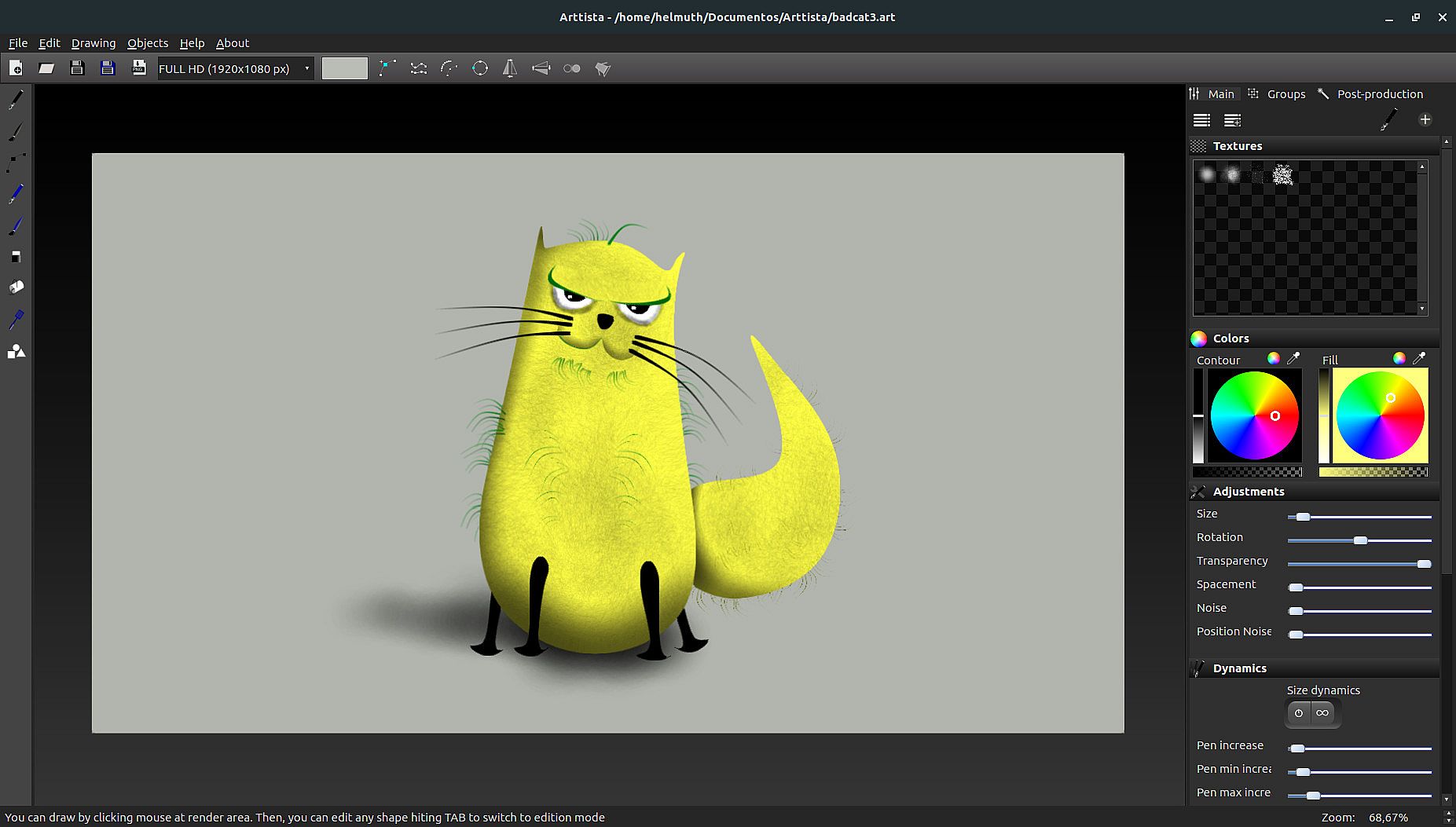
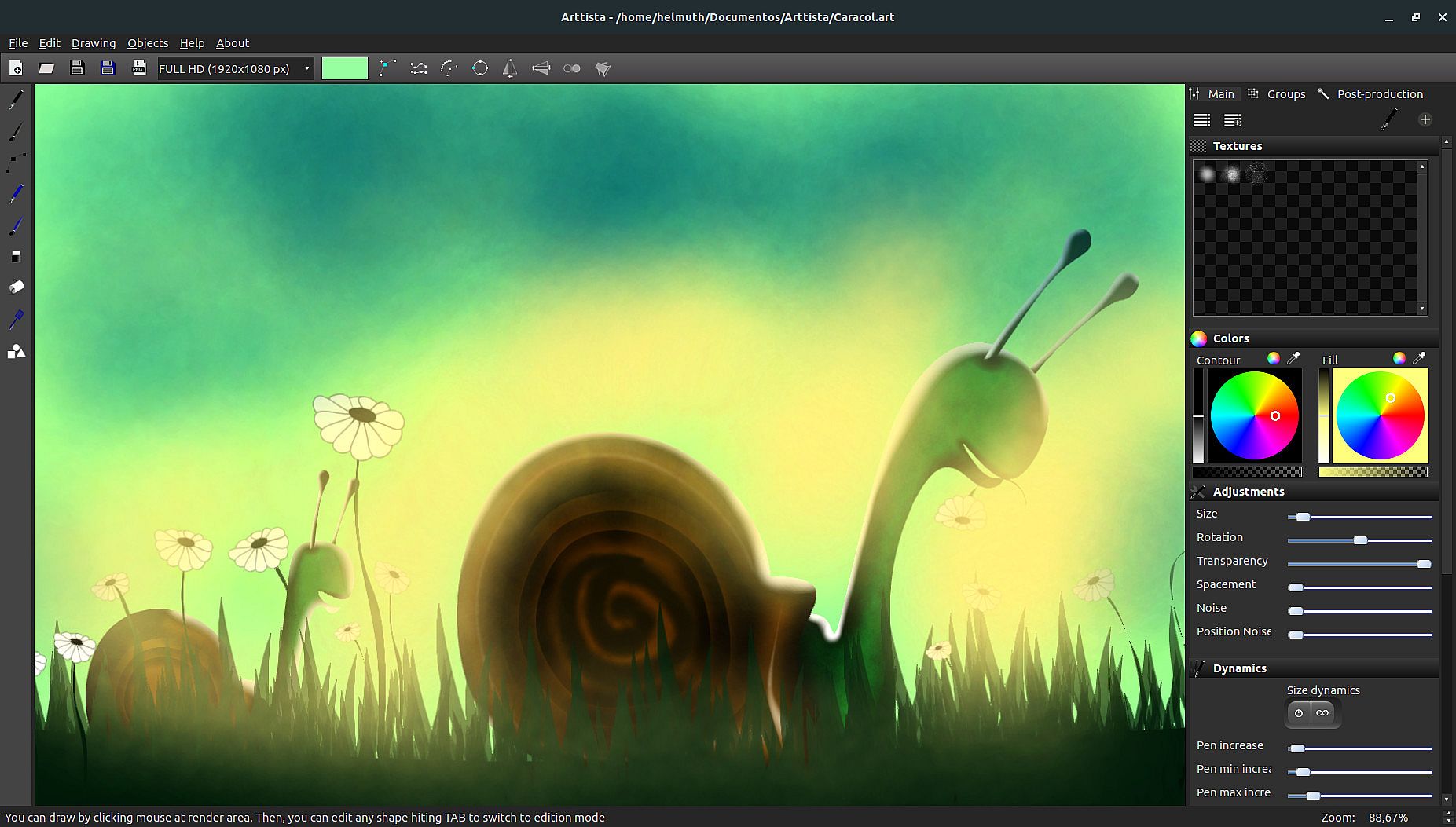
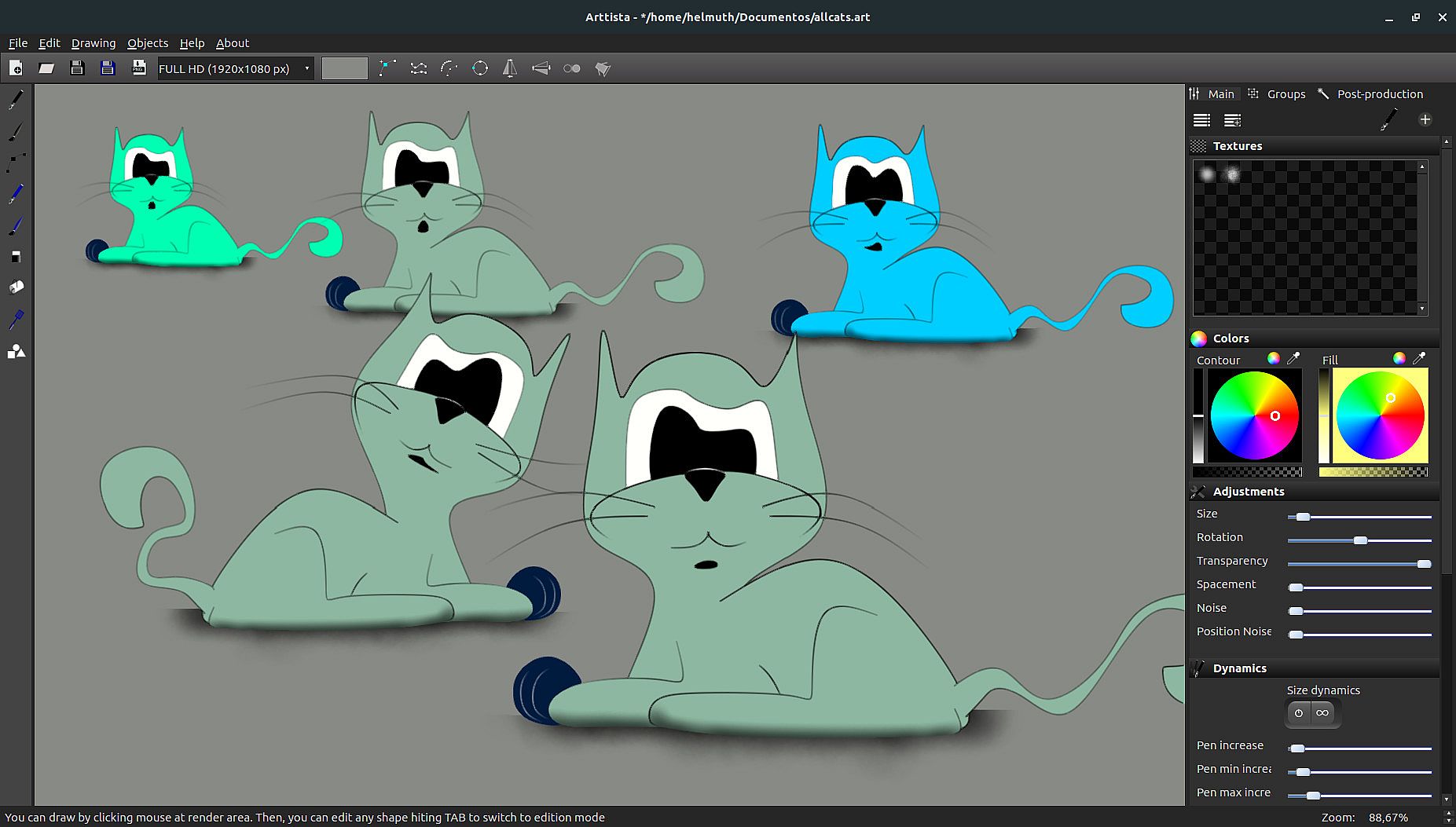
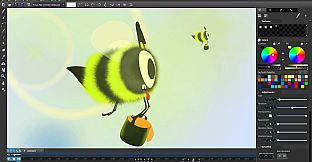
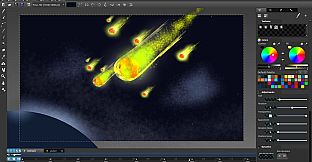
Arttista is a vector drawing software with a powerful and fast render that tries to render with illustration or painting aspect as much as possible. This gives us beautiful results while every little thing remains editable at any time.
Brushes
You can create your own brushes and define how it’s dynamics will work. Besides, the same brush can be used with different textures giving again another universe of possibilities. And everything remains vector backstage. You can paint freely or just inside objects you have selected. If you paint inside some object, these brushes will be part of it and then, you can easily select entire objects including it brushes or select only the brushes. You can create your own brushes adding textures, setting rotation, size and alpha dynamics. Besides this, you can save your current brush to Brush Library and use it anytime in any other drawing/project.
Pens
You have a point click pen and a free-hand-pen. Both support dynamics like brushes and you can also save your current pen to pen library. Although a pen is usually used for foreground, you can also use a texture with a pen, which lets you give a more imperfect aspect when needed.
Dynamics
In Arttista, the same line can have some points with different size, different colors and transparency. You don’t need to separate an object in many parts just to give “hand drawn aspect”. You can select any points of any object’s line, with others objects points, and then edit all together. Arttista has very flexible dynamics and every tool has it implemented.
Eraser
Eraser in Arttista is very powerful, cause it really behaves like a real eraser, which gives us a very impressive correction over drawings. Eraser it’s a brush inverted and also has dynamics and texture. It’s not like erasers in other vector drawing softwares, cause Arttista treats erasers like an organic component too. Although Arttista is a vector drawing software, eraser render results like in the raster softwares. So, that’s why you can do amazing finishings using Eraser in Arttista.
Animation
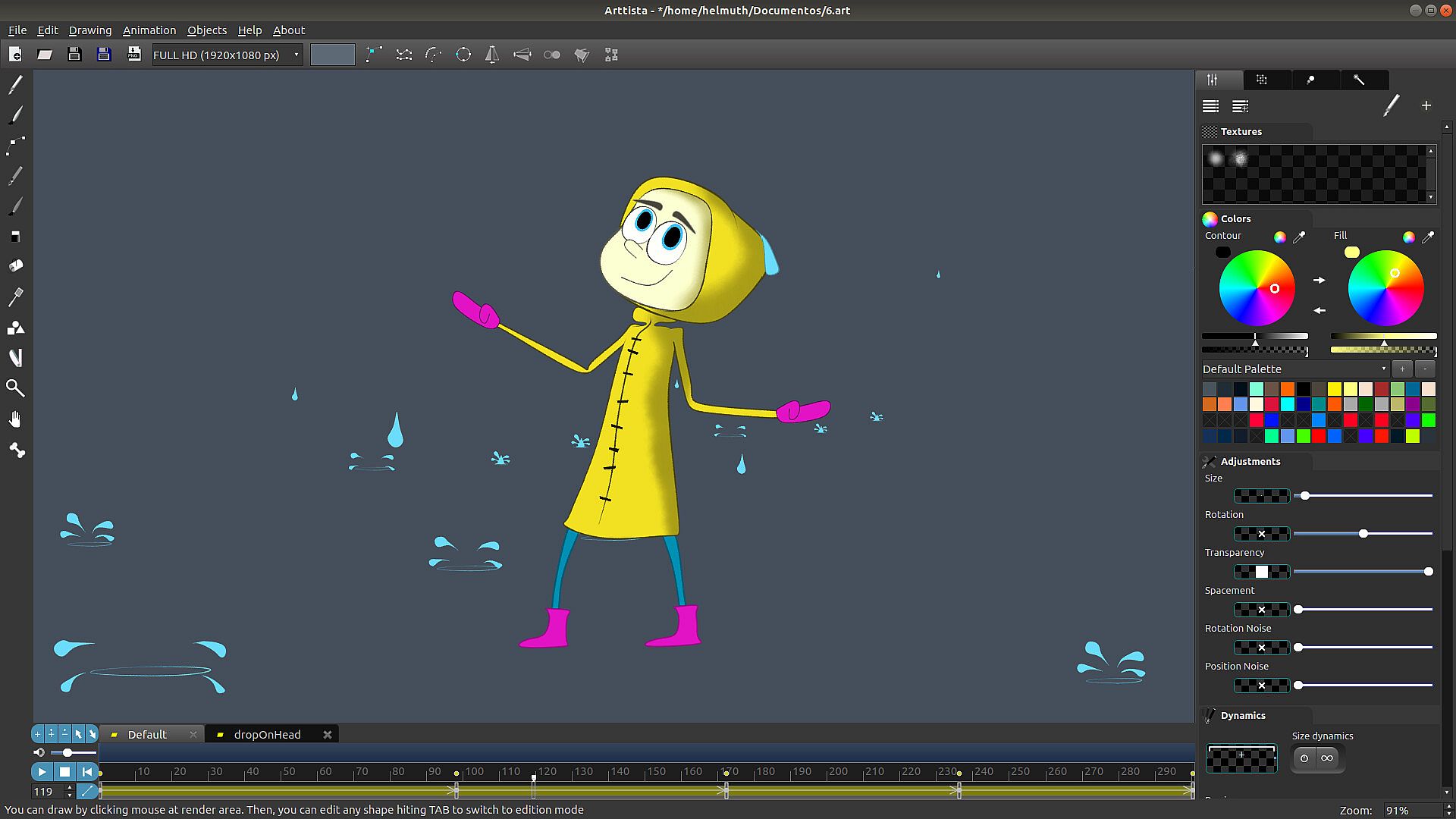
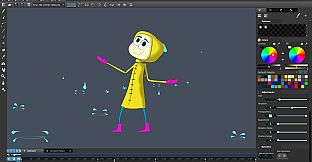
Arttista has evolved and now features a powerful frame-by-frame animation system. It offers tools to efficiently manage frame content across animation sequences, as well as intuitive controls for selecting and manipulating points or vertices, making pose creation a seamless process. Additionally, Arttista allows you to copy, move, and reverse-copy animations for all or selected objects within a chosen timeframe on the timeline. It also supports keyframe interpolation, enabling smooth transitions between frames with options for linear interpolation or easing in and out for more natural motion.
Bones System
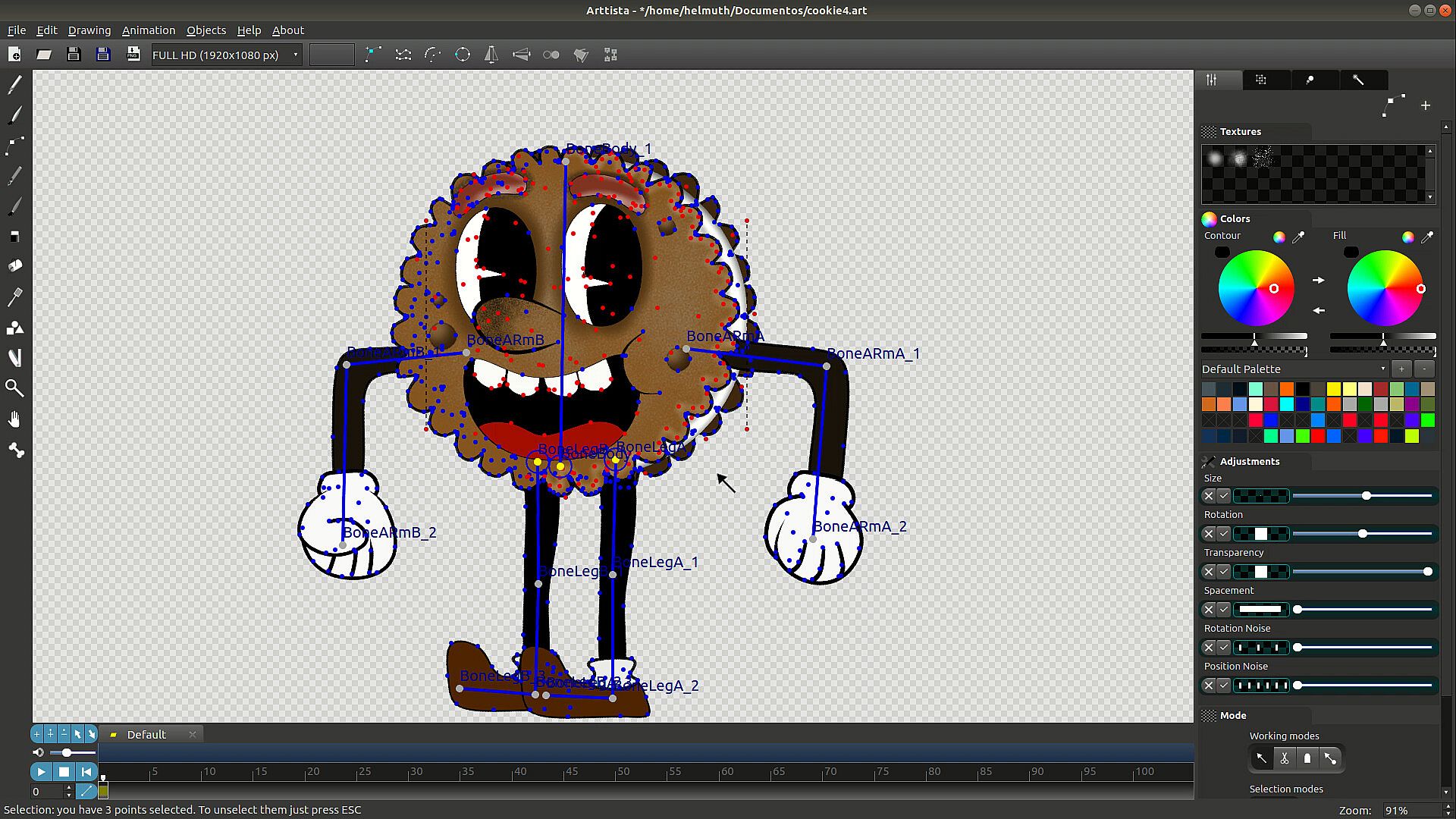
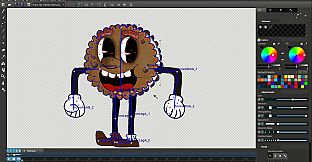
Arttista provides Bones System to be attached to your Characters. But not only to Characters, you can attach bones to any shape or object you want it to.
More flexibility in animation – Bones allow for hierarchical skeleton structures that intuitively control different parts of a character.
Better reuse of animations – Since animation is bone-based, different characters can share the same skeleton, making animation reuse easier.
Fewer distortions in deformations – Bone-based animation allows for better distribution of deformations when moving body parts, making movements smoother.
Inverse Kinematics
More natural and realistic animation – IK allows character movements to be more fluid and lifelike by automatically calculating joint positions based on the desired end point.
Easier pose manipulation – Instead of adjusting each joint manually, you only need to move one point (like a hand bone or foot bone), and the rest of the structure adjusts automatically.
Better control over interactions with the environment – IK makes it easier to adapt characters to different surfaces, such as feet adjusting to uneven terrain.
Reduced animation time – Since IK automates many movement calculations, animators can create poses and animations much faster.
Less manual work for animation cycles – IK allows for more efficient creation of cycles like walking and running since limbs dynamically adjust to movements.
Shapes Library
Arttista has a shapes library with predefined usual shapes as rectangles, triangles and circles. But, beside all this, you can export any drawing/project of yours to this shapes library, and then, reuse it any time in others drawings. This shapes library supports animation too, which means that an eye in movement exported to this library, and then imported to current drawing, it will come with all animation frames to your current drawing.
Development
Arttista is in constant development. It has a long way to go and this is very positive, because all this is just the beginning. Imagine what will be possible. And you, as a user, can participate giving ideas and suggestions. We can build a very impressive drawing software together. eedbacks are not just welcome, they are really implemented most of the time.
Supported import Image files
JPEG
PNG
Supported export Image files
PNG
Supported export animation files
PNG SEQUENCE
AVI (Raw and MJPEG)
SpriteSheet for Games
Supported selection of content to export
All objects in the scene
Only Selected objects in the scene
Supported import vector files
ART (Arttista vector files)
SVG