
Cliper: A clipboard enhancement tool PC

Gdzie znale藕膰 najlepsz膮 ofert臋 na Cliper: A clipboard enhancement tool na {6}? Por贸wnaj ceny z 1 sklep贸w i wybierz najlepsz膮 opcj臋 spo艣r贸d 1 ofert dost臋pnych na XD.deals. Obecnie najni偶sza cena Cliper: A clipboard enhancement tool w keyshopach jest na 7,19聽z艂 (0% taniej).

Premiera: 01 cze 2020
Steam:
Mixed (18)
Keyshops
Brak dost臋pno艣ci
Kup w oficjalnym sklepie:
7,19聽z艂
Kup w keyshopach:
Zobacz histori臋 cen

Sklepy oficjalne (1)

DRM:
Steam
Steam
Steam
Cliper: A clipboard enhancement tool
Windows
1tyg temu
DRM:
Steam
Steam
7,19聽z艂

O Cliper: A clipboard enhancement tool

Cliper: A clipboard enhancement tool - o grze
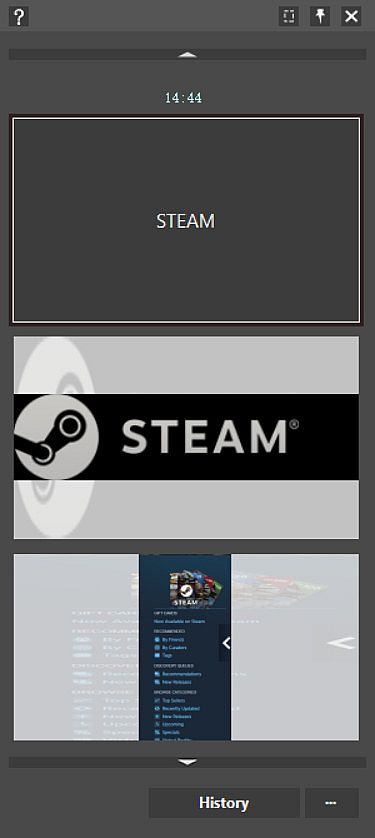
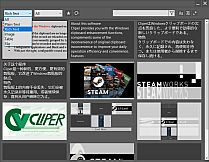
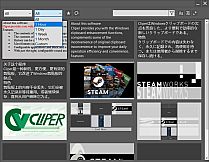
Windows clipboard frustrations end with Cliper, a utility that logs every copy permanently for quick retrieval. Reload past contents with a simple hotkey combo-Left CTRL + Left WIN + Left ALT-to paste older data without losing image colors or rich text details. Group history by type or time, search contents, or mark favorites for fast access. Black and white lists filter out useless items like 2FA captchas or password manager clips, while configurable sounds and bubbles keep notifications subtle. Copy during browsing, then paste excerpts sequentially in notes via the main interface. Design pros and web publishers gain efficiency from these web publishing tools on PC, streamlining daily copy-paste workflows.

About this software
Cliper provides you with the Windows clipboard enhancement functions, complements some of the inconvenience of original clipboard inconvenience to improve your daily operation efficiency and convenience.
Features
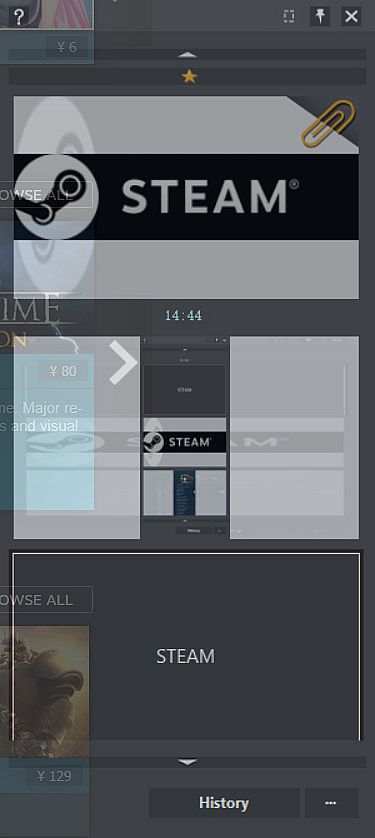
  • The contents of the clipboard are no longer lost with each new copy, they are permanently logged, waiting to be retrieved again, or until they are actively deleted.

  • The contents of the record are reloaded onto the clipboard for easier operation.

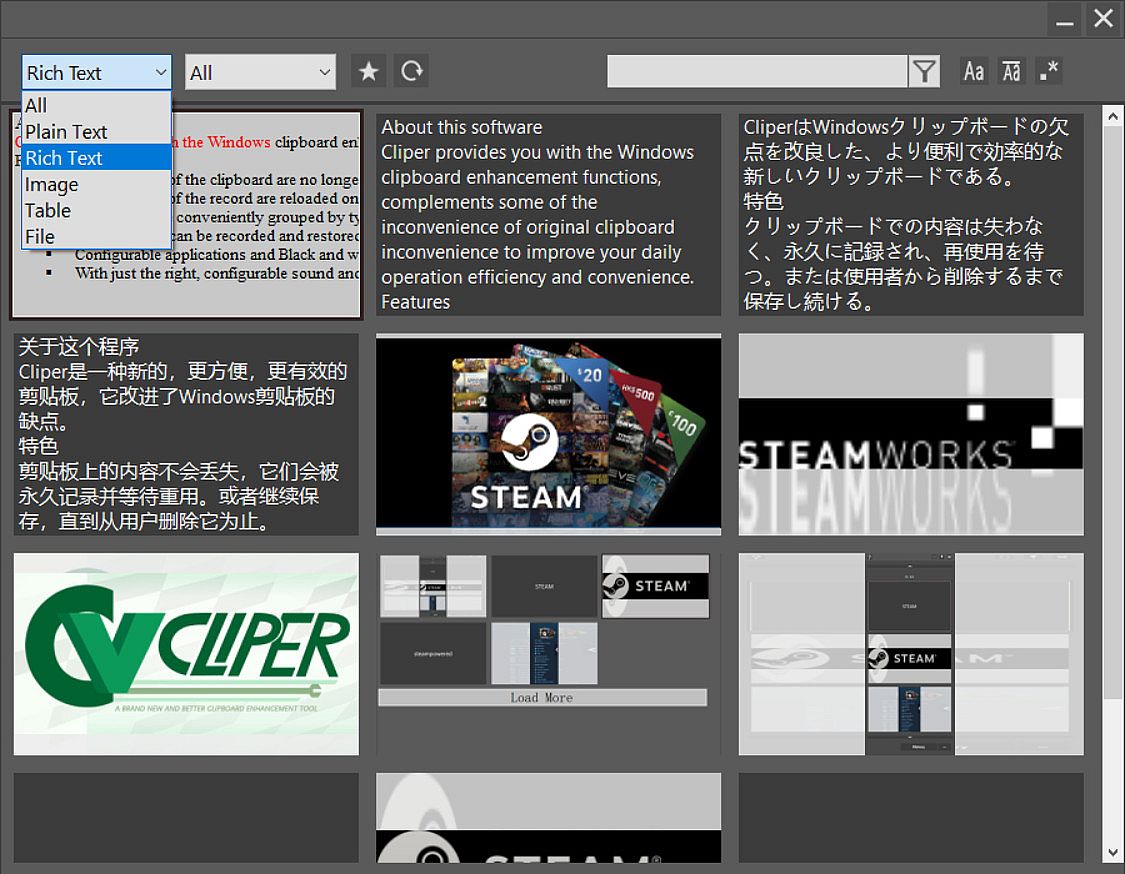
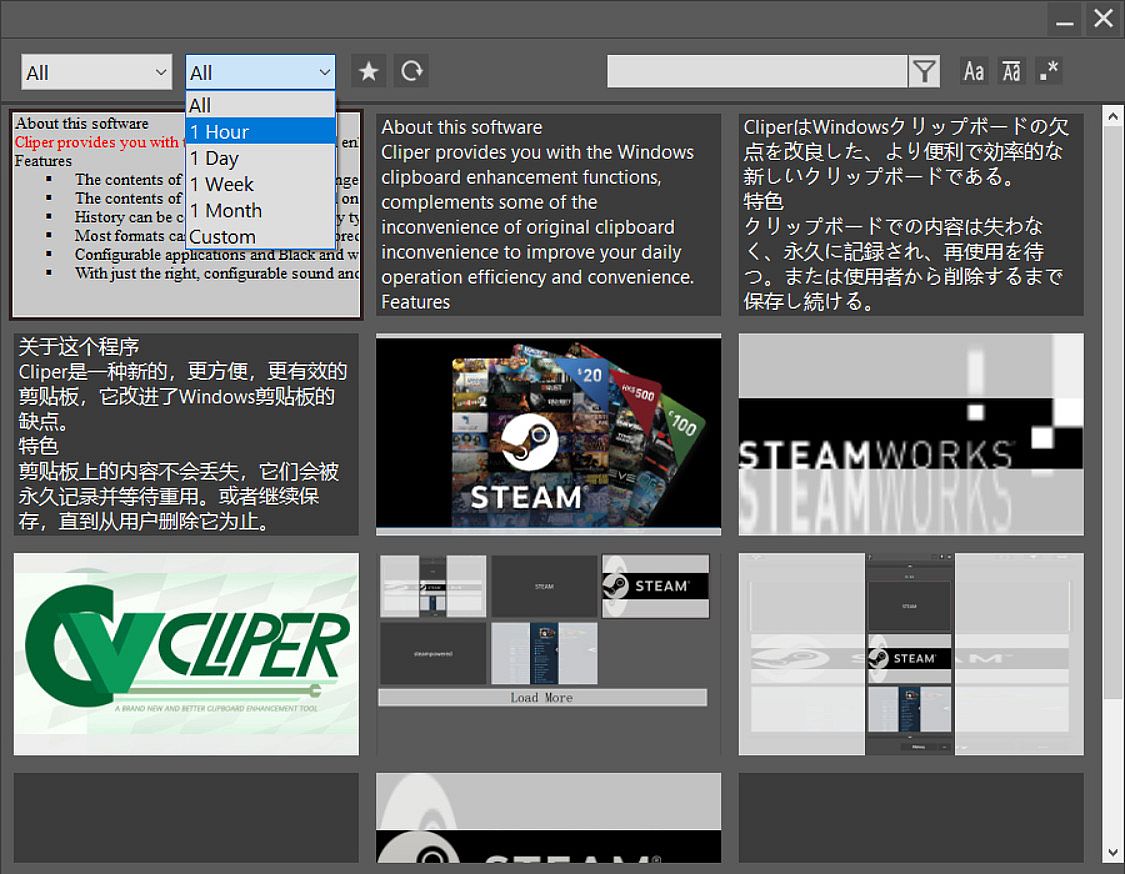
  • History can be conveniently grouped by type, time, etc. , or searched by content, with a favorites feature.

  • Most formats can be recorded and restored without losing additional information such as the color of the image or rich text format.

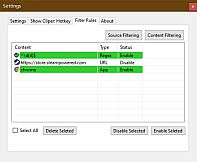
  • Configurable applications and Black and white lists of content that do not record useless 2fa Captcha or private content copied from the password manager.

  • With just the right, configurable sound and bubble prompts, provides you with a simple and efficient experience.
Common scenarios
When there's content in the clipboard and you need to copy and paste new content
  • Copy new content directly
  • Paste the new content as usual with CTRL + V
  • Switch to the old data demand
  • Press Left CTRL + Left WIN + Left ALT to call out the software
  • Press CTRL+V or Enter to reload older content to the clipboard and paste.
  • (When pasting to some older or incompatible programs, you may need to press CTRL + V again to paste.)
Notes
Older data will be automatically selected when the software is called out, so press the hot key to paste directly.
The above hot keys are preset default values of the software.


When browsing long texts
Select the copy directly (CTRL + C) where you need to extract and continue browsing

(After browsing) When recording excerpt notes
Call out the main interface in the notes and select the recorded excerpts and paste in sequence

Interfejs:
EnglishJapaneseSimplified ChineseTraditional Chinese
Napisy:
EnglishJapaneseSimplified ChineseTraditional Chinese

Klasyfikacja wiekowa

Brak informacji
Steam:
Mixed (18)

Minimalne:

  • Pami臋膰: 4 GB RAM
  • Grafika: Smallest Resolution 1280*720
  • Dysk: 64 MB available space
  • Dodatkowe uwagi: Need additional space from Documents folder to store data

Zalecane:

  • System operacyjny: Windows10
  • Pami臋膰: 4 GB RAM
  • Grafika: Recommended Resolution 1920*1080
  • Dysk: 64 MB available space
  • Dodatkowe uwagi: Need additional space from Documents folder to store data
Historycznie najni偶sza cena
Historia cen ze sklep贸w oficjalnych
-
-
-
Historia cen z keyshop贸w
-
-
-

FAQ

8 pyta艅

Zanim zaczniesz szuka膰 taniego klucza Cliper: A clipboard enhancement tool, sprawd藕 najwa偶niejsze informacje. Tw贸rcy: Starship Studio. Wydawca: Starship Studio. Data premiery na PC: 01 cze 2020. Gatunki: Utilities, Design & Illustration, Web Publishing. Kategorie: Steam Achievements.

Q

Gdzie kupi膰 tani klucz Steam do Cliper: A clipboard enhancement tool?

Korzystaj膮c z naszej por贸wnywarki cen i zweryfikowanych kod贸w rabatowych, mo偶esz kupi膰 klucz do Cliper: A clipboard enhancement tool ju偶 od 7,19聽z艂. Ta oferta jest dost臋pna w Steam i nale偶y do najta艅szych na rynku. Wszystkie klucze na XD.deals s膮 dostarczane cyfrowo z mo偶liwo艣ci膮 natychmiastowego pobrania po p艂atno艣ci. Ceny uwzgl臋dniaj膮 ju偶 prowizje i kody promocyjne, wi臋c zawsze widzisz najni偶sz膮 cen臋 Cliper: A clipboard enhancement tool na PC. Sprawd藕 histori臋 cen Cliper: A clipboard enhancement tool, aby kupi膰 w najlepszym momencie.

Przy ostatniej aktualizacji (od艣wie偶amy ceny Steam kilka razy dziennie) cena Cliper: A clipboard enhancement tool na Steam wynosi艂a 7,19聽z艂. Mo偶esz zaoszcz臋dzi膰 dodatkowe ~6% p艂ac膮c zdyskontowan膮 kart膮 podarunkow膮 Steam.

Nasz tracker cen obejmuje oficjalne sklepy i keyshopy, wi臋c znajdziesz Cliper: A clipboard enhancement tool w promocji nawet poza sezonowymi wyprzeda偶ami. Obecnie wykrywamy 1 aktywna oferta z oficjalnych sklep贸w i keyshop贸w. Sprawd藕 tabel臋 powy偶ej, por贸wnaj z historycznie najni偶sz膮 cen膮 i ustaw alert, aby nie przegapi膰 kolejnego spadku.

Wed艂ug naszych danych Cliper: A clipboard enhancement tool nie jest obecnie dost臋pne na GeForce NOW. Musisz uruchomi膰 gr臋 lokalnie na swoim PC. Przegl膮daj gry dost臋pne na GeForce NOW.

Tak. Cliper: A clipboard enhancement tool ma oficjaln膮 stron臋 w sklepie Steam. Mo偶esz te偶 kupi膰 klucz Steam do Cliper: A clipboard enhancement tool od zewn臋trznych sprzedawc贸w. Nasza por贸wnywarka zawiera obecnie 1 oferta z DRM Steam. Wybierz jedn膮, aby mie膰 pewno艣膰, 偶e pobierzesz Cliper: A clipboard enhancement tool na platformie Valve.

Nie w tym momencie. Valve oznacza Cliper: A clipboard enhancement tool jako niewspierane na Steam Deck. 艢led藕 XD.deals - monitorujemy aktualizacje Proton i poprawki spo艂eczno艣ci. Przegl膮daj gry zweryfikowane na Steam Deck lub grywalne na Steam Deck.

Cliper: A clipboard enhancement tool nie jest obecnie dost臋pne w PC Game Pass, EA Play, Ubisoft+ ani 偶adnej innej subskrypcji na PC. Jedyn膮 opcj膮 jest zakup gry - u偶yj XD.deals, aby znale藕膰 najlepsz膮 cen臋.

Nie - XD.deals nie jest sklepem. Jeste艣my por贸wnywark膮 cen, kt贸ra 艣ledzi najlepsze oferty na Cliper: A clipboard enhancement tool w oficjalnych sklepach i zweryfikowanych keyshopach. Kliknij "Przejd藕 do sklepu" przy wybranej ofercie, a przekierujemy Ci臋 na stron臋 sprzedawcy.

Najlepsze ceny za Cliper: A clipboard enhancement tool

1 Steam Steam Official
7,19聽z艂

Chcesz kupi膰 w najlepszym momencie? Ustaw alert cenowy na XD.deals i otrzymaj powiadomienie, gdy Cliper: A clipboard enhancement tool osi膮gnie historycznie najni偶sz膮 cen臋.

Utw贸rz alert
Do艂膮cz do Discorda
Uzyskaj szybk膮 pomoc od spo艂eczno艣ci i b膮d藕 na bie偶膮co z promocjami
Ustaw alerty cenowe
Otrzymuj powiadomienia e-mail, gdy cena gry spadnie do Twojego poziomu
Za艂贸偶 darmowe konto
Odblokuj wishlisty, alerty cenowe i synchronizacj臋 ze Steam