



Daily OVR Free PC

Daily OVR Free jest darmowe! Pobierz gr臋 z Steam i zacznij gra膰 od razu.

Premiera: 16 mar 2020
Steam:
Mostly Positive (33)
Official
Brak dost臋pno艣ci
Keyshops
Brak dost臋pno艣ci
Kup w oficjalnym sklepie:
Brak dost臋pno艣ci
Kup w keyshopach:
Brak dost臋pno艣ci

Brak ofert, ale spokojnie - damy zna膰, gdy pojawi si臋 nowa.

Create Alert Create deal Alert

O Daily OVR Free

Daily OVR Free - o grze
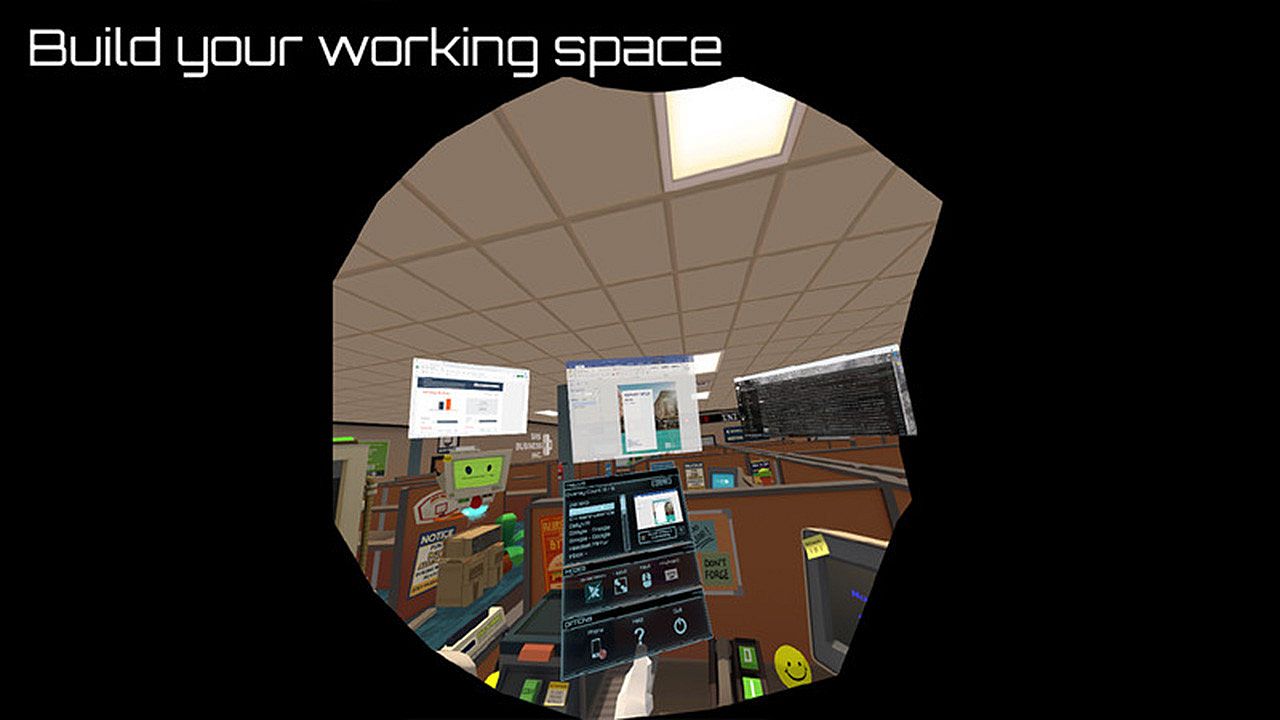
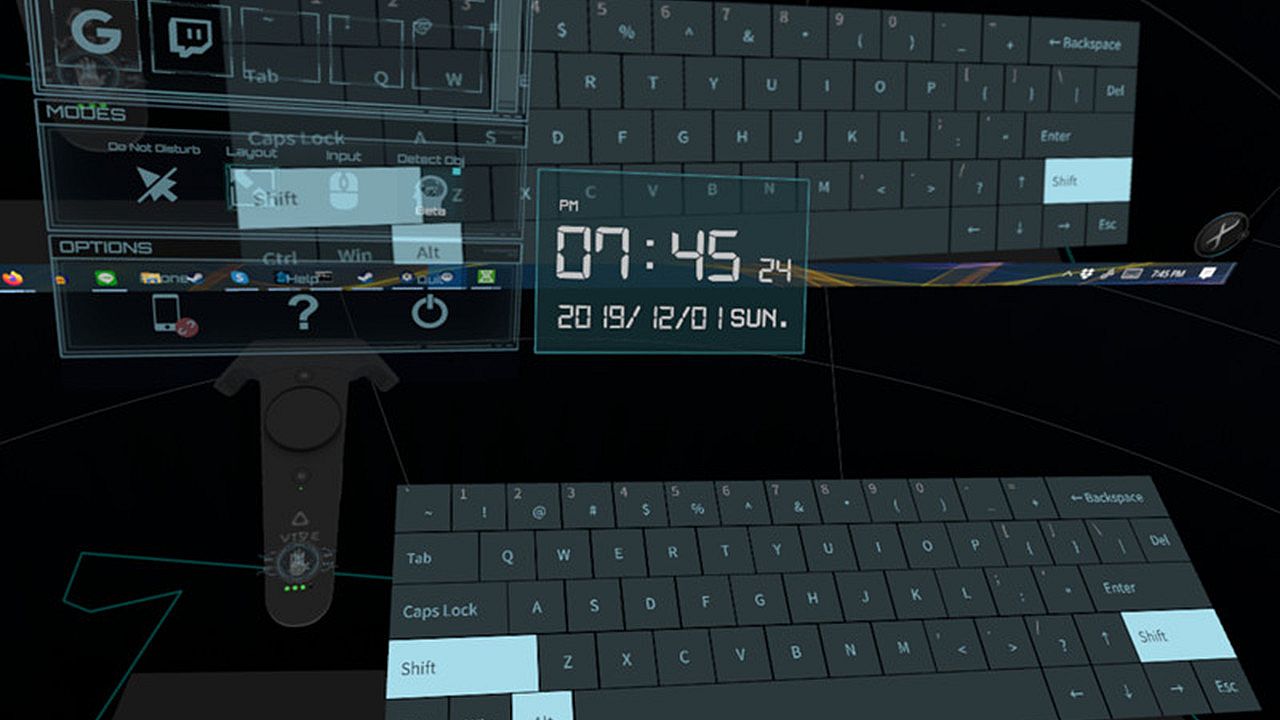
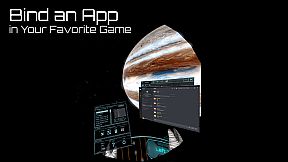
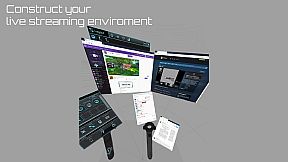
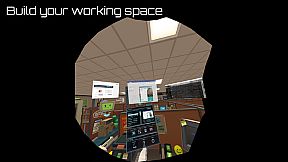
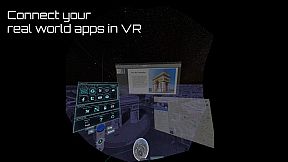
Daily OVR Free to podstawowe narz臋dzia overlayowe dla u偶ytkownik贸w VR na PC. Aplikacja lustrznie wy艣wietla aplikacje i okna pulpitu w sesjach VR, dzi臋ki czemu mo偶esz 艣ledzi膰 czat Twitch podczas gry w VRChat. Wersja darmowa ogranicza si臋 do dw贸ch overlay贸w jednocze艣nie, dw贸ch program贸w QuickSwitch, jednego wpisu My Favorites, jednego CustomApp oraz przypisywania tylko do kontrolera prawego. G艂贸wne funkcje obejmuj膮 prosty interfejs do zmiany rozmiaru, regulacji przezroczysto艣ci i pozycjonowania overlay贸w, a tak偶e opcje optymalizacji FPS i wirtualn膮 klawiatur臋. Ustawienia mo偶na zapisa膰 do ponownego u偶ycia, a powiadomienia z telefonu odbiera膰 za po艣rednictwem aplikacji na Androida. Entuzja艣ci VR korzystaj膮cy ze SteamVR na gogle Oculus, Vive, Index czy Windows MR zyskuj膮 podstawy do wielozadaniowo艣ci bez przerywania rozgrywki.

Daily OVR Free is a free version of Daily OVR. It provides minimum essential overlay features. We think it would benefit a lot of VR users! :)
If you like Daily OVR Free and want to use advanced features, you can consider purchasing Daily OVR.


What is Daily OVR?

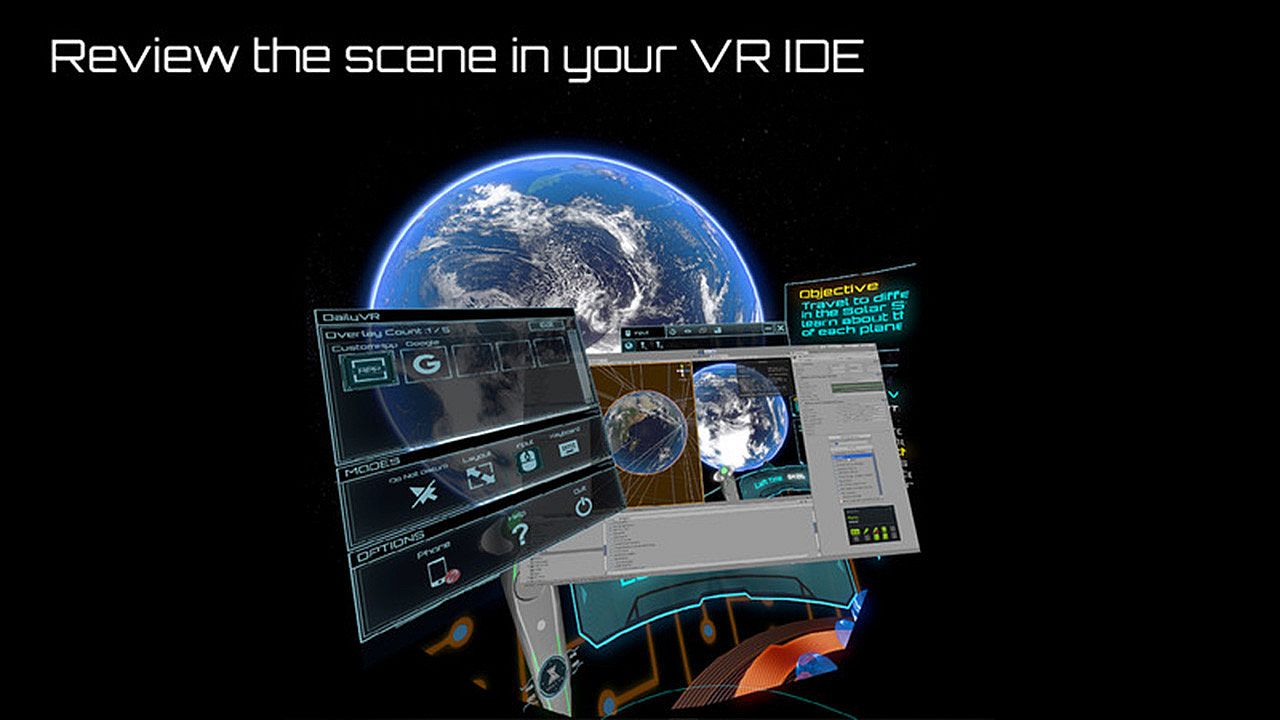
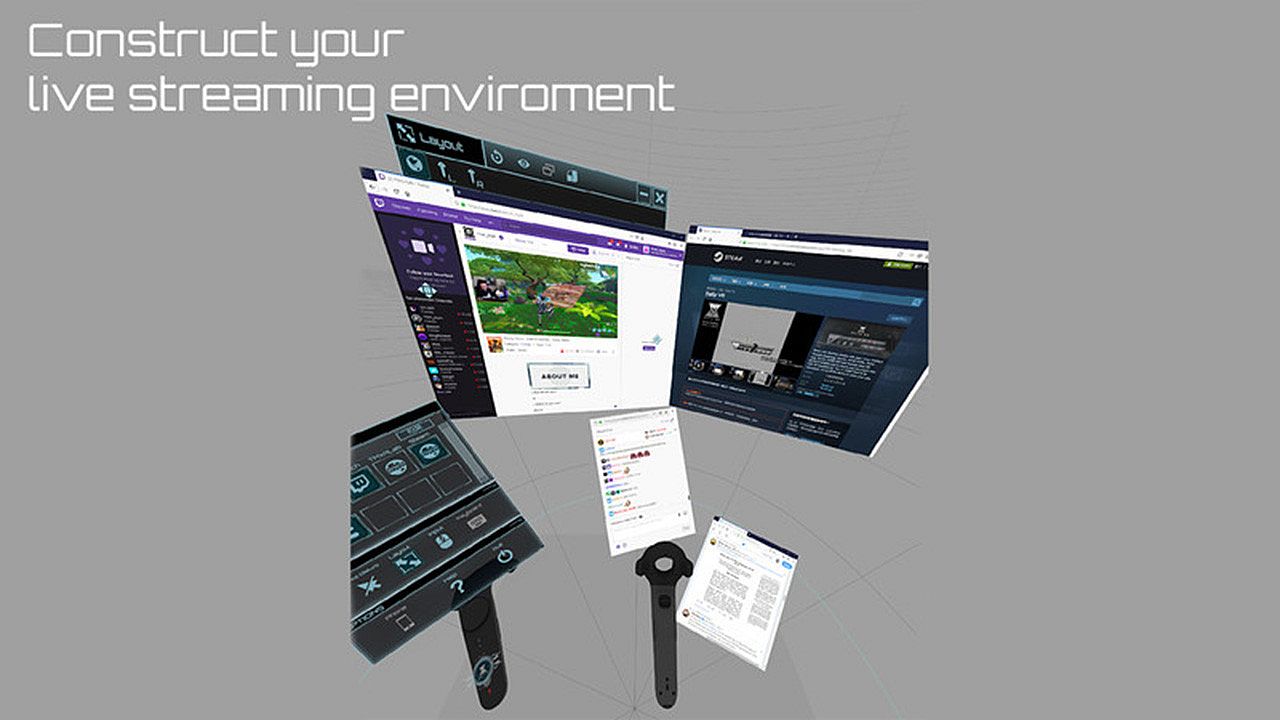
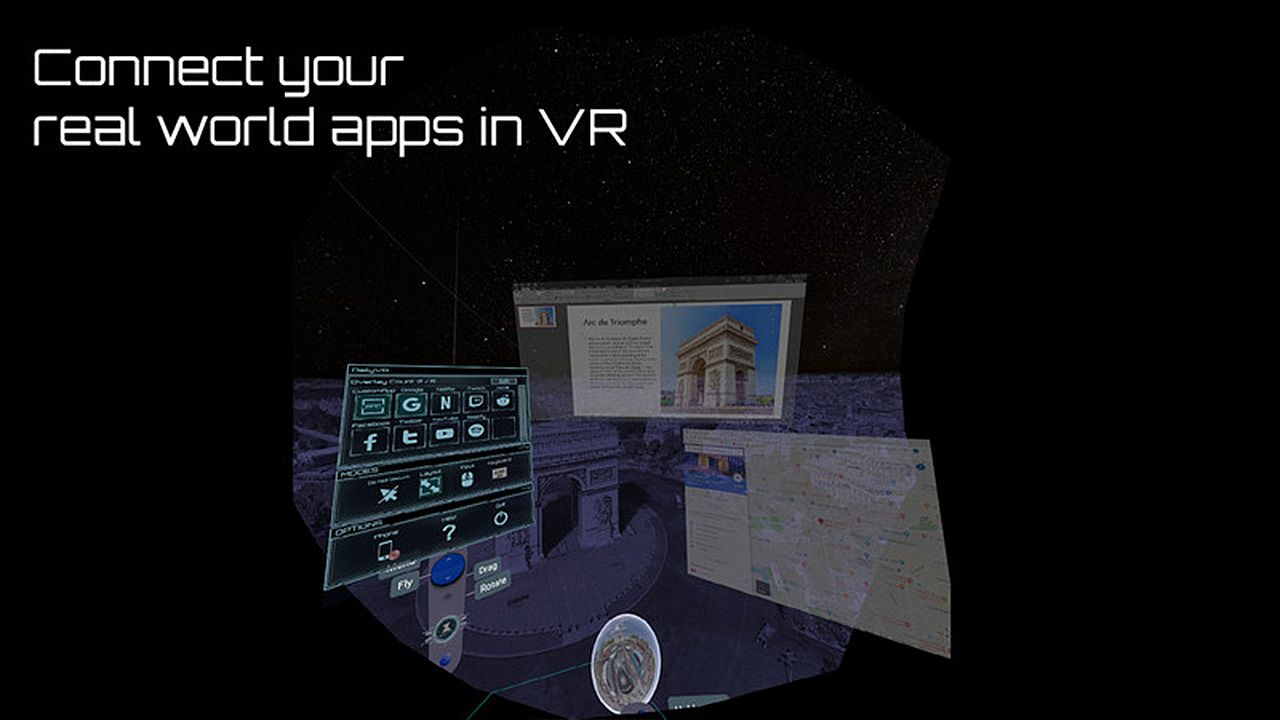
Do you want to use your desktop/window apps during VR gameplay? For example, you can play VRChat and see your Twitch chat window. Daily OVR is the best SteamVR Overlay(OVR) solution! And it supports Oculus, Vive/Viveport/Cosmos/MR(Mixed Reality)/Index!

Here is the beginner tutorial:


Differences between Free and Paid

  • Free version only supports up to 2 opened overlays. (Paid version can support more numbers)
  • Limited numbers (2) of switch programs on the QuickSwitch panel. If you want to switch more programs, you have to close the overlay and reopen it.
  • Only one entry of My Favorites
  • Only one CustomApp
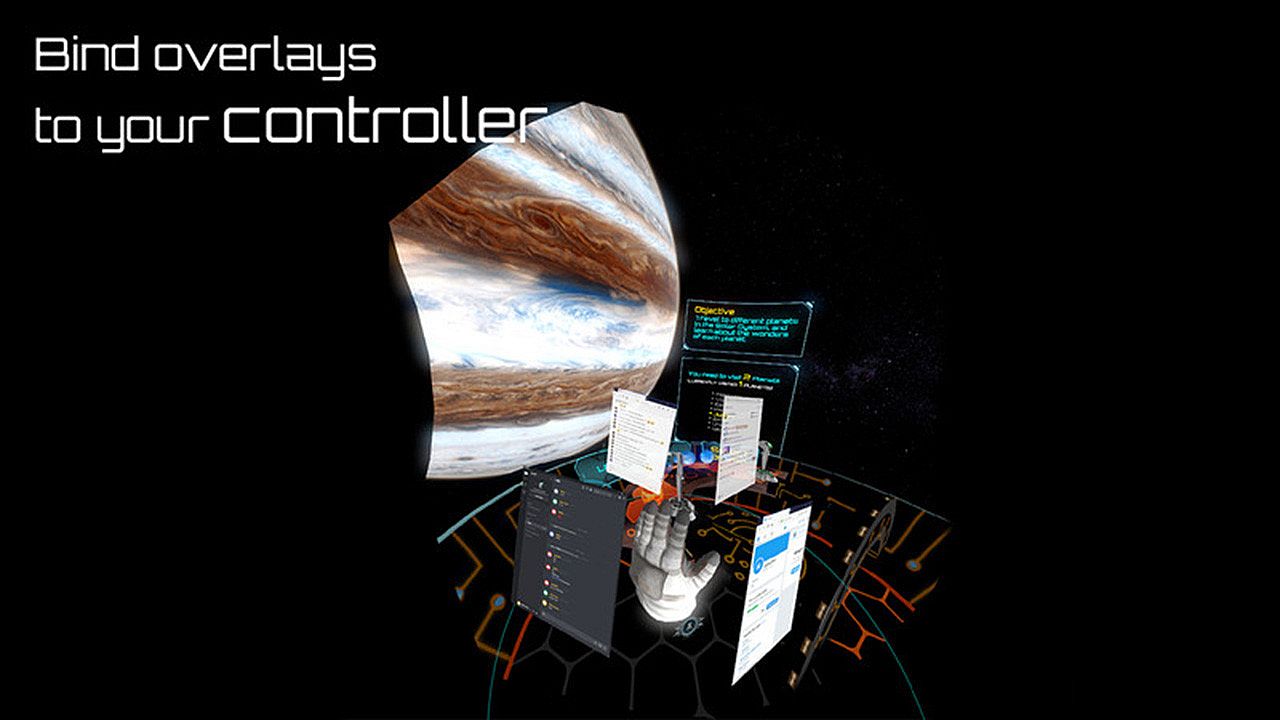
  • You can only bind an overlay to the RIGHT controller. (cannot bind to the left controller, HMD, tracker)

_,.-'~'-.,__,.-'~'-.,__,. Features .,__,.-'~'-.,__,.-'~'-.,_

  • The most user-friendly OVR UI.
  • Mirror your favorite Windows applications into VR game.
  • Mirror the desktop or monitors.
  • Support up to 5 overlays.
  • QuickSwitch let you quickly switch among programs.
  • Save the frequently used settings to "My Favorites."
  • Adjust the size, transparency, and placement of overlays and keep your settings for next time.
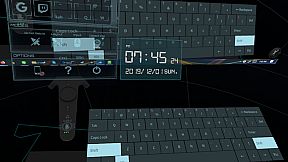
  • Easily launch the virtual keyboard on the overlay toolbar.
  • Overlay FPS adjustment on the overlay toolbar.
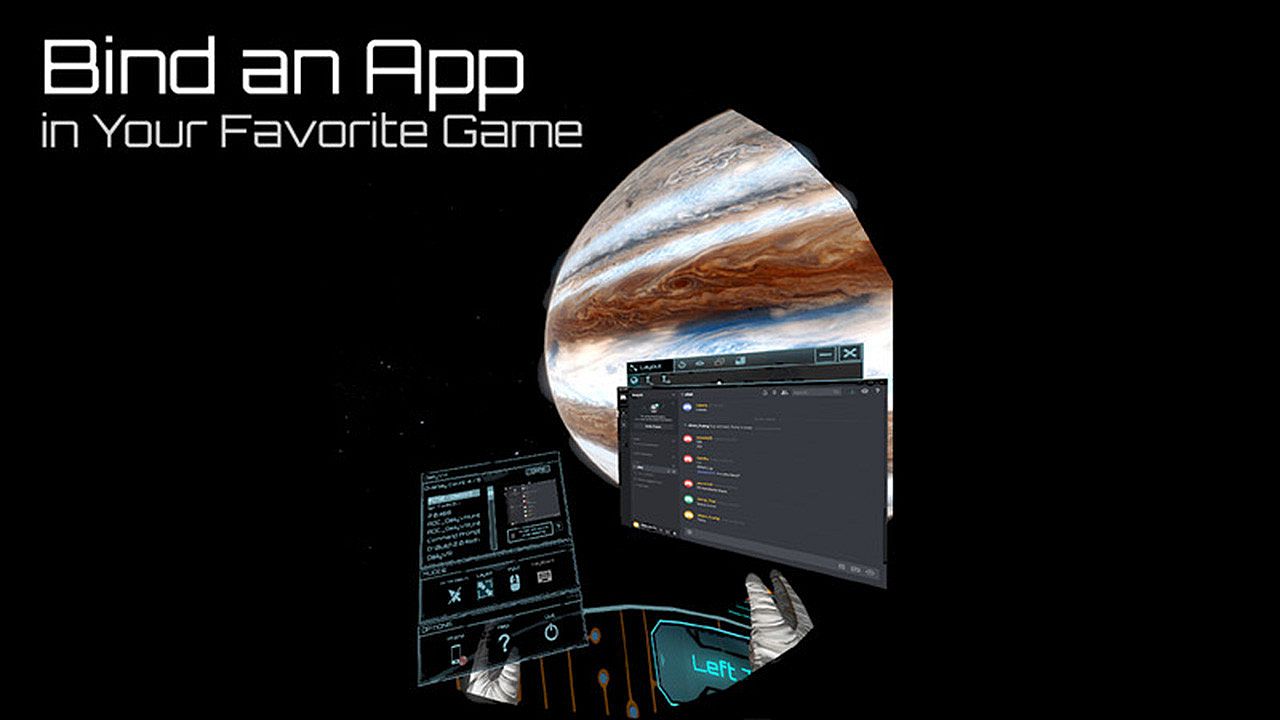
  • Bind the overlay to different controllers or the HMD.

  • Support Oculus & Windows MR & Index (through SteamVR)
  • VR Phone Notification Pop-up.
    Daily OVR allows you to bring your Android phone notification into the VR view; you won't miss important messages anymore.
    - Phone calling notification
    - SMS
    - WhatsApp
    - LINE
  • Support SteamVR 2.0 Input. (You can customize button settings yourself!)
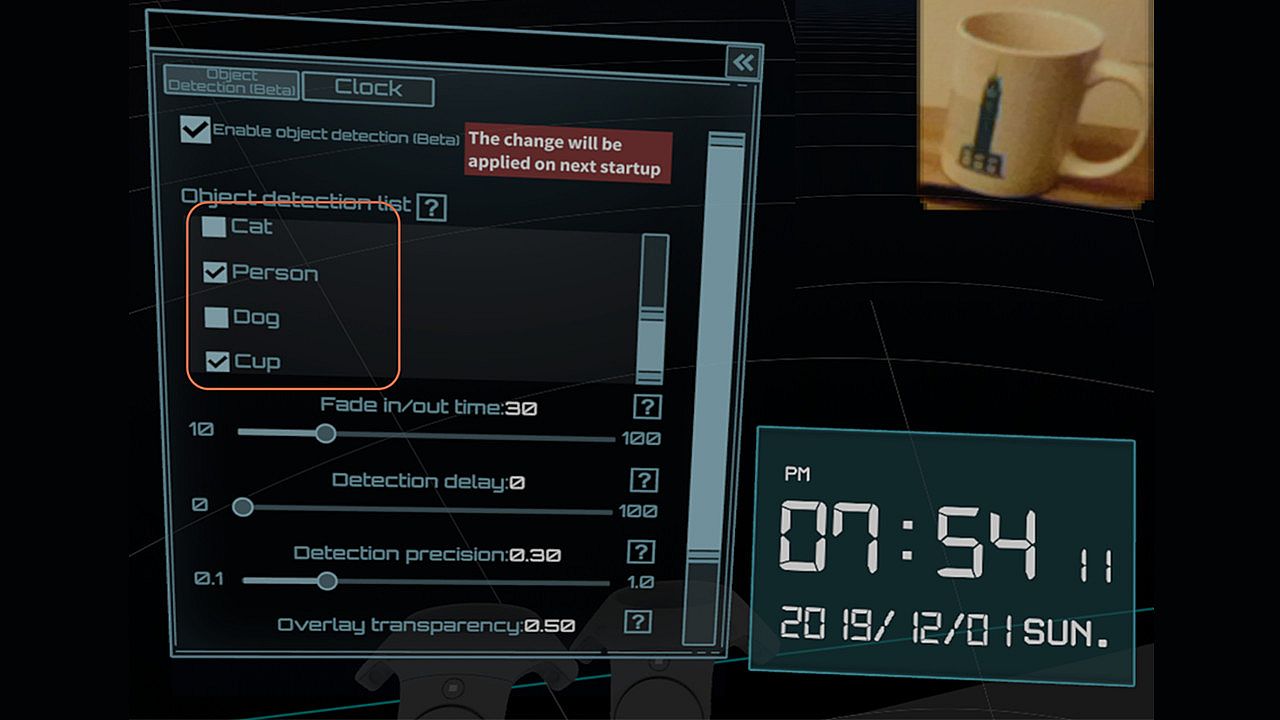
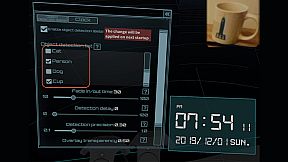
  • ML Object detection and display (Ex: keyboard, mouse, cat, dog, cup, person) (Note: Vive & Vive Pro only)
  • A handy VR keyboard
  • A Clock widget

You have to download Android app: Daily OVR to enable "Mobile phone notification."
Scan the QR code below and download Daily OVR app on Google Play now!

_,.-'~'-.,__,.-'~'-.,__,. FAQ .,__,.-'~'-.,__,.-'~'-.,_


Daily OVR doesn't work in some games. For example, Elite dangerous, PokerStarVR ...etc

The issue is caused by Elite Dangerous tries to run in Oculus SDK mode, and Daily OVR doesn't support Oculus SDK. There is a workaround to force it to run in SteamVR mode, but it doesn't work every game (ED, PokerStarVR are OK). You may have controller issues. The possible problem is the game developer didn't think that users will forcibly use SteamVR to play the game; they didn't design the controller mapping correctly. You can search "daily ovr q&a" on Google to see the steps.

How many overlays can I open?

You can open up to 5 overlays. But it depends on your PC's performance. If performance is terrible, you could try:
  • Close the overlays
  • Set lower FPS value


The button mappings of controllers are not good. Can I change it?

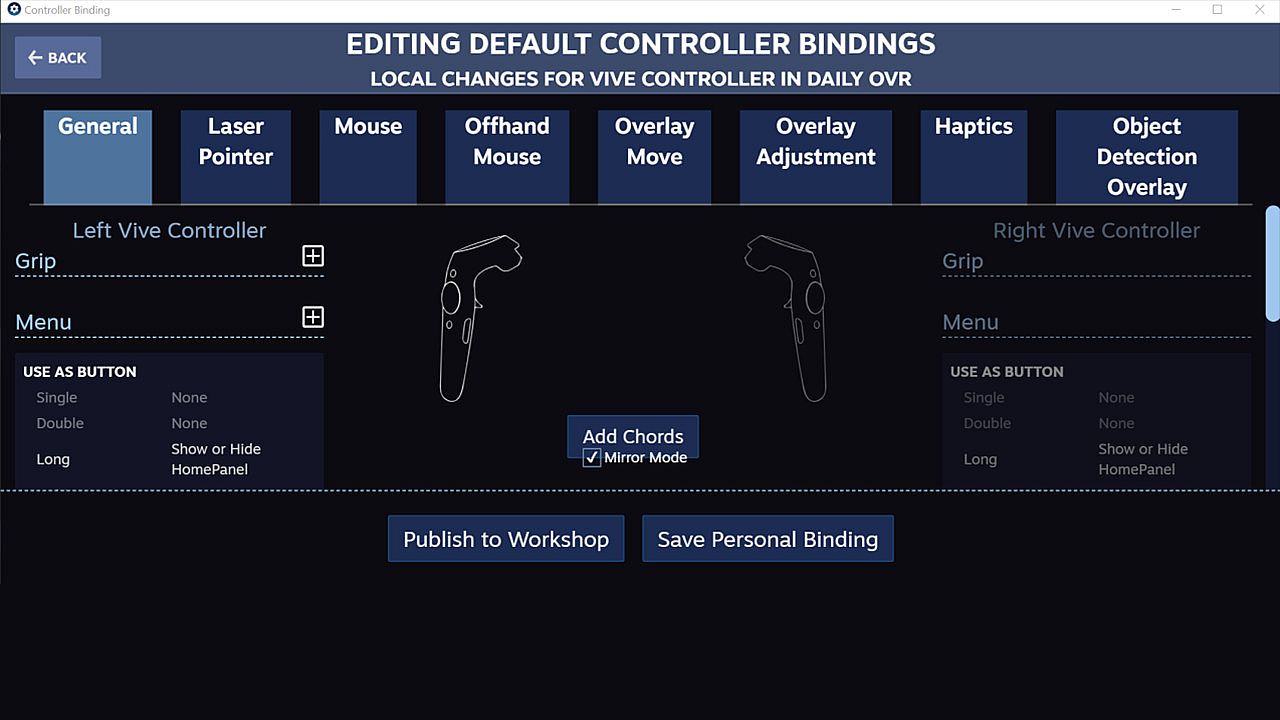
Daily OVR supports SteamVR 2.0 Input. You can customize button settings yourself.

I don't like the big icon/logo! Can I make it disappear?

Yes, you can hide the icon by long-pressing a button. See below:


I cannot see/move my mouse pointer on some apps!

Some apps run as administrator permission. When Daily OVR doesn't run as the same permission, it cannot access to those apps.
You have to check "Run this program as an administrator" on DailyVRLauncher.exe Properties.


My Firefox screen is blank!

You have two options:
1. You have to disable the hardware acceleration of Firefox. See below:

2. Use CustomApp instead

Join Daily OVR Discord and share your feedback with us!

Interfejs:
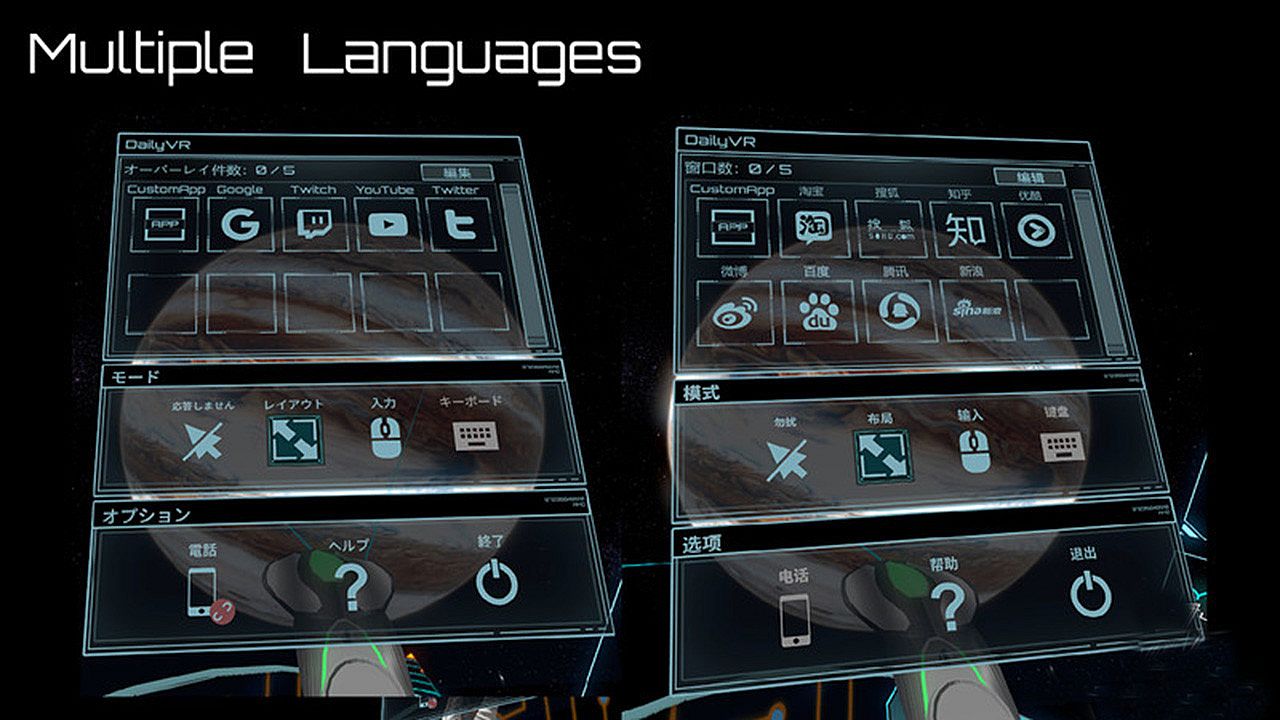
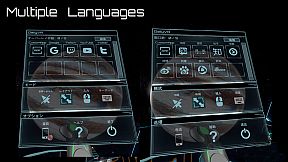
EnglishJapaneseSimplified Chinese

Klasyfikacja wiekowa

Brak informacji
Steam:
Mostly Positive (33)

Minimalne:

  • System operacyjny: Windows 10 (64bit) or higher
  • Procesor: Intel Core i5- 4590 equivalent or greater
  • Pami臋膰: 8 GB RAM
  • Grafika: GeForce GTX 1060/Radeon RX 580
  • Dysk: 500 MB available space

Zalecane:

  • System operacyjny: Windows 10 (64bit) or higher
  • Procesor: Intel Core i7-7700
  • Pami臋膰: 8 GB RAM
  • Grafika: GetForce GTX 1070
  • Dysk: 500 MB available space
Historycznie najni偶sza cena
Historia cen ze sklep贸w oficjalnych
-
-
-
Historia cen z keyshop贸w
-
-
-

FAQ

8 pyta艅

Zanim zaczniesz szuka膰 taniego klucza Daily OVR Free, sprawd藕 najwa偶niejsze informacje. Tw贸rcy: TM xR Lab. Wydawca: TM xR Lab. Data premiery na PC: 16 mar 2020. Gatunki: Utilities. Kategorie: Tracked Controller Support, VR Only.

Q

Gdzie kupi膰 tani klucz Steam do Daily OVR Free?

Daily OVR Free jest darmowe! Pobierz gr臋 na Steam i zacznij gra膰 od razu.

Daily OVR Free jest ca艂kowicie darmowe na Steam. Nie musisz nic kupowa膰 - po prostu pobierz i graj. Szukasz premium DLC lub przedmiot贸w w grze? Sprawd藕 tabel臋 ofert powy偶ej.

Nasz tracker cen obejmuje oficjalne sklepy i keyshopy, wi臋c znajdziesz Daily OVR Free w promocji nawet poza sezonowymi wyprzeda偶ami. Obecnie wykrywamy 0 aktywnych ofert z oficjalnych sklep贸w i keyshop贸w. Sprawd藕 tabel臋 powy偶ej, por贸wnaj z historycznie najni偶sz膮 cen膮 i ustaw alert, aby nie przegapi膰 kolejnego spadku.

Wed艂ug naszych danych Daily OVR Free nie jest obecnie dost臋pne na GeForce NOW. Musisz uruchomi膰 gr臋 lokalnie na swoim PC. Przegl膮daj gry dost臋pne na GeForce NOW.

Tak. Daily OVR Free ma oficjaln膮 stron臋 w sklepie Steam, ale obecnie nie 艣ledzimy 偶adnych ofert z DRM Steam od zewn臋trznych sprzedawc贸w. Sprawd藕 ponownie p贸藕niej lub ustaw alert cenowy.

Nie w tym momencie. Valve oznacza Daily OVR Free jako niewspierane na Steam Deck. 艢led藕 XD.deals - monitorujemy aktualizacje Proton i poprawki spo艂eczno艣ci. Przegl膮daj gry zweryfikowane na Steam Deck lub grywalne na Steam Deck.

Daily OVR Free nie jest obecnie dost臋pne w PC Game Pass, EA Play, Ubisoft+ ani 偶adnej innej subskrypcji na PC. Jedyn膮 opcj膮 jest zakup gry - u偶yj XD.deals, aby znale藕膰 najlepsz膮 cen臋.

Nie - XD.deals nie jest sklepem. Jeste艣my por贸wnywark膮 cen, kt贸ra 艣ledzi najlepsze oferty na Daily OVR Free w oficjalnych sklepach i zweryfikowanych keyshopach. Kliknij "Przejd藕 do sklepu" przy wybranej ofercie, a przekierujemy Ci臋 na stron臋 sprzedawcy.

Chcesz kupi膰 w najlepszym momencie? Ustaw alert cenowy na XD.deals i otrzymaj powiadomienie, gdy Daily OVR Free osi膮gnie historycznie najni偶sz膮 cen臋.

Utw贸rz alert
Do艂膮cz do Discorda
Uzyskaj szybk膮 pomoc od spo艂eczno艣ci i b膮d藕 na bie偶膮co z promocjami
Ustaw alerty cenowe
Otrzymuj powiadomienia e-mail, gdy cena gry spadnie do Twojego poziomu
Za艂贸偶 darmowe konto
Odblokuj wishlisty, alerty cenowe i synchronizacj臋 ze Steam