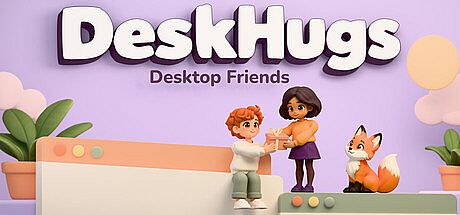



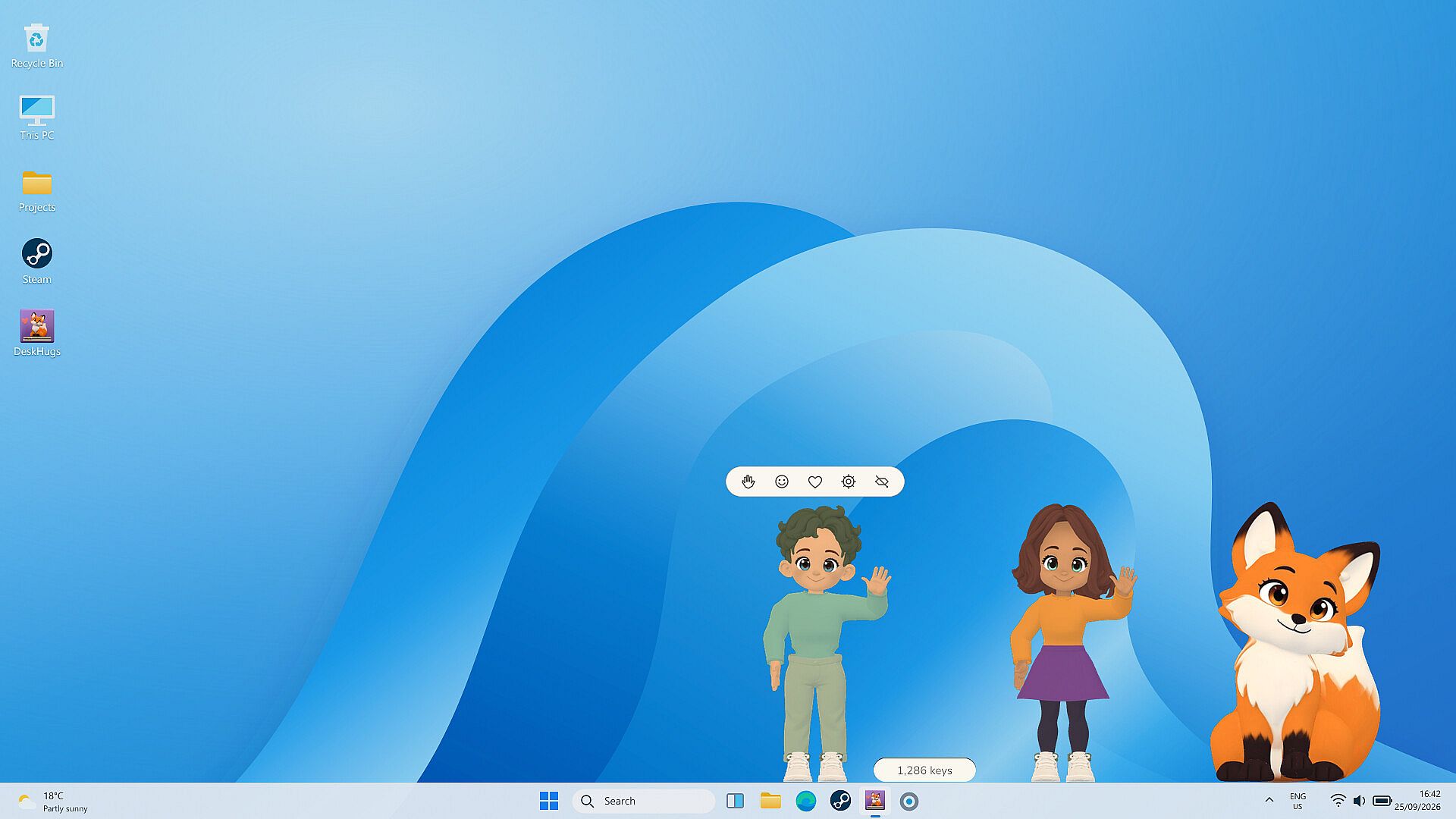
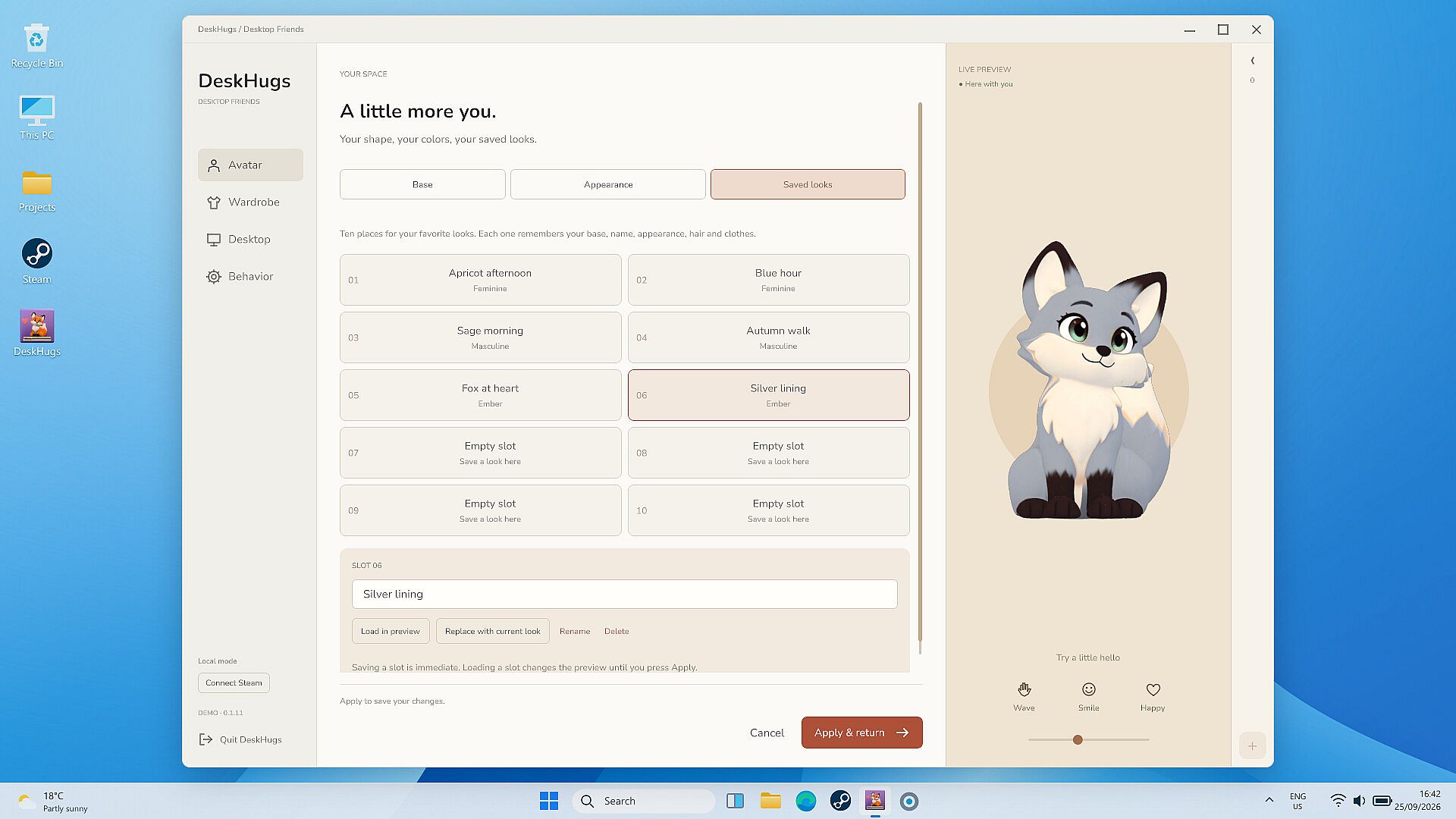
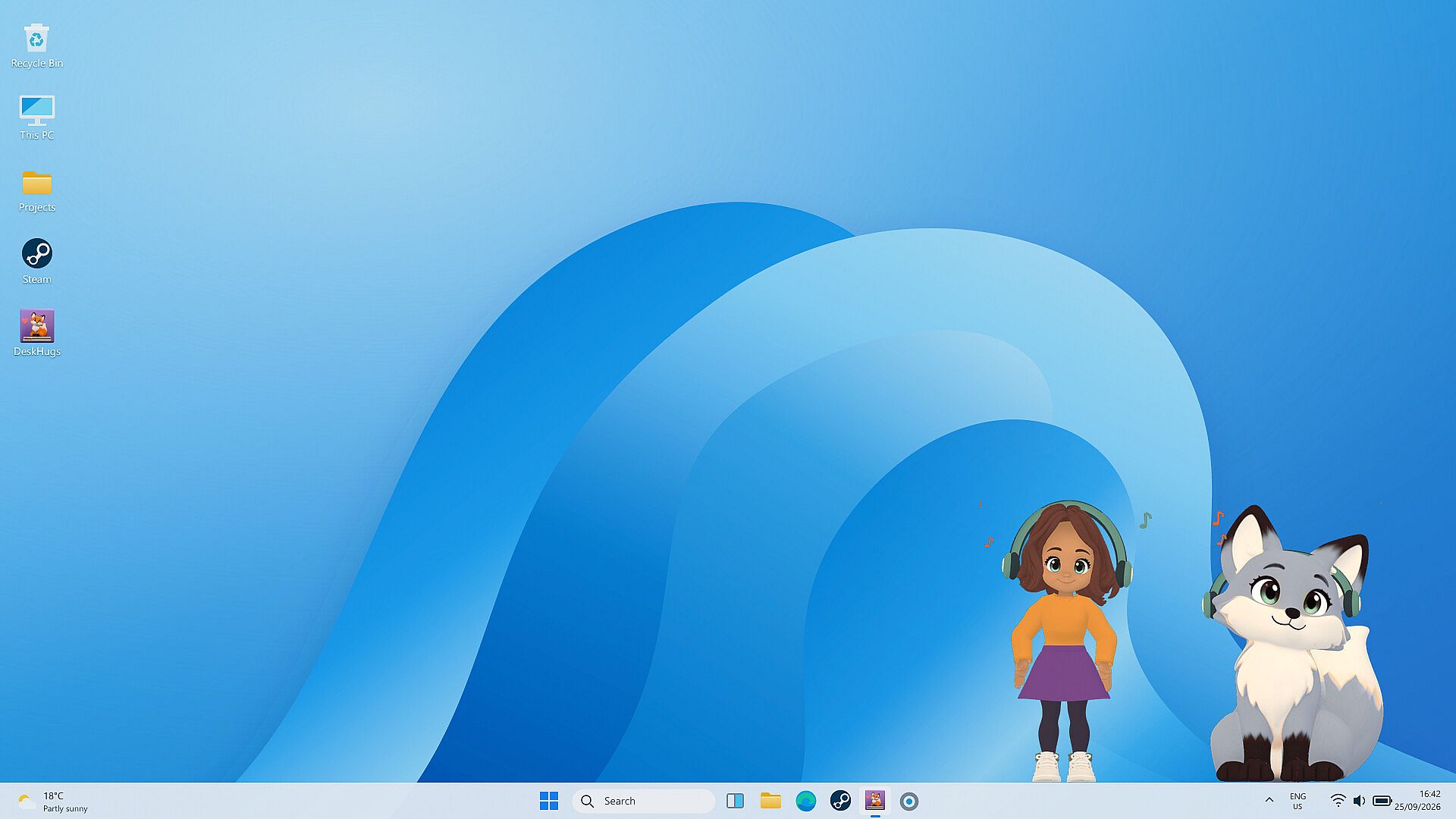
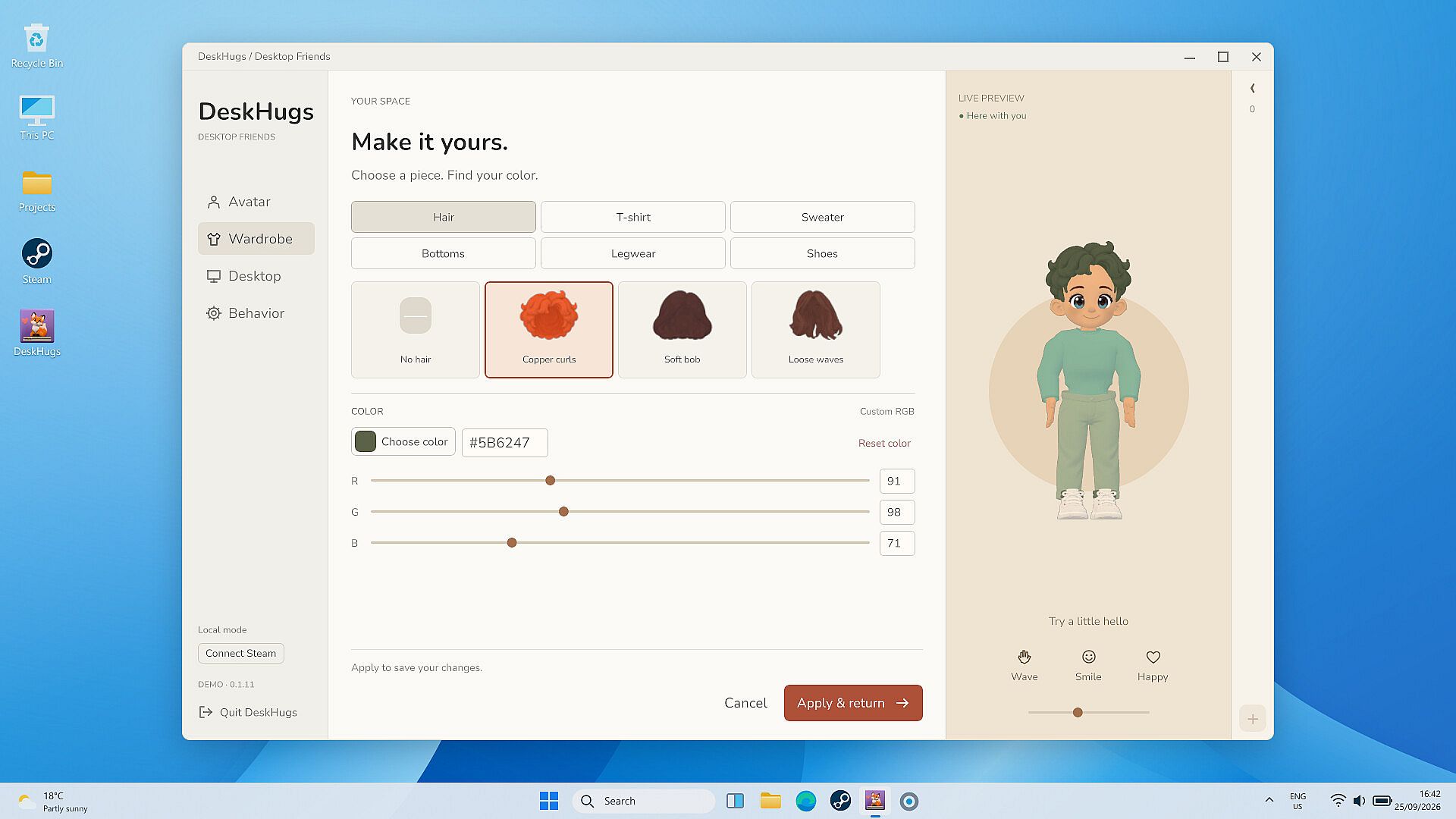
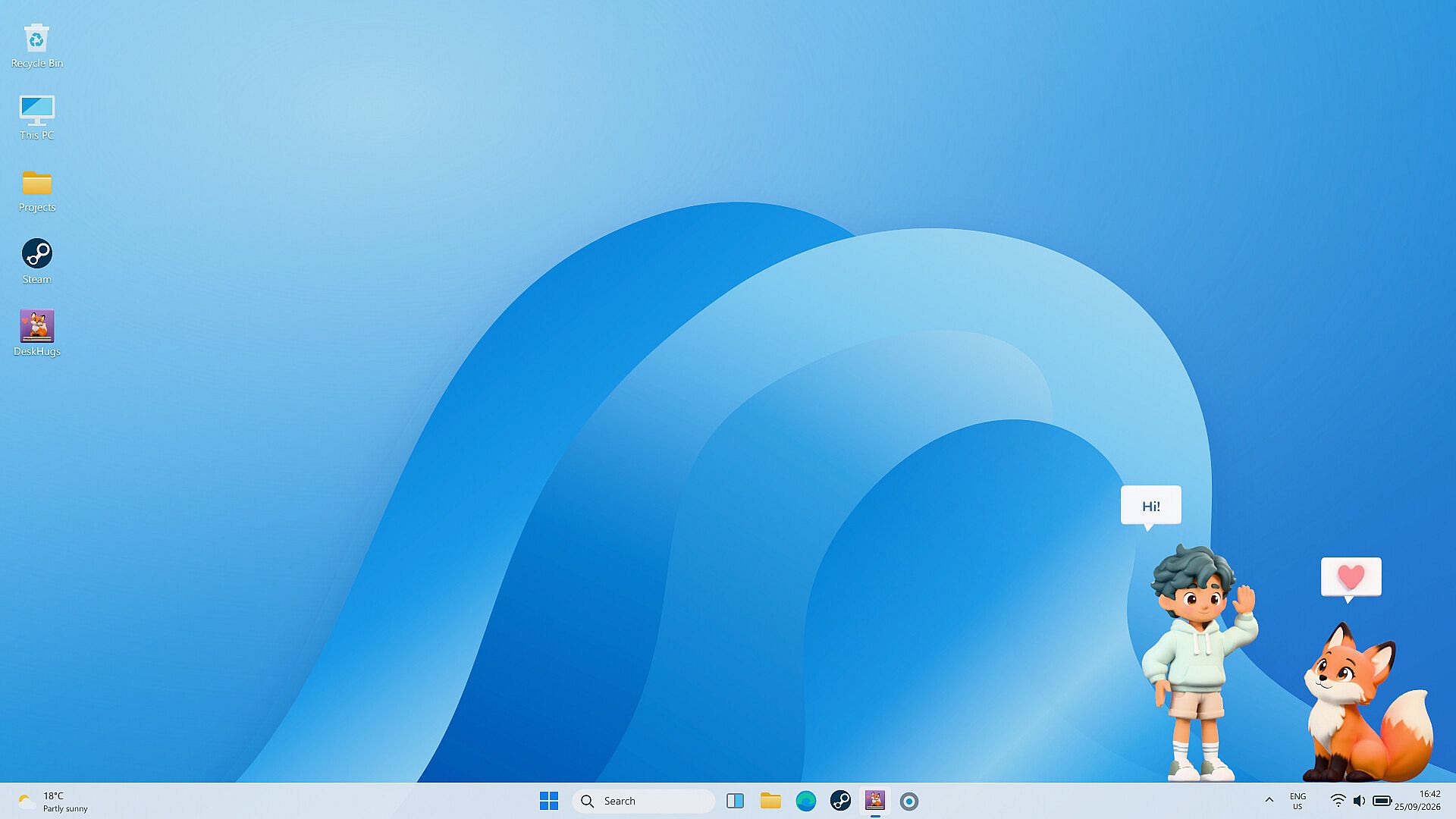
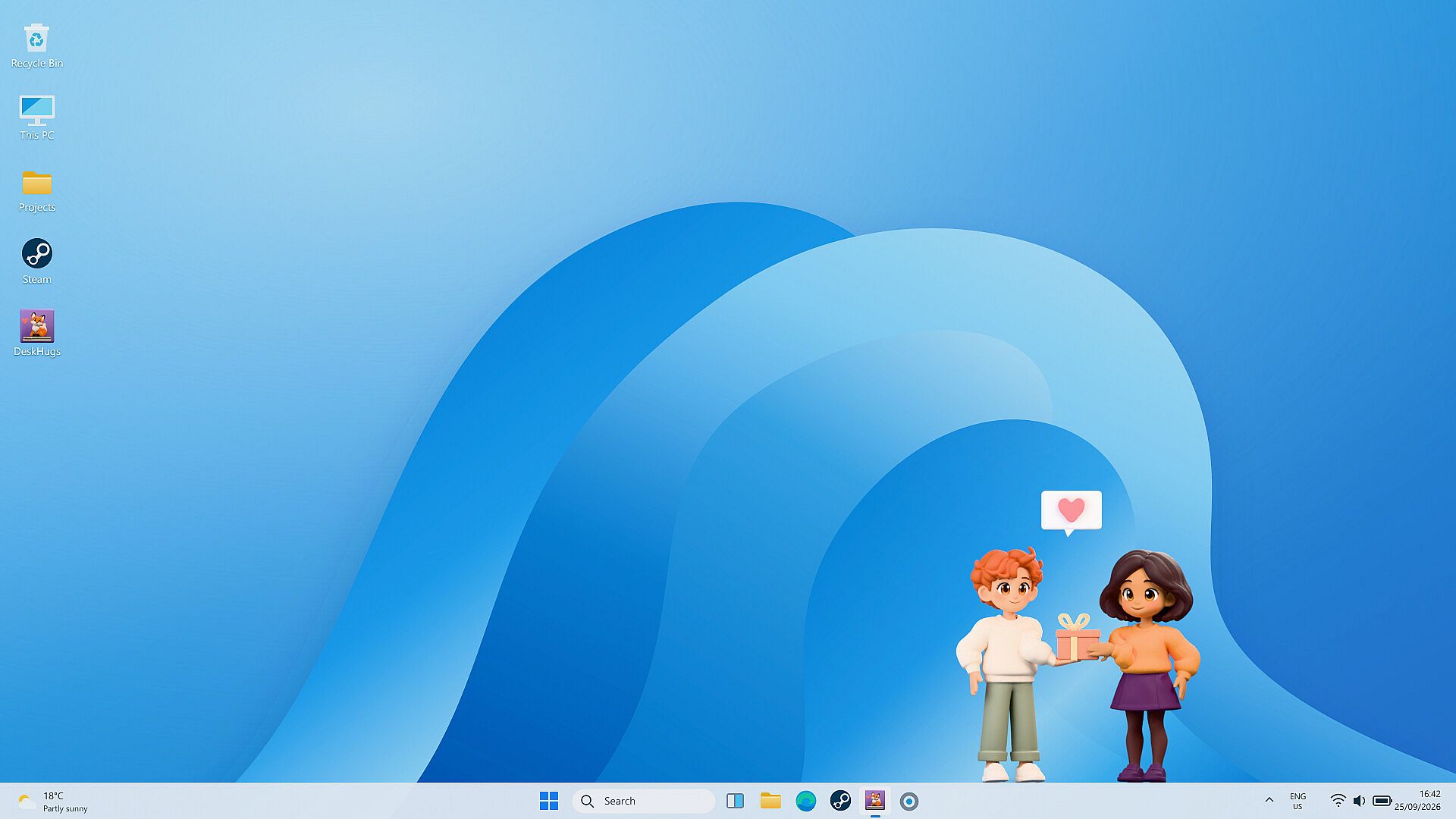
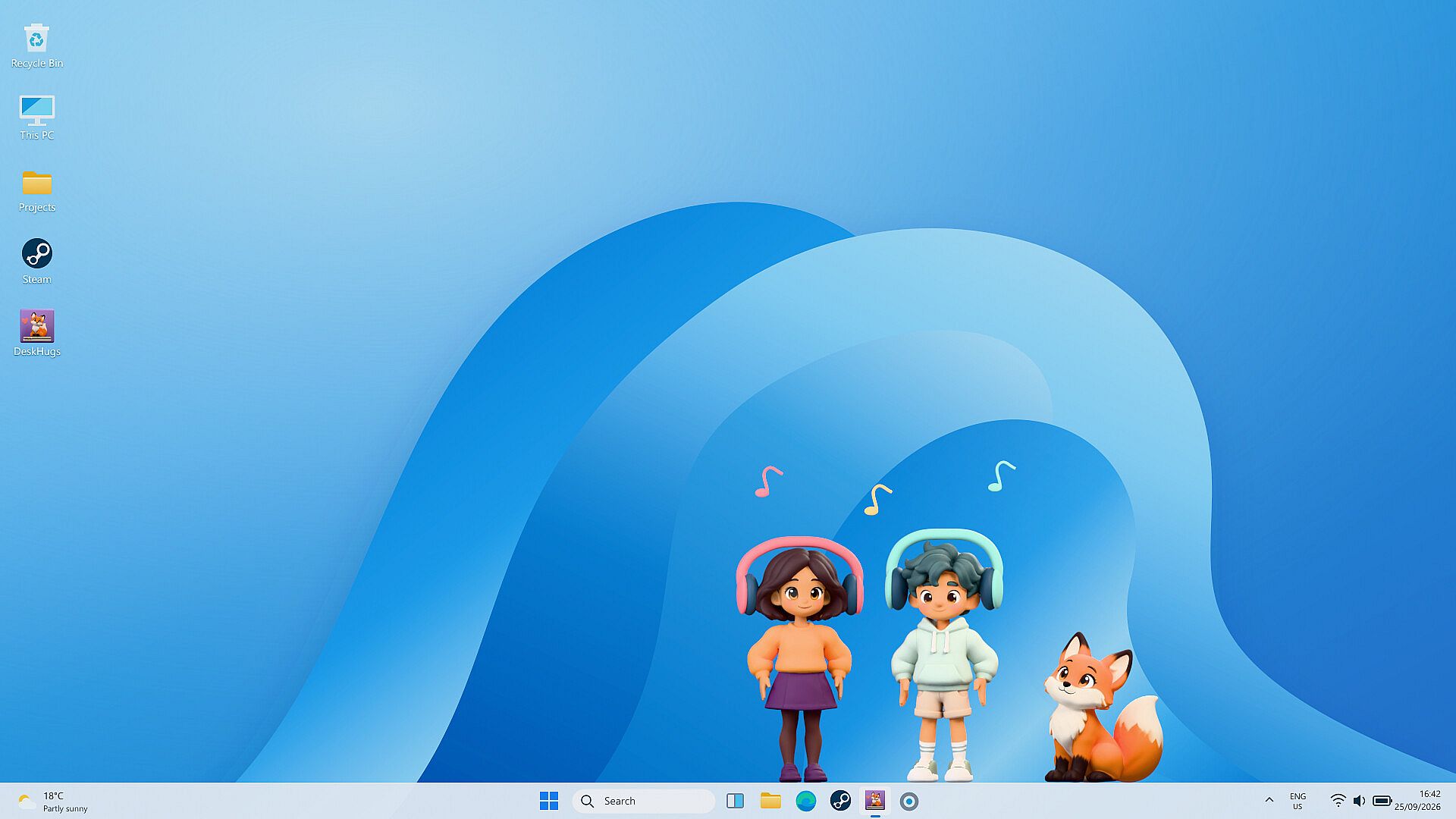
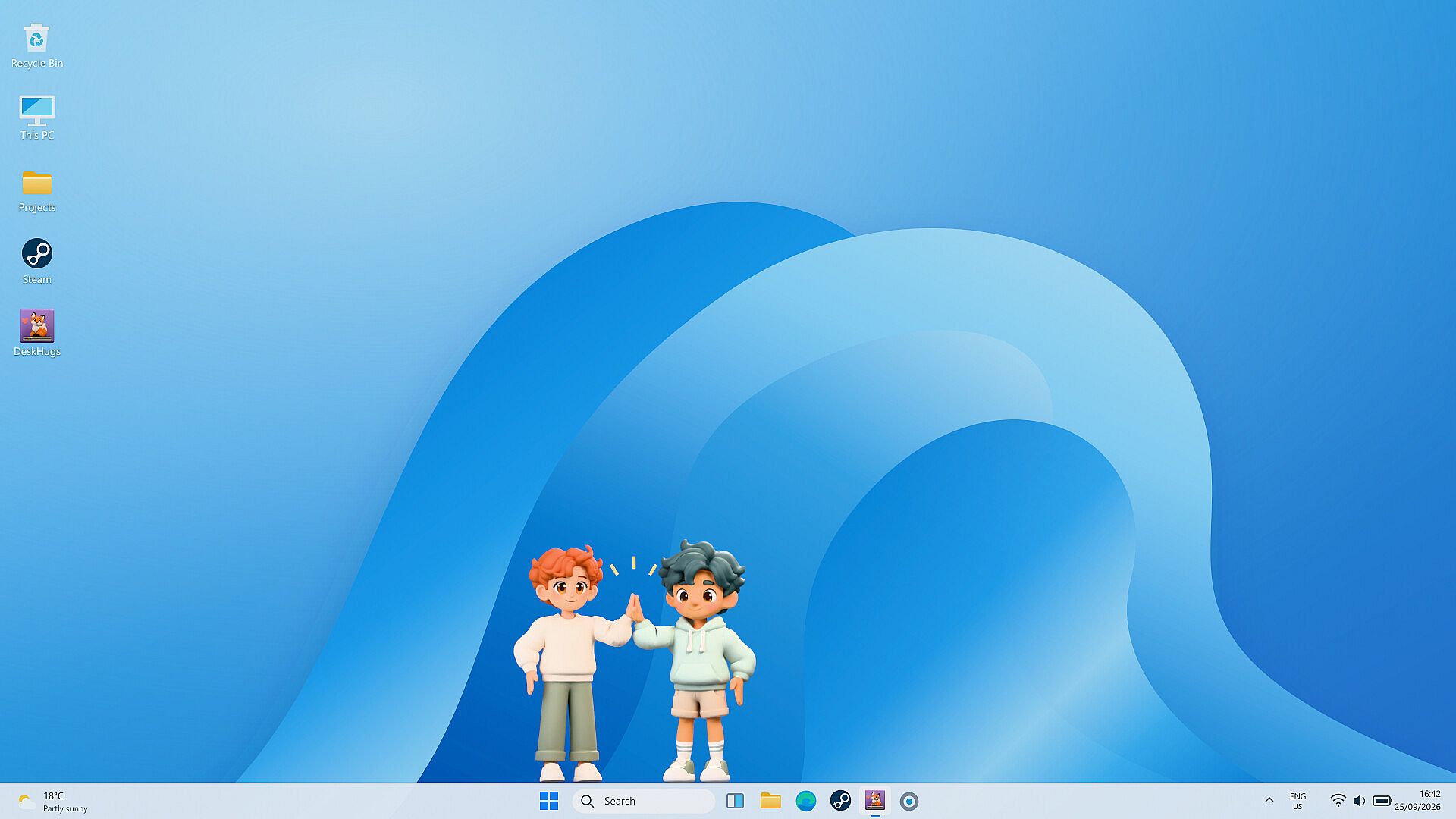
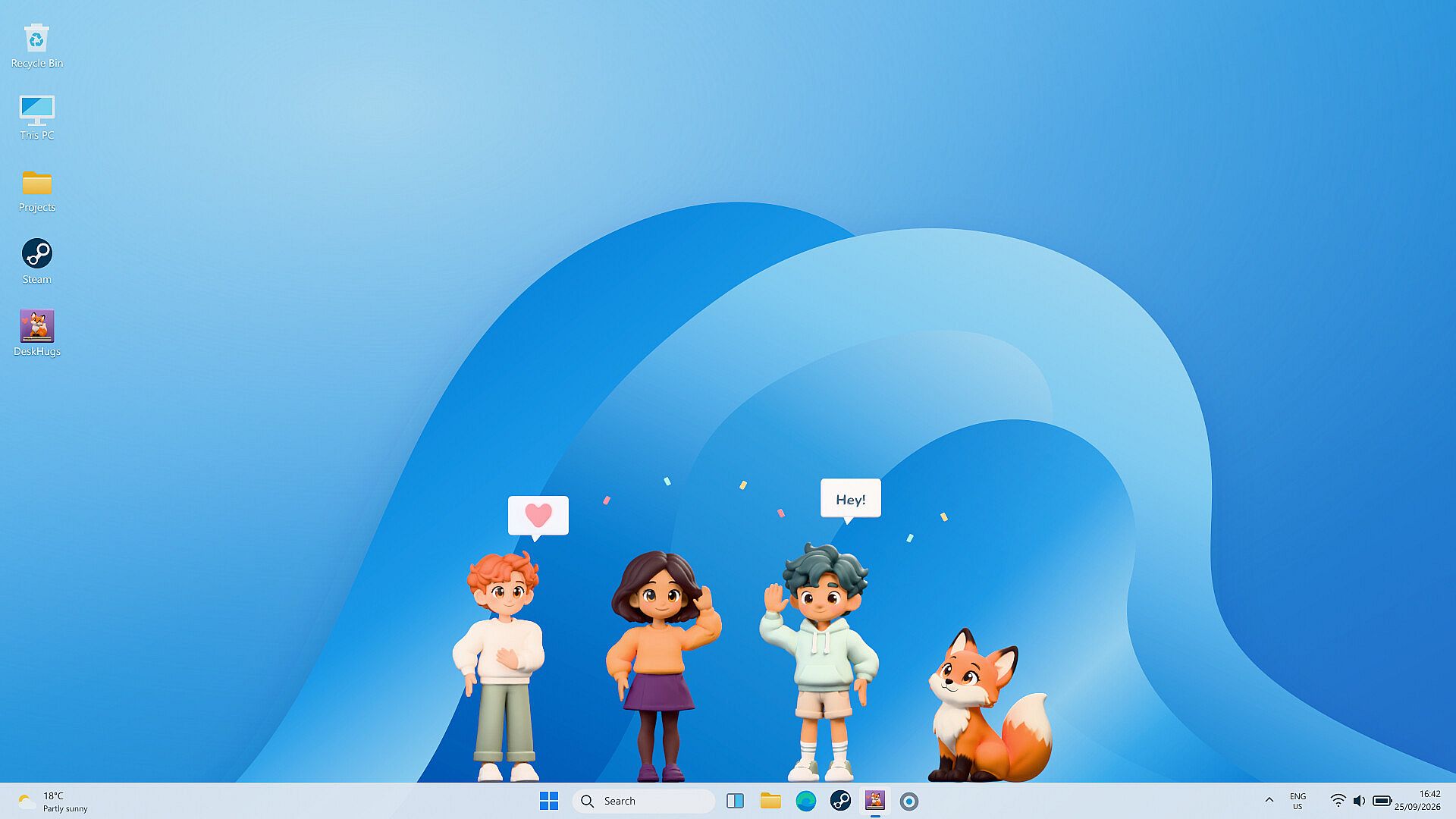

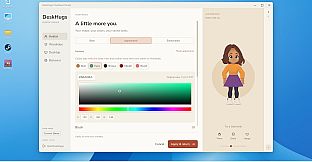
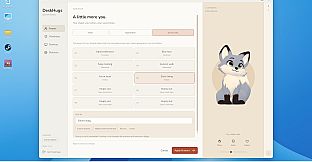

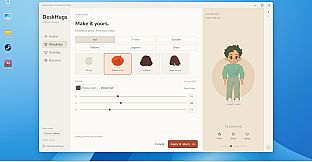





DeskHugs: Desktop Friends is a free to play indie simulation game for PC that places customizable avatars directly on the desktop. Players create a character from options including humans, cats, dogs, or foxes, then adjust appearance, clothing, and accessories before positioning the avatar on screen. The avatar remains visible above other windows and responds to everyday computer use through simple animations and interactions.
Gameplay
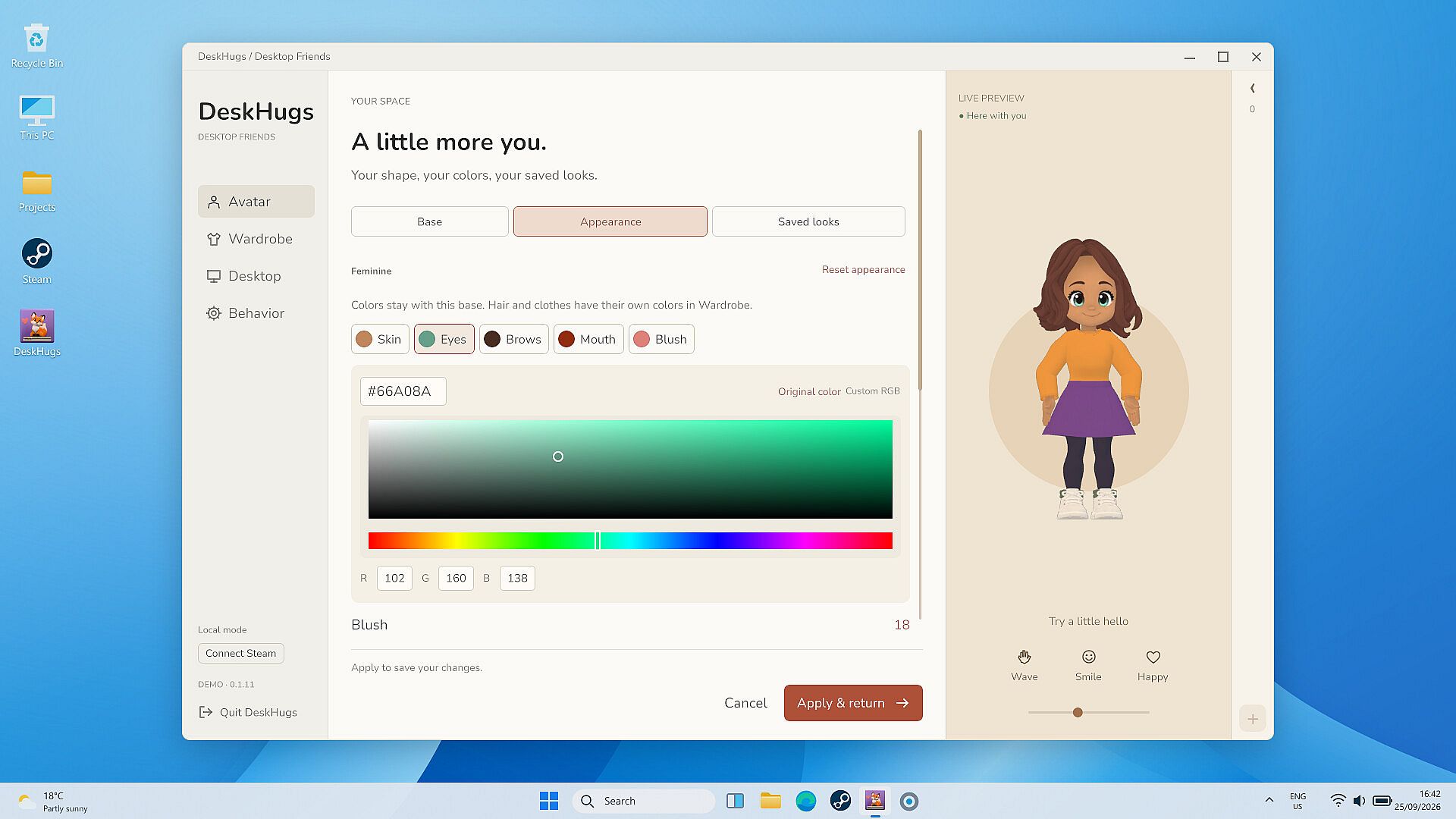
Avatar creation begins with selecting a base character type and then refining details such as hairstyle, outfits, and accessories. Each animal type features distinct movements and expressions that activate during greetings or shared moments with other avatars. Once placed, the avatar can stand, sit, or lie down while occasionally stretching or shifting pose. Size and position adjust freely, and the interface minimizes to the system tray when not needed.
Avatars react to active applications and media without accessing personal files or recording activity. They equip headphones during music playback, hold a controller during games, or type on a small keyboard while coding or editing documents. These reactions trigger automatically when supported apps run, or players select activities manually. Friends who also run the game appear for brief visits where avatars wave, share hugs, exchange small gifts, or sit together. Visits occur either on demand or through occasional automatic connections between approved contacts, with controls available to limit frequency or enable quiet periods.
Time spent with the avatar active unlocks clothing and accessories stored in an inventory. New items provide reasons to experiment with outfits or share them during visits. Steam integration delivers additional cosmetics automatically based on runtime, with varying rarity levels tied to play duration.
Game Modes
Core interactions center on personal desktop presence combined with optional social connections. Solo play emphasizes avatar reactions to music, games, and work applications alongside idle animations that keep the character lively without constant input. Social elements allow direct or scheduled visits between players, including options for automatic drop-ins limited by user settings. Quiet mode disables interruptions for focused sessions while still permitting manual avatar adjustments and inventory access.
These approaches blend singleplayer customization with light multiplayer elements. No separate competitive or story-driven structures exist; progression ties directly to time spent and item collection through both personal use and friend interactions.
Customization and Progression
Outfit and accessory collection forms the main long-term loop. Items arrive through regular playtime or Steam drops that occur every three hours of runtime. Drop chances include common summer-themed pieces at 55 percent, uncommon warm items at 30 percent, rare warm items at 10 percent, ultra-rare fall items at 3 percent, mythic winter items at 1.8 percent, and legendary cute items at 0.2 percent. Players browse and equip collected pieces at any time to refresh their avatar's look.
Starter content covers avatar creation, basic wardrobe, activity reactions, and friend visit features. Additional cosmetics remain optional purchases that expand visual variety without affecting core mechanics.
Is It Worth Playing?
DeskHugs: Desktop Friends suits players seeking a low-pressure desktop companion that integrates into daily routines. The free core experience includes full avatar creation, reactions to supported applications, and friend visit tools, making it accessible without upfront cost. Those who enjoy idle presence combined with light social elements and ongoing cosmetic collection will find steady engagement through regular use and Steam item drops. The simulation runs unobtrusively in the background while offering meaningful customization and connection options for those who want them.