
DiyMachinery (自定义机械) PC

Gdzie znaleźć najlepszą ofertę na DiyMachinery (自定义机械) na {6}? Porównaj ceny z 1 sklepów i wybierz najlepszą opcję spośród 1 ofert dostępnych na XD.deals. Obecnie najniższa cena DiyMachinery (自定义机械) w keyshopach jest na 3,59 zł (0% taniej).

Premiera: 16 maj 2018
me
me
Metacritic:
tbd tbd
Steam:
Overwhelmingly Negative (2)
Keyshops
Brak dostępności
Kup w oficjalnym sklepie:
3,59 zł
Kup w keyshopach:
Zobacz historię cen

Sklepy oficjalne (1)

DRM:
Steam
Steam
Steam
DiyMachinery (自定义机械)
Windows
1l temu
DRM:
Steam
Steam
3,59 zł
Historical Low Deal
Historical low

O DiyMachinery (自定义机械)

DiyMachinery (自定义机械) - o grze
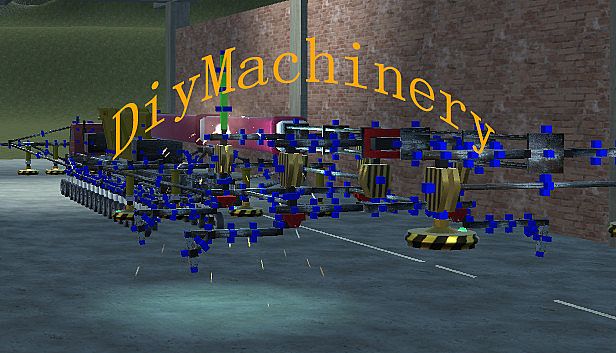
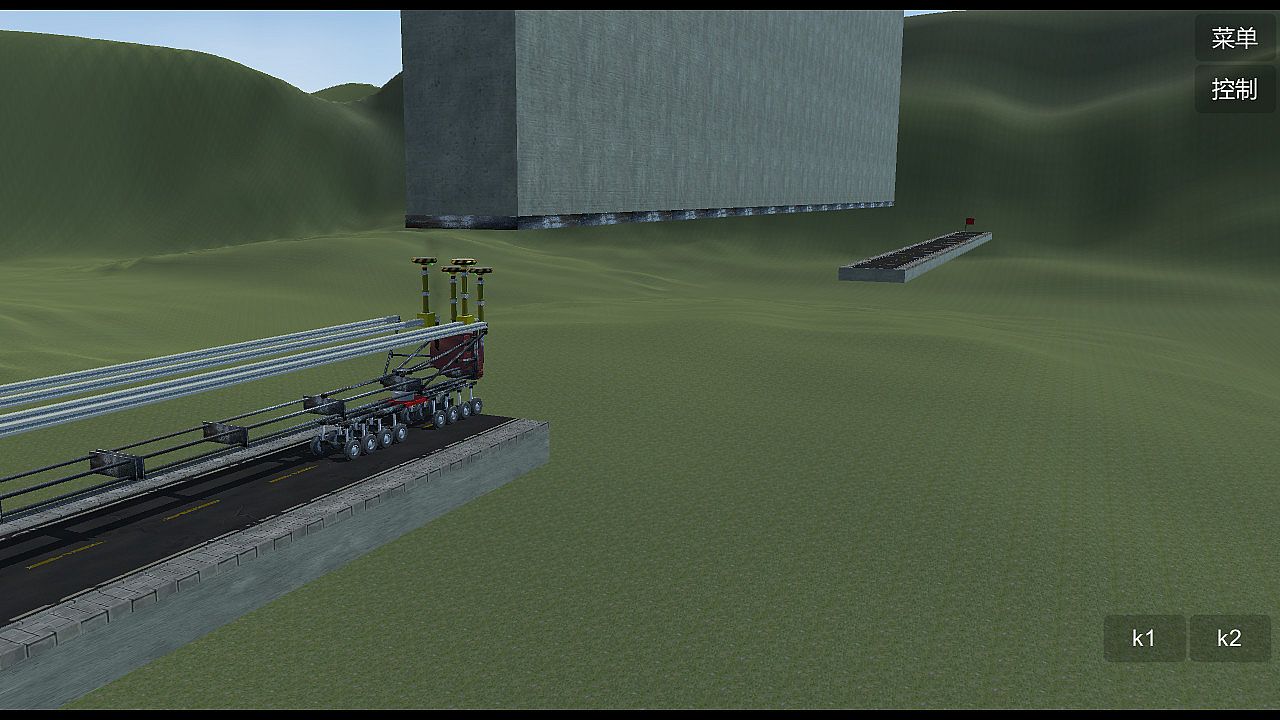
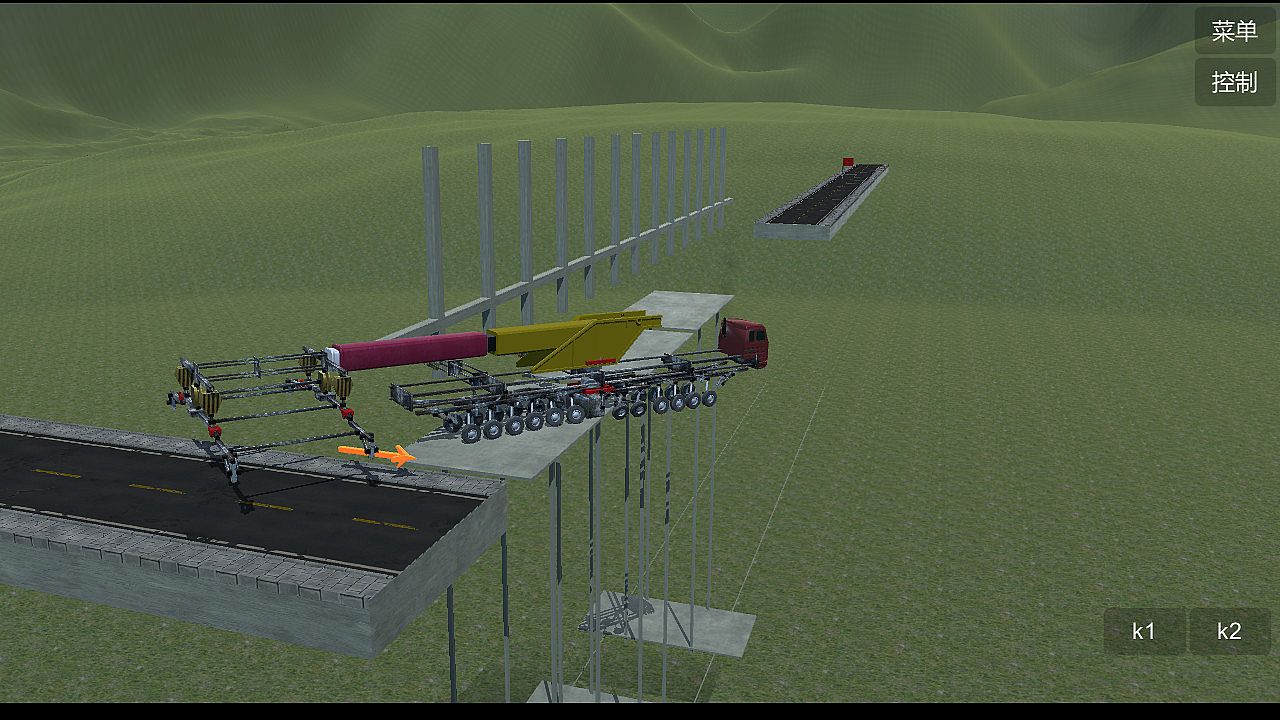
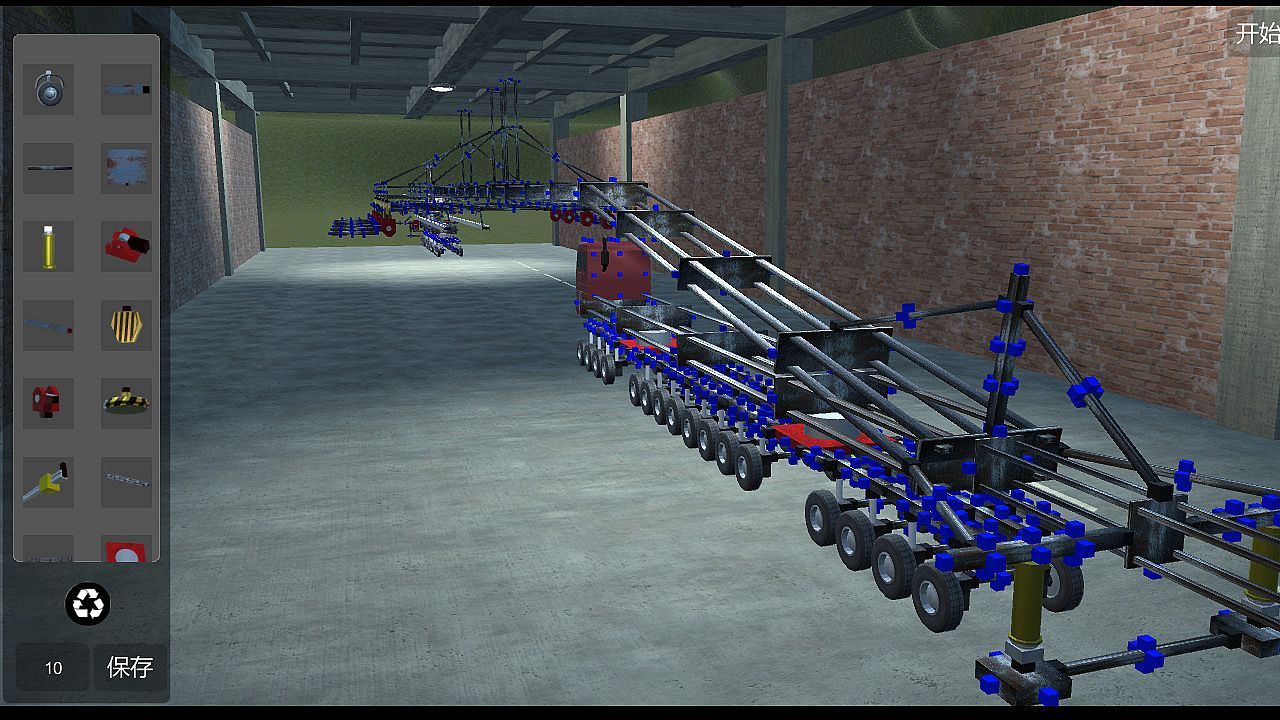
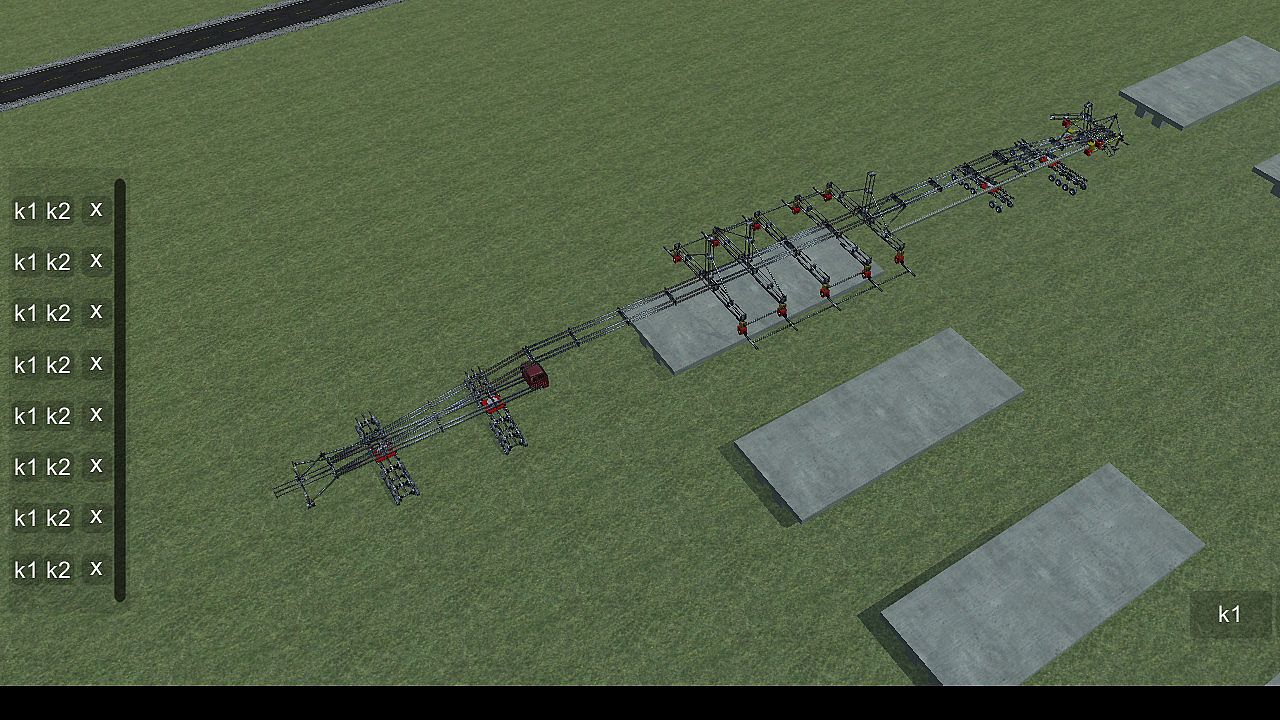
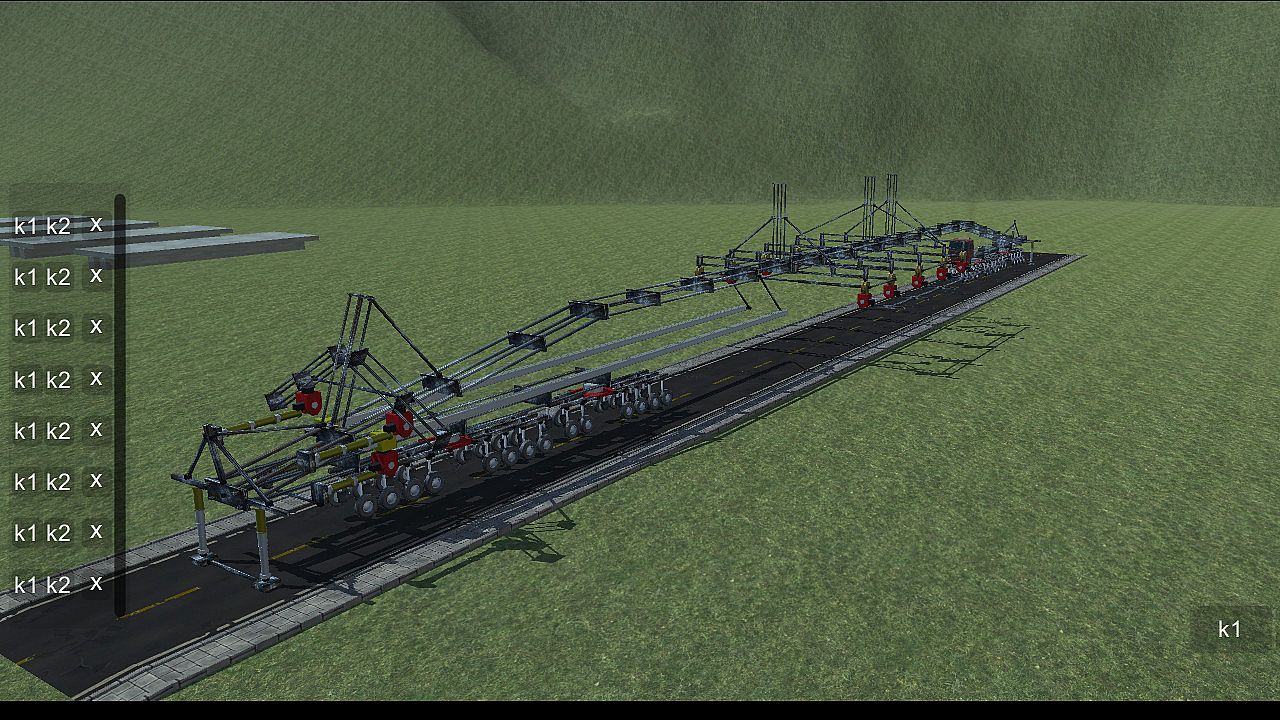
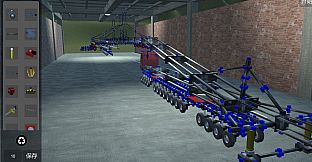
Build intricate machines from 22 basic parts to conquer obstacles like crossing gaps, climbing heights, bridging voids, and hanging precariously. This physics-based simulation demands sharp logical thinking, keen observation, precise manipulation, and strong spatial imagination. Master core operations such as clicking the blue box to select and attach components, rotating them with Q, W, E, A, S, D keys, removing with Z, copying via Ctrl+C and pasting with Ctrl+V, or welding blue squares by pressing X. Group components for control by holding Ctrl for multi-select and assigning K1/K2 functions, or drag icons in the controller interface for line-based operations-both methods work independently. Adjust wheels for turning, car heads for suspension and steering, and slide rails for length. Ideal for players who thrive on brain-teasing strategy and engineering challenges that scale with your PC's power and ingenuity.

DiyMachinery It's a physical game, 22 basic parts build machines complete over, over, hanging, climbing, bridging... Such as obstacles. There is no hierarchy, so long as your computer is good, you can build big, interesting machines. This game requires a lot of logical thinking, observation, manipulation, and spatial imagination. If you like research and thinking, don't miss it.

This game is a skill and requires a high IQ to play.
builds basic operations:
Click the blue box, click on the component interface you want to build components, click on the components, press Q, W, E, A, S, D and other keyboard keys to rotate.
The Z key removes the selected component.
Ctrl+c copies the selected components, then selects the blue box Ctrl+v to paste.
Click a blue square, click on the other block, and then press the X key to weld two blue squares. If the steering wheel is welded, the component will disconnect (also press the lower right corner of the game button).
adds an operating group:
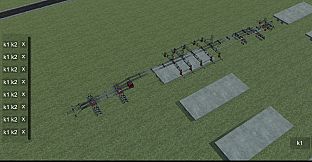
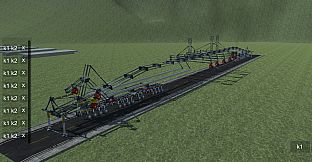
Method 1: hold the Ctrl key for multiple selection, then click Add group button, the lower left corner of the game interface will appear, the K1 and K2 buttons in the list are the function of the control component, such as the hydraulic top bar: press the K1 top, then stop by K1, the K2, and then stop by a K2, basically all the operable components are this Class operation.
Method 2: click the controller button in the upper right corner, enter the controller interface, drag the icon to organize the operation group, then select the line to operate, and then press the K1 K2 big button in the lower right corner to control the selected line. (this method does not conflict with the first method, that is to say, you set the first method will not affect the second method, and vice versa).
wheel:
The system automatically opens the turning functions of the front wheels. You can also click the wheel to open the wheel control interface to control the turn, turn, and turn off the power.
car head:
You can control the suspension force of the wheel and the number of turning wheels by clicking the front end and opening the control interface.
slide
The slide is the long one. When you build it, you can adjust the length by clicking the slide rail.
summary:

This game can exercise your brain, saying it is easy and easy to say, it's complicated to say that the component is also the two or three methods of operation, see what you build and match. If you can completely pass it, you are more cattle than my author, and the technology that finally needs the bridge is different from the technology of the high iron bridge. You can be an engineer, too.

Interfejs:
EnglishSimplified Chinese
Napisy:
EnglishSimplified Chinese

Klasyfikacja wiekowa

Brak informacji
Metacritic:
tbd tbd
Steam:
Overwhelmingly Negative (2)

Minimalne:

  • Procesor: 四核
  • Pamięć: 4096 MB RAM
  • Grafika: GTX 550
  • Dysk: 400 MB available space

Zalecane:

  • Procesor: 四核
  • Pamięć: 4096 MB RAM
  • Grafika: GTX 550
  • Dysk: 400 MB available space
Historycznie najniższa cena
Historia cen ze sklepów oficjalnych
-
-
-
Historia cen z keyshopów
-
-
-

FAQ

8 pytań

Zanim zaczniesz szukać taniego klucza DiyMachinery (自定义机械), sprawdź najważniejsze informacje. Twórcy: me. Wydawca: me. Data premiery na PC: 16 maj 2018. Gatunki: Strategy, Indie, Simulation, Adventure. Kategorie: Family Sharing, Single-player.

Q

Gdzie kupić tani klucz Steam do DiyMachinery (自定义机械)?

Korzystając z naszej porównywarki cen i zweryfikowanych kodów rabatowych, możesz kupić klucz do DiyMachinery (自定义机械) już od 3,59 zł. Ta oferta jest dostępna w Steam i należy do najtańszych na rynku. Wszystkie klucze na XD.deals są dostarczane cyfrowo z możliwością natychmiastowego pobrania po płatności. Ceny uwzględniają już prowizje i kody promocyjne, więc zawsze widzisz najniższą cenę DiyMachinery (自定义机械) na PC. Sprawdź historię cen DiyMachinery (自定义机械), aby kupić w najlepszym momencie.

Przy ostatniej aktualizacji (odświeżamy ceny Steam kilka razy dziennie) cena DiyMachinery (自定义机械) na Steam wynosiła 3,59 zł. Możesz zaoszczędzić dodatkowe ~6% płacąc zdyskontowaną kartą podarunkową Steam.

Nasz tracker cen obejmuje oficjalne sklepy i keyshopy, więc znajdziesz DiyMachinery (自定义机械) w promocji nawet poza sezonowymi wyprzedażami. Obecnie wykrywamy 1 aktywna oferta z oficjalnych sklepów i keyshopów. Sprawdź tabelę powyżej, porównaj z historycznie najniższą ceną i ustaw alert, aby nie przegapić kolejnego spadku.

Według naszych danych DiyMachinery (自定义机械) nie jest obecnie dostępne na GeForce NOW. Musisz uruchomić grę lokalnie na swoim PC. Przeglądaj gry dostępne na GeForce NOW.

Tak. DiyMachinery (自定义机械) ma oficjalną stronę w sklepie Steam. Możesz też kupić klucz Steam do DiyMachinery (自定义机械) od zewnętrznych sprzedawców. Nasza porównywarka zawiera obecnie 1 oferta z DRM Steam. Wybierz jedną, aby mieć pewność, że pobierzesz DiyMachinery (自定义机械) na platformie Valve.

Nie w tym momencie. Valve oznacza DiyMachinery (自定义机械) jako niewspierane na Steam Deck. Śledź XD.deals - monitorujemy aktualizacje Proton i poprawki społeczności. Przeglądaj gry zweryfikowane na Steam Deck lub grywalne na Steam Deck.

DiyMachinery (自定义机械) nie jest obecnie dostępne w PC Game Pass, EA Play, Ubisoft+ ani żadnej innej subskrypcji na PC. Jedyną opcją jest zakup gry - użyj XD.deals, aby znaleźć najlepszą cenę.

Nie - XD.deals nie jest sklepem. Jesteśmy porównywarką cen, która śledzi najlepsze oferty na DiyMachinery (自定义机械) w oficjalnych sklepach i zweryfikowanych keyshopach. Kliknij "Przejdź do sklepu" przy wybranej ofercie, a przekierujemy Cię na stronę sprzedawcy.

Najlepsze ceny za DiyMachinery (自定义机械)

1 Steam Steam Official
3,59 zł

Chcesz kupić w najlepszym momencie? Ustaw alert cenowy na XD.deals i otrzymaj powiadomienie, gdy DiyMachinery (自定义机械) osiągnie historycznie najniższą cenę.

Utwórz alert
Dołącz do Discorda
Uzyskaj szybką pomoc od społeczności i bądź na bieżąco z promocjami
Ustaw alerty cenowe
Otrzymuj powiadomienia e-mail, gdy cena gry spadnie do Twojego poziomu
Załóż darmowe konto
Odblokuj wishlisty, alerty cenowe i synchronizację ze Steam