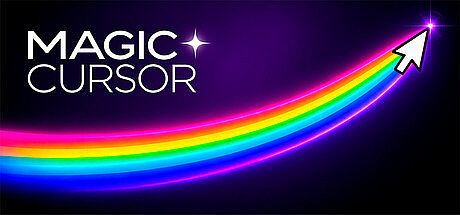






Magic Cursor is a casual PC game that turns the standard mouse pointer into a source of visual entertainment. It overlays animated effects on the cursor as it moves across the desktop and offers additional full-screen atmospheric layers that operate independently. The experience centers on selecting from themed visual styles and switching between them to match different moods or tasks, with built-in mini-games that use precise mouse movement as the primary control method.
Gameplay
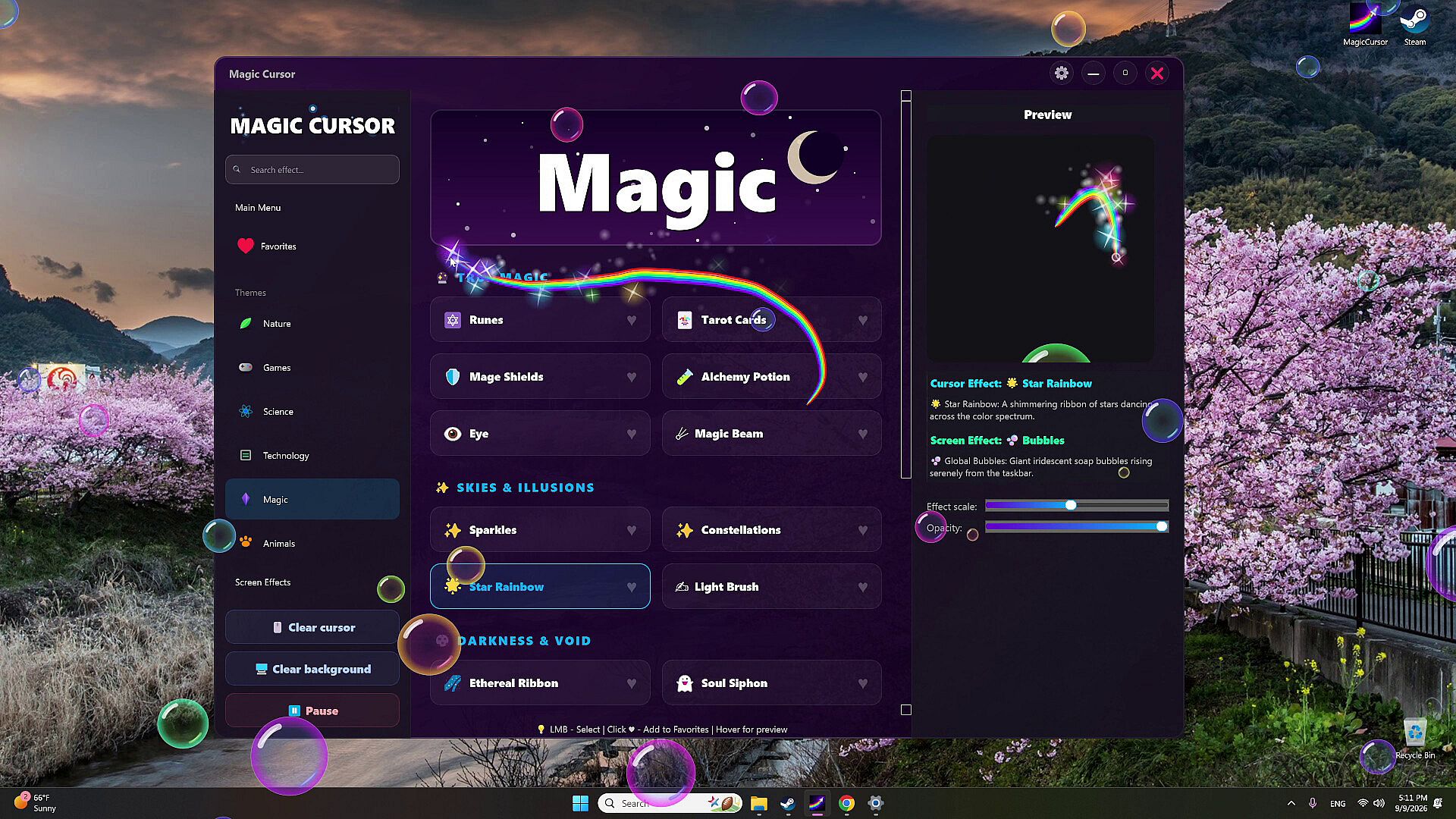
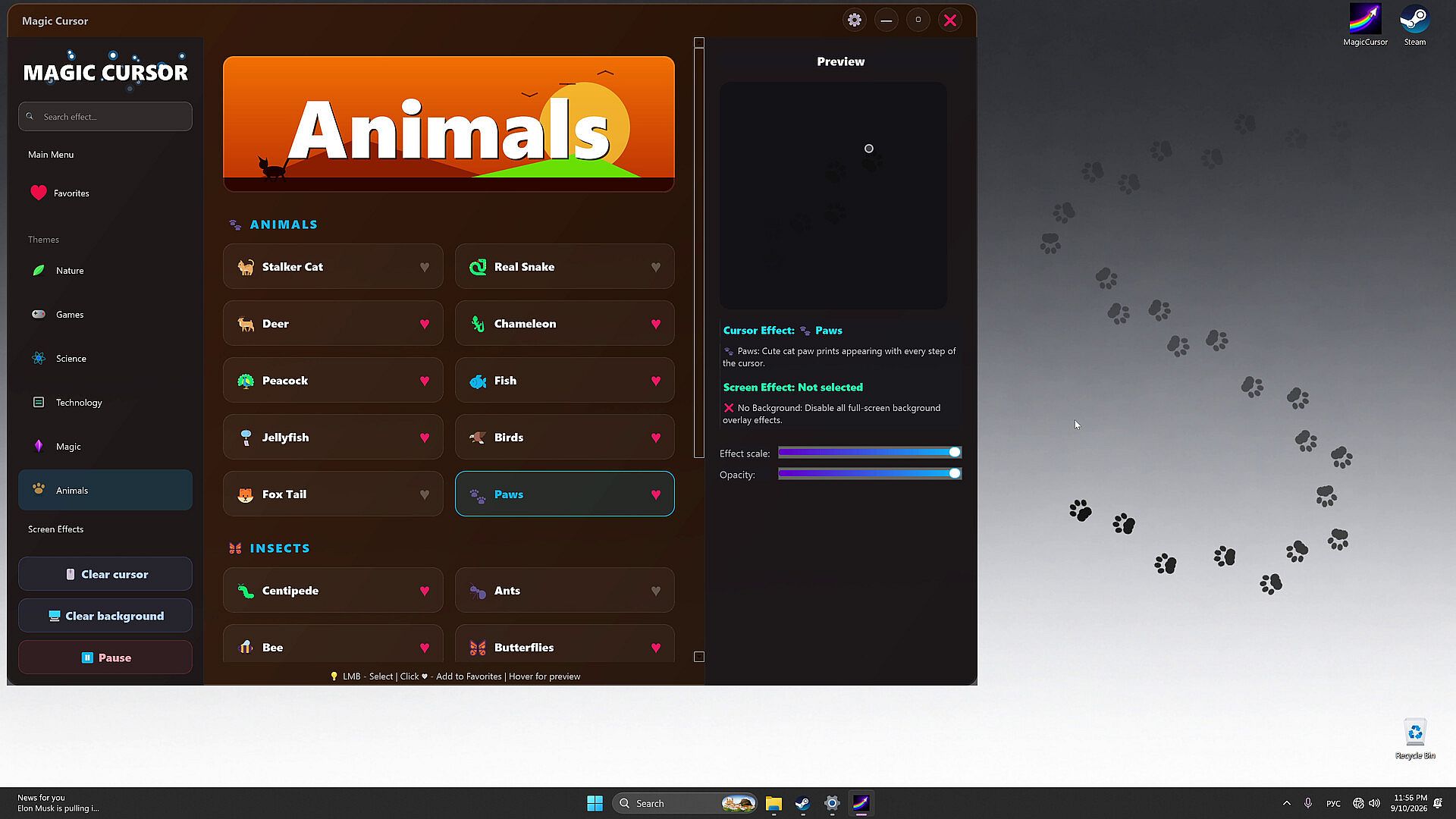
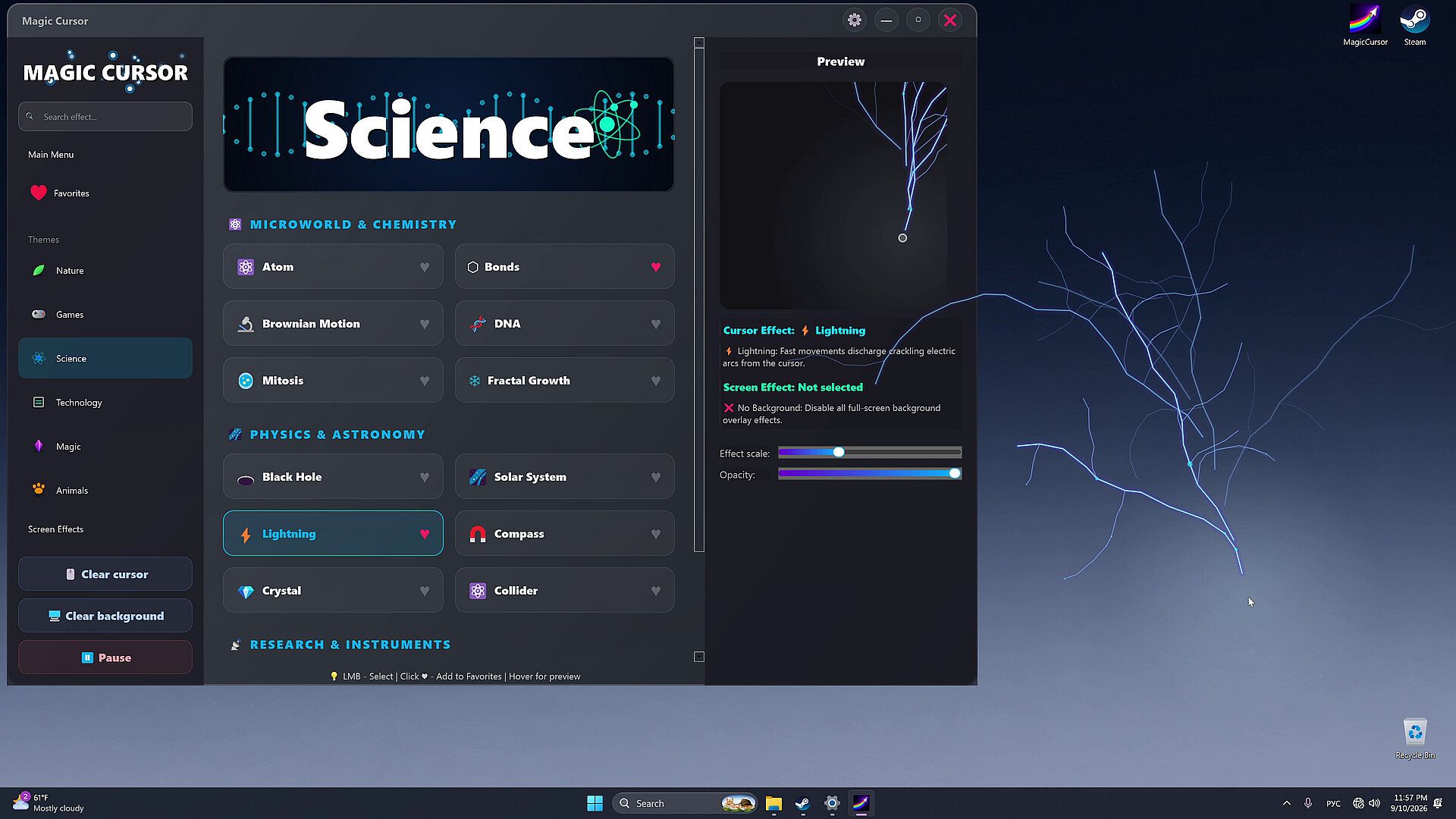
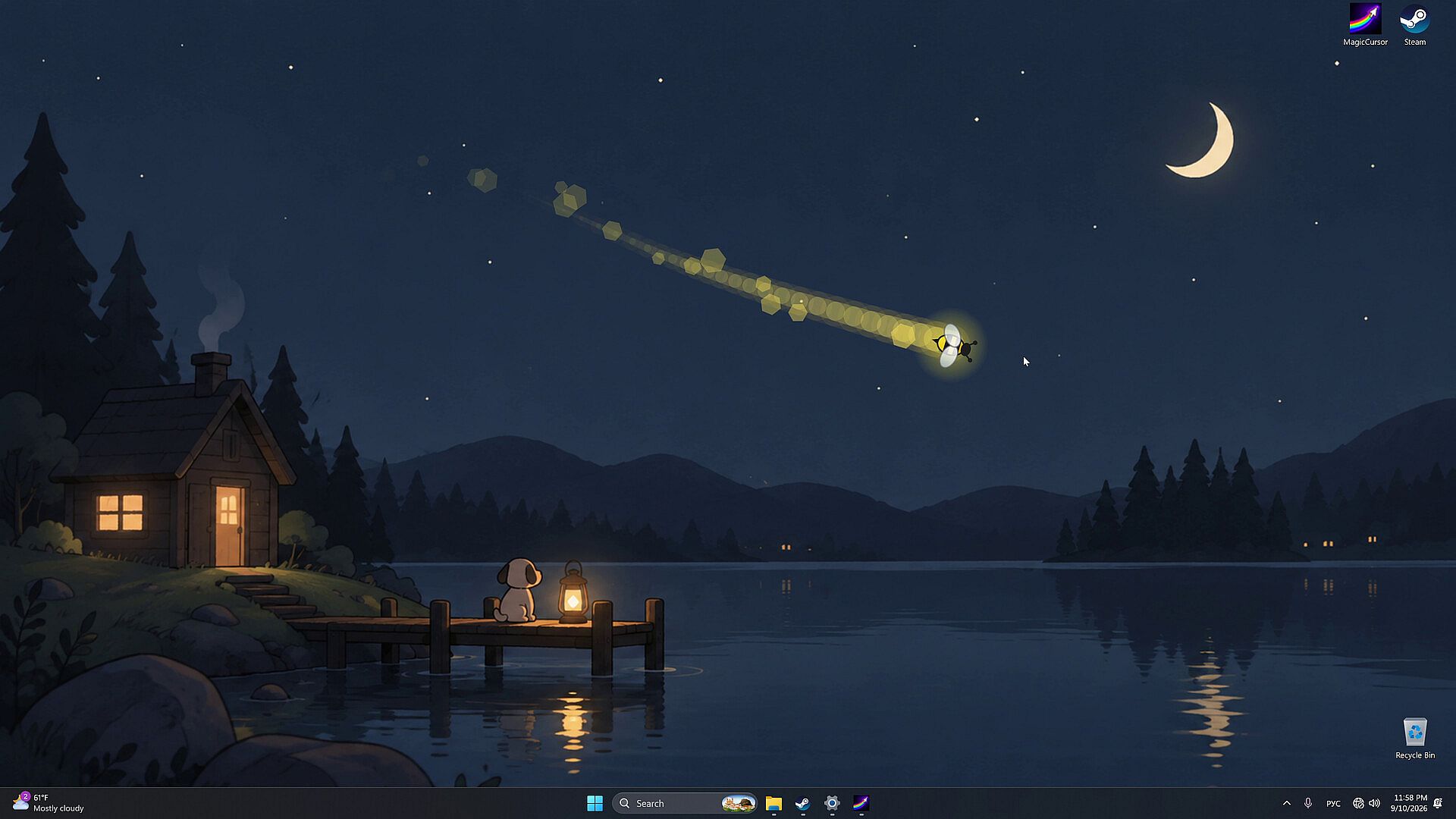
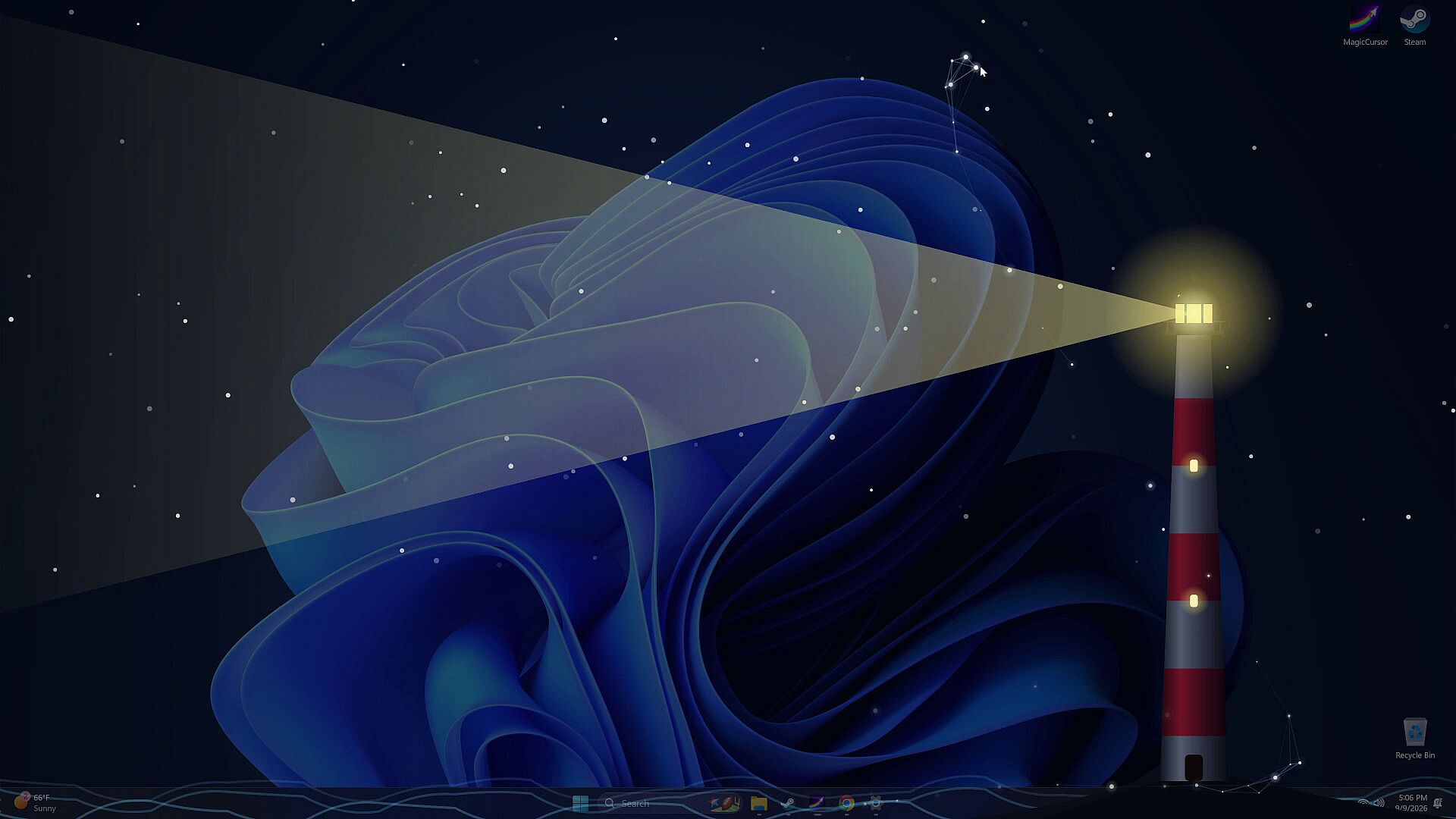
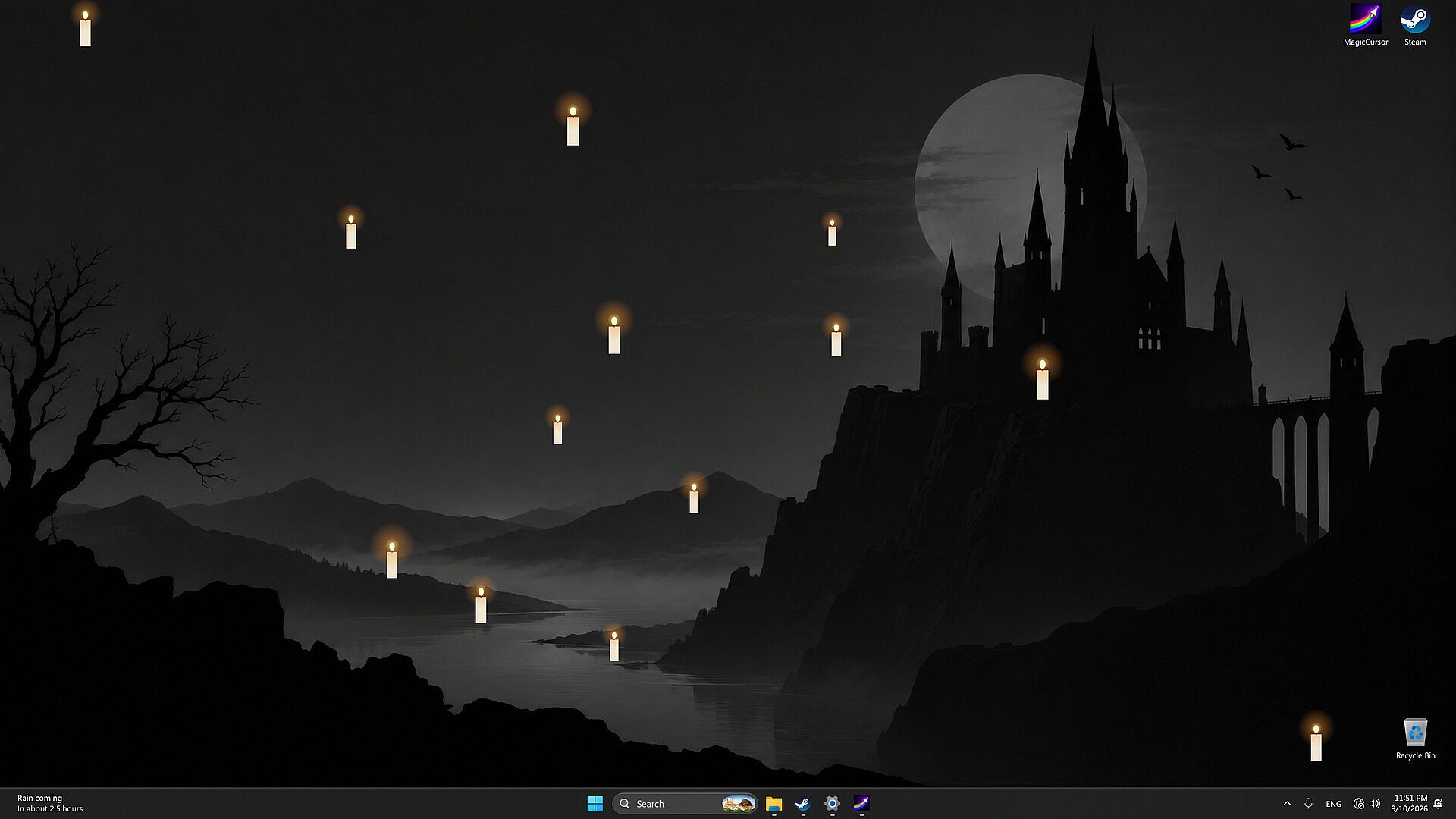
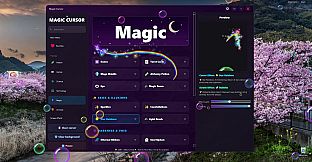
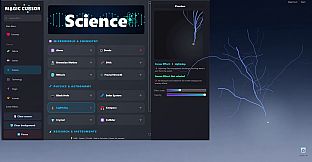
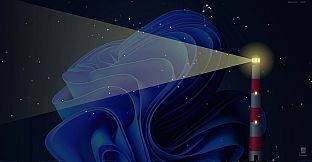
The core loop involves browsing a library of cursor effects divided into seven distinct categories. Each effect trails or reacts to cursor movement in real time, creating trails, particles, or transformations that follow the pointer. Users can activate screen effects separately to alter the entire desktop background with weather patterns, lighting changes, or thematic overlays. Combining a cursor effect with a matching screen effect produces layered results, such as pairing a snow trail with a winter scene or a neon cursor with a futuristic backdrop. The system runs as a desktop utility, allowing effects to persist while using other applications or during idle periods.
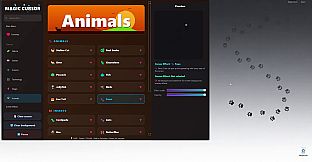
Effects draw from natural, scientific, technological, mystical, and biological inspirations. Nature effects include fire, water, snow, lightning, leaves, and minerals. Science effects feature atoms, molecules, chemical reactions, physical phenomena, astronomy, and space elements. Technology effects cover digital patterns, neon lights, holograms, electronics, engineering, aerospace, and futuristic designs. Magic effects incorporate runes, spells, potions, portals, and fantasy glows. Animals effects depict real and mythical creatures, tracks, and insects. Screen Effects provide standalone atmospheric scenes with weather, foliage, lighting, space, magical, or technological themes.
Game Modes
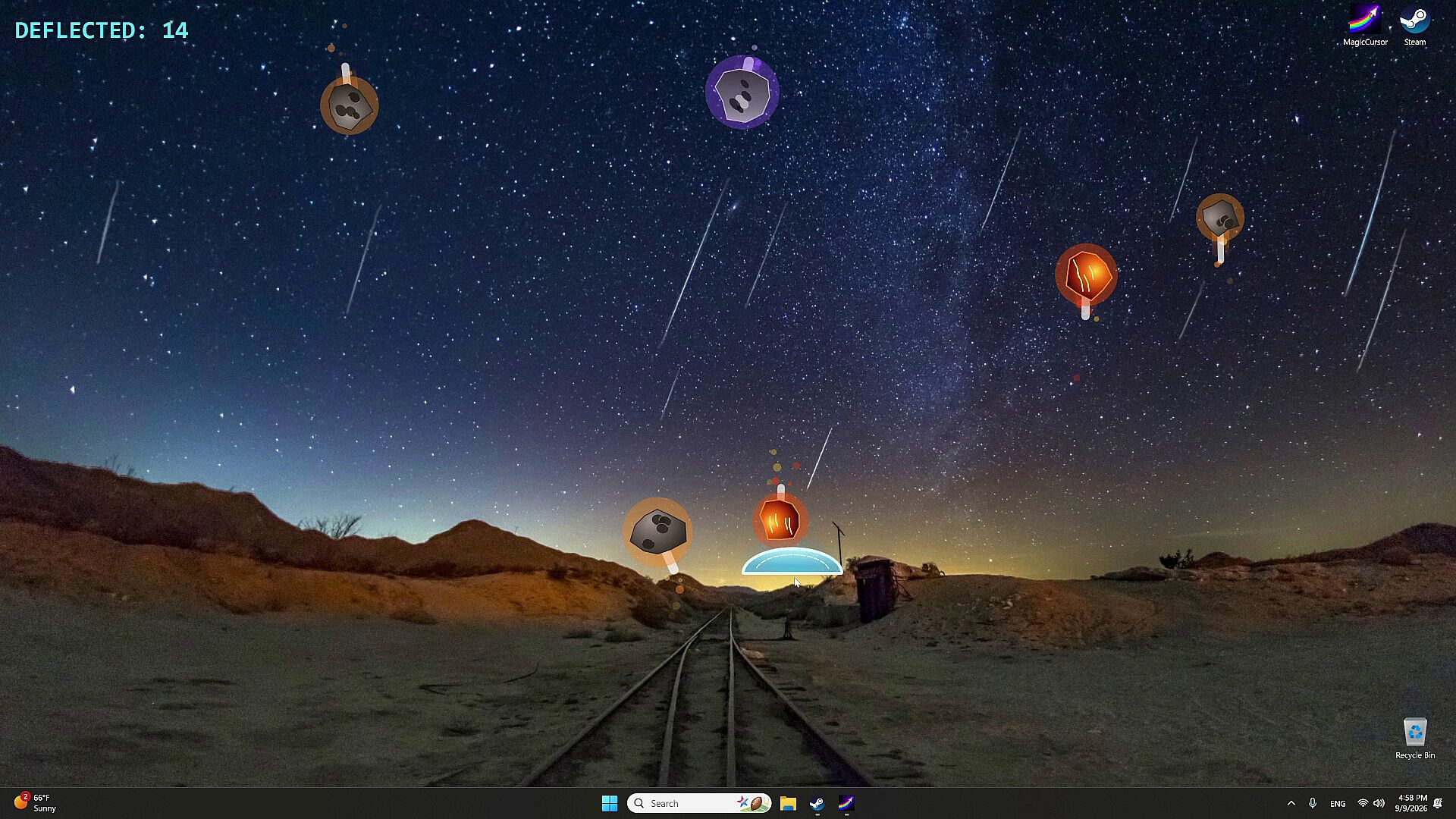
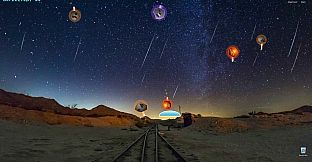
Mini-Games mode shifts focus from passive visuals to active challenges where mouse movement serves as the direct input. Players control on-screen elements through cursor positioning and motion to complete objectives. Confirmed activities include guiding a snake, catching fish, herding sheep, defending a planet from threats, dodging obstacles, and completing other precision or reaction-based tasks. These sessions function as short breaks within the desktop environment rather than full standalone levels, emphasizing quick sessions that test dexterity and timing with the same pointer used for effects.
Customization and Atmosphere
Beyond individual effects, the game supports mixing cursor and screen layers to create cohesive desktop themes. A single selection can transform the visual tone of the workspace without interrupting normal computer use. Categories allow quick switching between styles suited to different activities, such as calm natural phenomena for focused work or energetic technology visuals for creative sessions. The collection emphasizes variety within each theme, with multiple options per category to suit personal preferences or changing moods.
Is It Worth Playing?
Magic Cursor suits users seeking light customization tools and occasional mouse-driven distractions rather than traditional gameplay depth. Its strength lies in the range of visual options across the seven categories and the ability to layer effects for personalized desktop atmospheres. The mini-games provide simple, movement-focused challenges that integrate directly with the cursor system. Those who enjoy casual utilities with visual flair and short interactive breaks will find consistent value in exploring and combining the available styles. No major updates or seasonal content have been confirmed, so the experience remains centered on the initial set of effects and activities.