


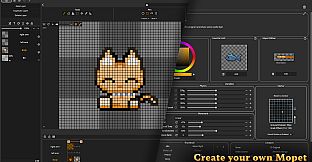
Mopet Studio is an indie creation tool that combines animation, modeling, and utilities for designing custom desktop pets on PC. Players build and customize Mopets to place directly on the Windows desktop, where they respond to mouse input and other triggers while running in the background with low resource demands.
Gameplay
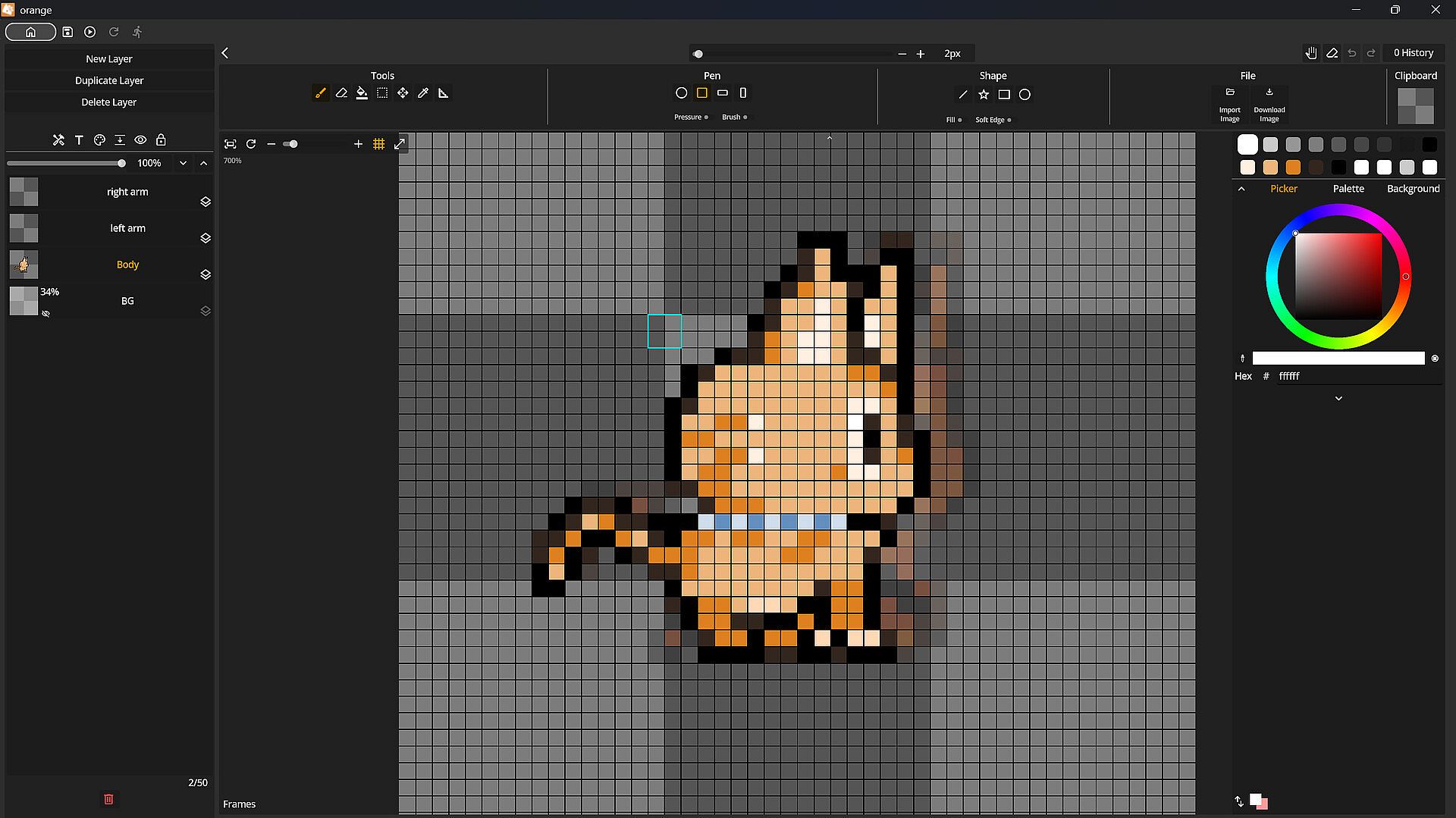
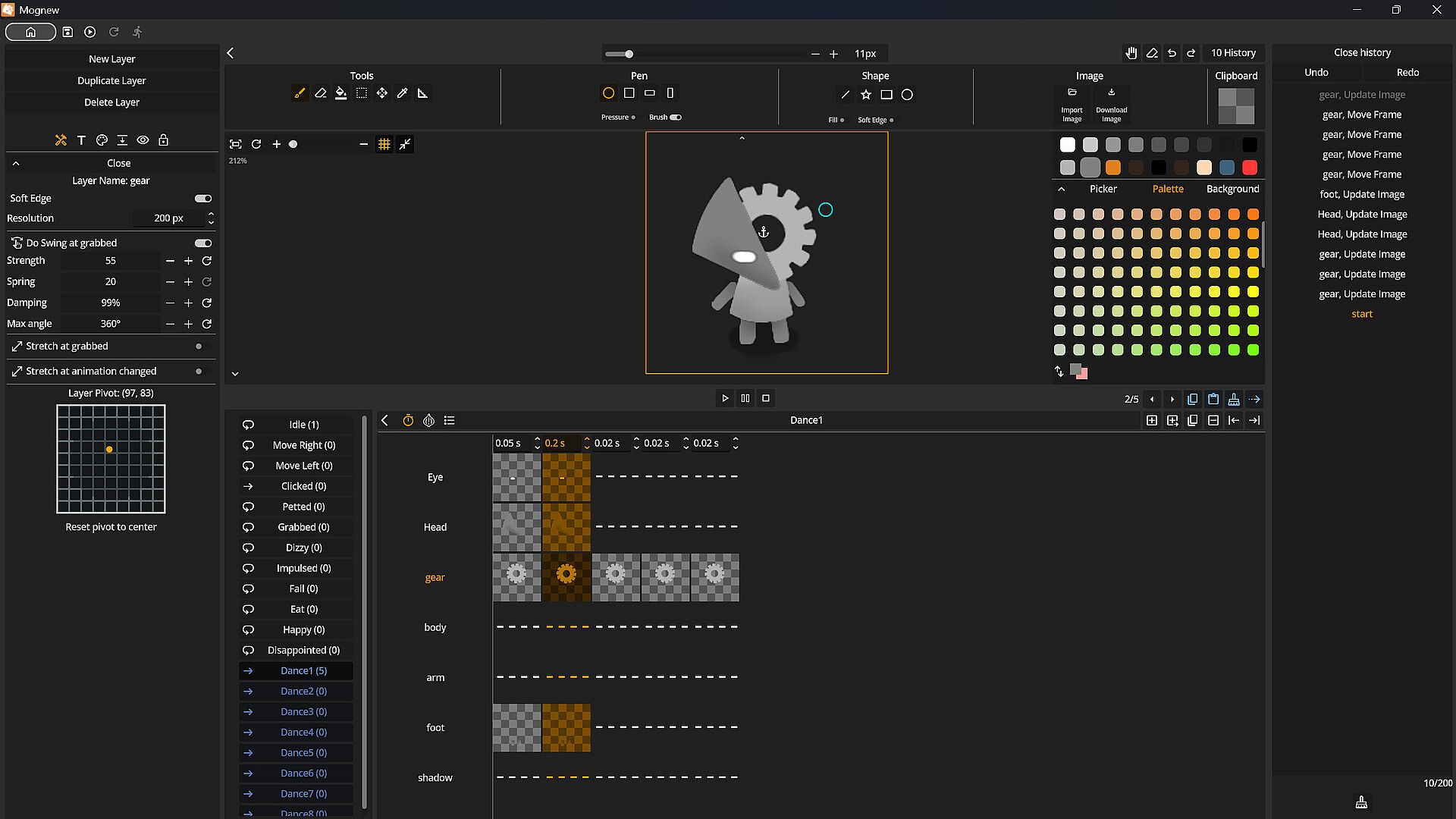
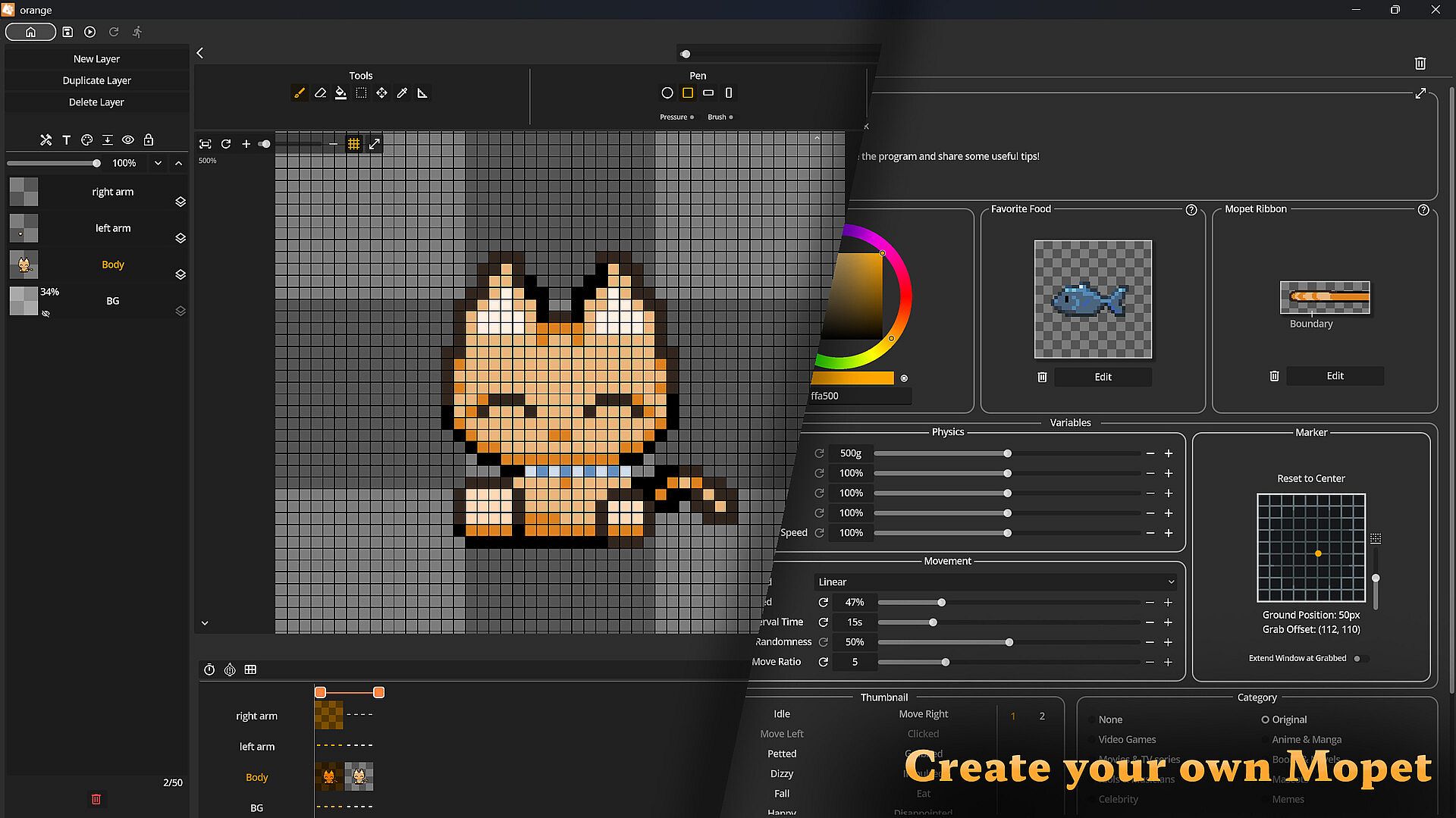
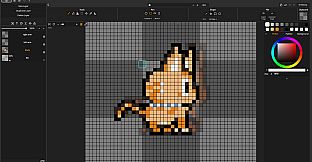
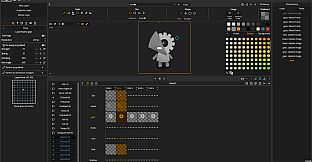
The core loop centers on building layered characters in the built-in editor. Each Mopet supports up to 50 layers, with adjustable resolution, edge softness, and other settings per layer. Users draw directly on layers using a mouse or tablet, with full pen pressure support for natural line variation. The Frame Editor turns static drawings into animations that play on the desktop.
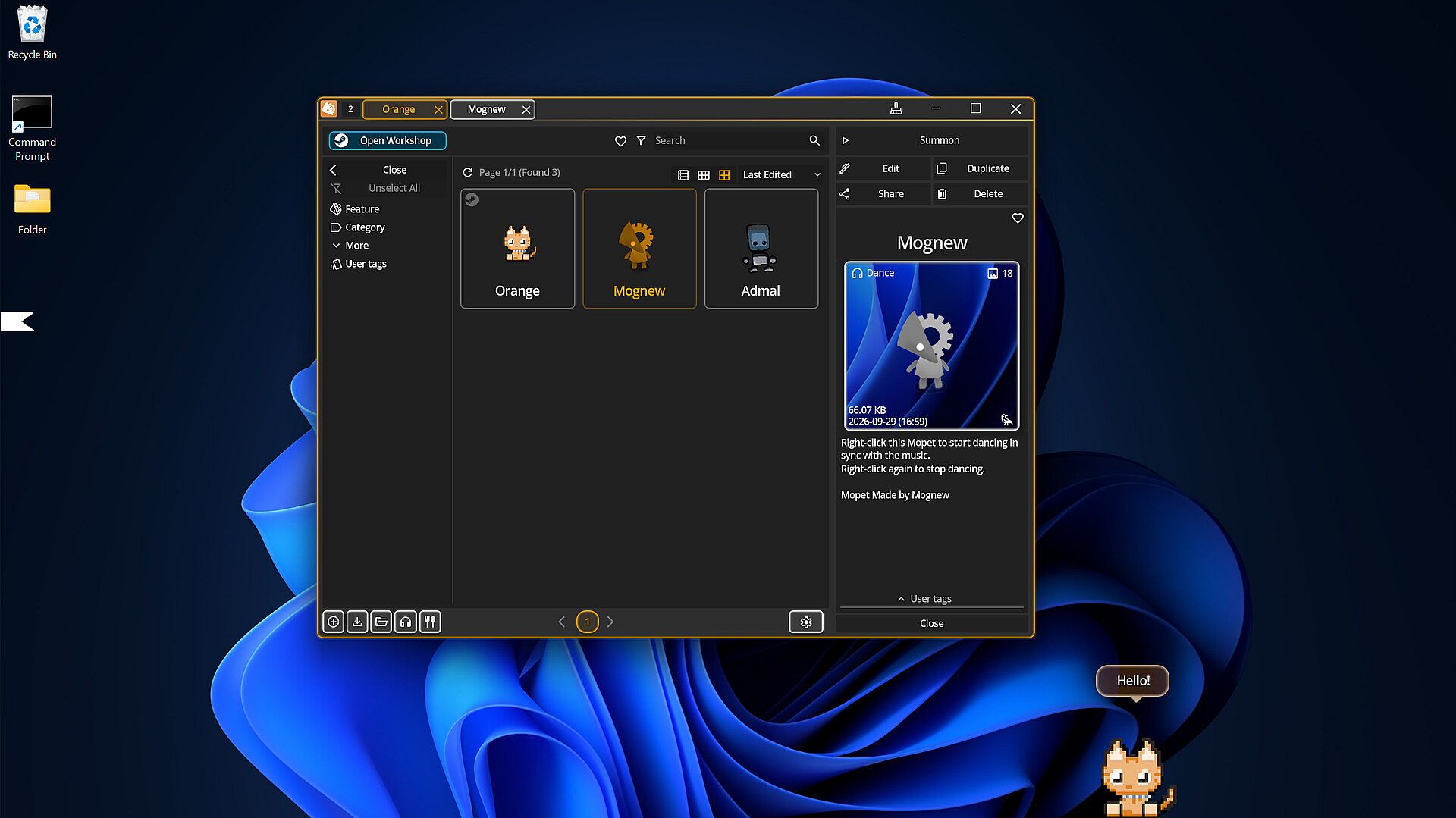
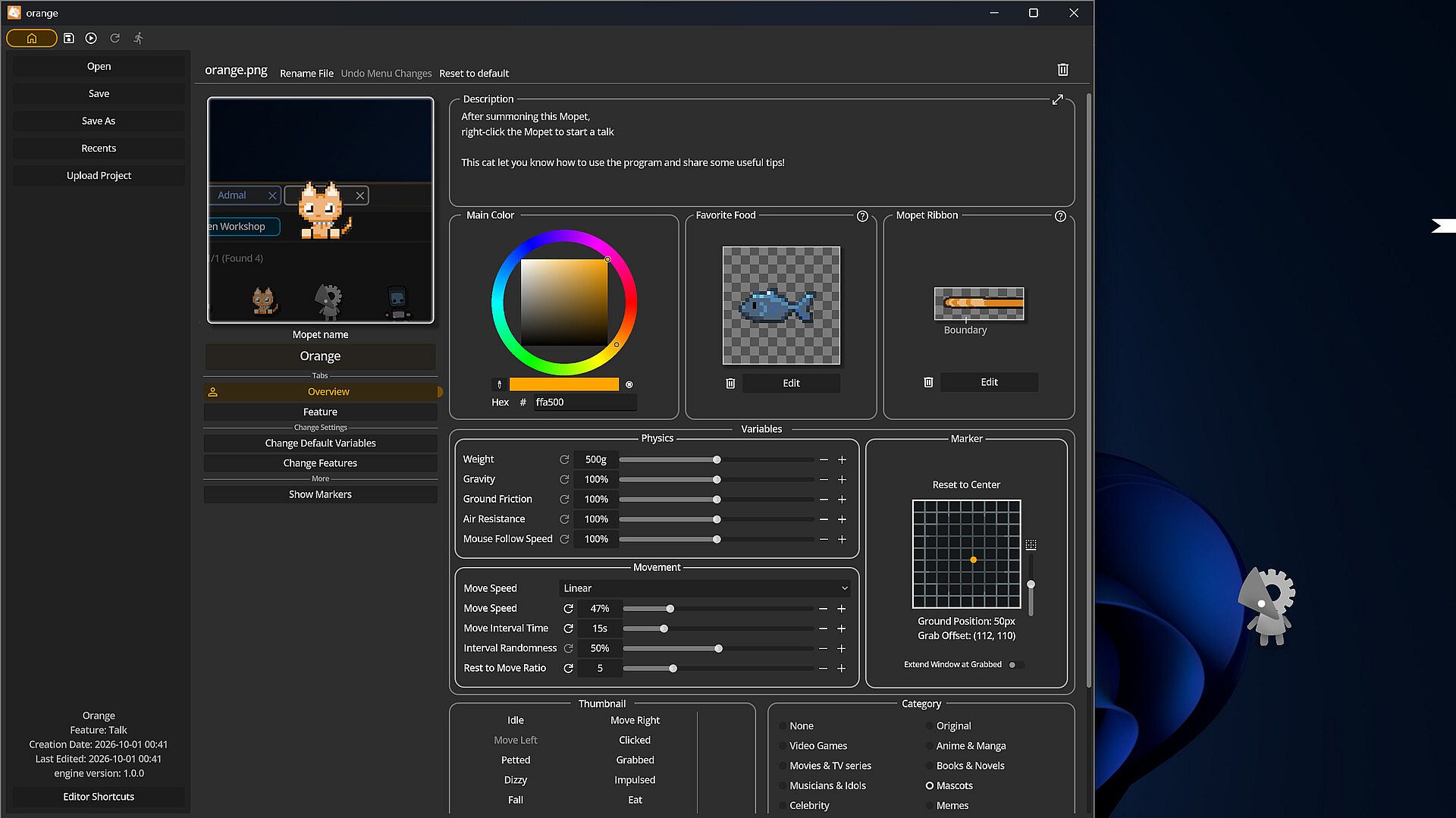
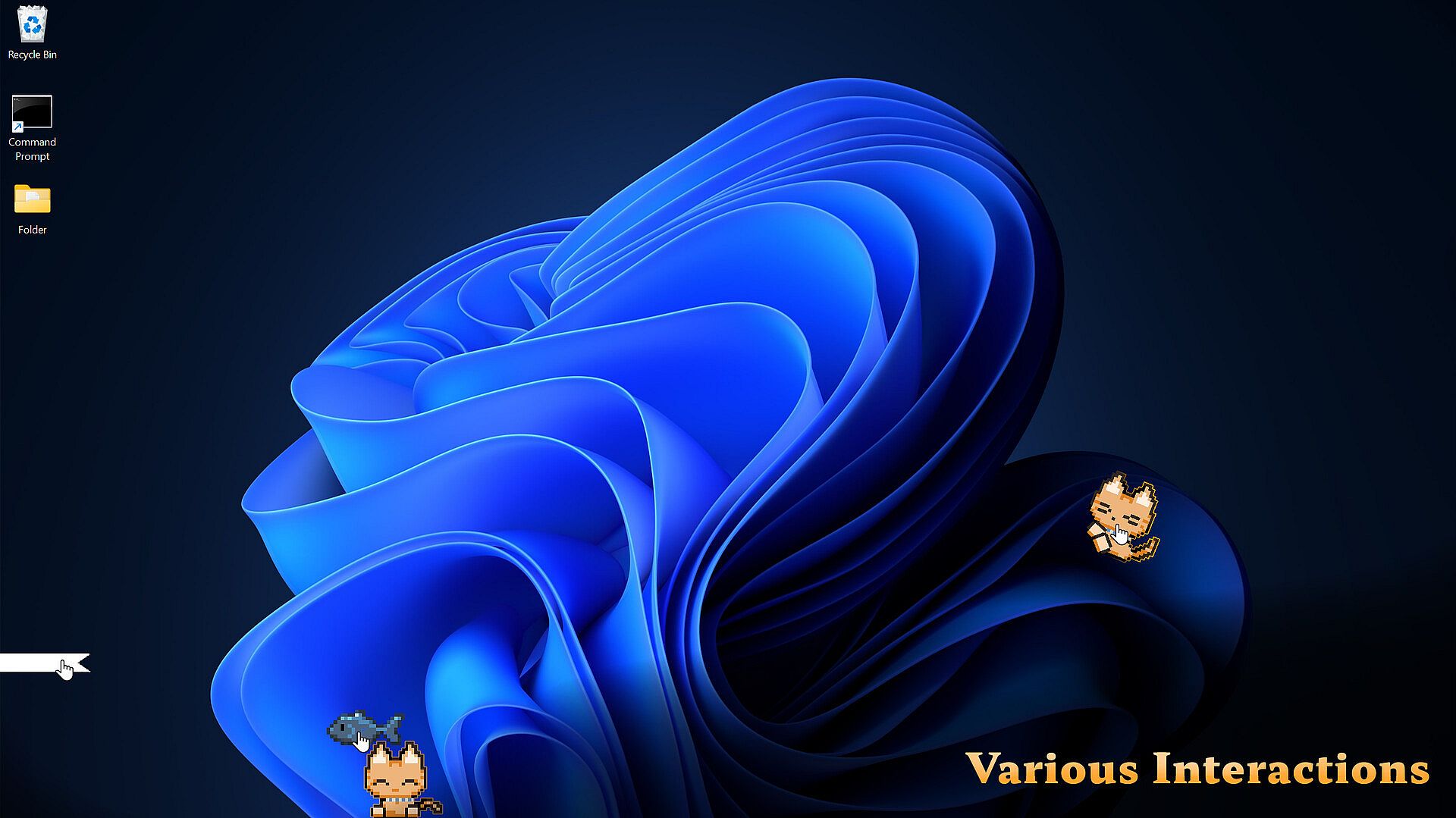
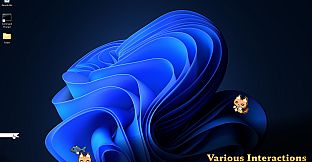
Once placed, a Mopet can be grabbed and moved around the screen. Petting and other direct interactions are available through mouse controls. Right-click menus let owners assign specific behaviors. The program saves every Mopet as a single image file without embedded metadata, keeping file sizes small and portable.
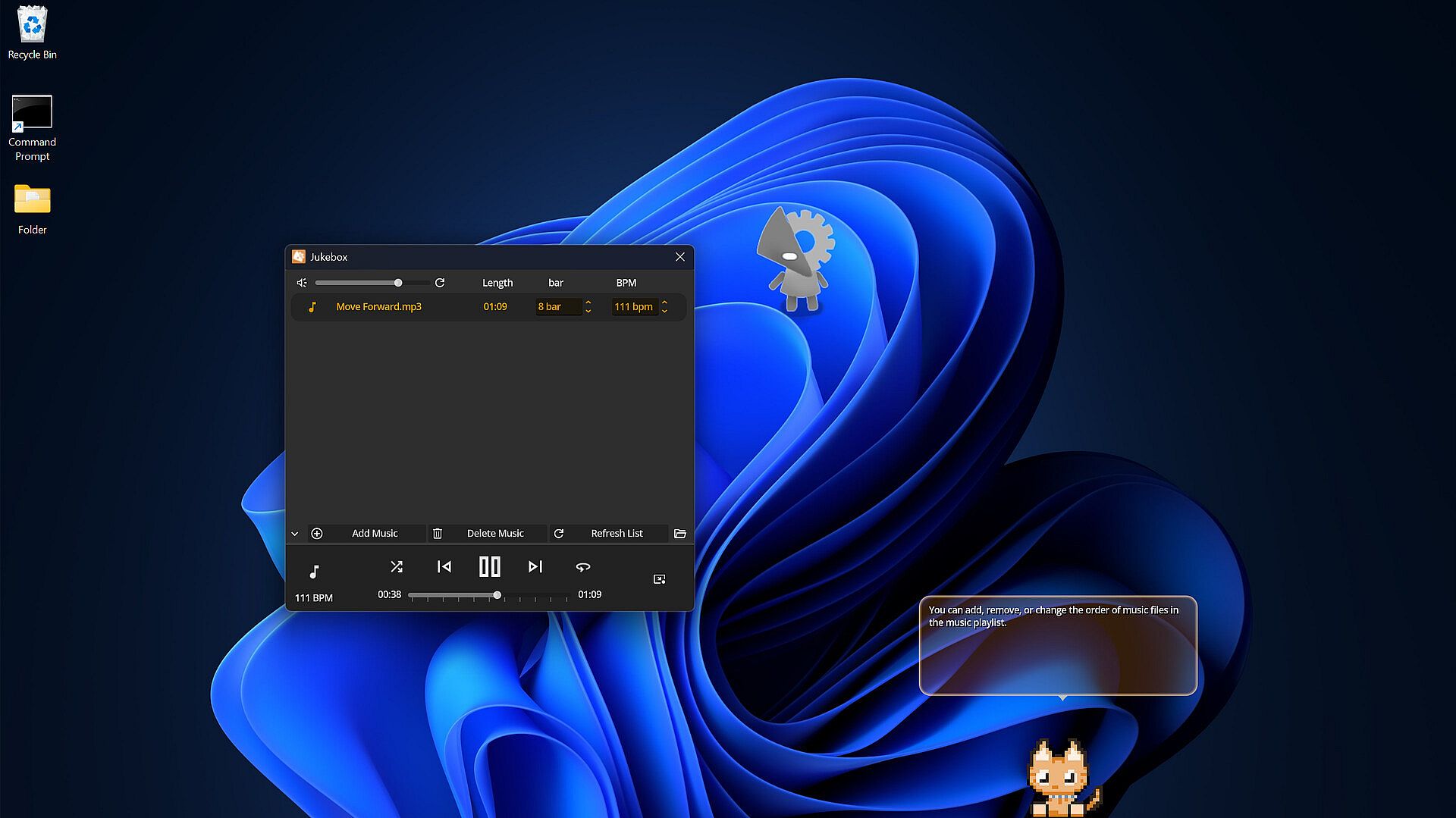
Resource use stays minimal by design, allowing the pets to remain active during regular computer work without noticeable impact on performance. A default Mopet included with the software demonstrates the Talk feature and offers on-screen guidance for new users.
Game Modes
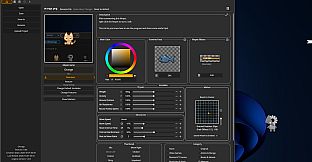
Interaction options function as distinct activity types that owners configure per Mopet. The Talk system supports creation of up to 50 separate conversations, each with custom responses, replies, and assigned portraits that change based on context.
Dance mode syncs the Mopet's movements to the beats per minute of any playing music track. A second right-click stops the animation. Keyboard Detection activates real-time monitoring so the Mopet reacts visibly whenever keys are pressed, with another right-click to disable the feature.
Additional handling includes dragging a Mopet to the screen edge, where it collapses into a compact ribbon for temporary hiding. Pulling the ribbon restores the full character. These systems operate independently or in combination depending on user setup.
Customization and Sharing
The editor encourages iterative design through its layer system and animation tools. Owners experiment with different drawing styles, frame timings, and interaction rules before finalizing a Mopet. Completed creations upload directly to the integrated sharing platform, where others can browse, like, or favorite them.
Subscribing to a shared Mopet summons it immediately onto the desktop. The platform surfaces new options regularly, giving creators a steady supply of inspiration or ready-to-use companions without additional cost.
Is It Worth Playing?
Mopet Studio targets users who enjoy hands-on creation of animated desktop companions rather than traditional gameplay loops. Its low price point and minimal hardware requirements make it accessible for anyone running Windows 10 or later with basic graphics support. The combination of drawing tools, animation frames, and reactive behaviors provides a focused creative outlet that runs quietly alongside other tasks.
Because the software launched only recently, community feedback remains limited. Early interest centers on the editor's simplicity and the Workshop ecosystem for exchanging finished Mopets. Those seeking a lightweight utility for personalizing their desktop with custom, interactive characters will find the feature set matches that goal directly. Players who prefer high-intensity action or narrative-driven experiences may want to explore other genres first.