


Multiscreens PC

Interesuje Ci臋 Multiscreens? 艢ledzimy ceny w zaufanych sklepach. Dodaj Multiscreens do wishlisty, a powiadomimy Ci臋, gdy pojawi膮 si臋 pierwsze oferty.

Premiera: 17 sie 2016
Steam:
Negative (10)
Official
Brak dost臋pno艣ci
Keyshops
Brak dost臋pno艣ci
Kup w oficjalnym sklepie:
Brak dost臋pno艣ci
Kup w keyshopach:
Brak dost臋pno艣ci

Brak ofert, ale spokojnie - damy zna膰, gdy pojawi si臋 nowa.

Create Alert Create deal Alert

O Multiscreens

Multiscreens - o grze
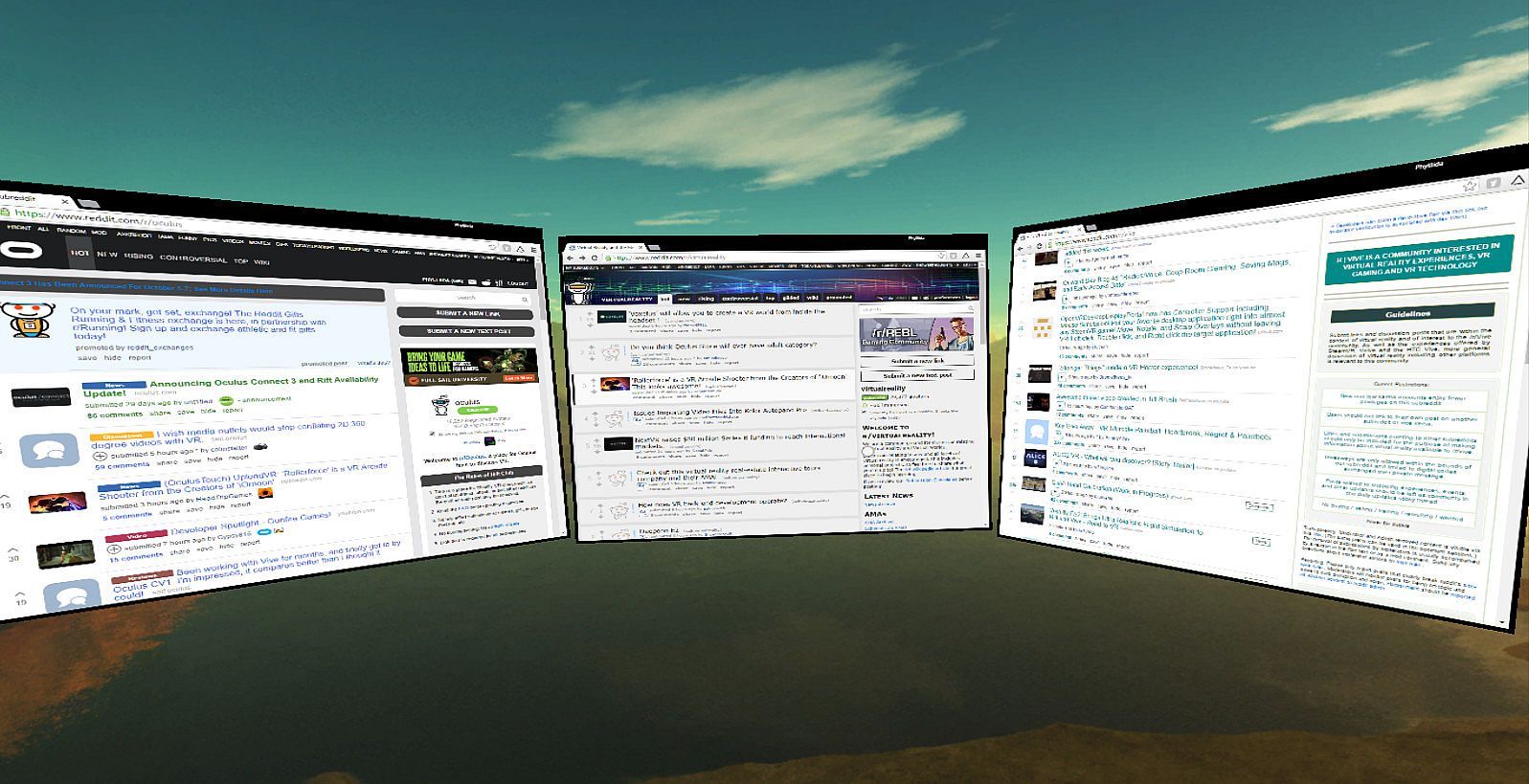
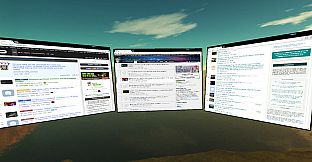
Transform your VR setup with Multiscreens, an Early Access utility that creates unlimited screens from individual programs. Move each one freely in 3D space, resize at will, and adjust framerates or enable supersampling per window. Mouse controls handle everything from capturing context menus to switching focus with a click, while a virtual taskbar lets you access open programs and a webcam feed shows your keyboard below. Play games alongside multiple videos, minimize windows, or reset your view without needing extra monitors. This PC tool works on a single display and leaves your keyboard and controller free. VR multitaskers who run several apps at once get the most from its flexible window management.

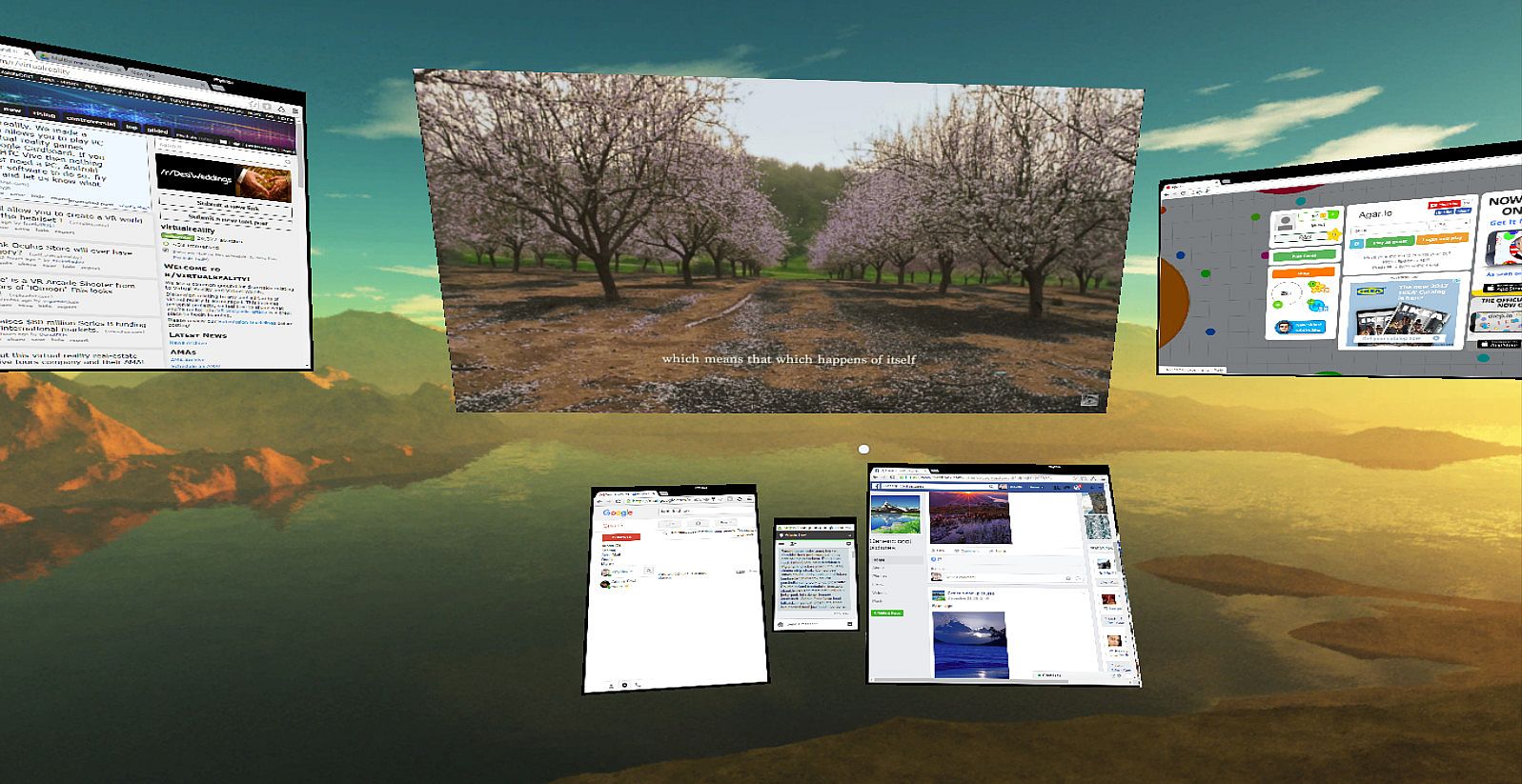
Multiscreens is a early-access program that lets you have as many screens as you want in VR. Specifically, each program is its own screen and can be moved around as desired.

Right now you can:

- Change the target framerate of each window captured
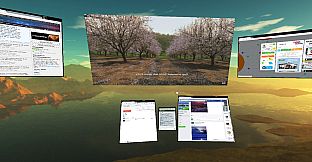
- Play multiple videos simultaneously (just make sure if you are in chrome to disable Hardware Acceleration in advanced settings) while playing a game
- Turn on supersampling
- Control everything with your mouse which leaves your keyboard and controller free for typical use (there is also a mouse sensitivity setting)
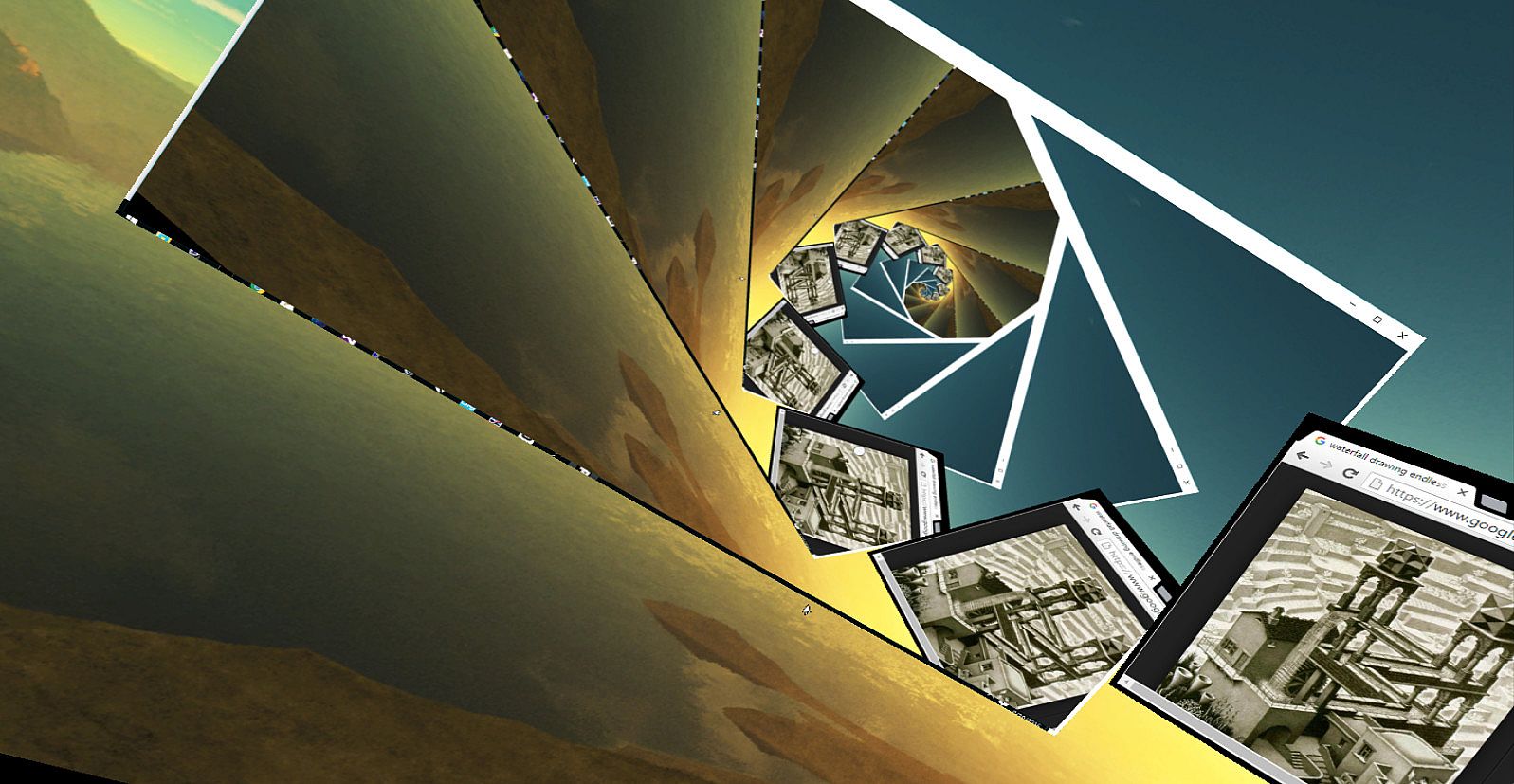
- Move windows freely in a 3D space around you and make them bigger or smaller as desired
- Capture right click menus and other context menus
- Capture the mouse on the currently active window
- No Headless Ghosts are required, this program works fine when you simply have a single physical monitor (or headless ghost) plugged in
- Minimize (hide) windows as desired
- Change focus between windows with a single click
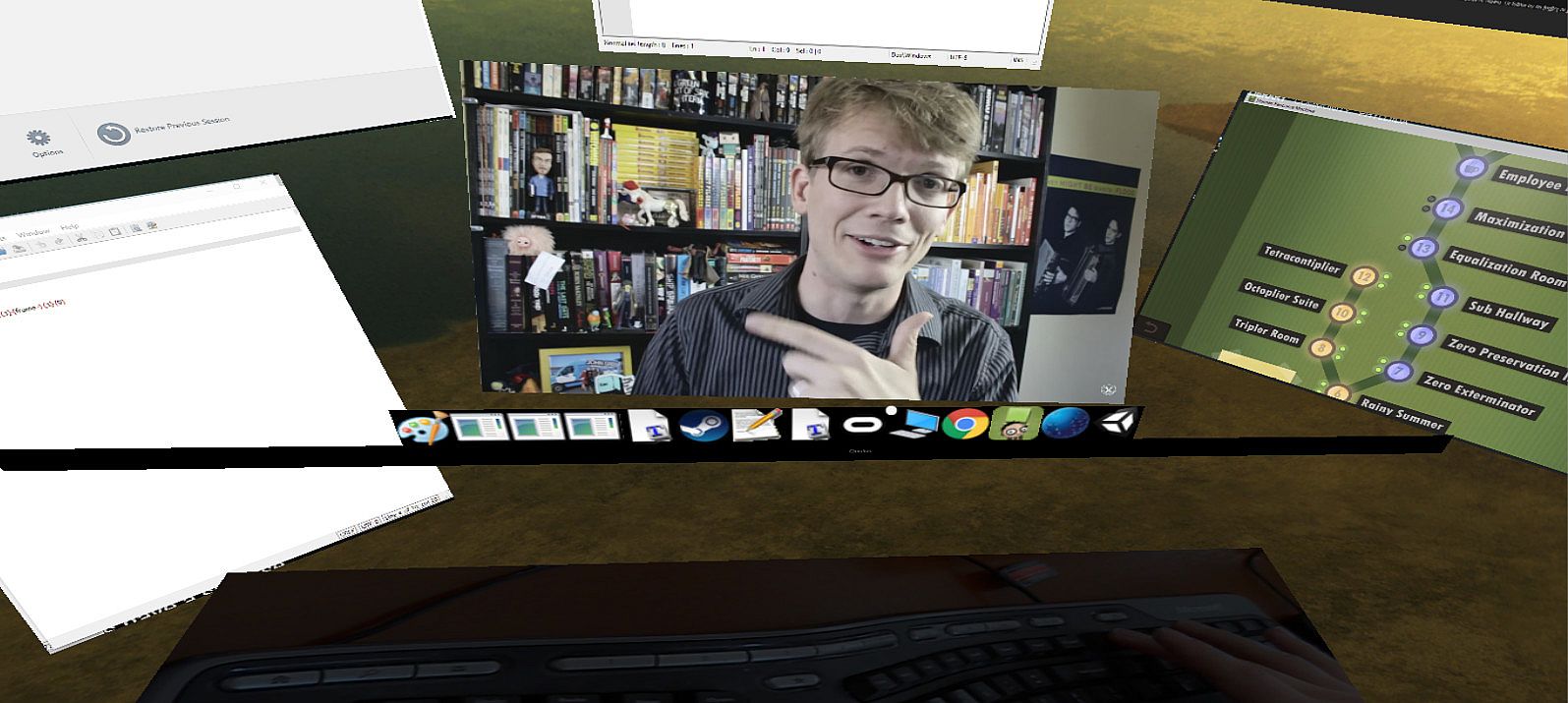
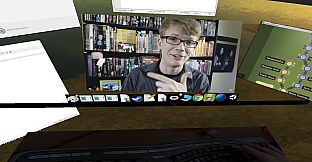
- Use a webcam that's displayed below you to see your keyboard while in VR
- Multiscreens can technically capture every window, but some it can only capture while they are currently focused
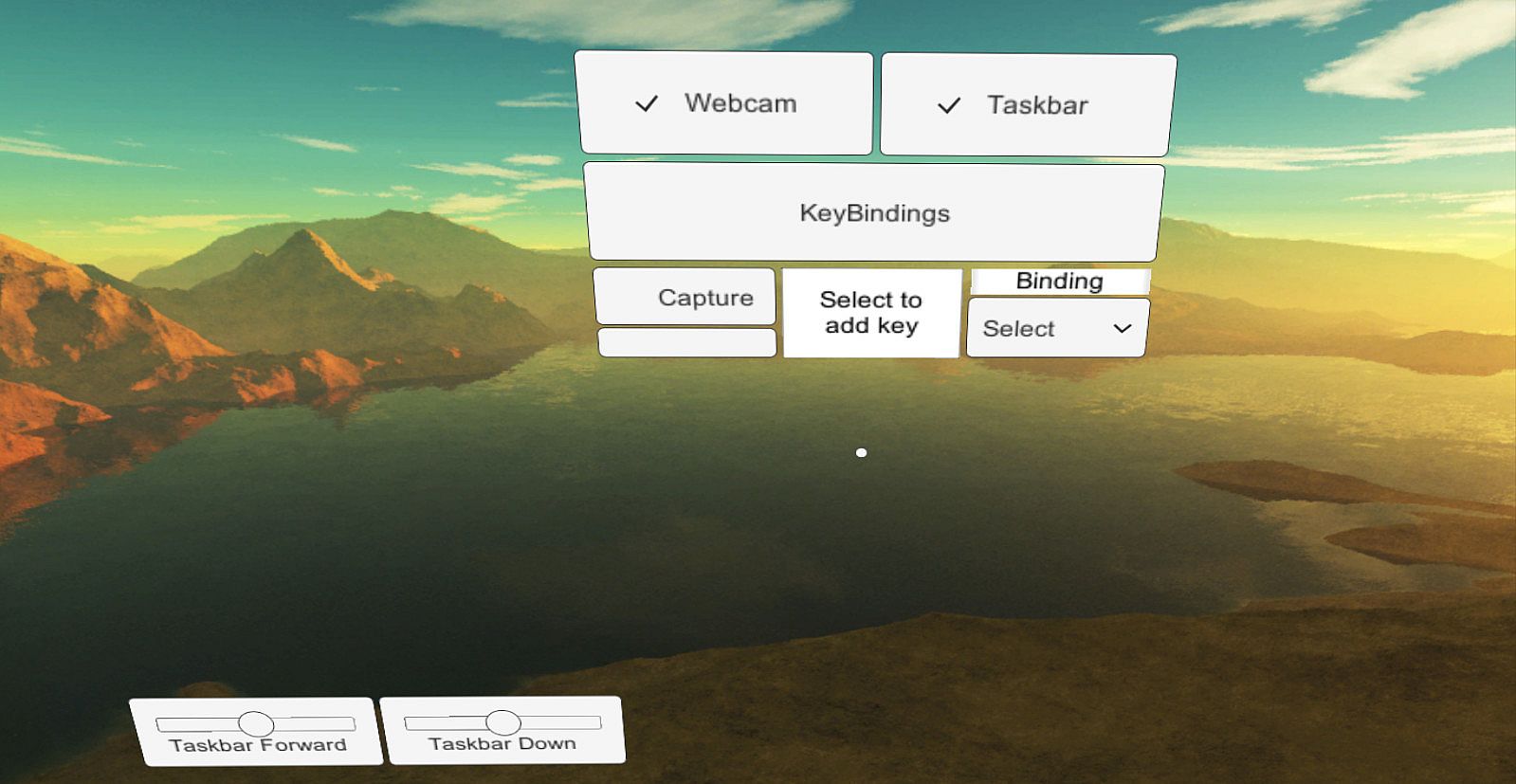
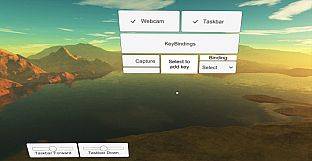
- There is a "virtual taskbar" that allows you to bring up programs you have opened by clicking on their icons below
- You can change this Taskbar's position
- Reset view

Current limitations (in order of planned feature addition):

- Screens can't be curved yet
- You generally need to open windows before opening Multiscreens, it's difficult to start programs while in Multiscreens (I'm going to add a search bar to open any program you currently have installed and allow you to "pin" programs to your taskbar)
- Can't capture the entire desktop
- Vive controller support doesn't exist yet, everything is currently controlled with your mouse

Enjoy, and let me know what you think! I'm happy to listen to feedback and will try and make this the best product for all of you as possible :)

Interfejs:
English

Klasyfikacja wiekowa

Brak informacji
Steam:
Negative (10)

Minimalne:

  • Procesor: Intel i5-4590
  • Pami臋膰: 8 GB RAM
  • Grafika: NVIDIA GTX 970 or AMD 290
  • DirectX: Version 11
  • Dysk: 100 MB available space

Zalecane:

Historycznie najni偶sza cena
Historia cen ze sklep贸w oficjalnych
-
-
-
Historia cen z keyshop贸w
-
-
-

FAQ

8 pyta艅

Zanim zaczniesz szuka膰 taniego klucza Multiscreens, sprawd藕 najwa偶niejsze informacje. Tw贸rcy: Phylliida. Wydawca: Phylliida. Data premiery na PC: 17 sie 2016. Gatunki: Early Access, Utilities. Kategorie: Partial Controller Support, VR Only.

Q

Gdzie kupi膰 tani klucz Steam do Multiscreens?

Aktualnie brak aktywnych ofert na Multiscreens. Ustaw alert cenowy na XD.deals, a powiadomimy Ci臋, gdy pojawi si臋 nowa oferta.

Nie mamy aktualnej ceny Multiscreens ze sklepu Steam. Gra mo偶e by膰 chwilowo niedost臋pna lub jeszcze nie pojawi艂a si臋 na Steam.

Nasz tracker cen obejmuje oficjalne sklepy i keyshopy, wi臋c znajdziesz Multiscreens w promocji nawet poza sezonowymi wyprzeda偶ami. Obecnie wykrywamy 0 aktywnych ofert z oficjalnych sklep贸w i keyshop贸w. Sprawd藕 tabel臋 powy偶ej, por贸wnaj z historycznie najni偶sz膮 cen膮 i ustaw alert, aby nie przegapi膰 kolejnego spadku.

Wed艂ug naszych danych Multiscreens nie jest obecnie dost臋pne na GeForce NOW. Musisz uruchomi膰 gr臋 lokalnie na swoim PC. Przegl膮daj gry dost臋pne na GeForce NOW.

Tak. Multiscreens ma oficjaln膮 stron臋 w sklepie Steam, ale obecnie nie 艣ledzimy 偶adnych ofert z DRM Steam od zewn臋trznych sprzedawc贸w. Sprawd藕 ponownie p贸藕niej lub ustaw alert cenowy.

Nie w tym momencie. Valve oznacza Multiscreens jako niewspierane na Steam Deck. 艢led藕 XD.deals - monitorujemy aktualizacje Proton i poprawki spo艂eczno艣ci. Przegl膮daj gry zweryfikowane na Steam Deck lub grywalne na Steam Deck.

Multiscreens nie jest obecnie dost臋pne w PC Game Pass, EA Play, Ubisoft+ ani 偶adnej innej subskrypcji na PC. Jedyn膮 opcj膮 jest zakup gry - u偶yj XD.deals, aby znale藕膰 najlepsz膮 cen臋.

Nie - XD.deals nie jest sklepem. Jeste艣my por贸wnywark膮 cen, kt贸ra 艣ledzi najlepsze oferty na Multiscreens w oficjalnych sklepach i zweryfikowanych keyshopach. Kliknij "Przejd藕 do sklepu" przy wybranej ofercie, a przekierujemy Ci臋 na stron臋 sprzedawcy.

Chcesz kupi膰 w najlepszym momencie? Ustaw alert cenowy na XD.deals i otrzymaj powiadomienie, gdy Multiscreens osi膮gnie historycznie najni偶sz膮 cen臋.

Utw贸rz alert
Do艂膮cz do Discorda
Uzyskaj szybk膮 pomoc od spo艂eczno艣ci i b膮d藕 na bie偶膮co z promocjami
Ustaw alerty cenowe
Otrzymuj powiadomienia e-mail, gdy cena gry spadnie do Twojego poziomu
Za艂贸偶 darmowe konto
Odblokuj wishlisty, alerty cenowe i synchronizacj臋 ze Steam