

Kup OVRdrop PC Key

Gdzie kupić OVRdrop? W tej chwili gra nie jest w sprzedaży w żadnym ze śledzonych przez nas sklepów. Nie znaczy to, że tak zostanie, bo sklepy dodają i wycofują pozycje na bieżąco, a my sprawdzamy je codziennie. Ustaw alert cenowy, a napiszemy, gdy tylko któryś sklep wystawi ofertę.

Premiera: 31 mar 2017
Nicholas Ewalt
Nicholas Ewalt
Steam:
Mixed (510)
Official
Brak dostępności
Keyshops
Brak dostępności
Kup w oficjalnym sklepie:
Brak dostępności
Kup w keyshopach:
Brak dostępności

Brak ofert, ale spokojnie - damy znać, gdy pojawi się nowa.

Create Alert Create deal Alert

O OVRdrop

OVRdrop - o grze
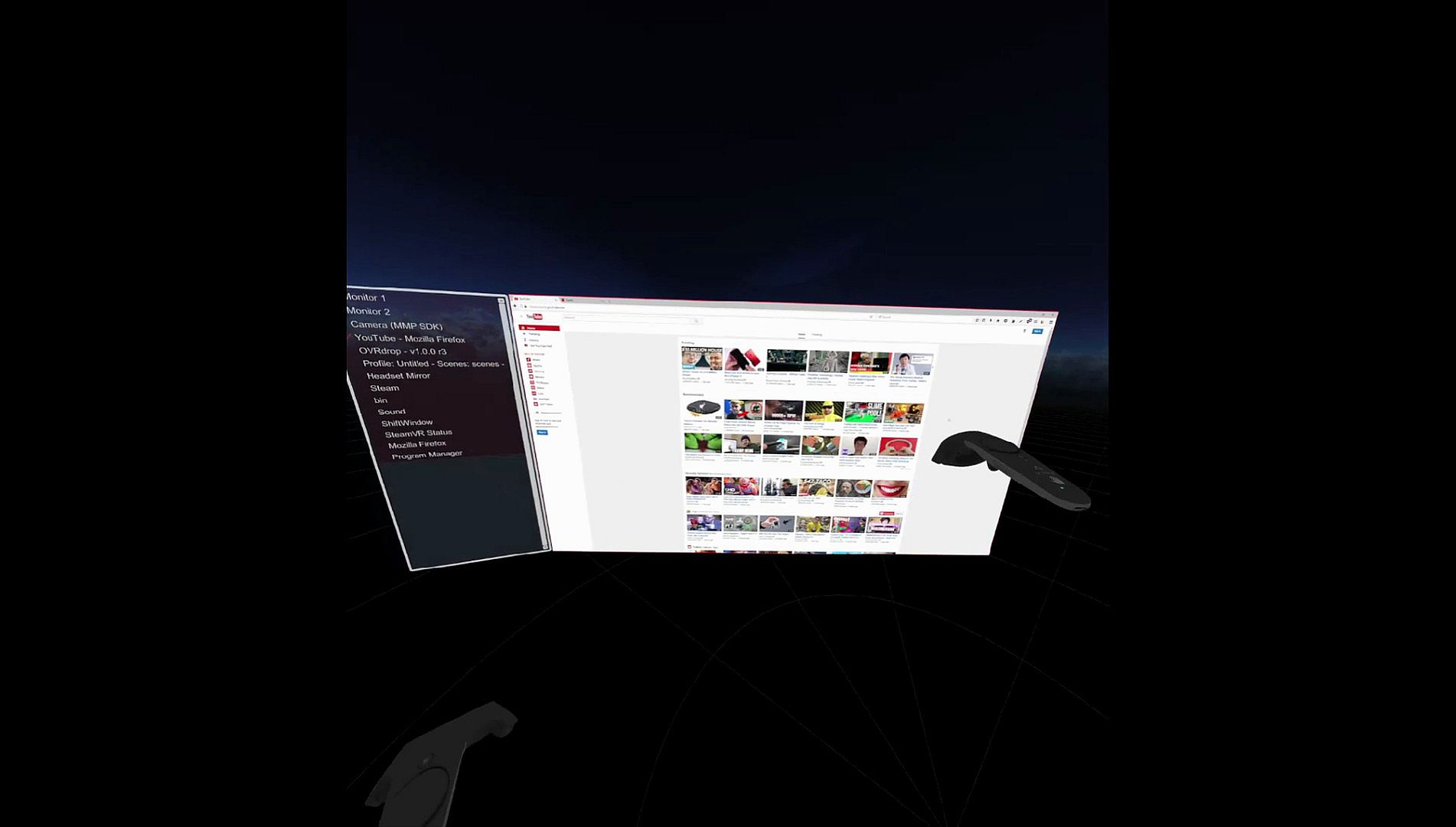
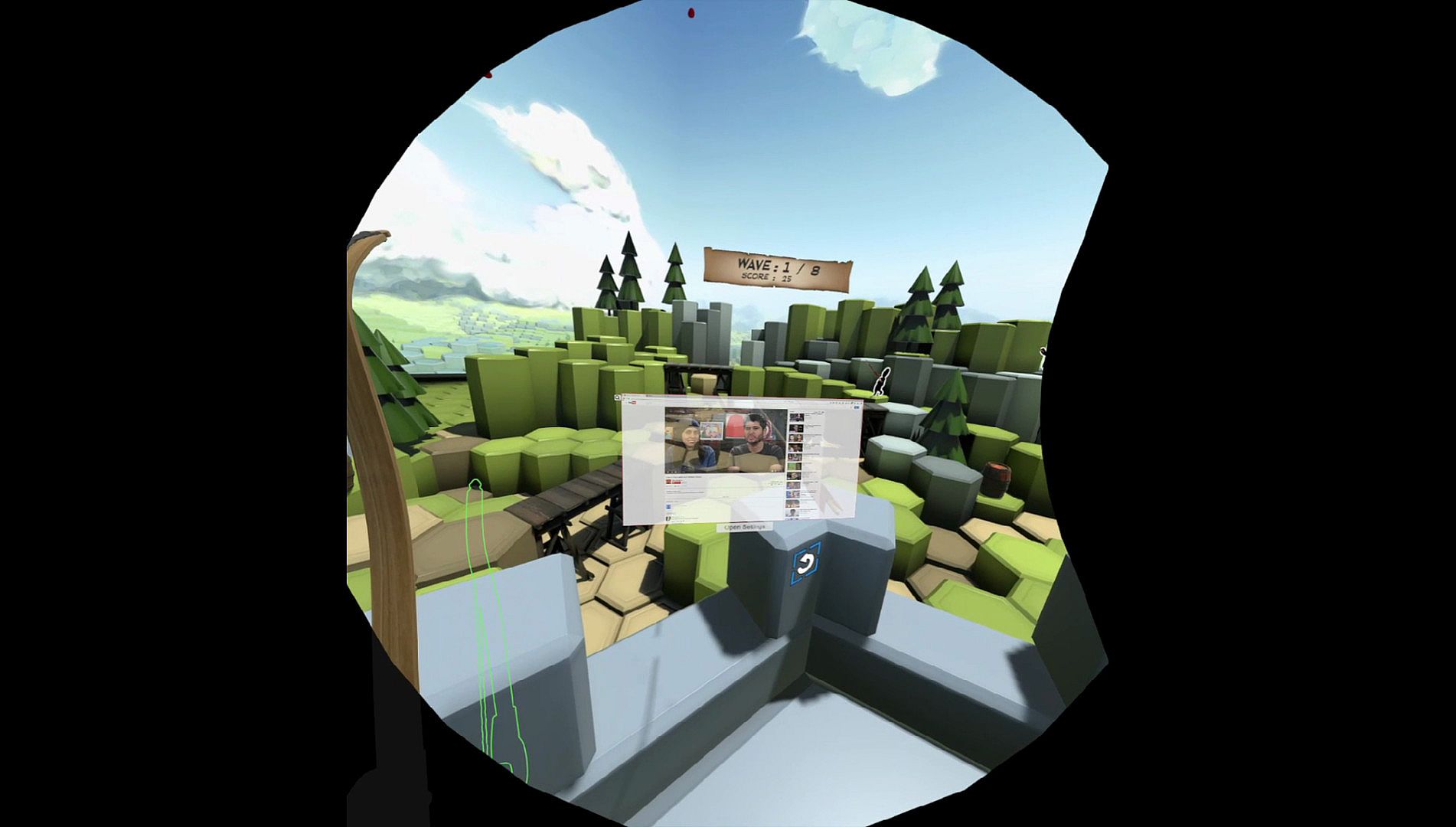
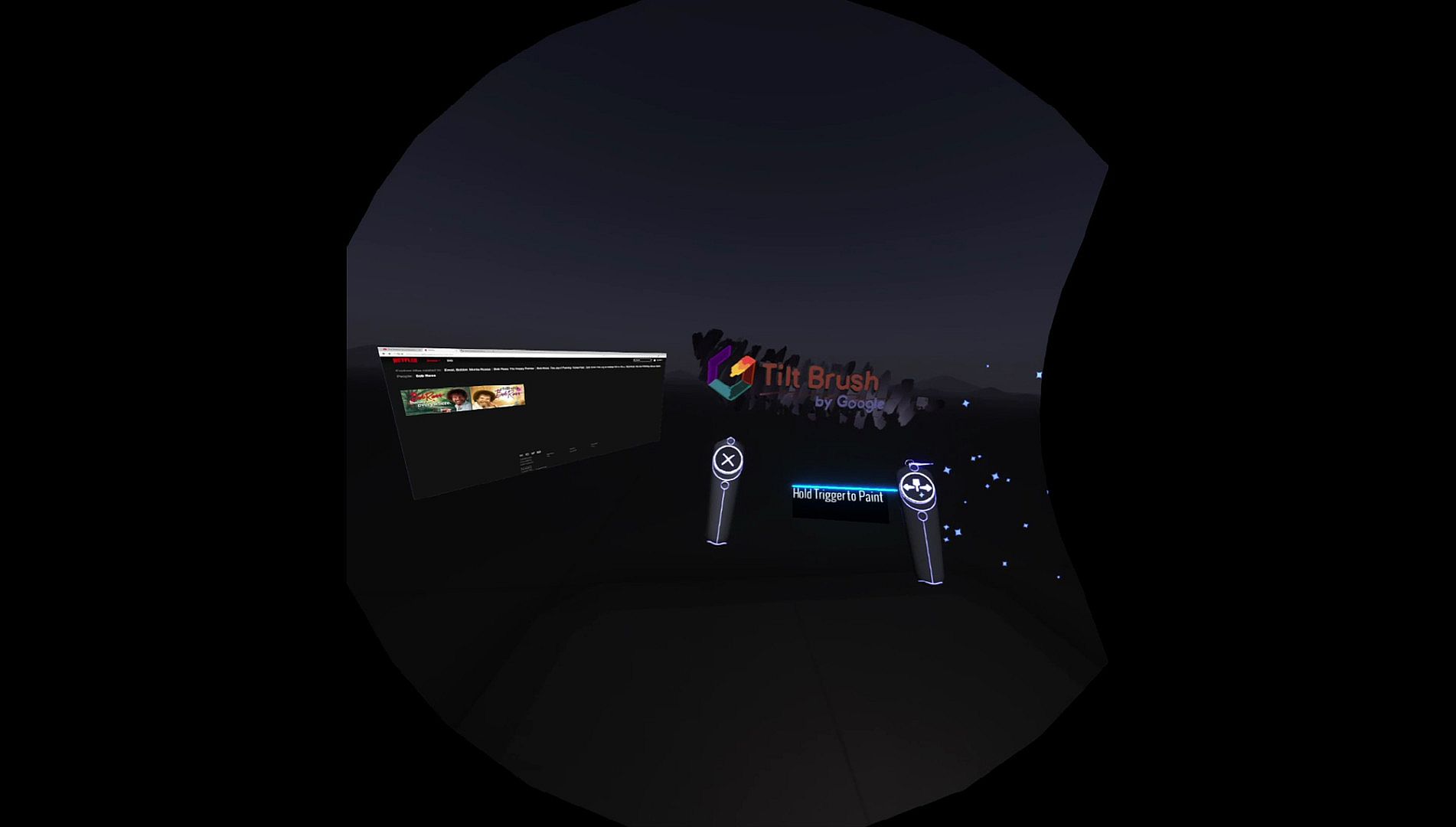
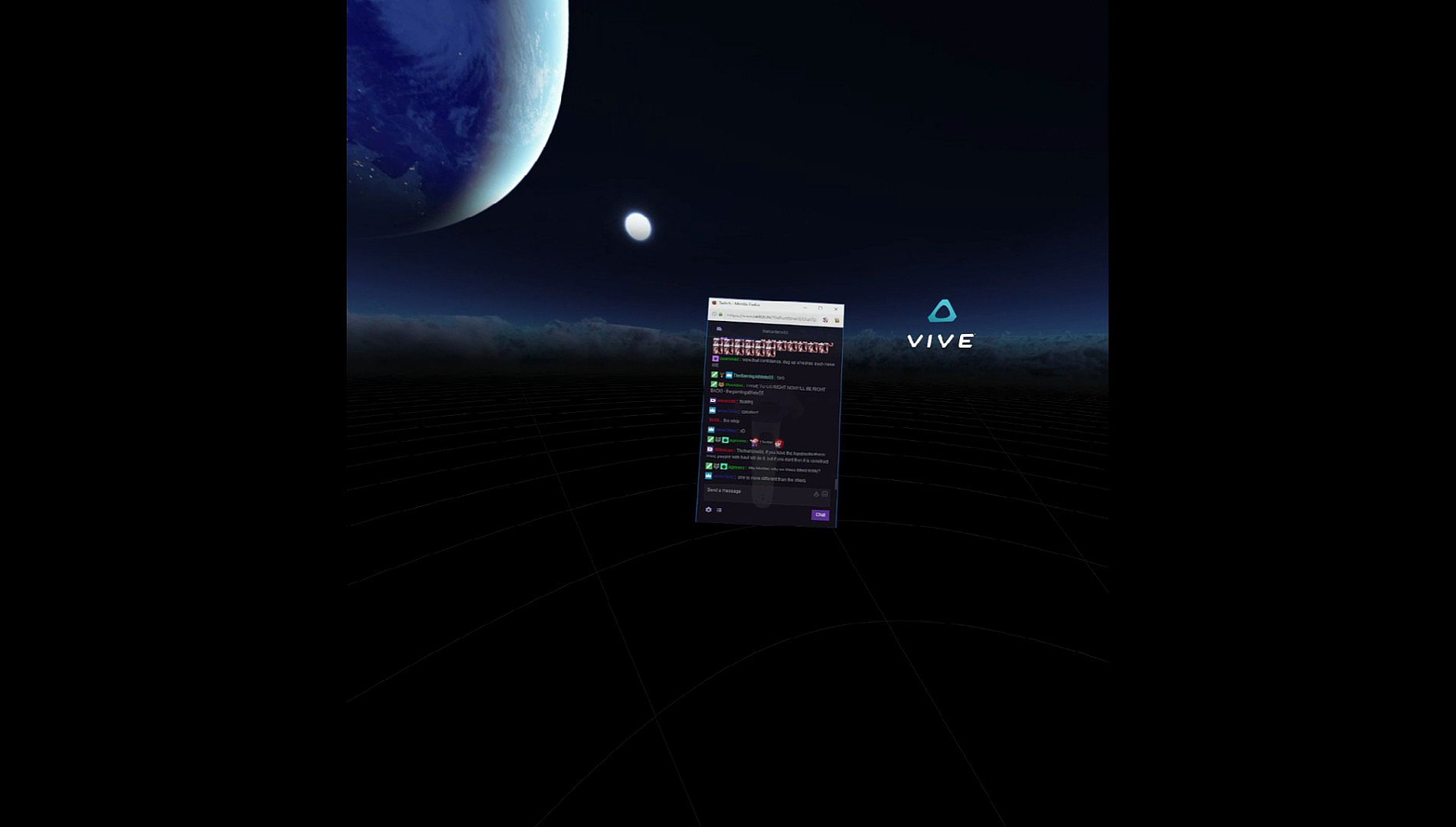
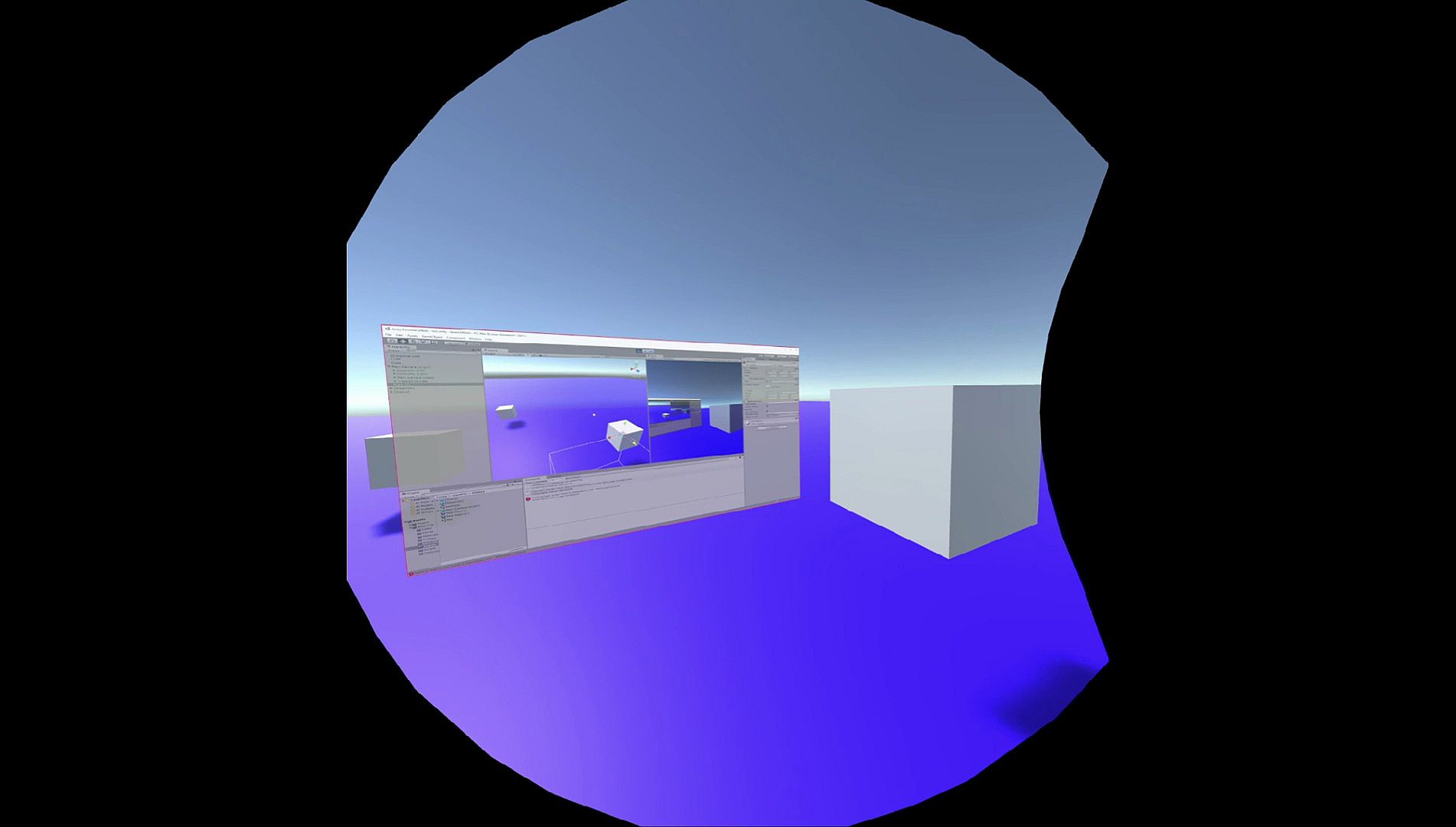
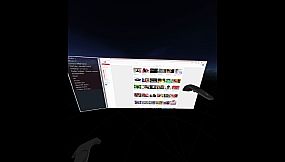
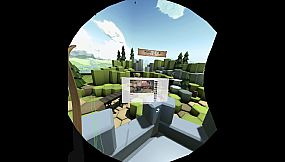
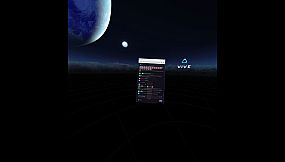
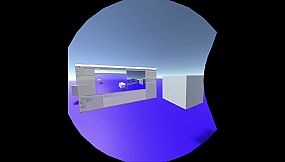
OVRdrop przenosi okna pulpitu, całe monitory czy strumienie z kamerki do SteamVR w formie nakładek między grami. To narzędzie duplikuje treści dla dowolnego headsetu zgodnego ze SteamVR, np. HTC Vive, gdzie kontrolery z trackingiem umożliwiają kluczowe interakcje. Przyczep nakładki do świata, ekranu lub kontrolerów i przesyłaj kliknięcia myszy, przewijanie czy wibracje, nie wychodząc z VR. Przesuwaj, obracaj, skaluj nakładki przymocowane do świata, dostosowuj obszary kadrowania, ustalaj FPS nagrywania albo dodawaj obramowania i animacje na spojrzeniu. Obsługa side-by-side 3D poprawia kompatybilne treści, a filtry jakości wygładzają krawędzie. Użytkownicy SteamVR z zestawami Vive czy Rift zyskują płynne wielozadaniowość we wszystkich obsługiwanych grach.

OVRdrop is a Utility Application for SteamVR that can mirror a Desktop Window, an entire Monitor, or a WebCam into a Cross Game SteamVR Overlay. OVRdrop works on SteamVR and should be fully compatible with any SteamVR headset, though you will need tracked controllers for many of the features. It is known to work for the HTC Vive as well as the Oculus Rift, though some games may not be compatible with the Rift. The only major downside is that Cross Game Overlays will always draw on top of game geometry because Depth information is not fed to the Compositor by SteamVR games.

If you have any issues getting started, be sure to check the FAQ on our GitHub which I'll try to keep updated with the most common questions. If you find any bugs, please post them to our issue tracker on our GitHub. I'm at the ready to fix any bugs that are found!
Compatibility

OVRdrop requires Windows 8/8.1 or 10. Windows 7 not supported due to technical limitations. Support for Windows 7 is planned for the future.

Limited Oculus Rift/OSVR Support! OVRdrop should work perfectly with any SteamVR compatible headset when running through SteamVR. However some games will override the SteamVR SDK when using an Oculus Rift or an OSVR HMD, and prevent SteamVR from drawing to the headset. In this case, OVRdrop will not work with those games. Please check our Compatibility guide on our GitHub for more information. Please report Oculus Rift/OSVR success or failure on our GitHub Issue Tracker.

Certain Oculus Rift games can be fixed and made to work with SteamVR/OVRdrop! Please see the announcement here for more details.

OVRdrop will only work on the Oculus Rift in games that do not force the Oculus SDK! This is not something that can be fixed on our end.

OVRdrop will only work on the OSVR HMD in games that do not force the OSVR SDK! This is not something that can be fixed on our end.

HTC Vive is so far known to have 100% compatibility when running through SteamVR. However, some games could possibly break controller interaction. Please check our Compatibility guide on our GitHub for more information.
Features
  • Can clone almost any Desktop Window into VR.
  • Can clone an entire monitor into VR.
  • Can clone WebCam sources into VR.
  • Side By Side 3D support for displaying Side By Side 3D content into VR.
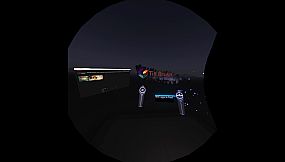
  • Works with almost any SteamVR Compatible game. Should work with any game that utilizes the SteamVR SDKs. On the Rift, certain Rift games will use the Oculus SDK even when you use SteamVR. On the Vive and other SteamVR compatible headsets every game should work.
  • Easily Attach the Overlay to the World, the Screen (like a HUD), or one of the Controllers.
  • Send Mouse Clicks through to the target application, without leaving VR. (World/Controller attached Overlays only). Allows for Left, Right, and Middle Click as well as ScrollWheel (Horizontal and Vertical wheels).
  • Move, Rotate, and Scale the Overlay without leaving VR. (World attached Overlays only).
  • The Overlay can Animate when you look at it, such as changing transparency, scale, or moving out of the way.
  • Allows configurable Capture FPS.
  • Allows configurable Crop Region. You can clone just a subset of a window instead of the whole window if desired.
  • Configurable Outline for the Overlay (can disable if desired) to make the Overlay more visible.
  • Configurable Quality Settings. Clone a window as is or use Bilinear or Trilinear filtering to smooth edges, increasing perceived quality.
  • Options to enable display of the Desktop Cursor on the Overlay when it moves over the target application.
  • Haptic Feedback support!
  • Save/Load support.
Interfejs:
English

Klasyfikacja wiekowa

Brak informacji
Steam:
Mixed (510)

Minimalne:

  • Pamięć: 4 GB RAM
  • Grafika: NVIDIA GeForce® GTX 970 / AMD Radeon™ R9 290 equivalent or greater
  • DirectX: Version 11
  • Dysk: 100 MB available space
  • Dodatkowe uwagi: Windows 7 is NOT supported due to technical limitations. Some laptops are not currently compatible due to their configuration.
Historycznie najniższa cena
Historia cen ze sklepów oficjalnych
8,99 zł
Steam
7 miesięcy temu
Historia cen z keyshopów
-
-
-

FAQ

8 pytań

Zanim zaczniesz szukać taniego klucza PC do OVRdrop, sprawdź najważniejsze informacje. Twórcy: Nicholas Ewalt. Wydawca: Nicholas Ewalt. Data premiery na PC: 31 mar 2017. Gatunki: Utilities. Kategorie: Tracked Controller Support, VR Only.

Q

Gdzie kupić tani klucz Steam (CD key) do OVRdrop?

Aktualnie brak aktywnych ofert na OVRdrop. Ustaw alert cenowy na XD.deals, a powiadomimy Cię, gdy pojawi się nowa oferta.

Nie mamy aktualnej ceny OVRdrop ze sklepu Steam. Gra może być chwilowo niedostępna lub jeszcze nie pojawiła się na Steam.

Nasz tracker cen obejmuje oficjalne sklepy i keyshopy, więc znajdziesz OVRdrop w promocji nawet poza sezonowymi wyprzedażami. Obecnie wykrywamy 0 aktywnych ofert z oficjalnych sklepów i keyshopów. Sprawdź tabelę powyżej, porównaj z historycznie najniższą ceną i ustaw alert, aby nie przegapić kolejnego spadku.

Według naszych danych OVRdrop nie jest obecnie dostępne na GeForce NOW. Musisz uruchomić grę lokalnie na swoim PC. Przeglądaj gry dostępne na GeForce NOW.

Tak. OVRdrop ma oficjalną stronę w sklepie Steam, ale obecnie nie śledzimy żadnych ofert z DRM Steam od zewnętrznych sprzedawców. Sprawdź ponownie później lub ustaw alert cenowy.

Tak. OVRdrop jest zweryfikowane na Steam Deck (Verified) - gra uruchamia się od razu, wyświetla prawidłowe ikony kontrolera i działa stabilnie. OVRdrop działa doskonale na Steam Deck.

Według naszych danych OVRdrop nie jest obecnie dostępne w PC Game Pass, EA Play ani Ubisoft+. Katalogi tych usług uzupełniamy na bieżąco, więc przed decyzją warto sprawdzić status także u źródła. Jeśli kupujesz, XD.deals pomoże znaleźć najniższą cenę.

Nie - XD.deals nie jest sklepem. Jesteśmy porównywarką cen, która śledzi najlepsze oferty na OVRdrop w oficjalnych sklepach i zweryfikowanych keyshopach. Kliknij "Przejdź do sklepu" przy wybranej ofercie, a przekierujemy Cię na stronę sprzedawcy.

Chcesz kupić w najlepszym momencie? Ustaw alert cenowy na XD.deals i otrzymaj powiadomienie, gdy OVRdrop osiągnie historycznie najniższą cenę.

Utwórz alert
Dołącz do Discorda
Uzyskaj szybką pomoc od społeczności i bądź na bieżąco z promocjami
Ustaw alerty cenowe
Otrzymuj powiadomienia e-mail, gdy cena gry spadnie do Twojego poziomu
Załóż darmowe konto
Odblokuj wishlisty, alerty cenowe i synchronizację ze Steam