
Step Sixteen PC

Gdzie znale藕膰 najlepsz膮 ofert臋 na Step Sixteen na {6}? Por贸wnaj ceny z 1 sklep贸w i wybierz najlepsz膮 opcj臋 spo艣r贸d 1 ofert dost臋pnych na XD.deals. Obecnie najni偶sza cena Step Sixteen w keyshopach jest na 22,99聽z艂 (0% taniej).

Premiera: 31 maj 2023
Steam:
Overwhelmingly Negative (3)
Keyshops
Brak dost臋pno艣ci
Kup w oficjalnym sklepie:
22,99聽z艂
Kup w keyshopach:
Zobacz histori臋 cen

Sklepy oficjalne (1)

DRM:
Steam
Steam
Steam
Step Sixteen
Windows
1tyg temu
DRM:
Steam
Steam
22,99聽z艂

O Step Sixteen

Step Sixteen - o grze
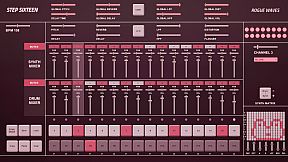
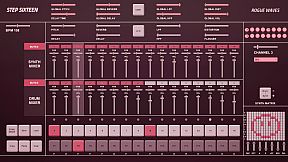
Step Sixteen delivers everything needed to craft electronic music beats, melodies, and full songs on PC. Fire up drum channels for rhythms or switch to the synth matrix for bass lines, arpeggios, chords, and more. Chain patterns in Song Mode, tweak repeats, and sequence them with simple mouse clicks on step buttons, sliders, and patch menus featuring 27 electronic and acoustic percussive sounds. Global sliders adjust pitch, delay, reverb, filters, distortion, and volume across all 16 channels, while per-channel controls add decay and flanger. FX buttons trigger tape stops or LFO pitch randomization, and mixers handle mutes, pan, and levels for drums and synths separately. Drum dancers visualize rhythms as the BPM slider sets the pace-perfect for indie audio production enthusiasts eager to build tracks fast with keyboard shortcuts like spacebar play and pattern copy-paste.

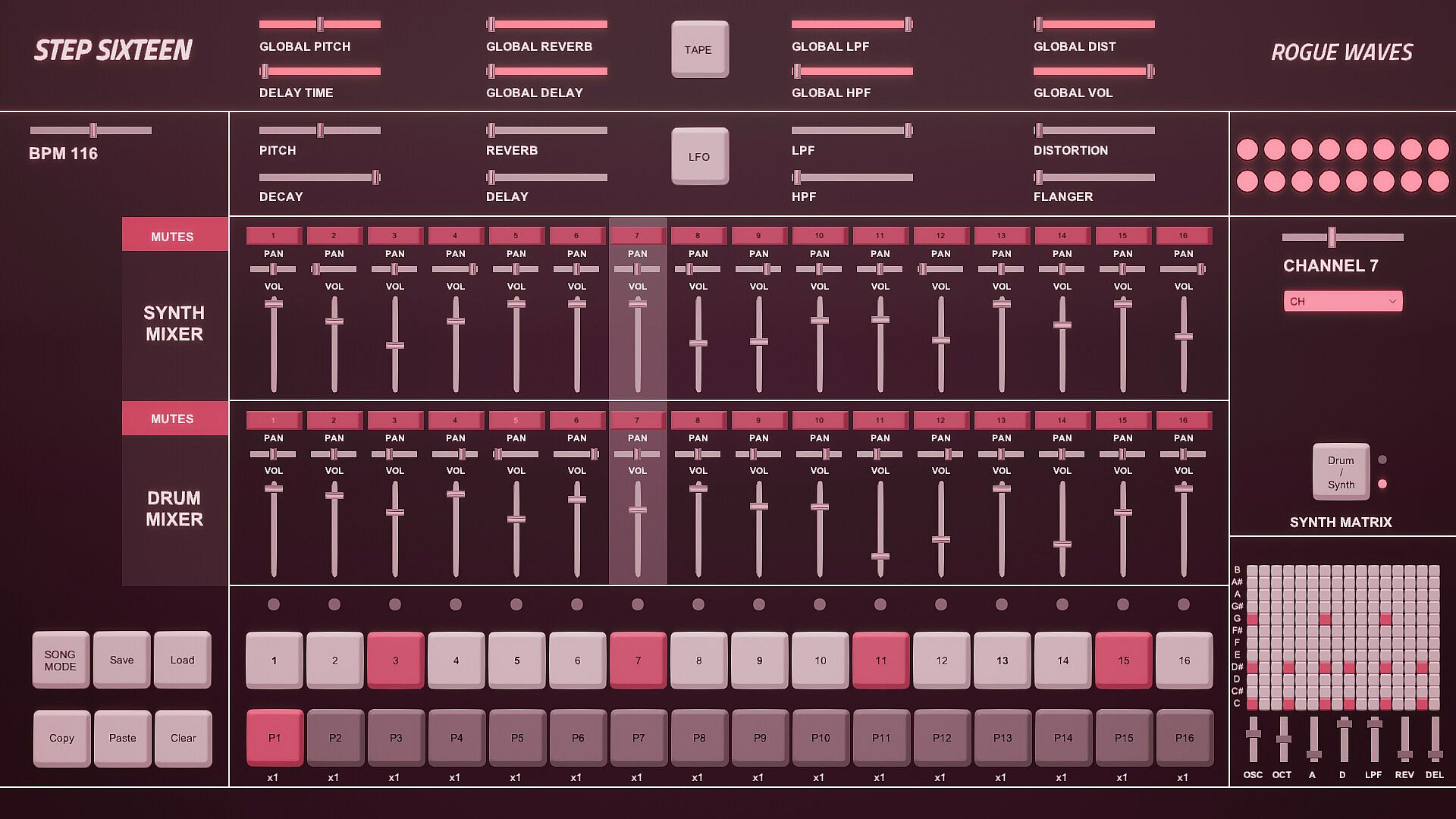
All you need to get started making electronic music - with Step Sixteen you can create your own beats, melodies or songs in no time. Use the drum channels to create wild rhythms or the synth matrix to create bass lines, arpeggios, chords or melodies.

Chain patterns together and sequence them in Song Mode to create full songs.

Keyboard Controls

Press Spacebar to start or stop the sequencer.
Press Enter to Access the Main Menu.
Mouse Controls

Use the mouse to click buttons, patch dropdown menus, pattern repeat numbers and to change slider values. [NOTE: Click read more below for more details]


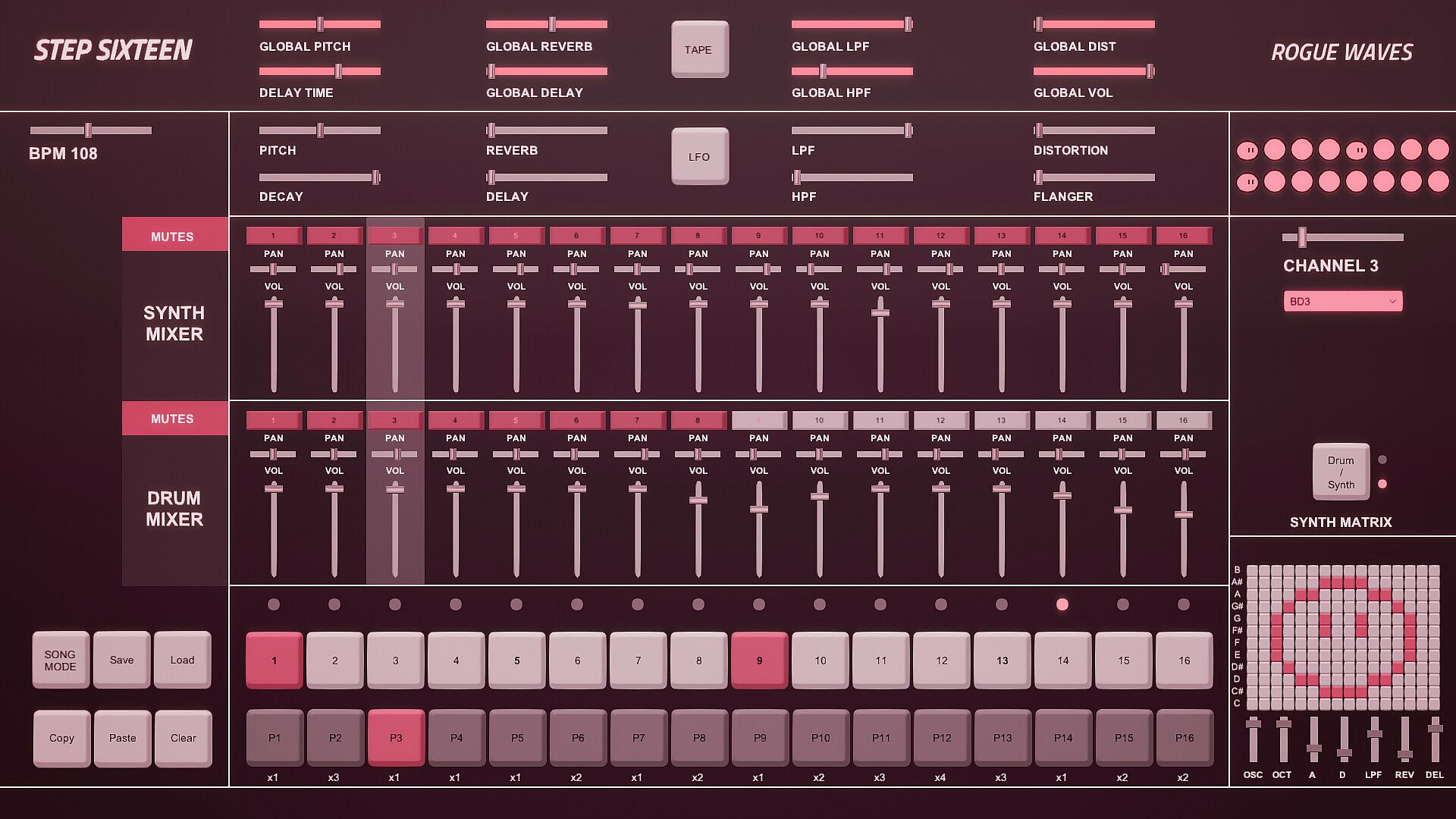
1. Step Indicator LEDs [1-16]
Displays the current step of the sequence when the sequencer is running. Press spacebar to start the sequencer.
[Note] Clicking a step indicator will copy its step button value, click another step indicator to paste the step.
2. Step Buttons [1- 16]
These are used to trigger the drum sounds. Click to turn a step on/off. Each channel has its own 16 step buttons.
3. Pattern Buttons [1-16]
These are used to select a pattern. When in Song Mode patterns will be played back in order.
[Note] In Song Mode pattern changes are quantised to occur at the end of the bar.
4. User Buttons.
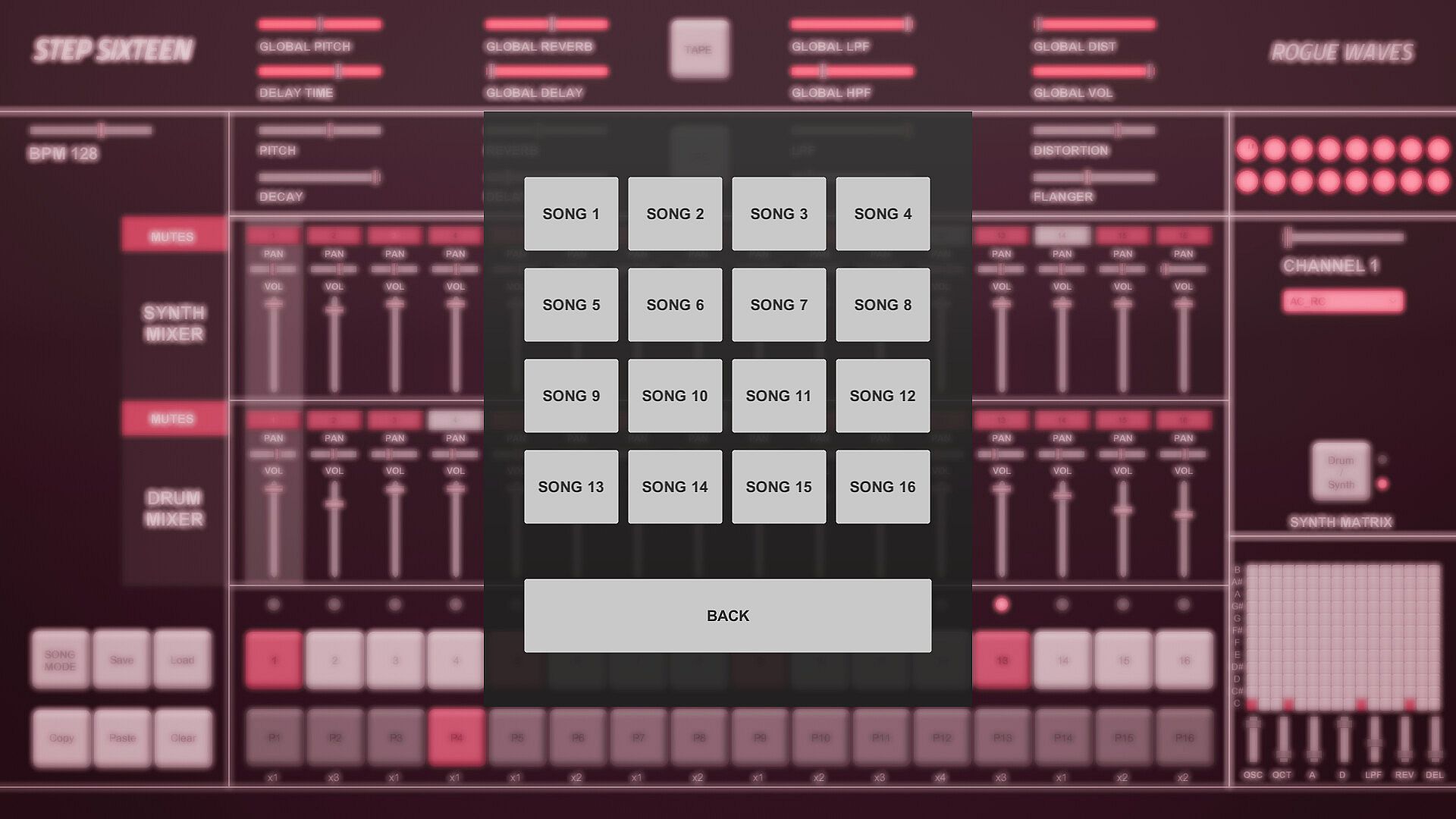
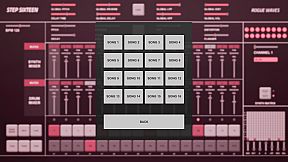
The Song Mode Button enables patterns to be played back sequentially.
The Save Button allows the user to save changes to the current song
The Load button allows the user to load what was saved.
The Copy Button allows the user to copy the currently selected pattern
The Paste Button enables the user to paste a copied pattern to another pattern.
The Clear Button clears the currently selected pattern.
[Note] Saving also automatically occurs when the program is closed.
5. Pattern Repeats.
When in Song Mode these determine how many times a pattern will repeat before progressing to the next pattern.
Repeat can be set to x1 (plays once), x2, x3 or x4.
Click on a repeat number to increment its value.
6. Matrix Section.
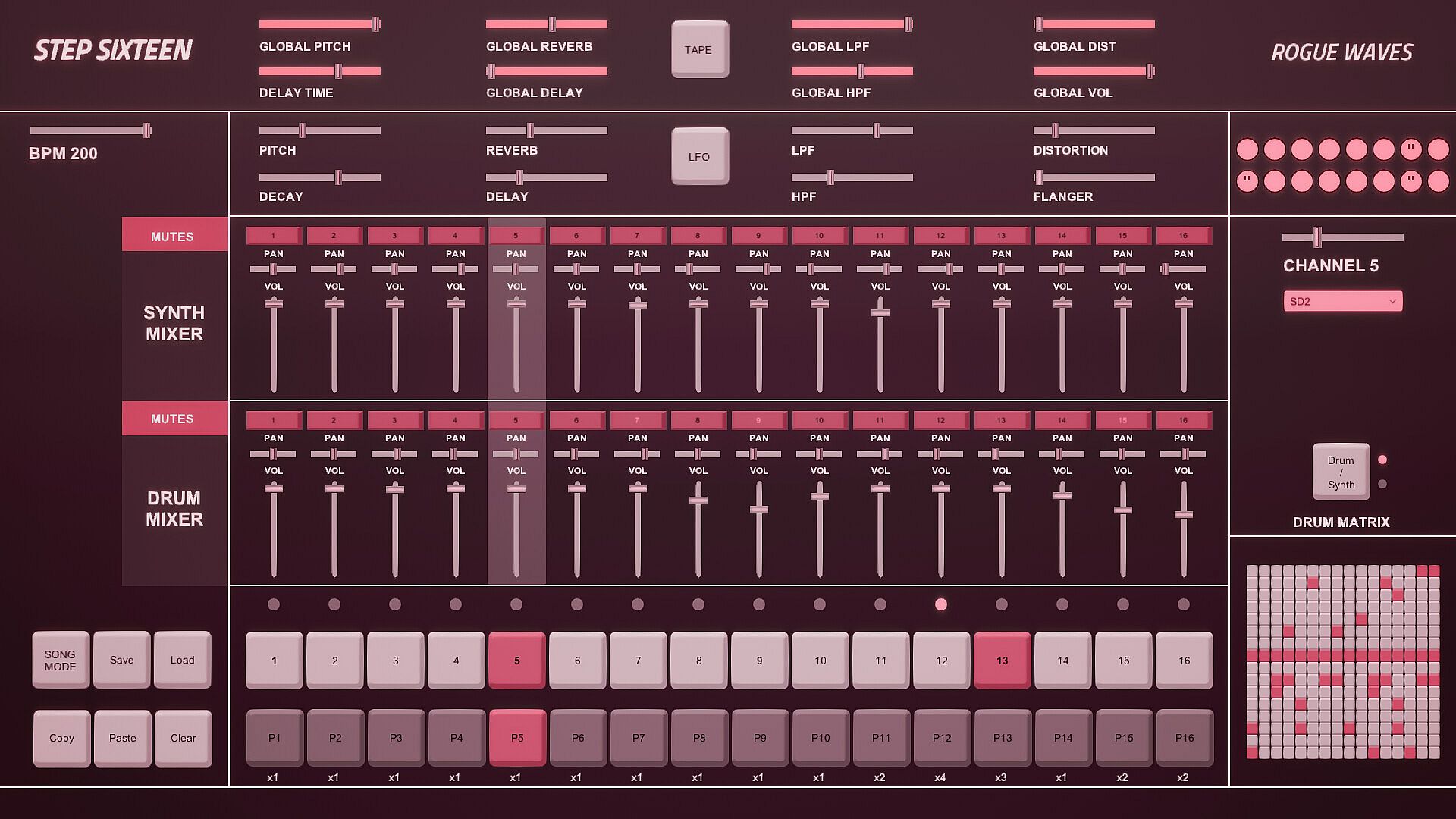
If the current matrix is set to Drum Matrix the user can input steps across all drum channels without having to change channels.
Channels are displayed on the vertical axis while steps are represented on the horizontal axis.
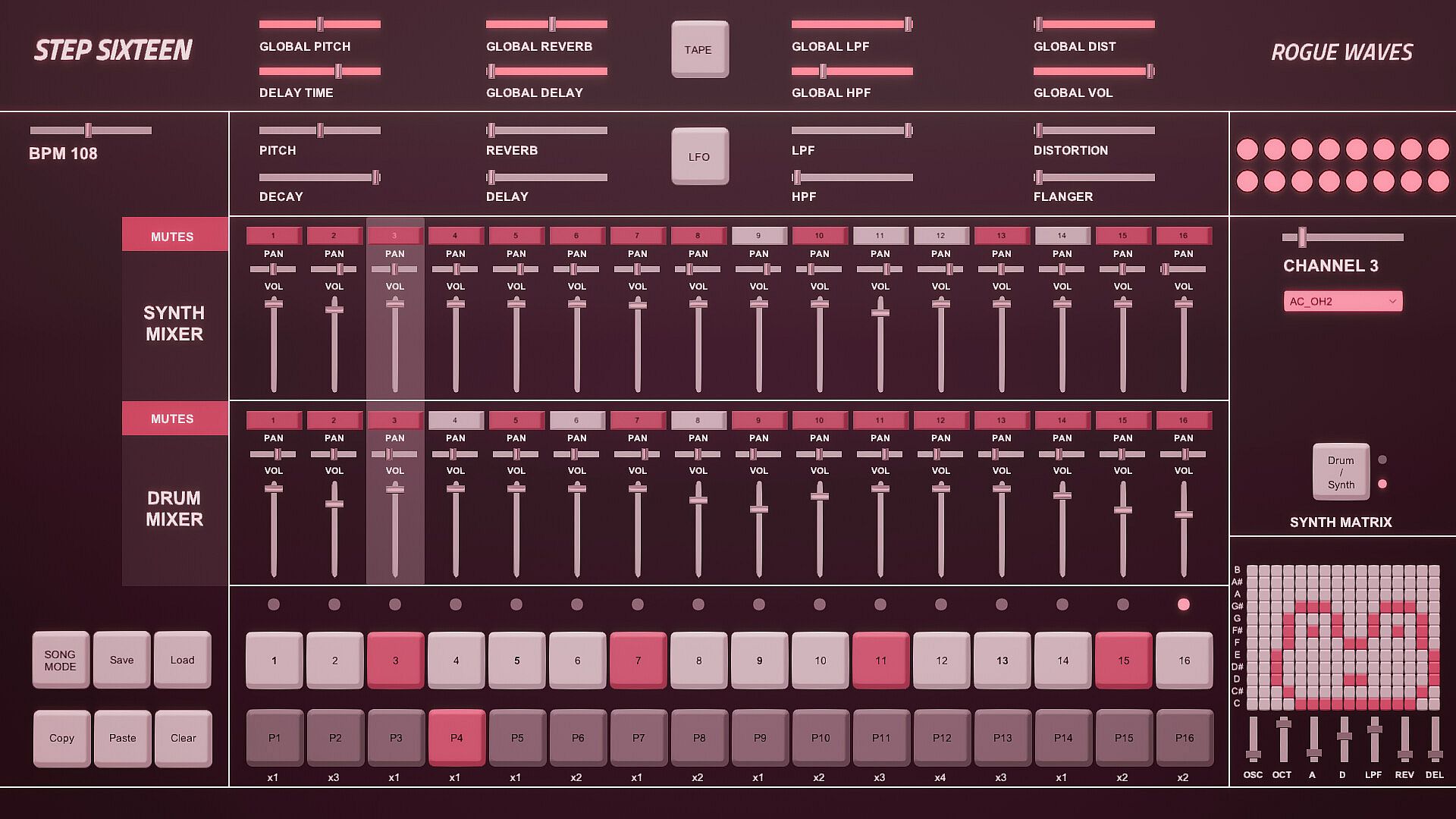
If the current matrix is set to Synth Matrix the user can input steps on the currently selected synth channels.
Notes/pitch are displayed on the vertical axis while steps are represented on the horizontal axis.
7. Matrix Switch.
Toggles between the Drum and Synth Matrix. An LED is also used to indicate which matrix is displayed.

8. Patch Drop Down Menu.
Click this menu to select the sound/patch for the currently selected Channel.
There are 27 sounds to choose from spanning a variety of electronic and acoustic percussive sounds.
[Note] The same sound/patch can be loaded on multiple channels.

9. Channel Selection Slider.
Use this slider to select the active channel.
The active channel is displayed in the text below and is also highlighted in the mixer section.
There are 16 channels to choose from.
10. Drum Dancers [1-16].
Each drum channel has a dancer that will dance according to the rhythm programmed on that channel.
11. FX Buttons.
The Tape FX Button performs a classic tape stop effect. toggle it off to resume playback.
The LFO FX Button randomises the pitch of all steps.
12. Global Sliders.
These parameters are applied across all channels.
There are global controls for Pitch, Delay Time, Reverb, Delay, LPF (Low Pass Filter), HPF (High Pass Filter), Distortion and Volume.
13. BPM Slider.
Used to set the BPM (beats per minute). This determines how fast/slow the sequencer plays back.
14. Channel Sliders.
These parameters are used to shape the current channel's sound.
There are controls for Pitch, Decay, Reverb, Delay, LPF (Low Pass Filter), HPF (High Pass Filter), Distortion and Flanger.
15. Synth Mixer Mutes [1-16].
These are used to mute/unmute synth channels 1-16.
Each mute button鈥檚 channel number will be lit when a sound is triggered on its channel.

16. Synth Mixer Pan.
Used to set the speaker panning for synth channels 1-16.
17. Synth Mixer Volume.
Used to set the volume level for synth channels 1-16.
18. Drum Mixer Mutes [1-16].
These are used to mute/unmute drum channels 1-16.
Each mute button鈥檚 channel number will be lit when a sound is triggered on its channel.

19. Drum Mixer Pan.
Used to set the speaker panning for drum channels 1-16.
20. Drum Mixer Volume.
Used to set the volume level for drum channels 1-16.
Interfejs:
English

Klasyfikacja wiekowa

Brak informacji
Steam:
Overwhelmingly Negative (3)

Minimalne:

  • System operacyjny: Windows 10
  • Procesor: 2.9 GHz Quad-Core Intel Core i5
  • Pami臋膰: 8 GB RAM
  • Grafika: NVIDIA GeForce GTX 660M 512 MB
  • Dysk: 153 MB available space

Zalecane:

Historycznie najni偶sza cena
Historia cen ze sklep贸w oficjalnych
-
-
-
Historia cen z keyshop贸w
-
-
-

FAQ

8 pyta艅

Zanim zaczniesz szuka膰 taniego klucza Step Sixteen, sprawd藕 najwa偶niejsze informacje. Tw贸rcy: Rogue Waves. Wydawca: Rogue Waves. Data premiery na PC: 31 maj 2023. Gatunki: Indie, Audio Production.

Q

Gdzie kupi膰 tani klucz Steam do Step Sixteen?

Korzystaj膮c z naszej por贸wnywarki cen i zweryfikowanych kod贸w rabatowych, mo偶esz kupi膰 klucz do Step Sixteen ju偶 od 22,99聽z艂. Ta oferta jest dost臋pna w Steam i nale偶y do najta艅szych na rynku. Wszystkie klucze na XD.deals s膮 dostarczane cyfrowo z mo偶liwo艣ci膮 natychmiastowego pobrania po p艂atno艣ci. Ceny uwzgl臋dniaj膮 ju偶 prowizje i kody promocyjne, wi臋c zawsze widzisz najni偶sz膮 cen臋 Step Sixteen na PC. Sprawd藕 histori臋 cen Step Sixteen, aby kupi膰 w najlepszym momencie.

Przy ostatniej aktualizacji (od艣wie偶amy ceny Steam kilka razy dziennie) cena Step Sixteen na Steam wynosi艂a 22,99聽z艂. Mo偶esz zaoszcz臋dzi膰 dodatkowe ~6% p艂ac膮c zdyskontowan膮 kart膮 podarunkow膮 Steam.

Nasz tracker cen obejmuje oficjalne sklepy i keyshopy, wi臋c znajdziesz Step Sixteen w promocji nawet poza sezonowymi wyprzeda偶ami. Obecnie wykrywamy 1 aktywna oferta z oficjalnych sklep贸w i keyshop贸w. Sprawd藕 tabel臋 powy偶ej, por贸wnaj z historycznie najni偶sz膮 cen膮 i ustaw alert, aby nie przegapi膰 kolejnego spadku.

Wed艂ug naszych danych Step Sixteen nie jest obecnie dost臋pne na GeForce NOW. Musisz uruchomi膰 gr臋 lokalnie na swoim PC. Przegl膮daj gry dost臋pne na GeForce NOW.

Tak. Step Sixteen ma oficjaln膮 stron臋 w sklepie Steam. Mo偶esz te偶 kupi膰 klucz Steam do Step Sixteen od zewn臋trznych sprzedawc贸w. Nasza por贸wnywarka zawiera obecnie 1 oferta z DRM Steam. Wybierz jedn膮, aby mie膰 pewno艣膰, 偶e pobierzesz Step Sixteen na platformie Valve.

Nie w tym momencie. Valve oznacza Step Sixteen jako niewspierane na Steam Deck. 艢led藕 XD.deals - monitorujemy aktualizacje Proton i poprawki spo艂eczno艣ci. Przegl膮daj gry zweryfikowane na Steam Deck lub grywalne na Steam Deck.

Step Sixteen nie jest obecnie dost臋pne w PC Game Pass, EA Play, Ubisoft+ ani 偶adnej innej subskrypcji na PC. Jedyn膮 opcj膮 jest zakup gry - u偶yj XD.deals, aby znale藕膰 najlepsz膮 cen臋.

Nie - XD.deals nie jest sklepem. Jeste艣my por贸wnywark膮 cen, kt贸ra 艣ledzi najlepsze oferty na Step Sixteen w oficjalnych sklepach i zweryfikowanych keyshopach. Kliknij "Przejd藕 do sklepu" przy wybranej ofercie, a przekierujemy Ci臋 na stron臋 sprzedawcy.

Najlepsze ceny za Step Sixteen

1 Steam Steam Official
22,99聽z艂

Chcesz kupi膰 w najlepszym momencie? Ustaw alert cenowy na XD.deals i otrzymaj powiadomienie, gdy Step Sixteen osi膮gnie historycznie najni偶sz膮 cen臋.

Utw贸rz alert
Do艂膮cz do Discorda
Uzyskaj szybk膮 pomoc od spo艂eczno艣ci i b膮d藕 na bie偶膮co z promocjami
Ustaw alerty cenowe
Otrzymuj powiadomienia e-mail, gdy cena gry spadnie do Twojego poziomu
Za艂贸偶 darmowe konto
Odblokuj wishlisty, alerty cenowe i synchronizacj臋 ze Steam