


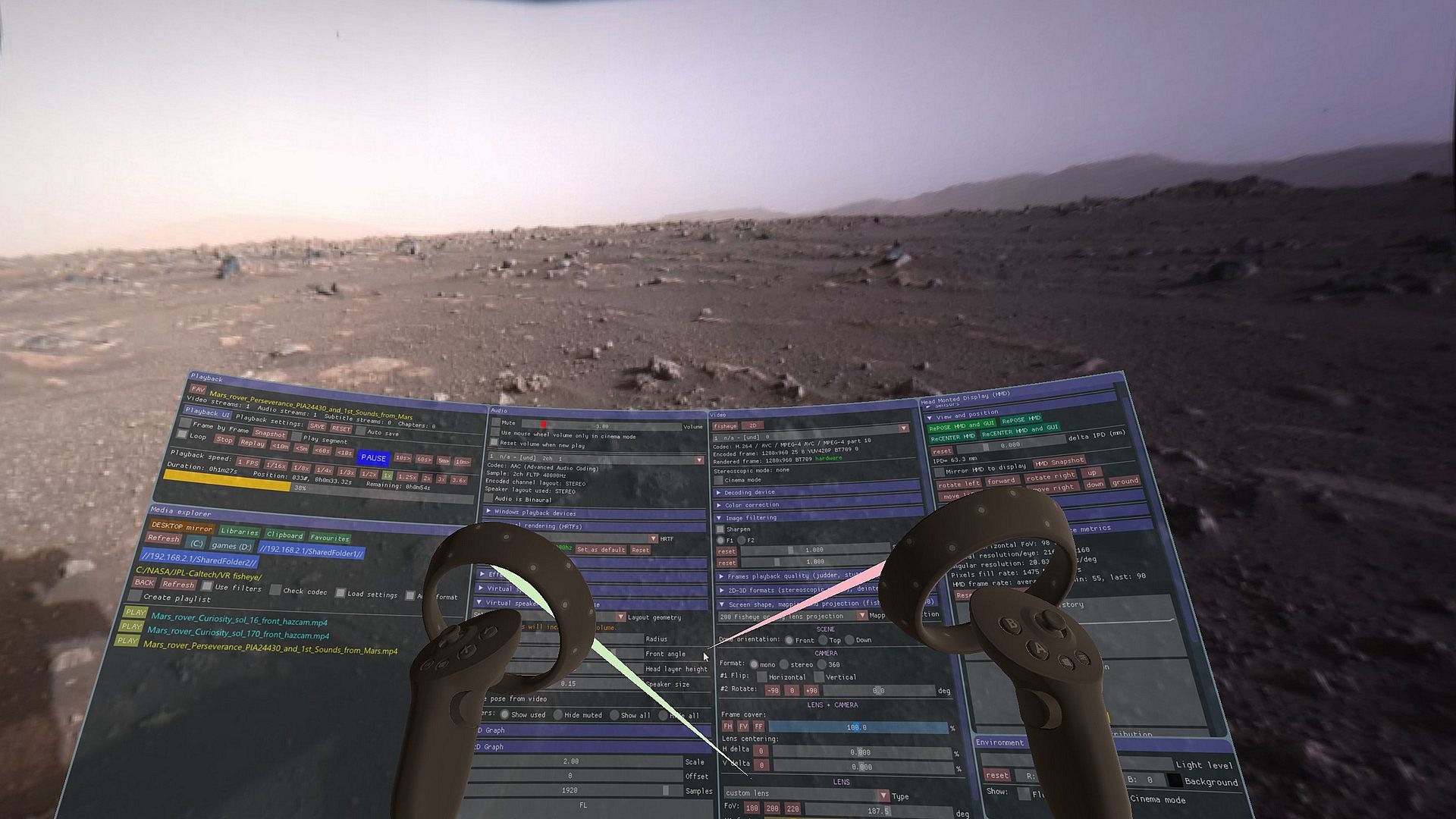
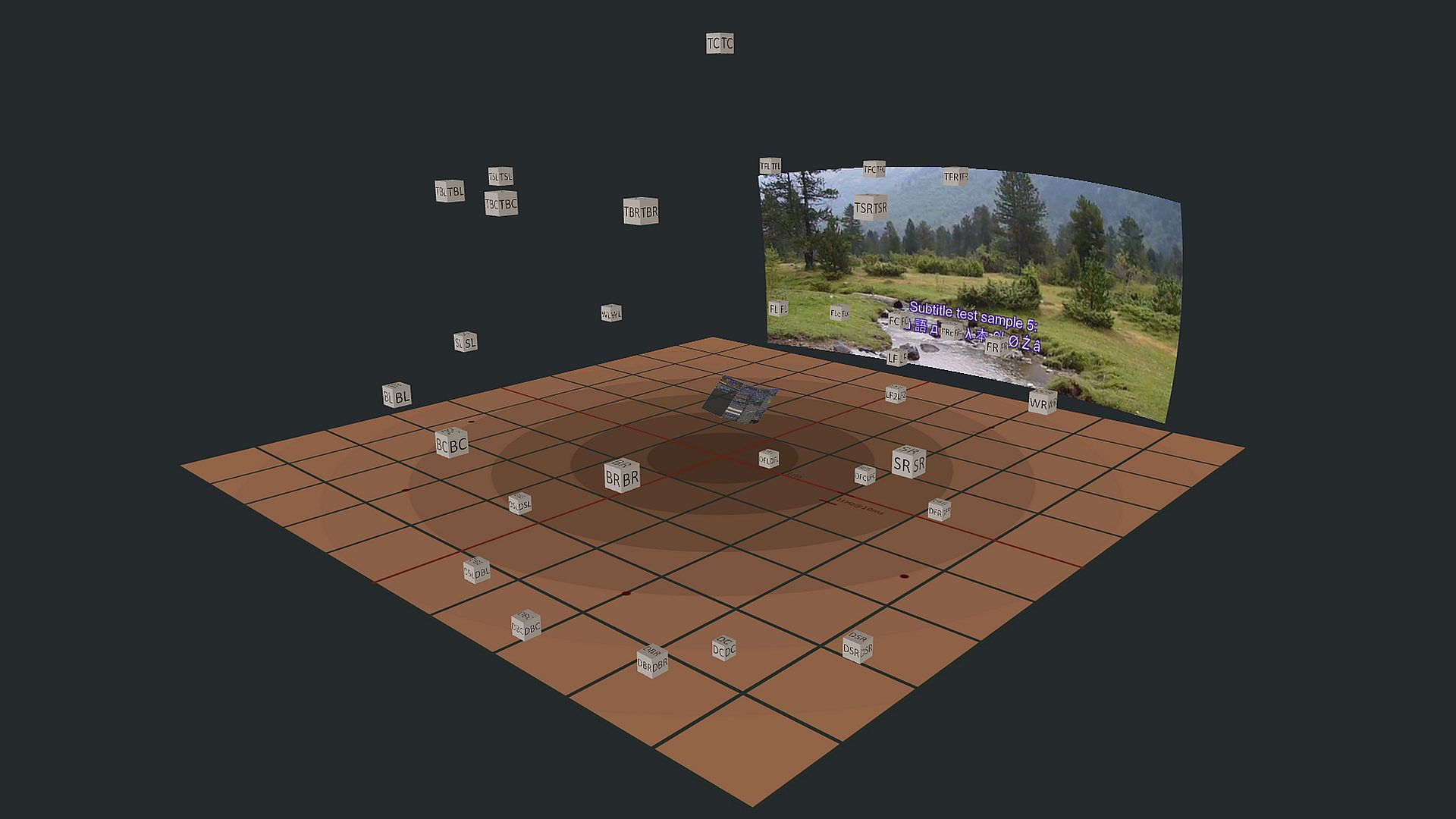
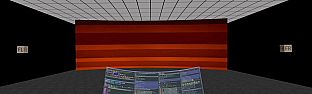
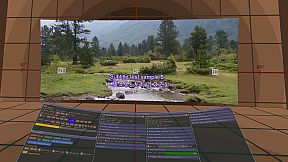
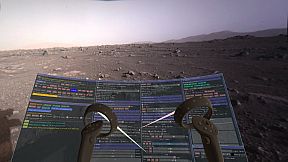
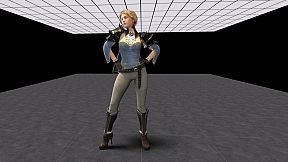
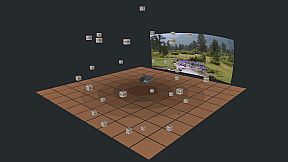

Virtual Home Theater (VHT) is a multimedia player and desktop mirroring VR software that simulate the audio channels as virtual sound objects or virtual speakers, delivering true 3D spatial audio in VR, replacing the old 'head-locked' stereo audio technology.
The demo version has all the features of the purchased version, except that the utilization duration for each media file playback and desktop mirroring is limited to few minutes.
HARDWARE LIMITATIONS FOR VIDEO PLAYBACK IN VR
For 6K, 7K or 8K VR videos playback you need to have an NVIDIA GPU.
NVIDIA graphics cards:
can play VR videos
the maximum playback capability is up to 8K at 60 fps
the maximum VR videos playback capability is up to 8K
AMD graphics cards:
can’t play 6K+ VR videos
can play 1080p and 4K videos
the maximum videos playback capability is up to 4K at 60 fps
the maximum VR videos playback capability is up to 5K
With Virtual Home Theater you can:
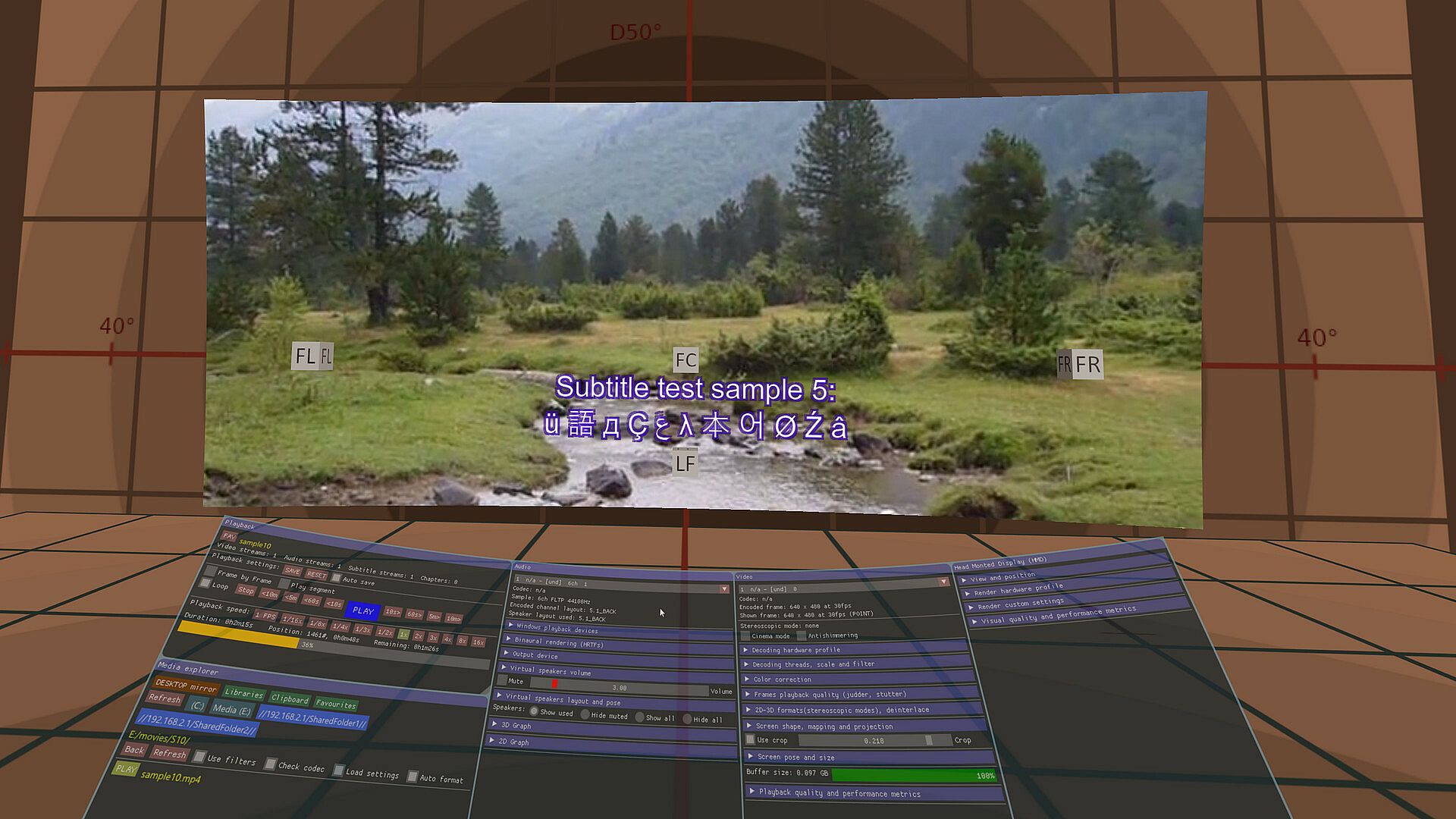
watch 2D or 3D movies (up to 8K (7680x7680) 60fps, 4K 120fps, 10-bit, YUV 4:2:0) on a virtual big screen with virtual audio speakers (stereo, 5.1, 7.1, etc.) and subtitle
listening to stereo, 5.1 and 7.1 surround channels music as on a real audio home theater system
switch the audio track or the subtitle track
listening to ambisonics audio
watch VR videos in 180°, 200° fisheye and 360° format
play non-VR games with 7.1 surround audio on a 7.1 virtual audio speakers
play 3D stereoscopic SBS non-VR games on a stereoscopic virtual screen
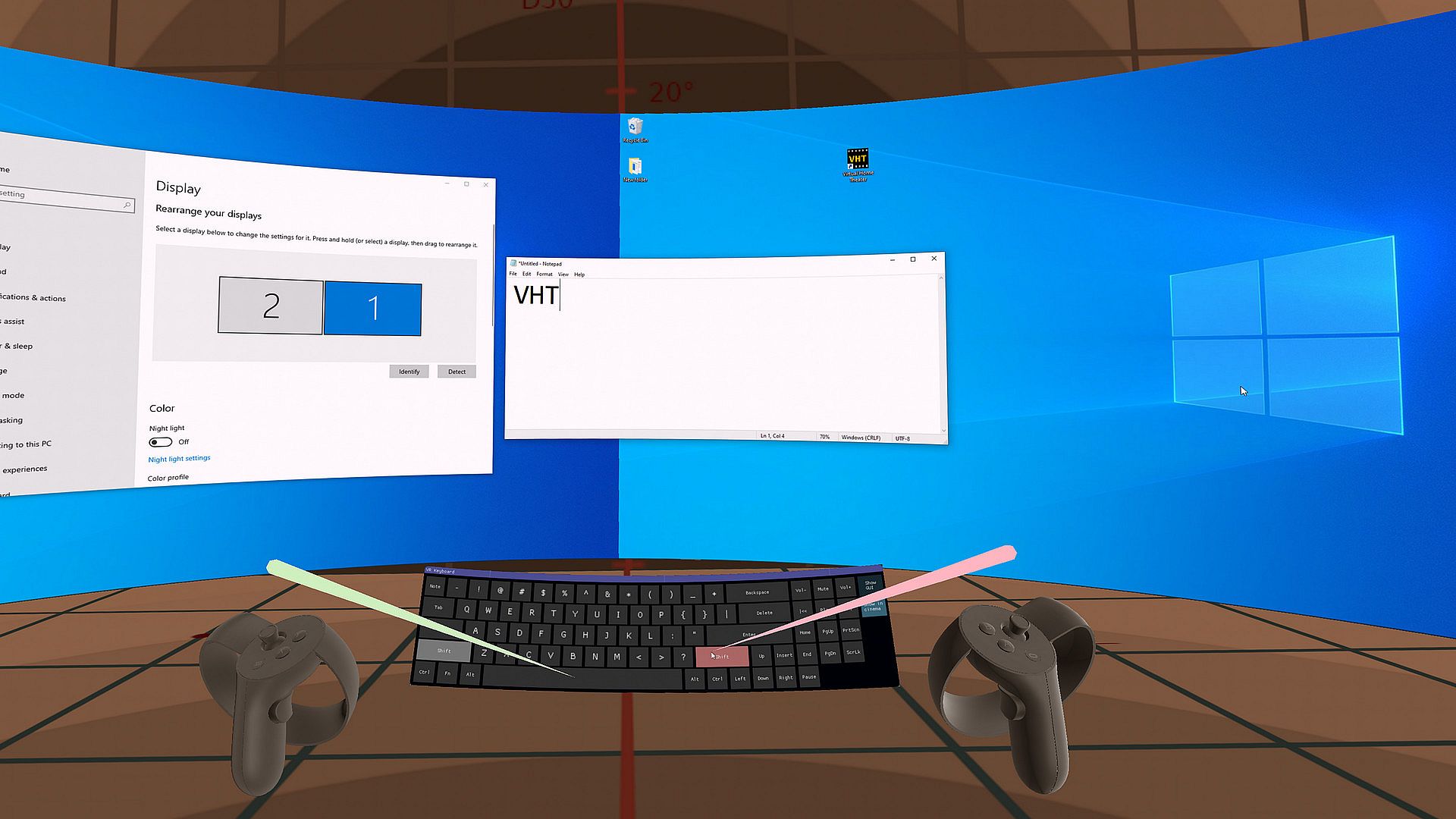
browsing or watching a media stream on a virtual desktop big screen with your default Windows audio device mirrored as virtual audio speakers inside of VHT
mirror desktop multi-monitors layout and orientations
view and slide show images (2D/3D, flat/180/360/fisheye)
view transparent alpha channel 2D/3D PNG images or VP9 videos in a new way
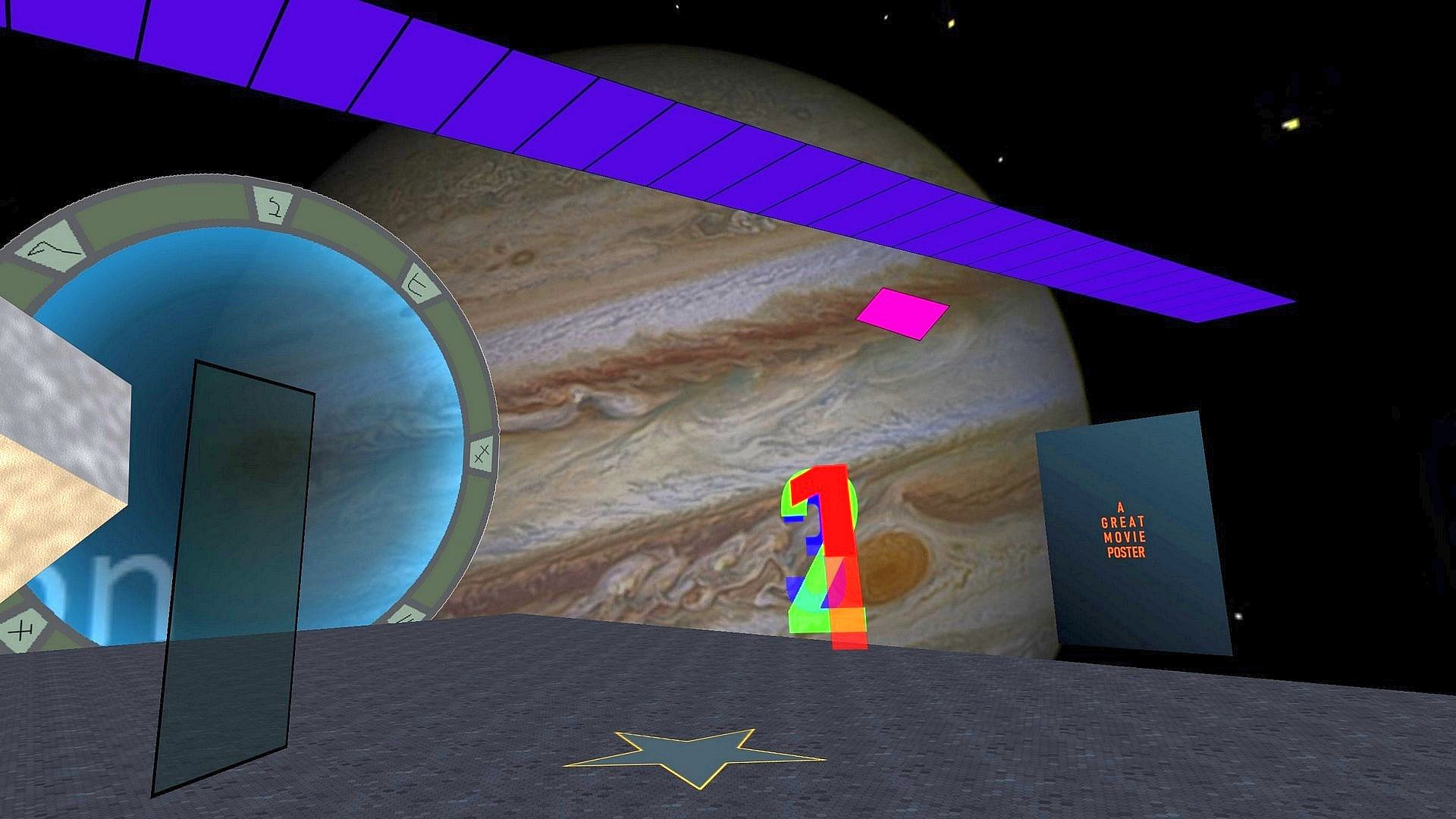
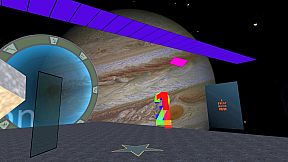
create, edit, share, load and enjoy themed environments or dioramas
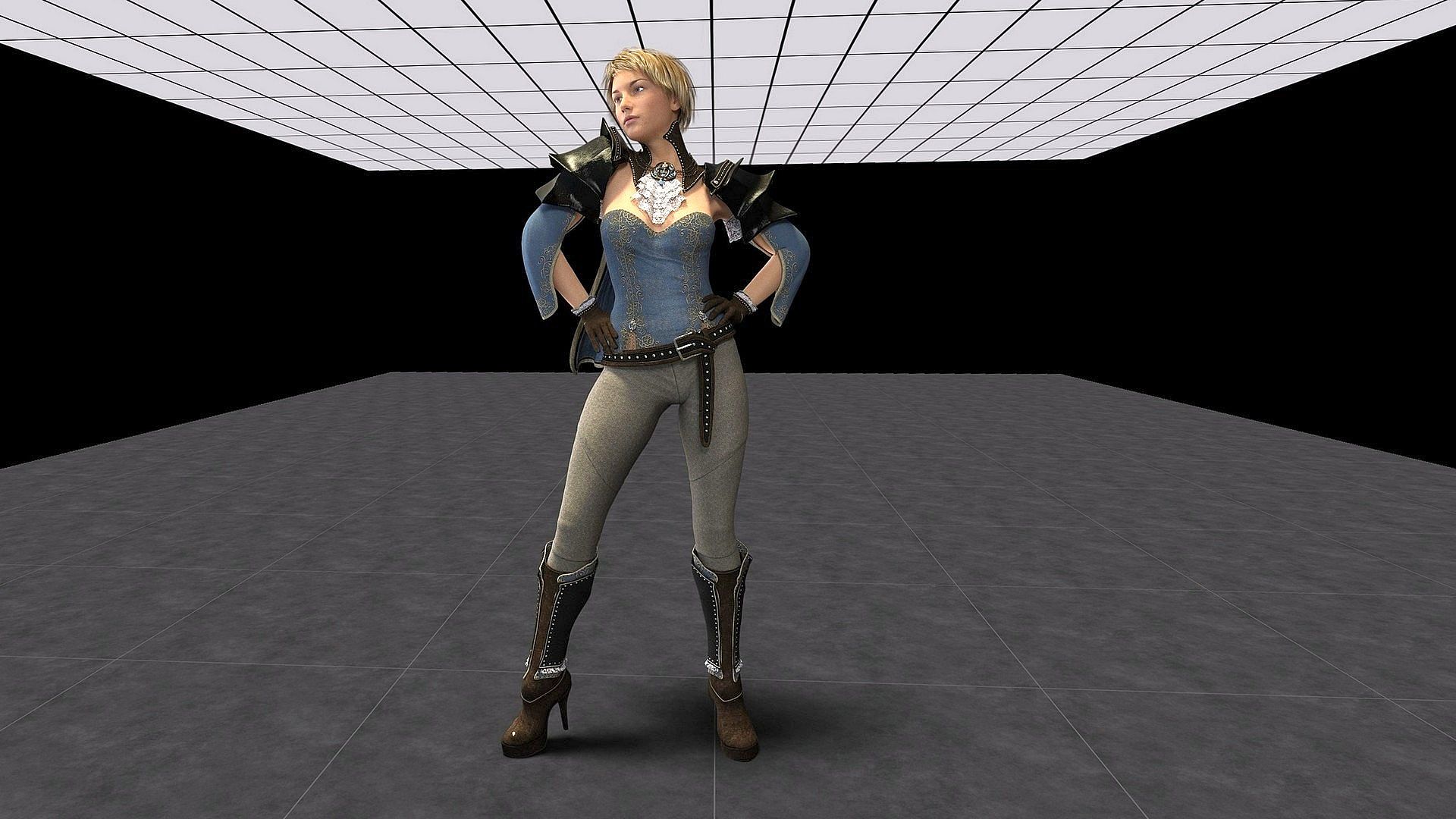
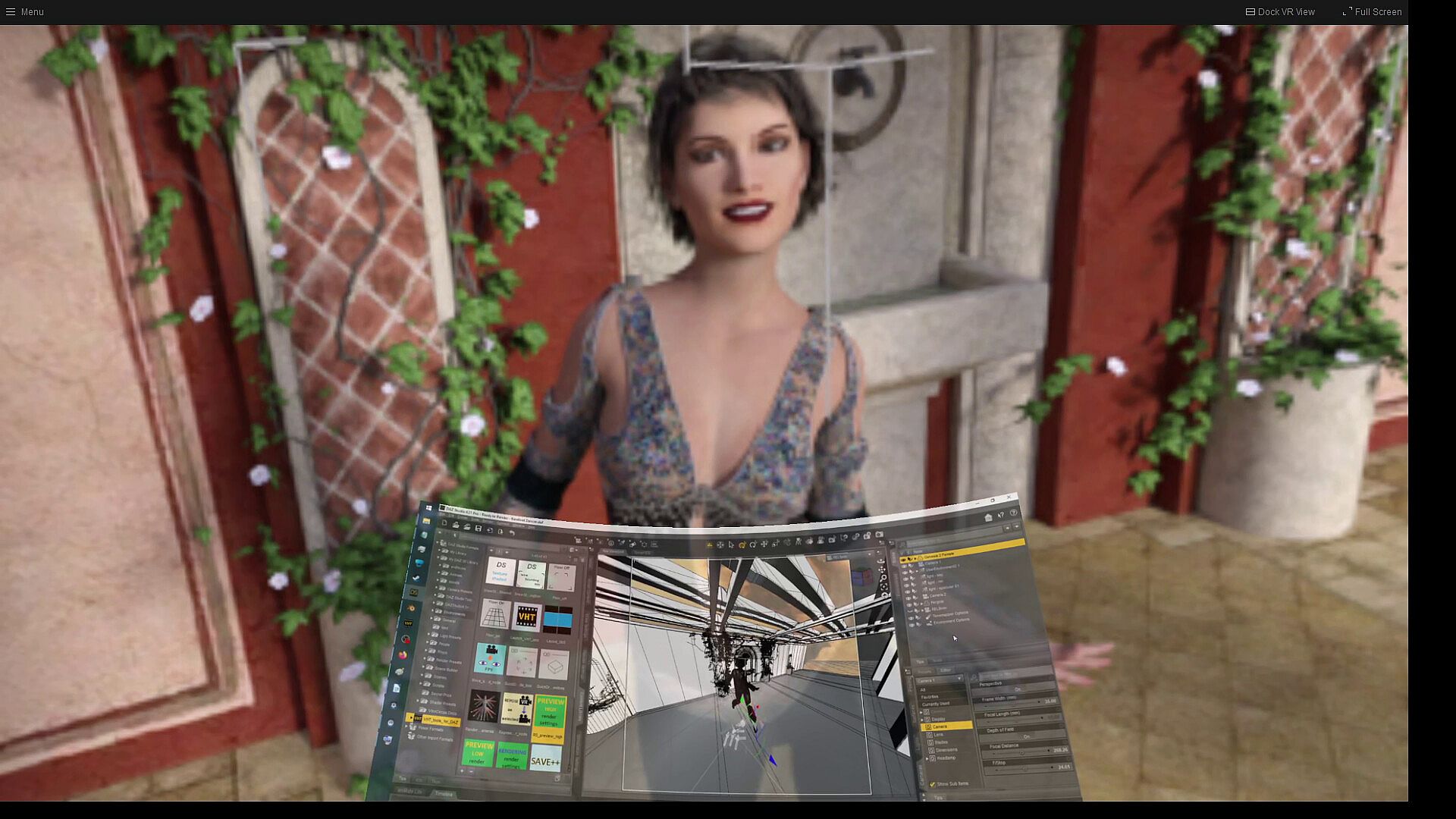
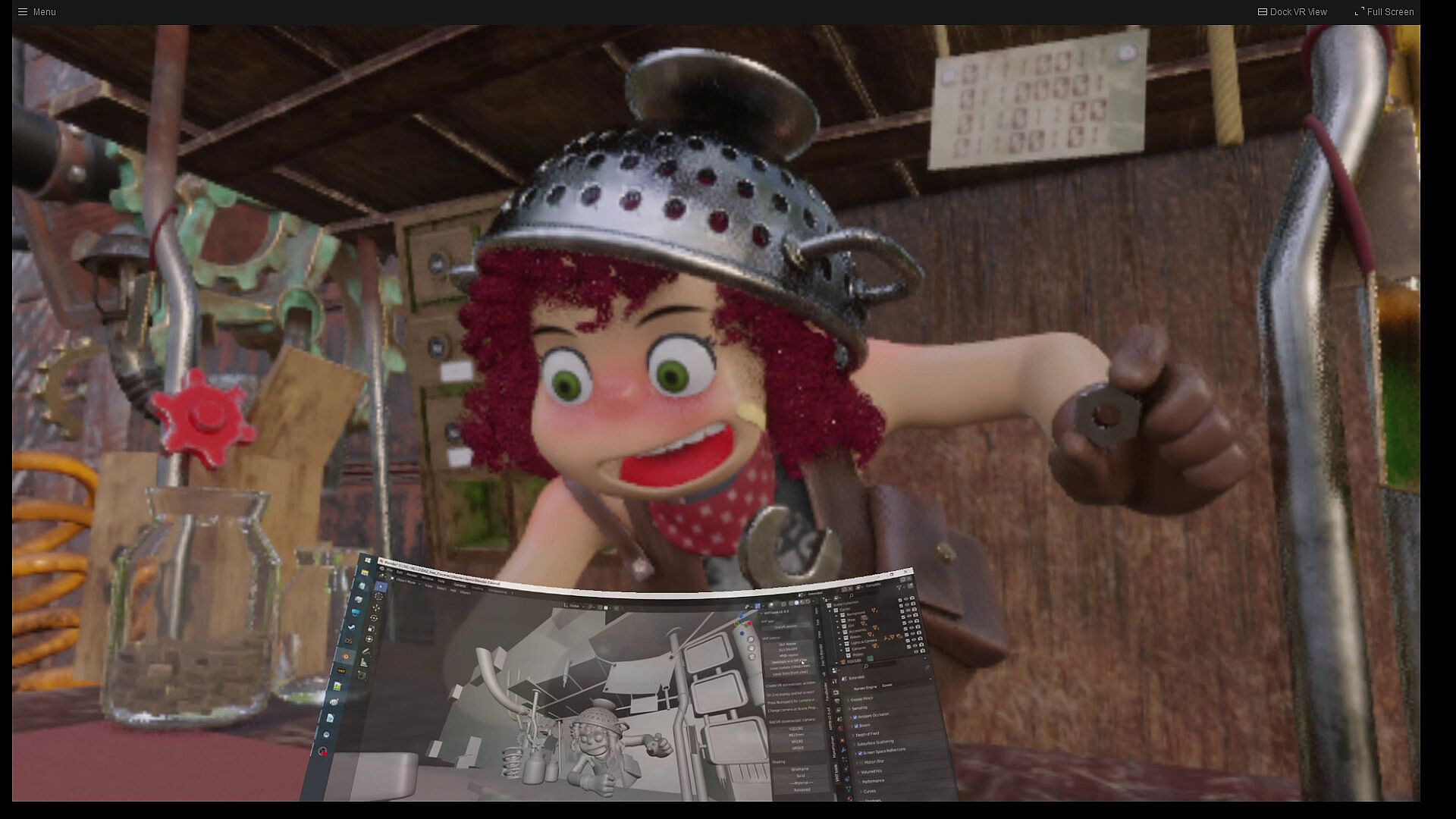
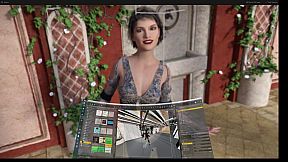
view in VR scenes from Daz Studio and Blender CGI software using VHT tools
Highlited advanced features:
6 DoF binaural audio rendering
use of static and dynamic audio objects
support for any discrete audio channel-to-speaker layout (e.g. 5.1.4, 9.1.6)
HRTF selection
virtual speakers playback
ambisonics audio playback
direct playback to a 5.1 or 7.1 surround home theater audio setup
gamut mapping for video and images
viewer for 3D stereoscopic transparent alpha channel images or videos
3D stereoscopic SBS non-VR game play support
3D stereoscopic VR 180 or 360 degree panoramic real-time bridge viewer for the following 3D modelling software: Daz Studio and Blender
Advanced SubStation Alpha (ASS/SSA) V4+ subtitle format
It is recommended to use a quality flat-response studio/monitor headphones for a good audio soundstage.
Virtual Home Theater can use software or hardware video decoding.
Virtual Home Theater has one launch mode for SteamVR (OpenVR) API and another launch mode for Oculus API (PC VR HMD only; not for Quest).
Virtual Home Theater has many settings controls for a customized playback experience and performance tweaking.
Some of the main features are:
HRTF-based 6 DoF real time binaural sound scene rendering for multiple sound sources and listener's head orientation (roll, pitch, yaw) and position (x, y, z)
direct playback to a real home theater audio setup (stereo, quadraphonic, 5.1 or 7.1 surround real speakers)
200° FoV Fisheye VR videos (MKX200 and MKX22 lens support or any FoV possible lens type in mono, stereo or 360° format)
VR 180° front dome, 360° sphere Equirectangular (EQR) and Equiangular cubemap (EAC) video mapping/projection
multiple audio and video formats support
stereoscopic 3D MPO (Multi Picture Object) image viewer
multiple 3D video/image/desktop formats: half SBS, full SBS, etc. (MVC is not supported)
opus, flac, DSD, AV1 and VP9 codecs support
high-resolution audio format (>48kHz) playback support
support hardware video decoding playback up to 8K (7680x7680) 60fps, 4K 120fps, 10-bit, YUV 4:2:0
support software video decoding up to 8K (7680x7680), 10-bit, YUV 4:4:4
support BT.601, BT.709 (sRGB), BT.2020 and DCI-P3 color space (auto sellection or manual overide)
gamut mapping to BT.709, DCI-P3 or to the HMD's color gamut
display video's native frame rate up to the HMD's frame rate
up-sampling the video's native frame rate to the HMD's refresh rate by using frame interpolation
smooth-playback capability to reduce flicker, judder and stutter for videos with different fps than the VR headset's fps
video image filters (sharpen, etc.) and color correction
support first-, second- and third-order ambisonics in the AmbiX and FuMa formats
ambisonics + head-locked stereo audio format playback
multiple HRTFs selections to match your head auditory characteristics
32 audio channel masks (simulated as virtual speakers, mirroring the audio output channels from played media's audio track)
support for any non-standard discrete audio channel-to-speaker layout up to 16 channels (e.g. 5.1.4, 7.1.4, 9.1.4, 9.1.6)
27 audio channel layouts for non-ambisonics audio: mono, stereo, 2.1, surround, 5.1, 6.0, 7.1, Hexadecagonal (16 audio channels), etc...
use a lower or higher order ambisonics fields (virtual speakers layouts) to play an ambisonics audio
playback support for recorded binaural audio track
change the virtual speakers position
use your preferred headphones by selecting a different audio output device
subtitles: internal (bitmap, text) and external: (.idx + .sub), .sup, .srt or .ass (v4+) format
set the subtitles 3D depth
track selection for audio, video and subtitle
Unicode font support for non-Latin character used for subtitle and for media folder/file name
support access to SMB network shared folders from a NAS (Network Attached Storage) system
azimuth, zoom level and objects apparent size change for 180° and 360° videos
change the audio offset azimuth from video image for 360° videos
have a 'sneak peek' of your PC desktop (e.g. for internet browsing) when you watch a movie or listening to music within VHT
desktop mirroring will mirror (show inside of VHT) your PC desktops screens (limited to the number of physical displays connected to your main GPU)
desktop mirroring will mirror (simulate inside of VHT) your Windows default audio device channels output (no need to have real speakers connected to your PC) as virtual speakers
play a non-VR 3D game in stereoscopic mode (Side-by-Side or interlaced) if the game support it
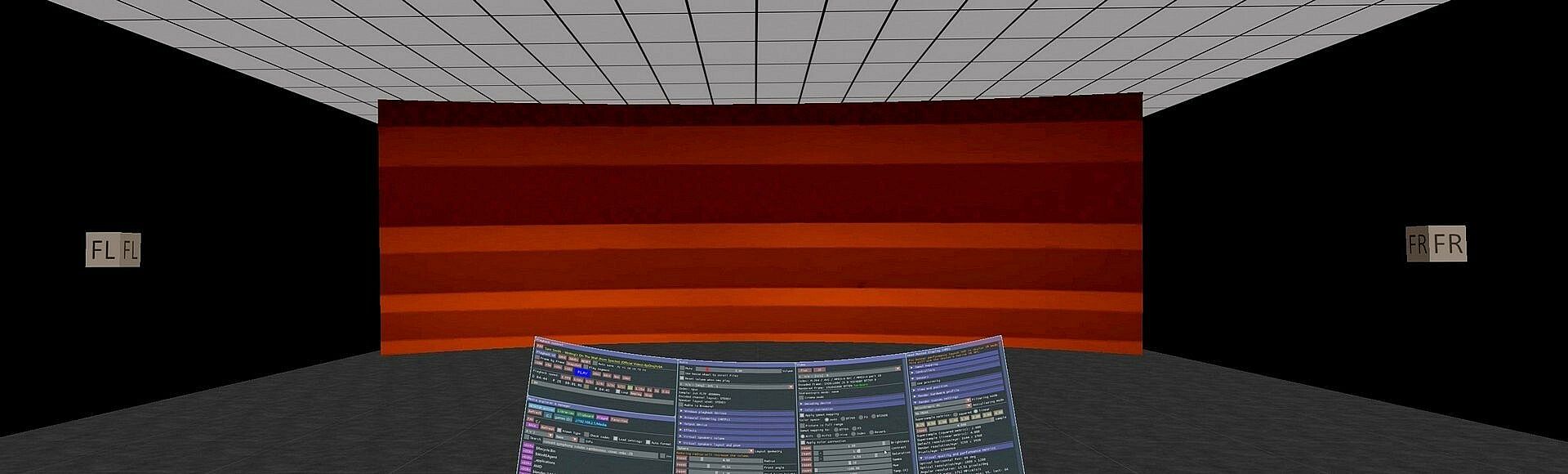
virtual speakers layout and video screen re-position for a more comfortable experience in any sited position (e.g. lying on bed)
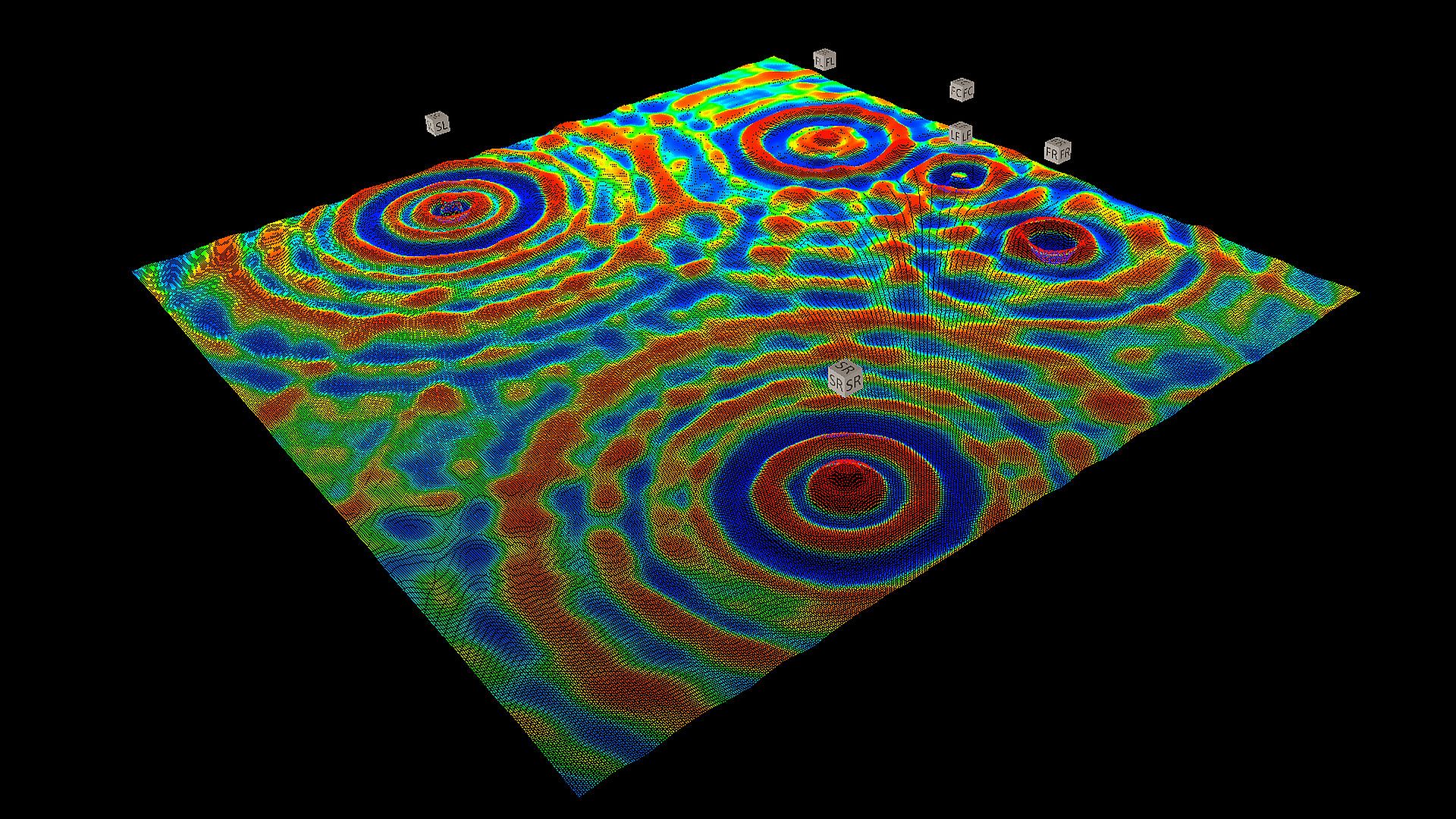
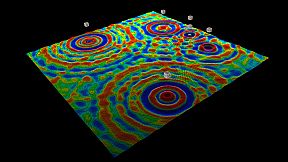
show in real time a 3D surface or volumetric graph representation of sound waves pressure amplitude propagation from each virtual speaker
support for 2D/3D, 180/360/fisheye images
support for transparent alpha channel PNG images
support for transparent GIFs
support for transparent alpha channel videos
file and folder keyword search filter
filter files by media type
sort files by name, date (created, modified or last accessed), size, duration or image resolution
sort folders by name, date (created, modified or last accessed), size, files or folders content
copy, move, rename or delete files or folders
save time codes (timestamps, chapters) or favorite scenes (play segments) for a media file
add a file or folder to favorites
thumbnail preview for videos and image files
thumbnail cover art preview for videos and audio files
thumbnail scrubbing preview for videos, zoom and pan for images
capture a 2D/3D video frame as a photo
capure the VR view as a photo
designed to render the media's video original encoded picture quality and format without degradation (original resolution, picture details, colors and frame rate)
designed to render the media's audio track original encoded sound quality and layout without degradation or enhancements, as intended by media creator
optimized code for speed and low installation folder size
support for hybrid graphics systems
Benefits of Virtual Home Theater over a real home theater system:
is less expensive
you don't need to build it
you can change position, size and shape of the screen
you can change position of the virtual audio speakers
no need to do a real mic calibration for your audio system
high contrast and wide color gamut due to OLED technology used for some HMD displays
no disturbed neighbors
no heavy equipment to carry with you if you change your home location
environment friendly due to less energy consumption than a complex audio/video system equipment
other family members can enjoy their normal activity in the same room (no need to turn off the lights or lower the audio volume)
no sound attenuation by obstructions
no sound denaturation by walls reflections
you can experience ambisonics audio