



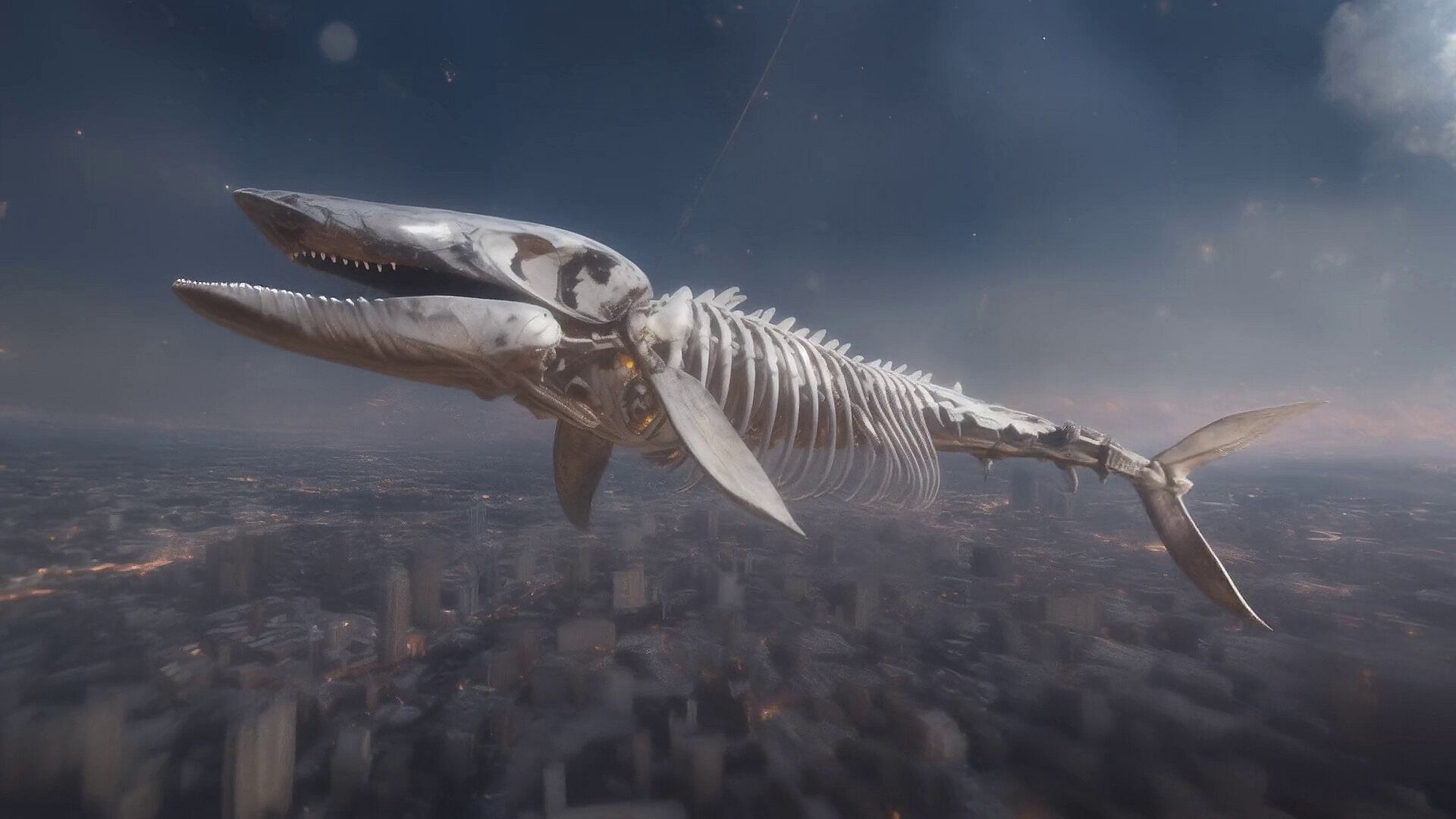
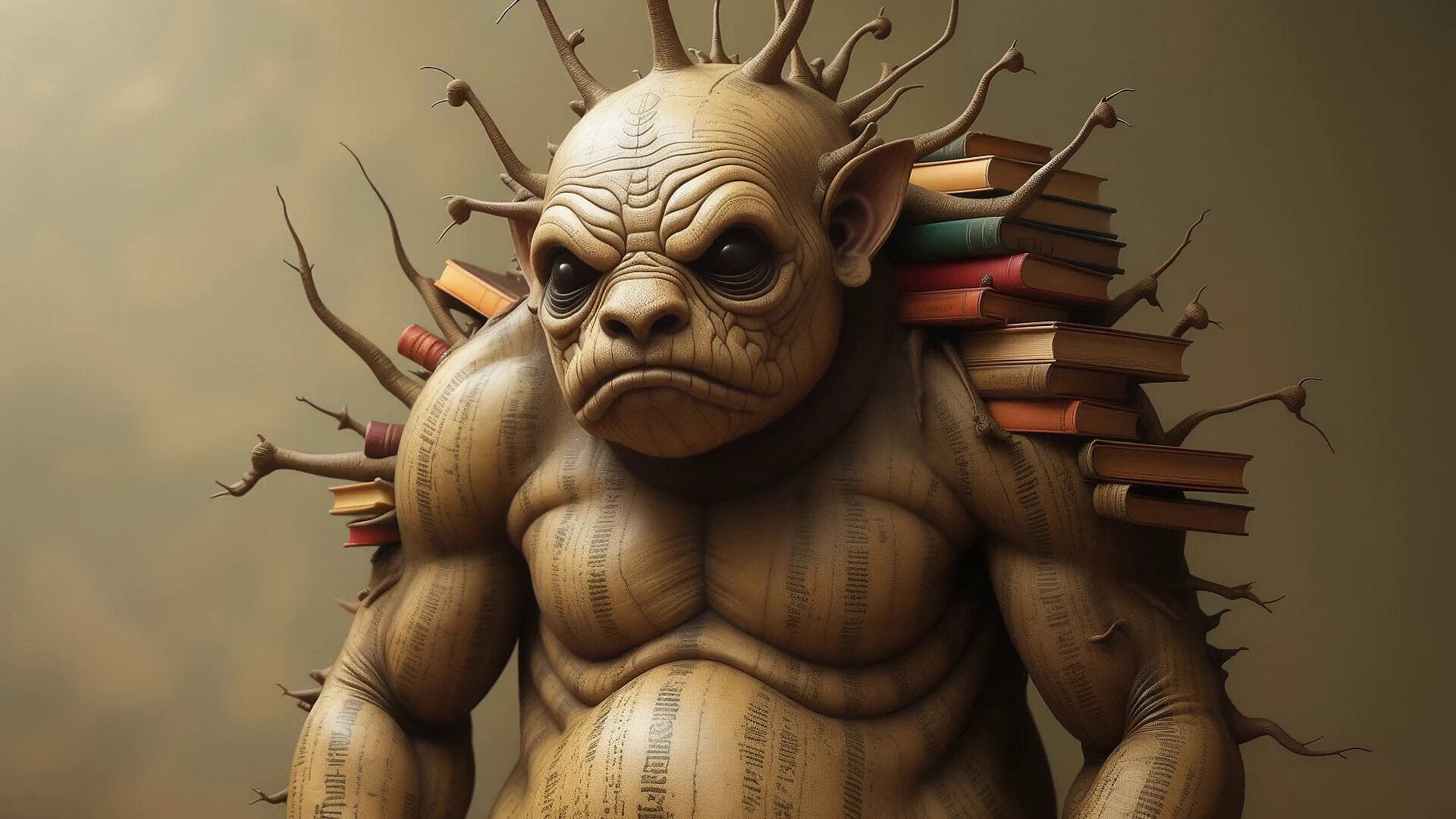
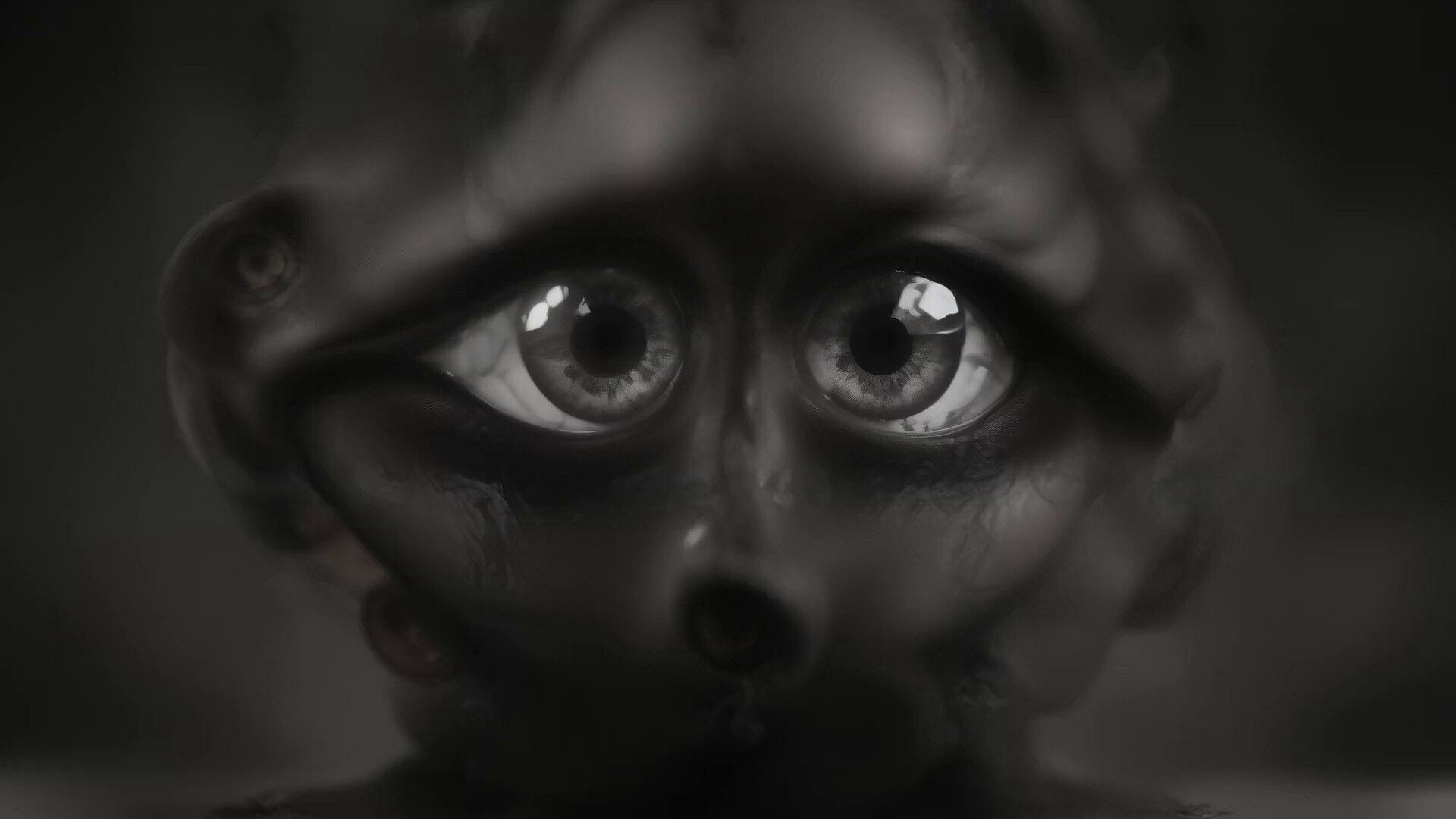

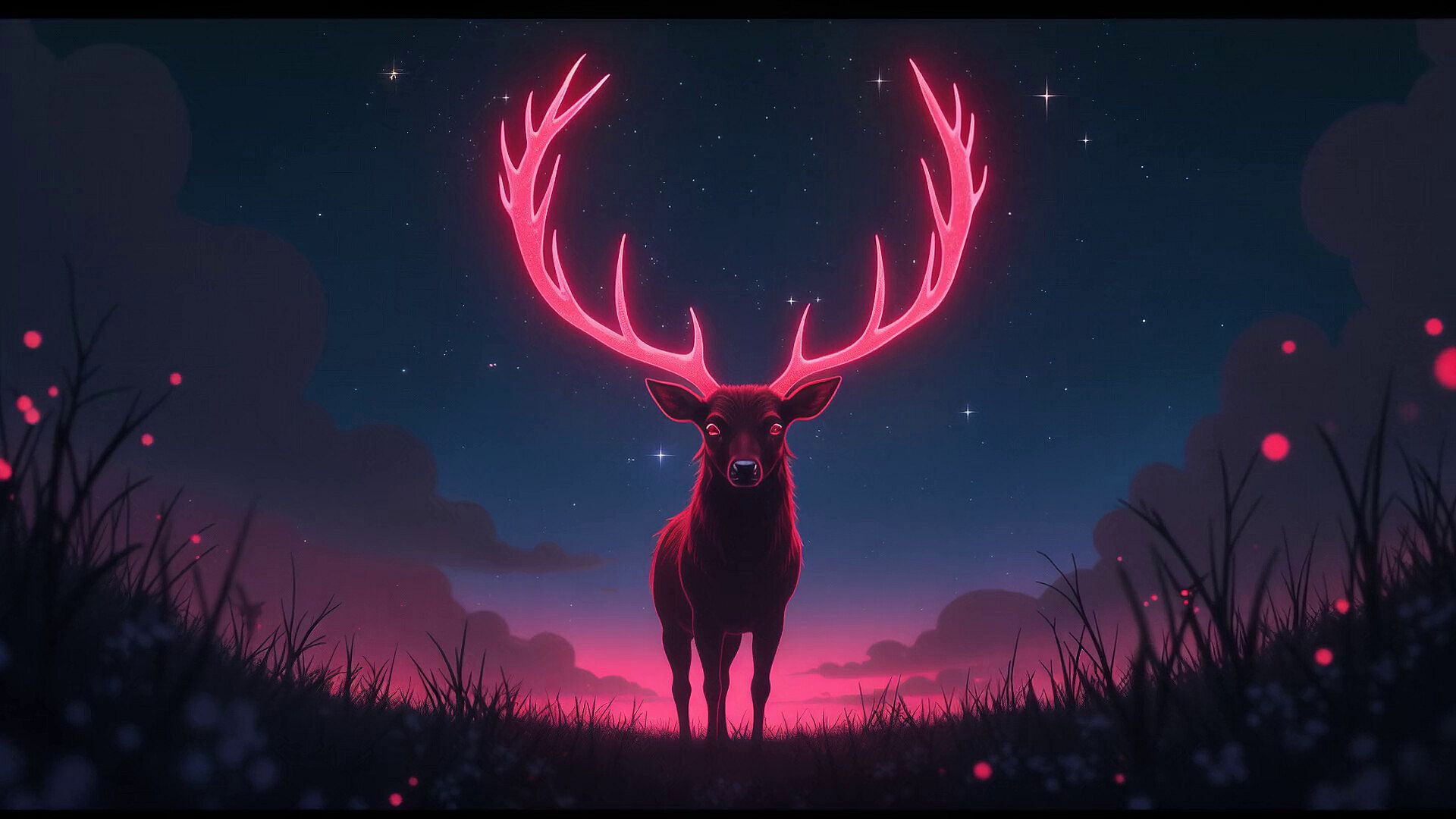
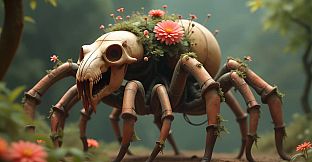

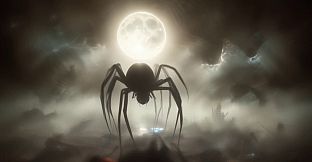



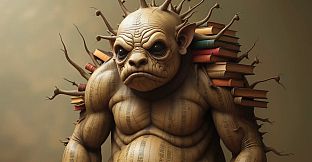


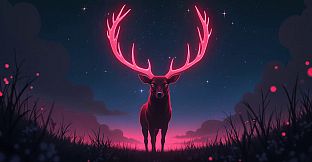
AI-VJ - Creatures Visuals expands the free VJ software AI-VJ with a themed collection of pre-generated animations. This indie title in the animation and modeling category runs on PC and targets DJs who need reliable visuals that lock to music beats without constant manual intervention.
Gameplay
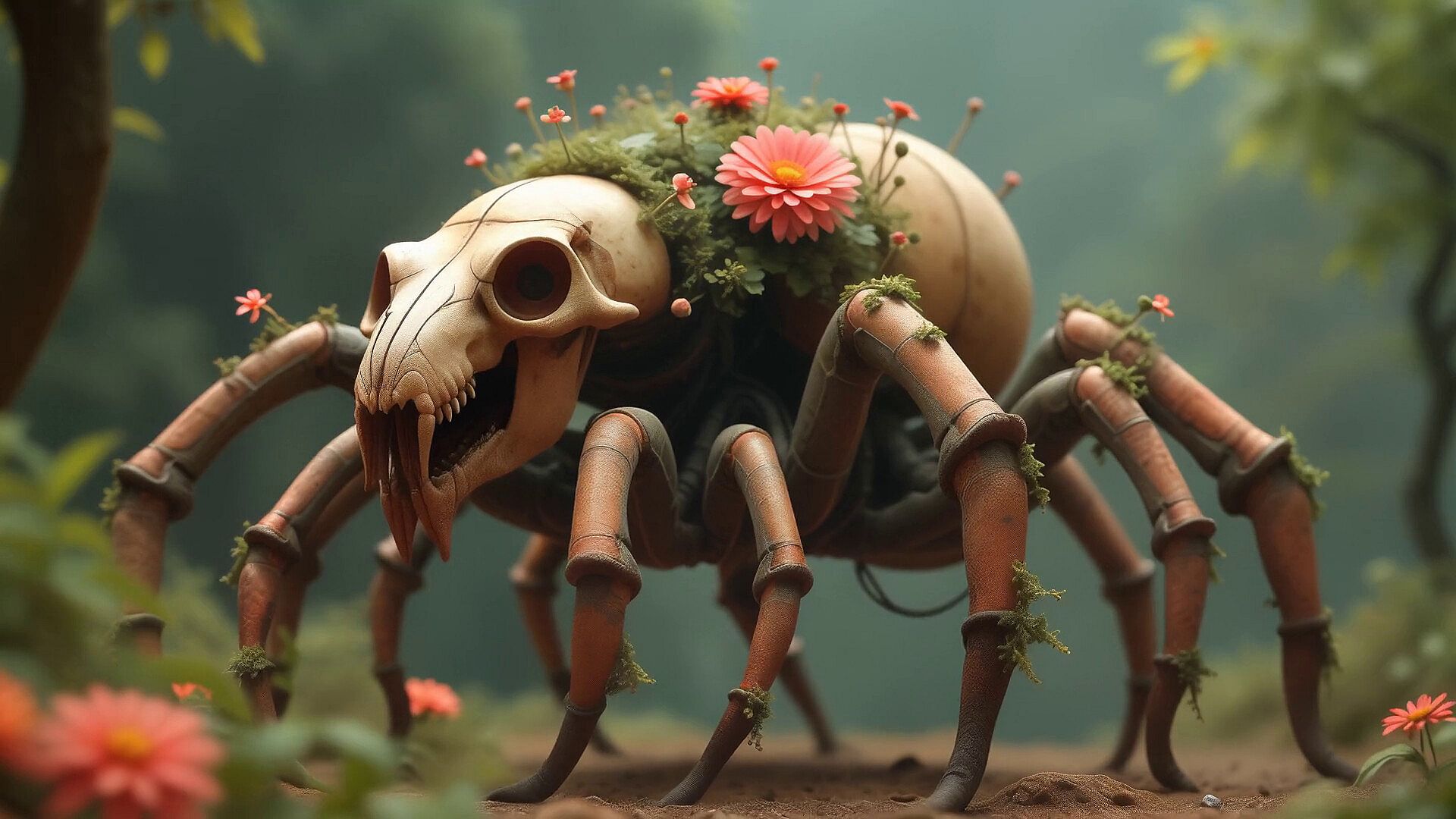
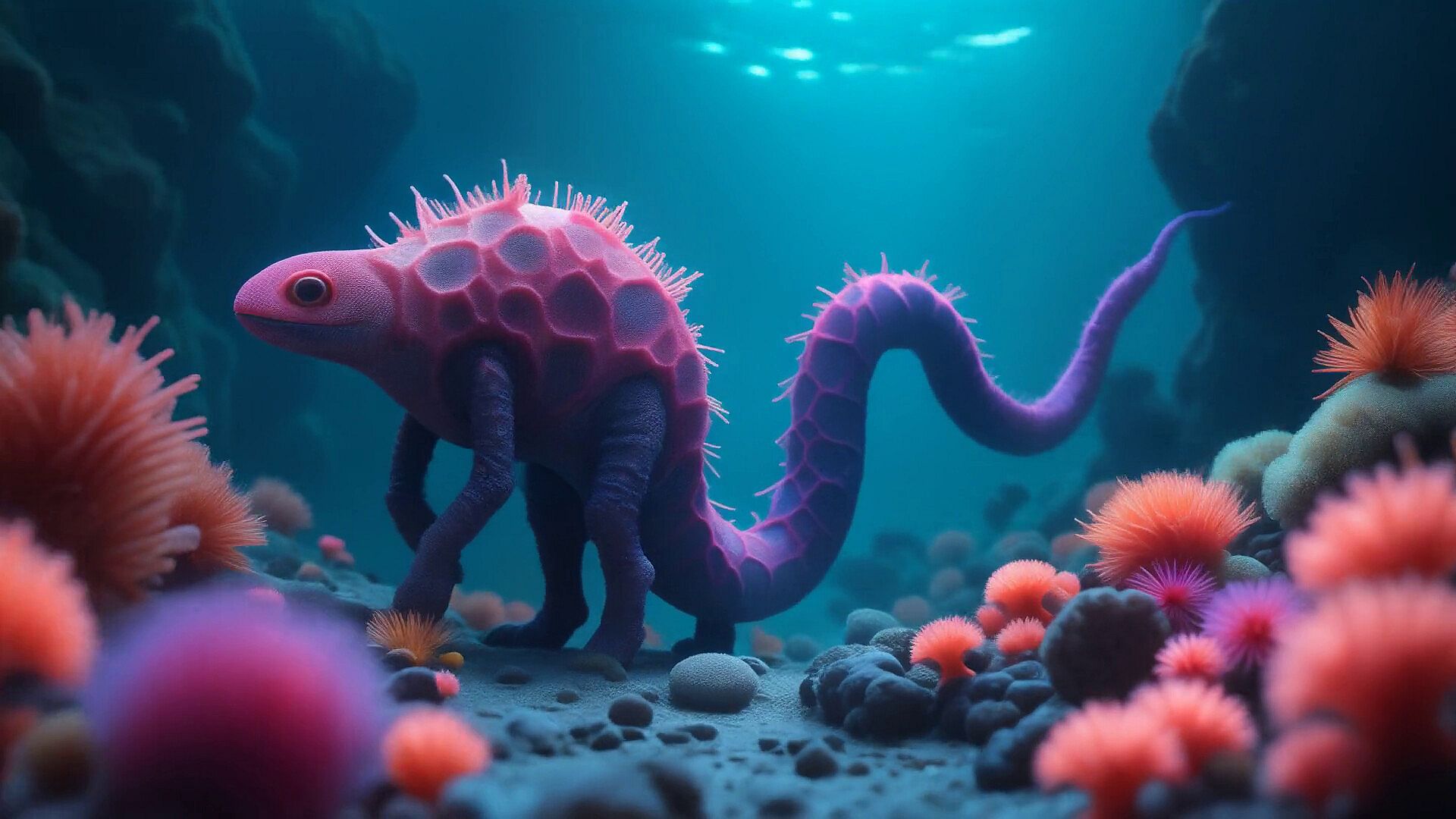
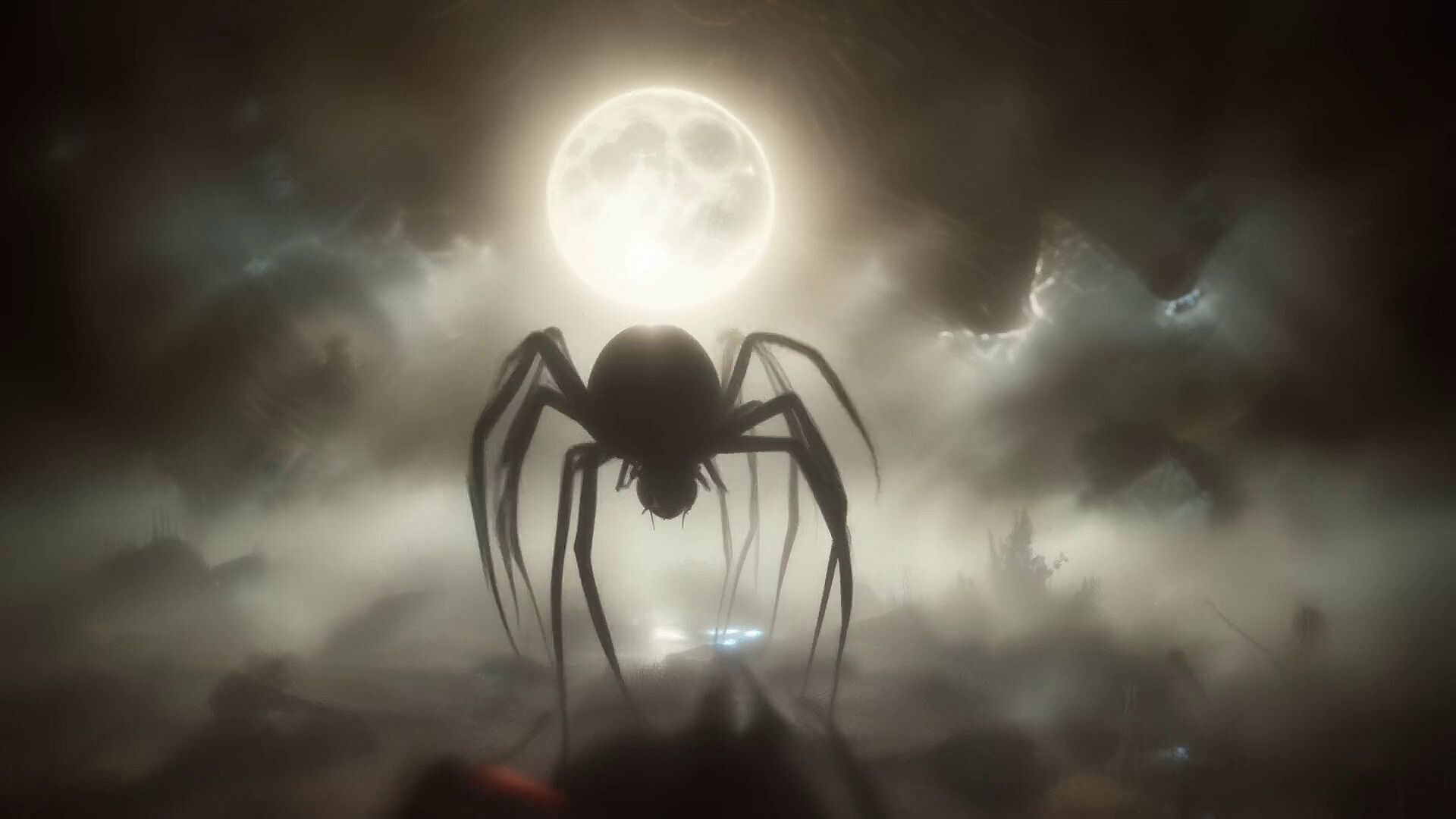
The core loop centers on loading decks of visuals that respond automatically to audio input or connected DJ software. Users select creature-themed clips from the DLC pack and trigger them during sets, with the software handling beat detection through direct audio analysis or Ableton Link synchronization. Pre-rendered animations play at 60 frames per second for smooth motion across varying tempos, and the collection provides more than 40 minutes of unique footage across 12 styles.
Integration happens through the main Visuals menu or a dedicated DLC window after installation. The visuals layer with other content already present in the base application, such as user-imported videos or additional effects. Performance stays optimized because the animations are prepared in advance rather than generated live during playback.
Game Modes
AI-VJ organizes content into decks that support multiple layers. A deck can combine two visuals at once, blending pre-generated clips with live elements or stacking creature animations over other footage. This layering creates composite outputs suitable for projection or recording.
Within 3D model support, several playback behaviors are available, including steady rotation, beat-triggered turns, and custom dance sequences that react to the music. These options apply when users incorporate compatible models alongside the creature visuals from the DLC.
Visual Library and Features
The Creatures pack adds over 370 individual animations drawn from 12 distinct artistic approaches. Each clip was manually reviewed and adjusted for quality by an experienced operator, ensuring consistent artistic direction while maintaining technical reliability. The total runtime supports extended performances, with standard repetition of popular clips allowing coverage of a full two-hour set.
Additional tools include direct recording of short clips for social media, shader and Milkdrop compatibility for live effects, and workshop sharing of custom decks. The application adapts rendering speed to the connected display and runs on modest hardware with at least 2 GB of VRAM.
Is It Worth Playing?
AI-VJ itself is free to download and use, with the Creatures Visuals pack available as optional paid content. The base application reached version 1.0 in late 2026 after exiting early access, adding improved audio reactivity and broader shader support. Steam reviews for the core software sit at mostly positive, reflecting steady updates and practical utility for performers.
This DLC suits DJs who want ready-to-use, high-frame-rate creature animations that require minimal setup. It works best alongside the free sample library and other themed packs for variety during live shows. Players who prefer full control over every transition or who need extensive live generation tools may find the pre-rendered focus limiting, but those seeking dependable, beat-synced visuals without hiring a separate operator will find the package effective.