











Colory VR Painter PC

Ta zawarto艣膰 wymaga podstawowej gry: Colory Engine

Gdzie znale藕膰 najlepsz膮 ofert臋 na Colory VR Painter na {6}? Por贸wnaj ceny z 1 sklep贸w i wybierz najlepsz膮 opcj臋 spo艣r贸d 1 ofert dost臋pnych na XD.deals. Obecnie najni偶sza cena Colory VR Painter w keyshopach jest na 89,99聽z艂 (0% taniej).

Premiera: 22 pa藕 2020
Keyshops
Brak dost臋pno艣ci
Kup w oficjalnym sklepie:
89,99聽z艂
Kup w keyshopach:
Zobacz histori臋 cen

Sklepy oficjalne (1)

DRM:
Steam
Steam
Steam
Colory VR Painter
Windows
1l temu
DRM:
Steam
Steam
89,99聽z艂
Historical Low Deal
Historical low

O Colory VR Painter

Colory VR Painter - o grze
This enables the "Colory VR Painter" application.
(Headset required)

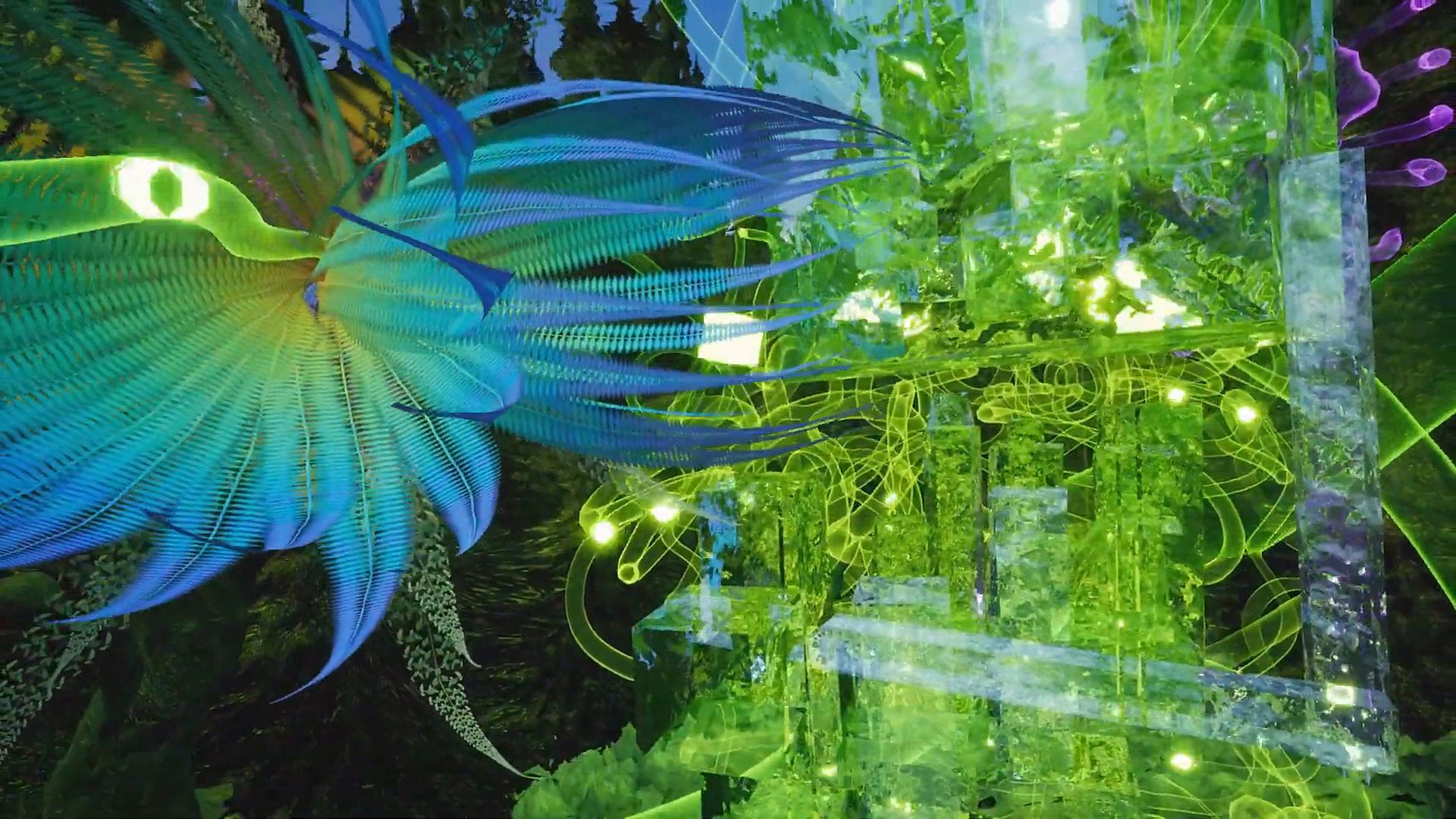
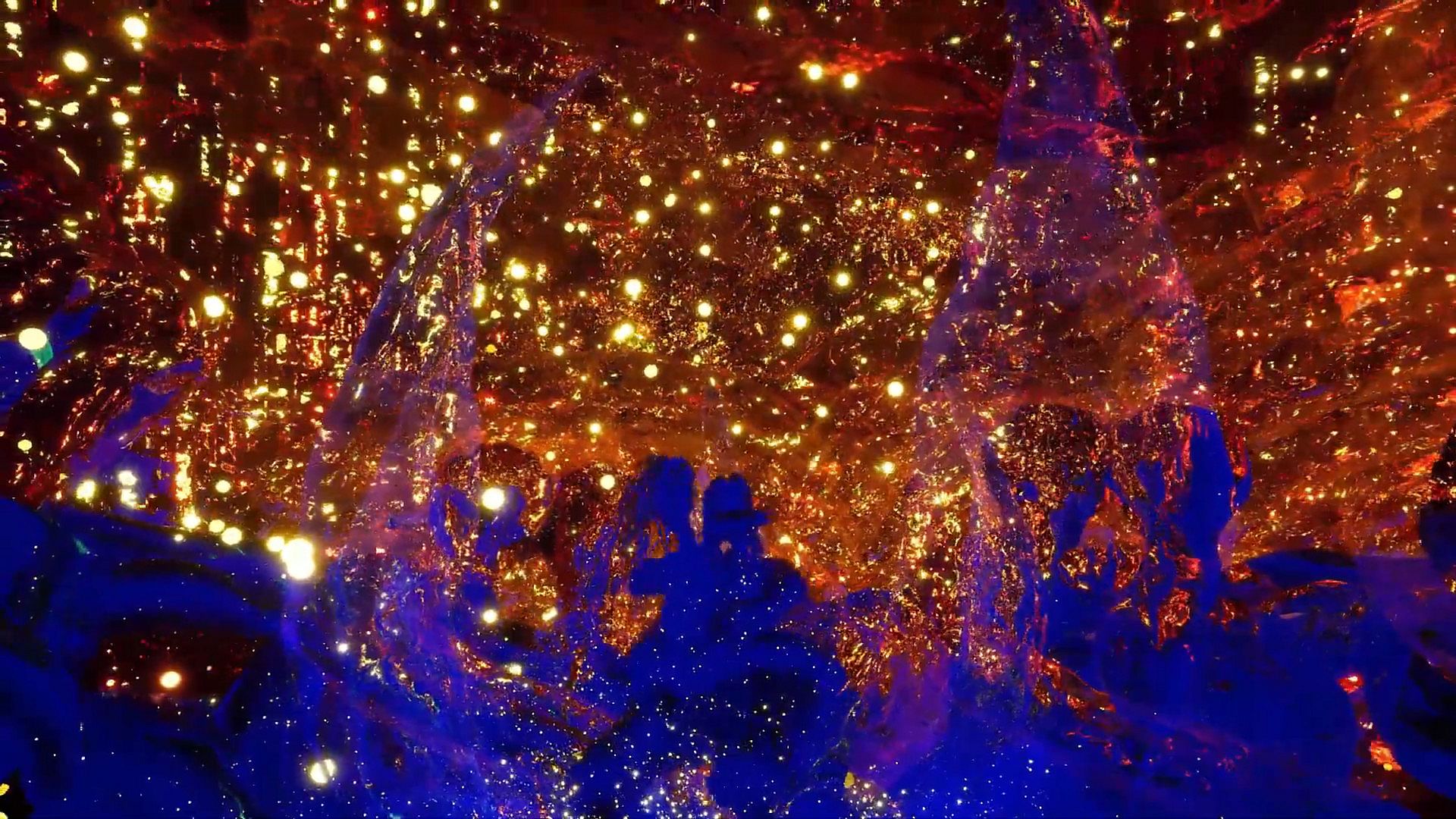
Colory VR is a creative virtual reality application.

Multiple tools allow the instant creation of 3D objects in 3D space directed by the users hand.
Let your imagination drive your brush to create your dreams faster then ever before.

WORKSHOP:
Get inspired by hundreds of brush materials.
The ColoryVR WORKSHOP features beautiful and free brushpacks released by us and the community.
You can also share your painting easely via the workshop.

MODKIT:
Inspire others by sharing your own brushpack.
Create your own brushes with your own textures with the included ColoryVR MODKIT.
The modkit is a custom unreal editor. so you have full flexibility to create your own brushes.
In-Editor tutorials guide you step-by-step through the process.

FREE VIEWER VERSION:
ColoryVR features a free of charge "View-Only" version. So you can share your paintings with friends who do not own the paid full version.
Toolset
Spline Brush
The Spline Brush allows the user to draw strokes of paint. This is what comes closest to drawing with a pencil in 2D. The settings allow for different shapes and brush behavior. The created 3D shape is further defined by the material the user has choosen to draw with.


Convex Brush
The Convex Brush allows the user to draw convex hull objects. This tool is usefull to create volumes ealisy. The created 3D shape is further defined by the material the user has choosen to draw with.


Particle Brush
The Particle Brush creates multiple particles with a single stroke. The material applied not only defines the visuals of the particle, but also the behavior, the spread, the rotation and the amount of particles created. The settings of the tool allow for further fine tuning of the behavior and selection of particle shape


Poly Brush
The Poly Brush is a tool that is connected to the Google Poly Library of static meshes and requires an usage agreement and an online connection. Supported is the download and placement of objects created with Google Blocks application.

Recolor Tool
The Recolor Tool gives the user the option to change the color of a stroke after drawing it. It supports multiple modes like multiply, divide, shift hue, lighten, ... or simply set a different color.


Selection Tool
The Selection Tool give the user the ability to handle multiple paints at once. Select at will, select all paints from a layer, transfer selected paints to a different layer. Selections can be scaled and copied.

Screenshot Tool
The Screenshot Tool provides you with another view into the world to capture your creations for your loved ones. Support for varios predefined resolutions as well as custom resolutions (max size depends on your graphics cards memory). Give your shots a special touch with PostProcess effects.

Video Tool
The Video Tool records animations for camera objects. These can be rendered individually or together into a .mp4 movie or image sequences. Support for multiple predefined resolutions and extensive PostProcess video effects for the special touch.

Animation Tool
The Animation Tool works in conjunction with the Scene Graph to create transform animations for objects in the scene. Animations can be recorded frame by frame or continuous with support for different playback options (Step, Linear, Curve).

Pipette
The Pipette picks colors and/or materials from existing paints in the world.

Mirror Plane (3d Mandala)
The Mirror Plane is a object that can be freely positioned in the world to mirror your brush strokes. It has options for different mirror types which end up in the creation of 3d mandalas.


Material Designer
Each brush material can be edited instantly in the in-game material designer.
This way you can permanently edit your brushes for a maximum of individuality in you paintings.

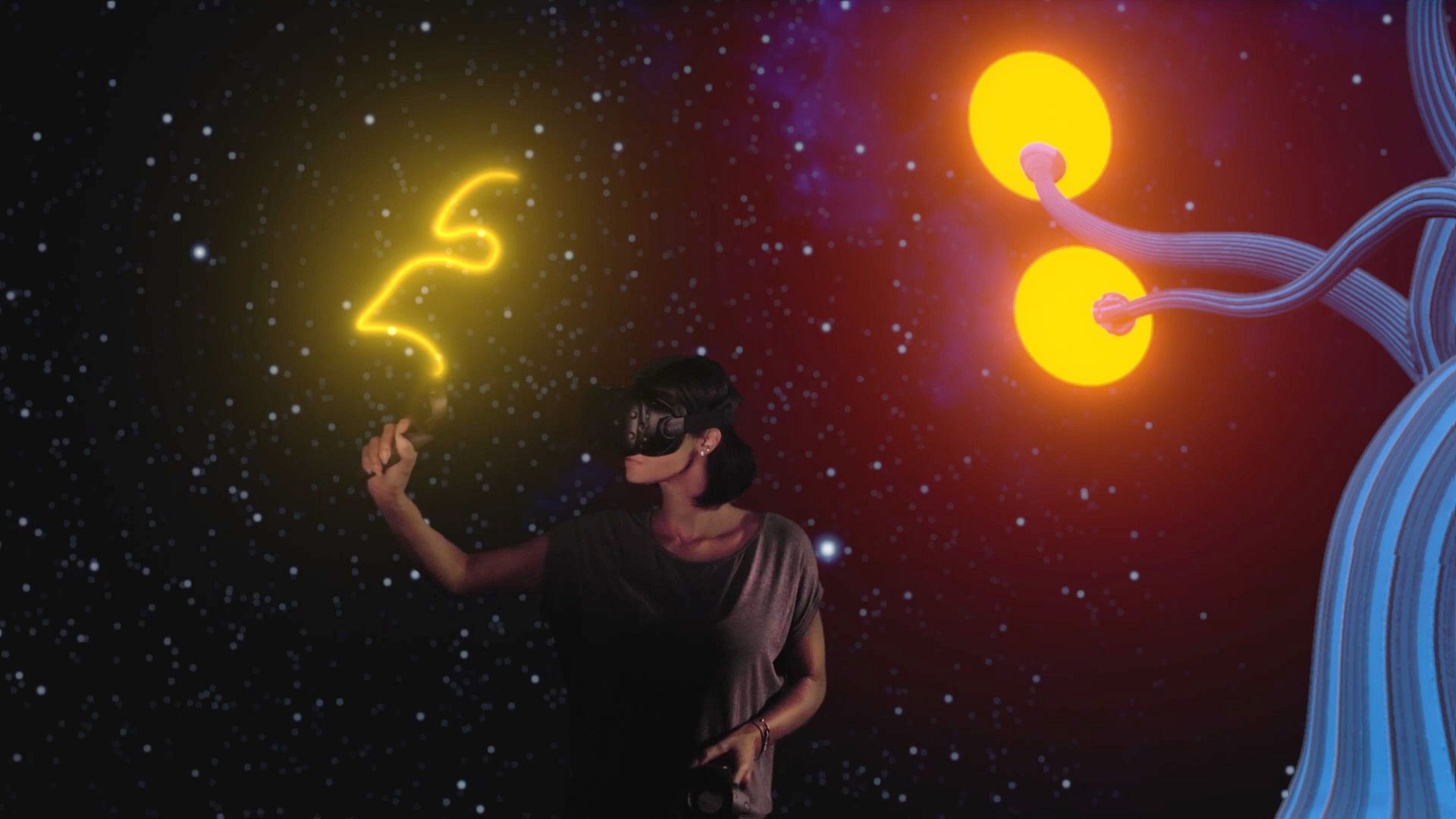
LIV - Mixed Reality integration
Mix a live-video of yourself inside the ColoryVR-World.
Additional Features
  • The player is able to scale himself up 50x bigger or smaller
  • Sun, Moon, Background and Atmosphere are adjustable in many ways.
  • The paints of the scene can be exported (obj, fbx, gltf, glb)
  • The scene is structured using the Scene Graph to support multiple layers and relative animations
  • Paints can be moved and copied, rescaled and recolored.
  • access to experimental features like "Sound Painting" - an approach to make sound and music with paint movements.
  • frequent updates with new surprises..
Support:
Any questions are welcomed at our discord chat:
Interfejs:
GermanEnglish

Minimalne:

  • System operacyjny: Windows 10
  • Procesor: Intel i5-4590, AMD FX 8350 equivalent or better
  • Pami臋膰: 4 GB RAM
  • Grafika: Nvidia GeForce GTX 970, AMD Radeon R9 290 equivalent or better
  • Dysk: 4 MB available space
  • Dodatkowe uwagi: VR Headset

Zalecane:

  • System operacyjny: Windows 10
  • Procesor: Intel i5-4590, AMD FX 8350 equivalent or better
  • Pami臋膰: 8 GB RAM
  • Grafika: Nvidia GeForce GTX 1060, AMD Radeon RX 480 equivalent or better
  • Dysk: 4 GB available space
  • Dodatkowe uwagi: VR Headset
Historycznie najni偶sza cena
Historia cen ze sklep贸w oficjalnych
-
-
-
Historia cen z keyshop贸w
-
-
-
Do艂膮cz do Discorda
Uzyskaj szybk膮 pomoc od spo艂eczno艣ci i b膮d藕 na bie偶膮co z promocjami
Ustaw alerty cenowe
Otrzymuj powiadomienia e-mail, gdy cena gry spadnie do Twojego poziomu
Za艂贸偶 darmowe konto
Odblokuj wishlisty, alerty cenowe i synchronizacj臋 ze Steam

FAQ

8 pyta艅

Zanim zaczniesz szuka膰 taniego klucza Colory VR Painter, sprawd藕 najwa偶niejsze informacje. Tw贸rcy: LUCID LAYERS. Wydawca: LUCID LAYERS. Data premiery na PC: 22 pa藕 2020. Gatunki: Indie, Casual, Simulation, Animation & Modeling, Audio Production, Video Production, Design & Illustration. Kategorie: Steam Workshop, Single-player, Downloadable Content.

Q

Gdzie kupi膰 tani klucz Steam do Colory VR Painter?

Korzystaj膮c z naszej por贸wnywarki cen i zweryfikowanych kod贸w rabatowych, mo偶esz kupi膰 klucz do Colory VR Painter ju偶 od 89,99聽z艂. Ta oferta jest dost臋pna w Steam i nale偶y do najta艅szych na rynku. Wszystkie klucze na XD.deals s膮 dostarczane cyfrowo z mo偶liwo艣ci膮 natychmiastowego pobrania po p艂atno艣ci. Ceny uwzgl臋dniaj膮 ju偶 prowizje i kody promocyjne, wi臋c zawsze widzisz najni偶sz膮 cen臋 Colory VR Painter na PC. Sprawd藕 histori臋 cen Colory VR Painter, aby kupi膰 w najlepszym momencie.

Przy ostatniej aktualizacji (od艣wie偶amy ceny Steam kilka razy dziennie) cena Colory VR Painter na Steam wynosi艂a 89,99聽z艂. Mo偶esz zaoszcz臋dzi膰 dodatkowe ~6% p艂ac膮c zdyskontowan膮 kart膮 podarunkow膮 Steam.

Nasz tracker cen obejmuje oficjalne sklepy i keyshopy, wi臋c znajdziesz Colory VR Painter w promocji nawet poza sezonowymi wyprzeda偶ami. Obecnie wykrywamy 1 aktywna oferta z oficjalnych sklep贸w i keyshop贸w. Sprawd藕 tabel臋 powy偶ej, por贸wnaj z historycznie najni偶sz膮 cen膮 i ustaw alert, aby nie przegapi膰 kolejnego spadku.

Wed艂ug naszych danych Colory VR Painter nie jest obecnie dost臋pne na GeForce NOW. Musisz uruchomi膰 gr臋 lokalnie na swoim PC. Przegl膮daj gry dost臋pne na GeForce NOW.

Tak. Colory VR Painter ma oficjaln膮 stron臋 w sklepie Steam. Mo偶esz te偶 kupi膰 klucz Steam do Colory VR Painter od zewn臋trznych sprzedawc贸w. Nasza por贸wnywarka zawiera obecnie 1 oferta z DRM Steam. Wybierz jedn膮, aby mie膰 pewno艣膰, 偶e pobierzesz Colory VR Painter na platformie Valve.

Nie w tym momencie. Valve oznacza Colory VR Painter jako niewspierane na Steam Deck. 艢led藕 XD.deals - monitorujemy aktualizacje Proton i poprawki spo艂eczno艣ci. Przegl膮daj gry zweryfikowane na Steam Deck lub grywalne na Steam Deck.

Colory VR Painter nie jest obecnie dost臋pne w PC Game Pass, EA Play, Ubisoft+ ani 偶adnej innej subskrypcji na PC. Jedyn膮 opcj膮 jest zakup gry - u偶yj XD.deals, aby znale藕膰 najlepsz膮 cen臋.

Nie - XD.deals nie jest sklepem. Jeste艣my por贸wnywark膮 cen, kt贸ra 艣ledzi najlepsze oferty na Colory VR Painter w oficjalnych sklepach i zweryfikowanych keyshopach. Kliknij "Przejd藕 do sklepu" przy wybranej ofercie, a przekierujemy Ci臋 na stron臋 sprzedawcy.

Najlepsze ceny za Colory VR Painter

1 Steam Steam Official
89,99聽z艂

Chcesz kupi膰 w najlepszym momencie? Ustaw alert cenowy na XD.deals i otrzymaj powiadomienie, gdy Colory VR Painter osi膮gnie historycznie najni偶sz膮 cen臋.

Utw贸rz alert












