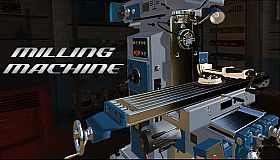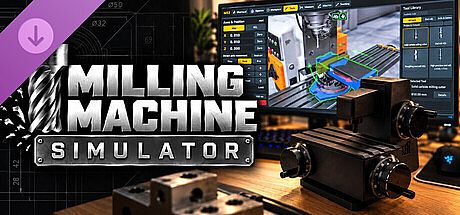


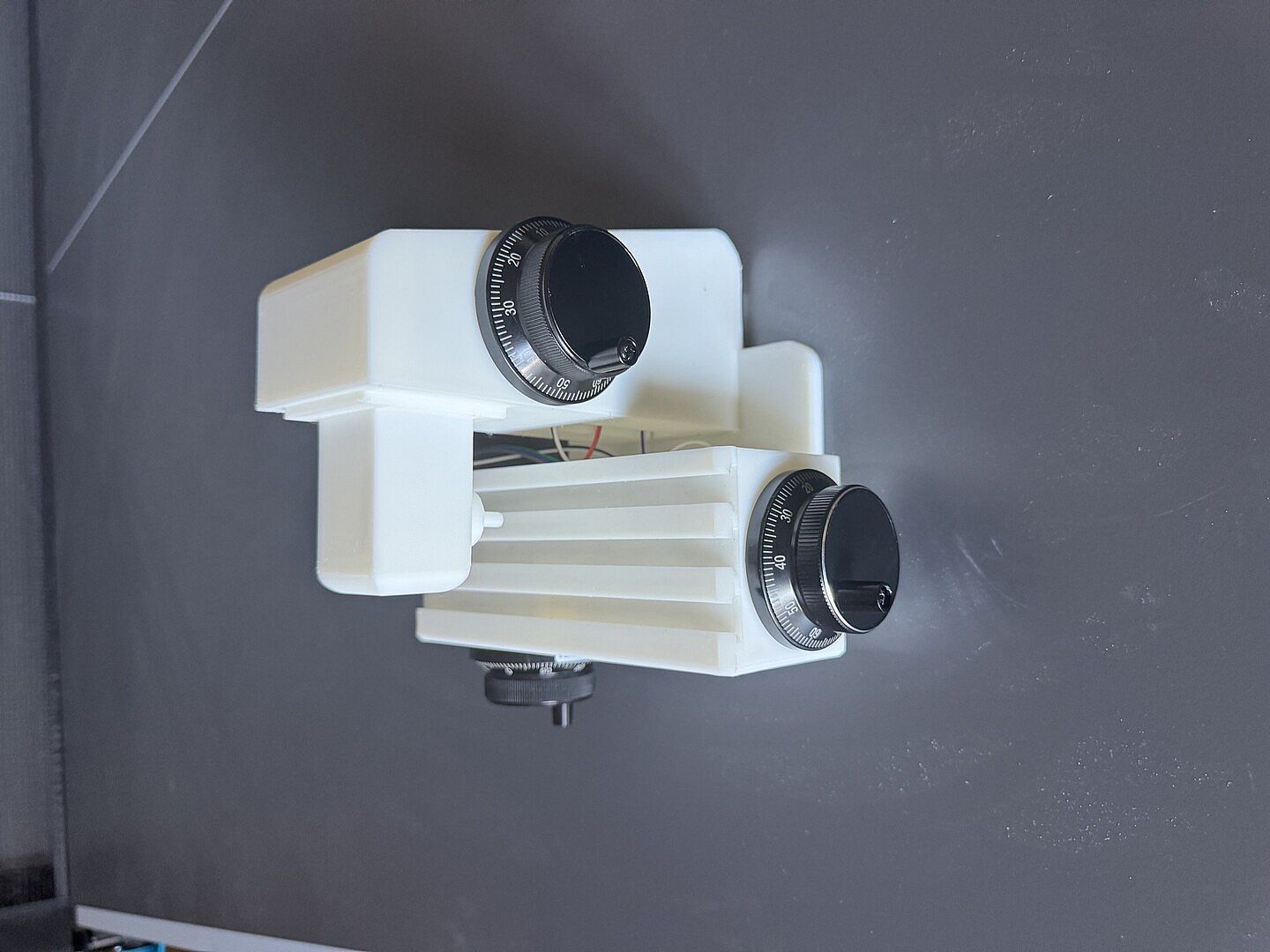
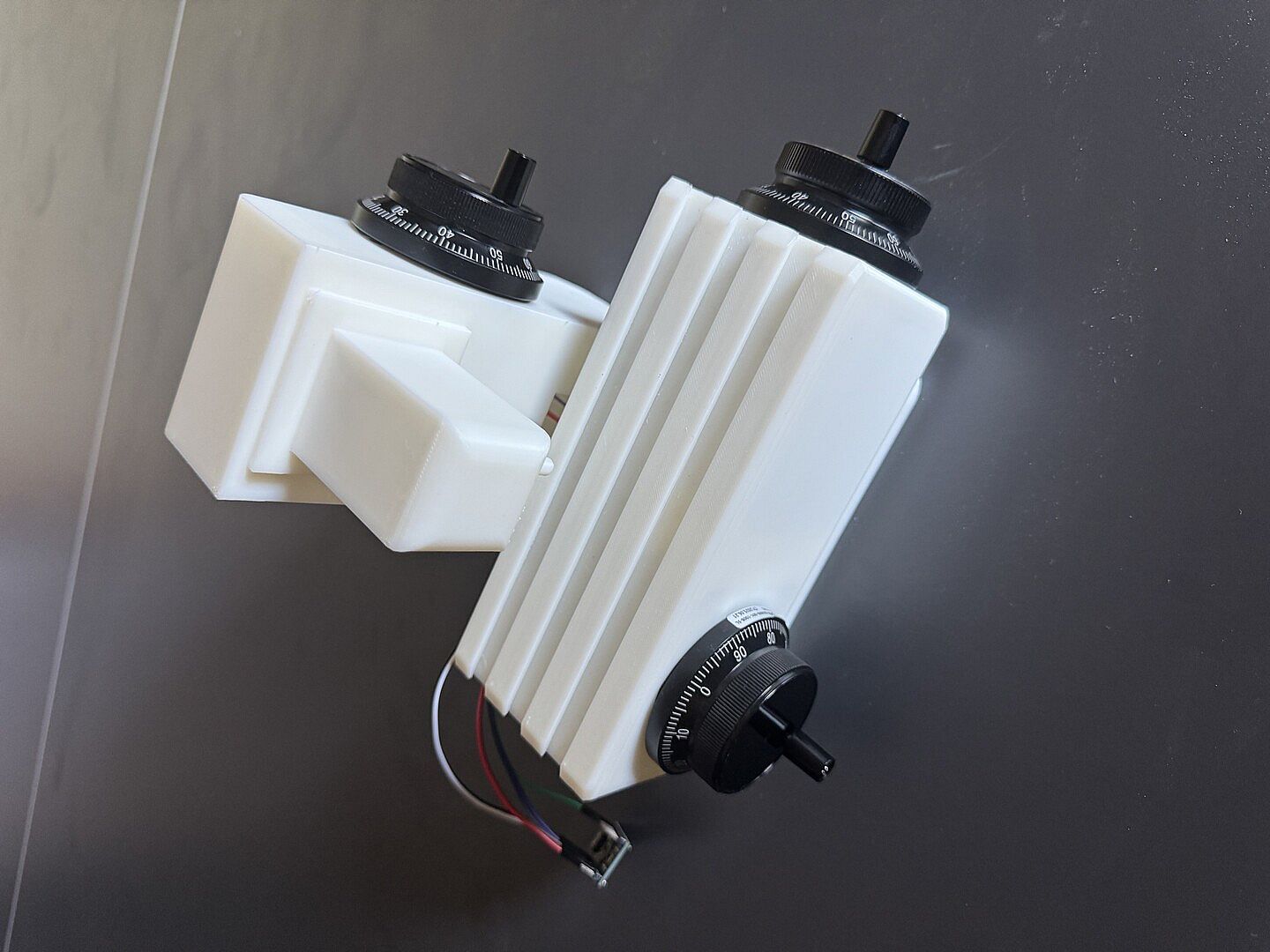
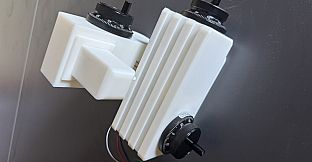
Milling Machine Controller is a simulation-focused DLC for the PC game Milling Machine Simulator. It adds support for a custom-built physical controller that replaces on-screen sliders with real handwheels for precise manual milling operations. The base game centers on operating a conventional milling machine with realistic physics, where players handle drilling, milling, grinding, and cutting tasks on voxel-based workpieces that respond to tool interactions and can cause cutters to break under improper use.
Gameplay
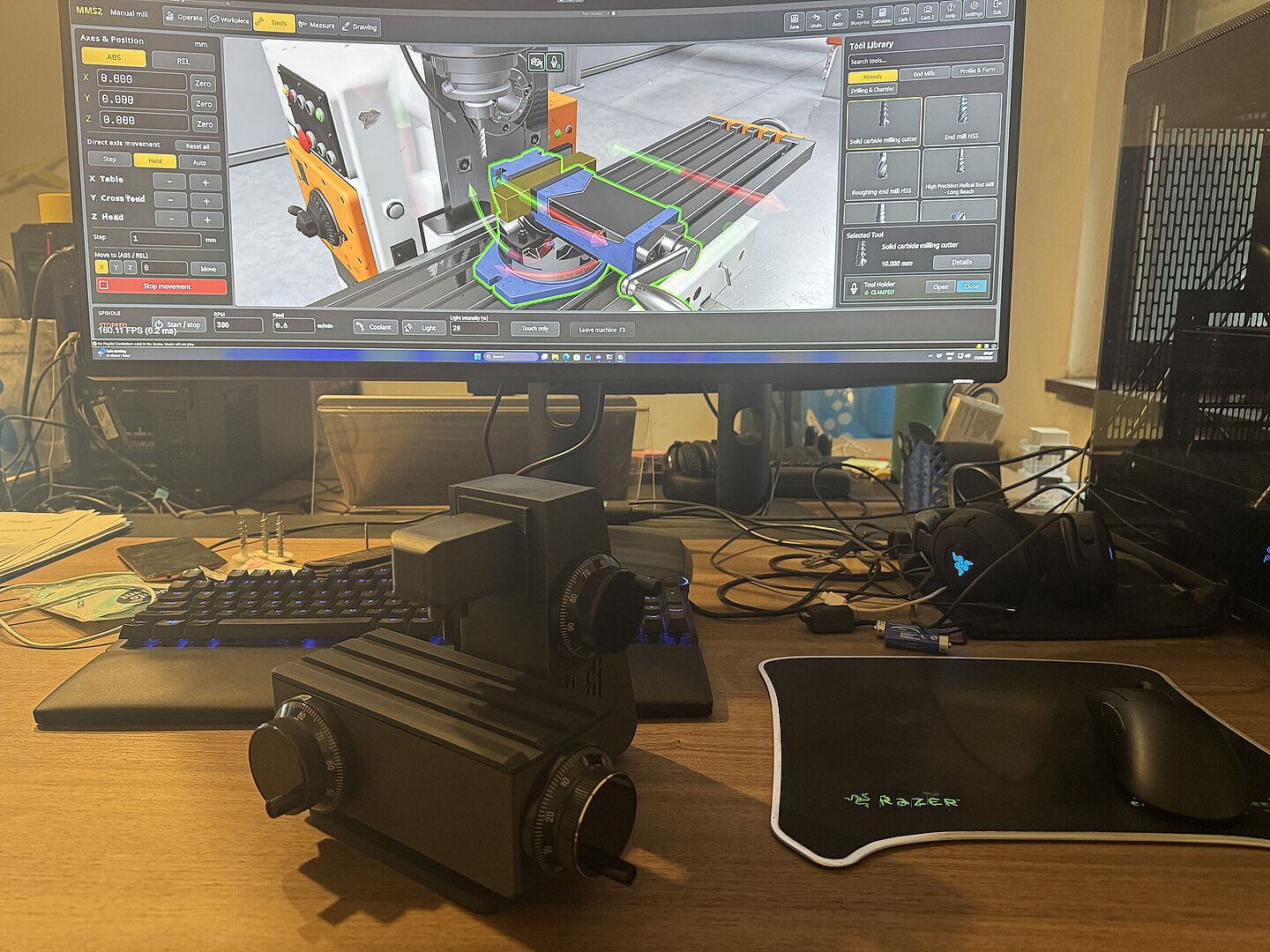
The core loop revolves around positioning the milling table and spindle through direct mechanical input once the controller is connected. Each of the three axes responds to wheel rotations in real time, with 100 pulses per revolution delivering fine control that matches the feel of actual machine handwheels. Sensitivity settings allow adjustment to suit different tasks, while the game continues to accept mouse and keyboard commands alongside the hardware for flexible operation. The controller appears automatically over USB without additional drivers, and the simulation maintains the same physics and material removal behavior whether the hardware is plugged in or not.
Workpieces start as customizable blocks or cylinders in chosen materials and sizes. Players set up vises, select tools, and execute cuts while monitoring for issues like tool breakage or inaccurate positioning. The voxel system tracks material removal at a detailed level, producing visible chips and surface changes during operation.
Game Modes
Free milling mode supports open-ended prototyping where players import their own blueprints and experiment with designs at their own pace. Career mode presents structured challenges that require precise measurements and completion of specific parts to tight tolerances, with the finished workpiece evaluated against the original specifications. Both modes benefit from the added controller for manual axis control on the standard milling machine, though the hardware currently focuses on the three linear axes of the manual setup.
Building and Using the Controller
The DLC provides the in-game license plus all necessary digital assets for a do-it-yourself build. Users download 3D-print files for the housing, a parts list with purchase links, a wiring diagram, and Arduino firmware source code. The project requires three 100 PPR handwheel encoders, a compatible Pro Micro board, jumper wires, a USB-C cable, a 3D printer or service, and basic soldering for pin strips. A step-by-step guide assumes no prior electronics experience and walks through assembly and firmware upload via the free Arduino IDE. Once built and connected, the device integrates directly into the simulator settings for immediate use on the manual milling machine.
Is It Worth Playing?
Player reception for Milling Machine Simulator stands at Very Positive based on hundreds of reviews, with many highlighting the accurate manual milling feel and value as a training tool for machining concepts. The controller DLC appeals specifically to those who want to replicate real handwheel operation without the cost or space of industrial equipment. Active development continues with regular updates that refine visuals, add features like improved G-code support in related expansions, and address feedback on precision and workflow. It suits hobbyists, students, or professionals seeking a realistic single-player simulation of manual milling on Windows PCs. Those prepared to assemble the hardware gain a more authentic control experience; players uninterested in the DIY aspect can still enjoy the base simulation with standard inputs. The combination delivers focused, skill-building sessions centered on precise metalworking mechanics rather than broad action or multiplayer elements.