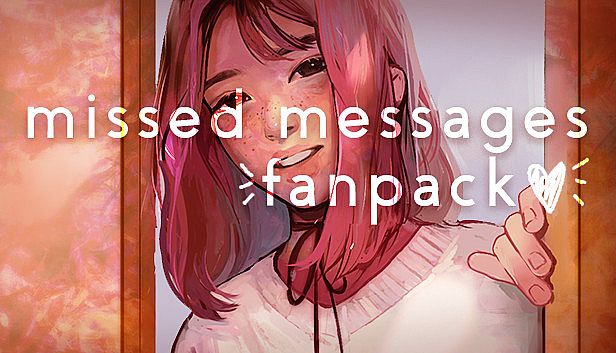
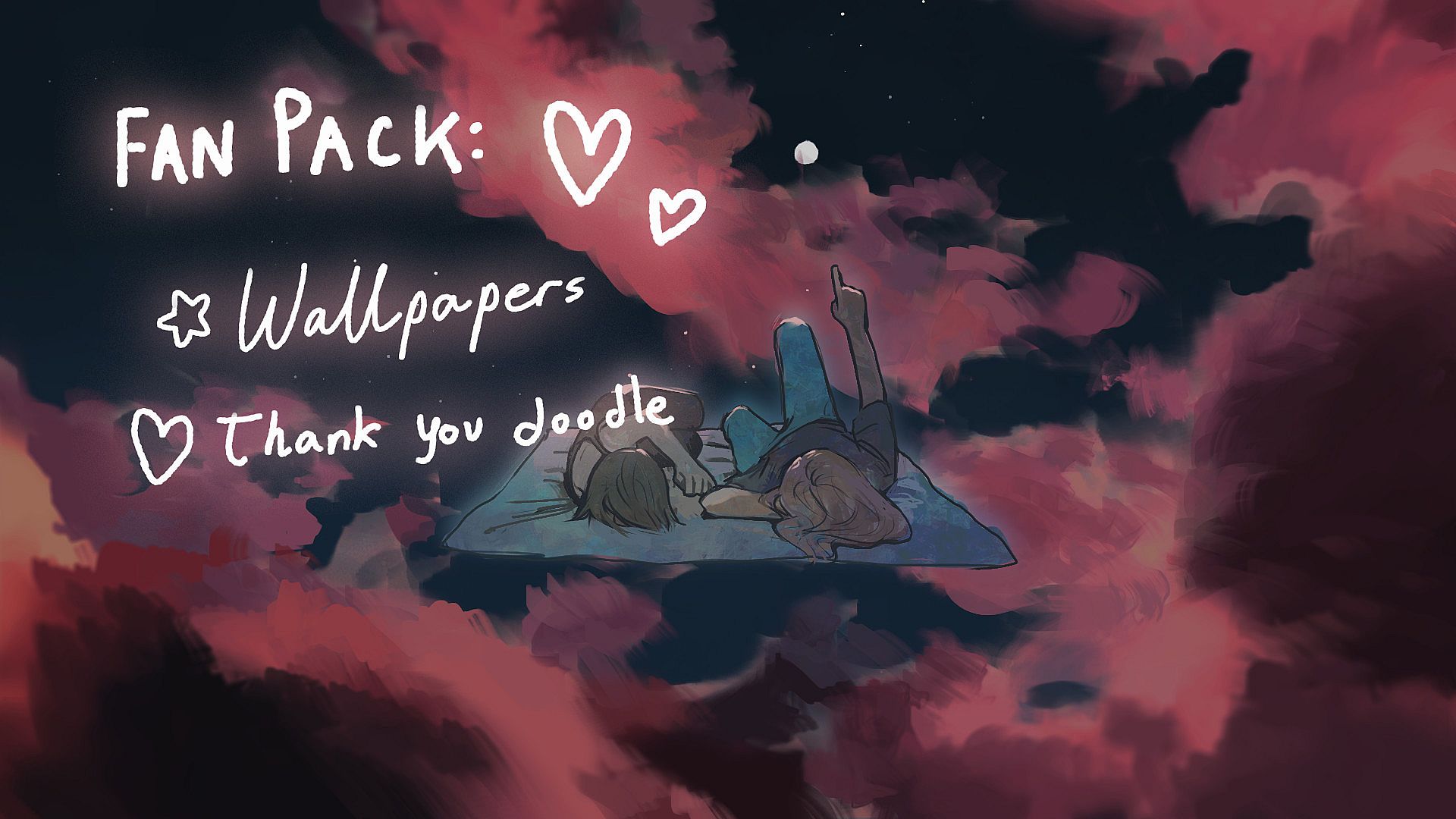
Grab high-quality wallpapers and an exclusive drawing for missed messages. This content bundle delivers 15 detailed wallpapers alongside a special artwork piece. Access them easily through Steam's Library on PC by right-clicking the game, selecting Properties, and browsing the Local Files into the Goodies folder.
Indie RPG and casual simulation fans get a quick way to enhance their setup with these digital extras. The straightforward file navigation keeps things simple for everyday players. Casual gamers who enjoy light RPG touches find these visuals a perfect match for their style.
This package contains:
- 15 HQ wallpapers
- an exclusive drawing!
♡♡
To find them:
1. Open Steam, go to the Library tab, and right-click on missed messages in your game list.
2. Select Properties and click the Local Files tab.
3. Click the Browse Local Files... button.
4. Open the "Goodies" folder!