

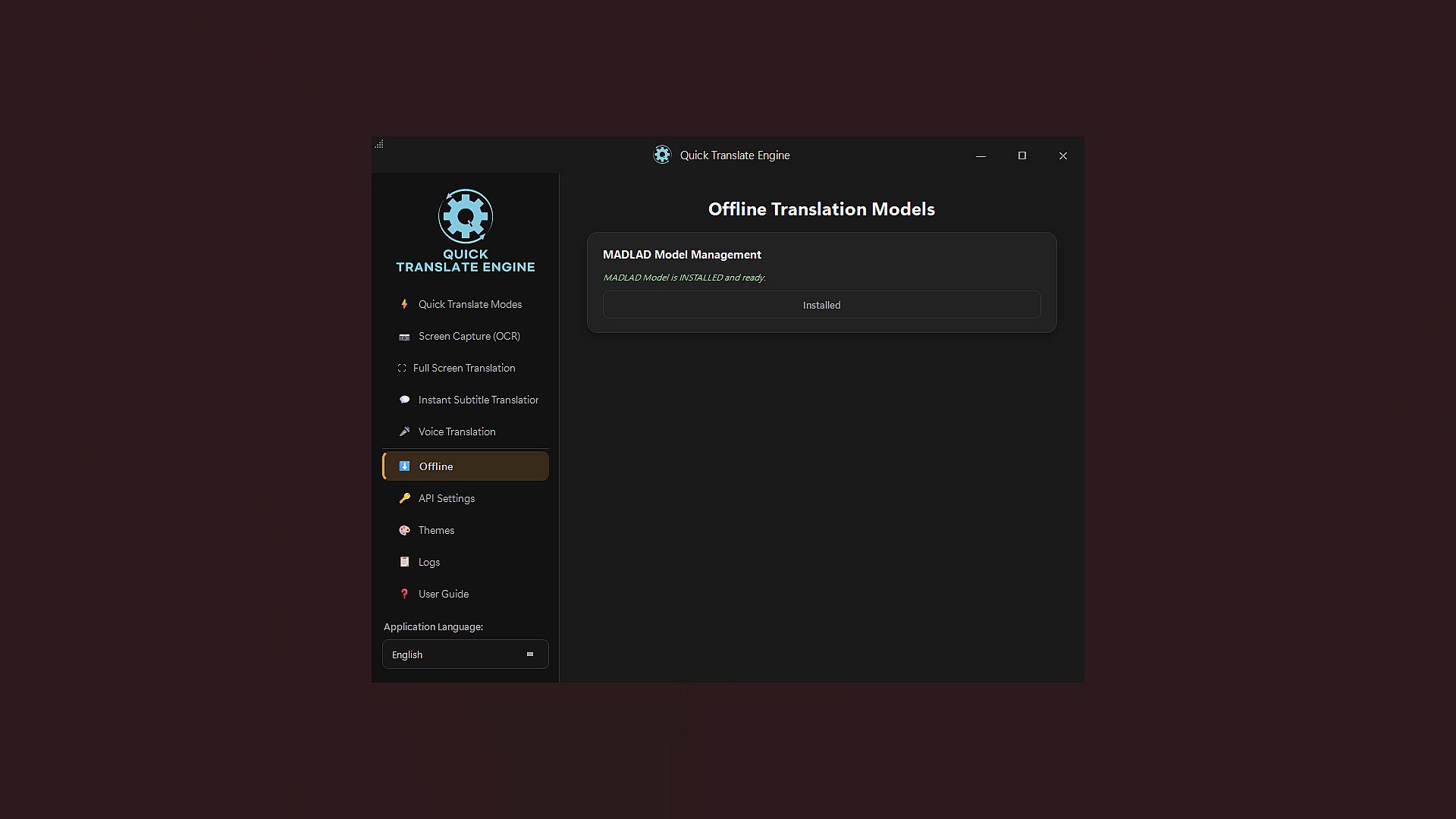
Offline Translation Model serves as a free to play utility on PC designed to enable offline translation within the Quick Translate application. This DLC supplies the necessary local model for translation between a wide range of languages without requiring an active internet connection after installation.
Gameplay
The core loop centers on capturing on screen text or entering manual input for immediate processing by on device AI models. Users activate the tool through a hotkey to select screen regions, after which the system performs text recognition and translation locally using CPU or GPU resources. The process caches models on first use for faster subsequent operations, with smaller screenshots recommended for optimal speed. All processing stays on the device to maintain privacy, and no external accounts or keys are required at any point.
Performance depends on available system memory, with a minimum of 4GB free RAM or VRAM recommended for smooth operation. The first translation may take additional time while models load into cache, but repeated uses benefit from quicker results. This setup suits scenarios where internet access is unavailable or unreliable, allowing consistent functionality across different hardware configurations that meet the baseline processor requirements such as Intel Core i5 12400 or AMD Ryzen 5 5600 equivalents.
Game Modes
Translation operates through two primary approaches integrated into the utility. Screen capture mode lets users highlight specific areas of the display for targeted text extraction and conversion. Text input mode accepts direct typing or pasting of content for standalone translation tasks. Both methods run entirely offline once the model is in place, supporting broad language coverage without additional configuration or downloads during use.
The utility installs automatically alongside the base application through Steam servers, bypassing potential regional restrictions on external model fetches. If the model has already been obtained within the main app, the DLC remains optional yet harmless to add for redundancy.
Key Features
Automatic integration ensures the offline capability activates seamlessly without manual setup steps. The system handles translation across numerous language pairs while keeping all data local to preserve sensitivity of content such as game dialogues or documents. No subscription or per use credits apply after the model is active, enabling unlimited sessions on compatible hardware.
System demands focus on processor and memory rather than specialized peripherals, making the tool accessible on standard PC setups. Updates to the base application may enhance model efficiency over time, though the DLC itself provides the foundational offline support without further intervention.
Is It Worth Playing?
This utility appeals directly to PC users who frequently encounter untranslated text in games, comics, or foreign interfaces and seek reliable offline access. Its free to play status combined with automatic installation removes common barriers associated with model downloads in restricted regions. The emphasis on privacy and lack of ongoing costs positions it as a practical addition for those prioritizing local processing over cloud dependent alternatives.
Reception centers on its convenience for uninterrupted use in varied environments, though it requires the base Quick Translate application to function. Players focused on single player experiences or content consumption without network reliance will find the most value, especially if prior in app model acquisition has not occurred. The current availability confirms ongoing support through the Steam platform with no reported limitations on core offline functionality.