


Dive into ChineseZodiac, a casual first-person shooter with a tense rhythm. Players aim with the mouse and left-click to eliminate randomly listed targets in the lower right, racing against time limits and ammo constraints. Collect up to four props per level-like auto-aim, time extension, freezing spheres, or range boost-and activate them via number keys from a 10-slot toolbar to push through escalating challenges.
Advance levels by completing tasks, facing more targets that move faster while gaining extra range, time, and ammo. Switch among 10 distinct 3D scenes and pick from 28 languages in the main menu, which also offers start, load, and end options. Pause anytime with ESC for saves or returns. This quick-play casual shooter suits players craving bite-sized, skill-building sessions on PC.
1: Introduction to the game
This is a casual shooting game, rhythm slightly tense. The game is the first person single shooter. The lower right corner will randomly list the targets to kill, use the mouse to aim at the target, and click the left mouse button to kill. There is a limit on the quantity of ammunition, which needs to kill the target within a specified time. The game fails when the ammunition is used up or the time is over. There are many kinds of props to use in the game. The toolbar can store up to 10 props. Press the corresponding number key to use props. In the main menu, you can switch different 3D scenes and appreciate different styles; You can switch different languages. The game interface supports more than 20 different languages. Complete the task can improve the level, with the improvement of the level, the target will be more and more, the moving speed will be faster and faster.
2: Main menu
The main menu includes switching scene, switching language, starting game, loading game and ending game
3: Switch scenes
Click the switch scene button to select different game scenes.
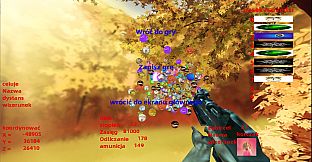
Scene one
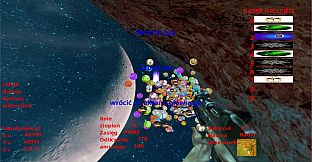
Scene 2
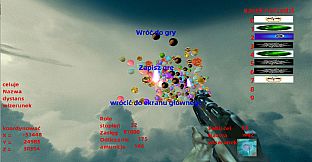
Scene 3
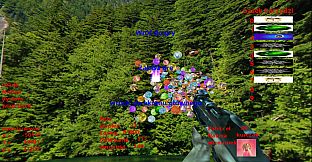
Scene 4
Scene 5
Scene 6
Scene 7
Scene 8
Scene 9
Scene 10
4: Switch languages
Click to enter the select language interface, you can choose 28 different languages to play the game. Including simplified Chinese (简体中文), traditional Chinese (繁体中文), English (English), Russian(Русский)、 Japanese (日本語), German (Deutsch), French (Français) , Korean (한국어), Spanish (Español-España) , Thai (ไทย), Bulgarian( български език)、 Czech(čeština), Danish(Dansk),Greek(Ελληνικά)、 Italian(Italiano), Magyar(Magyar), Dutch(Nederlands),Norwegian(Norsk), Polish(Polski), Portuguese(Português),Romanian (Română)、 Finnish(Suomi), Swedish(Svenska)、Turkish(Türkçe)、Vietnamese(Tiếng Việt)、Ukrainian(Українська)、Arabic(العربية)、Portuguese-Brazil(Português-Brasil).
Select finish to return to the main interface, and the language of the interface will display the corresponding language.
5: Start the game
Click start game to enter the game interface.
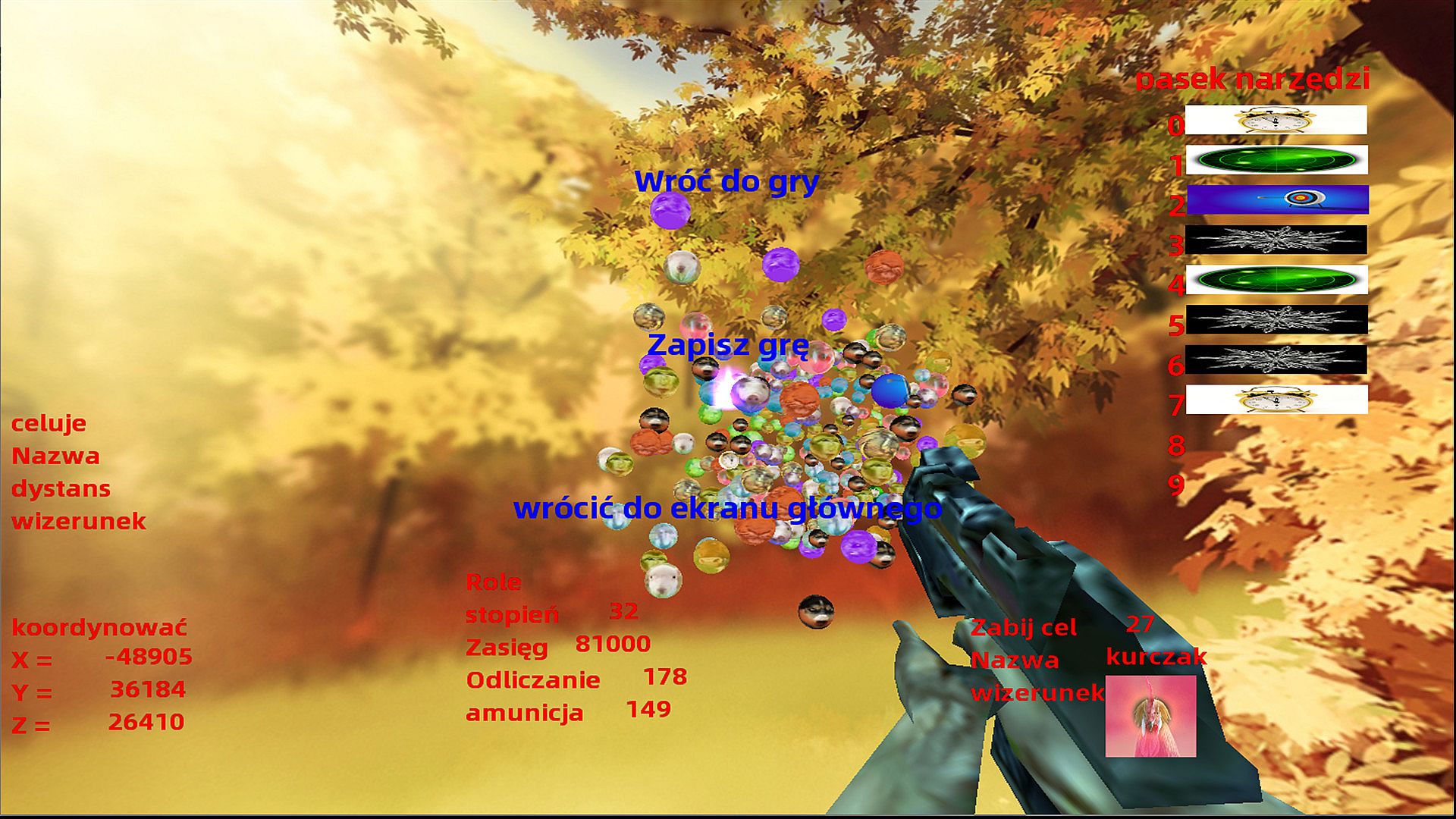
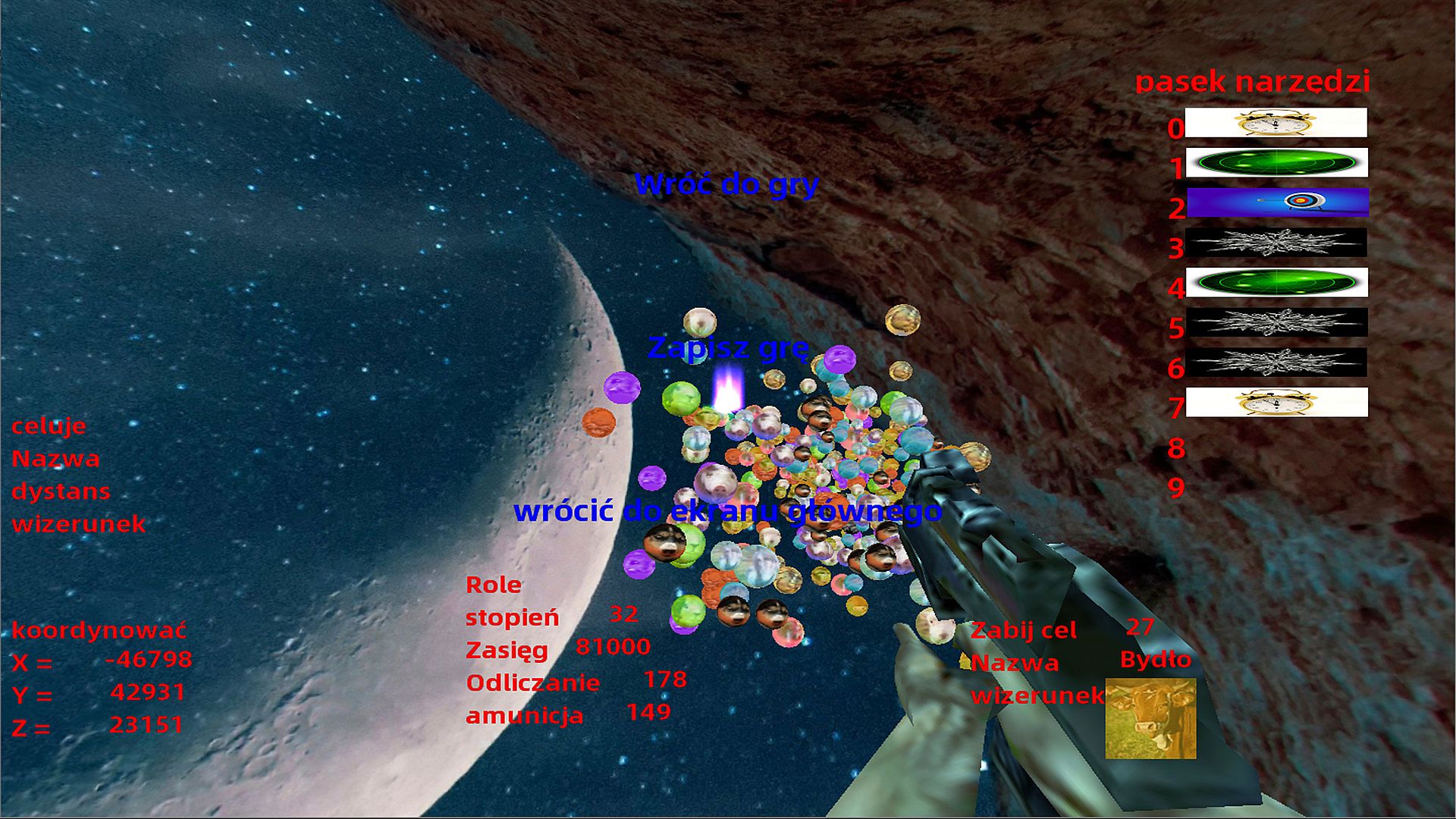
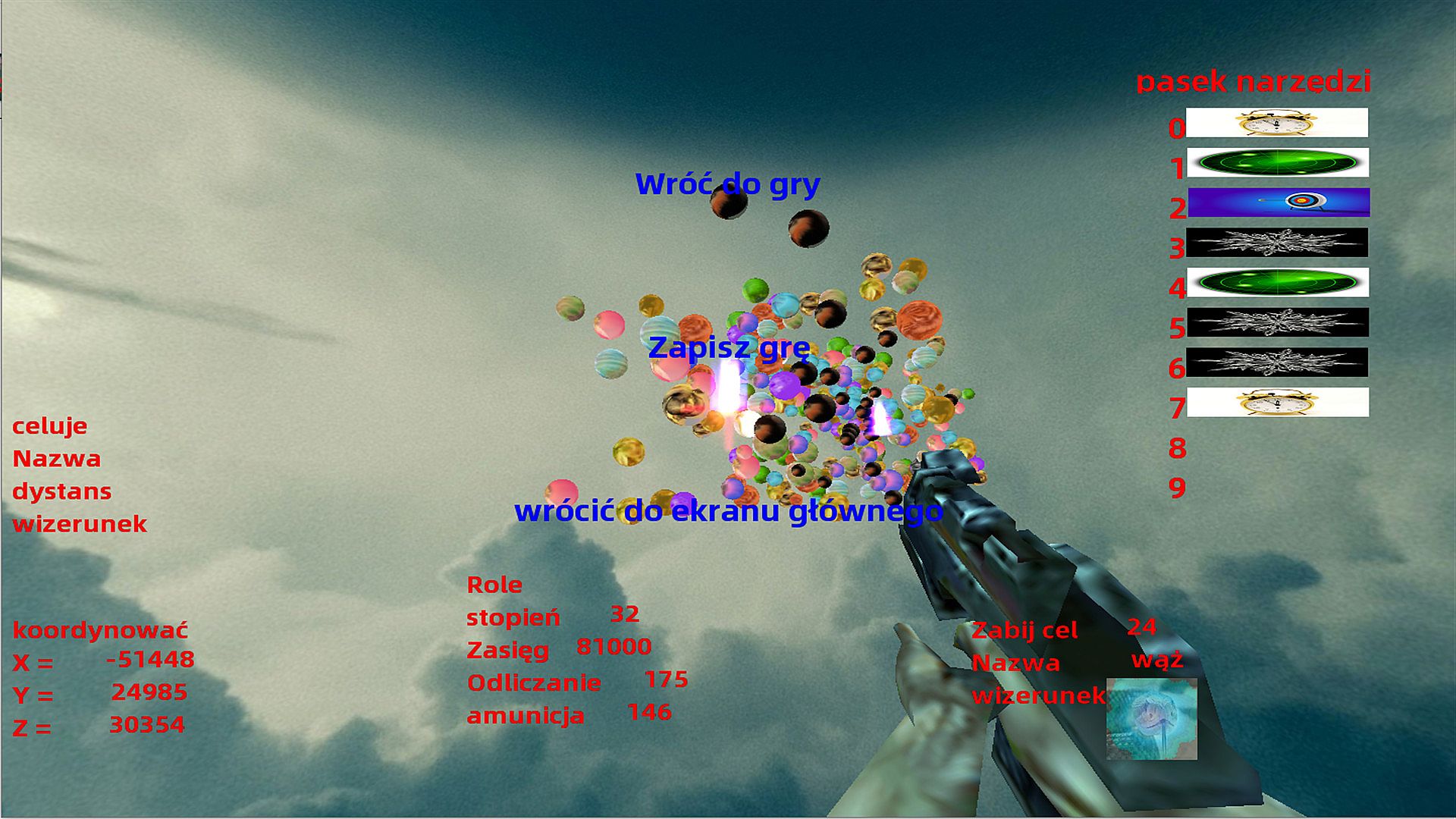
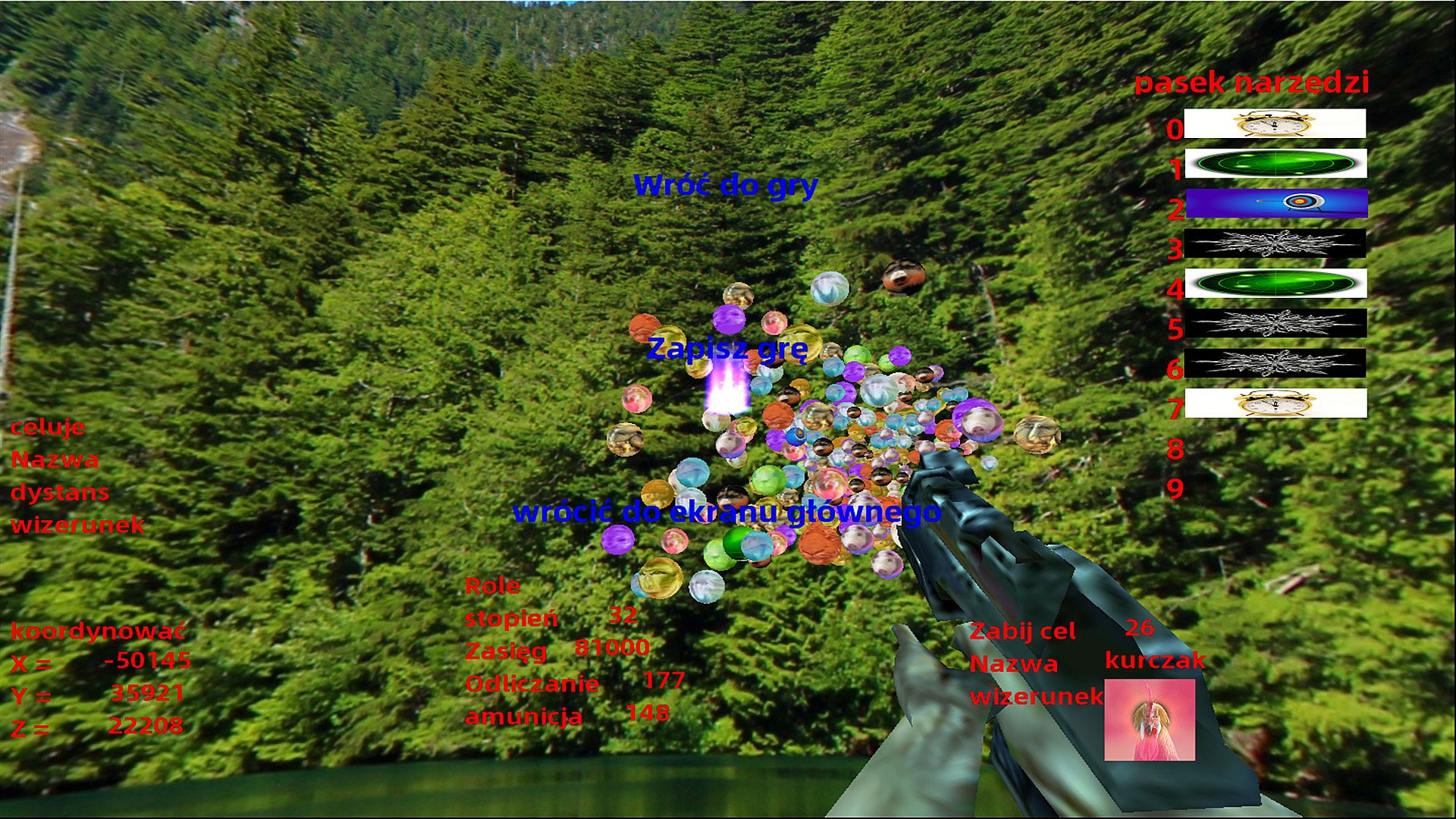
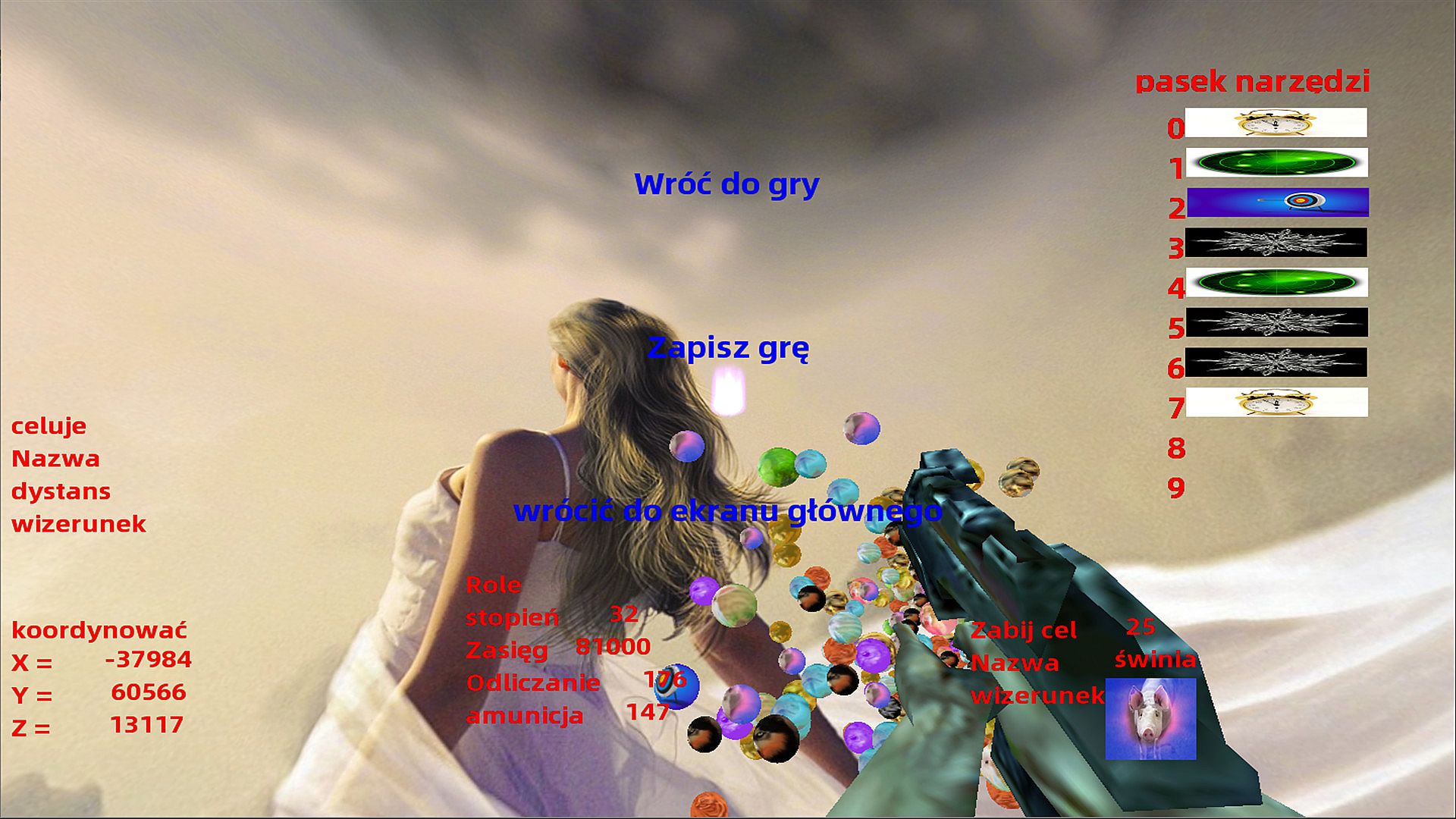
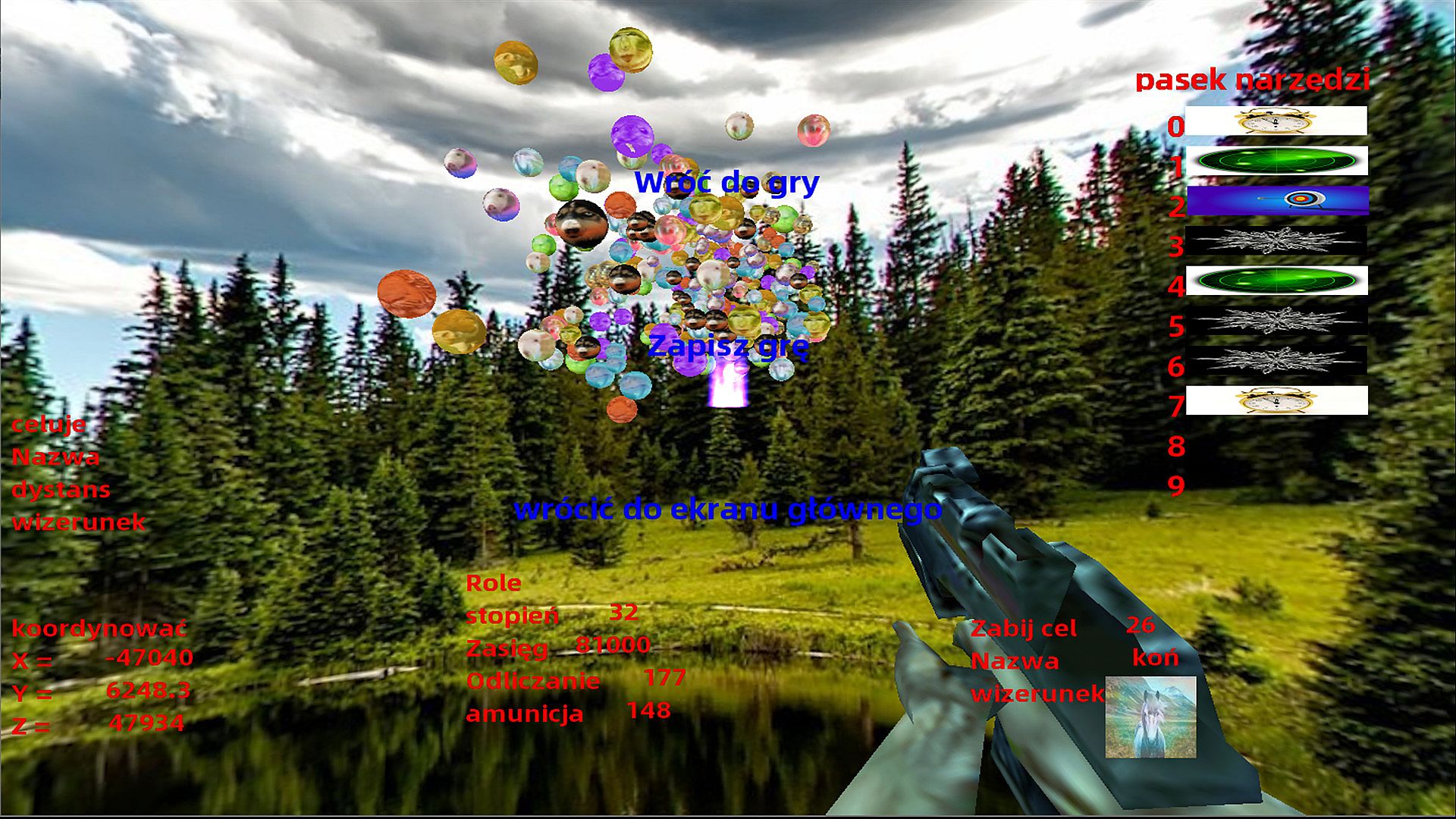
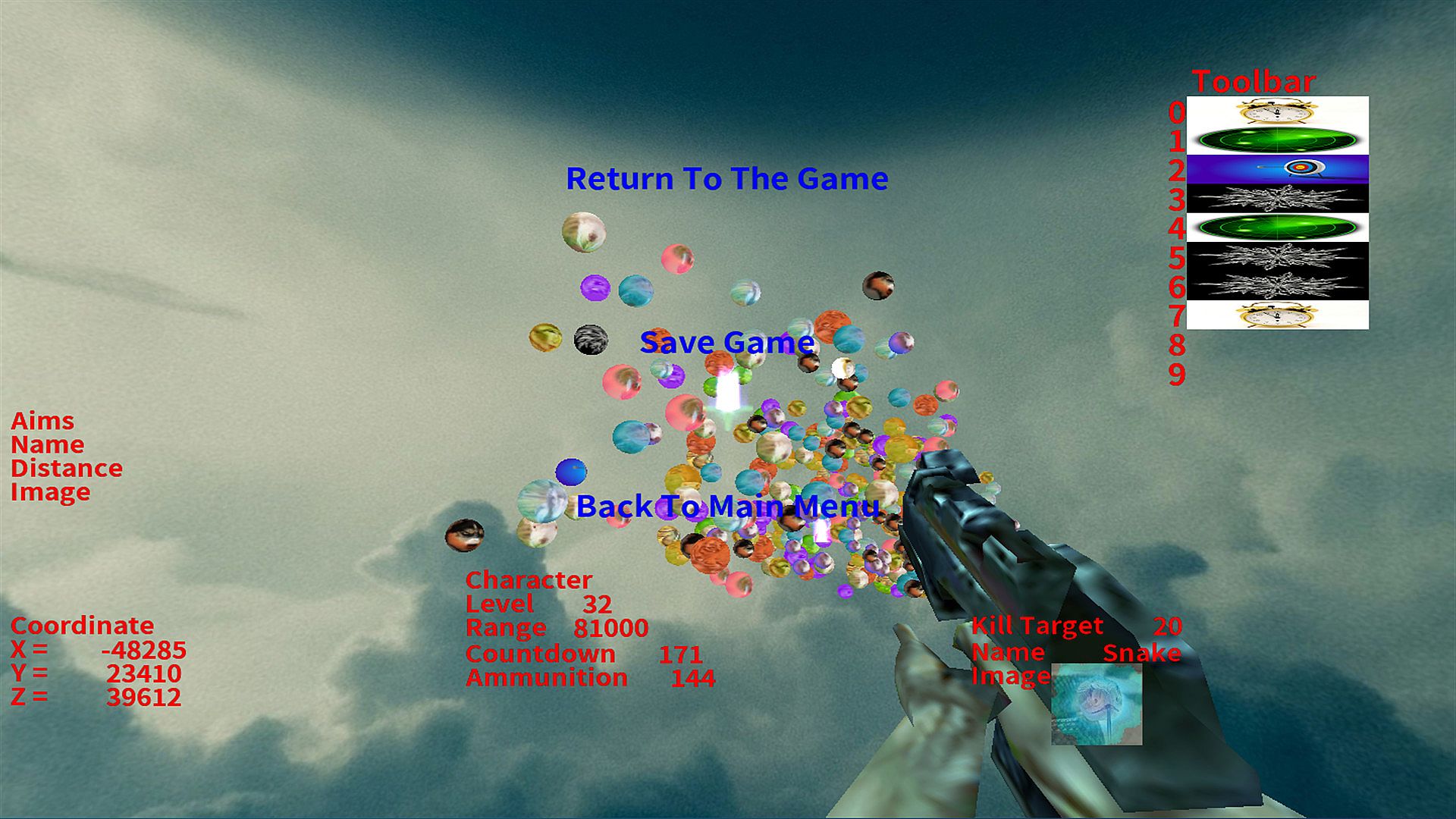
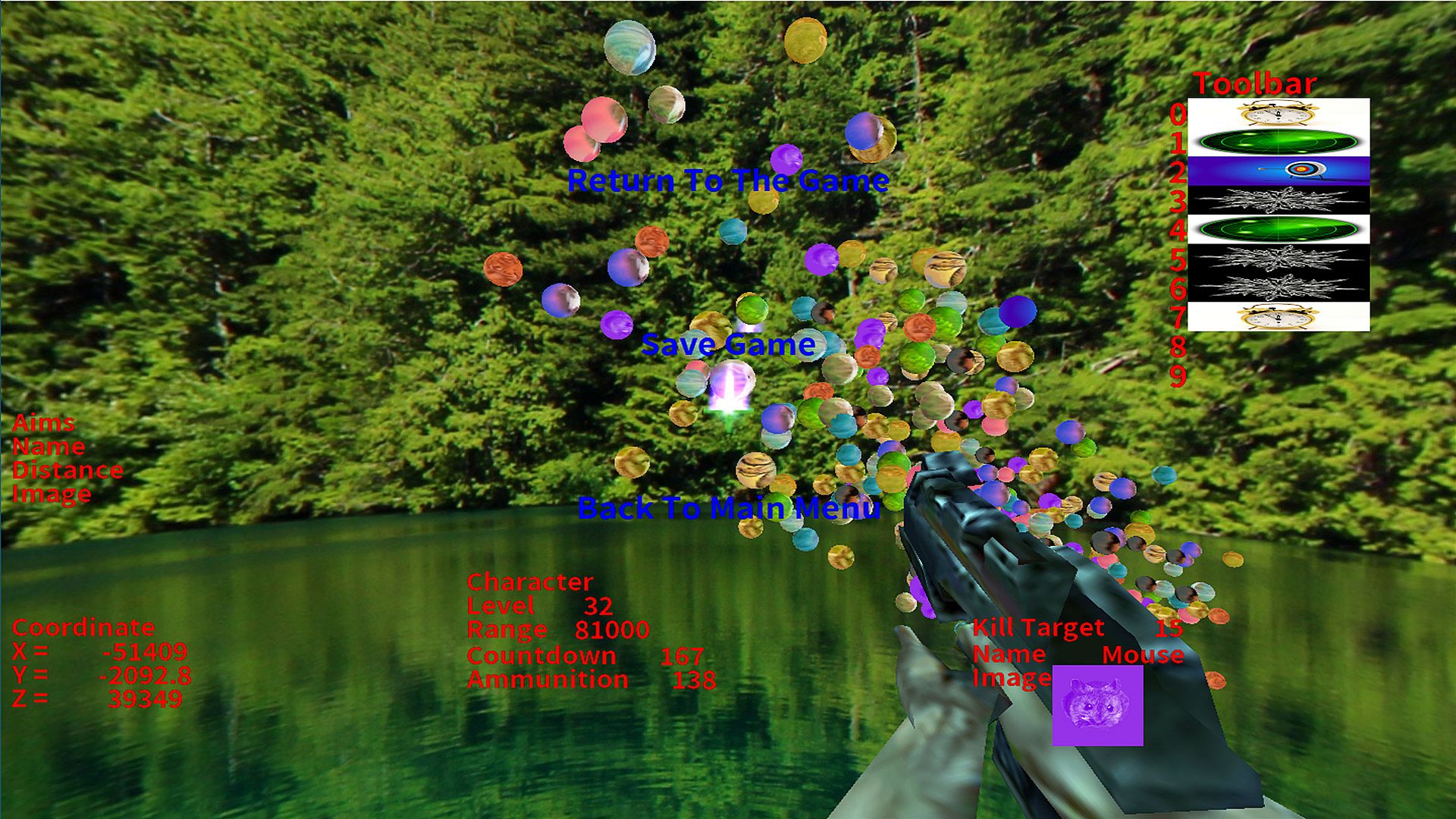
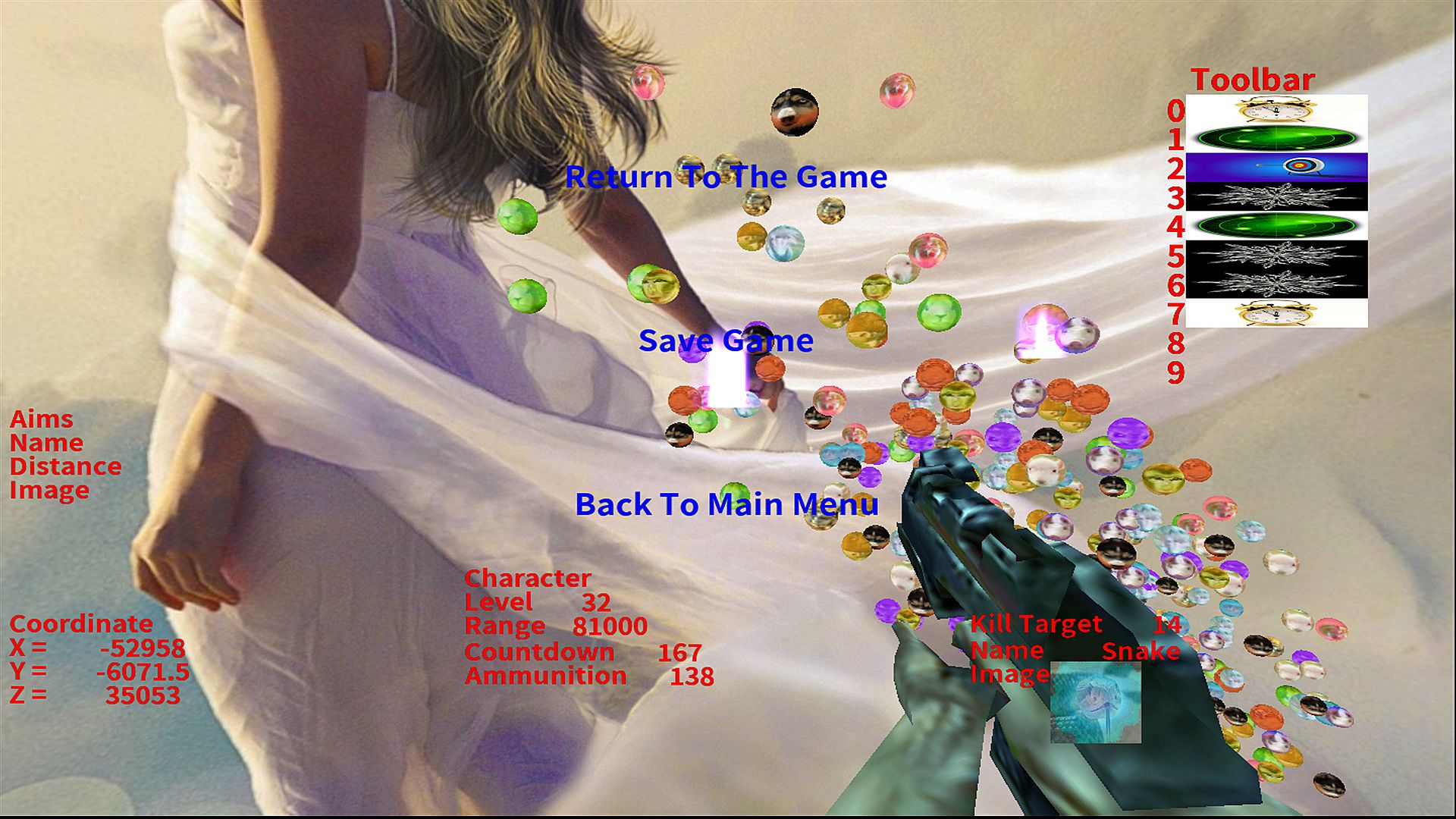
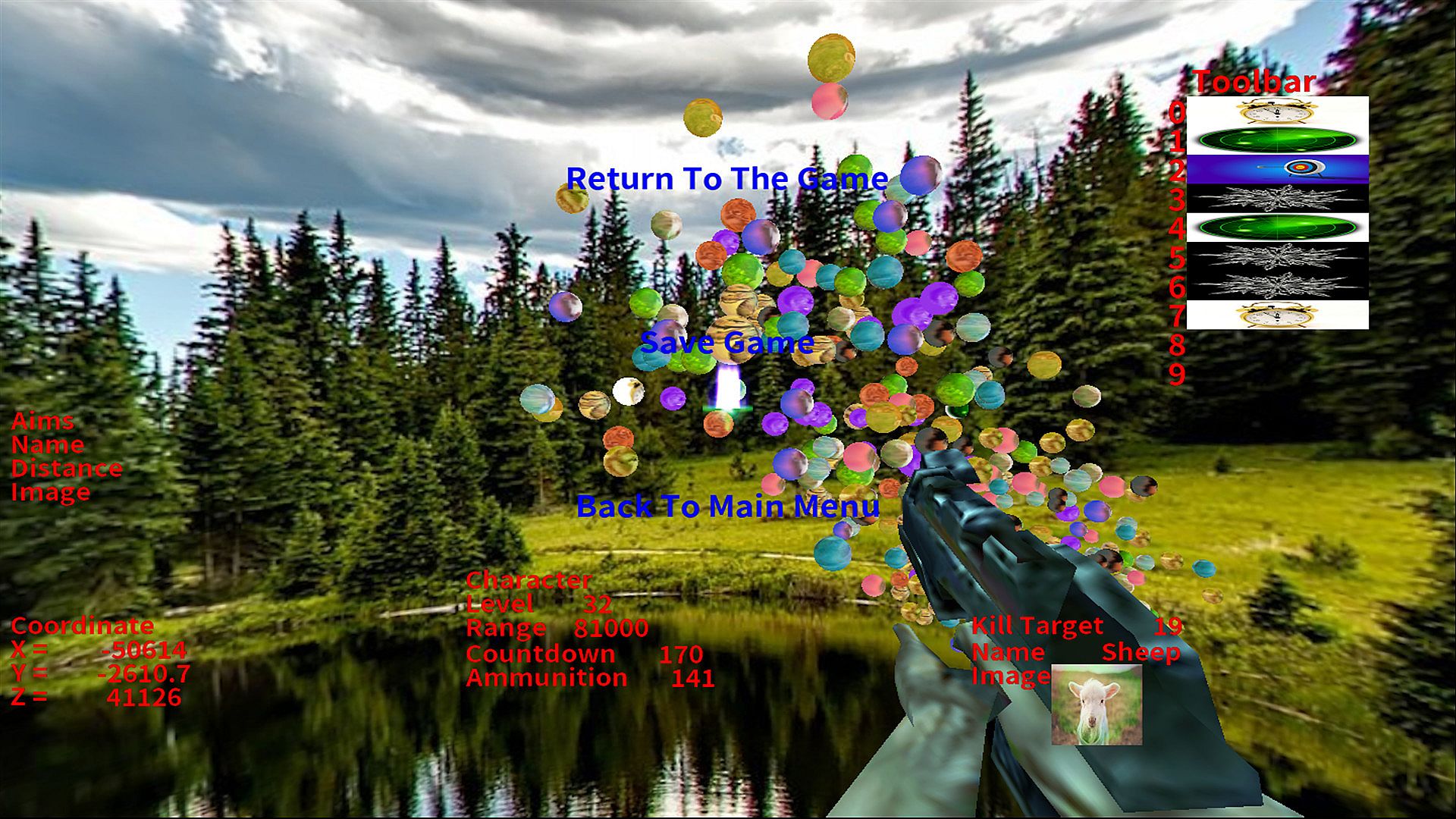
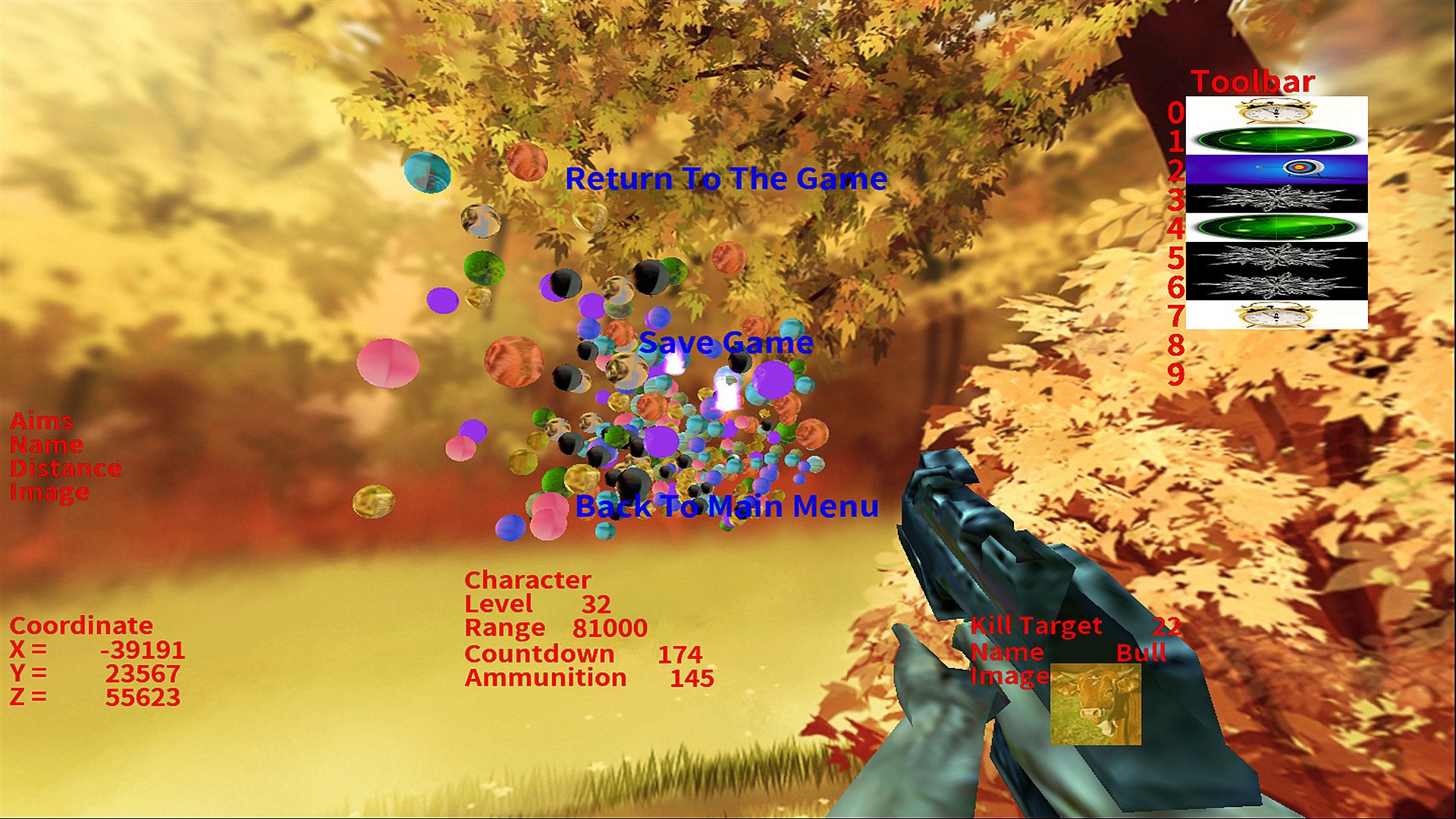
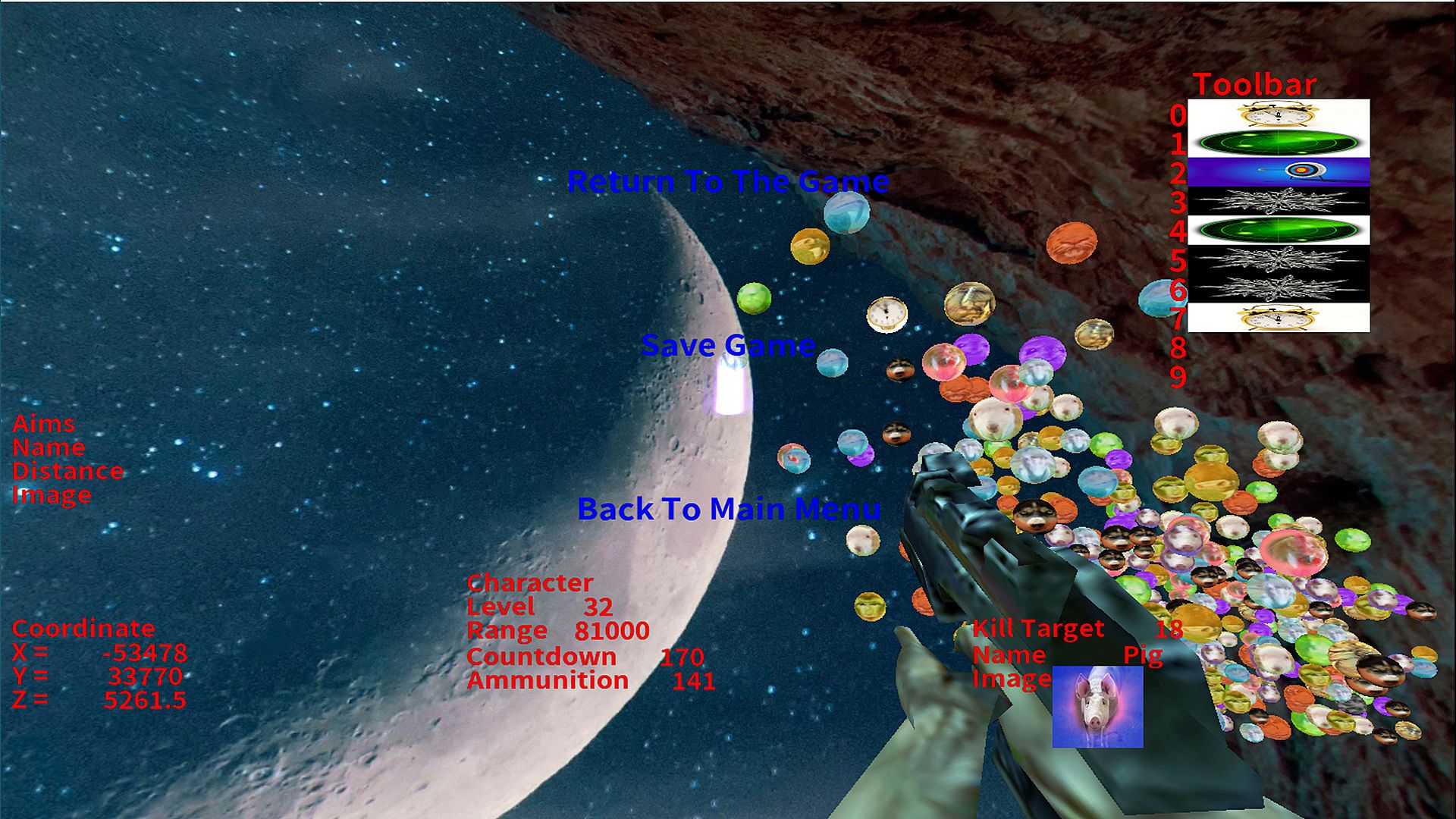
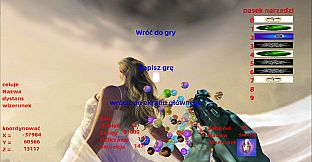
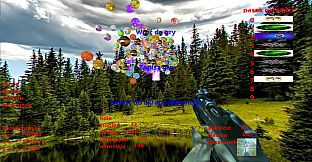
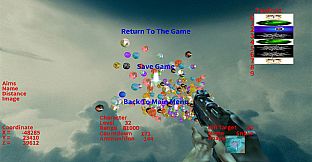
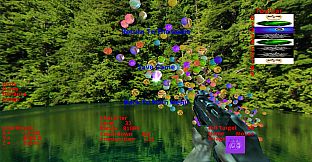
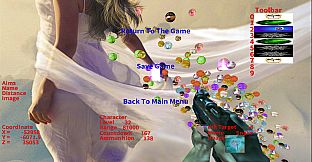
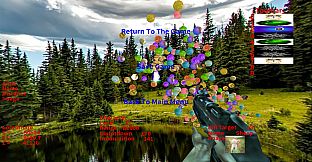
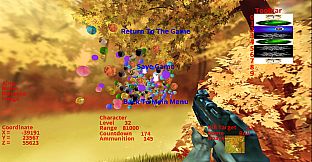
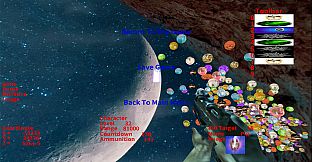
The middle on the left is the target information, which will show the target information you are aiming at with the mouse. Target information includes name, distance and picture. At the bottom of the left is the coordinate information, which shows the coordinates of the current mouse aiming position.
The middle shows the current player's information, including level, range, countdown and ammunition. Use it to kill the target within the specified time. There are also limits on the amount of ammunition. The game ends when time runs out or ammunition runs out. As the player's level increases, the range, time and ammunition amount will increase.
The information of the targets to be killed by the player is displayed on the lower right side, including the number, name and picture of the targets to be killed. With the improvement of the player's level, the number of targets to be killed will also increase, and the movement speed of each target will also accelerate.
On the far right is the toolbar, which is used to save the available tools. There will be 4 tools in each level. Players can save the tool as long as they hit it. When using the tool, just press the corresponding number key.
Press the ESC key to display the pause screen. Click return to game to return to game, click save game to display save game interface, click return to main interface to return to main interface.
In the figure above, the corresponding pictures of the four tools are shown
The tool corresponding to the number key 0 is the automatic aiming tool. After pressing the shortcut key 0, it will automatically aim at the target to be killed, only once.
The tool corresponding to number key 1 is the add time tool. After pressing shortcut key 1, the countdown will increase by 10 seconds.
The tool corresponding to number key 2 is freezing tool. After pressing shortcut key 2, all spheres will be stationary for 3 seconds.
The tool corresponding to the number key 3 is to increase the range. After pressing the shortcut key 3, the range will temporarily increase by 10 times. After launching once, the effect will disappear.
6: Load game
Click load game to enter the load game interface. Click the red file to select whether to load it or not. The white file has not been stored yet and cannot be loaded.
7: End the game
Click end game to enter the end game interface.