



CopperCube 6 Game Engine PC

CopperCube 6 Game Engine jest darmowe! Pobierz gr臋 z Steam i zacznij gra膰 od razu. Szukasz DLC do CopperCube 6 Game Engine, waluty w grze lub innych dodatk贸w? Sprawd藕 list臋 DLC i por贸wnaj 0 ofert na XD.deals.

Steam:
Positive (332)
Official
Brak dost臋pno艣ci
Keyshops
Brak dost臋pno艣ci
Kup w oficjalnym sklepie:
Brak dost臋pno艣ci
Kup w keyshopach:
Brak dost臋pno艣ci

Brak ofert, ale spokojnie - damy zna膰, gdy pojawi si臋 nowa.

Create Alert Create deal Alert

O CopperCube 6 Game Engine

CopperCube 6 Game Engine - o grze
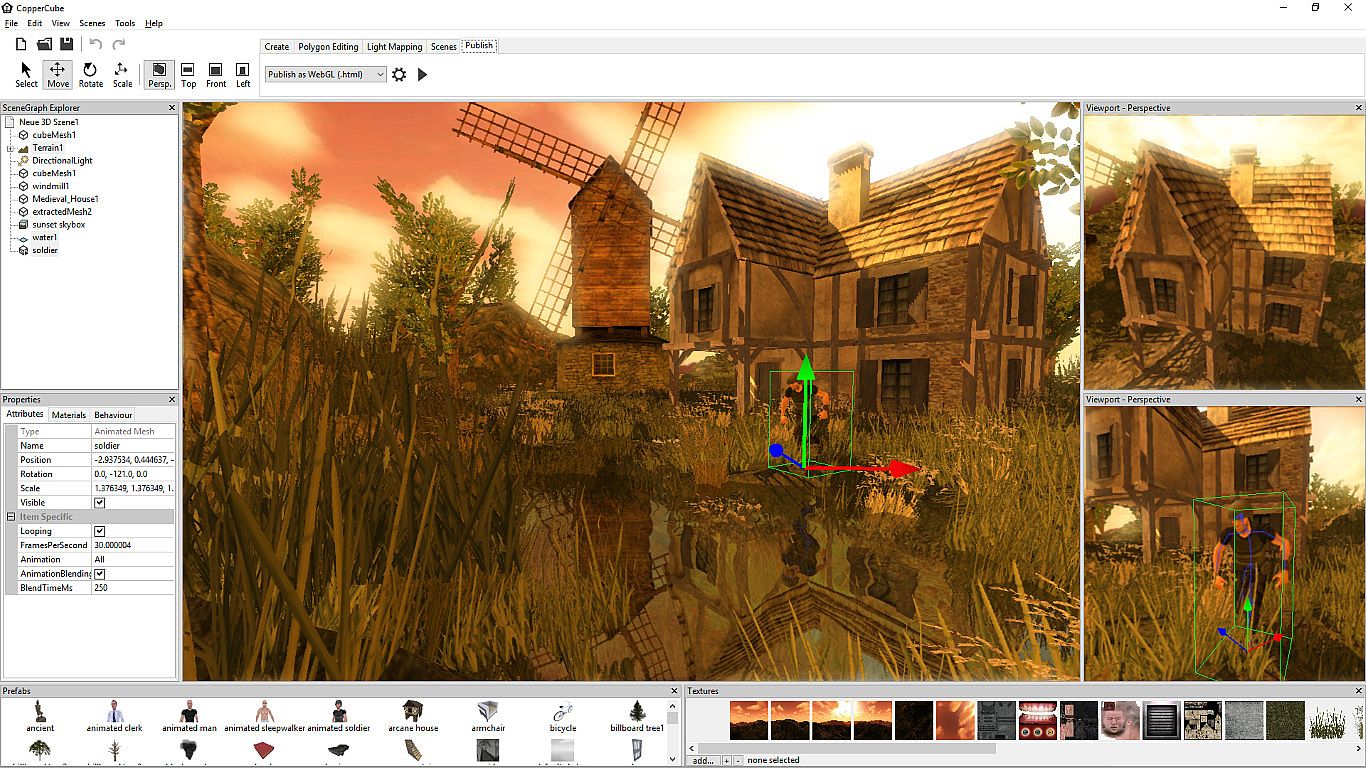
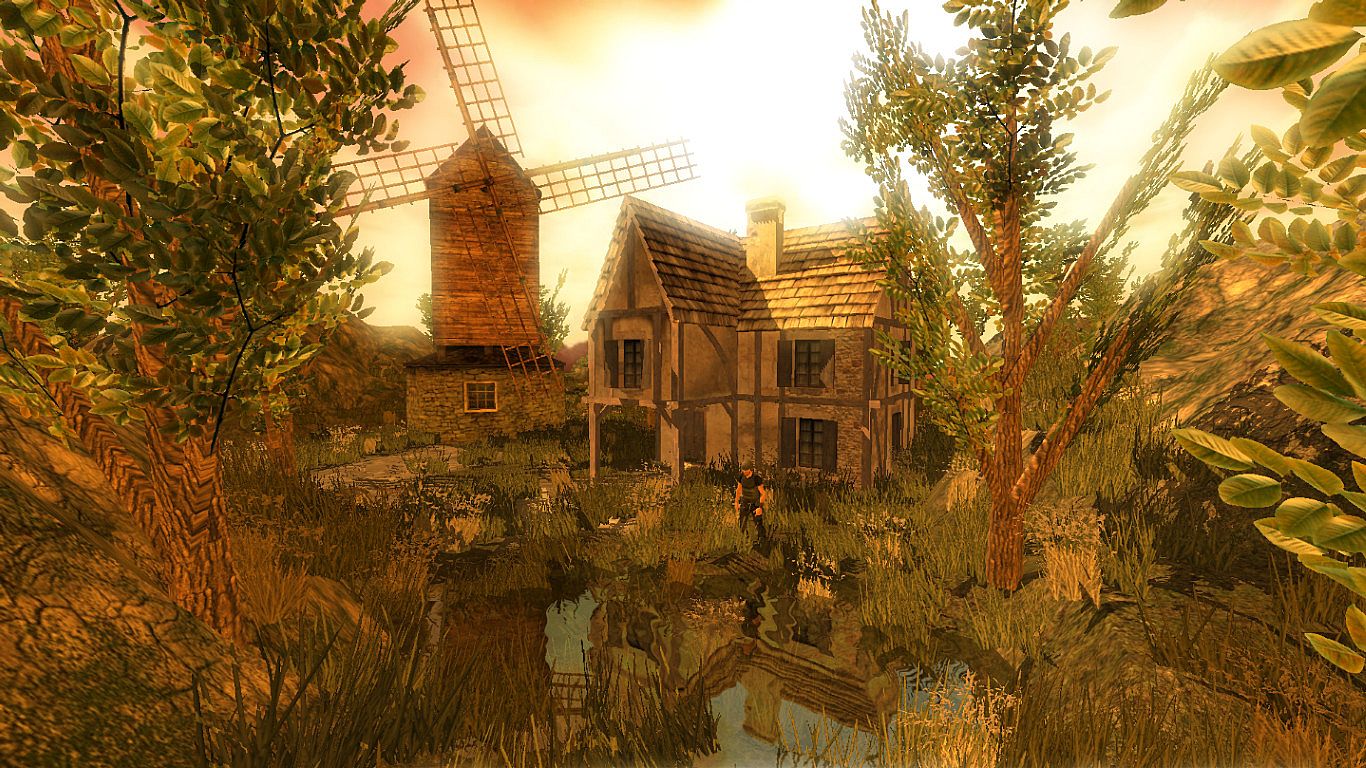
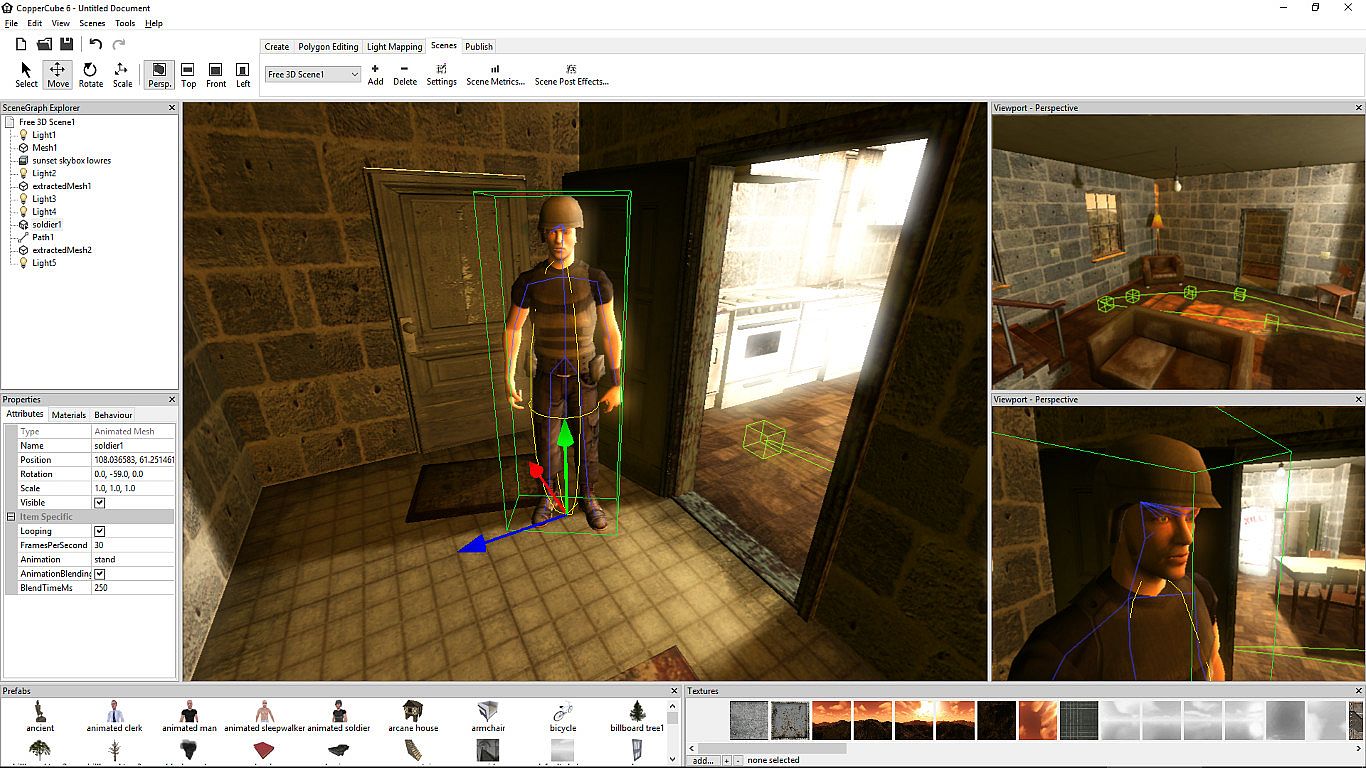
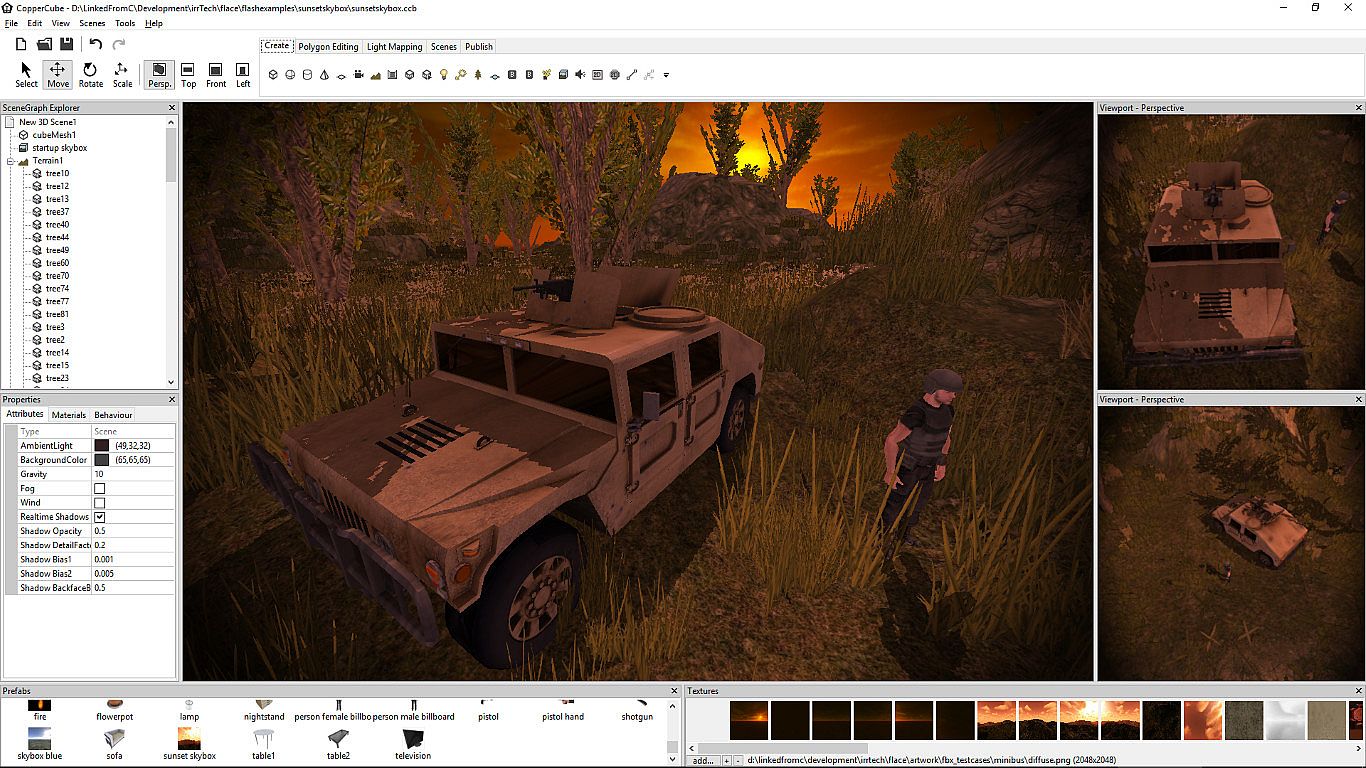
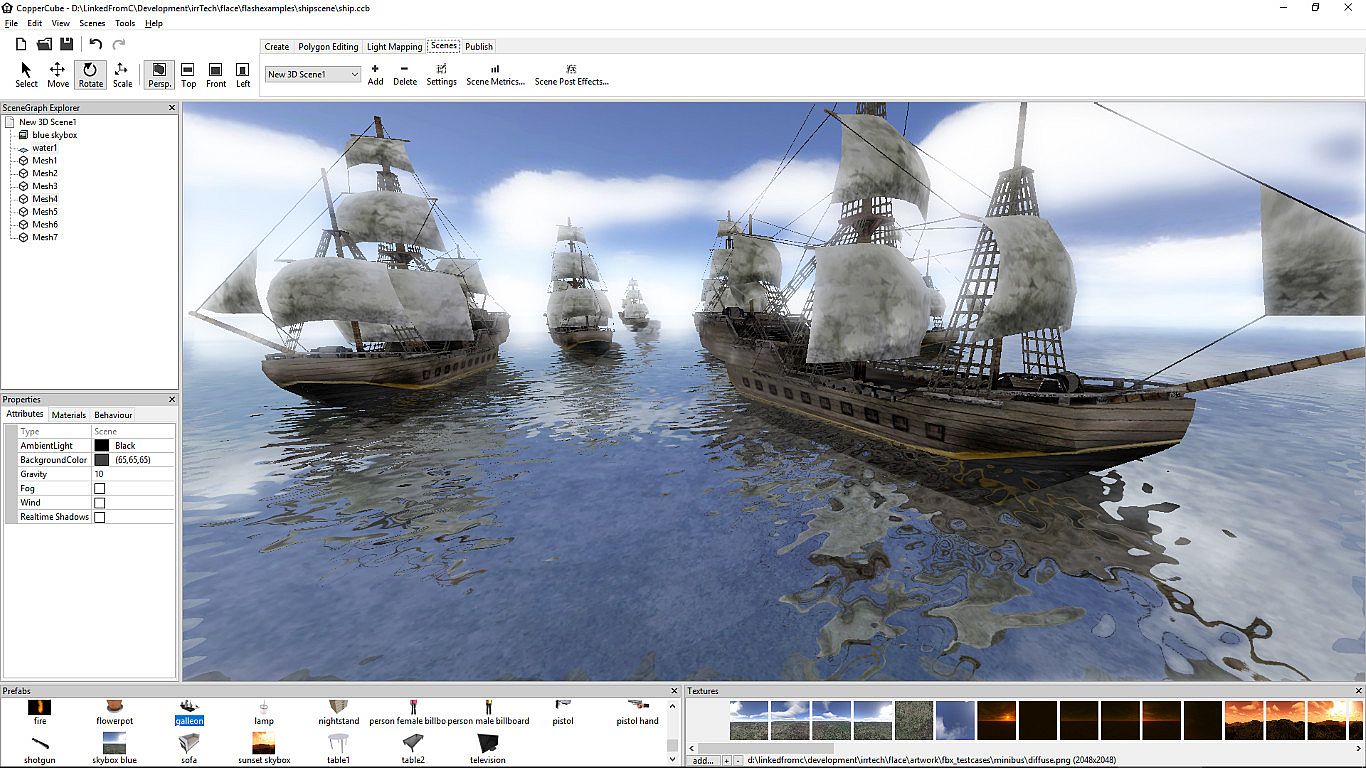
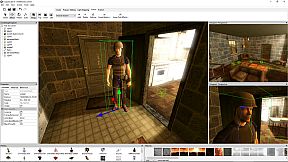
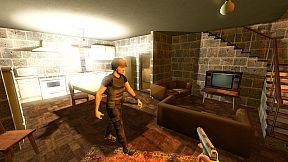
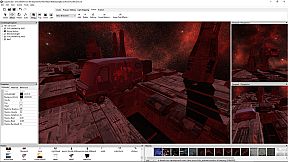
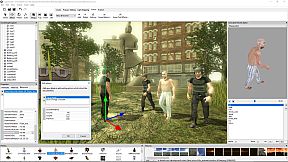
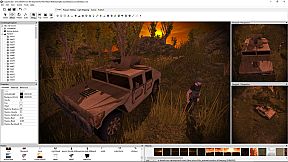
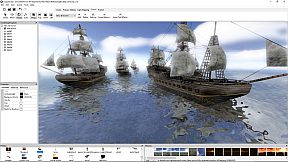
CopperCube 6 to silnik do tworzenia zaawansowanych gier i aplikacji 3D bez pisania kodu. U偶yj edytora terenu, by szybko modelowa膰 艣wiaty z malowaniem tekstur, rozmieszczaniem trawy i generowaniem drzew. Dodaj narz臋dzia do low poly modelowania poziom贸w i przedmiot贸w, gotowe zachowania AI, efekty, fizyk臋 oraz animacje postaci importowane z innych program贸w. Skonfiguruj sterowanie kamer膮, materia艂y i interakcje prostym systemem klikni臋膰, a nast臋pnie opublikuj na Windows, Mac OS X, WebGL czy Android jednym klikni臋ciem. Zaawansowane funkcje obejmuj膮 skrypty JavaScript, obs艂ug臋 shader贸w i wysokiej jako艣ci light mapper do osza艂amiaj膮cego o艣wietlenia i cieni w czasie rzeczywistym. Ten silnik sprawdzi si臋 u pocz膮tkuj膮cych przy prostych projektach 3D oraz profesjonalist贸w pracuj膮cych nad z艂o偶onymi shooterami czy przygod贸wkami.

CopperCube is a full-featured 3D game engine. No programming needed! Create 3D games and apps quickly. Includes terrain editor, low poly modelling tools, 3D models, precreated game AI, effects and more. There are also plenty of features for advanced users, like JavaScript scripting and shader support.

Create your own 3D worlds and 3D models, set camera controllers, materials, behaviors, click 'publish' and your game or app is ready. As Windows or Mac OS X apps, WebGL websites, or Android apps. You can do all this without programming. The engine is free but there is also a professional edition (DLC): It adds post effects like bloom and the option to customize the splash screen logo. By buying it, you also support the further development of the engine.
High performance 3D engine
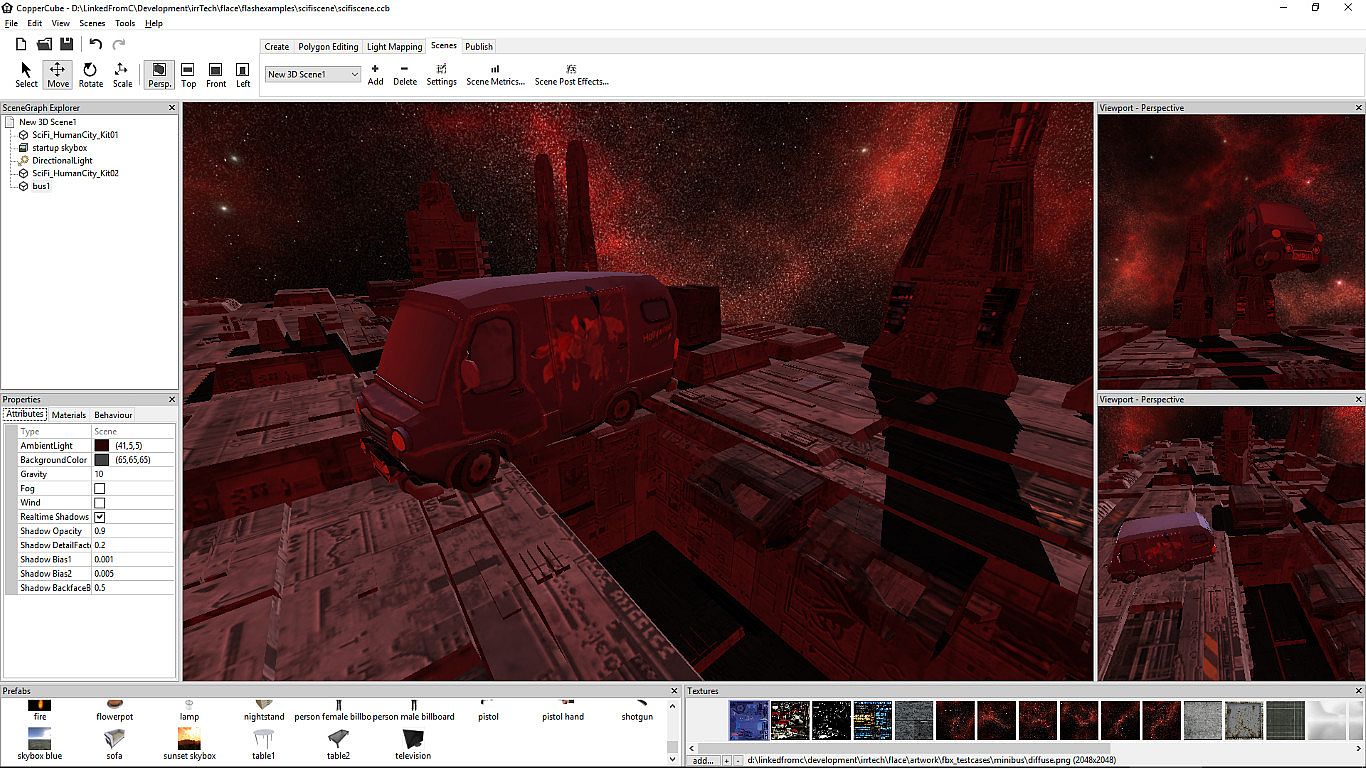
CopperCube includes manually optimized 3D engines for all supported targets, running with OpenGL, Direct3D, and WebGL.
Simple-Click game system
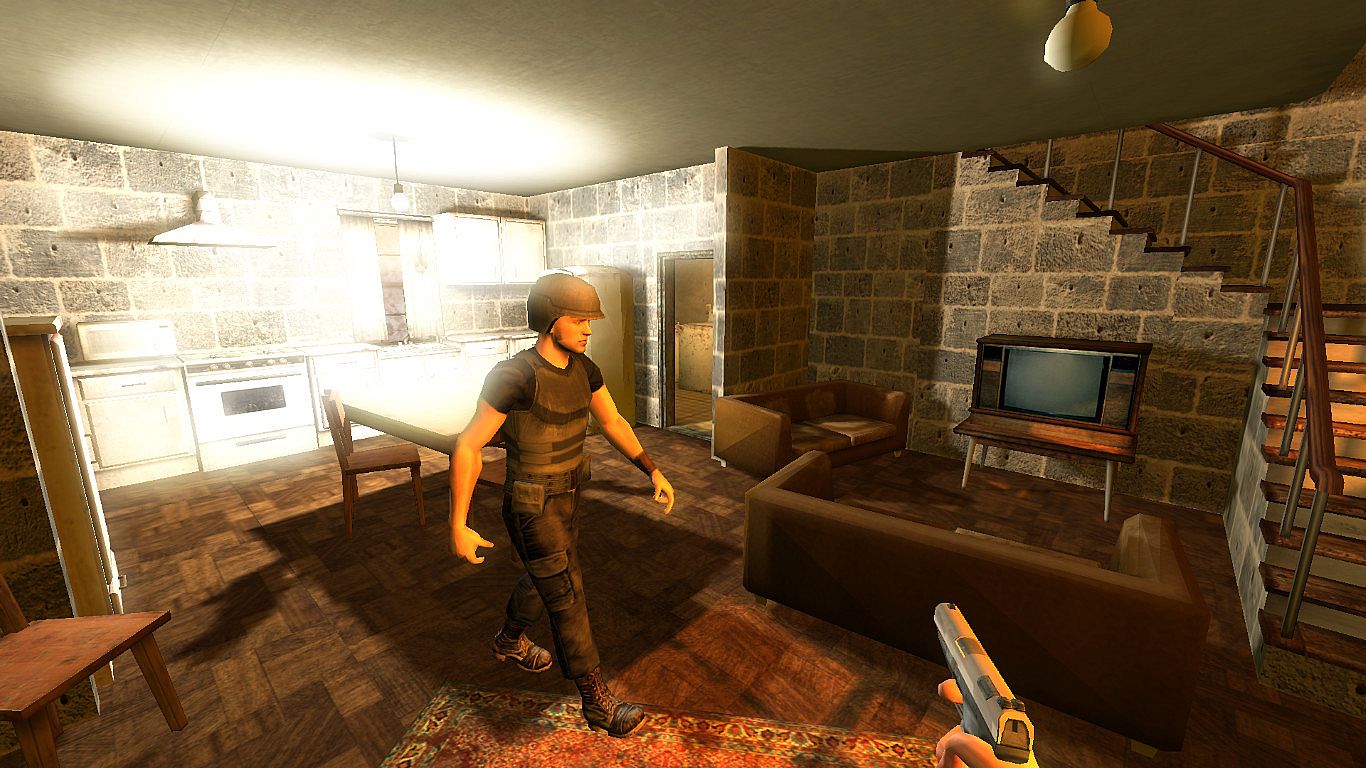
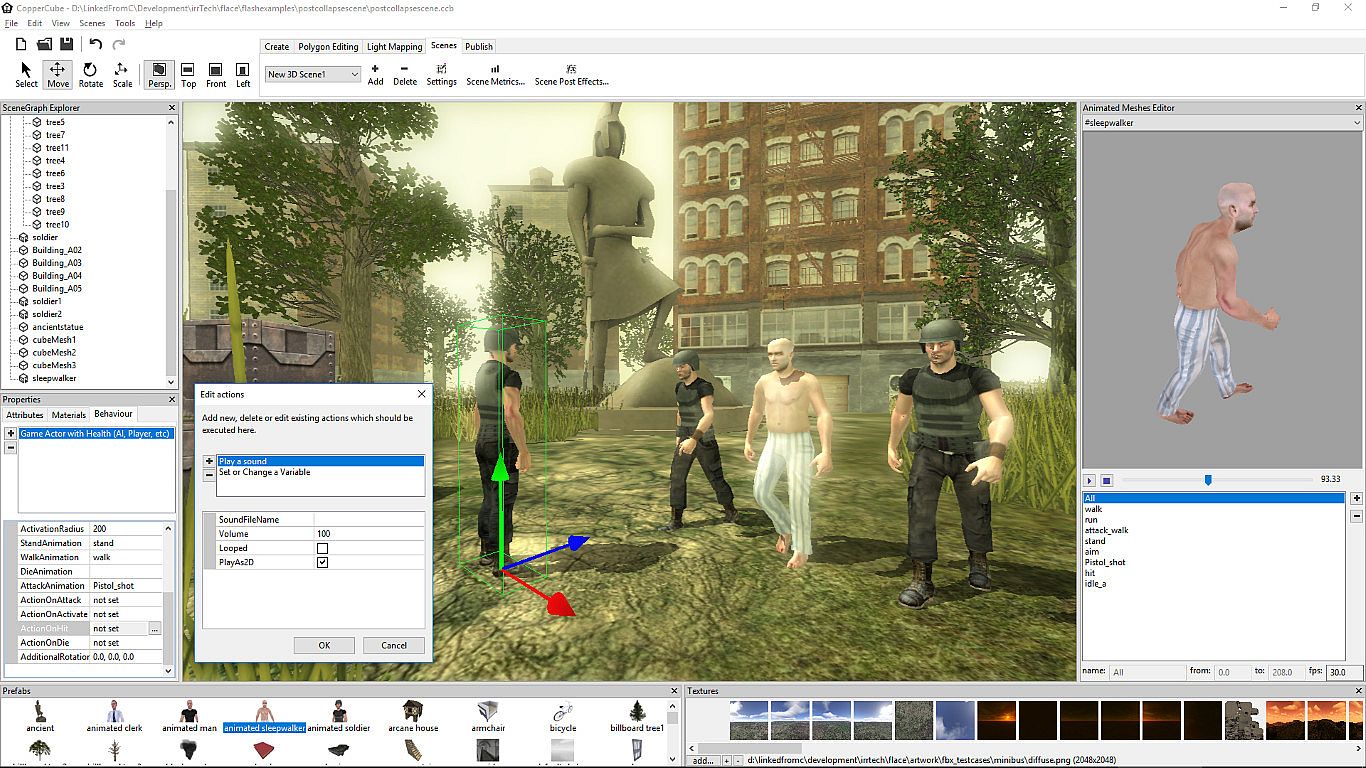
No programming needed: Wether you want to create a simple 3D game, a complex, epic adventure, or a first person shooter: Select from lots of created behaviors and adjust them accordingly.
Terrain Editor
Create your own 3D worlds directly in the editor, textures can be painted quickly with automatic texture blending into the terrain. There are also tools for placing grass and bushes, and creating trees.
Physics Engine
Next to the the built-in blazingly fast collision and repsonse system, there is also a full physics engine integrated when publishing as Windows .exe and Mac OS X .app.
Character Animation
You can model and animate characters using any 3D software, export it into one of the supported file formats and then import them into Coppercube. Also, it is possible to download existing 3D models from the web and use them in the editor.
Low poly editing tools
You can edit your own 3D models directly in CopperCube: It includes a simple 3D modelling tool for creating levels, models and items.
Cross Platform Script system
For advanced users, there is a Javascript API working on all publishing targets. For WebGL, there is even a second big JavaScript library with direct access available, which is even open source.
High quality Light Mapper
The editor includes a high quality light mapping tool. Place your lights, click on 'calculate' and your 3D levels will look great. You can mix it with the realtime lighting and shadows system as well.
Native WebGL support
Unlike in other 3D engines, CopperCube's WebGL code is handwritten and highly optimized: Your 3D game will download quickly and run fast, even if run directly on a website. CopperCube's WebGL client is just about incredible 200 KB in size!
Many publishing targets
Create 3D games for these targets, with one single click:
  • Windows (.exe) apps
  • Mac OS X (.app) apps
  • WebGL websites (.html)
  • Android (.apk) apps
Interfejs:
ArabicGermanEnglishSpanish - SpainFrenchPolishPortuguese - PortugalRussianSwedishTurkishSimplified Chinese

Klasyfikacja wiekowa

Brak informacji
Steam:
Positive (332)

Minimalne:

  • Procesor: Intel Celeron, Athlon Sempron or better
  • Pami臋膰: 1 GB RAM
  • Grafika: Direct 3D 9 compatible or better
  • DirectX: Version 9.0c
  • Dysk: 120 MB available space

Zalecane:

  • Procesor: Intel Core 2, Athlon 2 X2 or better
  • Pami臋膰: 1 GB RAM
  • Grafika: Direct 3D 9 compatible or better
  • DirectX: Version 9.0c
  • Dysk: 120 MB available space
Historycznie najni偶sza cena
Historia cen ze sklep贸w oficjalnych
-
-
-
Historia cen z keyshop贸w
-
-
-

FAQ

8 pyta艅

Zanim zaczniesz szuka膰 taniego klucza CopperCube 6 Game Engine, sprawd藕 najwa偶niejsze informacje. Tw贸rcy: Ambiera e.U.. Wydawca: Ambiera e.U.. Data premiery na PC: 13 lip 2018. Gatunki: Animation & Modeling, Design & Illustration.

Q

Gdzie kupi膰 tani klucz Steam do CopperCube 6 Game Engine?

CopperCube 6 Game Engine jest darmowe! Pobierz gr臋 na Steam i zacznij gra膰 od razu. Szukasz DLC do CopperCube 6 Game Engine, waluty w grze lub innych dodatk贸w? Sprawd藕 list臋 DLC CopperCube 6 Game Engine i por贸wnaj 0 ofert ofert na XD.deals.

CopperCube 6 Game Engine jest ca艂kowicie darmowe na Steam. Nie musisz nic kupowa膰 - po prostu pobierz i graj. Szukasz premium DLC lub przedmiot贸w w grze? Sprawd藕 tabel臋 ofert powy偶ej.

Nasz tracker cen obejmuje oficjalne sklepy i keyshopy, wi臋c znajdziesz CopperCube 6 Game Engine w promocji nawet poza sezonowymi wyprzeda偶ami. Obecnie wykrywamy 0 aktywnych ofert z oficjalnych sklep贸w i keyshop贸w. Sprawd藕 tabel臋 powy偶ej, por贸wnaj z historycznie najni偶sz膮 cen膮 i ustaw alert, aby nie przegapi膰 kolejnego spadku.

Wed艂ug naszych danych CopperCube 6 Game Engine nie jest obecnie dost臋pne na GeForce NOW. Musisz uruchomi膰 gr臋 lokalnie na swoim PC. Przegl膮daj gry dost臋pne na GeForce NOW.

Tak. CopperCube 6 Game Engine ma oficjaln膮 stron臋 w sklepie Steam, ale obecnie nie 艣ledzimy 偶adnych ofert z DRM Steam od zewn臋trznych sprzedawc贸w. Sprawd藕 ponownie p贸藕niej lub ustaw alert cenowy.

Nie w tym momencie. Valve oznacza CopperCube 6 Game Engine jako niewspierane na Steam Deck. 艢led藕 XD.deals - monitorujemy aktualizacje Proton i poprawki spo艂eczno艣ci. Przegl膮daj gry zweryfikowane na Steam Deck lub grywalne na Steam Deck.

CopperCube 6 Game Engine nie jest obecnie dost臋pne w PC Game Pass, EA Play, Ubisoft+ ani 偶adnej innej subskrypcji na PC. Jedyn膮 opcj膮 jest zakup gry - u偶yj XD.deals, aby znale藕膰 najlepsz膮 cen臋.

Nie - XD.deals nie jest sklepem. Jeste艣my por贸wnywark膮 cen, kt贸ra 艣ledzi najlepsze oferty na CopperCube 6 Game Engine w oficjalnych sklepach i zweryfikowanych keyshopach. Kliknij "Przejd藕 do sklepu" przy wybranej ofercie, a przekierujemy Ci臋 na stron臋 sprzedawcy.

Chcesz kupi膰 w najlepszym momencie? Ustaw alert cenowy na XD.deals i otrzymaj powiadomienie, gdy CopperCube 6 Game Engine osi膮gnie historycznie najni偶sz膮 cen臋.

Utw贸rz alert
Do艂膮cz do Discorda
Uzyskaj szybk膮 pomoc od spo艂eczno艣ci i b膮d藕 na bie偶膮co z promocjami
Ustaw alerty cenowe
Otrzymuj powiadomienia e-mail, gdy cena gry spadnie do Twojego poziomu
Za艂贸偶 darmowe konto
Odblokuj wishlisty, alerty cenowe i synchronizacj臋 ze Steam