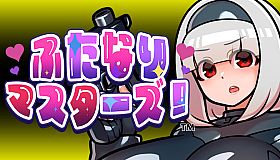




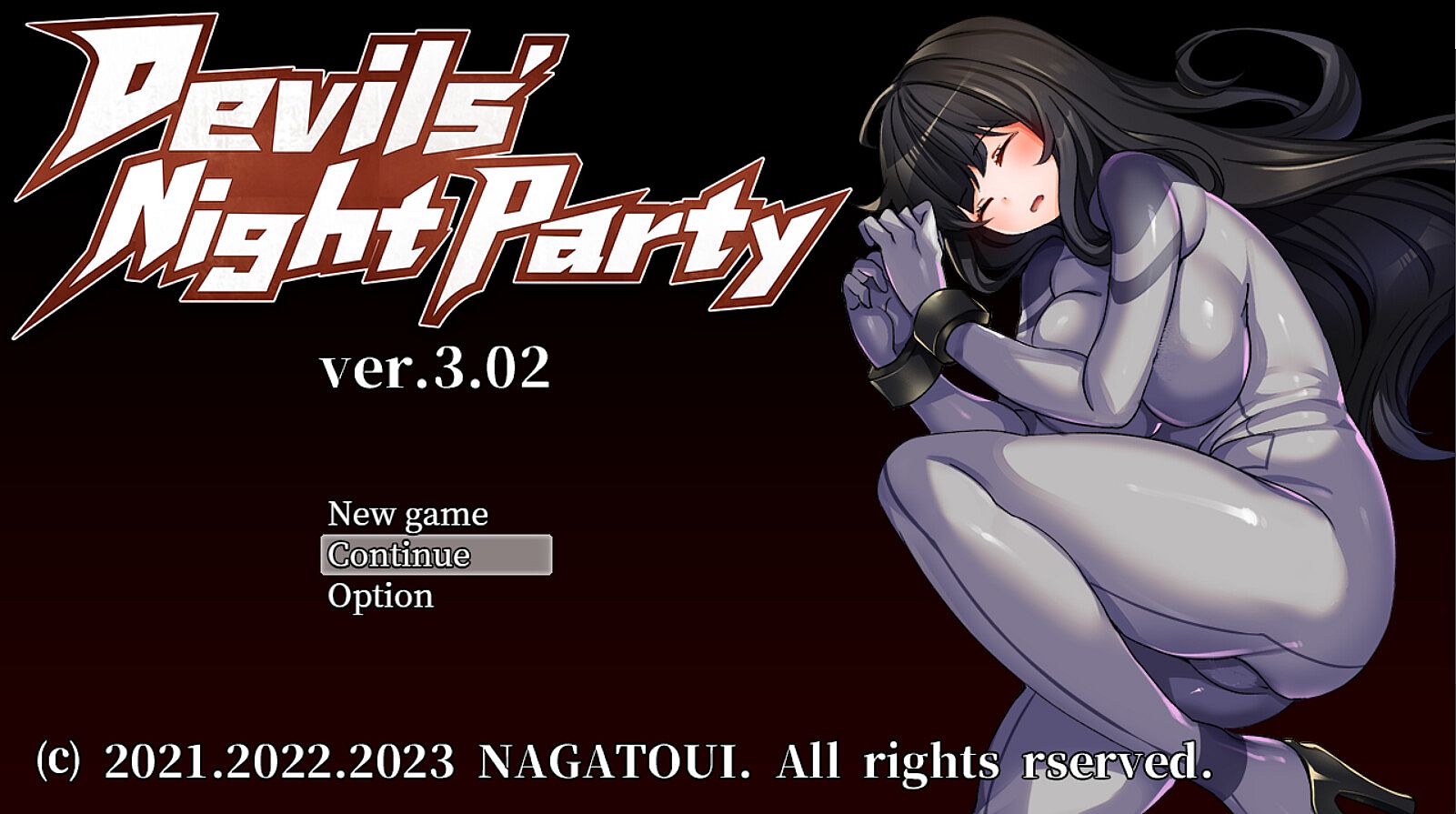
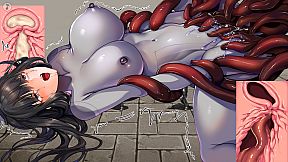
◆Features
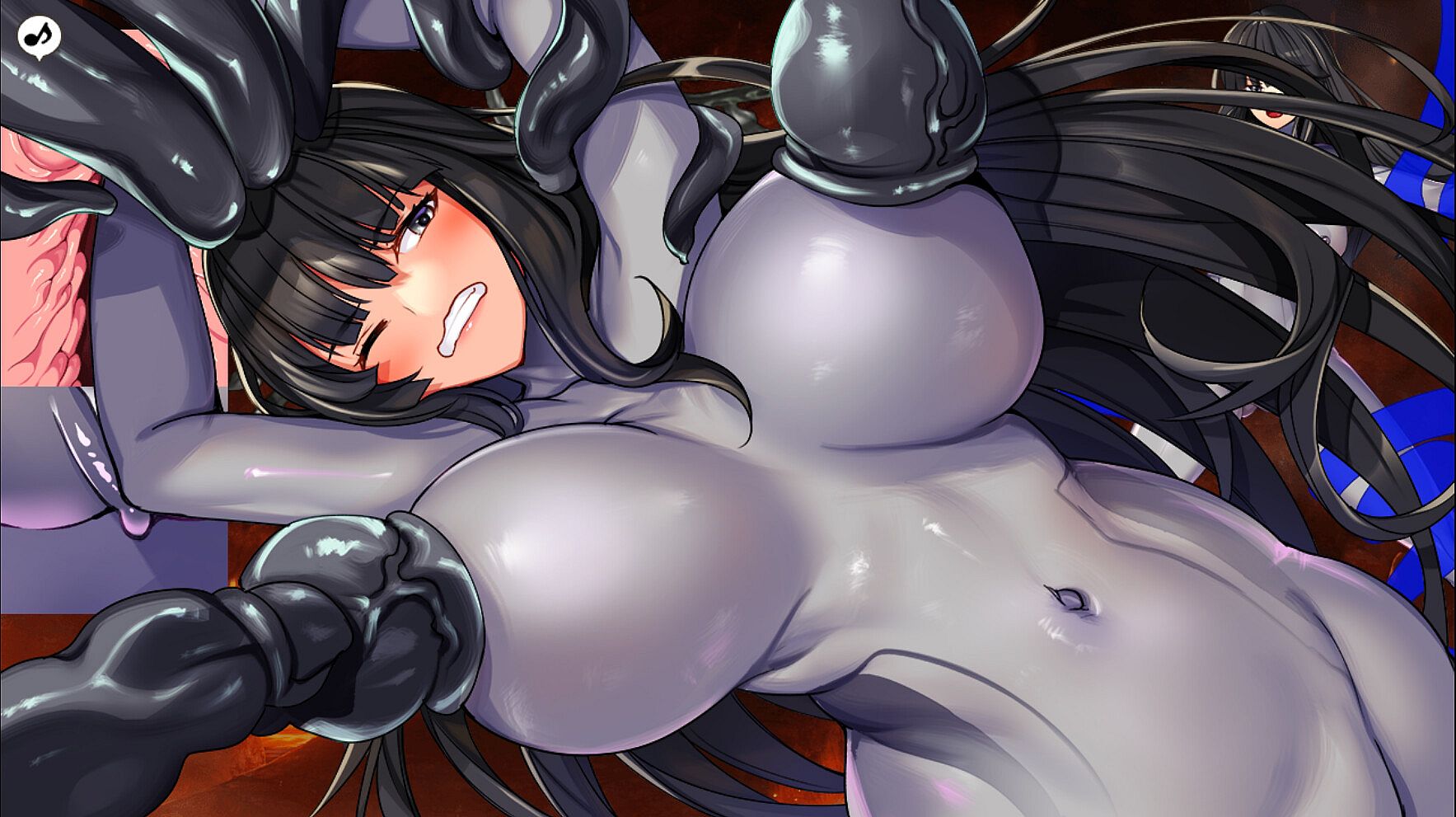
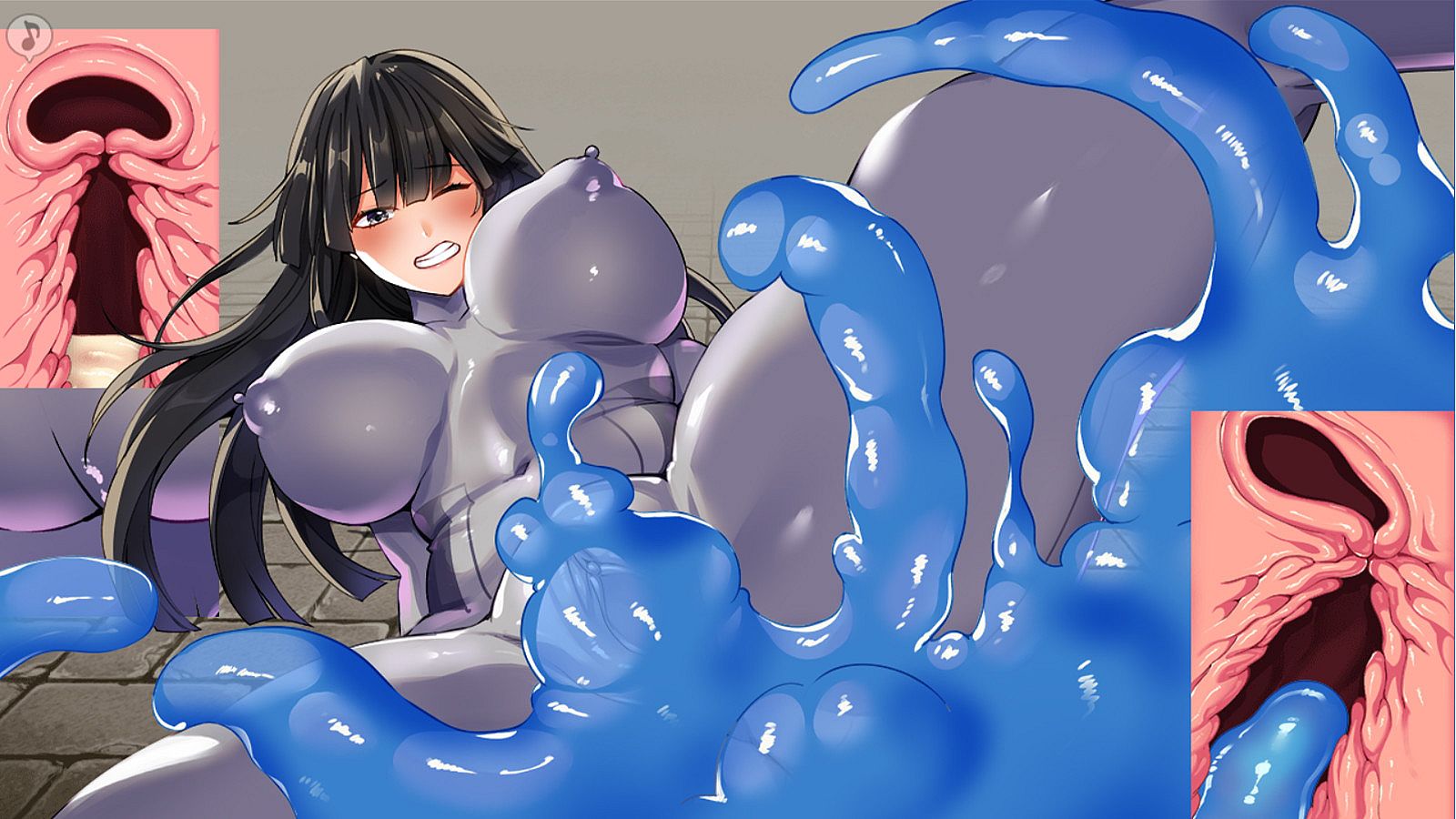
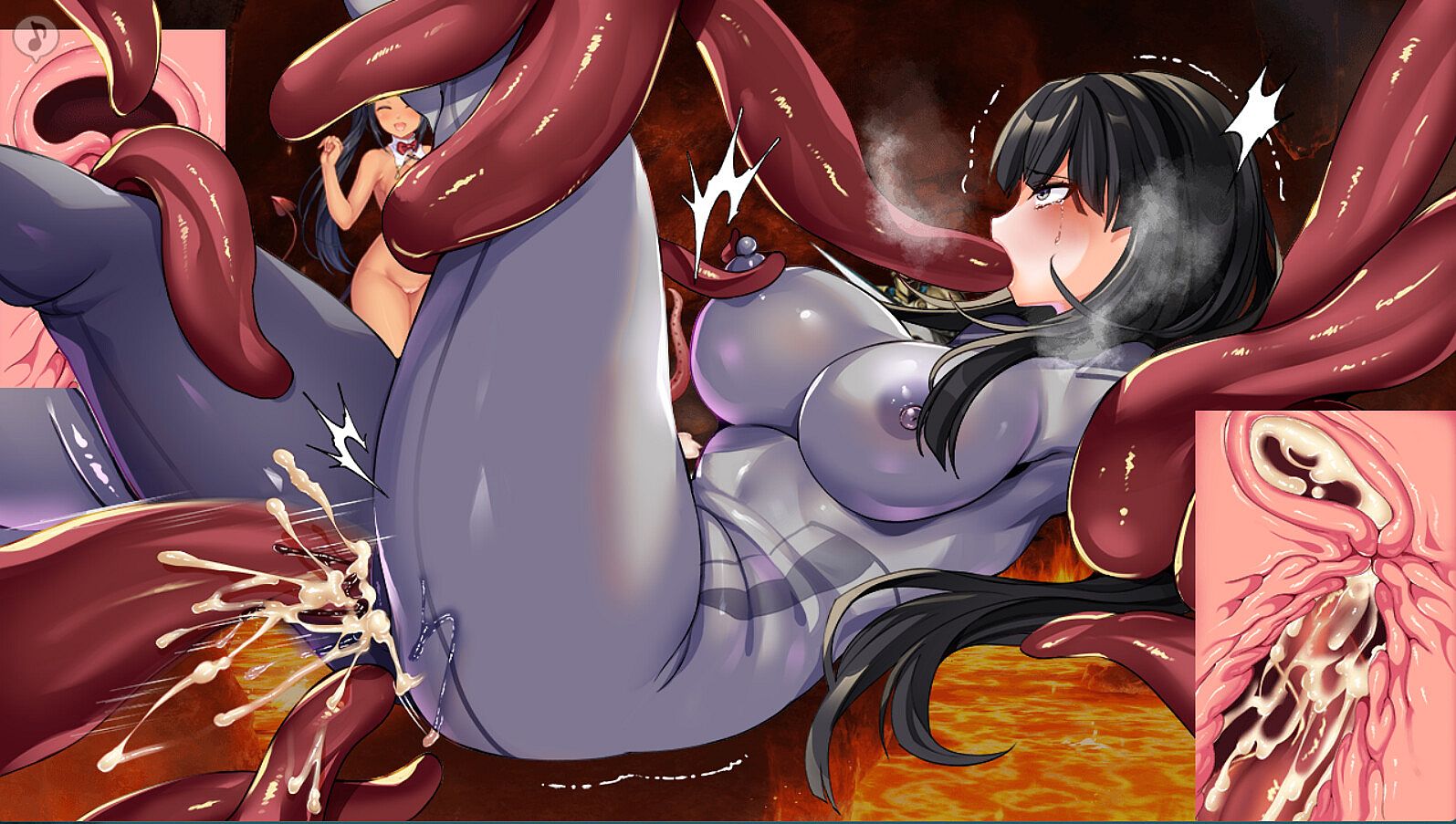
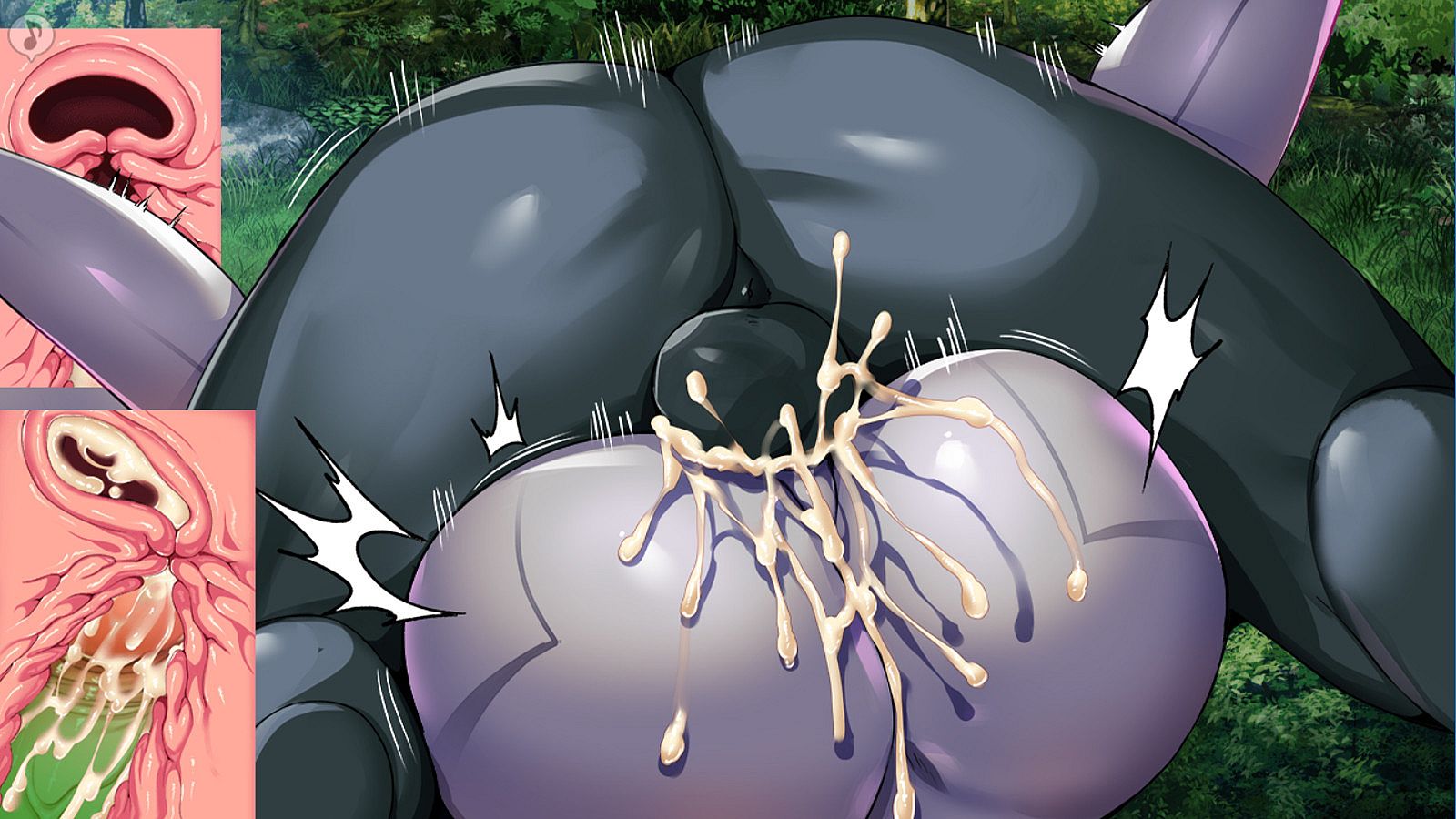
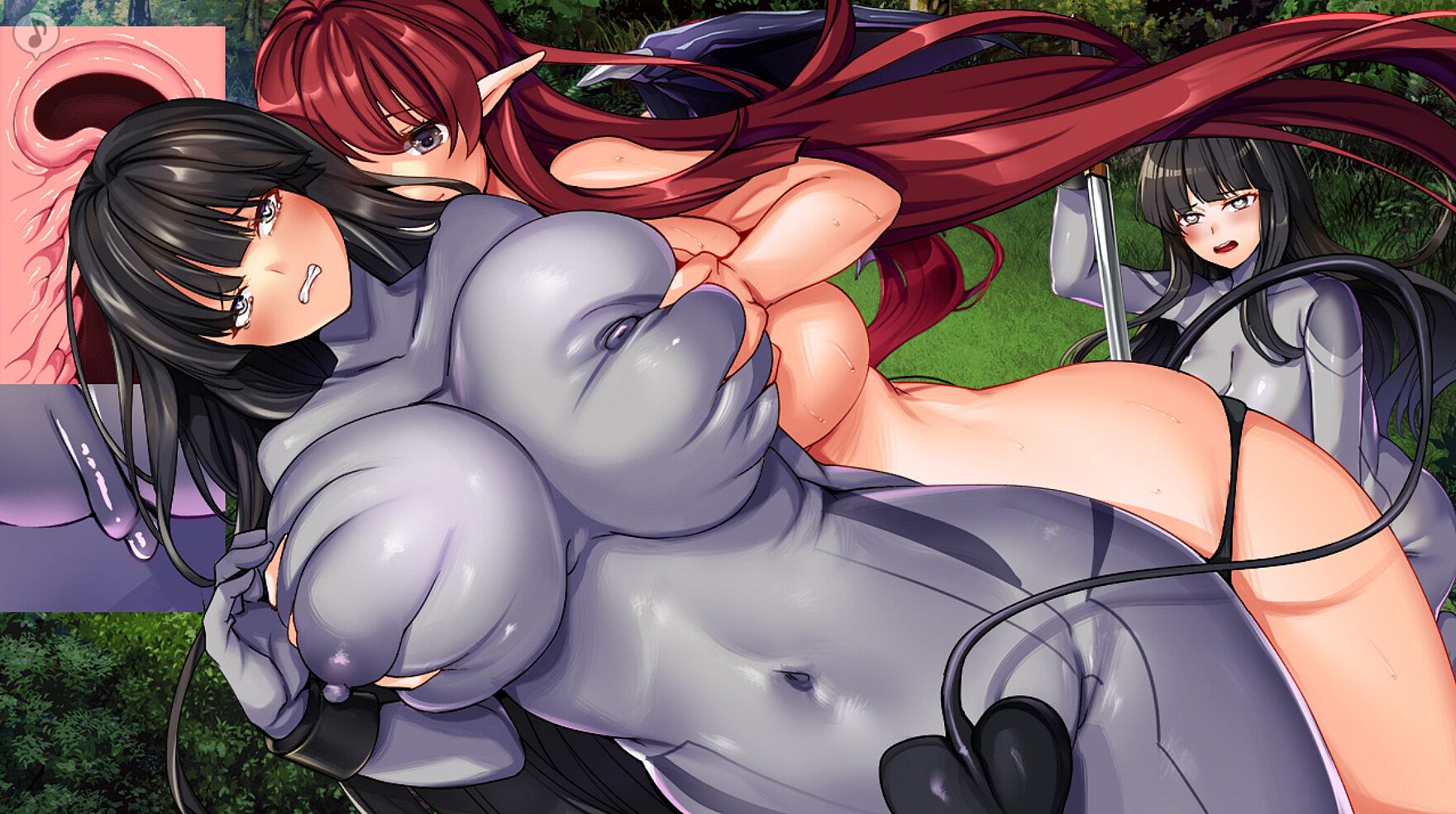
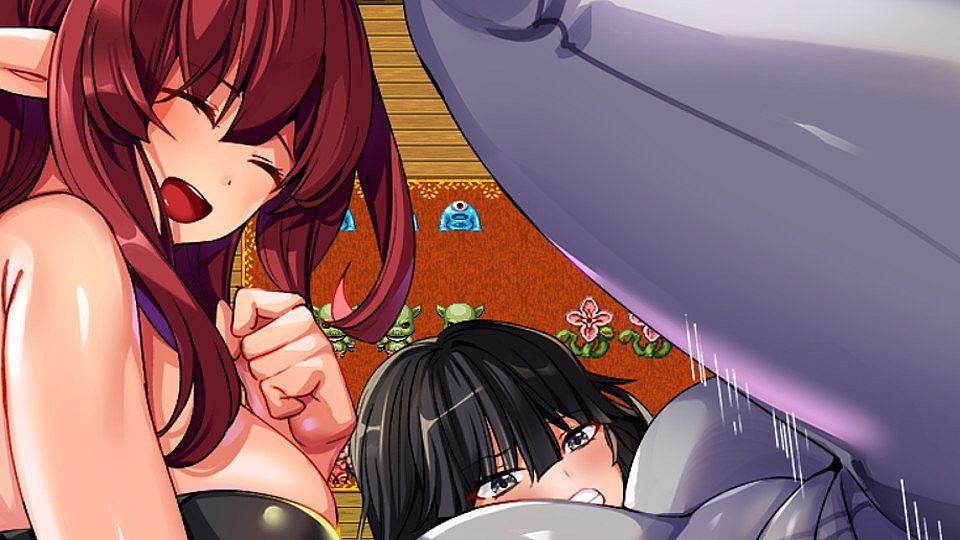
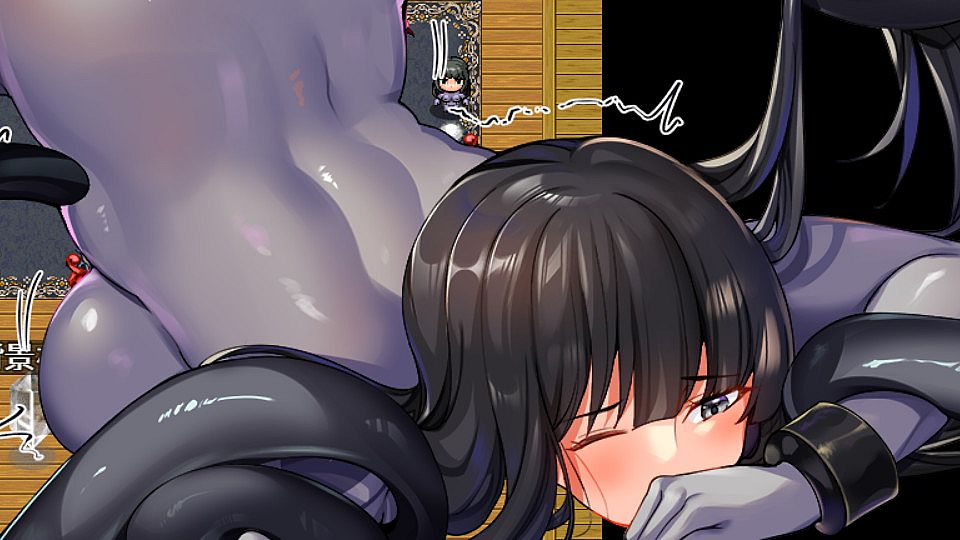
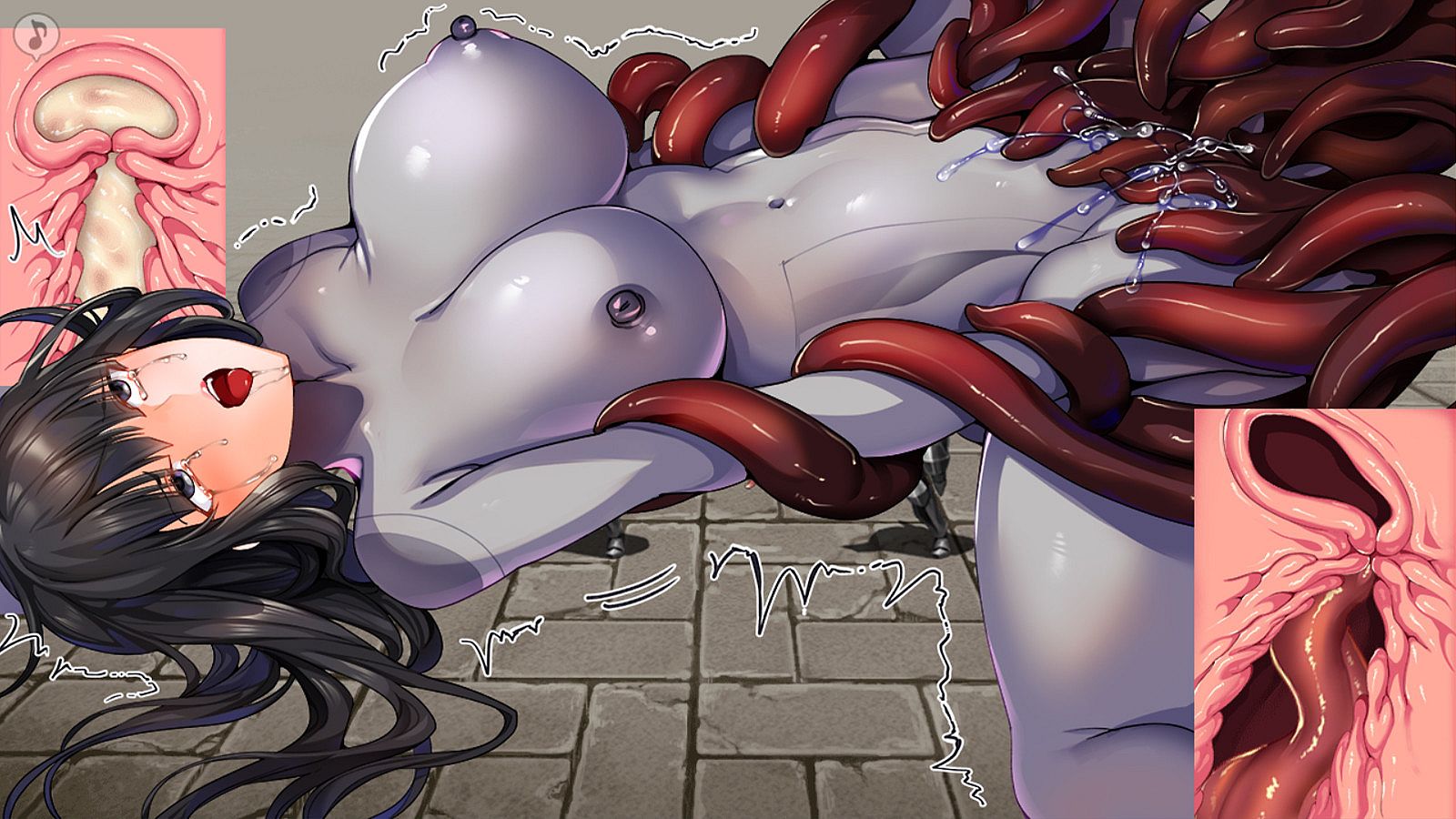
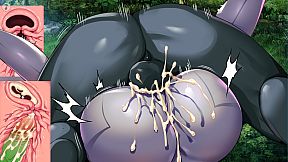
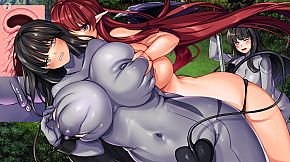
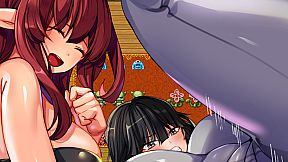
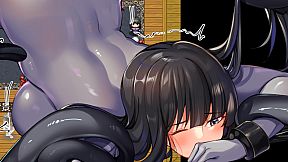
◇The HCGs range from being penetrated by humans and orcs to being violated by tentacles, plants and fleshy tails.
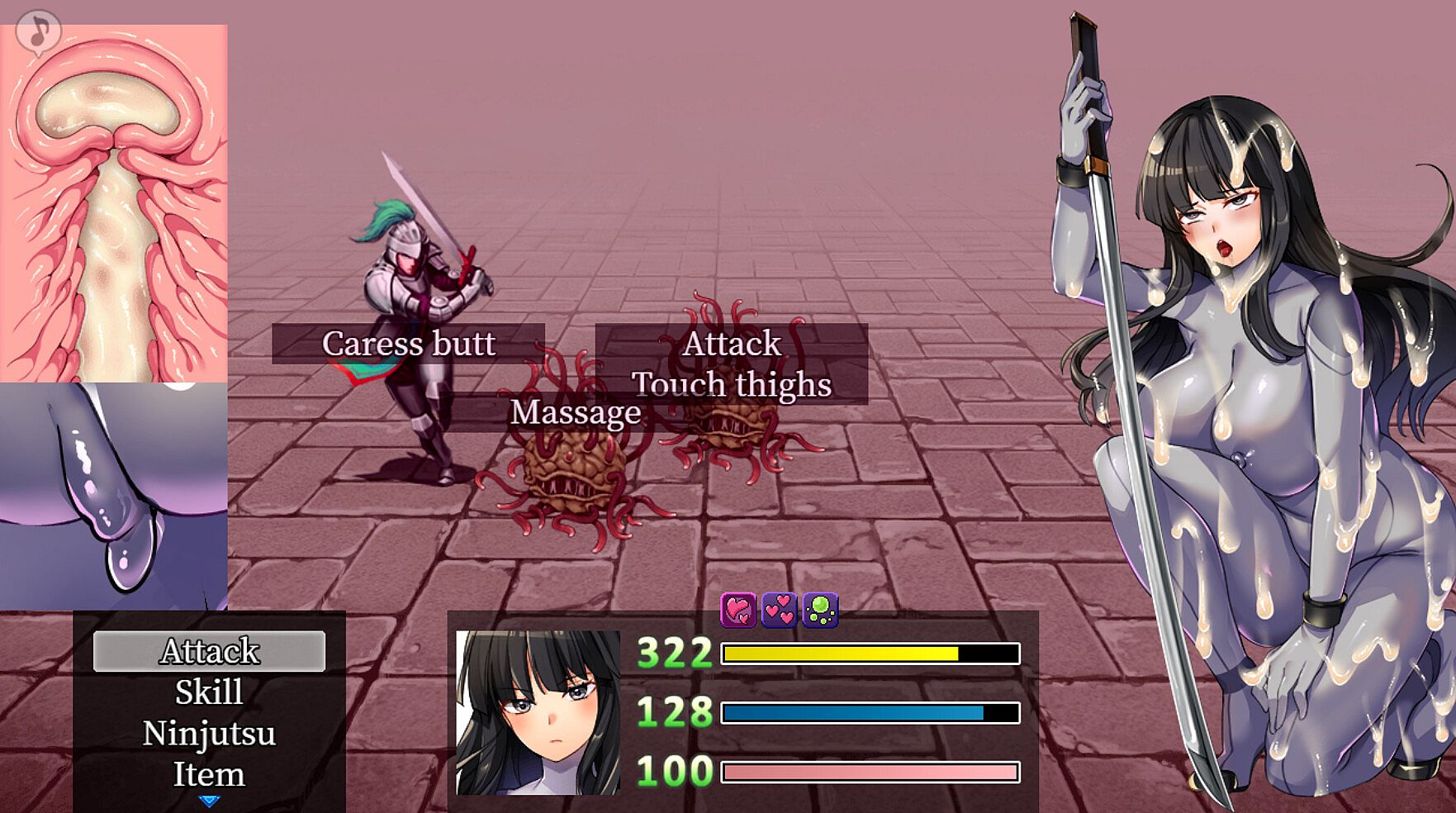
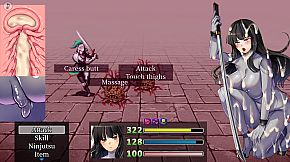
◇Battle scenes will gradually change according to the enemy's attacks
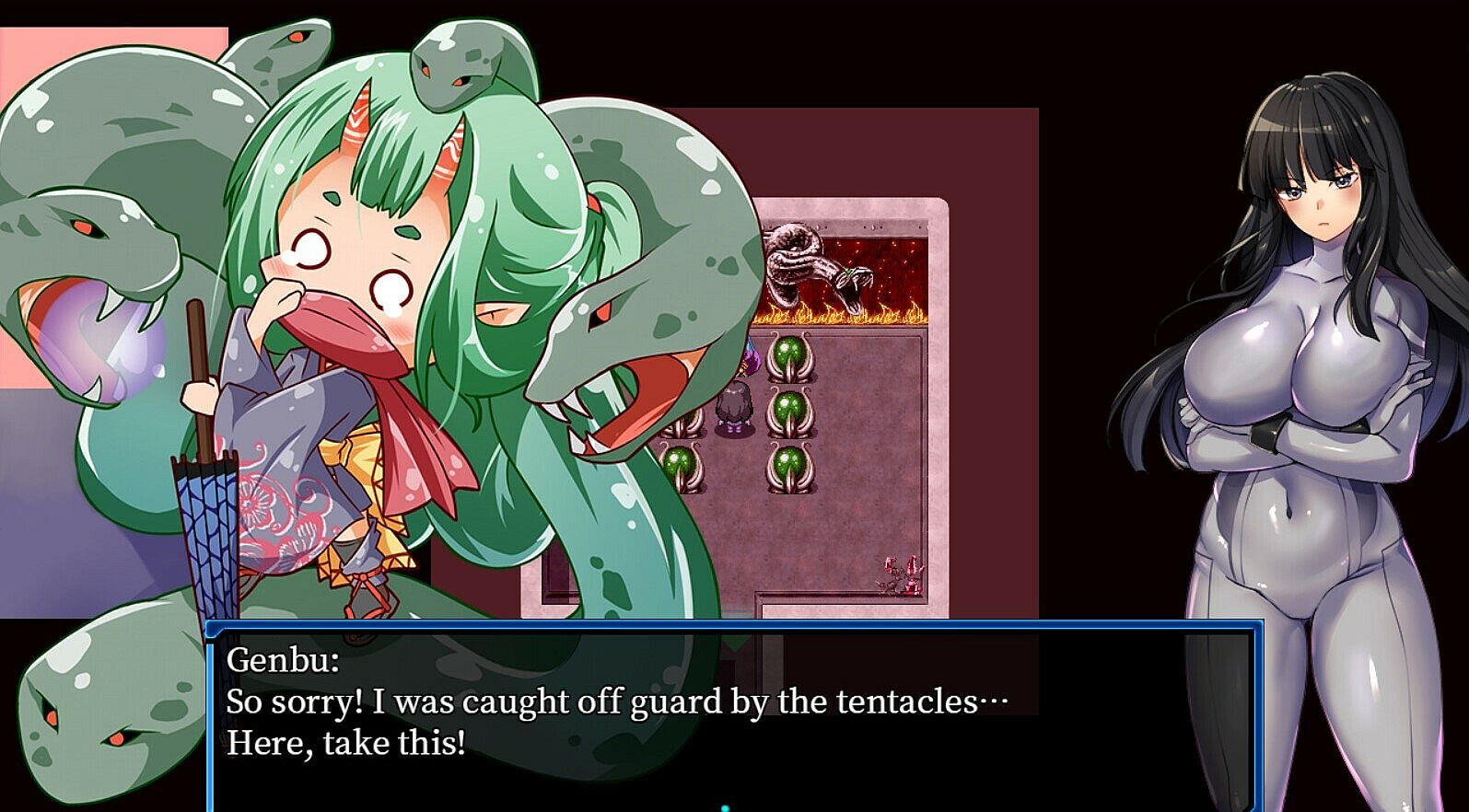
◇The main character, Natsuno Yamazakura (V.A.: Izumi Mikoshiba), is fully voiced during the battle!
◇Easy to use system including fast forward animation
◆Game Description
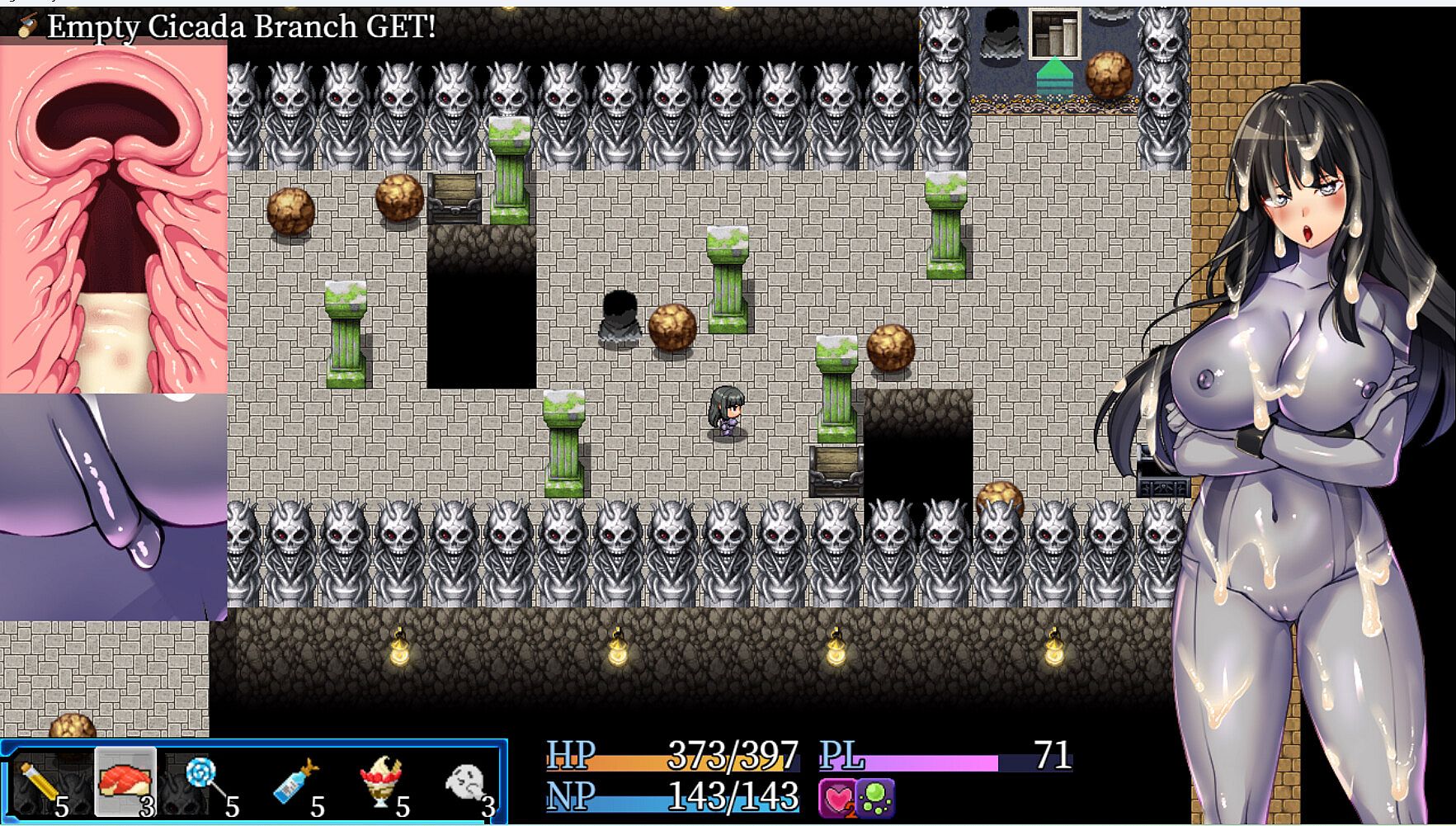
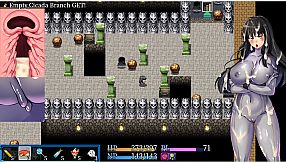
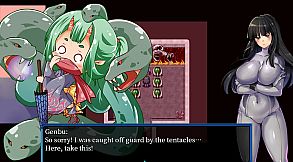
This is a typical RPG where you can level up, save money and buy new equipment. The system is very simple. You can use recovery items directly from the item bar on the map…etc.
The enemies are stronger, and the game requires less fighting because the main enjoyment is the sex scenes when you lose.
The game is designed to be very friendly, with enemies in a basic touch-and-fight mode, so you must touch them to start a fight, or you can avoid them carefully.
However, if you start a fight accidentally, there is a high chance that you will lose…And you will watch the great sex scenes!
In battle, the target is constantly being sexually harassed and exhibits different stances.
As the pleasure level increases with sex attacks, the damage taken increases and your HP drops more easily.
When your HP hits 0, you will be penetrated and creampied, but your HP and NP will be restored.
The game will end when your womb is full of semen.
Come and enjoy a great battle show!
◆Operation Instructions
◇Basic Operation:
Arrows and character movement (can be diagonal): arrow keys, left click, WASD keys.
Decision: Z key, Enter key, left click, space bar.
Cancel: X key, right click.
◇Map:
Display menus and status: X key or right click in the map scenes.
You can also adjust the volume and select the difficulty level from the menu options.
You can use the crystals in the village and dungeon to set the sex scenes in battle and other related settings.
◇Story fast forward: Enter key, left click and hold.
◇Using items on the map:
The order of the item icons displayed at the bottom left of the screen corresponds to the order of the numeric keys above the text keys, so you can use the items directly by clicking on the numeric keys.
You can also use these items directly by clicking on them with your mouse.
If you are using the numeric keypad to move your character, please use the 2468 keys.
◇Conversation:
To hide or show the conversation window: During a conversation, press the shift key or right-click.
Please note that if you hide the window, the conversation will not continue until you click the conversation window open again.
Dialogue fast forward: Press and hold the Enter key, left click.
Dialogue super fast forward: PageDown
◇Battle scenes:
If you cancel immediately after entering a battle, you will get the enemy's icon and the escape button.
To return to the battle, select 'Battle' at the top.
◇Select an attack target:
Instead of selecting an enemy by clicking directly with the mouse, select the enemy's name displayed in the bottom left corner.
Fast forward: During battle, press shift or click on the note symbol in the top left corner to fast forward the animation.