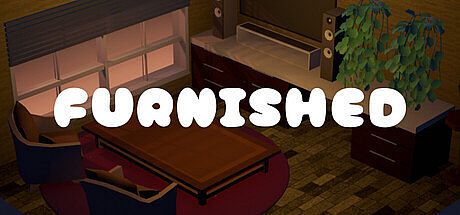


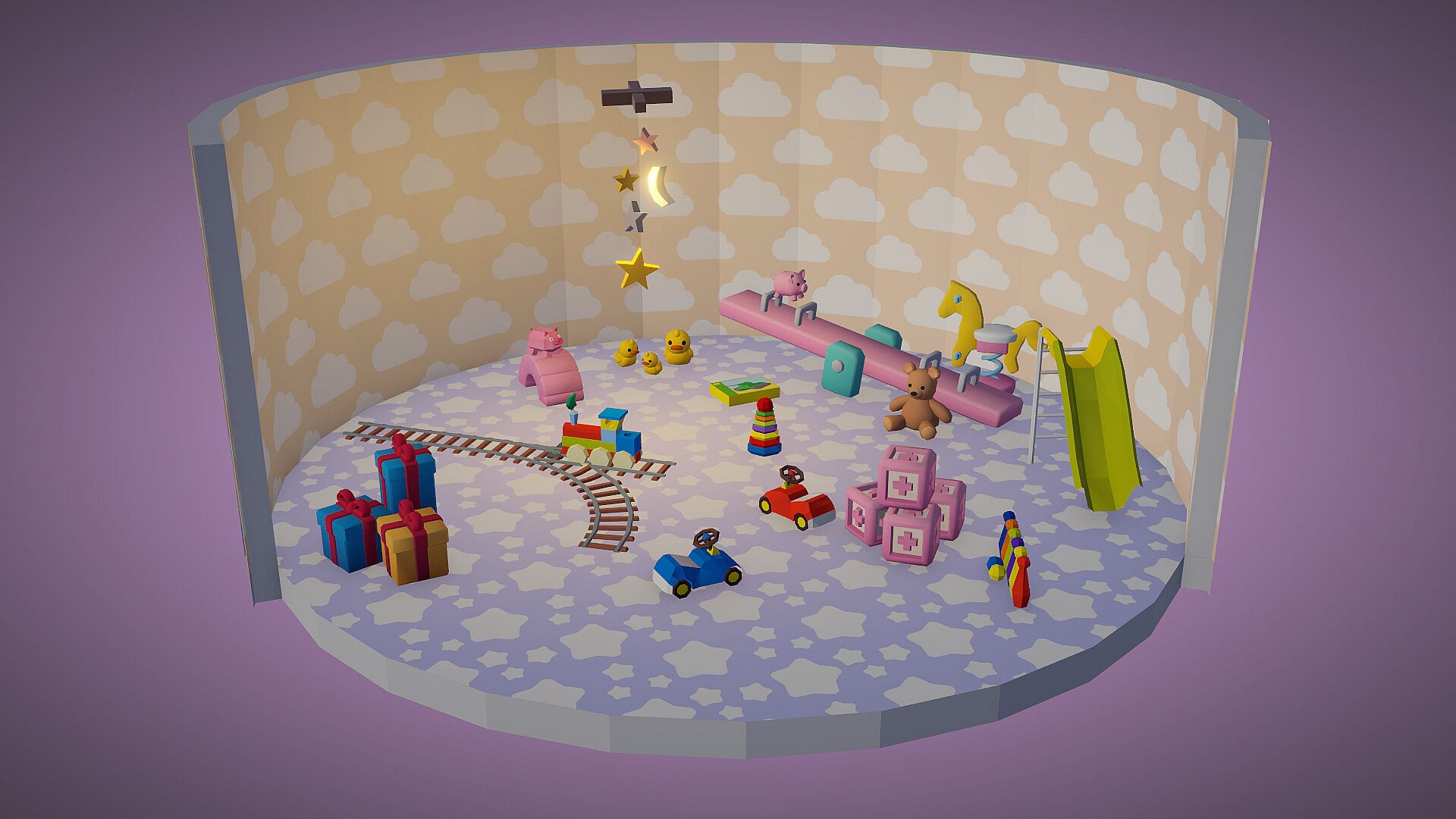
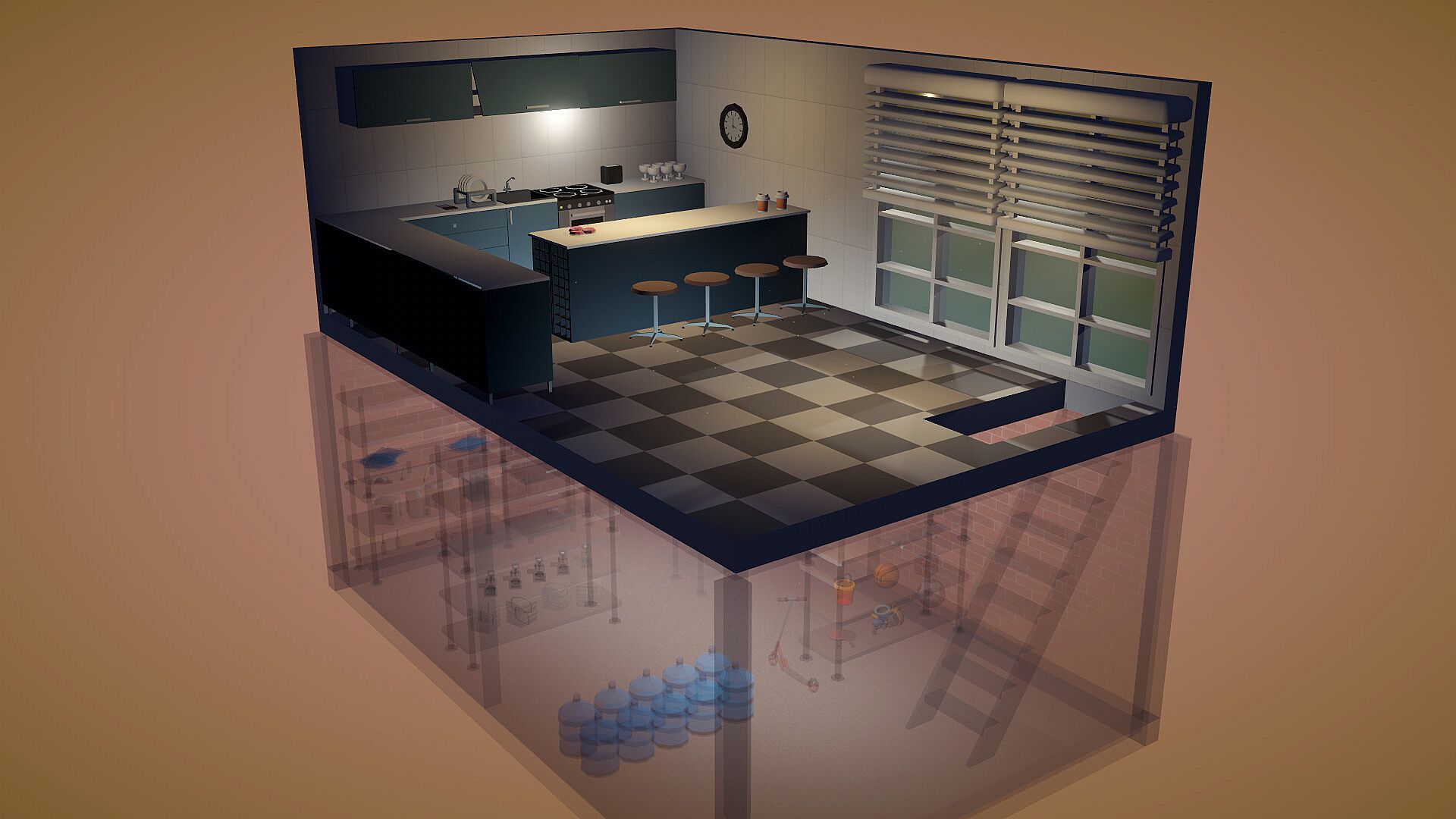
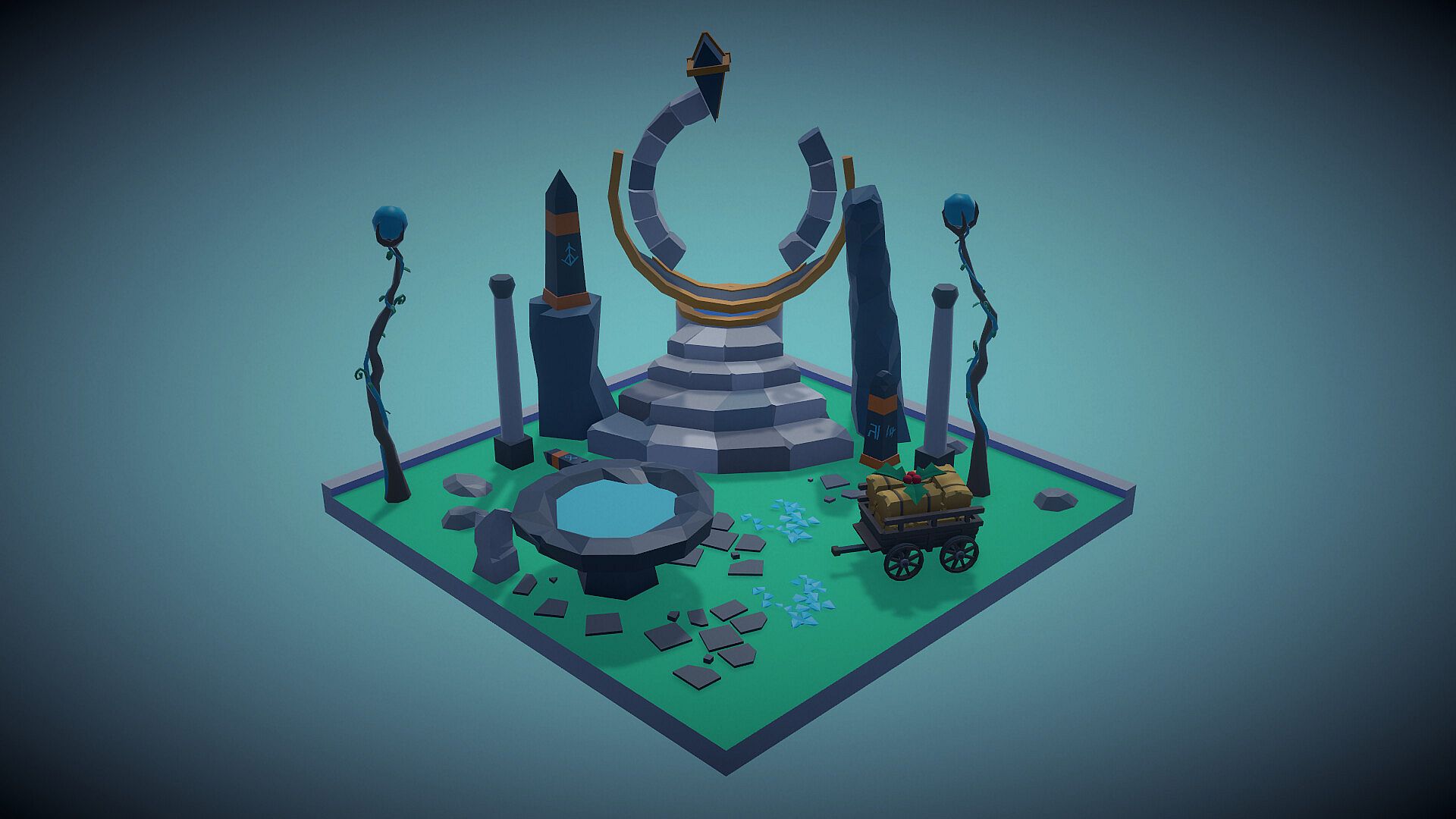
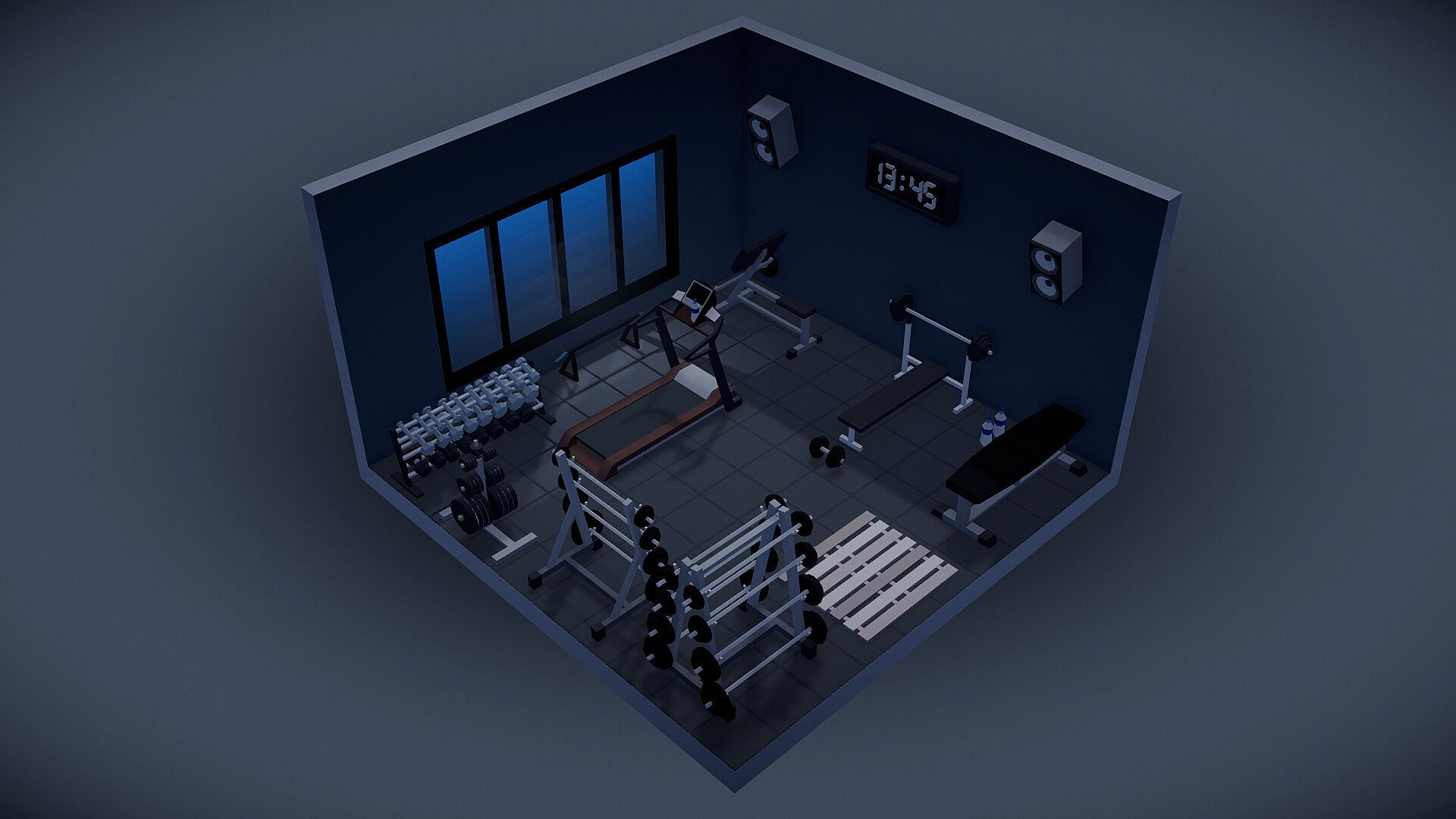

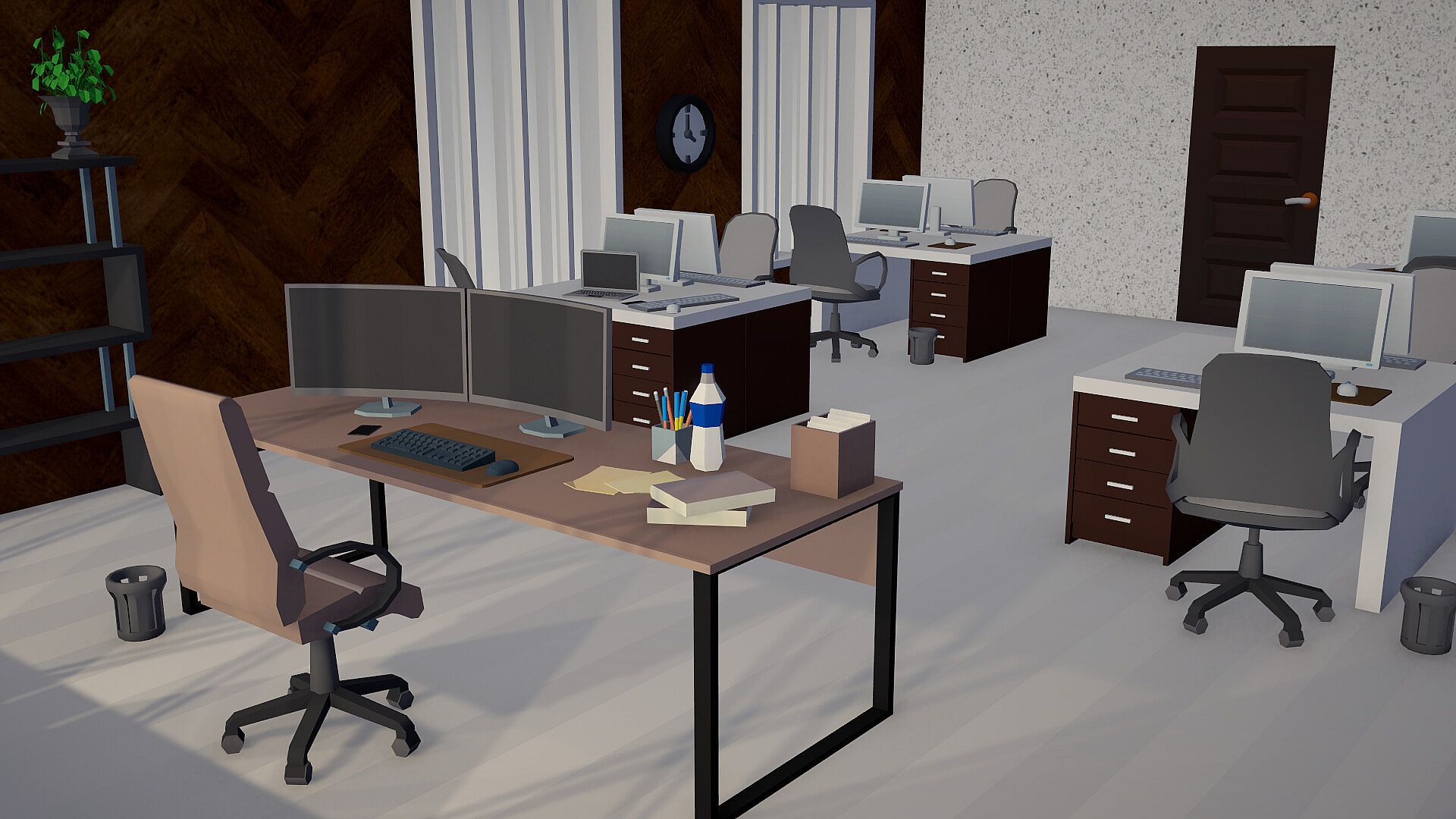
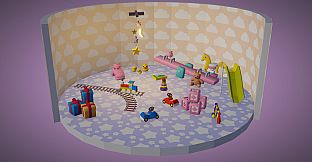
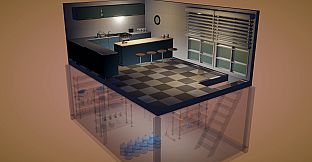
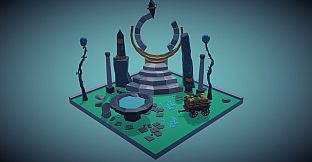
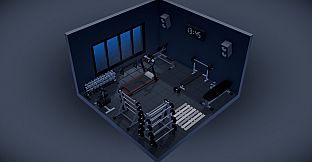

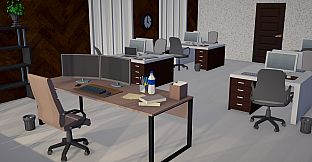
Furnished is a casual simulation game focused on interior design and personal space creation for PC players. It emphasizes thoughtful placement of furniture and architectural details in a relaxed environment without timers or failure states.
Gameplay
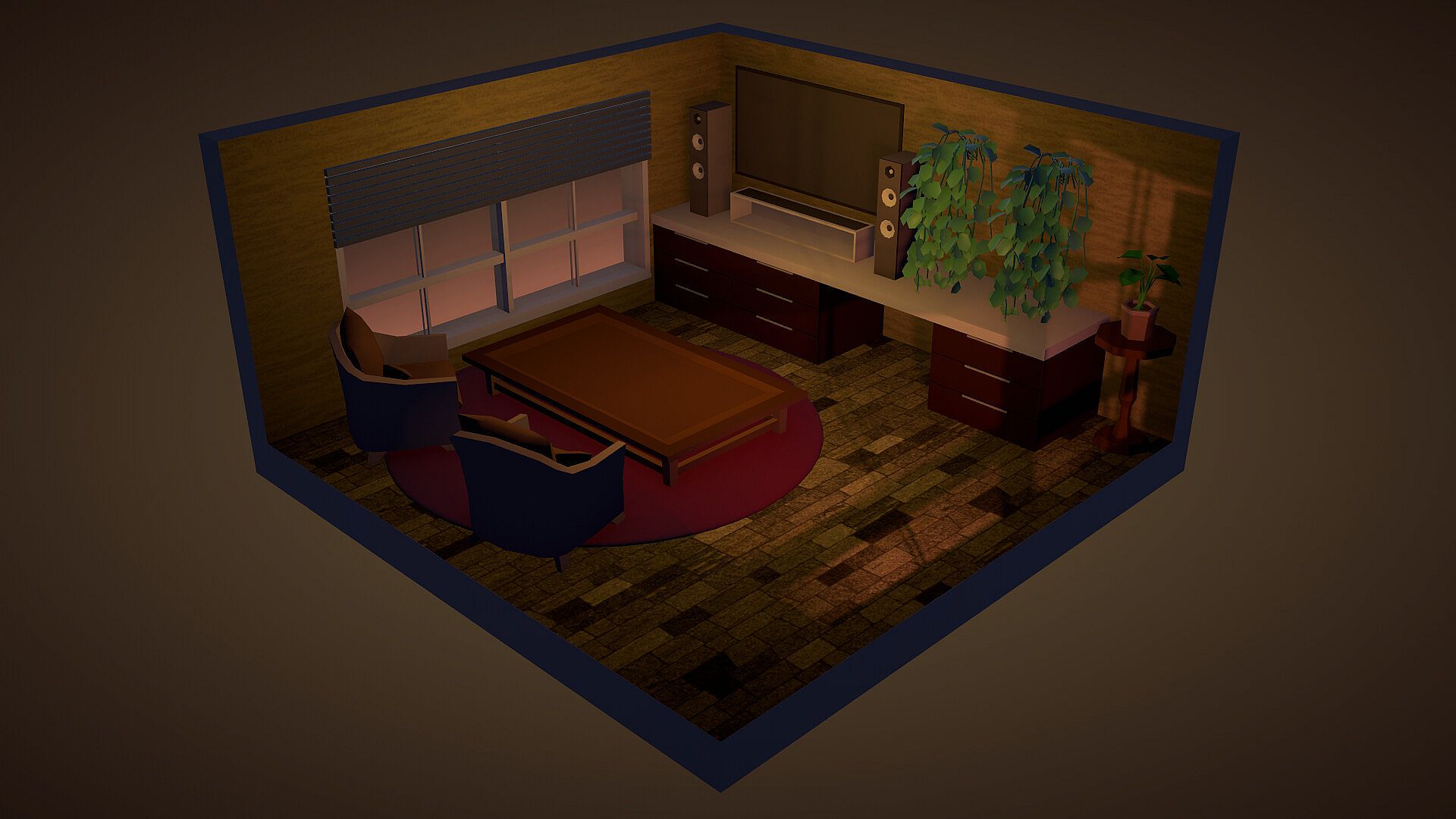
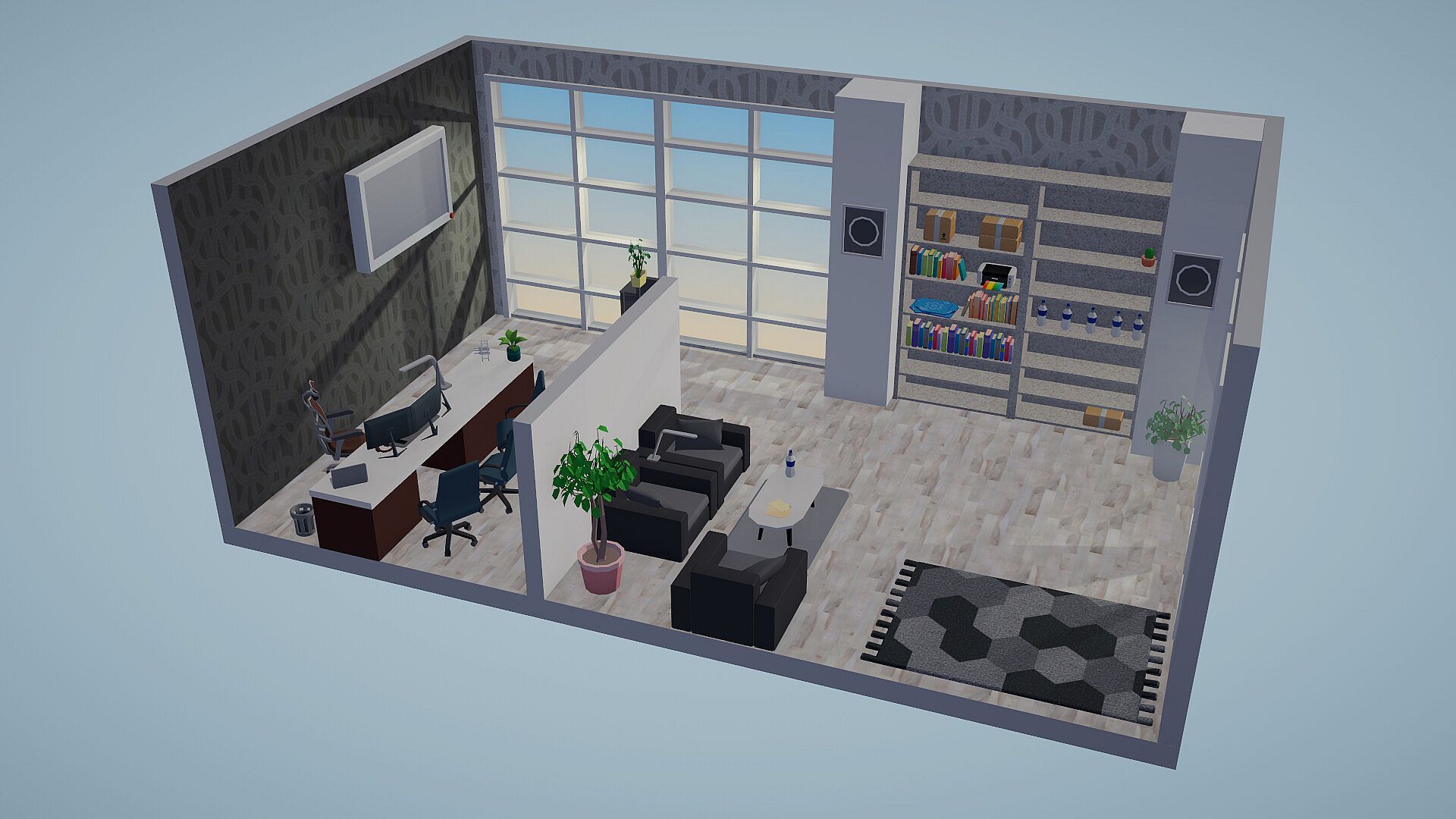
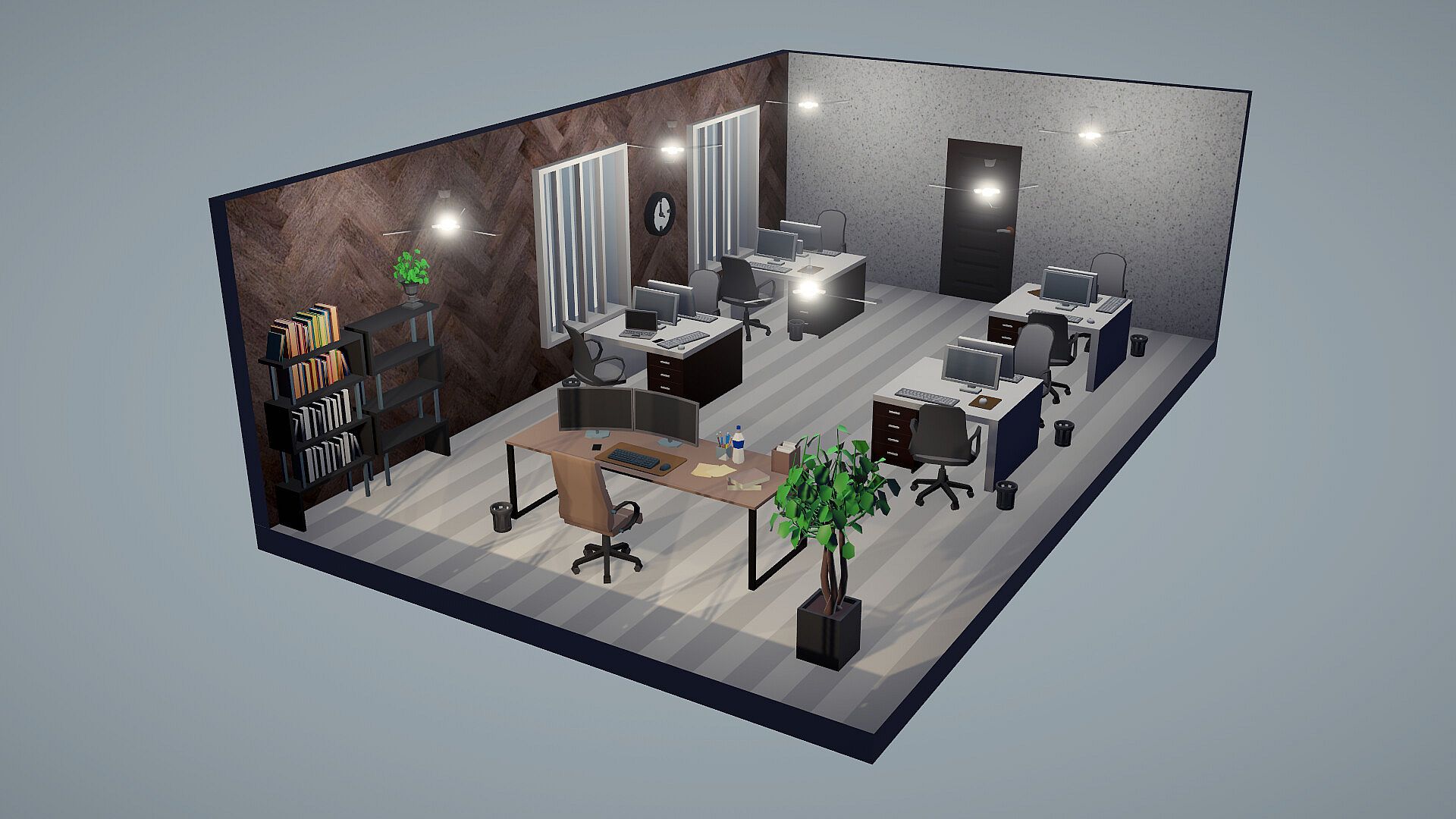
Players begin with an empty floor and a pencil tool to sketch the outline of a room, office, park, or other space. The layout can be divided into rooms using dividers, with doors and windows added as needed. Furniture placement follows, drawing from a catalogue of more than three thousand items that includes beds, sofas, kitchen elements, plants, books, gym equipment, instruments, and specialized sets such as garage tools or medical kits. Objects can be moved freely, stacked, hung on walls, tilted, mirrored, or scaled along individual axes, with options for grid snapping or free placement to suit the desired style.
Customization extends to nearly every surface and object. Walls, floors, ceilings, roofs, skies visible through windows, and lighting sources accept color changes and pattern selections ranging from cartoon styles to photographic textures like wood, tile, concrete, or brick. Individual furniture pieces support part-by-part painting, allowing chair legs and cushions to differ. An eyedropper tool samples colors directly from the scene, and hexadecimal codes enable precise matching. Lighting features adjustable color and brightness, with effects such as flickering candles or swaying lamps. Post-processing presets alter the overall atmosphere, including cozy, golden, night, soft film, and dreamy options. Wall heights can be adjusted to create terraces or taller interiors, and multiple floors or basements are supported through stacking or excavation.
Once a space feels complete, a spawn point allows entry in first-person view. Scale can shift from giant to mouse size via a slider, enabling interaction with doors that open, chairs that support sitting, and beds for lying down. Photo mode captures the finished area with free camera control and export options, while a gallery stores previous images for review.
Game Modes
Two distinct modes shape the experience. Story mode places players as the new intern at Hearthline Interiors. Starting in a modest cubicle with a broken coffee machine, the role involves completing client briefs that specify budgets along with preferred and disliked items. Examples include arranging a dining area for a family of four, creating a quiet environment for a night-shift nurse, or designing a space optimized for a streamer's camera presence. Successful projects lead to promotions, expanding responsibilities and office space over time.
Sandbox mode removes all restrictions, granting full access to the catalogue without budgets or client constraints. Layouts range from studio apartments to multi-story houses with basements or even unconventional structures like spaceships. Templates or freehand drawing support initial shapes, with full editing freedom to add, remove, or reshape elements at any stage.
Customization and Exploration Tools
Advanced tools enhance precision and creativity. Undo and redo functions cover placement, deletion, painting, wall adjustments, and layout changes across the entire history. Search and favorites systems organize the large catalogue, while hidden items can be filtered out. Accessibility options include fully rebindable controls with multi-key support, full keyboard playability, adjustable UI scale, reduced motion settings, and opacity controls for walls or objects. The game supports fourteen languages.
Photo mode and the personal gallery encourage reflection on past creations, with the ability to revisit calming spaces. Steam Workshop integration expands the item selection beyond the base catalogue for players seeking additional variety.
Is It Worth Playing?
Furnished suits players who enjoy unhurried creative tasks and the satisfaction of refining details in a single-player setting. The absence of pressure or competition makes it ideal for those seeking a calming simulation experience centered on personal expression through design. Story mode adds light structure through client requests and progression, while sandbox delivers unrestricted freedom for experimentation. Features such as first-person walkthroughs, extensive painting options, and photo tools provide meaningful ways to engage with finished spaces. Those drawn to interior arrangement mechanics without complex systems or multiplayer elements will find consistent value in the available tools and modes.