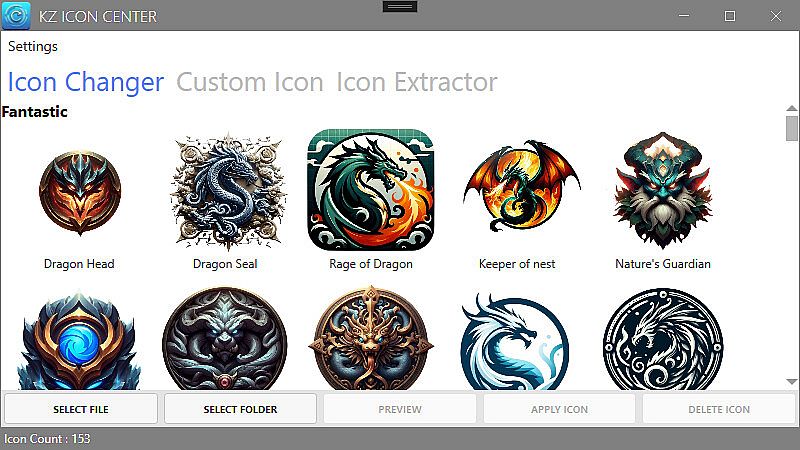
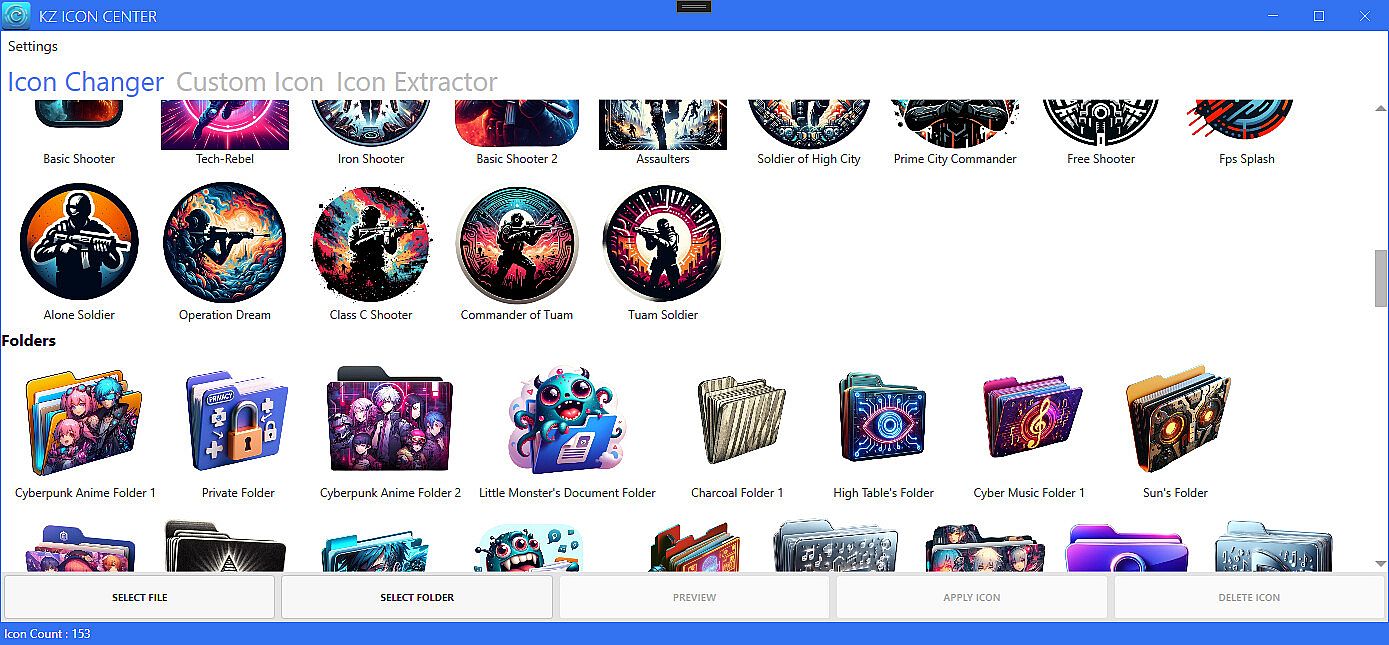
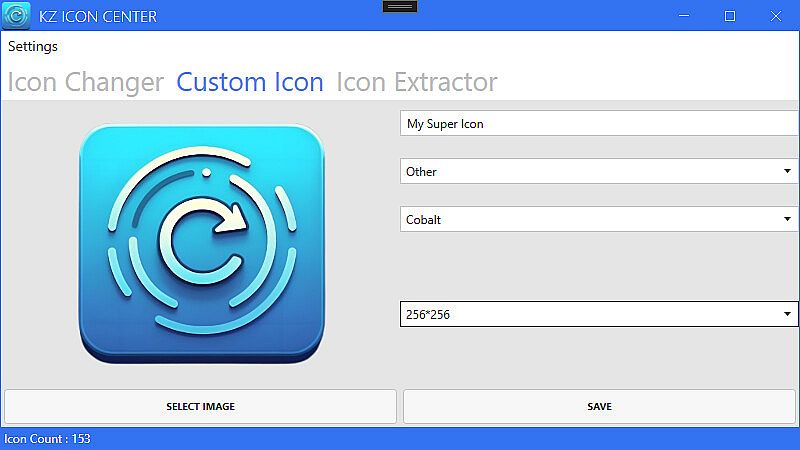
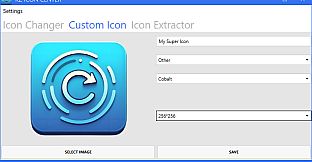
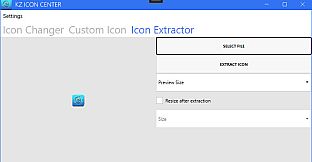
Customize your desktop icons effortlessly with Kz Icon Center on PC. Pick from a library of over 150 high-quality icons to apply to shortcuts, folders, and executables. Convert personal images into custom icons or remove shortcut arrows for a cleaner look.
Preview changes before applying them to match your desktop theme perfectly. Access the photo editing tools directly from the context menu for quick adjustments, including seamless integration with Steam applications. Beginners and desktop enthusiasts alike enjoy the intuitive design and illustration interface that simplifies every step.
Transform Your Icons with Ease
Kz Icon Center is your go-to application for effortless icon customization. Whether you want to select from over 150 pre-made icons or convert any image into an icon, our tool provides a seamless and user-friendly experience.
Key Features:
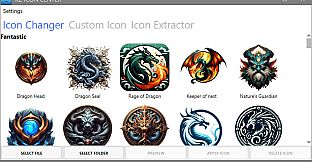
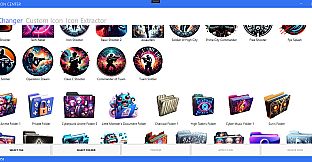
- Icon Selection: Choose from a library of over 150 high-quality icons for your shortcuts, folders, and executables.
- Image-to-Icon Conversion: Turn any image in your collection into a personalized icon for your desktop.
- Remove Shortcut Arrow: Managing the arrows on the lower-left corner of your desktop shortcuts.
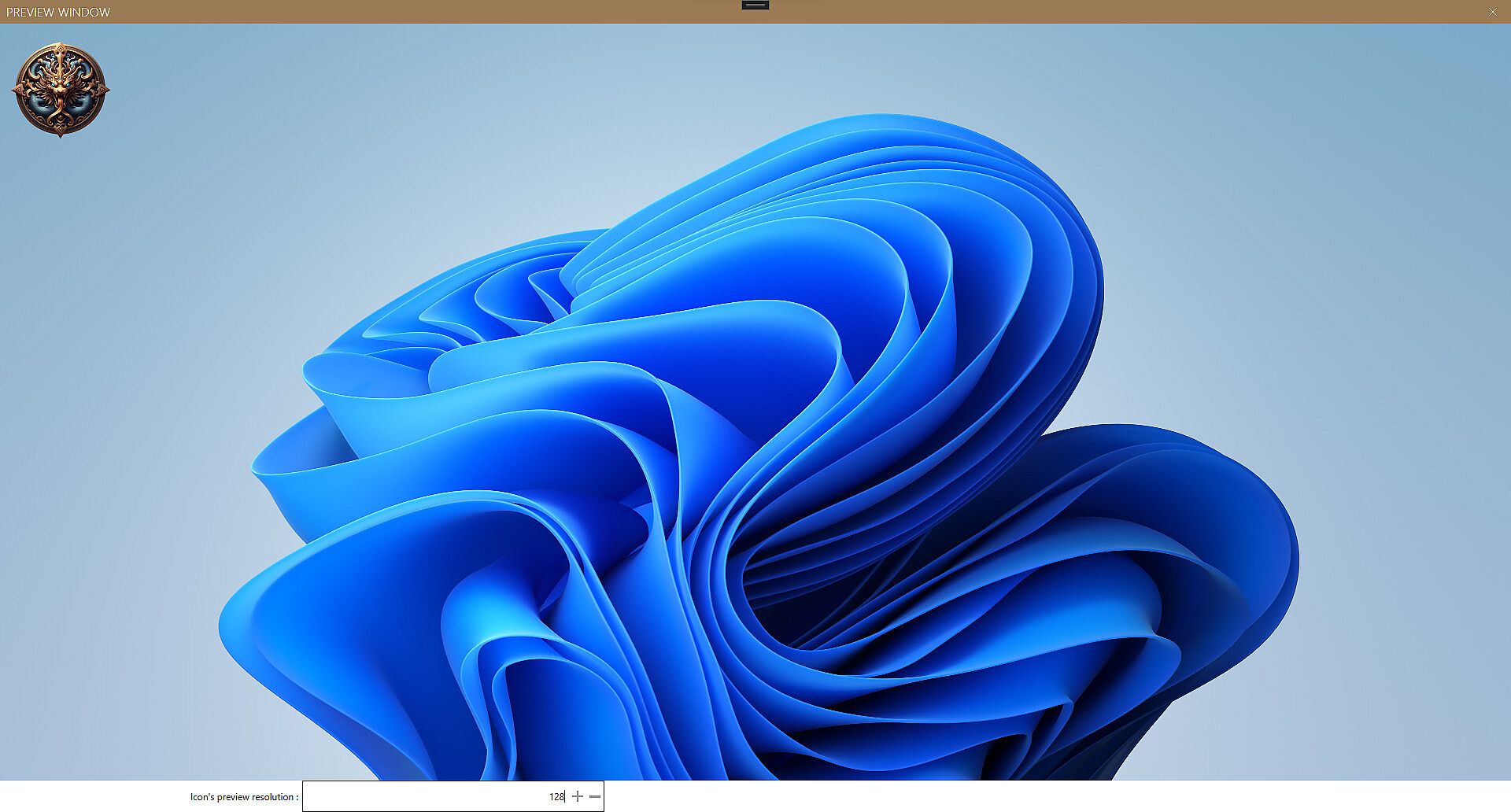
- Preview Options: Preview your selected icons before finalizing, ensuring a perfect match for your desktop theme.
- Integration with Context Menu: Easily access Kz Icon Center through the context menu, allowing for quick and convenient icon customization.
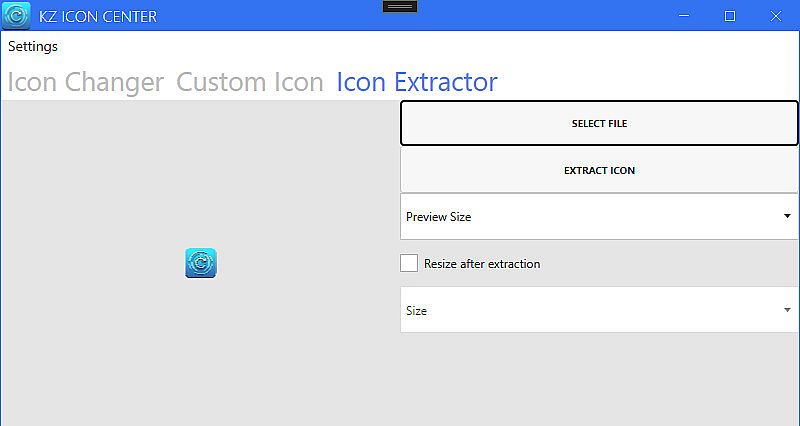
- User-Friendly Interface: Intuitive tools make icon customization a breeze, even for beginners.
- Steam Application Publishing: Seamlessly integrate your custom icons with your Steam applications.
Why Choose Kz Icon Center?
Kz Icon Center offers a simple yet powerful solution for personalizing your desktop icons. Whether you're looking to select from a variety of ready-made icons or convert your favorite images into unique icons, our application caters to all your customization needs.