

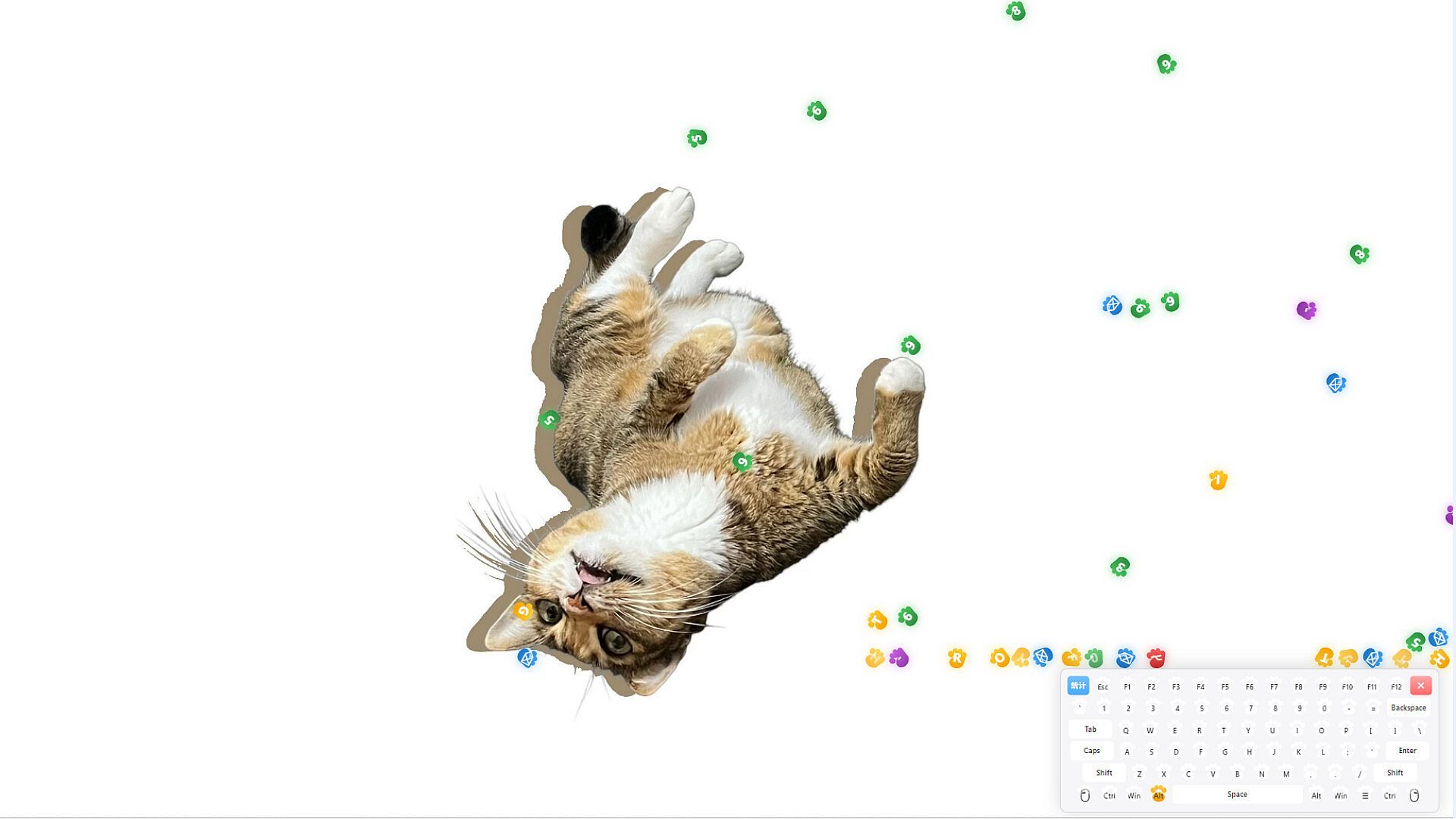
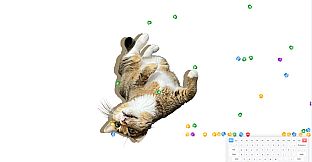
MadKeys is an indie casual typing game for PC that runs as a transparent, always-on-top overlay directly on the desktop. Players press keys to launch letter icons that follow real physics rules, creating a constant visual display while they work or study. The game blends typing practice with physics-based interactions, making every keystroke produce bouncing, tumbling, and stacking effects under gravity and collision simulation.
Gameplay
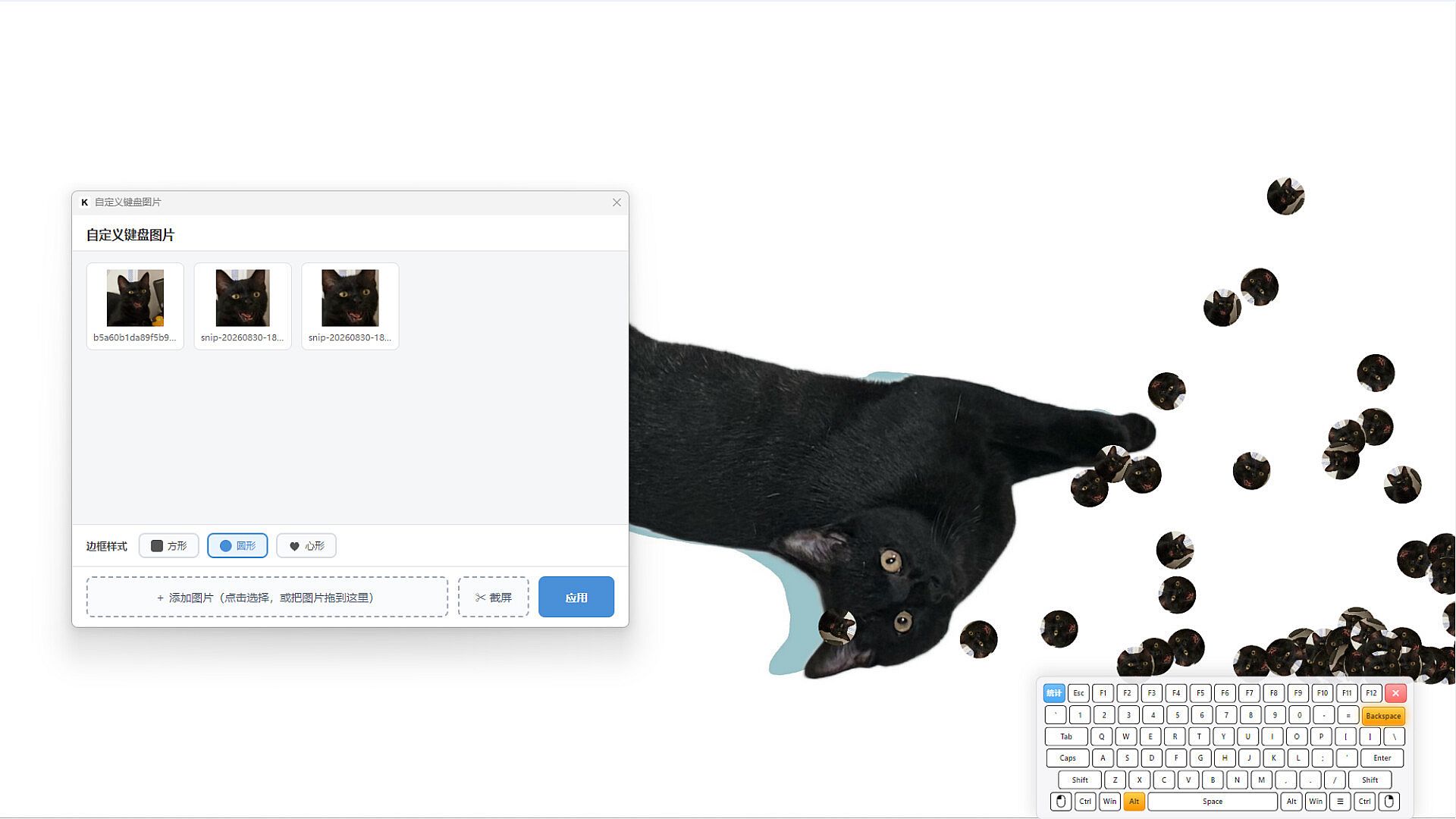
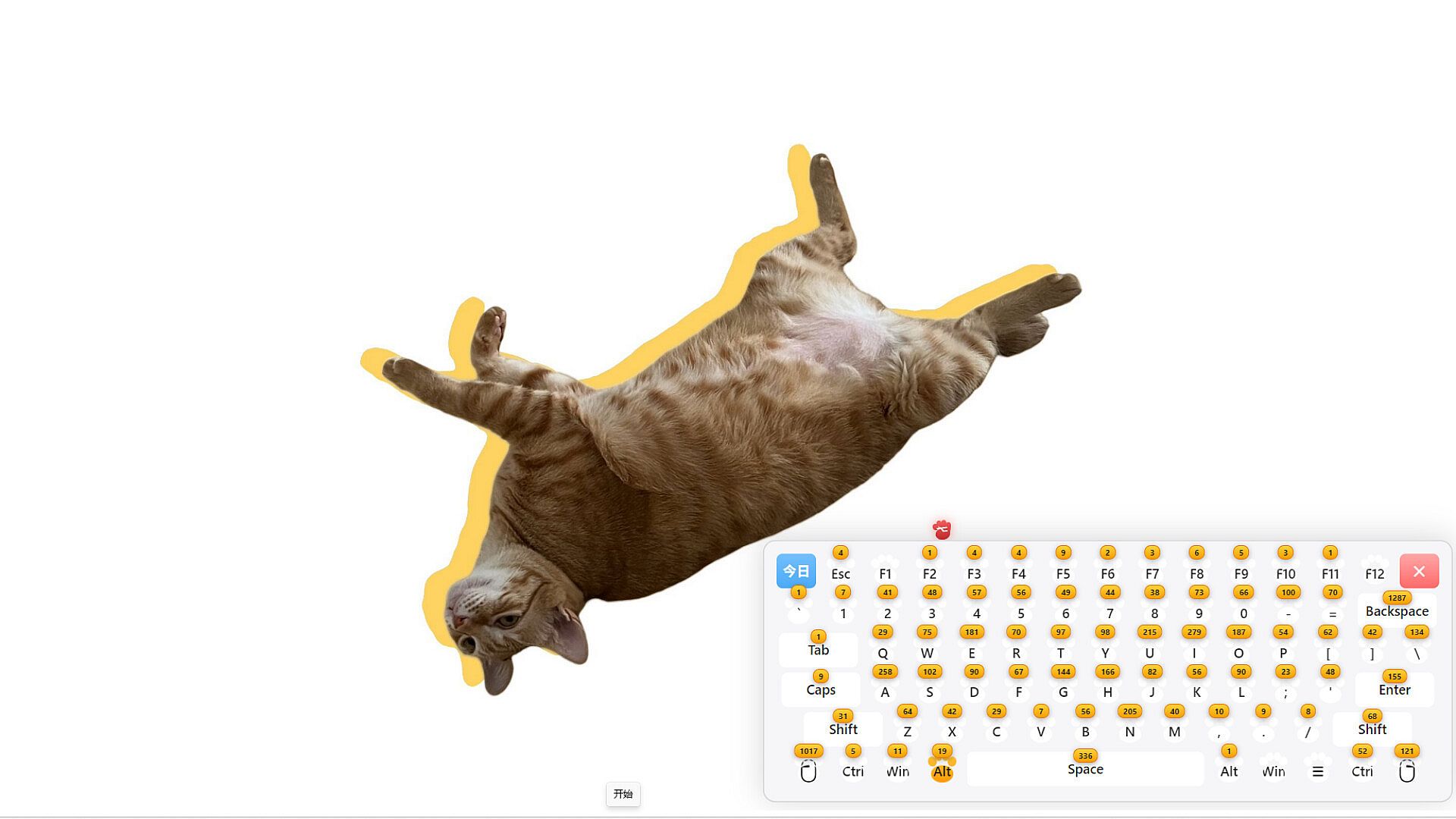
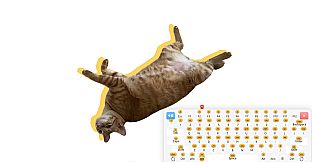
The core loop centers on typing input that triggers immediate visual feedback. Icons carrying the pressed letter detach from a virtual keyboard and interact with the environment according to simulated physics. The overlay supports click-through functionality, so normal desktop use continues uninterrupted. Players can reposition the keyboard with a left-click drag or adjust its size with a right-click drag. An immersion mode removes the visible keyboard entirely, allowing icons to emerge from the bottom of the screen for uninterrupted visual effects. Five keyboard themes provide visual variety, ranging from black to white layouts. Keystroke statistics track individual key usage over time, highlighting personal patterns without interrupting the session. The interface supports both English and Chinese languages throughout.
Game Modes
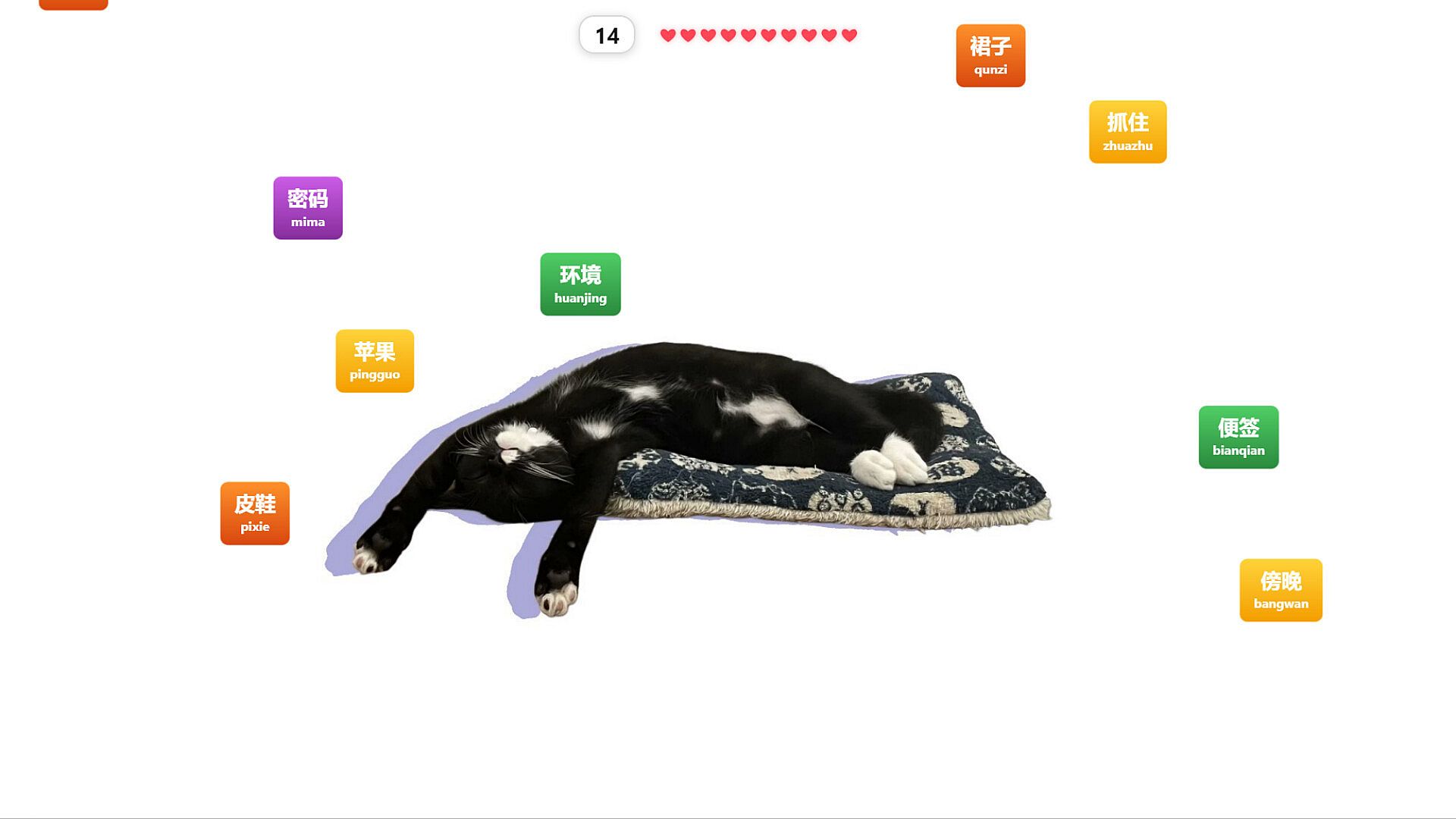
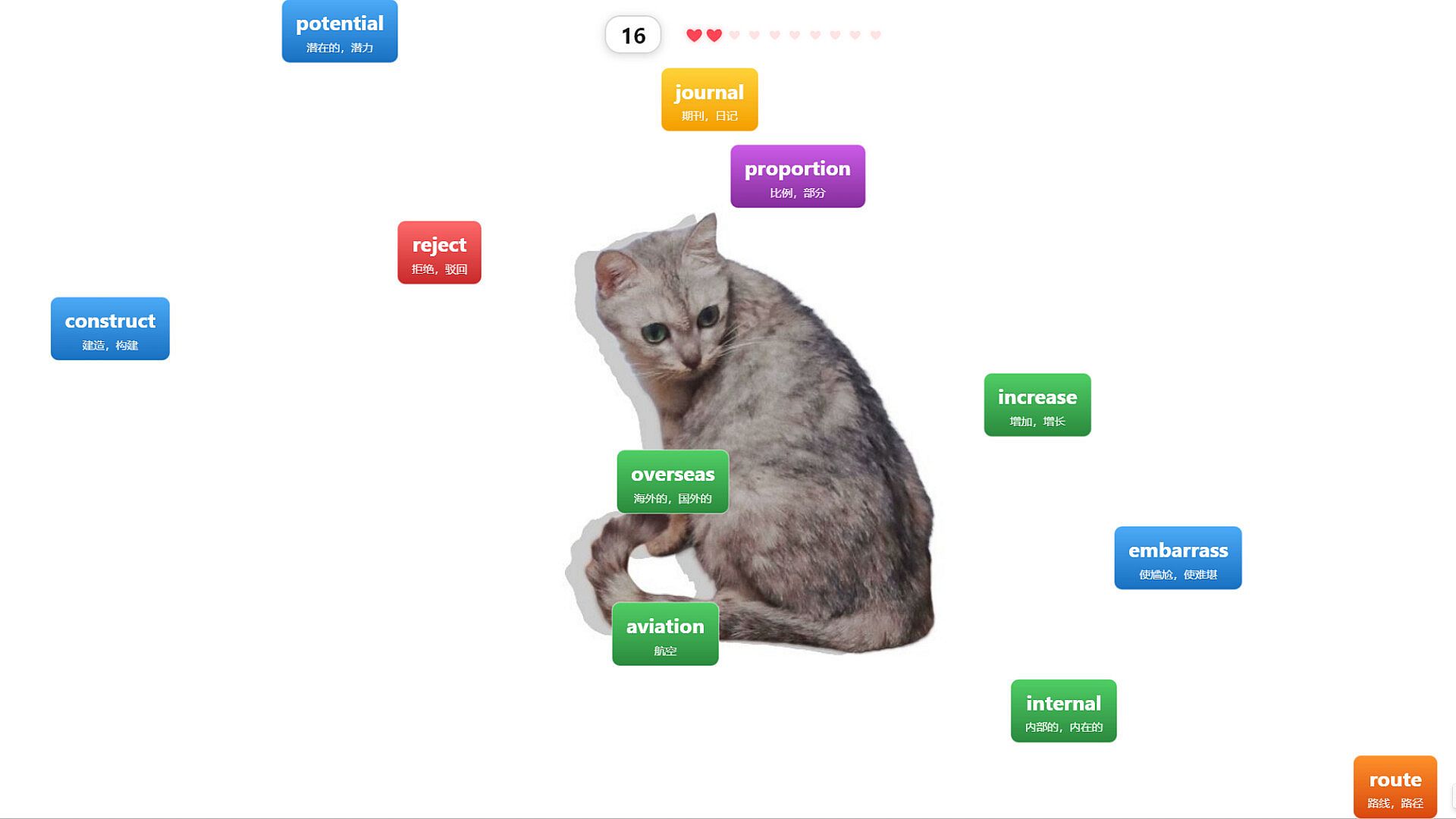
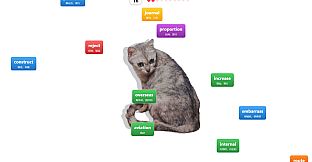
Three distinct practice modes scale from basic letter recognition to full vocabulary work. Letter Practice sends letters and numbers downward from the top of the screen. Matching the falling character with the correct key fires a projectile that destroys the target. Speed increases progressively, and the session ends when health reaches zero after ten hits. Word Practice draws from a pool of one thousand high-frequency CET-4 and CET-6 English vocabulary terms. Each word descends, and players type it letter by letter; correctly entered letters highlight and lock in place until completion. Chinese Practice uses one thousand common Chinese words displayed with tone-free pinyin. Typing the pinyin sequence shatters the corresponding character, combining language recognition, pinyin accuracy, and typing speed in one activity.
Controls and Accessibility
Basic shortcuts keep sessions flexible. Ctrl plus Space restarts any practice mode instantly. Ctrl plus Shift plus Q exits the game at any moment. The always-on-top behavior ensures the overlay remains visible yet non-intrusive during other computer tasks. Bilingual support extends to menus and instructions, allowing seamless switching between English and Chinese interfaces depending on the chosen mode.
Who Benefits from MadKeys
Office workers gain a low-commitment way to maintain or improve typing speed during breaks. Students preparing for English proficiency exams receive targeted vocabulary reinforcement through repeated word practice. Learners of Chinese benefit from simultaneous pinyin drills and character recognition. Anyone seeking a quick distraction can activate the physics display to watch icons interact without structured goals. The game requires no dedicated window or full-screen commitment, fitting naturally into existing workflows.
Is It Worth Playing?
MadKeys suits players who want typing improvement presented as a persistent desktop element rather than a separate application. Its physics-driven visuals and mode variety provide ongoing engagement for short sessions, while the vocabulary lists target specific learning objectives. Those who enjoy casual mechanics combined with practical skill building will find consistent value in the transparent overlay and restart options. The game remains available for direct desktop use without additional hardware or subscriptions, making it a straightforward choice for repeated short play periods focused on accuracy and speed.