
Kup MapHub PC Key

Interesuje Ci臋 MapHub? 艢ledzimy ceny w zaufanych sklepach. Dodaj MapHub do wishlisty, a powiadomimy Ci臋, gdy pojawi膮 si臋 pierwsze oferty.

Premiera: 11 lip 2024
Steam:
Overwhelmingly Negative (1)
Official
Brak dost臋pno艣ci
Keyshops
Brak dost臋pno艣ci
Kup w oficjalnym sklepie:
Brak dost臋pno艣ci
Kup w keyshopach:
Brak dost臋pno艣ci

Brak ofert, ale spokojnie - damy zna膰, gdy pojawi si臋 nowa.

Create Alert Create deal Alert

O MapHub

MapHub - o grze
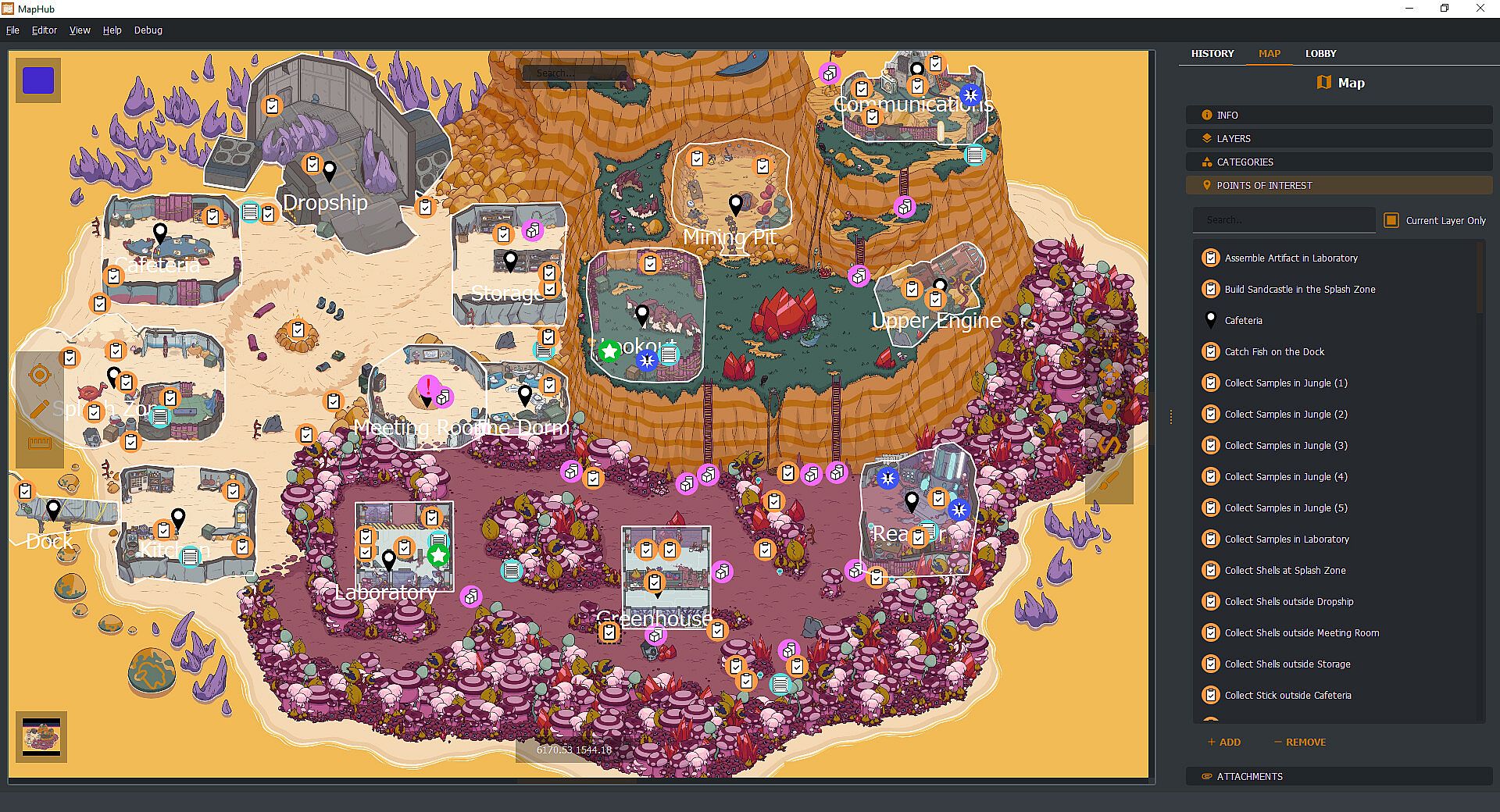
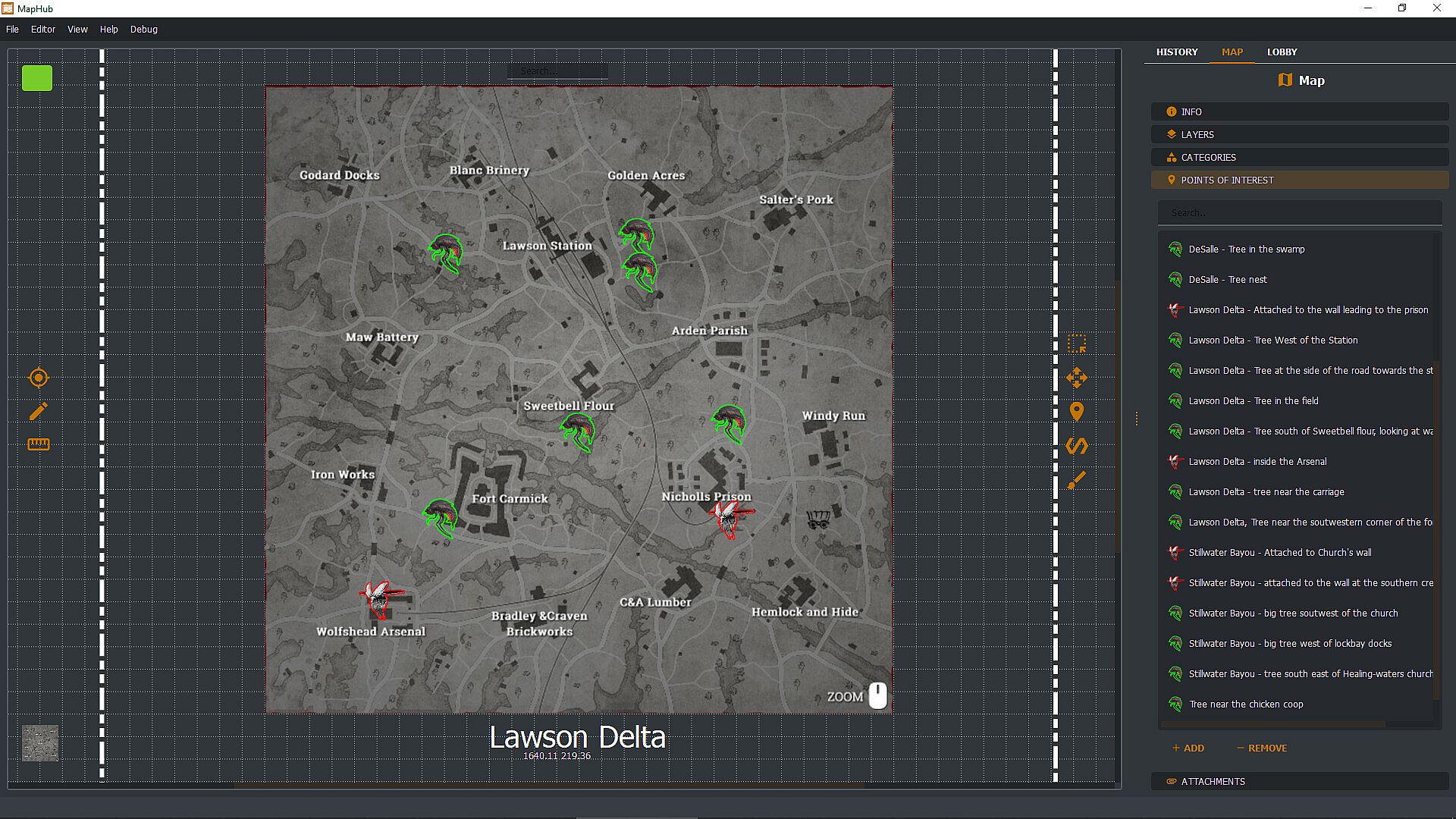
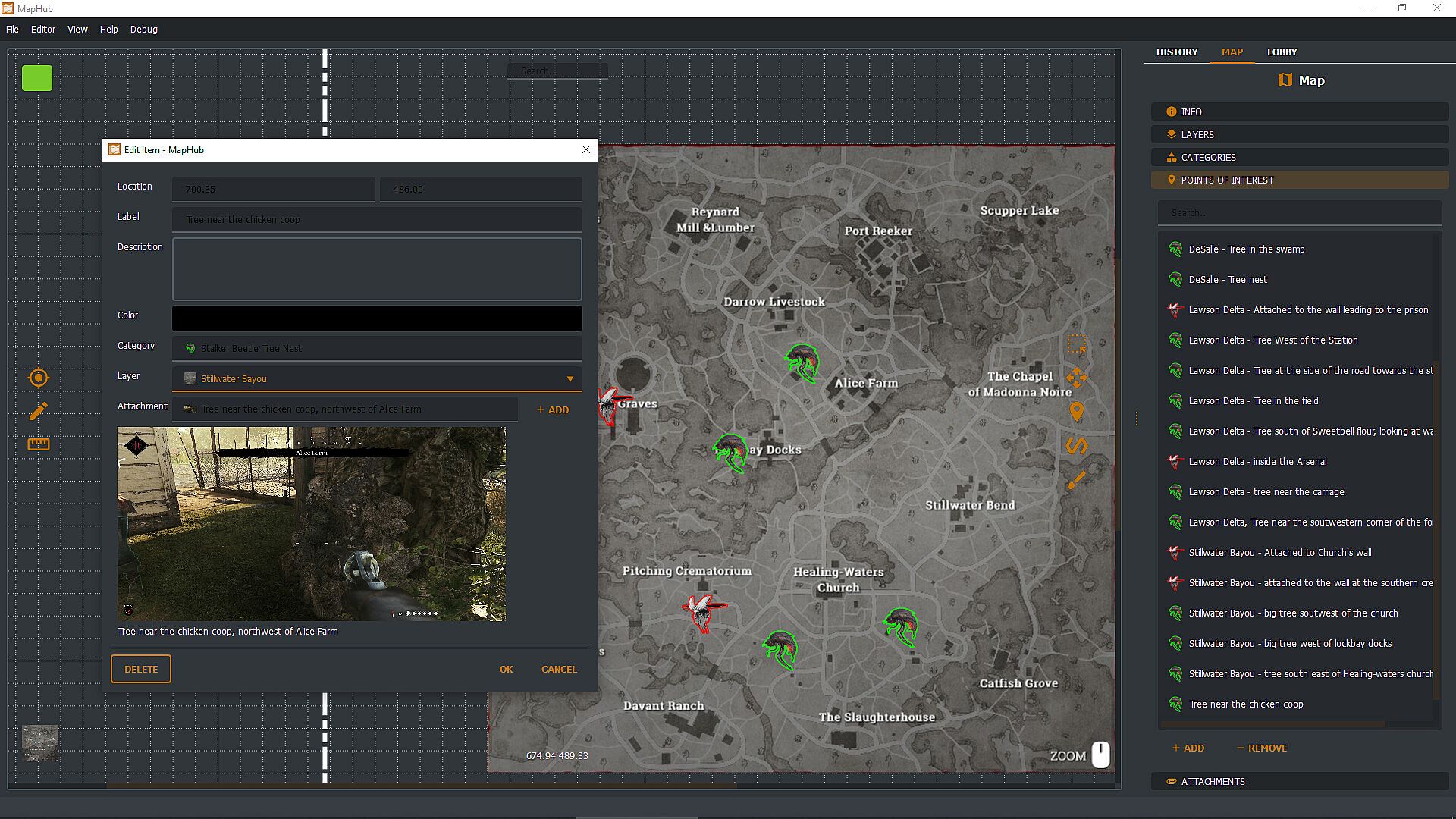
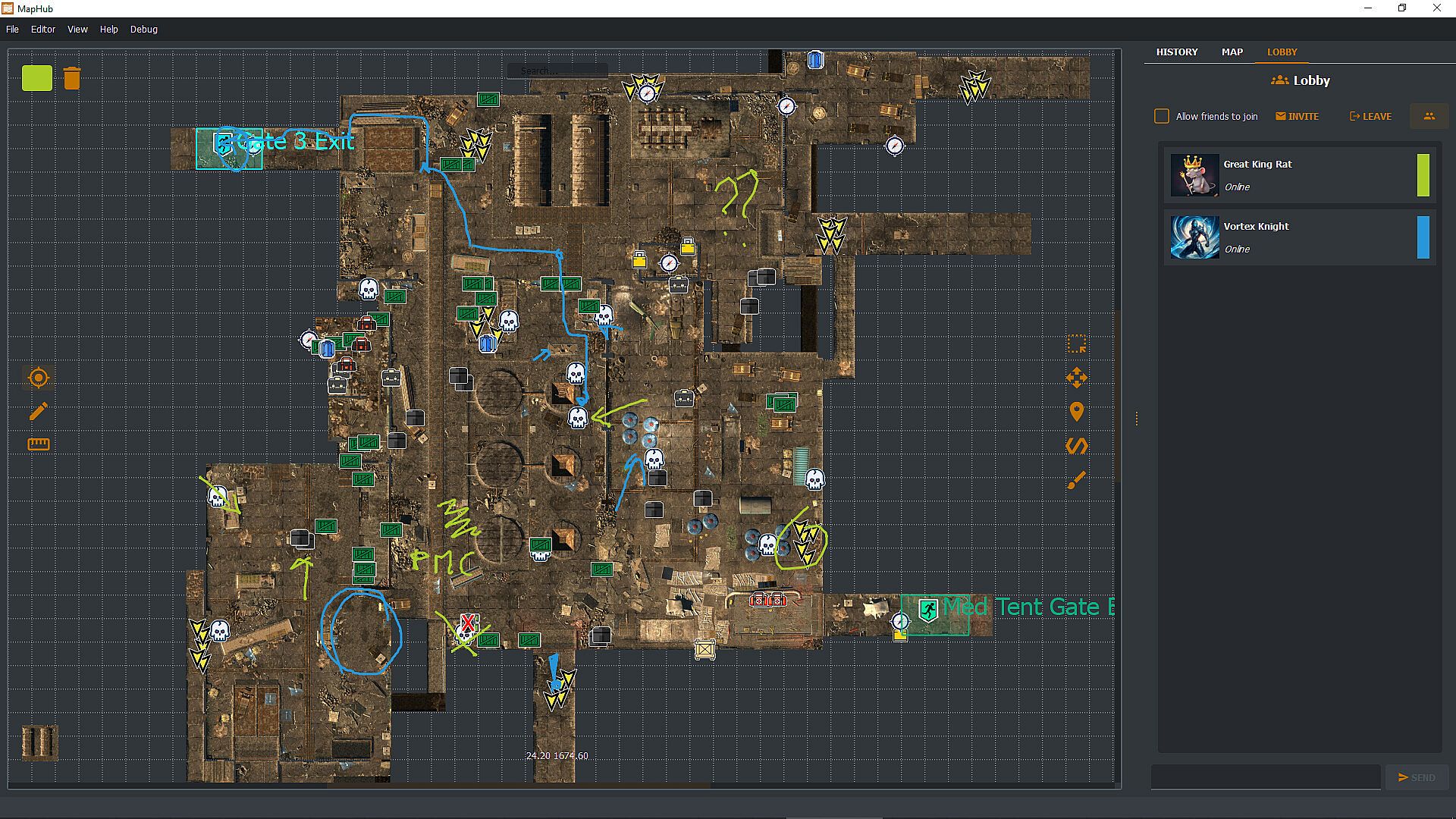
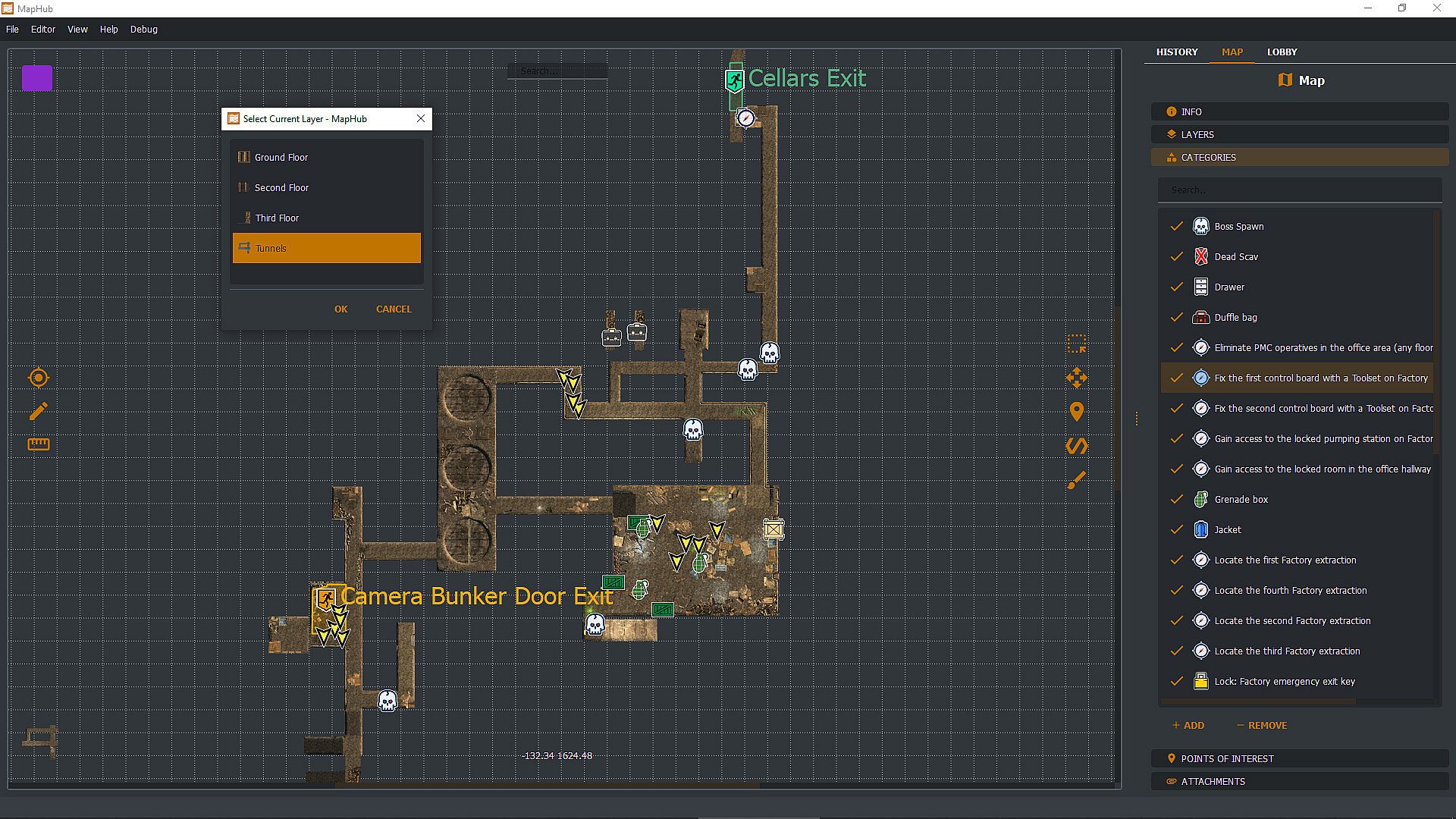
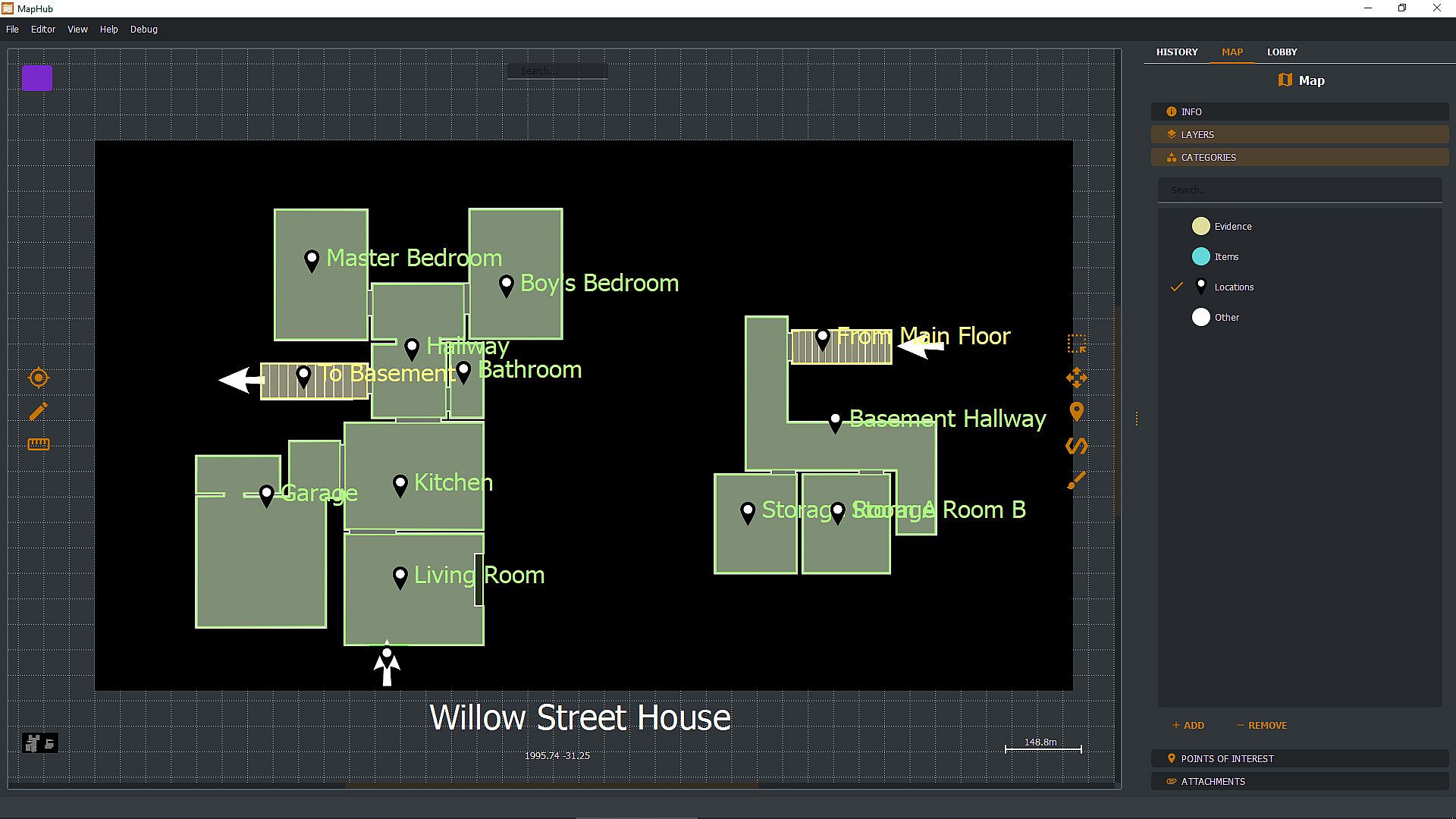
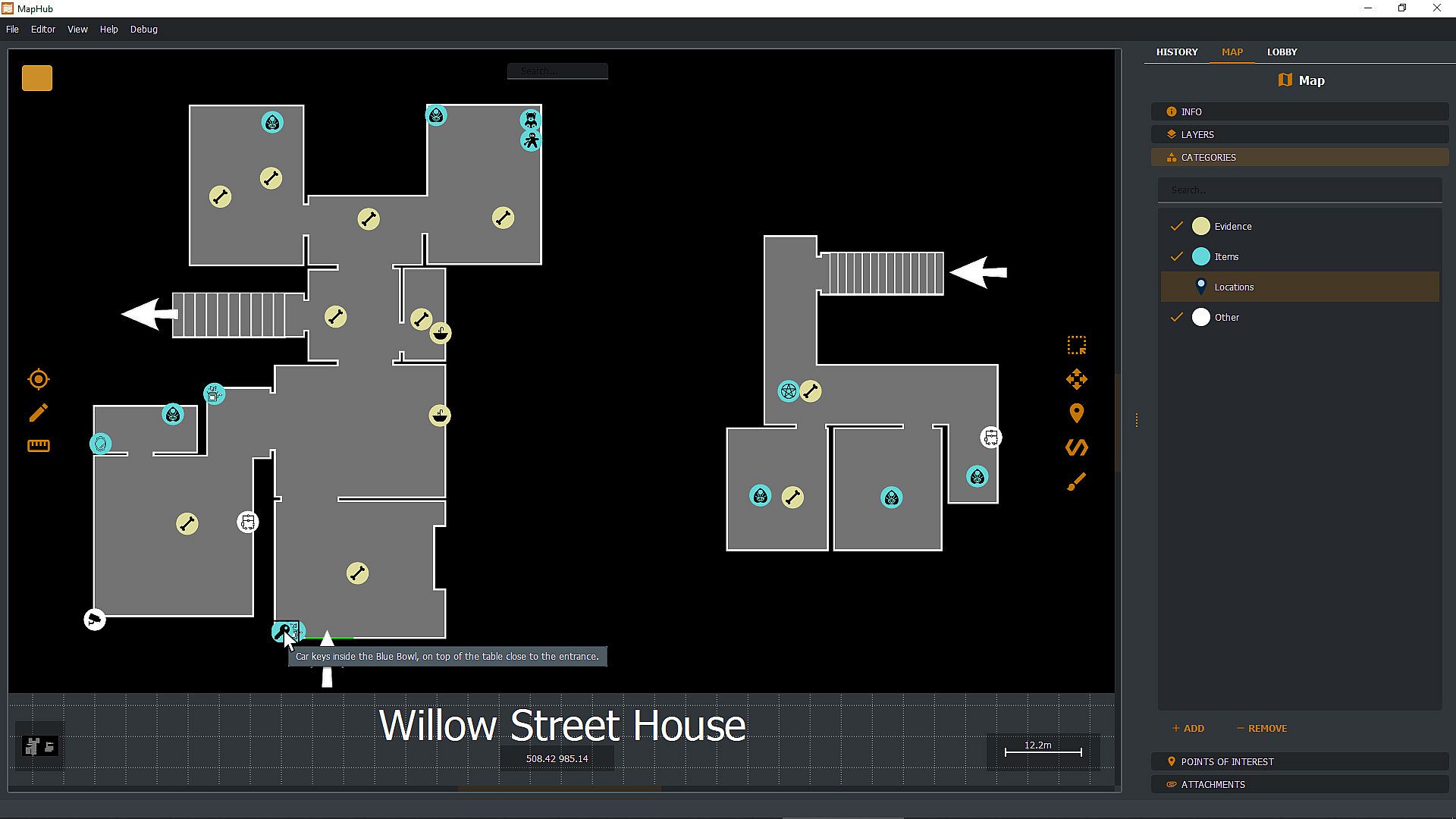
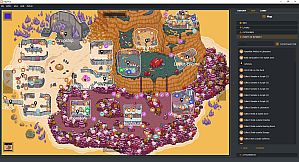
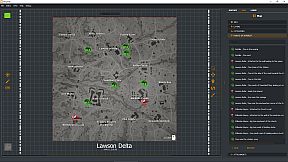
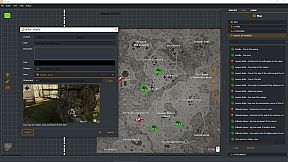
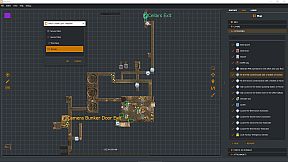
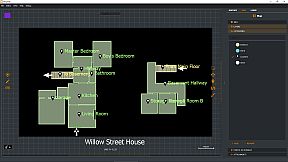
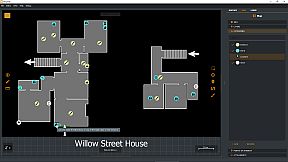
Create custom loot maps in MapHub by marking key points of interest, organizing categories, attaching screenshots, and tracking quests. Share your maps via native Steam Workshop support or browse community creations, all within a gamer-focused app. Invite Steam friends to the lobby for chat coordination and shared drawing tools to pinpoint loot spots effortlessly. Pull up maps on a second monitor or overlay them on borderless windowed games with a hotkey-ideal for dual setups. Keep maps private, friends-only, or public with automatic Steam cloud sync for seamless access across PCs. This one-time purchase utility suits multiplayer gamers who collaborate on maps without subscriptions or curated content.

With MapHub, you can create your own lootmaps with key points of interest, categories, screenshot attachments, and quest tracking and join a new and exciting community!

MapHub has been built with native Steam Workshop Support and Steam Social Features: this means that you can share your maps with the community or browse maps made by other players, all from the comfort of an application designed for gamers, by gamers.

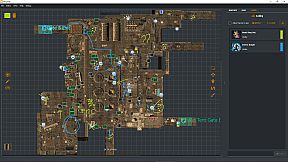
Invite your Steam friends into the MapHub lobby: coordinate with a built-in chat and shared drawing tools. Yes, your friends will draw something inappropriate, but it will be much easier to tell them where the loot is rather than screaming "There! There!" over and over. And you can draw something inappropriate too!

MapHub works better with a dual-monitor setup鈥攐ne for your game, one for MapHub. However, you can also pull up and overlay any map on any other game (as long as the game is not using fullscreen mode) with a quick and simple hotkey press.
Frequently Asked Questions

Q: Is this a subscription service?
A: No! You buy a license for MapHub once, and it's yours forever. No strings attached.

Q: Do you provide curated maps?
A: No, we provide a general-purpose tool and a platform for the community to collaborate. While we have uploaded a few demo samples on the Steam Workshop, these are not part of the product itself but rather demos to get the community started. You're buying a software license, not any map or map service.

Q: Can I draw map tiles or icons inside MapHub?
A: No, you'll need to bring in such assets from a different source. You can import them as JPGs or PNGs or use our in-application tool to generate icons (but not tilemaps) from emojis or text.

Q: Can I keep my maps private, or will they be automatically published in the Steam Workshop?
A: You can set the visibility of your maps to Private, Friends Only, or Public. MapHub will automatically sync the content to Steam's cloud, so you don't have to worry about losing your work when you move from one PC to another. That said, you can, of course, choose to keep all your maps private.

Q: Does MapHub's overlay work with fullscreen games?
A: A game can LOOK fullscreen, but internally, it might be using the "real" fullscreen mode offered by the Windows Operating System, or it might "fake it" using a borderless window mode. MapHub's overlay will work only in the latter case: without getting too technical, taking over draw calls of another executable might be considered a cheat by some anti-cheating software, and for this reason, our philosophy is to be unobtrusive, so a "real" fullscreen overlay won't work. MapHub doesn't give you any unfair advantage, as you can alt-tab or use a second monitor to view any map without MapHub. The drawback is that we cannot offer you an overlay over fullscreen games. MapHub works better on a dual-screen setup or by simply alt-tabbing a borderless windowed game. Always check your game's options to see if they offer a borderless windowed mode鈥攎ost of them do.

Q: Can MapHub work without Steam?
A: No, the nature of the Steam Workshop API and Steam Lobby makes MapHub a Steam exclusive. We do not have plans to make a version stripped of such features.
Interfejs:
GermanEnglishSpanish - SpainFrenchItalianJapanesePortuguese - PortugalPortuguese - BrazilRussianUkrainian

Klasyfikacja wiekowa

Brak informacji
Steam:
Overwhelmingly Negative (1)

Minimalne:

  • System operacyjny: Windows 10 64 bit
  • Procesor: If you can run windows you can run MapHub
  • Grafika: Overlay requires borderless window mode.

Zalecane:

  • System operacyjny: Windows 11 64bit
  • Procesor: If you can run windows you can run MapHub
  • Grafika: Overlay requires borderless window mode.
Historycznie najni偶sza cena
Historia cen ze sklep贸w oficjalnych
-
-
-
Historia cen z keyshop贸w
-
-
-

FAQ

8 pyta艅

Zanim zaczniesz szuka膰 taniego klucza PC do MapHub, sprawd藕 najwa偶niejsze informacje. Tw贸rcy: Evolved Labs. Wydawca: Evolved Labs. Data premiery na PC: 11 lip 2024. Gatunki: Early Access, Utilities. Kategorie: Steam Workshop.

Q

Gdzie kupi膰 tani klucz Steam (CD key) do MapHub?

Aktualnie brak aktywnych ofert na MapHub. Ustaw alert cenowy na XD.deals, a powiadomimy Ci臋, gdy pojawi si臋 nowa oferta.

Nie mamy aktualnej ceny MapHub ze sklepu Steam. Gra mo偶e by膰 chwilowo niedost臋pna lub jeszcze nie pojawi艂a si臋 na Steam.

Nasz tracker cen obejmuje oficjalne sklepy i keyshopy, wi臋c znajdziesz MapHub w promocji nawet poza sezonowymi wyprzeda偶ami. Obecnie wykrywamy 0 aktywnych ofert z oficjalnych sklep贸w i keyshop贸w. Sprawd藕 tabel臋 powy偶ej, por贸wnaj z historycznie najni偶sz膮 cen膮 i ustaw alert, aby nie przegapi膰 kolejnego spadku.

Wed艂ug naszych danych MapHub nie jest obecnie dost臋pne na GeForce NOW. Musisz uruchomi膰 gr臋 lokalnie na swoim PC. Przegl膮daj gry dost臋pne na GeForce NOW.

Tak. MapHub ma oficjaln膮 stron臋 w sklepie Steam, ale obecnie nie 艣ledzimy 偶adnych ofert z DRM Steam od zewn臋trznych sprzedawc贸w. Sprawd藕 ponownie p贸藕niej lub ustaw alert cenowy.

Nie w tym momencie. Valve oznacza MapHub jako niewspierane na Steam Deck. 艢led藕 XD.deals - monitorujemy aktualizacje Proton i poprawki spo艂eczno艣ci. Przegl膮daj gry zweryfikowane na Steam Deck lub grywalne na Steam Deck.

MapHub nie jest obecnie dost臋pne w PC Game Pass, EA Play, Ubisoft+ ani 偶adnej innej subskrypcji na PC. Jedyn膮 opcj膮 jest zakup gry - u偶yj XD.deals, aby znale藕膰 najlepsz膮 cen臋.

Nie - XD.deals nie jest sklepem. Jeste艣my por贸wnywark膮 cen, kt贸ra 艣ledzi najlepsze oferty na MapHub w oficjalnych sklepach i zweryfikowanych keyshopach. Kliknij "Przejd藕 do sklepu" przy wybranej ofercie, a przekierujemy Ci臋 na stron臋 sprzedawcy.

Chcesz kupi膰 w najlepszym momencie? Ustaw alert cenowy na XD.deals i otrzymaj powiadomienie, gdy MapHub osi膮gnie historycznie najni偶sz膮 cen臋.

Utw贸rz alert
Do艂膮cz do Discorda
Uzyskaj szybk膮 pomoc od spo艂eczno艣ci i b膮d藕 na bie偶膮co z promocjami
Ustaw alerty cenowe
Otrzymuj powiadomienia e-mail, gdy cena gry spadnie do Twojego poziomu
Za艂贸偶 darmowe konto
Odblokuj wishlisty, alerty cenowe i synchronizacj臋 ze Steam