
Kup OZ Chord Player PC Key

Gdzie kupi膰 OZ Chord Player? W tej chwili gra nie jest w sprzeda偶y w 偶adnym ze 艣ledzonych przez nas sklep贸w. Nie znaczy to, 偶e tak zostanie, bo sklepy dodaj膮 i wycofuj膮 pozycje na bie偶膮co, a my sprawdzamy je codziennie. Ustaw alert cenowy, a napiszemy, gdy tylko kt贸ry艣 sklep wystawi ofert臋.

Premiera: 02 maj 2022
ChuckDoo
ChuckDoo
Steam:
Overwhelmingly Negative (7)
Official
Brak dost臋pno艣ci
Keyshops
Brak dost臋pno艣ci
Kup w oficjalnym sklepie:
Brak dost臋pno艣ci
Kup w keyshopach:
Brak dost臋pno艣ci

Brak ofert, ale spokojnie - damy zna膰, gdy pojawi si臋 nowa.

Create Alert Create deal Alert

O OZ Chord Player

OZ Chord Player - o grze
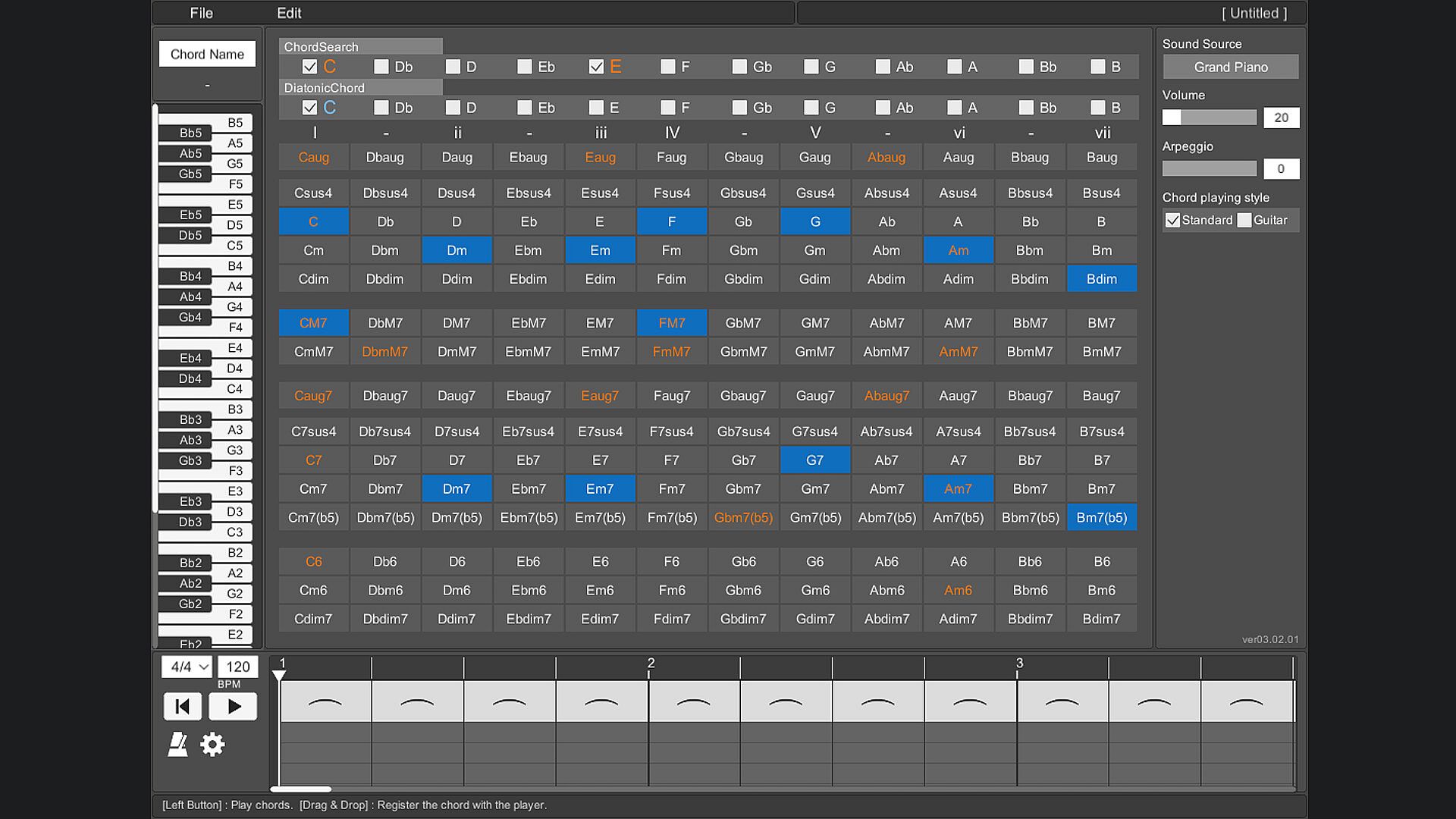
Play chords instantly with a simple button press on a single-screen layout, perfect for computer music composition. A piano keyboard highlights the notes in each chord, while note-based searches and diatonic filters help match harmonies to your melody line. Switch between piano, guitar, strings, and brass sounds, apply arpeggios or inversions, and arrange progressions on a timeline with custom tempo and time signatures. Save setups, export MIDI files, and resize the interface for your PC monitor, with key bindings and 13-language support plus an on-screen guide. This casual audio production utility suits beginners trying composition, those learning chord sounds, or anyone struggling to pair chords with melodies without an instrument.

OZ Chord Player is a very simple tool for playing chords.
When composing with Computer Music, you can easily find and try chords that match your melody.
You can easily check the sound of chords with OZ Chord Player even if you don't have an instrument.
Main target
Mainly useful for composing Computer Music.
  • Those who want to try composing.
  • Those who want to know the sounds that make up a chord.
  • Those who are not good at finding chords that match their own melody.
  • Those who want to easily check the chord progression without an instrument.
Features
Screen layout
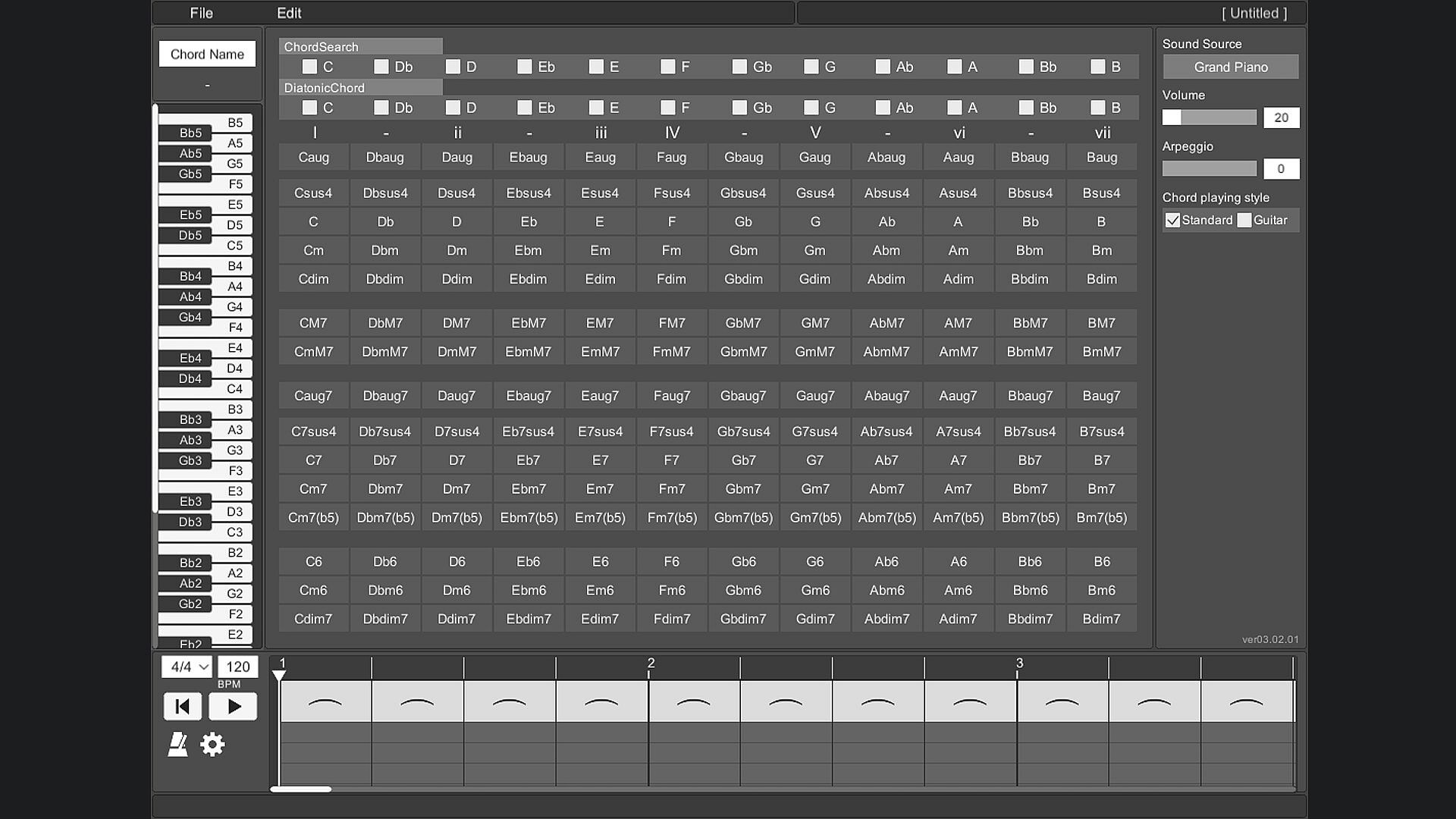
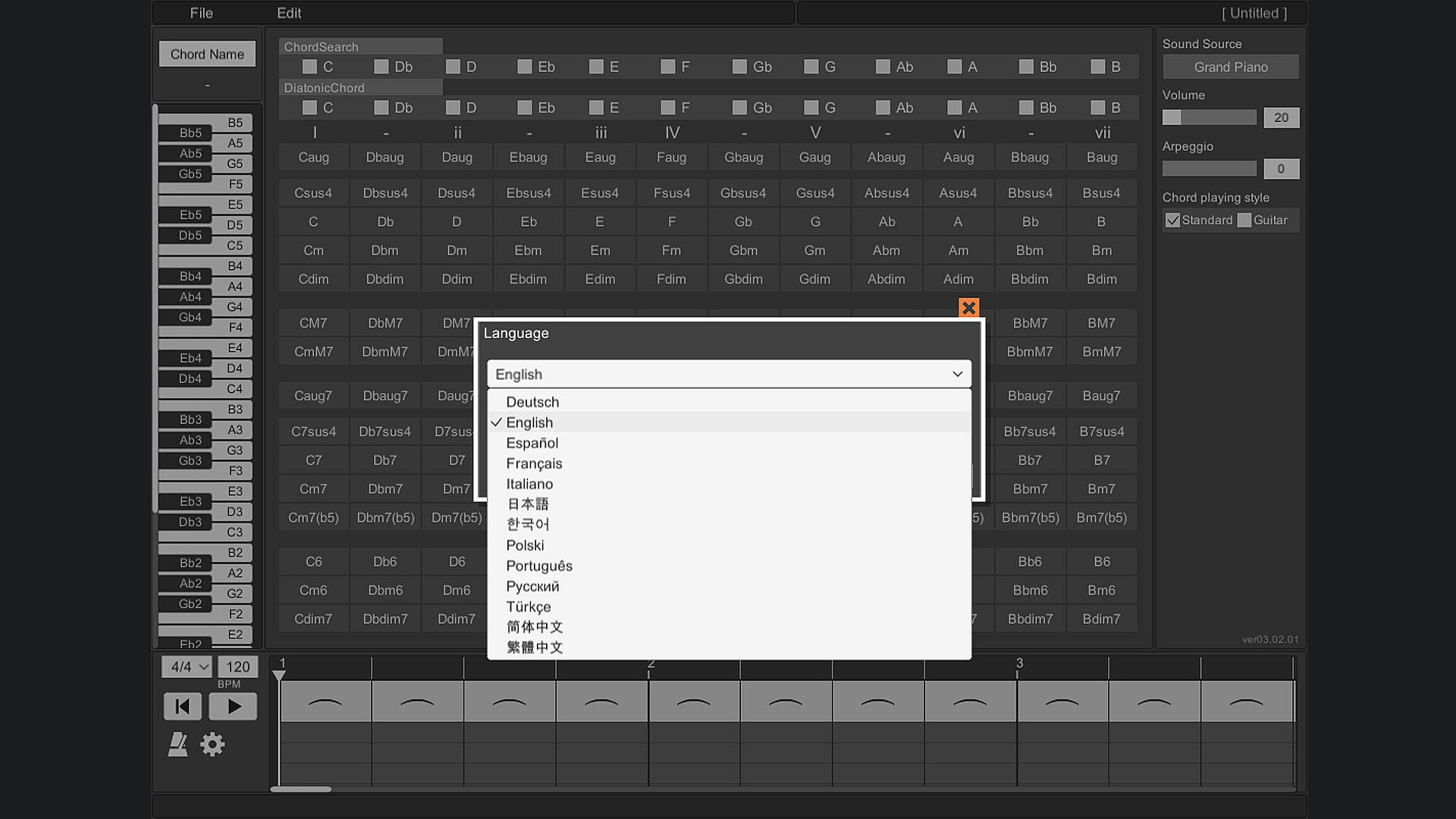
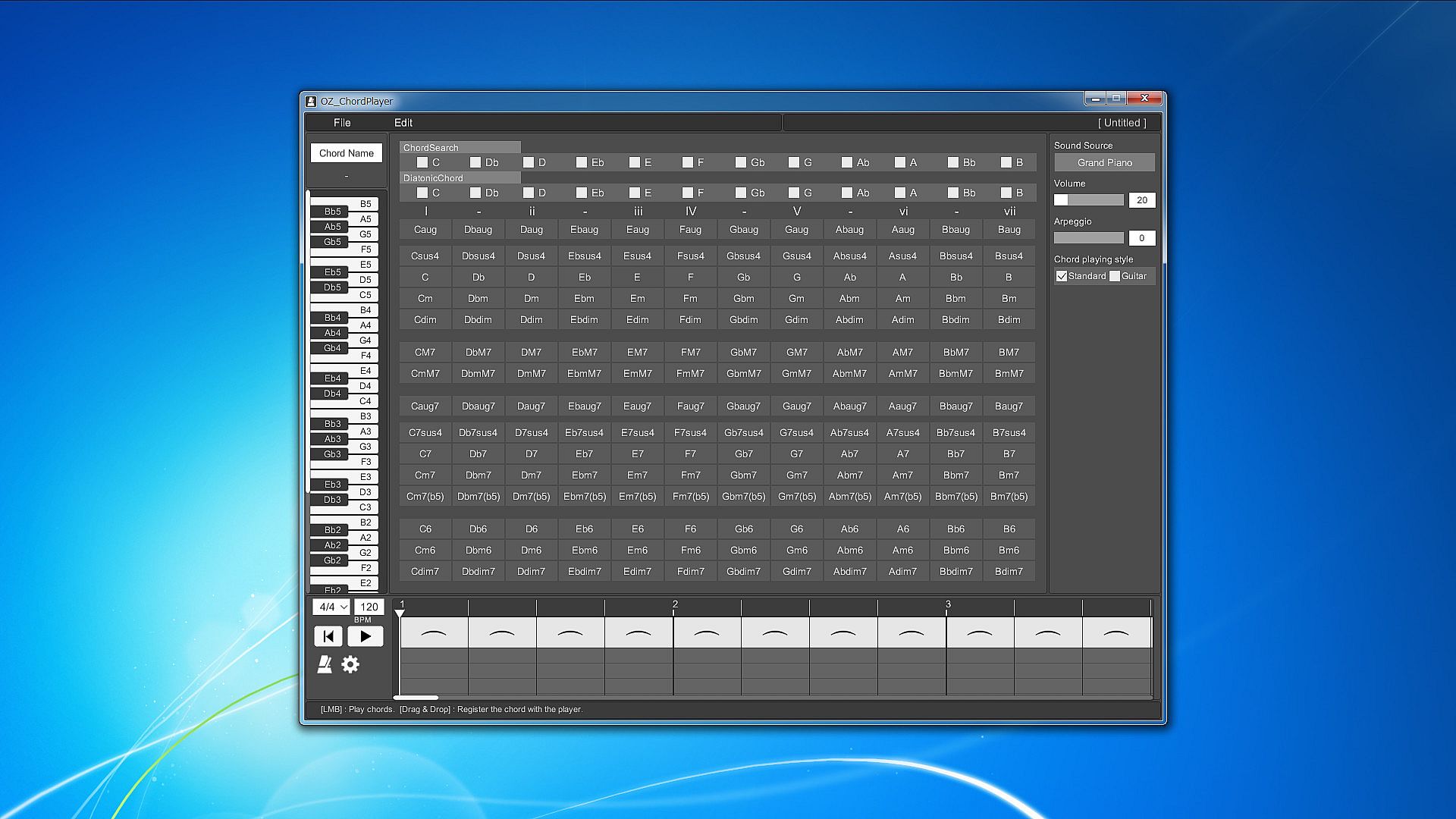
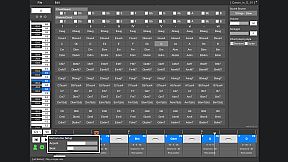
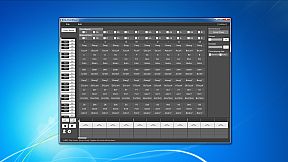
All the prepared chords are displayed on one screen.
To play the chord, just press the button on the chord in front of you.
This allows you to hear the sound of various chords without disturbing your inspiration.

Piano keyboard
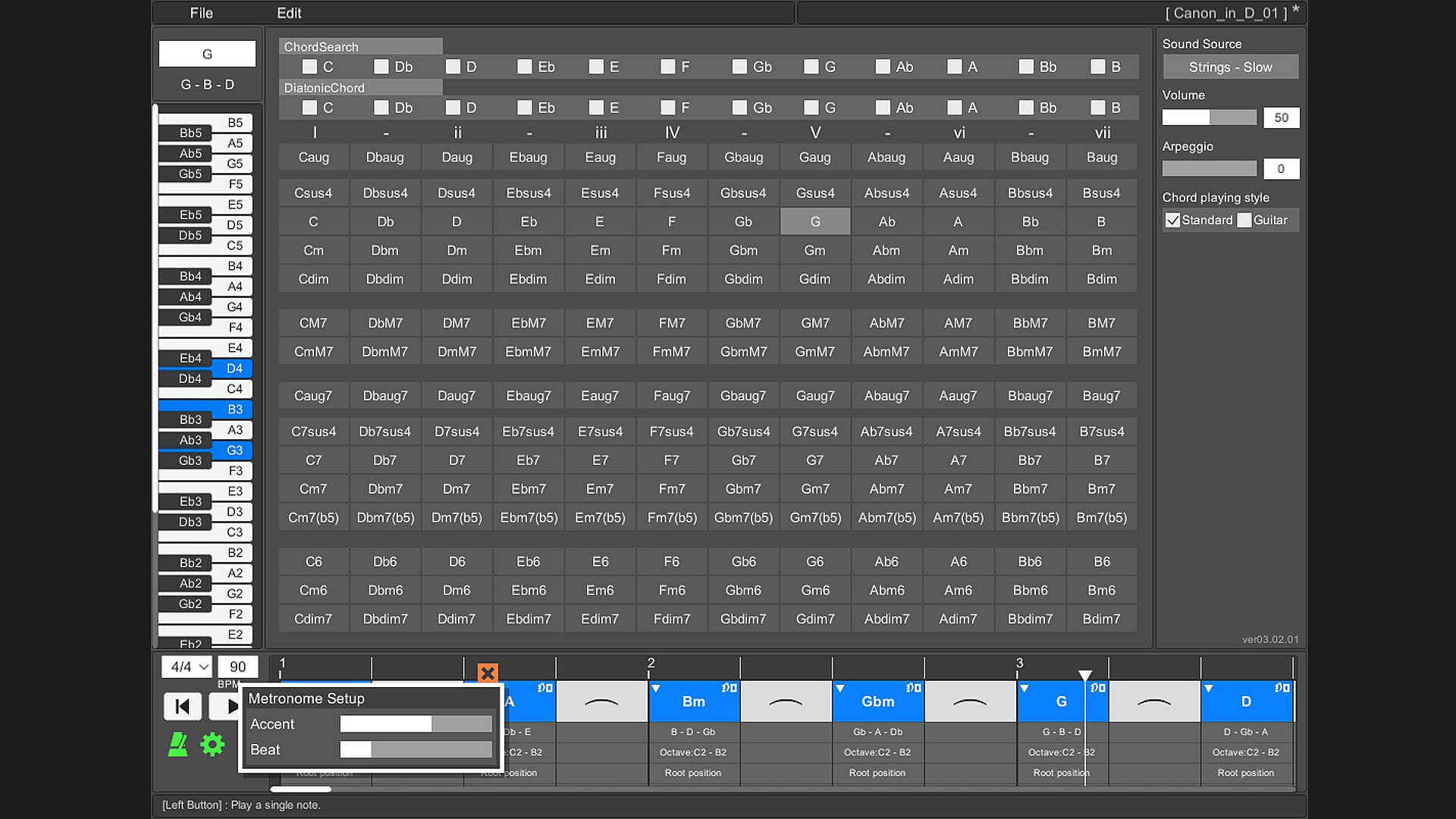
When you play a chord, you can check which note is playing on the piano keyboard.
This allows you to reflect the constituent notes of the chord in your own composition.

Chord search
By selecting a switch with a note name such as "C" or "D", all chords using that note will be focused.
You can also search by combining multiple switches.
By selecting the note name you are playing on the melody line, you can easily find the chord that matches that note.

Diatonic chord search
Focus on the major scale diatonic chord.
You can easily find the best chord for the scale of your song.

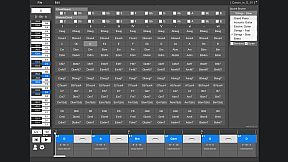
Sound source
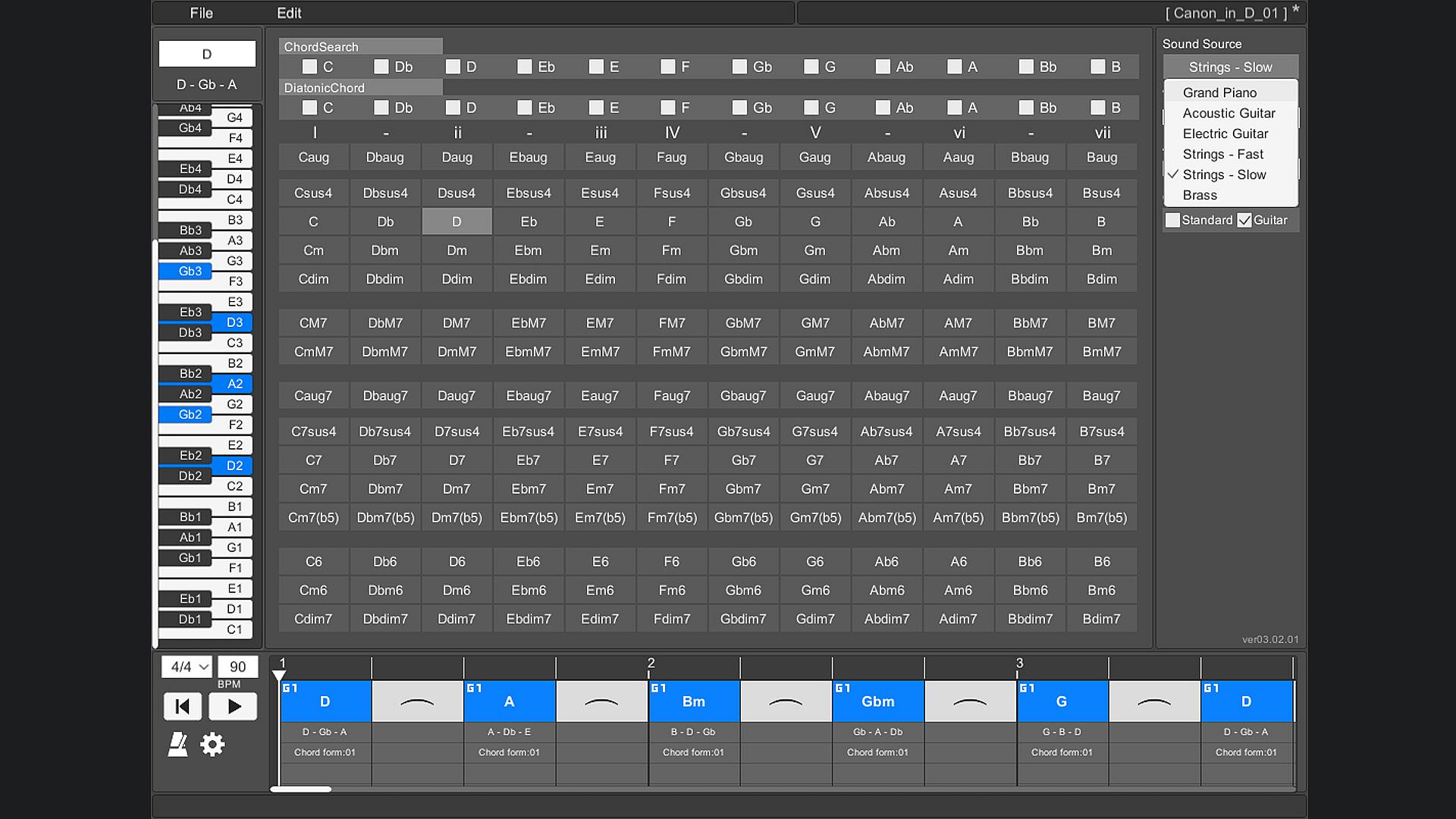
The instruments that can be used are "piano", "acoustic guitar", "electric guitar", "stringed instrument - fast", "stringed instrument - slow", and "brass instrument".

Arpeggio
You can stagger the individual notes of the chords. Ideal for slow tempo songs, mainly on piano and guitar.

Chord playing style
There are two types of chord styles to play, "standard" and "guitar", and you can switch between them.
In "Standard", 3 types of chords with different octaves are prepared for each chord.
In "Guitar", 3 to 5 types of chords with different ways of playing guitar chords are prepared for each chord.

Chord inversion
For example, one chord [Dm] can be played by switching the notes like [D3 - F3 - A3], [F3 - A3 - D4], [A3 - D4 - F4].
In popular music, they are written as [Dm/F] and [Dm/A].
(Only normal chords are supported. Guitar chords are not supported.)

Play chords
You can play by arranging multiple chords side by side on the timeline. This makes it easy to check the chord progression. When playing, you can set the tempo and time signature (2/4 to 5/4 time signature).

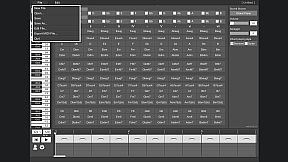
Save/Load
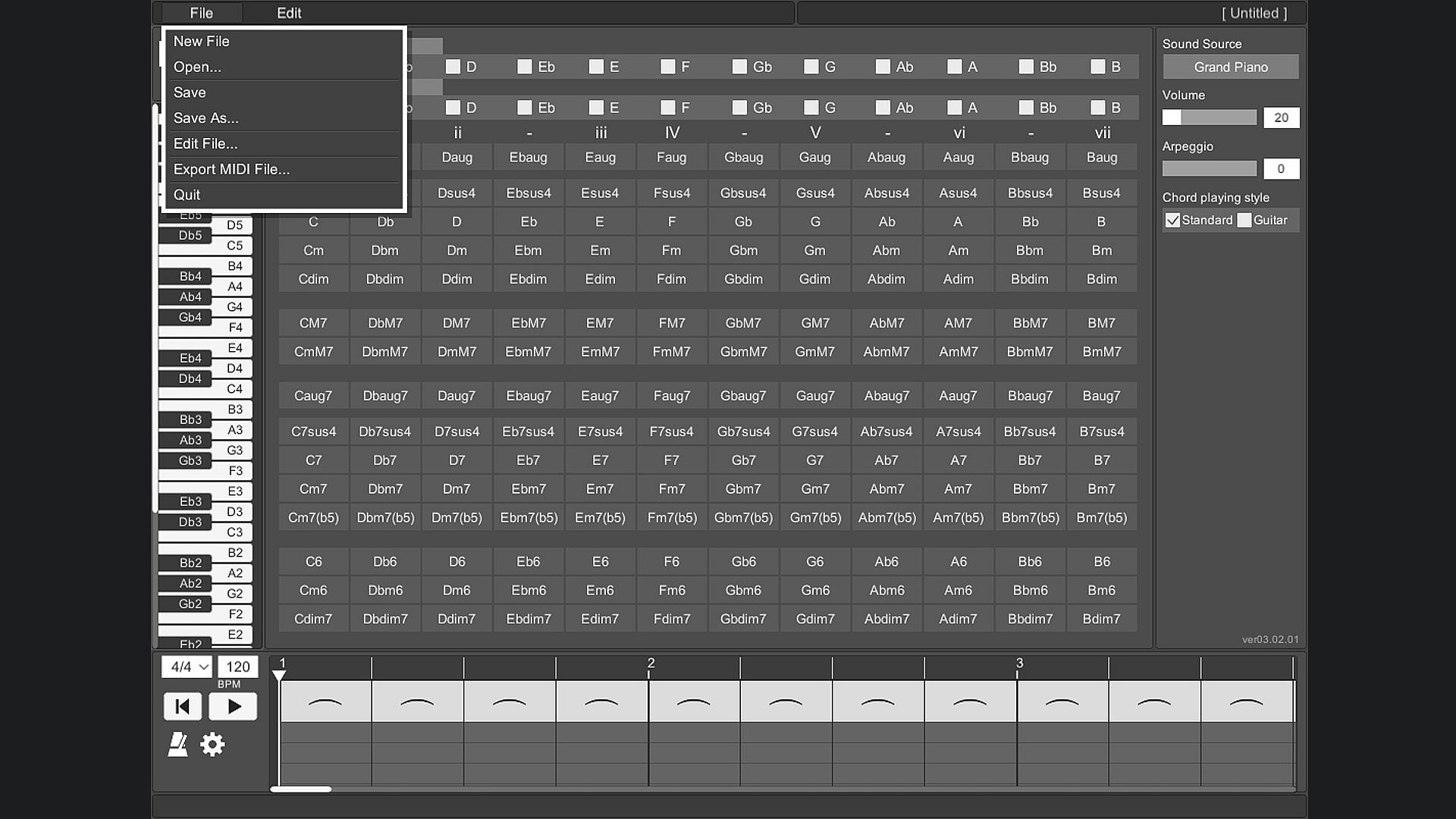
Chords placed side by side on the timeline can be saved.

Export MIDI File
The chords placed side by side on the timeline can be exported as a MIDI file.
(Volume settings and arpeggios are not reflected.)

User's Guide
The operation method is displayed at the bottom of the tool screen and you will not be confused about the operation. The operation method is displayed by moving the mouse cursor to the part you want to know.

Change screen size
You can change the screen size of OZ Chord Player.
The minimum resolution that can be set is 848 * 600.
The maximum resolution that can be set is limited so that it does not exceed the resolution of the monitor you are using.
The default screen resolution is 1130 * 800.
If the resolution is smaller than the default setting, the image will be slightly degraded.

Key Bindings
Key binding is possible.

Language support
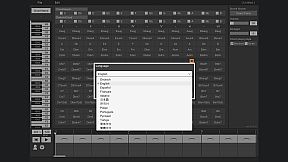
It supports 13 languages.
(Chord notation is C, D, E, F, G, A, B.)

Interfejs:
GermanEnglishSpanish - SpainFrenchItalianJapaneseKoreanPolishPortuguese - BrazilRussianTurkishSimplified ChineseTraditional Chinese

Klasyfikacja wiekowa

Brak informacji
Steam:
Overwhelmingly Negative (7)

Minimalne:

  • Procesor: Intel or AMD CPU over 1.0 GHz
  • Pami臋膰: 930 MB RAM
  • Dysk: 240 MB available space

Zalecane:

Historycznie najni偶sza cena
Historia cen ze sklep贸w oficjalnych
17,84聽z艂
Steam
4 miesi臋cy temu
Historia cen z keyshop贸w
-
-
-

FAQ

8 pyta艅

Zanim zaczniesz szuka膰 taniego klucza PC do OZ Chord Player, sprawd藕 najwa偶niejsze informacje. Tw贸rcy: ChuckDoo. Wydawca: ChuckDoo. Data premiery na PC: 02 maj 2022. Gatunki: Casual, Utilities, Audio Production, Education, Software Training.

Q

Gdzie kupi膰 tani klucz Steam (CD key) do OZ Chord Player?

Aktualnie brak aktywnych ofert na OZ Chord Player. Ustaw alert cenowy na XD.deals, a powiadomimy Ci臋, gdy pojawi si臋 nowa oferta.

Nie mamy aktualnej ceny OZ Chord Player ze sklepu Steam. Gra mo偶e by膰 chwilowo niedost臋pna lub jeszcze nie pojawi艂a si臋 na Steam.

Nasz tracker cen obejmuje oficjalne sklepy i keyshopy, wi臋c znajdziesz OZ Chord Player w promocji nawet poza sezonowymi wyprzeda偶ami. Obecnie wykrywamy 0 aktywnych ofert z oficjalnych sklep贸w i keyshop贸w. Sprawd藕 tabel臋 powy偶ej, por贸wnaj z historycznie najni偶sz膮 cen膮 i ustaw alert, aby nie przegapi膰 kolejnego spadku.

Wed艂ug naszych danych OZ Chord Player nie jest obecnie dost臋pne na GeForce NOW. Musisz uruchomi膰 gr臋 lokalnie na swoim PC. Przegl膮daj gry dost臋pne na GeForce NOW.

Tak. OZ Chord Player ma oficjaln膮 stron臋 w sklepie Steam, ale obecnie nie 艣ledzimy 偶adnych ofert z DRM Steam od zewn臋trznych sprzedawc贸w. Sprawd藕 ponownie p贸藕niej lub ustaw alert cenowy.

Nie w tym momencie. Valve oznacza OZ Chord Player jako niewspierane na Steam Deck. 艢led藕 XD.deals - monitorujemy aktualizacje Proton i poprawki spo艂eczno艣ci. Przegl膮daj gry zweryfikowane na Steam Deck lub grywalne na Steam Deck.

Wed艂ug naszych danych OZ Chord Player nie jest obecnie dost臋pne w PC Game Pass, EA Play ani Ubisoft+. Katalogi tych us艂ug uzupe艂niamy na bie偶膮co, wi臋c przed decyzj膮 warto sprawdzi膰 status tak偶e u 藕r贸d艂a. Je艣li kupujesz, XD.deals pomo偶e znale藕膰 najni偶sz膮 cen臋.

Nie - XD.deals nie jest sklepem. Jeste艣my por贸wnywark膮 cen, kt贸ra 艣ledzi najlepsze oferty na OZ Chord Player w oficjalnych sklepach i zweryfikowanych keyshopach. Kliknij "Przejd藕 do sklepu" przy wybranej ofercie, a przekierujemy Ci臋 na stron臋 sprzedawcy.

Chcesz kupi膰 w najlepszym momencie? Ustaw alert cenowy na XD.deals i otrzymaj powiadomienie, gdy OZ Chord Player osi膮gnie historycznie najni偶sz膮 cen臋.

Utw贸rz alert
Do艂膮cz do Discorda
Uzyskaj szybk膮 pomoc od spo艂eczno艣ci i b膮d藕 na bie偶膮co z promocjami
Ustaw alerty cenowe
Otrzymuj powiadomienia e-mail, gdy cena gry spadnie do Twojego poziomu
Za艂贸偶 darmowe konto
Odblokuj wishlisty, alerty cenowe i synchronizacj臋 ze Steam