
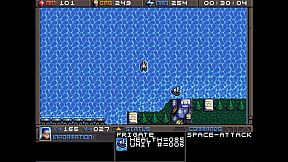
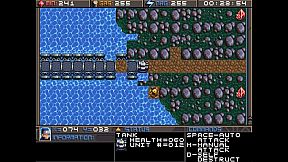
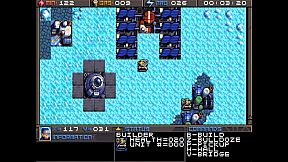
Planet X3 (DOS) PC

Gdzie znale藕膰 najlepsz膮 ofert臋 na Planet X3 (DOS) na {6}? Por贸wnaj ceny z 1 sklep贸w i wybierz najlepsz膮 opcj臋 spo艣r贸d 1 ofert dost臋pnych na XD.deals. Obecnie najni偶sza cena Planet X3 (DOS) w keyshopach jest na 45,99聽z艂 (0% taniej).

Steam:
Overwhelmingly Negative (5)
Keyshops
Brak dost臋pno艣ci
Kup w oficjalnym sklepie:
45,99聽z艂
Kup w keyshopach:
Zobacz histori臋 cen

Sklepy oficjalne (1)

DRM:
Steam
Steam
Steam
Planet X3 (DOS)
Windows
+1
1l temu
DRM:
Steam
Steam
45,99聽z艂
Historical Low Deal
Historical low

O Planet X3 (DOS)

Planet X3 (DOS) - o grze
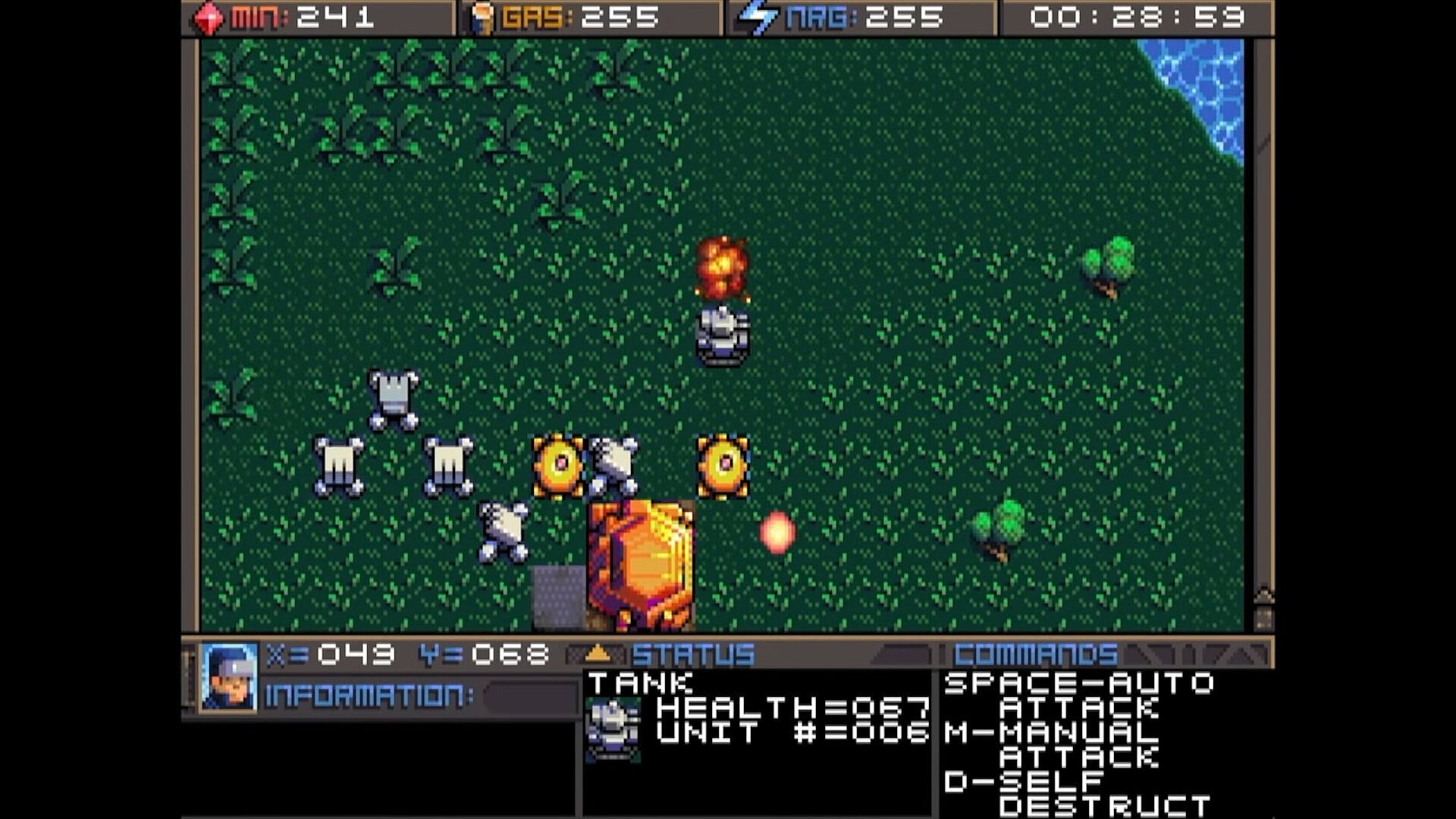
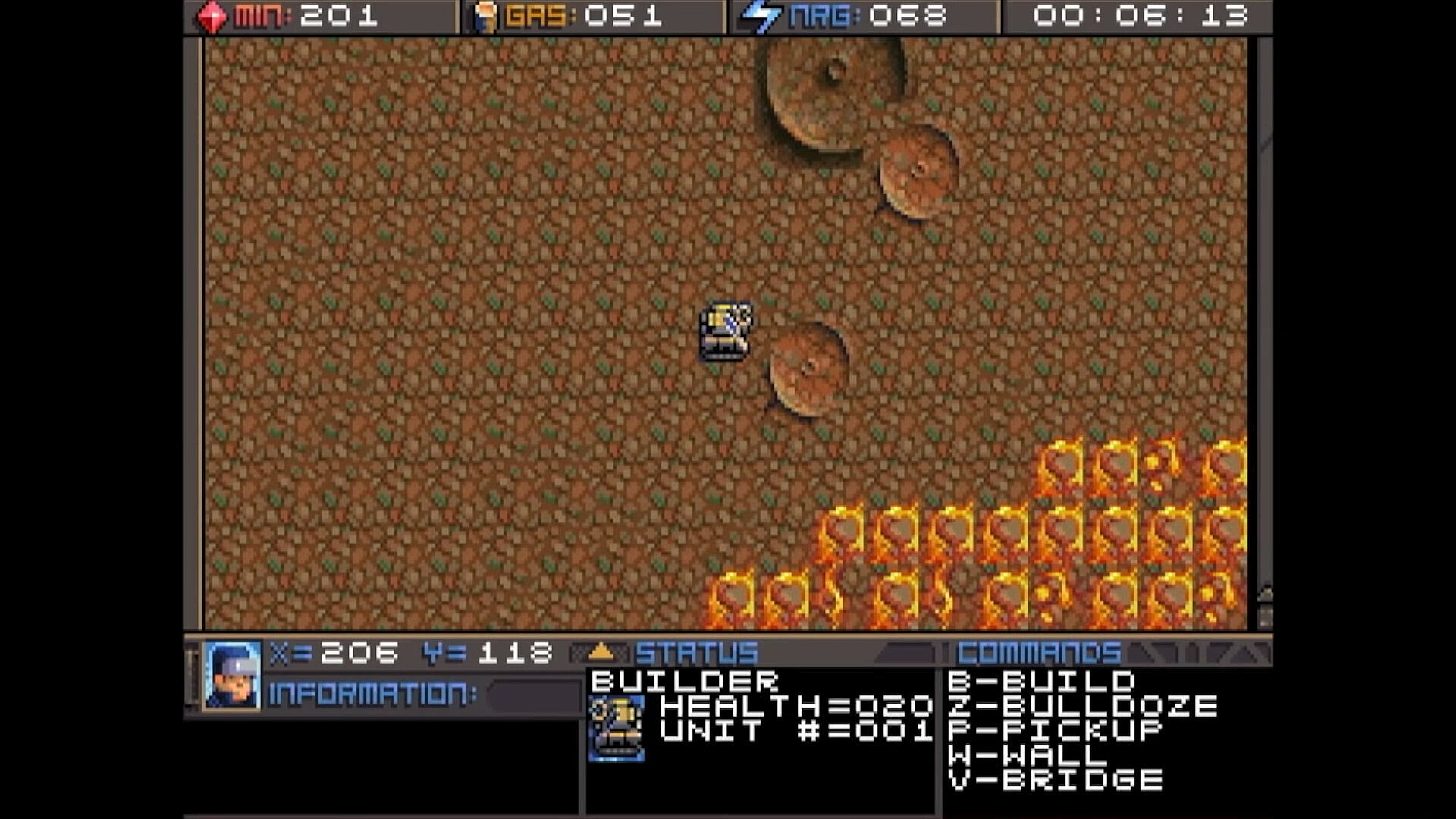
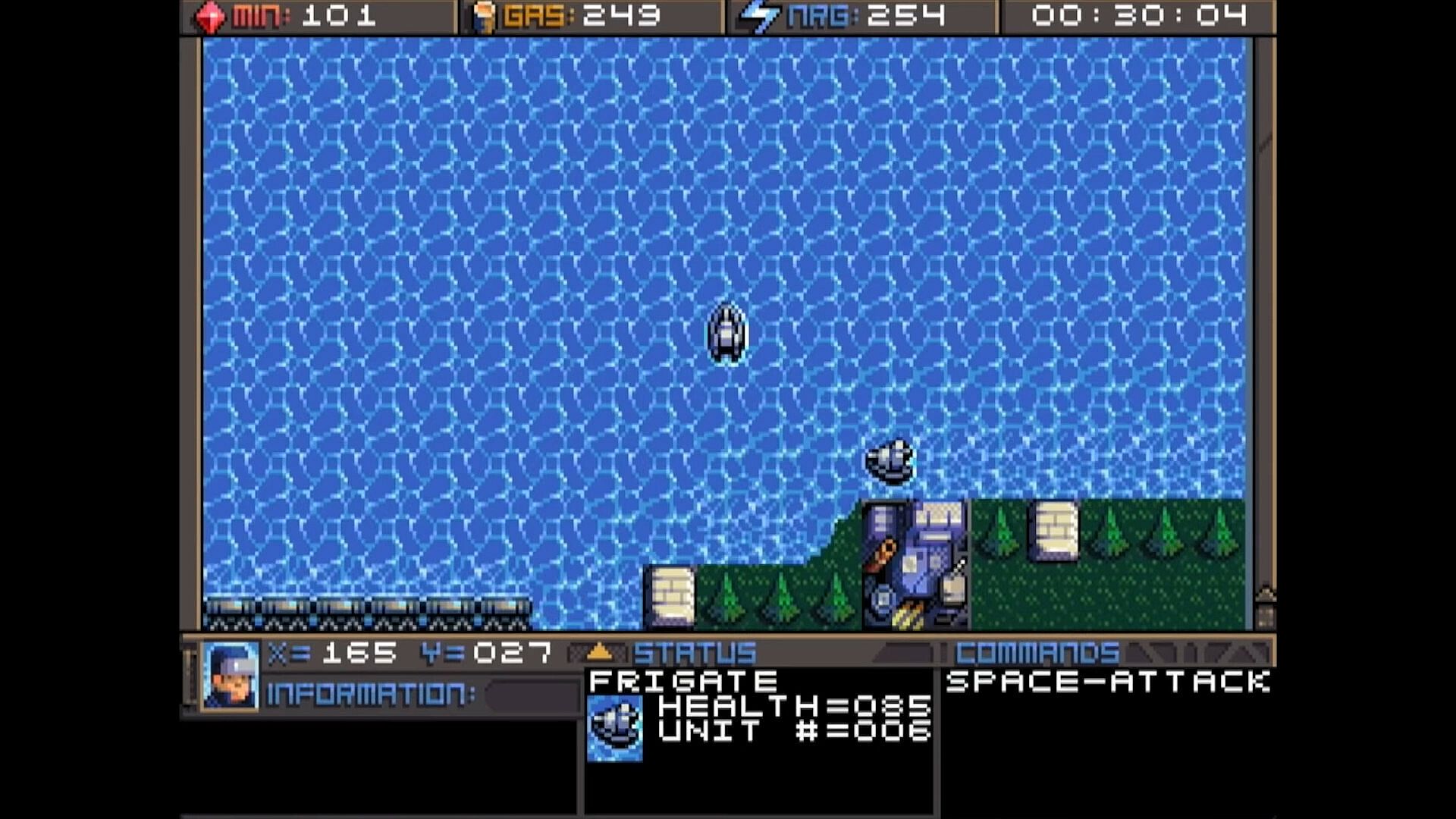
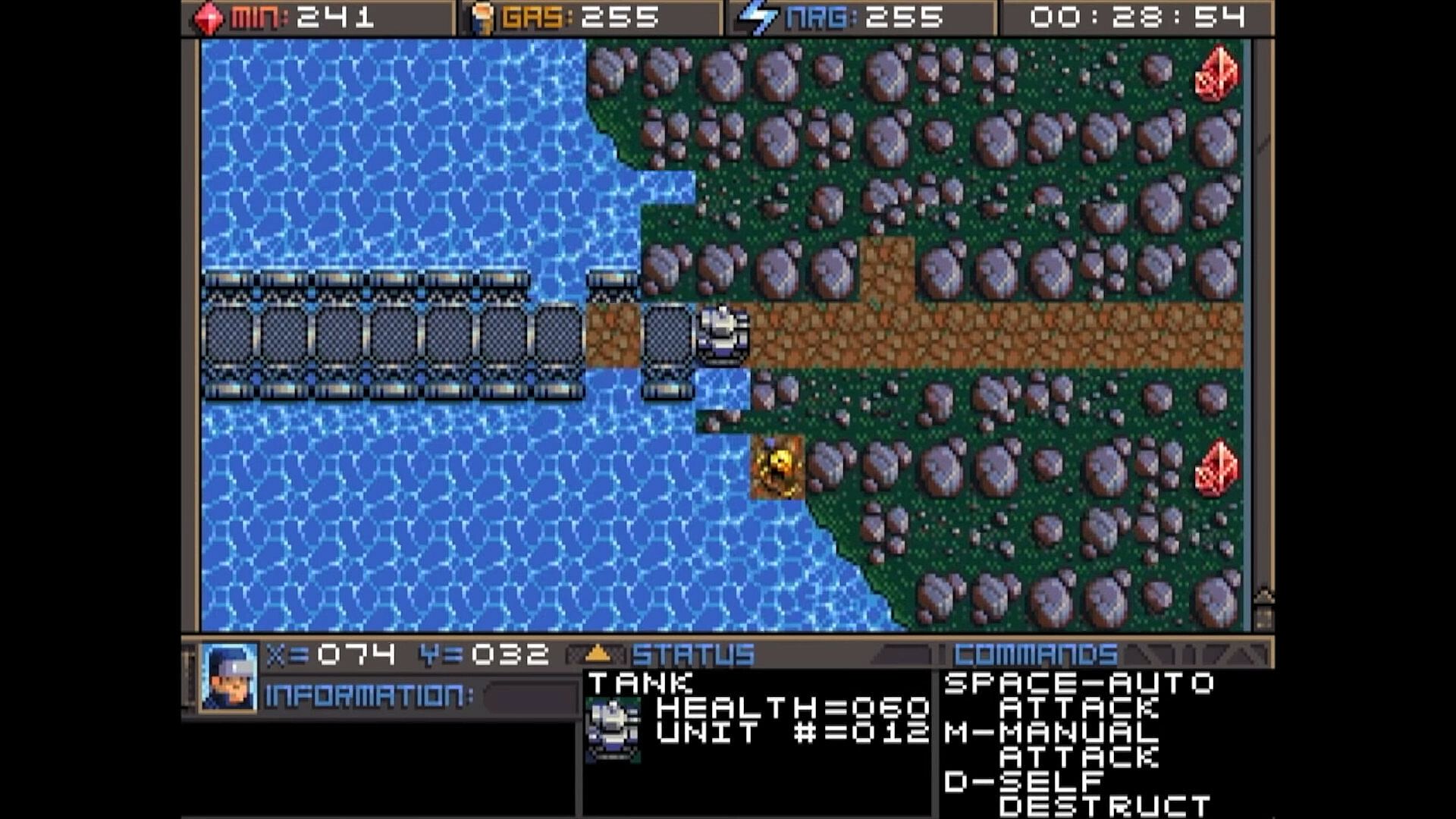
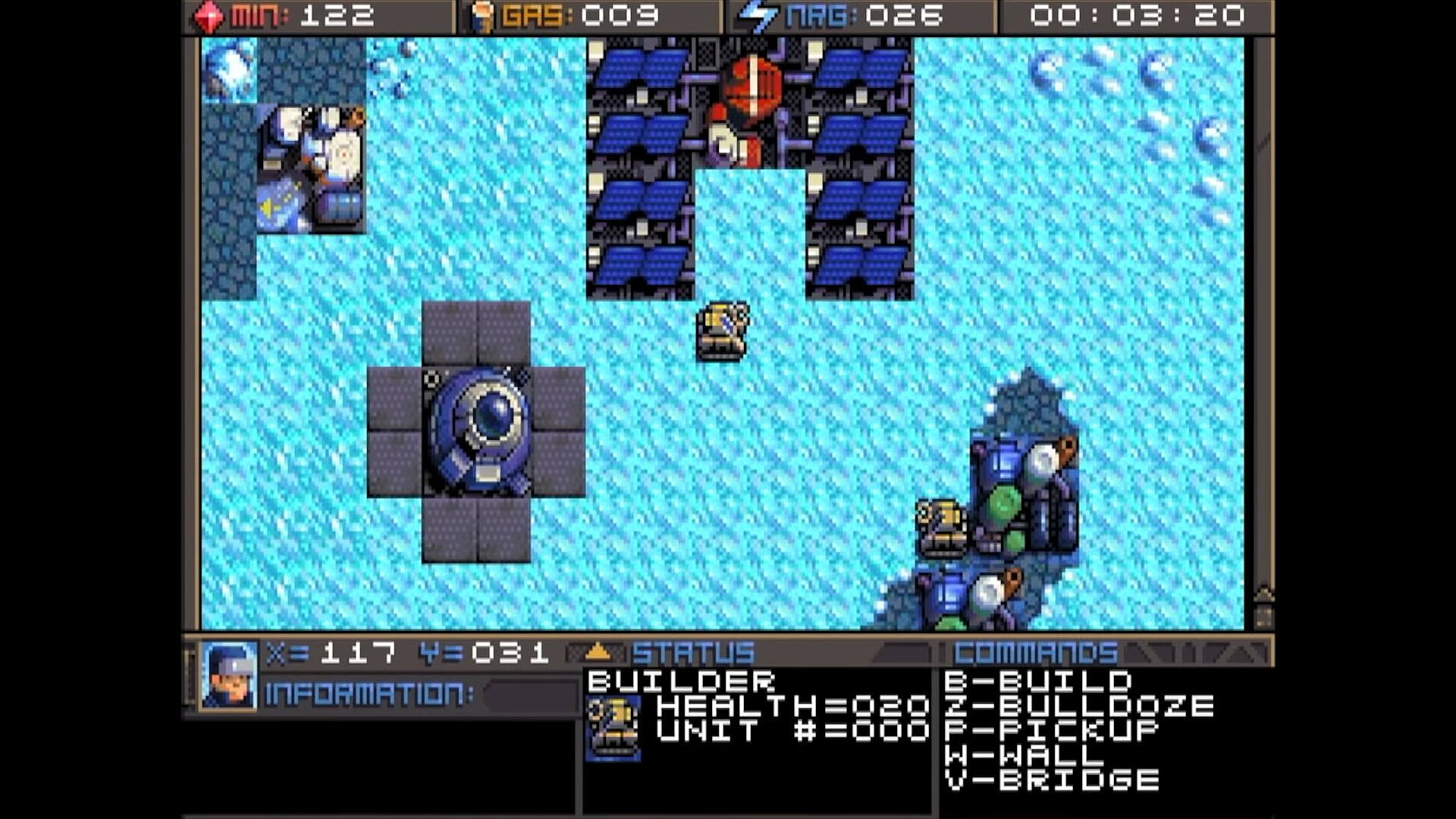
Command units and manage resources in this classic DOS strategy game. Track minerals, gas, and energy in on-screen boxes, capped at 255 each, while monitoring coordinates and a running game clock. Hunt map deposits like rock formations, crystals, and volcano-like gas vents to sustain your operations. Switch between dozens of units and buildings using browse mode with arrow keys and Return, Tab to cycle mobile units like tanks and frigates, Page Up/Down or brackets for structures like factories and smelters, or assign hotkeys with Shift plus numbers for quick access. Build refineries on gas vents and mine varied rock types with different yields and speeds. Strategy players master these controls to juggle infrastructure and unit commands efficiently.

HOW TO PLAY
Although there are many other keys to learn, these are the main keys you need to
operate the game. Some keys do the exact same thing, such as the bracket keys or
page up/page down keys. This will mostly be your preference, and possibly what sort
of keyboard your computer has.


At the top of the screen you鈥檒l find three boxes displaying your current resources, which
include minerals, gas, and energy. You will need to collect more of these, which we鈥檒l
get into later. 255 is the maximum number of resources you can store at any given
time. Next to the resources is a running clock showing how long the game has been


going. On the bottom you鈥檒l find your current coordinates. This is very important for
knowing where your units are, especially in relation to the enemy bases. More on this
later. The bottom three windows are there to give you different types of information.
SWITCHING BETWEEN UNITS

In this game, you will be controlling dozens of different units, so it鈥檚 important to
know how to switch between them. There is more than one way to accomplish it, and
you should learn all of the ways.

Browse - If the unit you want to control is visible on the screen, you can press Return
to enter browse mode. At this point, a small box-like cursor will appear on the screen.
Use the arrow keys to move this box around until it is positioned on the unit or
building you wish to select, then press Return again. You can even select enemy units,
but you can only look at their status, not control them.

Cycle Units - For things like tanks, builders, and frigates. If the unit you want is not
currently visible and you don鈥檛 feel like driving to the unit, you can press the Tab
key to cycle to the next unit, wherever it may be. The cycle is based on unit number,
so sometimes it may seem there is no rhyme or reason as to which unit it goes to
next. You can also use the plus and minus keys on the keyboard to move forward and
backwards through your units. With practice, this is the fastest way to switch between
units.

Cycle Buildings - For things like factories, smelters, and radar stations. If the building
you want is not currently visible, you may press Page-up / Page-down to cycle back
and forth between them, very much like the unit cycle. You can also use the bracket
keys [ and ] to accomplish the same thing. Solar panels are purposely skipped during
the cycle because there are often numerous panels and you can鈥檛 actually control
them anyway. If you want to select a solar panel you must use the browse feature.

Hot Keys - You can use the number row 0-9 at the top of your keyboard to assign spe-
cific units or buildings that you need to access more quickly. Press Shift + Number to
assign a number key to the current unit. You can then use that number key to quickly
switch to the assigned unit. This will be especially useful during battles.
CONTROLLING UNITS
Your first order of business after starting the game should be establishing infrastructure and collecting resources.
Without them, you won鈥檛 be able to do much.
You鈥檒l need all 3 types of resources: Minerals, Gas, and Energy.
It may require some hunting around the map to
find the minerals and gas, so we鈥檒l talk about
those first. You can find these on the map.
There are usually deposits of minerals
clumped together. Some maps have a
lot, and some have very few, so use them
wisely. In this screenshot, you can see
several rocks and crystals in a formation.
Both the rocks and crystals can be used
as mineral sources. The formations that
look like volcanos are gas vents. You will need to build a refinery on top of them.
The more the better.

Different types of rocks will process at different speeds and also have different yields.
Also, the minerals can look somewhat different depending on which graphics mode
you are in. This chart shows each one and how many minerals you can expect to get
as a result of mining each kind.




Different types of rocks will process at different speeds and also have different yields.
Also, the minerals can look somewhat different depending on which graphics mode
you are in. This chart shows each one and how many minerals you can expect to get
as a result of mining each kind.

Interfejs:
English

Klasyfikacja wiekowa

Brak informacji
Steam:
Overwhelmingly Negative (5)

Minimalne:

  • Dysk: 35 MB available space

Zalecane:

  • Dysk: 150 MB available space

Minimalne:

  • System operacyjny: macOS 10.15 (Catalina)
  • Dysk: 23 MB available space
  • Dodatkowe uwagi: May support macOS 10.14 (Mojave) or older

Zalecane:

  • Dysk: 150 MB available space
Historycznie najni偶sza cena
Historia cen ze sklep贸w oficjalnych
-
-
-
Historia cen z keyshop贸w
-
-
-

FAQ

8 pyta艅

Zanim zaczniesz szuka膰 taniego klucza Planet X3 (DOS), sprawd藕 najwa偶niejsze informacje. Tw贸rcy: 8-Bit Productions, LLC. Wydawca: NMSE & Co LLC. Data premiery na PC: 14 lip 2023. Gatunki: Strategy. Kategorie: Family Sharing, Single-player.

Q

Gdzie kupi膰 tani klucz Steam do Planet X3 (DOS)?

Korzystaj膮c z naszej por贸wnywarki cen i zweryfikowanych kod贸w rabatowych, mo偶esz kupi膰 klucz do Planet X3 (DOS) ju偶 od 45,99聽z艂. Ta oferta jest dost臋pna w Steam i nale偶y do najta艅szych na rynku. Wszystkie klucze na XD.deals s膮 dostarczane cyfrowo z mo偶liwo艣ci膮 natychmiastowego pobrania po p艂atno艣ci. Ceny uwzgl臋dniaj膮 ju偶 prowizje i kody promocyjne, wi臋c zawsze widzisz najni偶sz膮 cen臋 Planet X3 (DOS) na PC. Sprawd藕 histori臋 cen Planet X3 (DOS), aby kupi膰 w najlepszym momencie.

Przy ostatniej aktualizacji (od艣wie偶amy ceny Steam kilka razy dziennie) cena Planet X3 (DOS) na Steam wynosi艂a 45,99聽z艂. Mo偶esz zaoszcz臋dzi膰 dodatkowe ~6% p艂ac膮c zdyskontowan膮 kart膮 podarunkow膮 Steam.

Nasz tracker cen obejmuje oficjalne sklepy i keyshopy, wi臋c znajdziesz Planet X3 (DOS) w promocji nawet poza sezonowymi wyprzeda偶ami. Obecnie wykrywamy 1 aktywna oferta z oficjalnych sklep贸w i keyshop贸w. Sprawd藕 tabel臋 powy偶ej, por贸wnaj z historycznie najni偶sz膮 cen膮 i ustaw alert, aby nie przegapi膰 kolejnego spadku.

Wed艂ug naszych danych Planet X3 (DOS) nie jest obecnie dost臋pne na GeForce NOW. Musisz uruchomi膰 gr臋 lokalnie na swoim PC. Przegl膮daj gry dost臋pne na GeForce NOW.

Tak. Planet X3 (DOS) ma oficjaln膮 stron臋 w sklepie Steam. Mo偶esz te偶 kupi膰 klucz Steam do Planet X3 (DOS) od zewn臋trznych sprzedawc贸w. Nasza por贸wnywarka zawiera obecnie 1 oferta z DRM Steam. Wybierz jedn膮, aby mie膰 pewno艣膰, 偶e pobierzesz Planet X3 (DOS) na platformie Valve.

Nie w tym momencie. Valve oznacza Planet X3 (DOS) jako niewspierane na Steam Deck. 艢led藕 XD.deals - monitorujemy aktualizacje Proton i poprawki spo艂eczno艣ci. Przegl膮daj gry zweryfikowane na Steam Deck lub grywalne na Steam Deck.

Planet X3 (DOS) nie jest obecnie dost臋pne w PC Game Pass, EA Play, Ubisoft+ ani 偶adnej innej subskrypcji na PC. Jedyn膮 opcj膮 jest zakup gry - u偶yj XD.deals, aby znale藕膰 najlepsz膮 cen臋.

Nie - XD.deals nie jest sklepem. Jeste艣my por贸wnywark膮 cen, kt贸ra 艣ledzi najlepsze oferty na Planet X3 (DOS) w oficjalnych sklepach i zweryfikowanych keyshopach. Kliknij "Przejd藕 do sklepu" przy wybranej ofercie, a przekierujemy Ci臋 na stron臋 sprzedawcy.

Najlepsze ceny za Planet X3 (DOS)

1 Steam Steam Official
45,99聽z艂

Chcesz kupi膰 w najlepszym momencie? Ustaw alert cenowy na XD.deals i otrzymaj powiadomienie, gdy Planet X3 (DOS) osi膮gnie historycznie najni偶sz膮 cen臋.

Utw贸rz alert
Do艂膮cz do Discorda
Uzyskaj szybk膮 pomoc od spo艂eczno艣ci i b膮d藕 na bie偶膮co z promocjami
Ustaw alerty cenowe
Otrzymuj powiadomienia e-mail, gdy cena gry spadnie do Twojego poziomu
Za艂贸偶 darmowe konto
Odblokuj wishlisty, alerty cenowe i synchronizacj臋 ze Steam