











PlayStatus - Media & Controller Battery Overlay PC

Gdzie znale藕膰 najlepsz膮 ofert臋 na PlayStatus - Media & Controller Battery Overlay na {6}? Por贸wnaj ceny z 1 sklep贸w i wybierz najlepsz膮 opcj臋 spo艣r贸d 1 ofert dost臋pnych na XD.deals. Obecnie najni偶sza cena PlayStatus - Media & Controller Battery Overlay w keyshopach jest na 22,99聽z艂 (0% taniej).

Premiera: 02 lut 2024
Steam:
Mixed (24)
Keyshops
Brak dost臋pno艣ci
Kup w oficjalnym sklepie:
22,99聽z艂
Kup w keyshopach:
Zobacz histori臋 cen

Sklepy oficjalne (1)

DRM:
Steam
Steam
Steam
PlayStatus - Media & Controller Battery Overlay
Windows
21tyg temu
DRM:
Steam
Steam
22,99聽z艂

O PlayStatus - Media & Controller Battery Overlay

PlayStatus - Media & Controller Battery Overlay - o grze
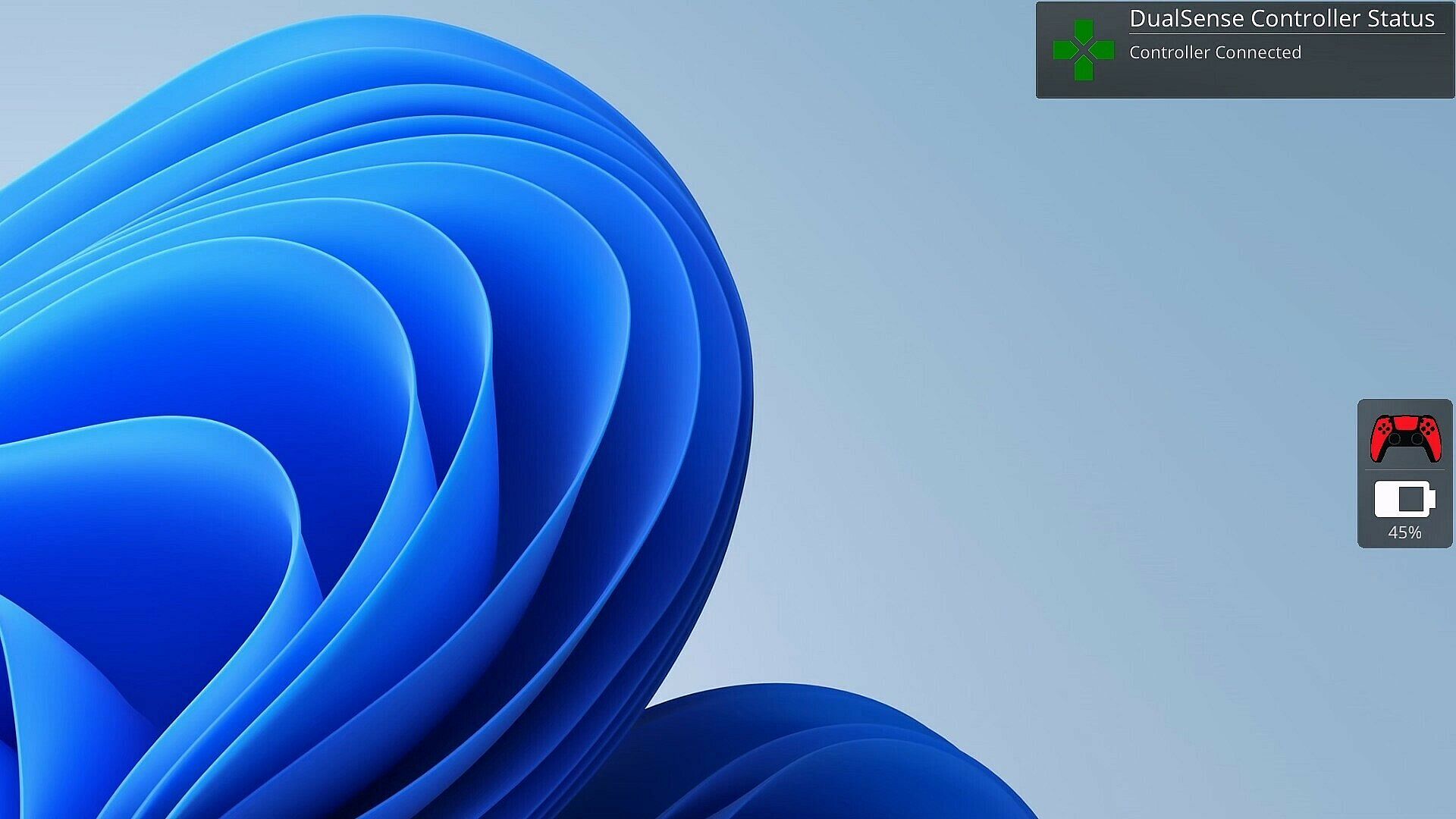
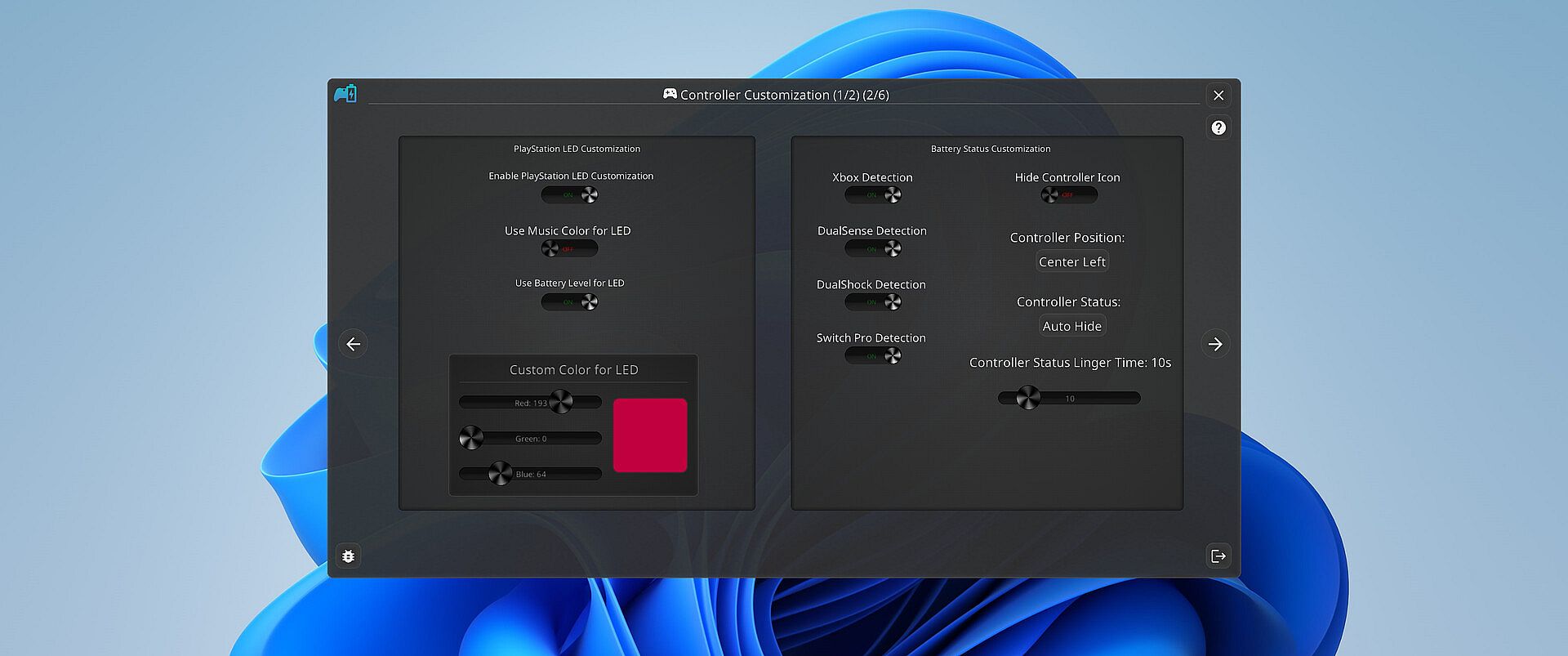
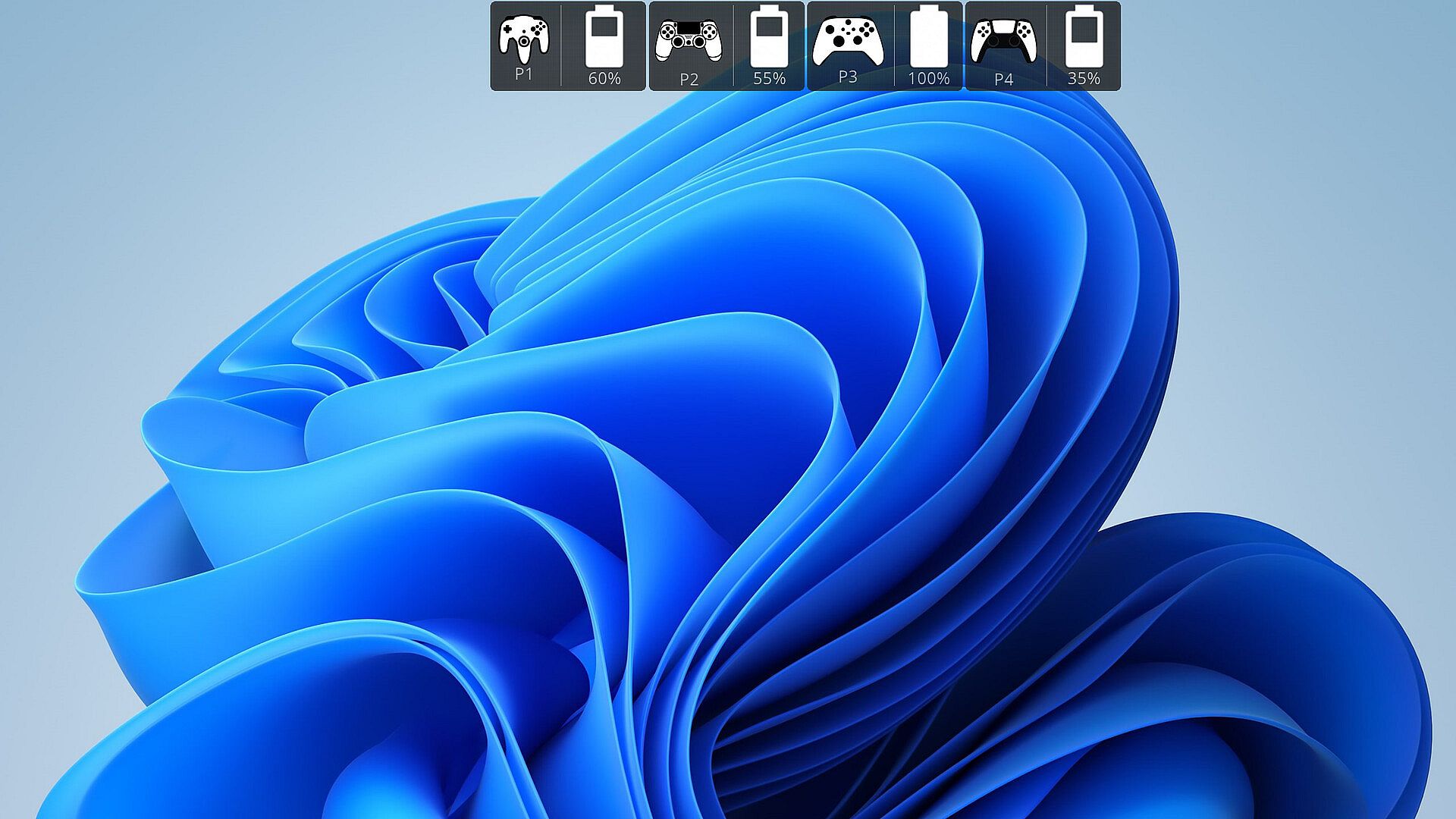
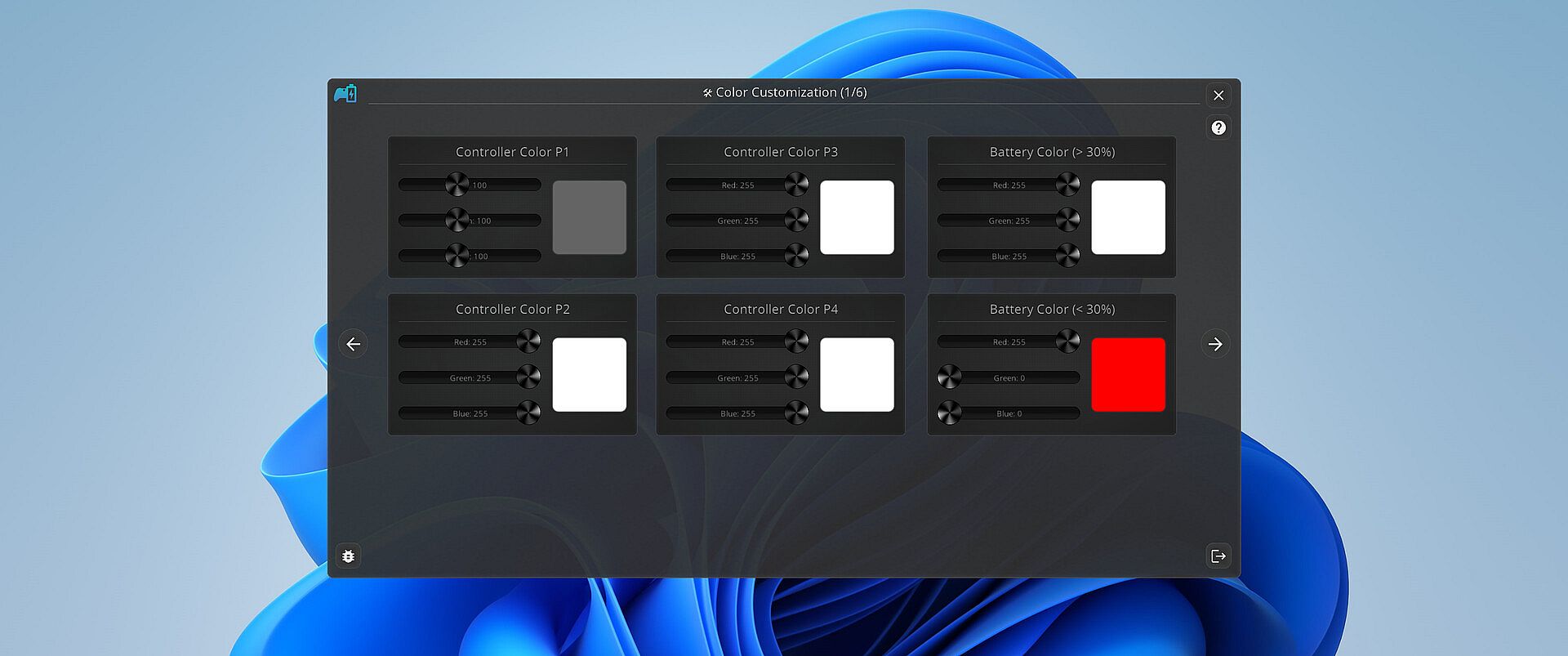
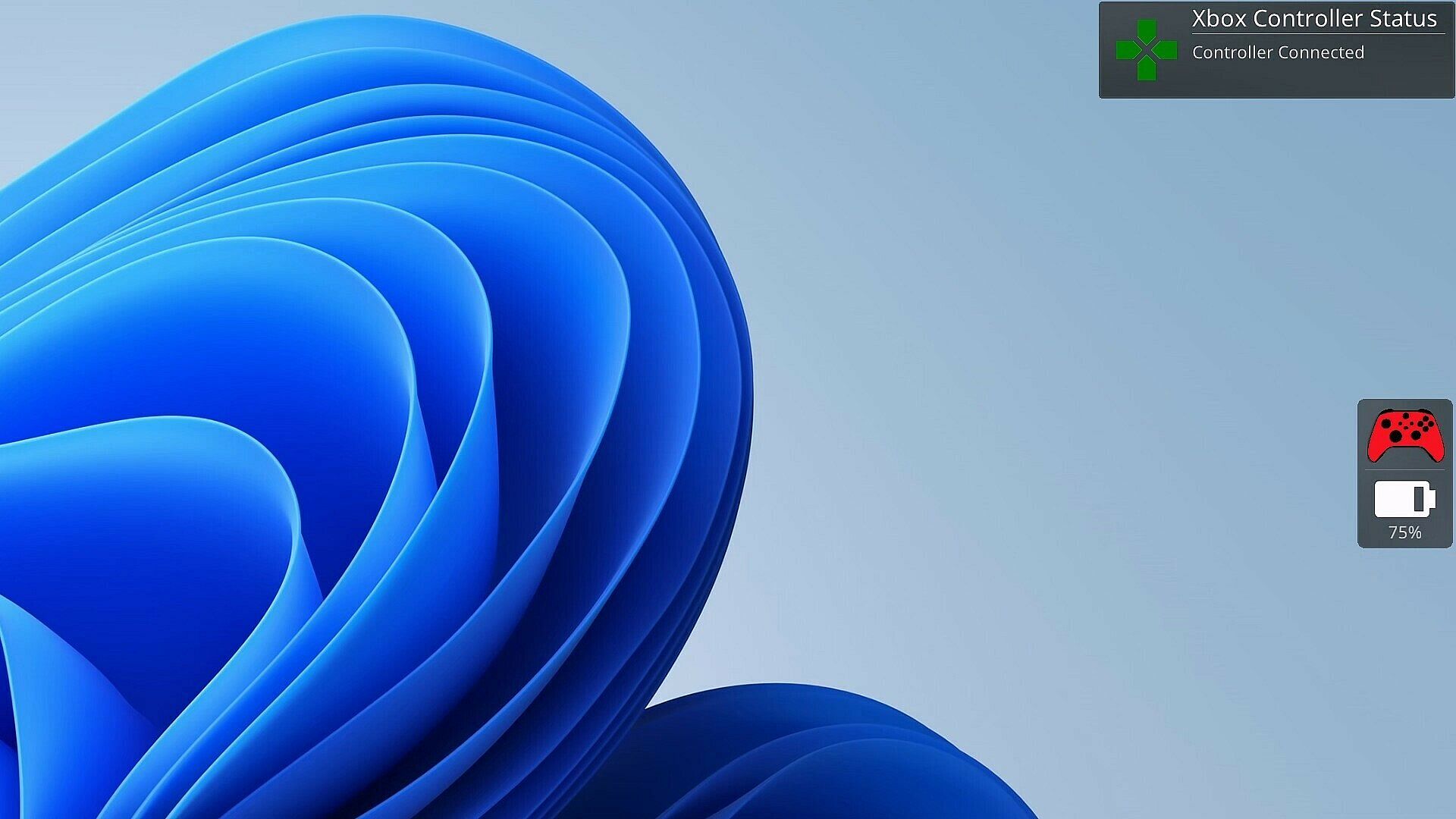
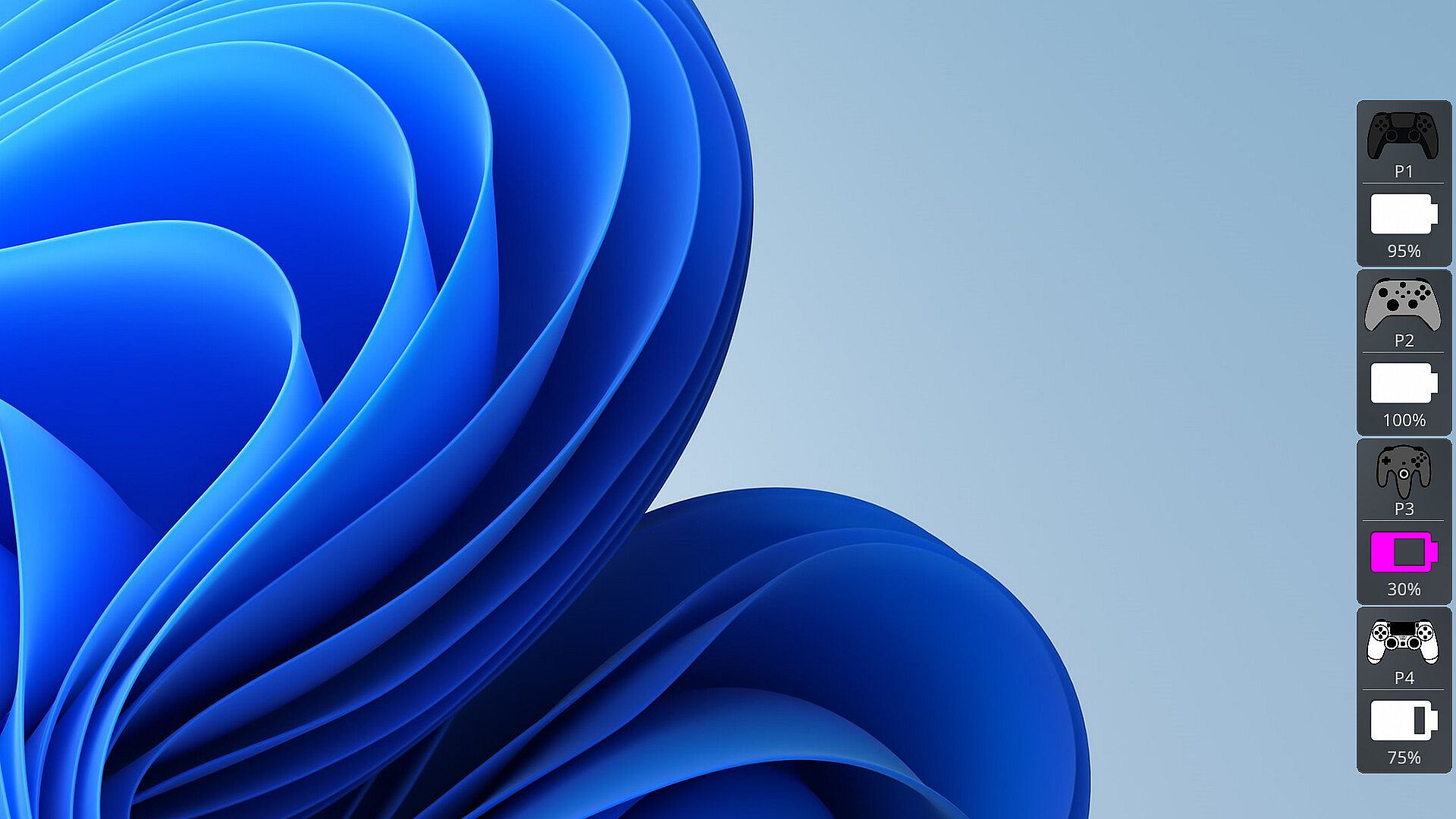
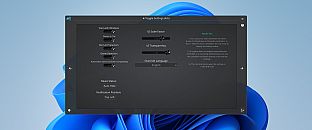
Graczom 艣ni si臋 po nocach pad, kt贸ry wysi膮dzie w 艣rodku meczu. PlayStatus 艣ledzi poziom baterii w czasie rzeczywistym dla kontroler贸w DualSense, Xbox Series/One S, DualShock 4 oraz Nintendo Switch Pro pod艂膮czonych przez Windows Bluetooth. Wysy艂a alerty o 艂adowaniu lub roz艂adowywaniu, monitoruje te偶 pady znajomych, a ca艂o艣膰 wy艣wietla w dyskretnym overlayu w trybie bezramkowym. Ta niezale偶na aplikacja dodaje odtwarzacz multimedi贸w do niskolatencyjnego odtwarzania plik贸w FLAC, OGG, M4A, MP3 i WAV z niestandardowymi profilami EQ oraz wizualizacjami audio. Emulacja kontroler贸w obs艂uguje mapowania Xbox 360 i DualShock 4 z wsparciem rumble, a opcjonalne auto-detection dostosowuje ustawienia do gier. Obs艂uga wielu j臋zyk贸w obejmuje English, Spanish, German, French, Italian, Japanese, Russian i Simplified Chinese, co czyni j膮 idealnym narz臋dziem dla zapalonych graczy PC szukaj膮cych p艂ynnych rozwi膮za艅 na sesje.

Stay on Top of Your Game with Smart Controller Monitoring

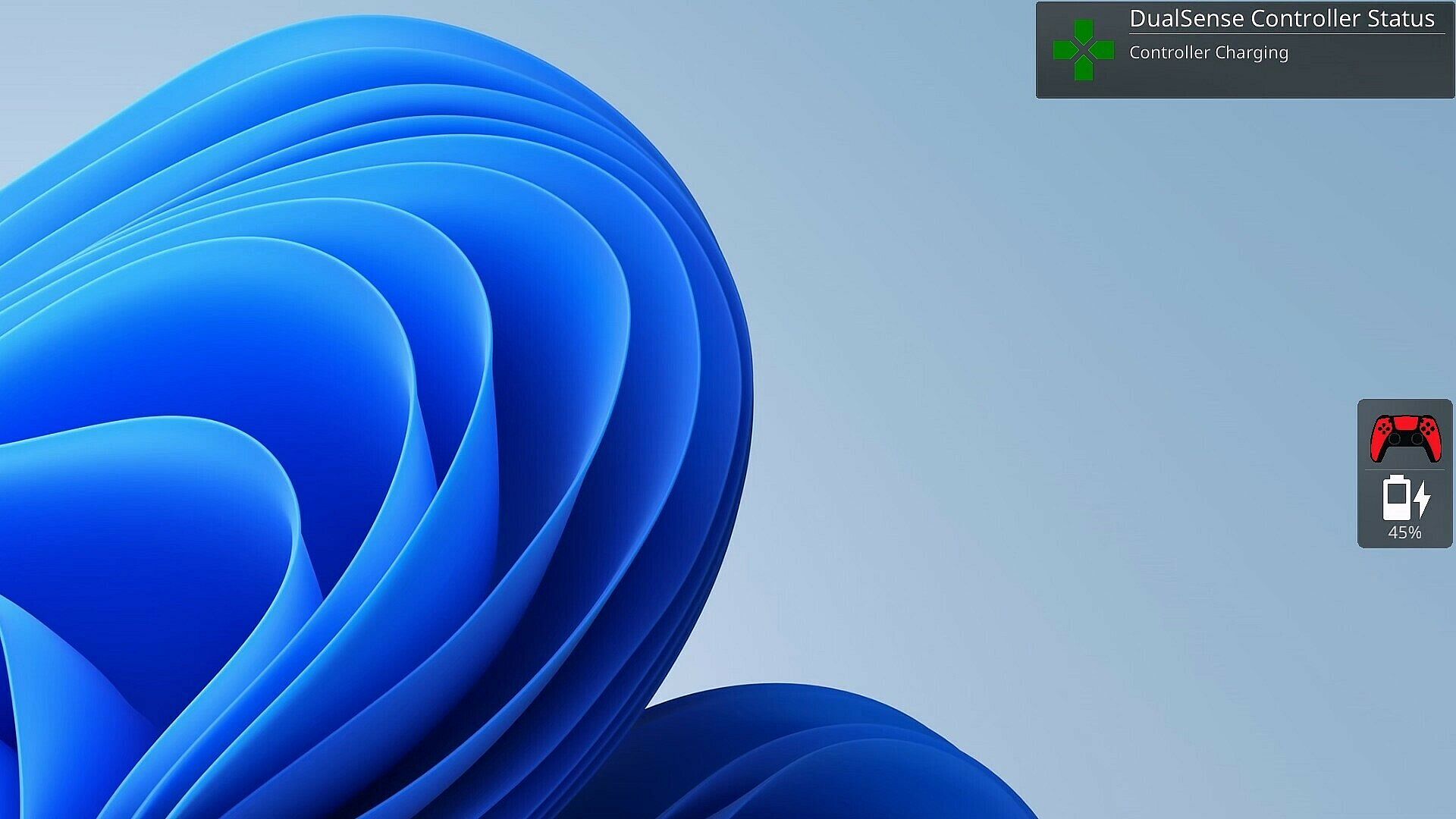
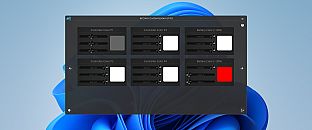
As a gamer, there's nothing worse than your controller dying at a critical moment. PlayStatus is here to ensure that never happens. Whether you're using a Dual Sense, Xbox or Nintendo Switch Pro controller, PlayStatus diligently tracks your controller's battery life, delivering real-time updates on battery changes. It alerts you when your controller starts charging or discharging, allowing you to stay immersed in your game without any unpleasant surprises. Not only that, but when you are playing with others, PlayStatus will also keep track of those controllers as well (given they're supported)!

Important Information for Best Experience

  • Compatibility Notice: PlayStatus does **NOT work on Steam Deck or any Linux distribution using Proton.

  • Unsupported Hardware: Xbox Wireless Adapter and other USB controller adapters are not supported. Connect controllers via Windows Bluetooth settings.

  • Windowed Borderless Mode Required: PlayStatus works only in windowed borderless mode, not in exclusive fullscreen.

Enhance Your Gaming Sessions with Seamless Music Integration

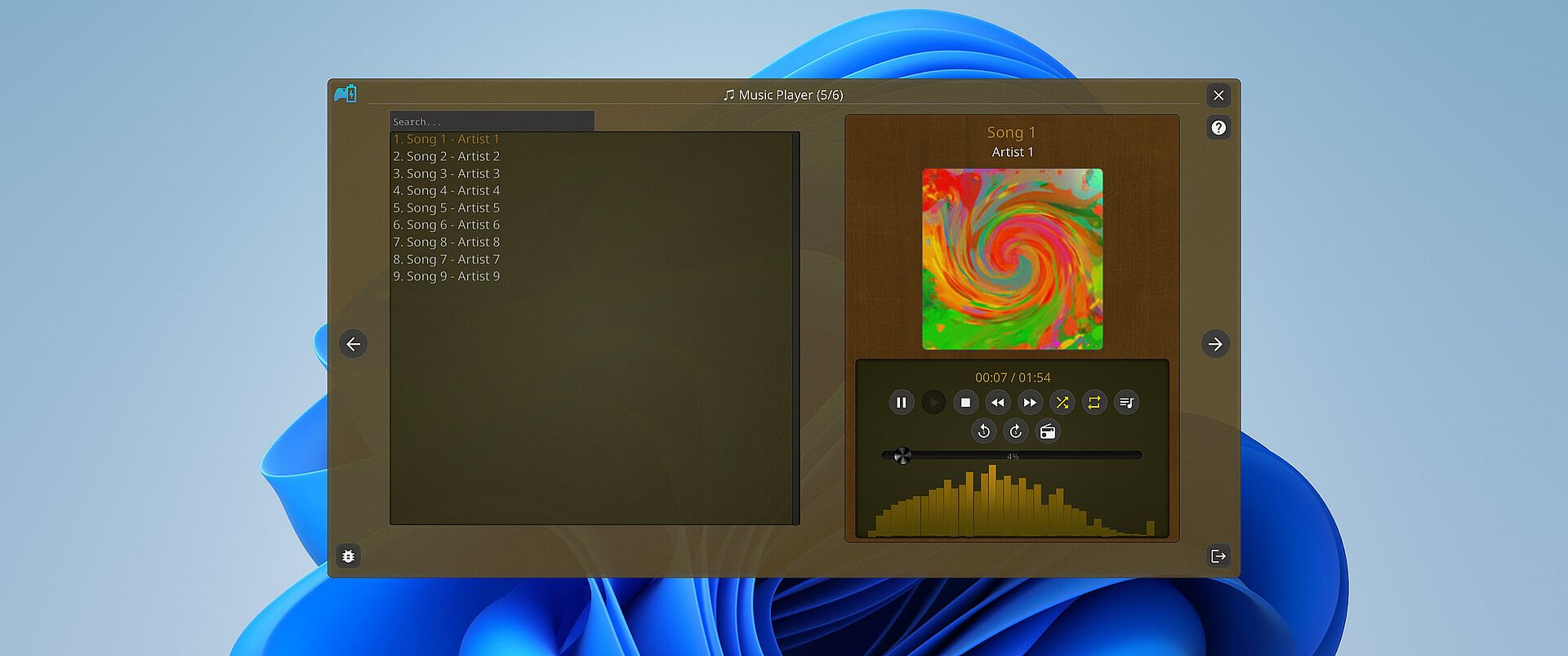
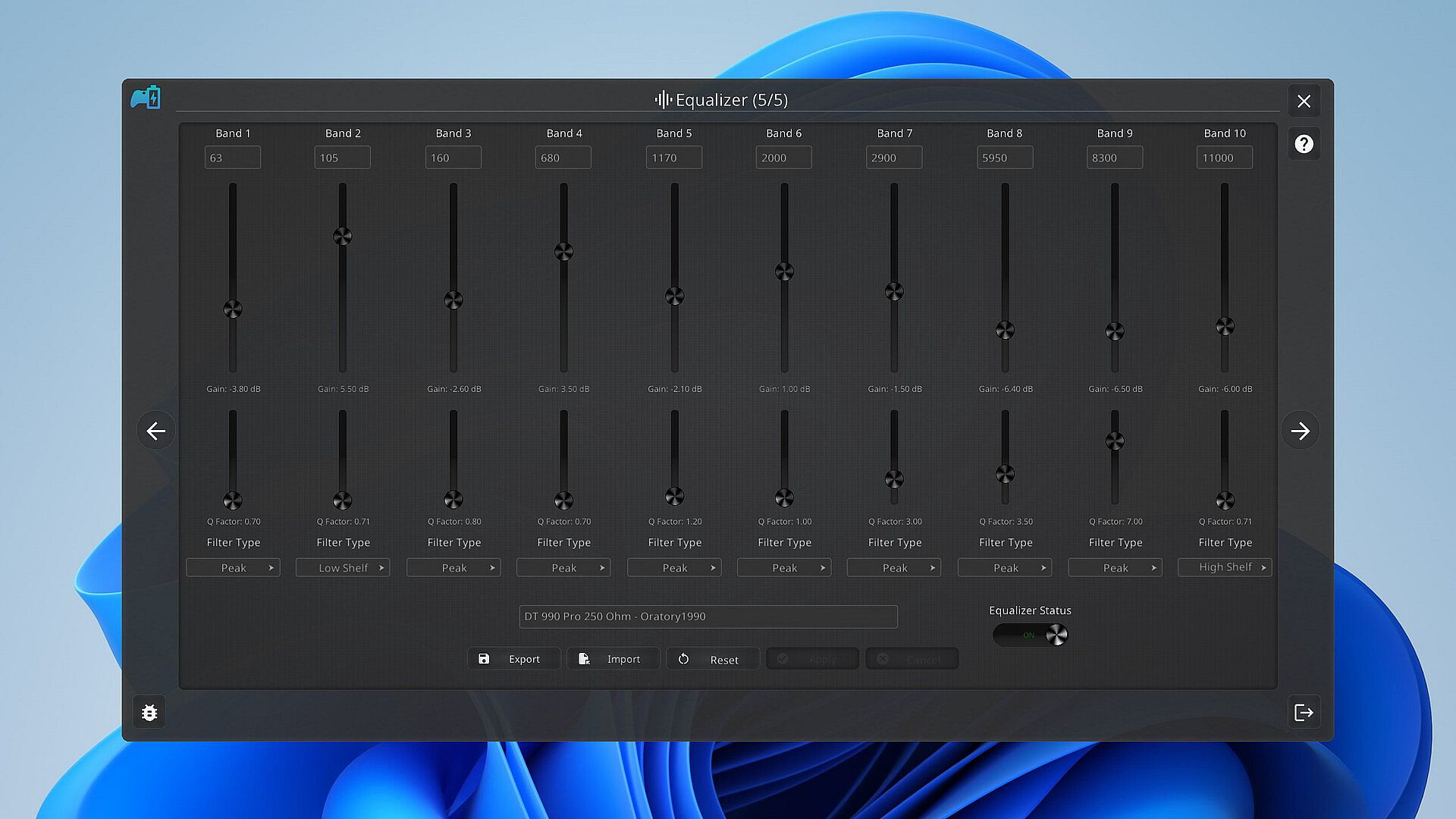
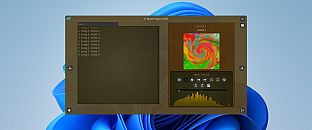
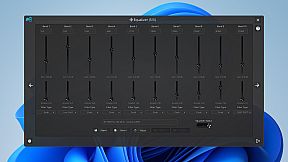
Music is the heartbeat of a great gaming session. PlayStatus features a built-in media player that can provide real-time audio visualizations and low latency audio playback! You can look forward to playing flac, ogg, m4a, mp3, or wav files with custom EQ profiles which can allow for the perfect sound for your specific audio setup.

Xbox 360 & DualShock 4 Controller Emulation

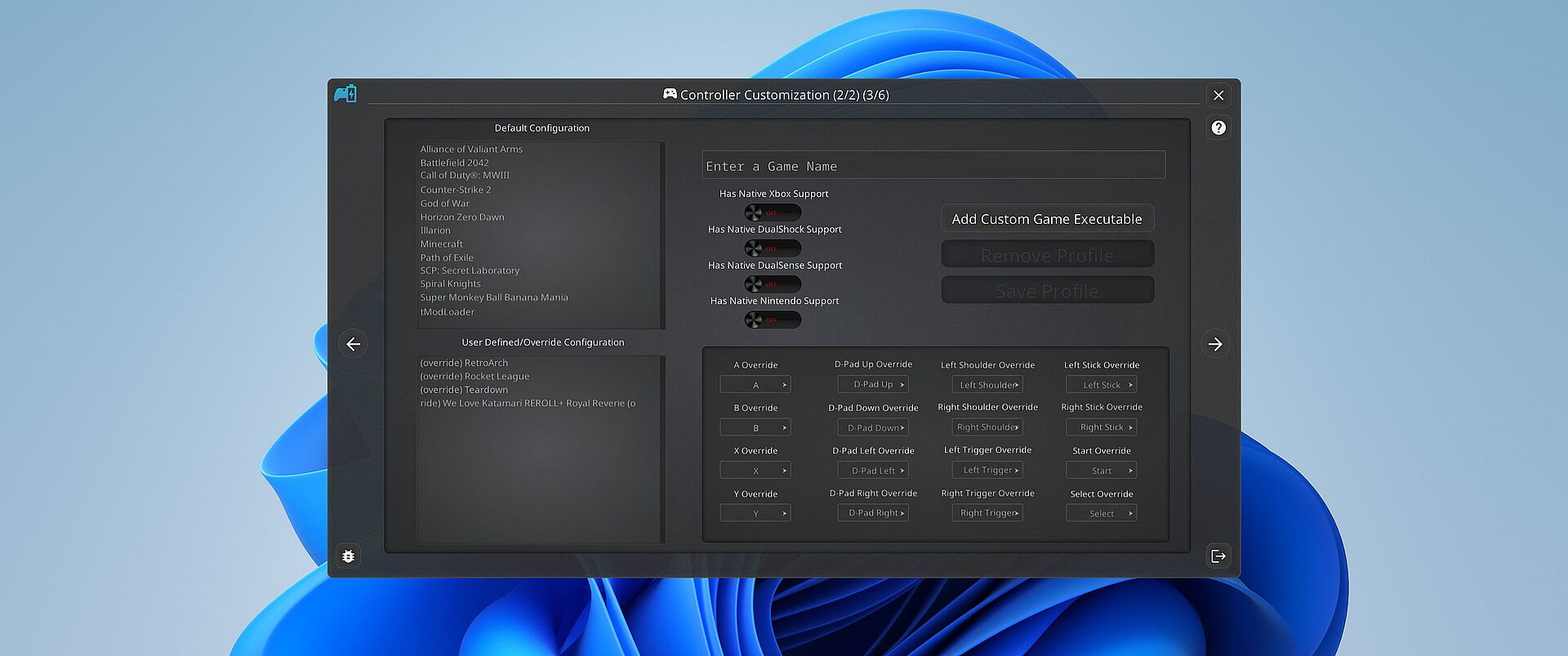
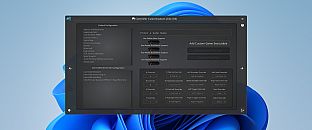
PlayStatus also offers a fully functional controller emulation system, including controller mappings and full rumble support*!

This means, if a game only supports DualShock 4 controllers, but you have an Xbox controller, PlayStatus will emulate a DualShock 4 controller for you, so you can continue to game on, no matter what controllers it supports.

PlayStatus will also optionally auto detect when games have launched, and can apply certain game mappings based on the game.

*(only for Xbox 360 controller emulation).

Why PlayStatus is a Game-Changer for You

Designed with gamers in mind, PlayStatus solves a common yet overlooked problem: the hassle of checking your controller鈥檚 battery life. Its intuitive overlay is perfect for those who play in borderless windowed mode, offering non-intrusive, real-time updates. This is all done with safety and convenience in mind; PlayStatus is completely self-contained, meaning that no Anti-Cheat or game will have any problem with PlayStatus running in the background!

Moreover, if you鈥檙e a music aficionado, you'll appreciate the ease of viewing your music without having to switch screens or pause your game. And for those who prefer a more focused gaming experience, the option to disable notifications is just a click away.

Supported Controllers

PlayStatus supports the following controllers:

  • Xbox Series or Xbox One S Wireless Controllers connected via Windows Bluetooth Settings.

  • Dual Sense controllers (DualSense Edge is experimental)

  • Dual Shock 4 controllers

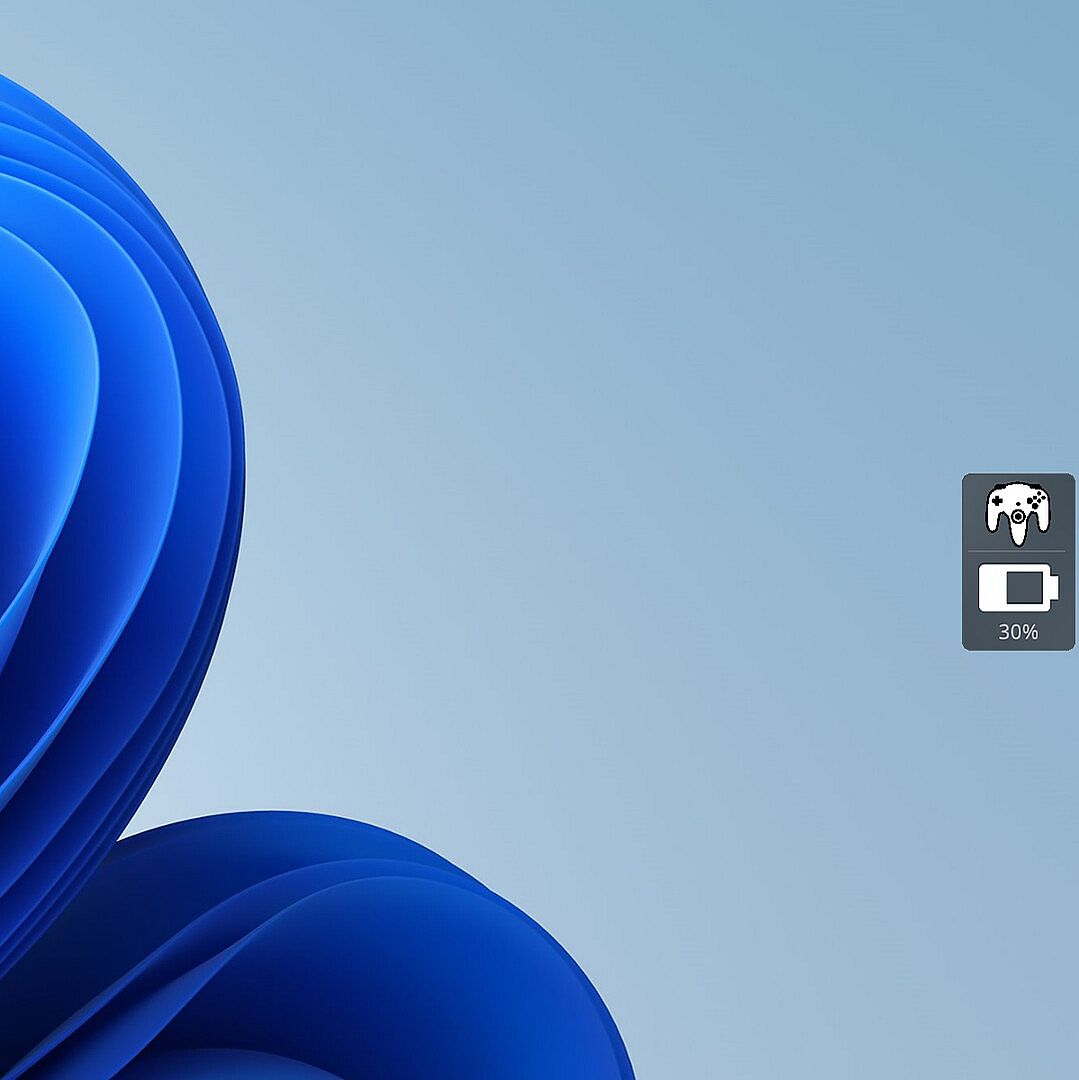
  • Nintendo Switch Pro, SNES & N64 Controllers

PlayStatus will be unable to report correct battery/connection information if you are using any sort of controller emulator dongle, like a 8BitDo, or a Microsoft Xbox Wireless Adapter. Along with that, it is very important to follow the in-app instructions for set-up.

OS Support

PlayStatus supports Windows ONLY. Running via Proton, or any type of compatibility layer, will NOT work. This includes Steam Deck. Please see the System Requirements section for more information.

Language Support

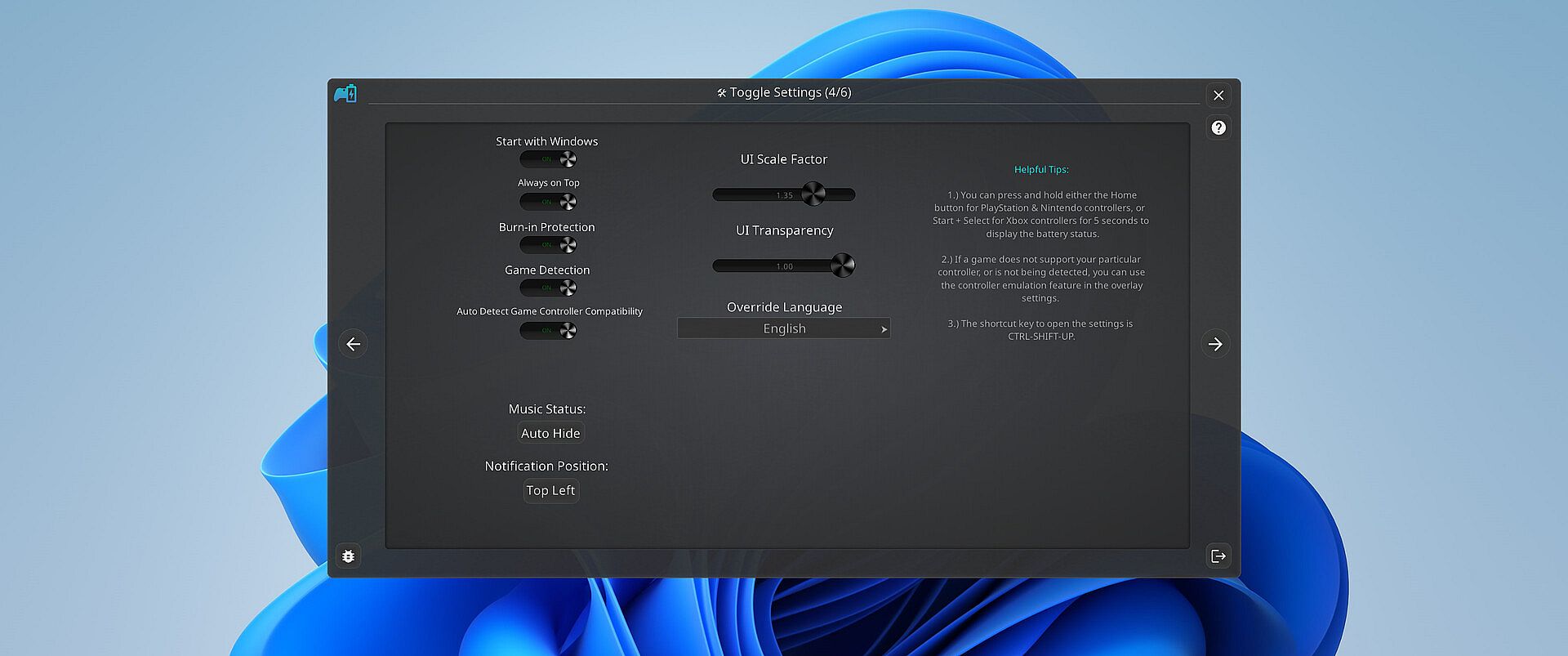
PlayStatus supports multiple languages other than English. Other languages that are supported include Spanish (Spain), German, French, Italian, Japanese, Russian, and Simplified Chinese. More languages will be added in the future if needed/requested.


Interfejs:
GermanEnglishSpanish - SpainFrenchItalianJapaneseRussianSimplified Chinese

Klasyfikacja wiekowa

Brak informacji
Steam:
Mixed (24)

Minimalne:

  • System operacyjny: Windows 10.0.10586.0 or greater
  • Procesor: x64 based CPU
  • Pami臋膰: 1 GB RAM
  • Dysk: 1 GB available space

Zalecane:

  • System operacyjny: Windows 10.0.10586.0 or greater
  • Procesor: x64 based CPU
  • Pami臋膰: 4 GB RAM
  • Dysk: 1 GB available space
Historycznie najni偶sza cena
Historia cen ze sklep贸w oficjalnych
-
-
-
Historia cen z keyshop贸w
-
-
-

FAQ

8 pyta艅

Zanim zaczniesz szuka膰 taniego klucza PlayStatus - Media & Controller Battery Overlay, sprawd藕 najwa偶niejsze informacje. Tw贸rcy: CKProductions. Wydawca: CKProductions. Data premiery na PC: 02 lut 2024. Gatunki: Indie, Utilities. Kategorie: Full controller support, Steam Cloud.

Q

Gdzie kupi膰 tani klucz Steam do PlayStatus - Media & Controller Battery Overlay?

Korzystaj膮c z naszej por贸wnywarki cen i zweryfikowanych kod贸w rabatowych, mo偶esz kupi膰 klucz do PlayStatus - Media & Controller Battery Overlay ju偶 od 22,99聽z艂. Ta oferta jest dost臋pna w Steam i nale偶y do najta艅szych na rynku. Wszystkie klucze na XD.deals s膮 dostarczane cyfrowo z mo偶liwo艣ci膮 natychmiastowego pobrania po p艂atno艣ci. Ceny uwzgl臋dniaj膮 ju偶 prowizje i kody promocyjne, wi臋c zawsze widzisz najni偶sz膮 cen臋 PlayStatus - Media & Controller Battery Overlay na PC. Sprawd藕 histori臋 cen PlayStatus - Media & Controller Battery Overlay, aby kupi膰 w najlepszym momencie.

Przy ostatniej aktualizacji (od艣wie偶amy ceny Steam kilka razy dziennie) cena PlayStatus - Media & Controller Battery Overlay na Steam wynosi艂a 22,99聽z艂. Mo偶esz zaoszcz臋dzi膰 dodatkowe ~6% p艂ac膮c zdyskontowan膮 kart膮 podarunkow膮 Steam.

Nasz tracker cen obejmuje oficjalne sklepy i keyshopy, wi臋c znajdziesz PlayStatus - Media & Controller Battery Overlay w promocji nawet poza sezonowymi wyprzeda偶ami. Obecnie wykrywamy 1 aktywna oferta z oficjalnych sklep贸w i keyshop贸w. Sprawd藕 tabel臋 powy偶ej, por贸wnaj z historycznie najni偶sz膮 cen膮 i ustaw alert, aby nie przegapi膰 kolejnego spadku.

Wed艂ug naszych danych PlayStatus - Media & Controller Battery Overlay nie jest obecnie dost臋pne na GeForce NOW. Musisz uruchomi膰 gr臋 lokalnie na swoim PC. Przegl膮daj gry dost臋pne na GeForce NOW.

Tak. PlayStatus - Media & Controller Battery Overlay ma oficjaln膮 stron臋 w sklepie Steam. Mo偶esz te偶 kupi膰 klucz Steam do PlayStatus - Media & Controller Battery Overlay od zewn臋trznych sprzedawc贸w. Nasza por贸wnywarka zawiera obecnie 1 oferta z DRM Steam. Wybierz jedn膮, aby mie膰 pewno艣膰, 偶e pobierzesz PlayStatus - Media & Controller Battery Overlay na platformie Valve.

Nie w tym momencie. Valve oznacza PlayStatus - Media & Controller Battery Overlay jako niewspierane na Steam Deck. 艢led藕 XD.deals - monitorujemy aktualizacje Proton i poprawki spo艂eczno艣ci. Przegl膮daj gry zweryfikowane na Steam Deck lub grywalne na Steam Deck.

PlayStatus - Media & Controller Battery Overlay nie jest obecnie dost臋pne w PC Game Pass, EA Play, Ubisoft+ ani 偶adnej innej subskrypcji na PC. Jedyn膮 opcj膮 jest zakup gry - u偶yj XD.deals, aby znale藕膰 najlepsz膮 cen臋.

Nie - XD.deals nie jest sklepem. Jeste艣my por贸wnywark膮 cen, kt贸ra 艣ledzi najlepsze oferty na PlayStatus - Media & Controller Battery Overlay w oficjalnych sklepach i zweryfikowanych keyshopach. Kliknij "Przejd藕 do sklepu" przy wybranej ofercie, a przekierujemy Ci臋 na stron臋 sprzedawcy.

Najlepsze ceny za PlayStatus - Media & Controller Battery Overlay

1 Steam Steam Official
22,99聽z艂

Chcesz kupi膰 w najlepszym momencie? Ustaw alert cenowy na XD.deals i otrzymaj powiadomienie, gdy PlayStatus - Media & Controller Battery Overlay osi膮gnie historycznie najni偶sz膮 cen臋.

Utw贸rz alert
Do艂膮cz do Discorda
Uzyskaj szybk膮 pomoc od spo艂eczno艣ci i b膮d藕 na bie偶膮co z promocjami
Ustaw alerty cenowe
Otrzymuj powiadomienia e-mail, gdy cena gry spadnie do Twojego poziomu
Za艂贸偶 darmowe konto
Odblokuj wishlisty, alerty cenowe i synchronizacj臋 ze Steam