


RecMaster Pro - Gameplay & Screen Recorder PC

Interesuje Cię RecMaster Pro - Gameplay & Screen Recorder? Śledzimy ceny w zaufanych sklepach. Dodaj RecMaster Pro - Gameplay & Screen Recorder do wishlisty, a powiadomimy Cię, gdy pojawią się pierwsze oferty.

Steam:
Overwhelmingly Negative (9)
Official
Brak dostępności
Keyshops
Brak dostępności
Kup w oficjalnym sklepie:
Brak dostępności
Kup w keyshopach:
Brak dostępności

Brak ofert, ale spokojnie - damy znać, gdy pojawi się nowa.

Create Alert Create deal Alert

O RecMaster Pro - Gameplay & Screen Recorder

RecMaster Pro - Gameplay & Screen Recorder - o grze
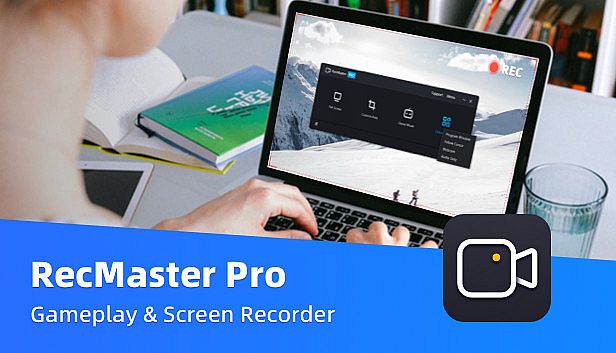
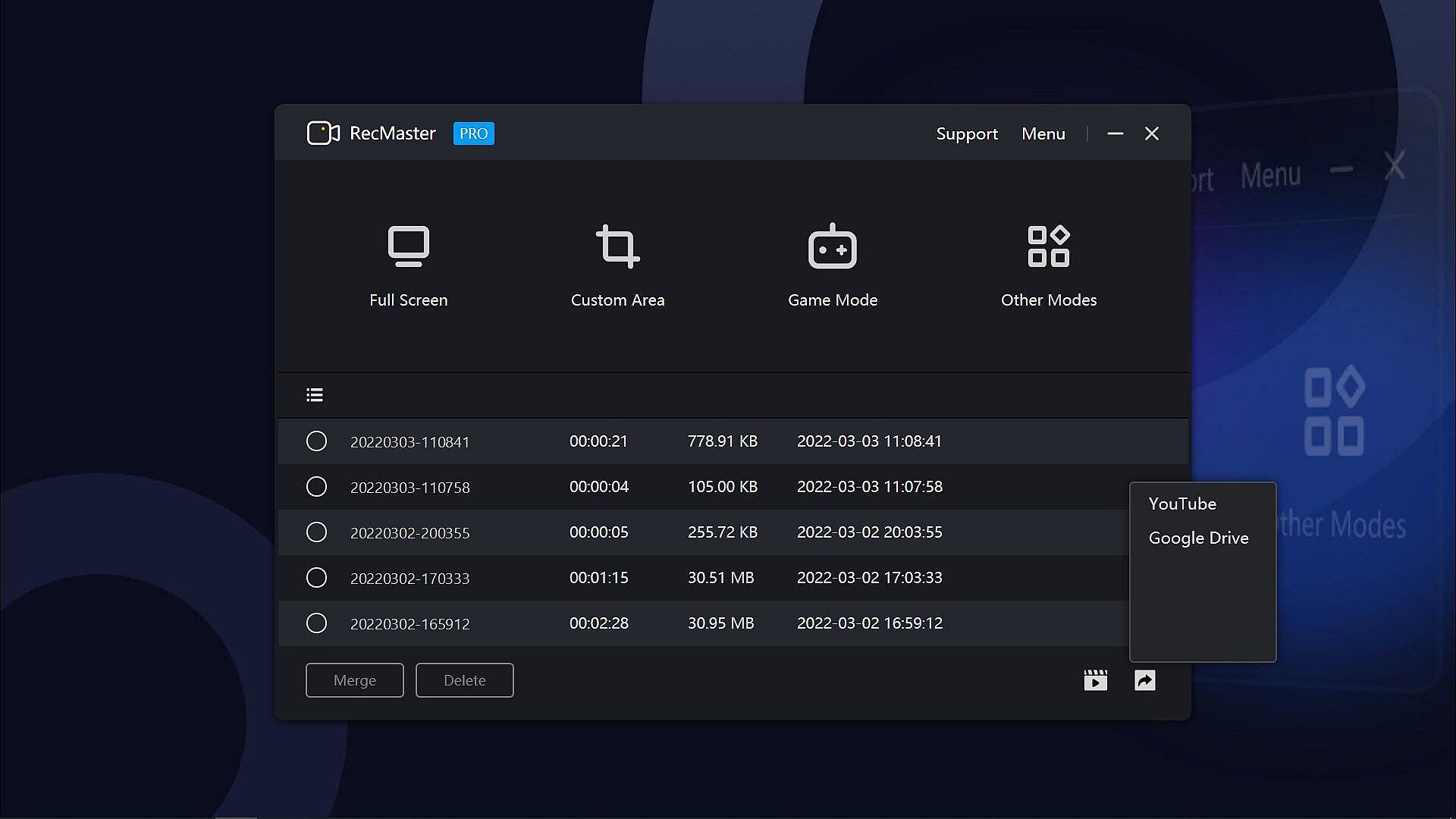
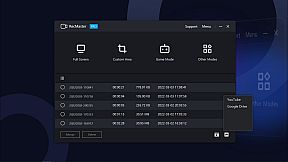
RecMaster Pro delivers lightweight screen recording for gameplay, programs, and audio on PC. Choose from seven modes like full-screen, custom area, game mode, or webcam to capture HD/4K videos with minimal file sizes. Hotkeys control operations, multi-screen setups grab wide views, and effects such as cursor highlights or keystrokes add precision without complex setups. Auto-tasks handle timed starts, ends, and segment saves, while FPS benchmarks track games separately. Output options cover MP4, AVI, FLV, GIF videos, and MP3 audio with adjustable quality, frame rates, and noise reduction. Video production pros, software trainers, and educators grab webinars, tutorials, lectures, or narrations effortlessly.

RecMaster Pro is a super-easy and lightweight gameplay recorder, screen recorder, program recorder, and audio recorder. It records HD/4K videos with the best quality and the smallest file size without the need to set complicated parameters or settings. And if you hope to set advanced parameters, you can do it easily with the menu options.

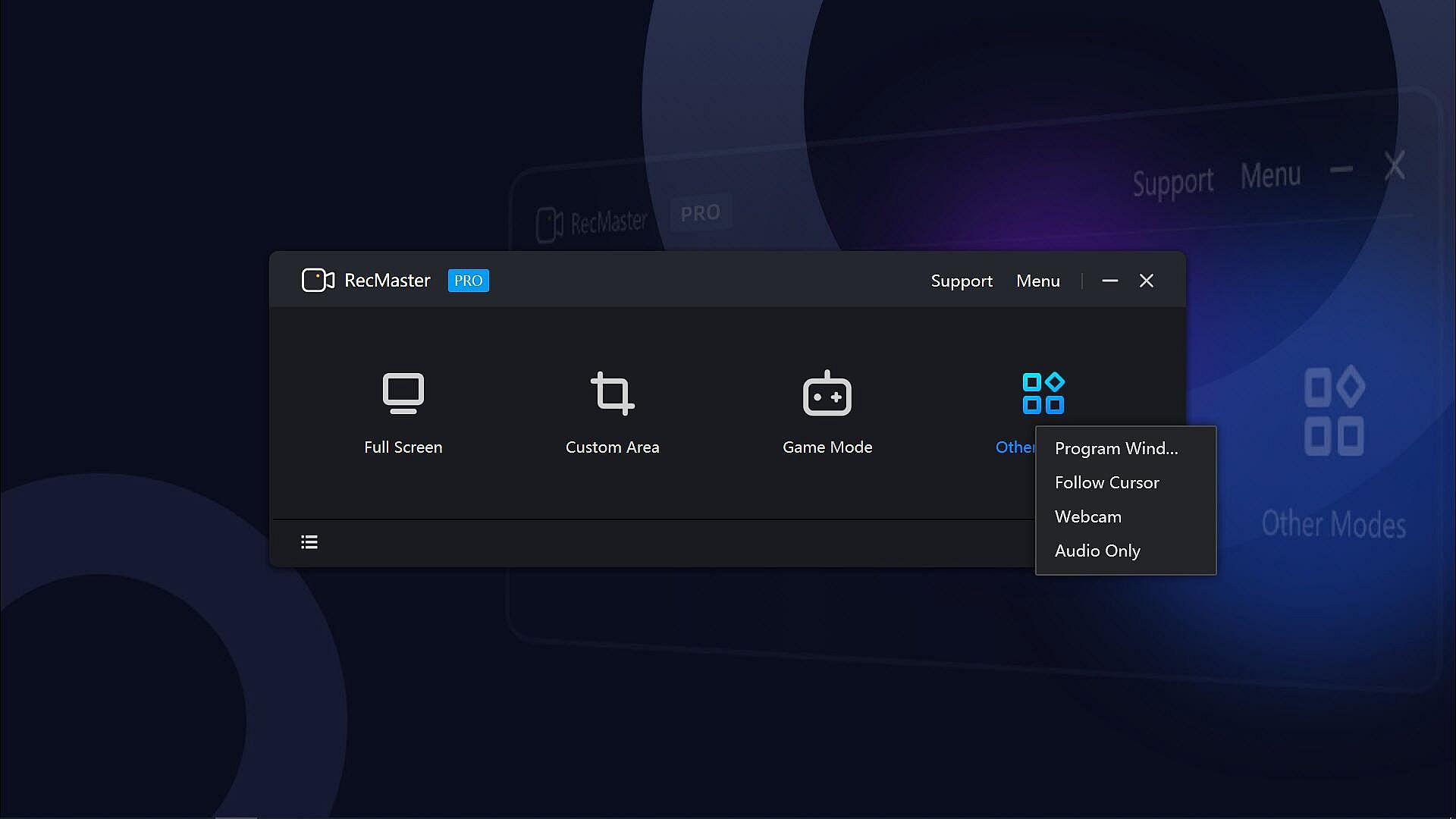
With the 7 recording modes, you can one-click record any actions on your computer screen with or without audio, webcam video, on-screen annotation, cursor effects & keystrokes, and more. Well compatible with Windows 11, 10, 8.1, 8, 7, Vista, you can smoothly record not only the gameplay or walk-through videos, but also online webinars & meetings, lectures & lessons, YouTube videos & movies, software video tutorials, presentations, audiobooks, narrations, and more.
Key Features:
  • 7 Recording Modes: Full-screen Mode, Custom Area, Game Mode, Program Window, Follow Cursor, Webcam Recording, and Audio-only Mode.
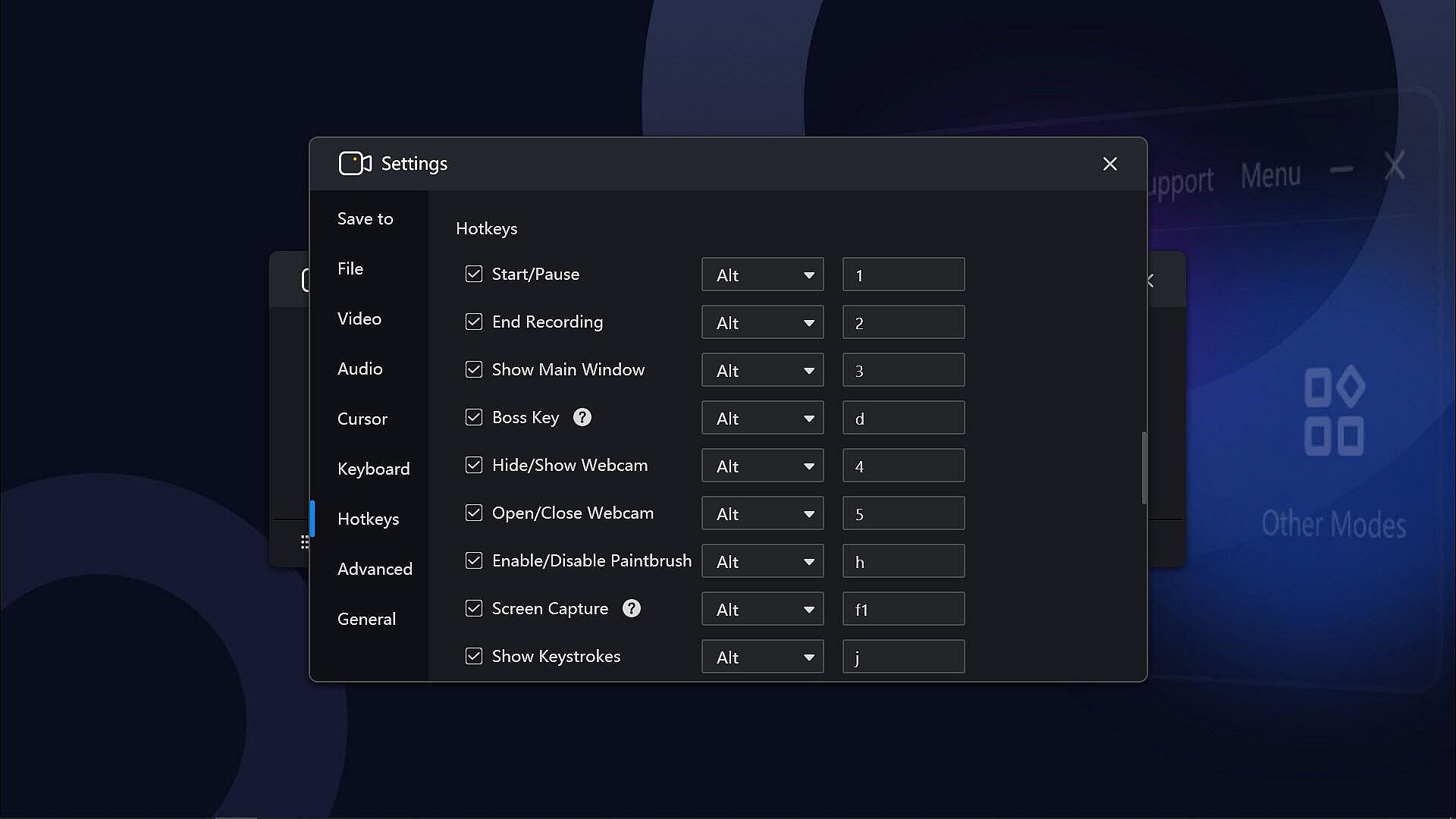
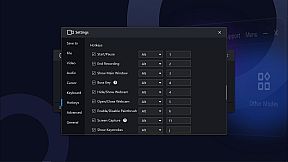
  • Hotkeys help manage all the operations with key combinations without launching the software interface.
  • Multi-screen recording to record super-wide screens or specific screens.
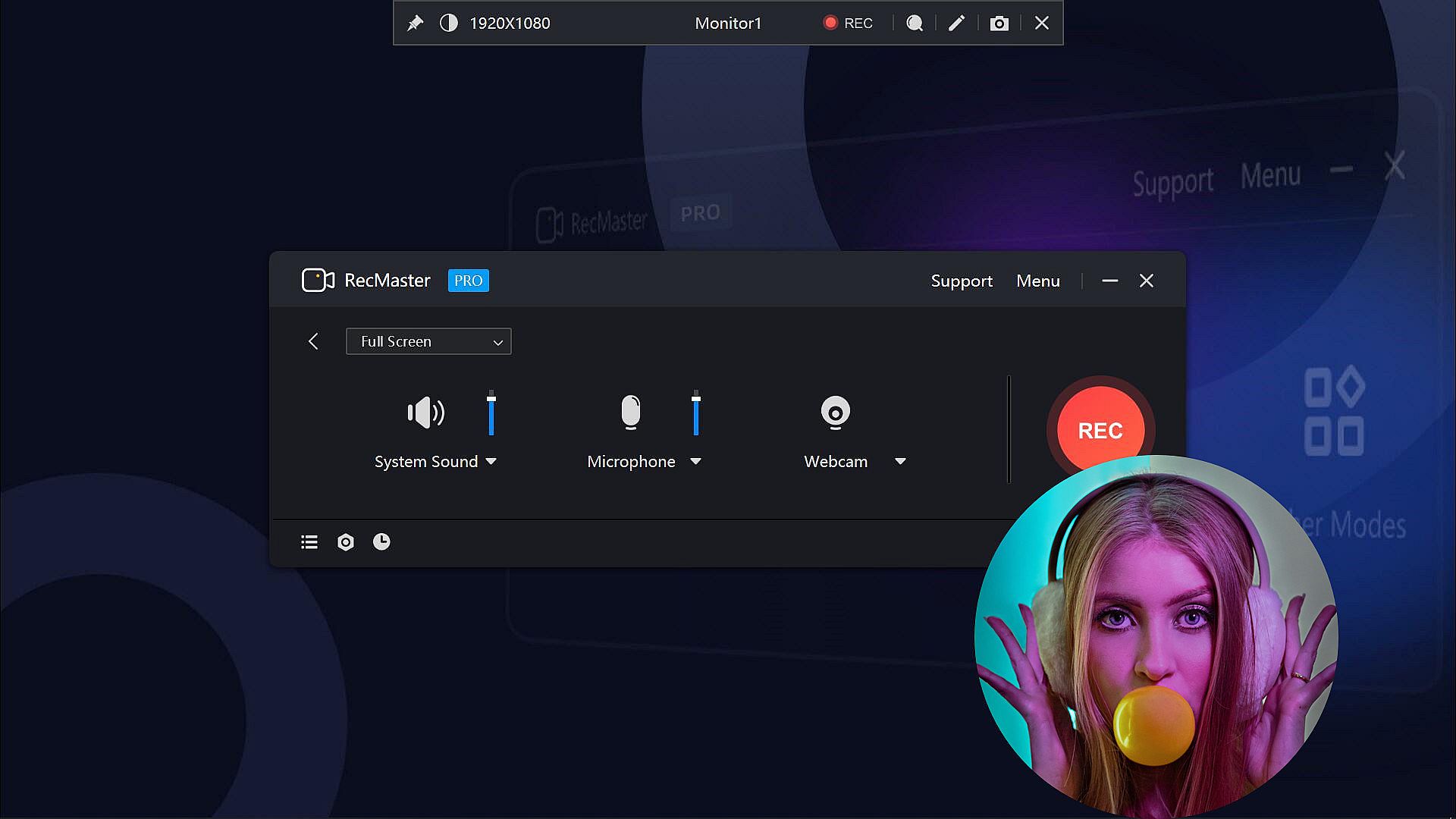
  • Capture screen videos with or without system audio, microphone, and camera.
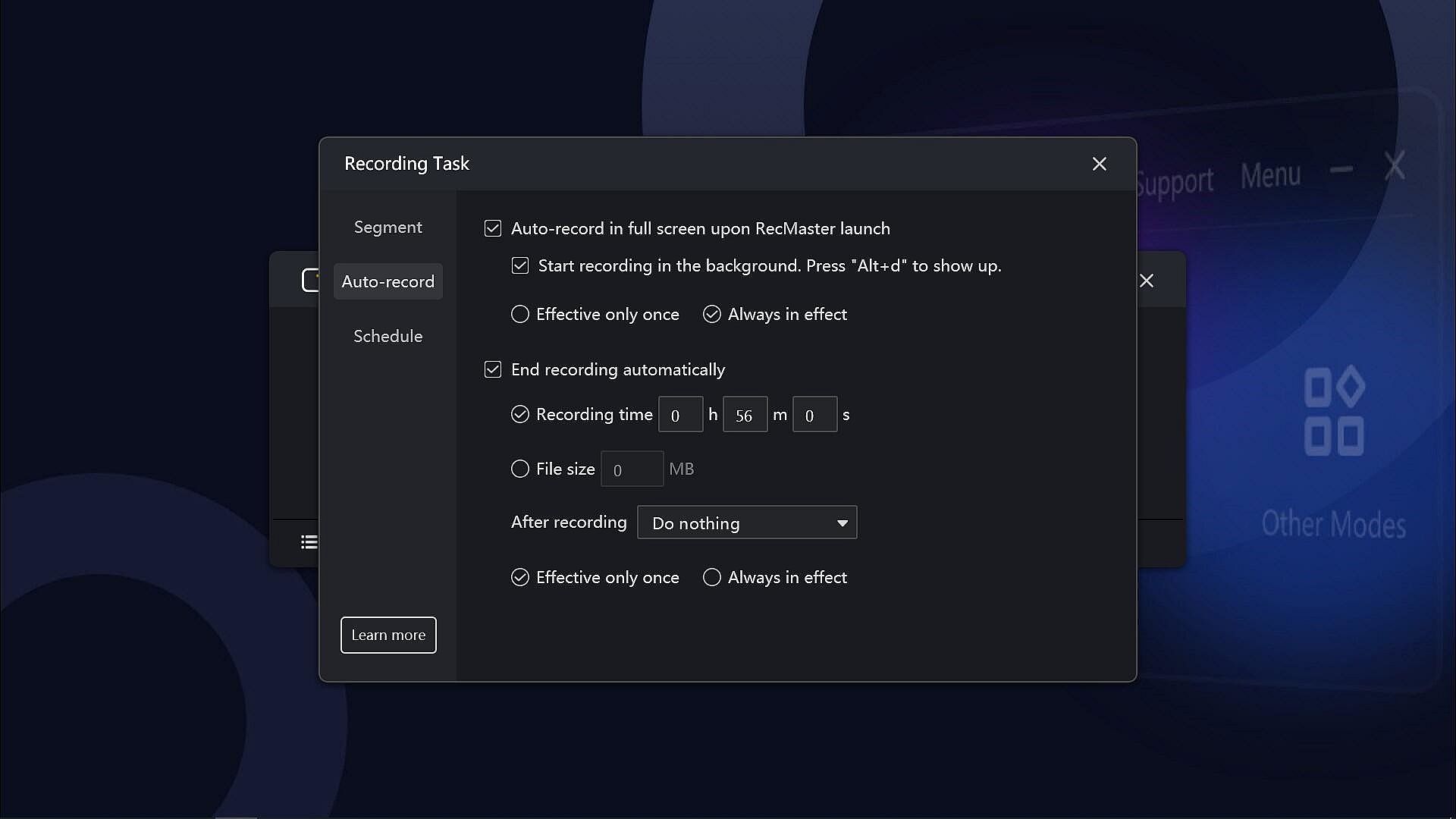
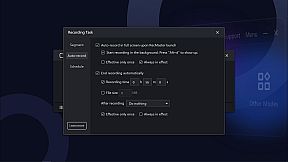
  • Auto-recording Tasks to set recordings to start and/or end automatically and save in segments.
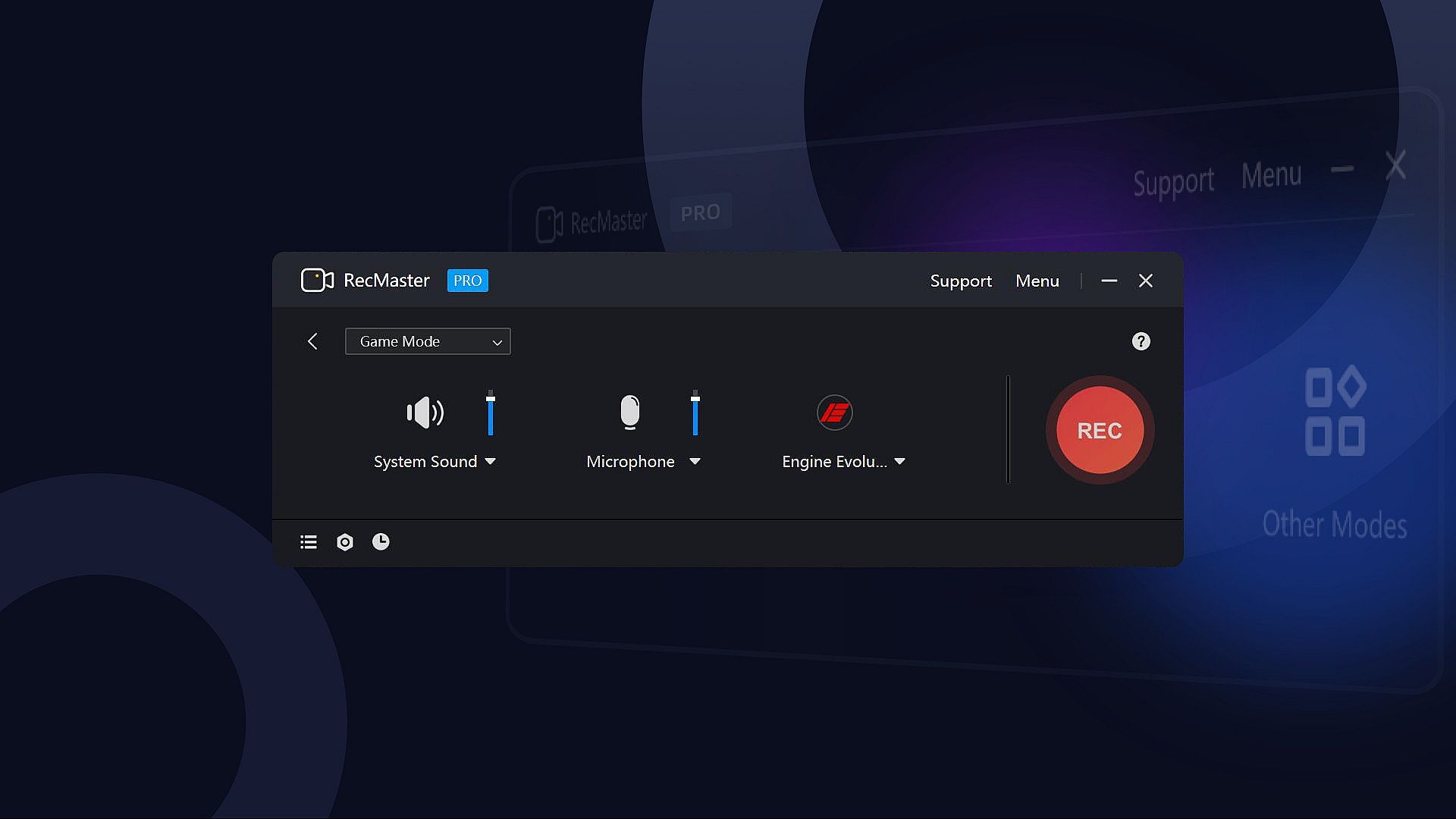
  • Record Games with FPS benchmarks (the FPS won’t be recorded in the video)
  • Output video formats: mp4, avi, flv, and gif; video parameter settings: quality, frame rate (VFR/CFR), encoder (H.264/MPEG4), resolution settings (up to 4K).
  • Output audio formats: mp3; audio parameter settings: sample rate, bit rate settings.
  • Microphone gain, system sound gain, and Mic noise reduction are available, helping get clearer audios.
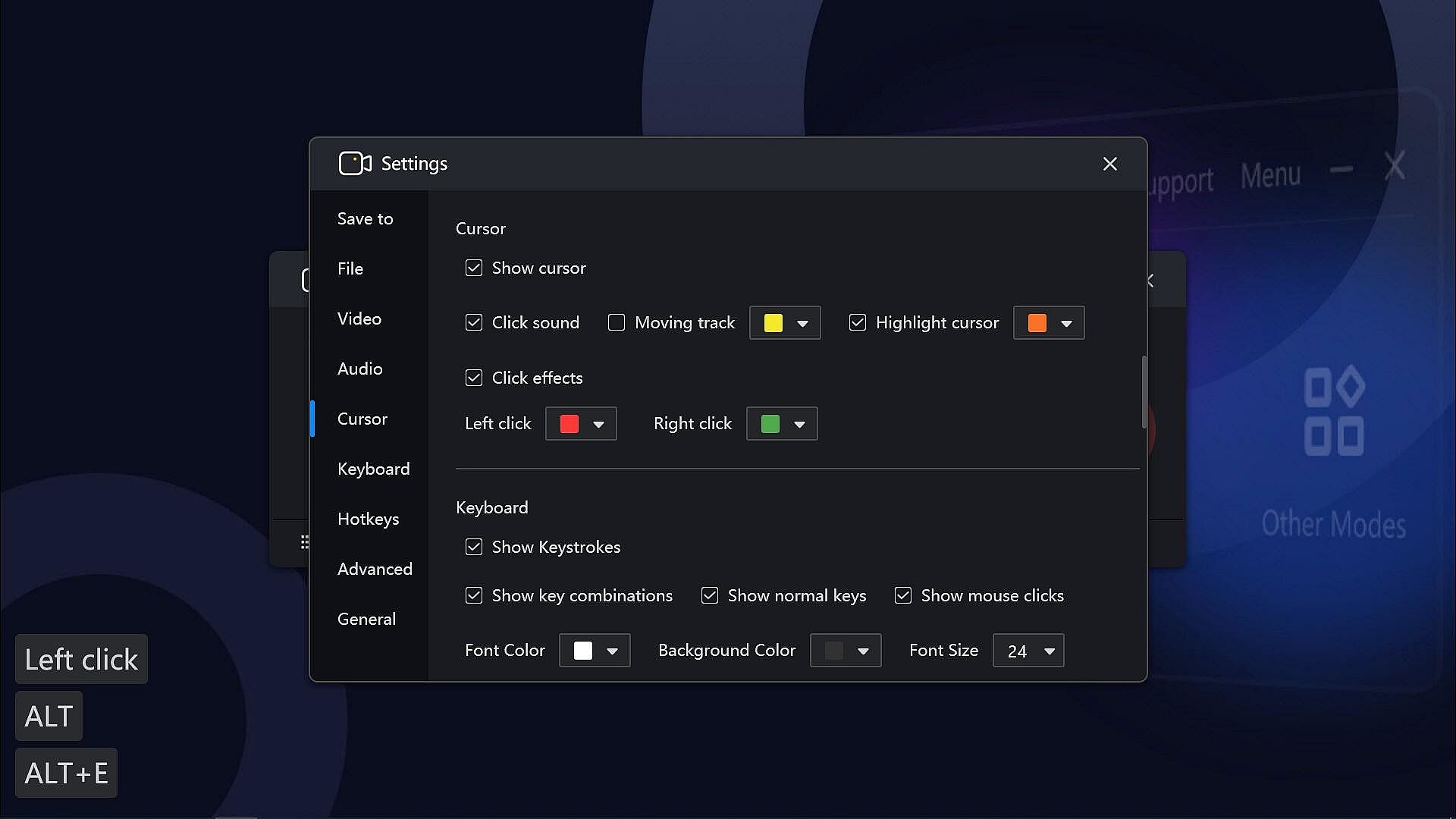
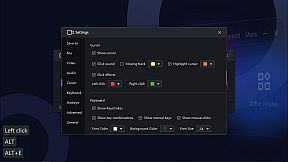
  • Useful effects to show exactly what you want: Cursor effects, keystrokes, paintbrush tools with markers and highlighters, etc.
  • Text/image/timestamp Watermark adding during the recording, helps you protect your copyright and make unique videos.
  • Show/hide system taskbar, provide a clean canvas while recording.
  • Hope to record in the background without showing the RecMaster interface? Enable the Boss key.
  • More useful tools on the RecMaster status bar to capture screenshots, magnify the specific areas, and more.

If you have any questions or suggestions about RecMaster Pro, please feel free to contact us. We will do our best to provide you with the best experience with RecMaster Pro.
Interfejs:
EnglishSimplified Chinese

Klasyfikacja wiekowa

Brak informacji
Steam:
Overwhelmingly Negative (9)

Minimalne:

  • System operacyjny: Vista, 7, 8, 8.1, 10, 11
  • Procesor: Intel® Celeron® 2.0GHz or equivalent processor
  • Pamięć: 512 MB RAM
  • Grafika: Direct3D 9.0 compatible with Pixel Shader 2.0 support
  • DirectX: Version 9.0c
  • Dysk: 150 MB available space
  • Dodatkowe uwagi: Broadband Internet connection; DirectX® compatible; The 150MB Hard Disk Space is for installing the software. You need extra space to save the recorded videos.

Zalecane:

  • System operacyjny: Vista, 7, 8, 8.1, 10, 11
  • Procesor: Intel® Core™ 2 Duo 3.0GHz or equivalent processor
  • Pamięć: 1 GB RAM
  • Grafika: Full Direct3D 10.0 compatible with Pixel Shader 4.0 support
  • DirectX: Version 9.0c
  • Dysk: 150 MB available space
  • Dodatkowe uwagi: Broadband Internet connection; DirectX® compatible; The 150MB Hard Disk Space is for installing the software. You need extra space to save the recorded videos.
Historycznie najniższa cena
Historia cen ze sklepów oficjalnych
-
-
-
Historia cen z keyshopów
-
-
-

FAQ

8 pytań

Zanim zaczniesz szukać taniego klucza RecMaster Pro - Gameplay & Screen Recorder, sprawdź najważniejsze informacje. Twórcy: Suzhou Aunbox Software Co., Ltd.. Wydawca: Suzhou Aunbox Software Co., Ltd.. Data premiery na PC: 17 mar 2022. Gatunki: Utilities, Audio Production, Video Production, Education, Web Publishing, Software Training.

Q

Gdzie kupić tani klucz Steam do RecMaster Pro - Gameplay & Screen Recorder?

Aktualnie brak aktywnych ofert na RecMaster Pro - Gameplay & Screen Recorder. Ustaw alert cenowy na XD.deals, a powiadomimy Cię, gdy pojawi się nowa oferta.

Nie mamy aktualnej ceny RecMaster Pro - Gameplay & Screen Recorder ze sklepu Steam. Gra może być chwilowo niedostępna lub jeszcze nie pojawiła się na Steam.

Nasz tracker cen obejmuje oficjalne sklepy i keyshopy, więc znajdziesz RecMaster Pro - Gameplay & Screen Recorder w promocji nawet poza sezonowymi wyprzedażami. Obecnie wykrywamy 0 aktywnych ofert z oficjalnych sklepów i keyshopów. Sprawdź tabelę powyżej, porównaj z historycznie najniższą ceną i ustaw alert, aby nie przegapić kolejnego spadku.

Według naszych danych RecMaster Pro - Gameplay & Screen Recorder nie jest obecnie dostępne na GeForce NOW. Musisz uruchomić grę lokalnie na swoim PC. Przeglądaj gry dostępne na GeForce NOW.

Tak. RecMaster Pro - Gameplay & Screen Recorder ma oficjalną stronę w sklepie Steam, ale obecnie nie śledzimy żadnych ofert z DRM Steam od zewnętrznych sprzedawców. Sprawdź ponownie później lub ustaw alert cenowy.

Nie w tym momencie. Valve oznacza RecMaster Pro - Gameplay & Screen Recorder jako niewspierane na Steam Deck. Śledź XD.deals - monitorujemy aktualizacje Proton i poprawki społeczności. Przeglądaj gry zweryfikowane na Steam Deck lub grywalne na Steam Deck.

RecMaster Pro - Gameplay & Screen Recorder nie jest obecnie dostępne w PC Game Pass, EA Play, Ubisoft+ ani żadnej innej subskrypcji na PC. Jedyną opcją jest zakup gry - użyj XD.deals, aby znaleźć najlepszą cenę.

Nie - XD.deals nie jest sklepem. Jesteśmy porównywarką cen, która śledzi najlepsze oferty na RecMaster Pro - Gameplay & Screen Recorder w oficjalnych sklepach i zweryfikowanych keyshopach. Kliknij "Przejdź do sklepu" przy wybranej ofercie, a przekierujemy Cię na stronę sprzedawcy.

Chcesz kupić w najlepszym momencie? Ustaw alert cenowy na XD.deals i otrzymaj powiadomienie, gdy RecMaster Pro - Gameplay & Screen Recorder osiągnie historycznie najniższą cenę.

Utwórz alert
Dołącz do Discorda
Uzyskaj szybką pomoc od społeczności i bądź na bieżąco z promocjami
Ustaw alerty cenowe
Otrzymuj powiadomienia e-mail, gdy cena gry spadnie do Twojego poziomu
Załóż darmowe konto
Odblokuj wishlisty, alerty cenowe i synchronizację ze Steam










