






About This Game
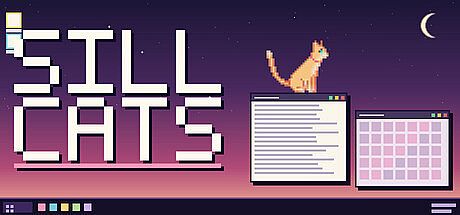
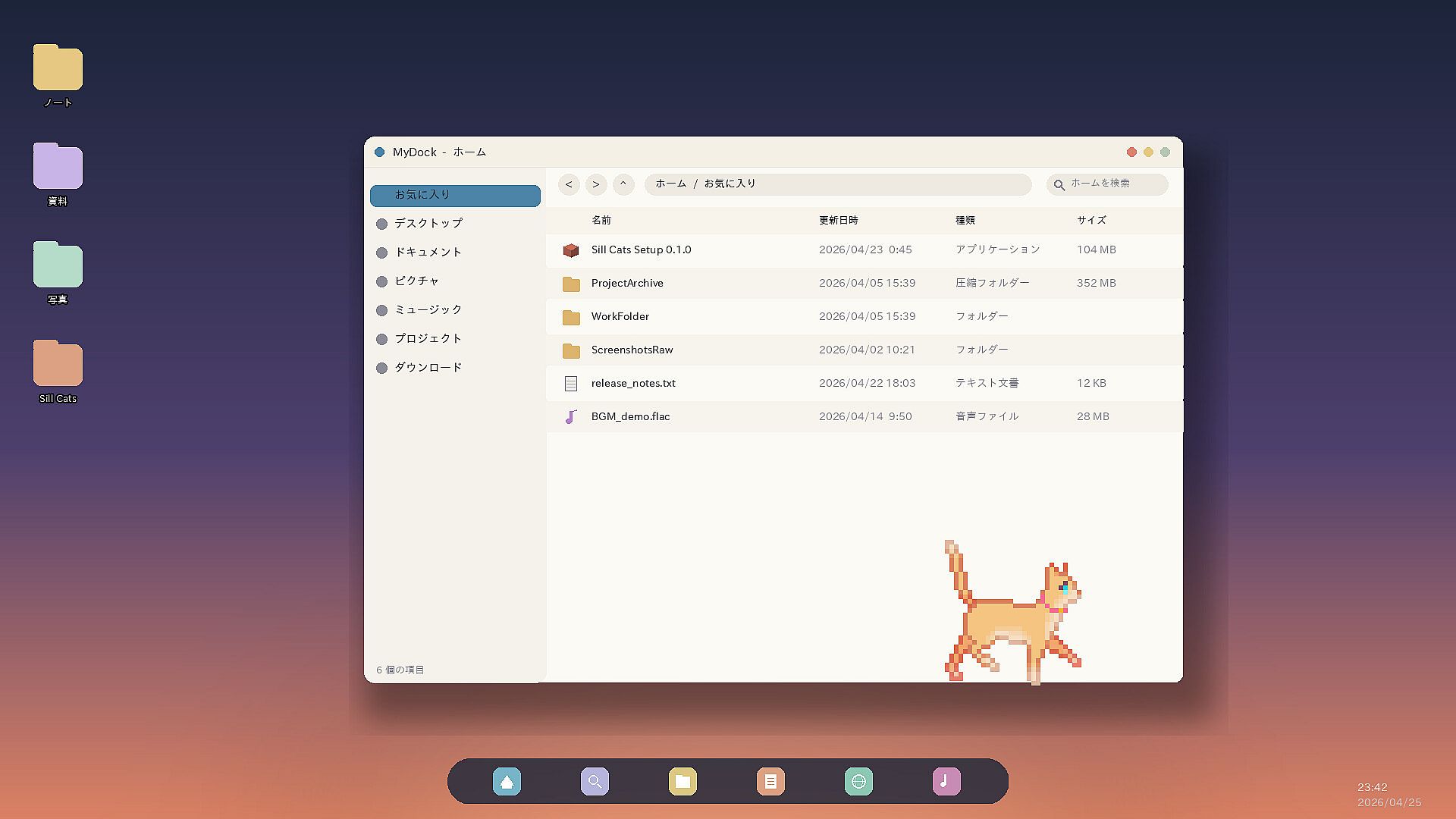
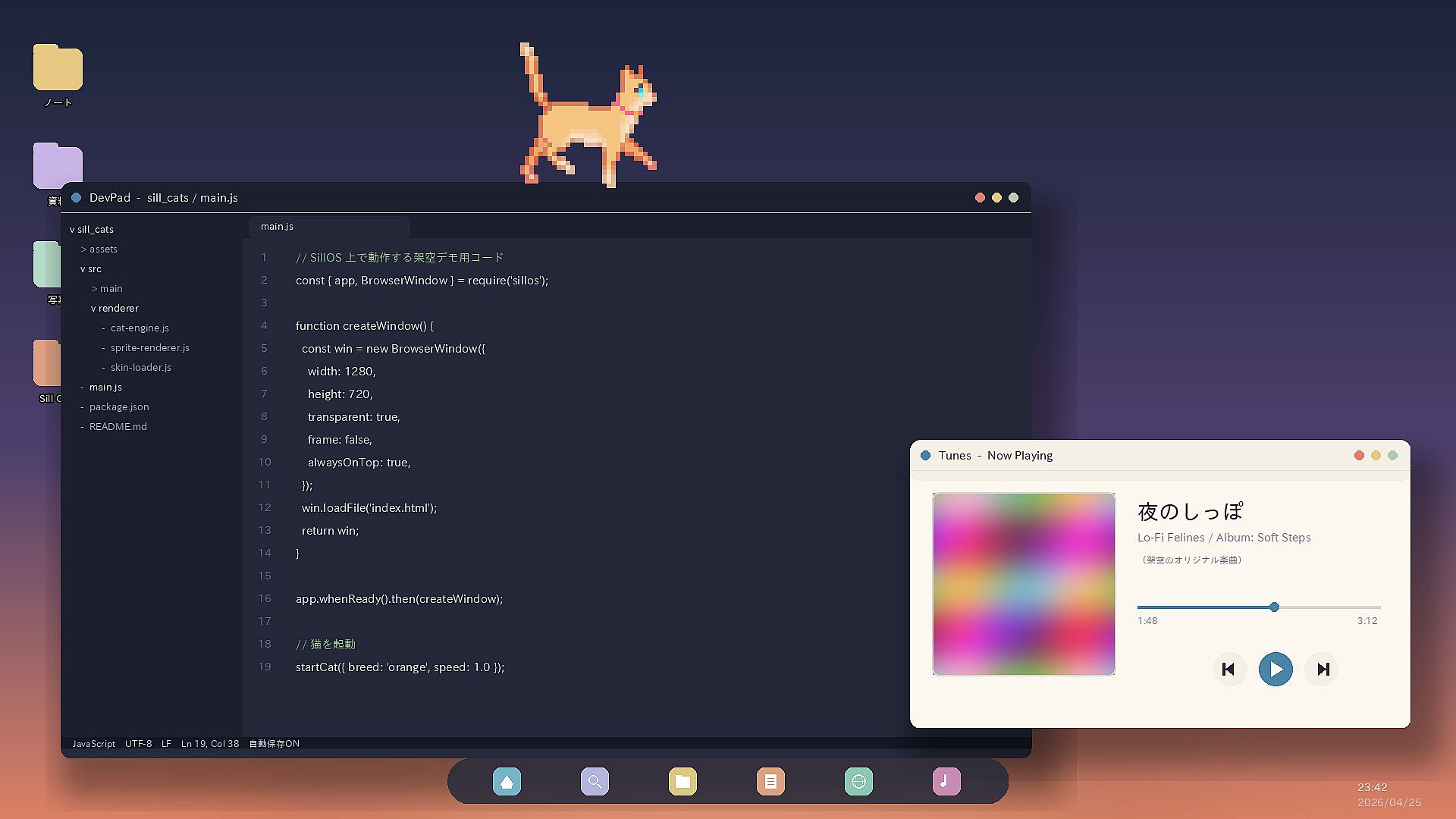
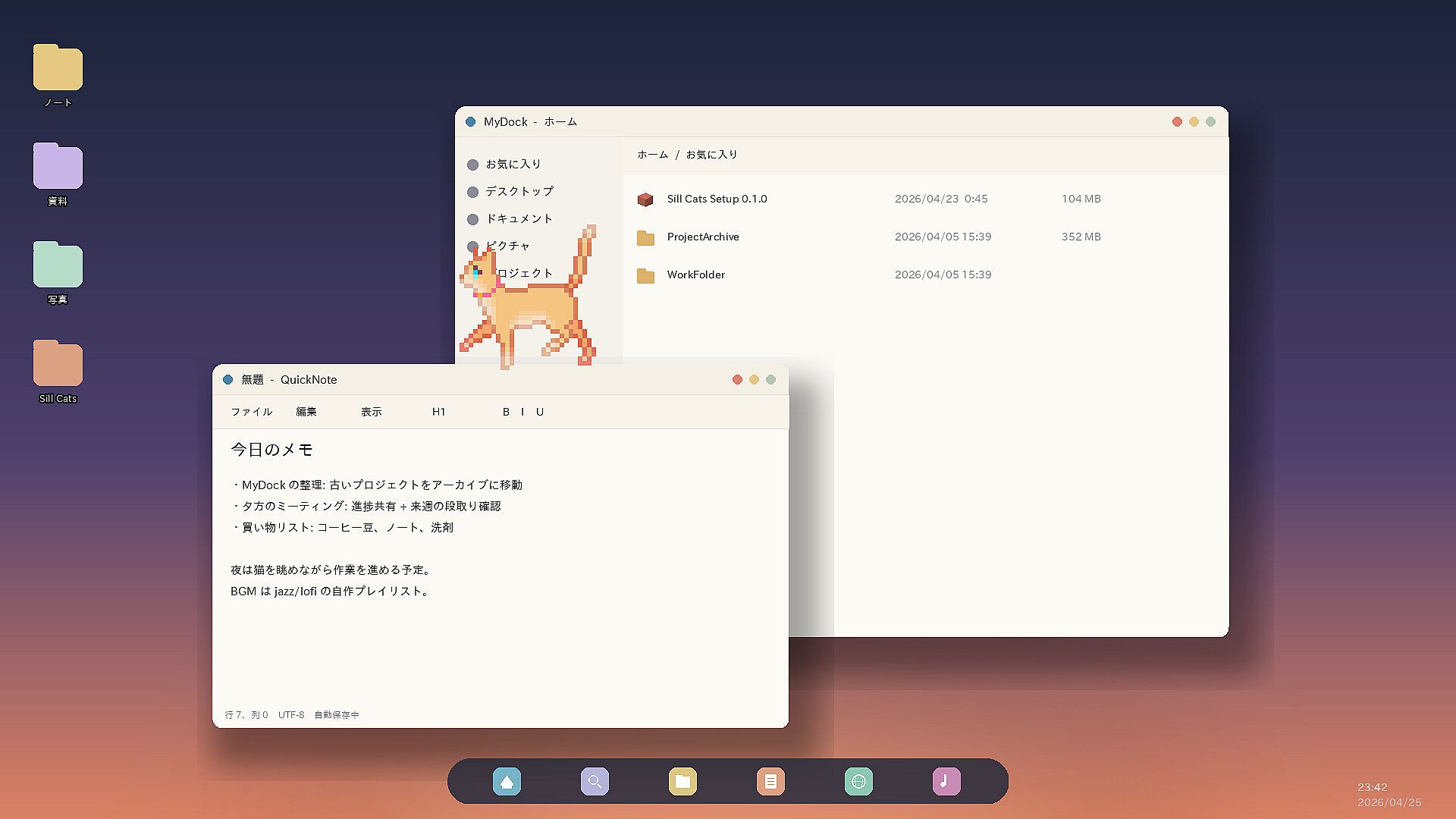
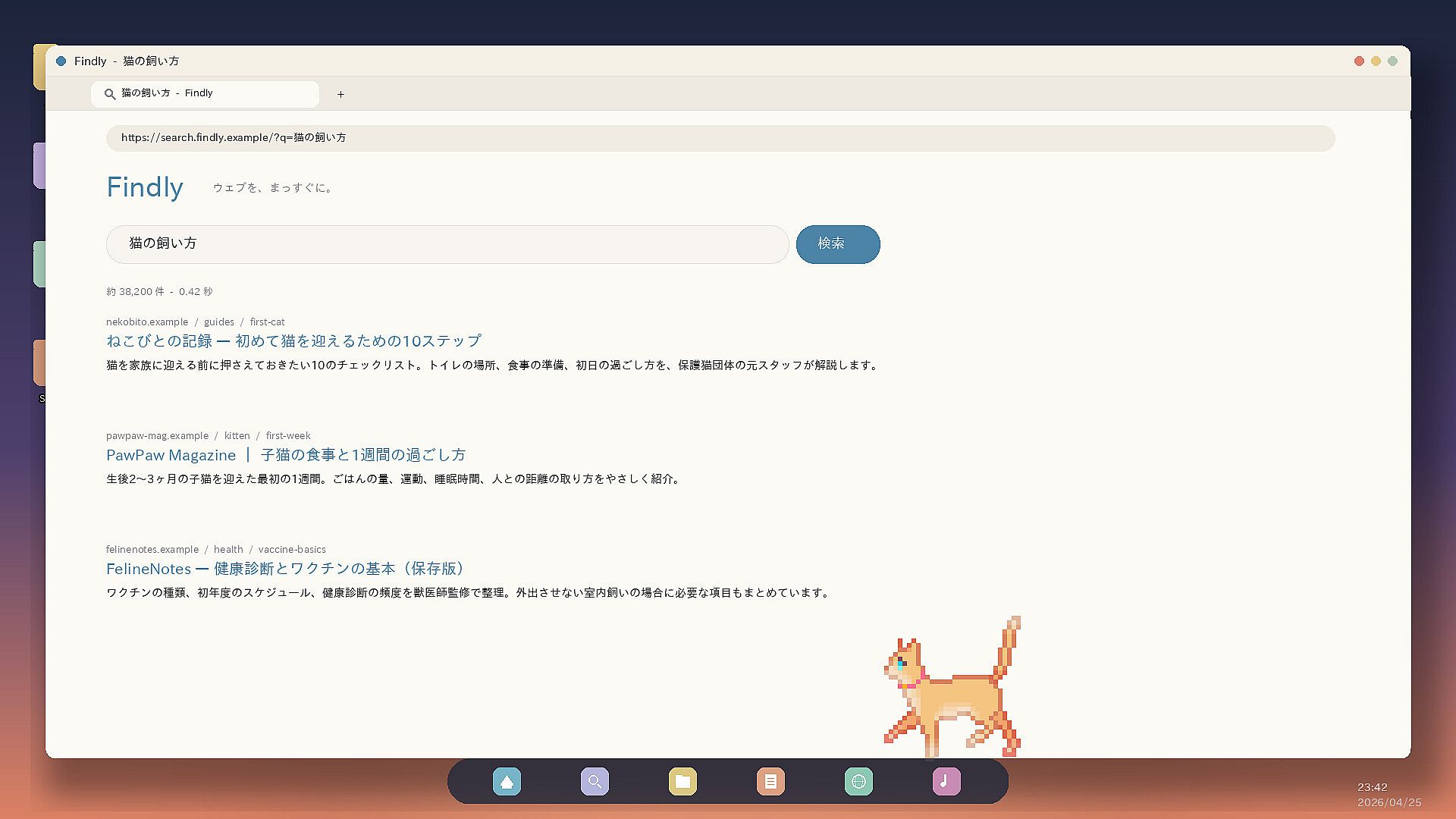
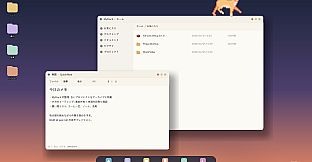
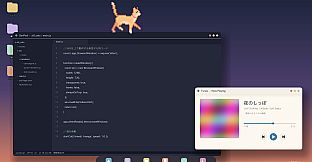
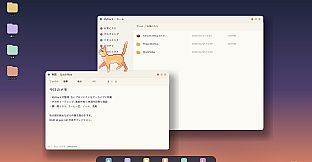
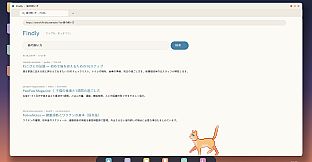
Sill Cats is a resident desktop app where small cats move onto your desktop.
They trot along the tops of open windows, curl up in some corner and sleep soundly, come over with a "what's this?" whenever the mouse moves. At 2 in the morning they'll suddenly start sprinting across the screen — yes, they properly do the zoomies. Anyone who has ever kept a cat will probably know exactly what that means.
What Kind of Cats Are They
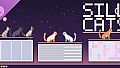
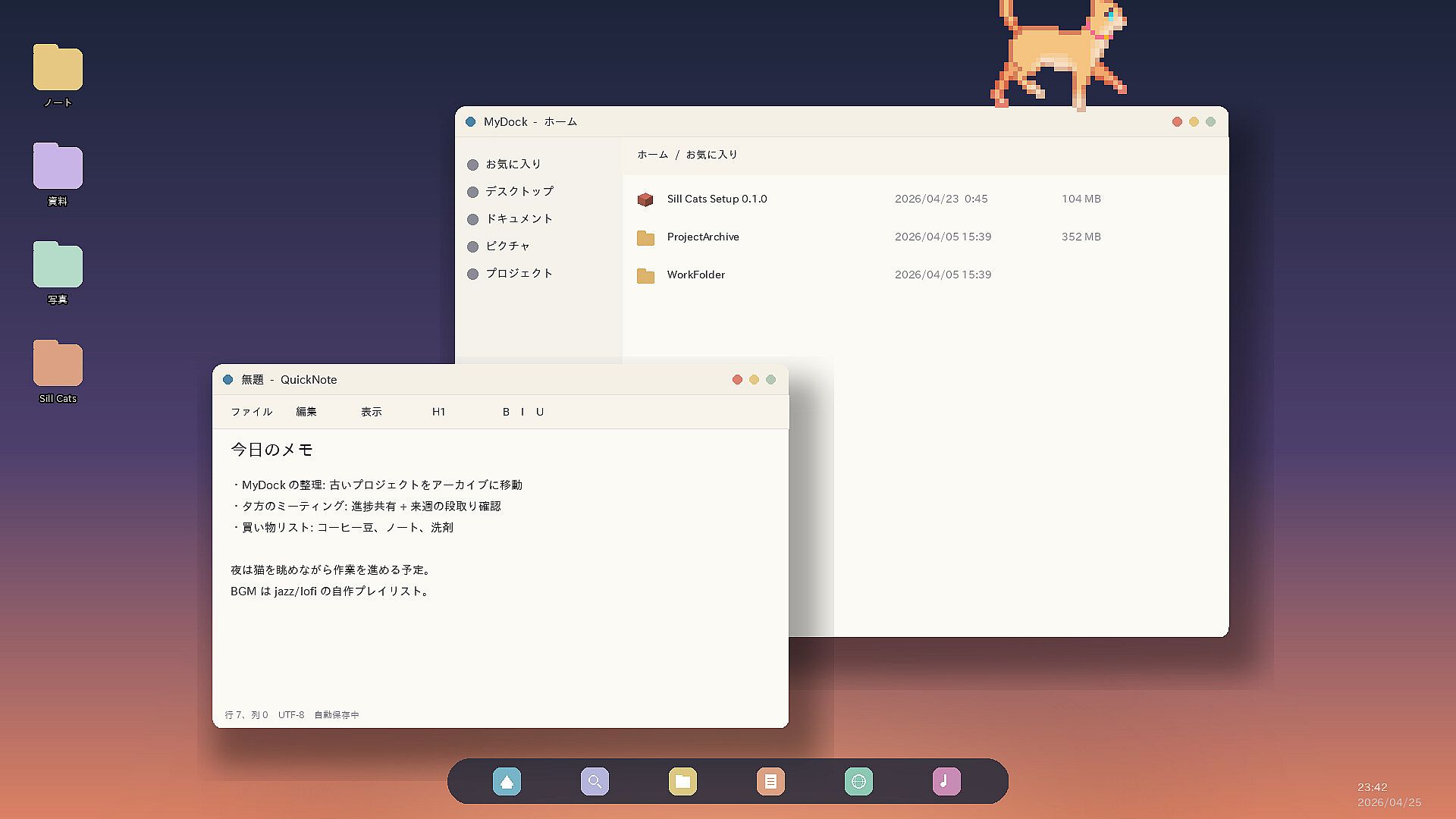
Window tops are their walking route — they stroll leisurely along the top edge of open apps
They jump from window to window — exploring your workspace on their own terms
Fascinated by the cursor — when the mouse moves, they may or may not quietly creep closer
Click to play with them — one click gets their attention, two gets a reaction, three might get you some actual playtime
Their mood changes with the time of day — most energetic at dawn and dusk, totally sluggish at midday (that's what "crepuscular" means)
Late-night zoomies — sudden dashes between 1–4 AM, consider yourself lucky if you catch them
No problem with big screens — however many monitors you have, they all become this little one's walking route
They usually won't get in the way of your work, but occasionally they'll bat at the cursor. Please be patient with them. They're cats.
Adopt 2 Cats for Free
Sill Cats is free to start. The first two cats you can welcome are a slender Abyssinian and a dignified Tuxedo. If you like them, you can grow your family with breed packs. Even the time spent thinking about which one to welcome first is its own kind of fun.
By default, only one cat is shown. If you want two cats on screen at the same time, right-click the Sill Cats icon in the Windows system tray and welcome a second one from the menu.
About Additional Cats
Purchasing DLC lets you add more cat appearances and breeds to choose from.
Cat Pack 1 — Adds 6 cat breeds, including both short-haired and long-haired varieties.
Cat Pack 2 — Adds 4 bobtail cat breeds known for their short tails.
DLC adds more cat appearances and breeds to choose from.
It does not increase the maximum number of cats that can be displayed on screen at the same time.
How to Configure
To change cat breeds, exit the app, or adjust various settings, use the Sill Cats icon in the Windows taskbar tray.
Right-clicking the Sill Cats icon opens the settings menu.
If you can't find the icon, click the ^ button at the bottom-right of the screen to check for hidden icons.
Up to 2 cats can be displayed at the same time.
※ If you find a bug, we would greatly appreciate it if you could report it on the Community Hub discussion board.