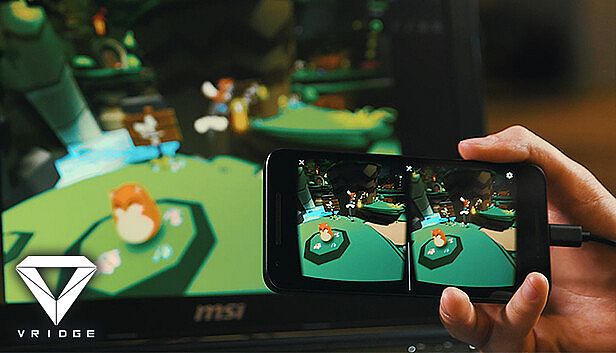
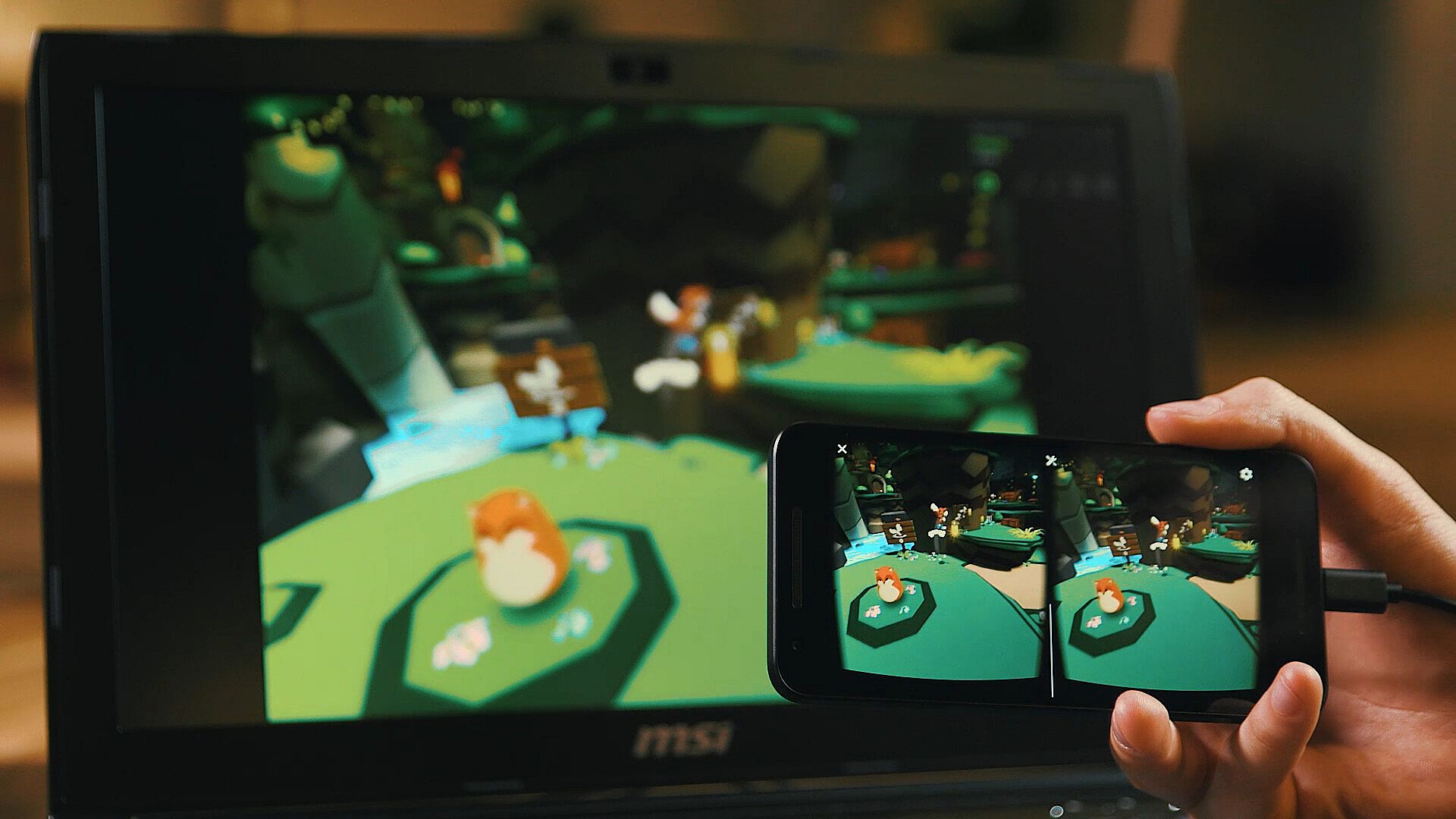
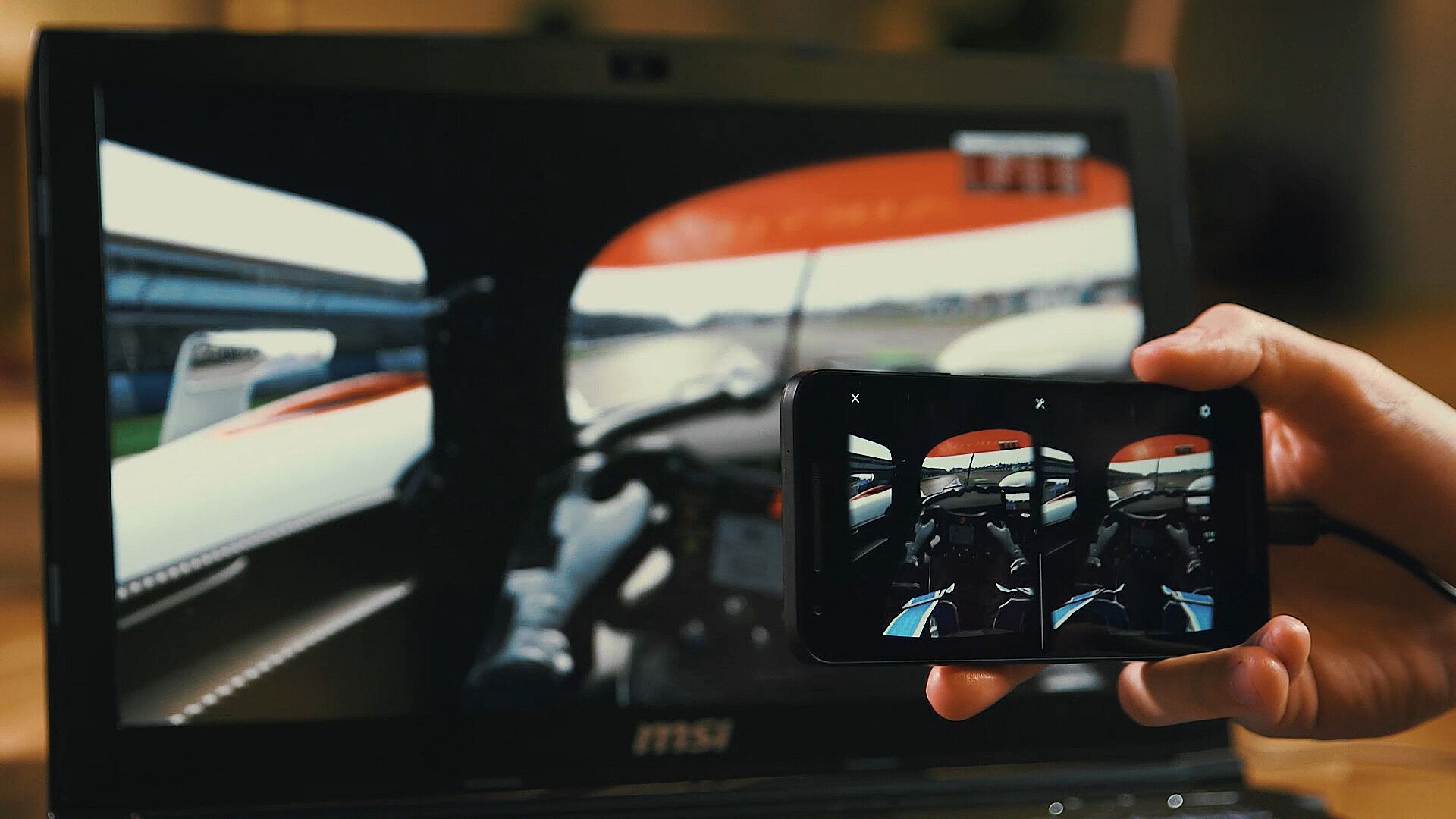
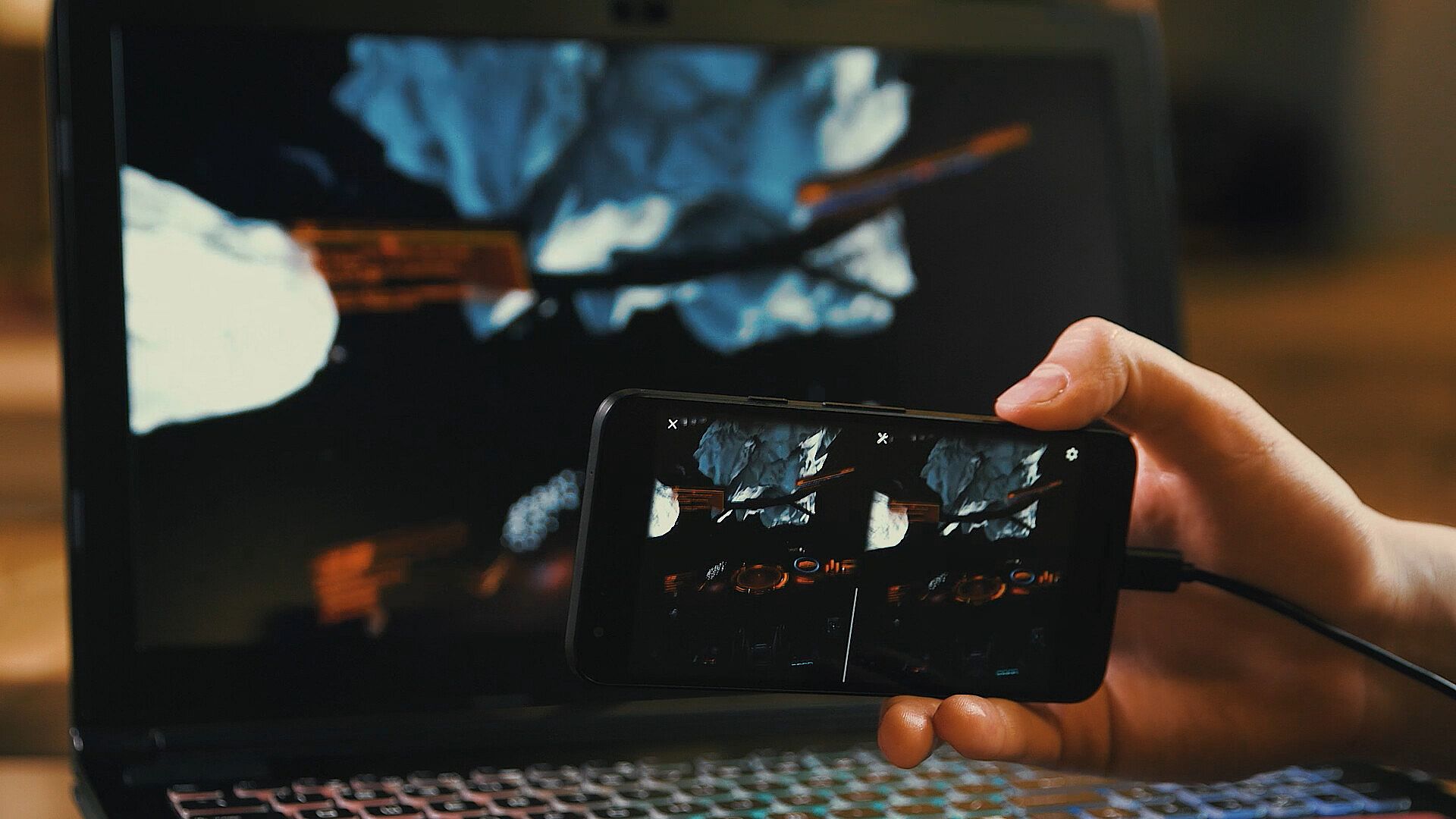
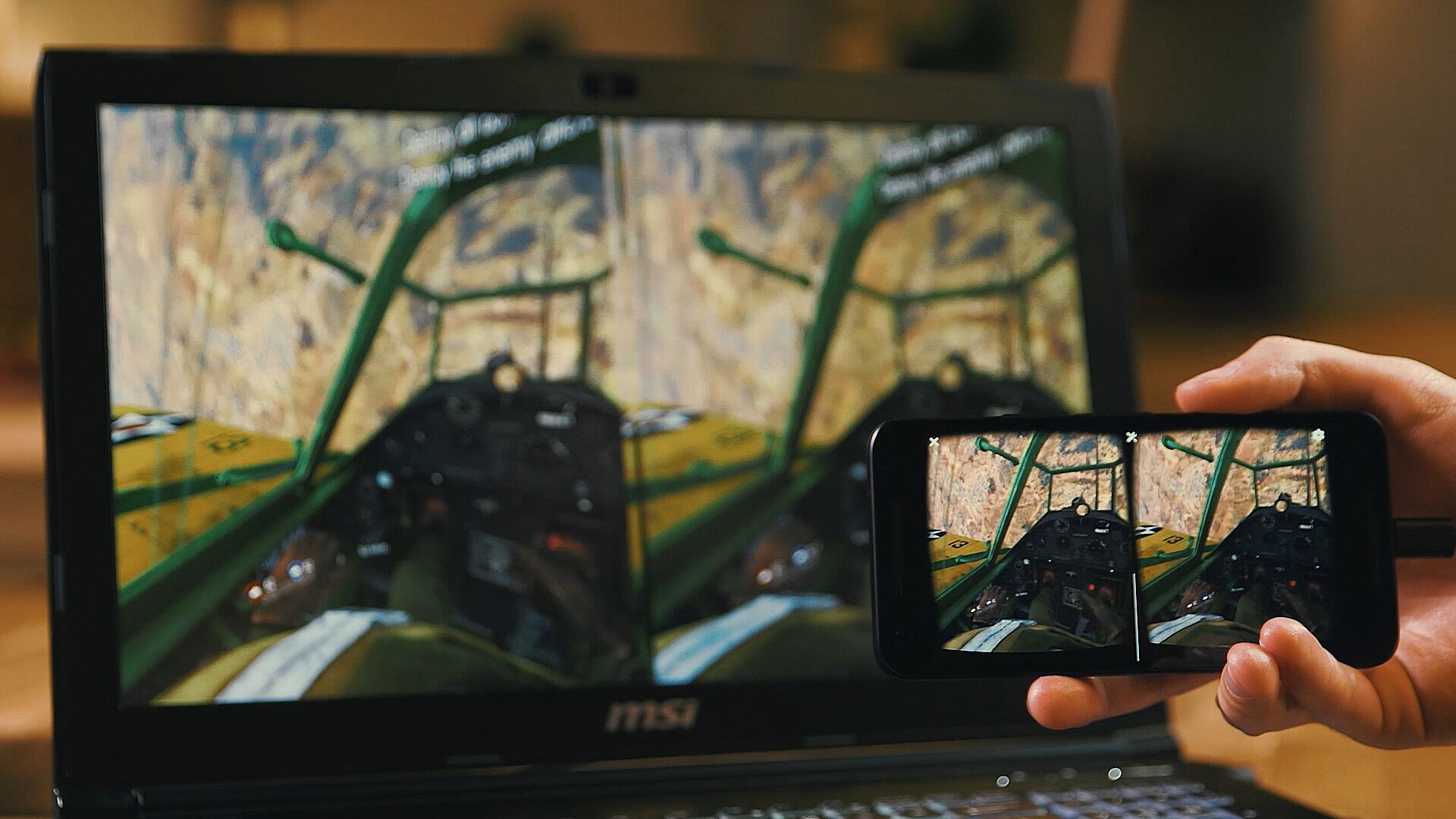
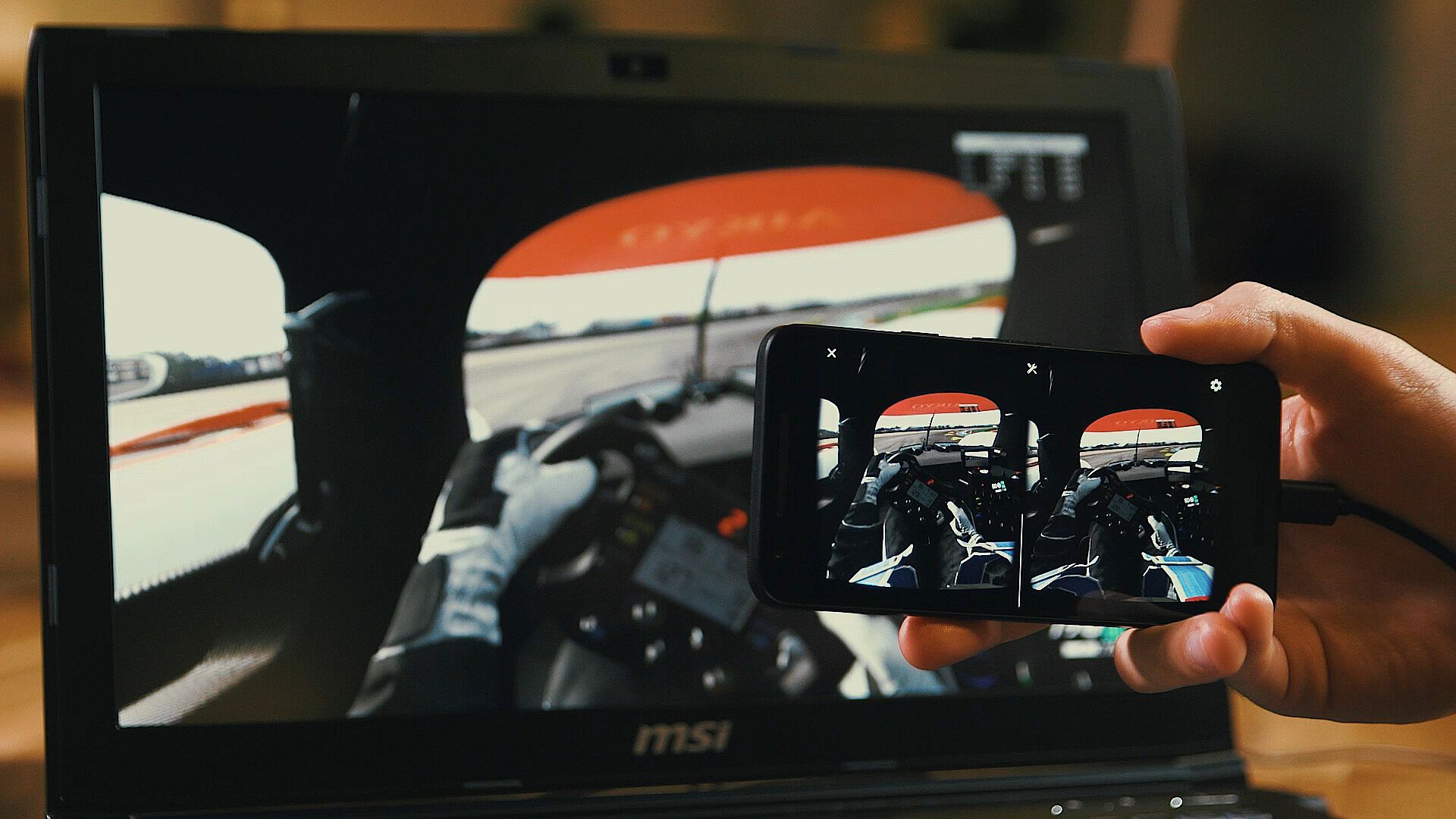
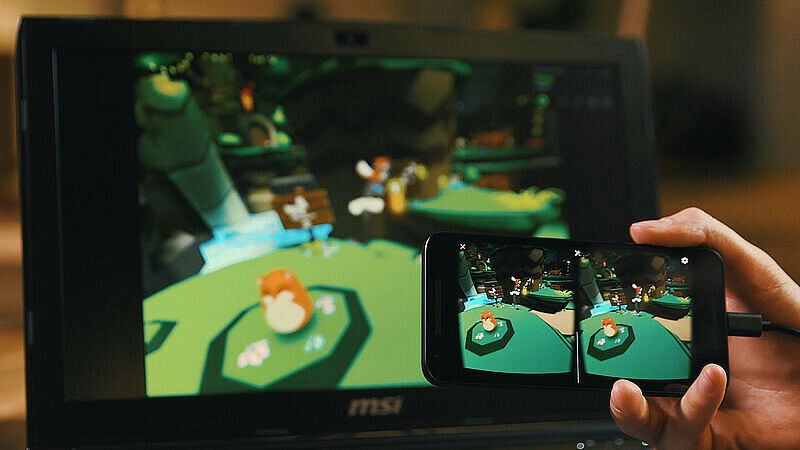
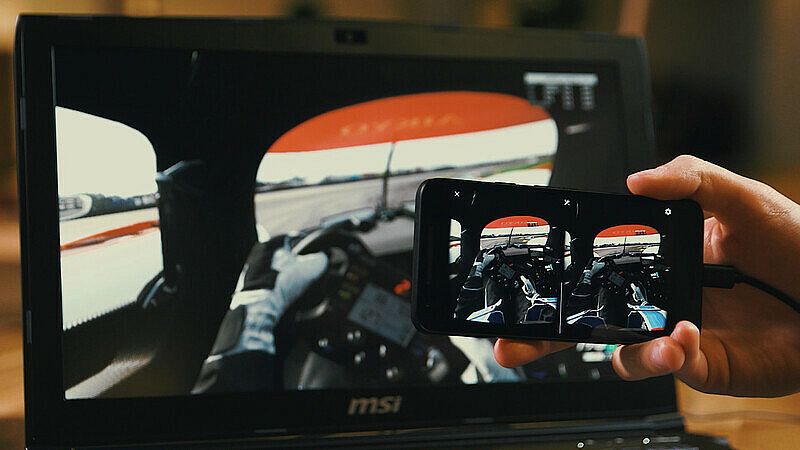
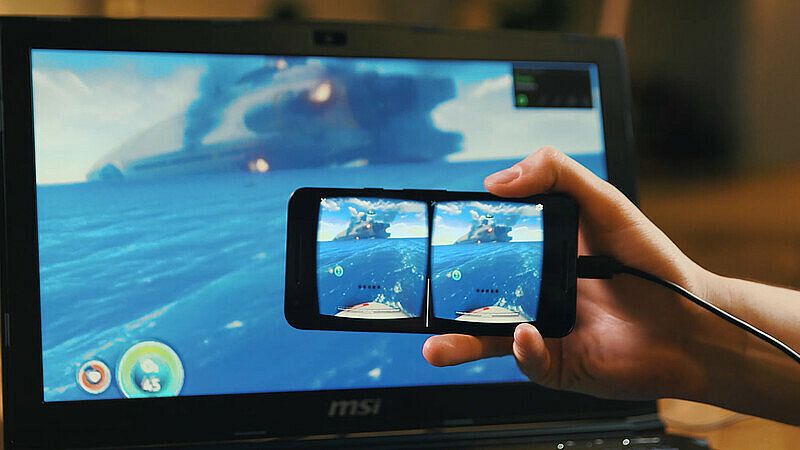
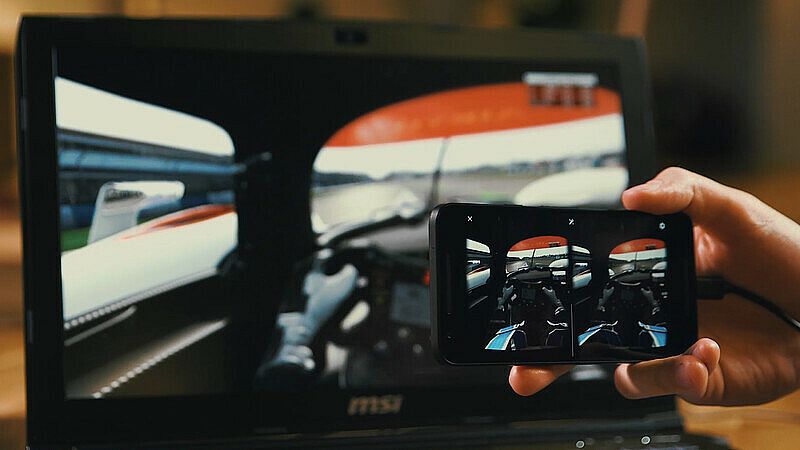
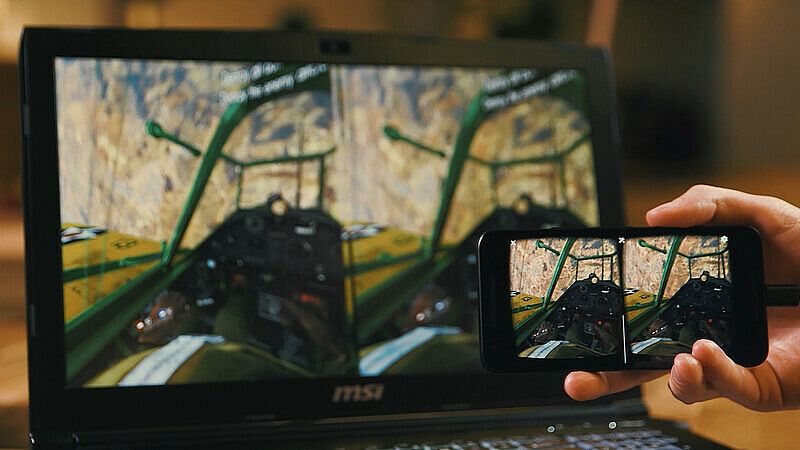
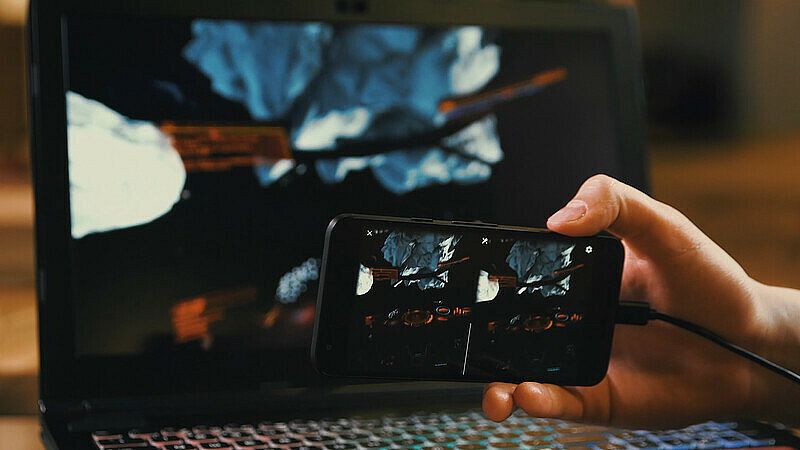
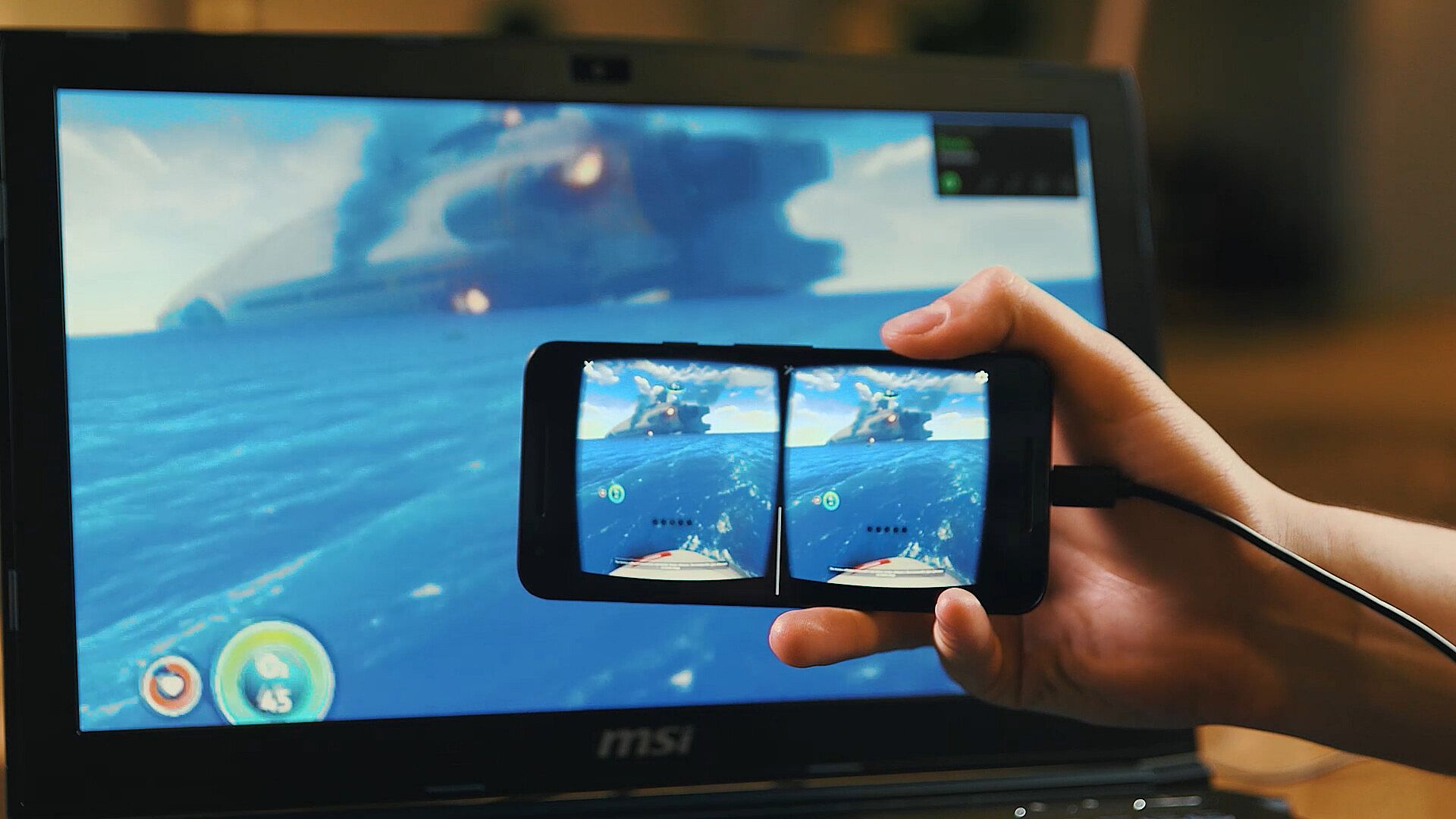
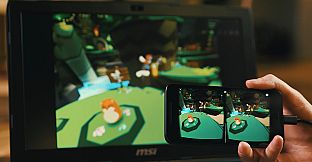
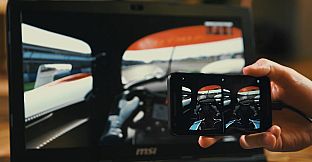
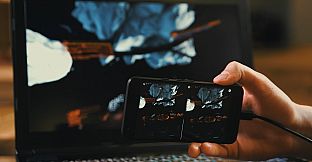
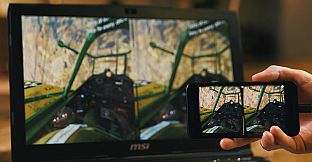
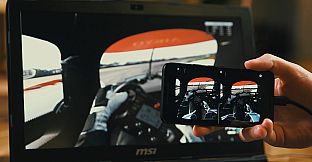
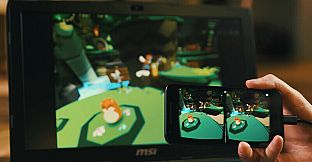
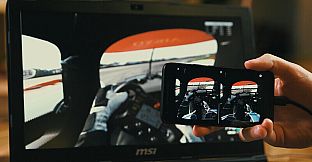
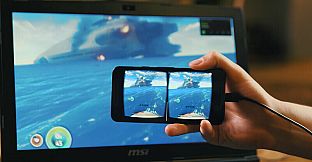
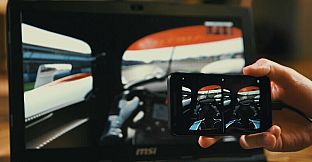
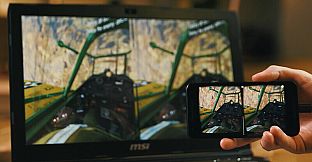
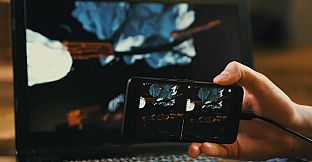
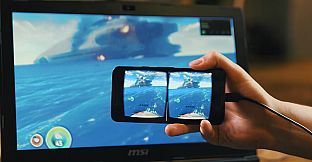
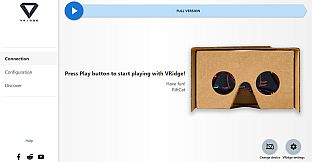
VRidge łączy twój smartfon z komputerem PC, zamieniając go w headset kompatybilny ze SteamVR. Streamuje aplikacje SteamVR jako wysokiej jakości wideo z pełnym śledzeniem głowy i kontrolerów. Sparuj go z mobilnym lub cardboardowym viewerem VR, by od razu zacząć.
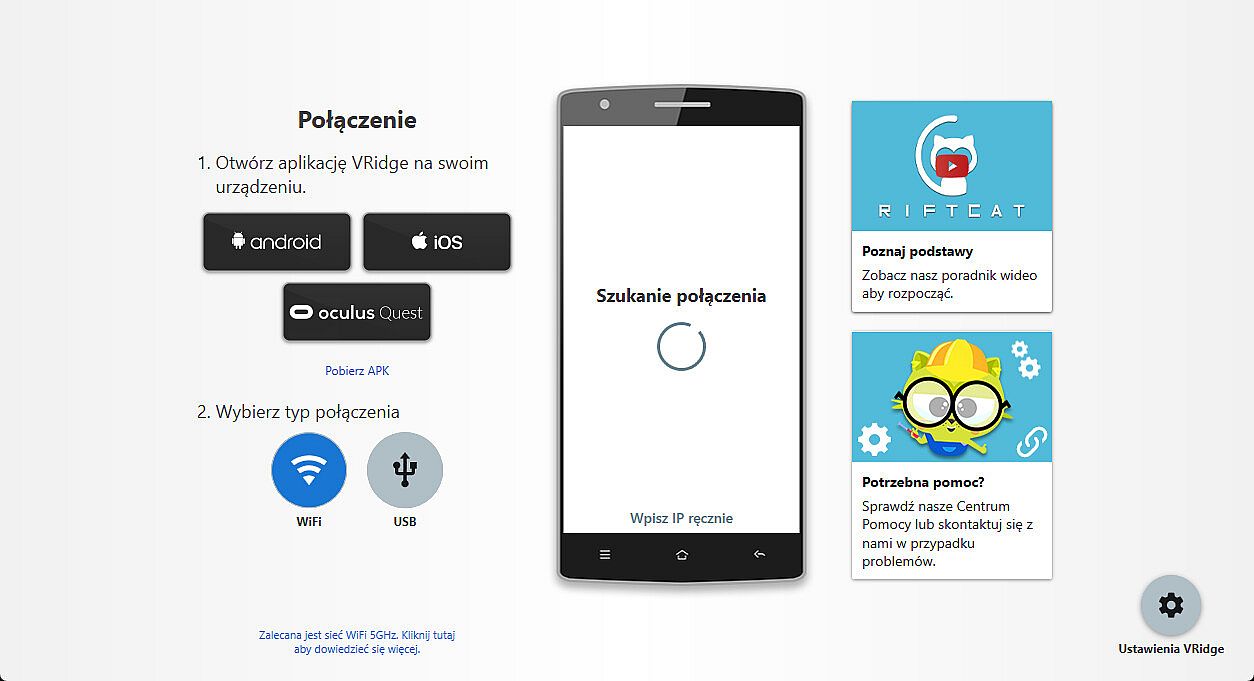
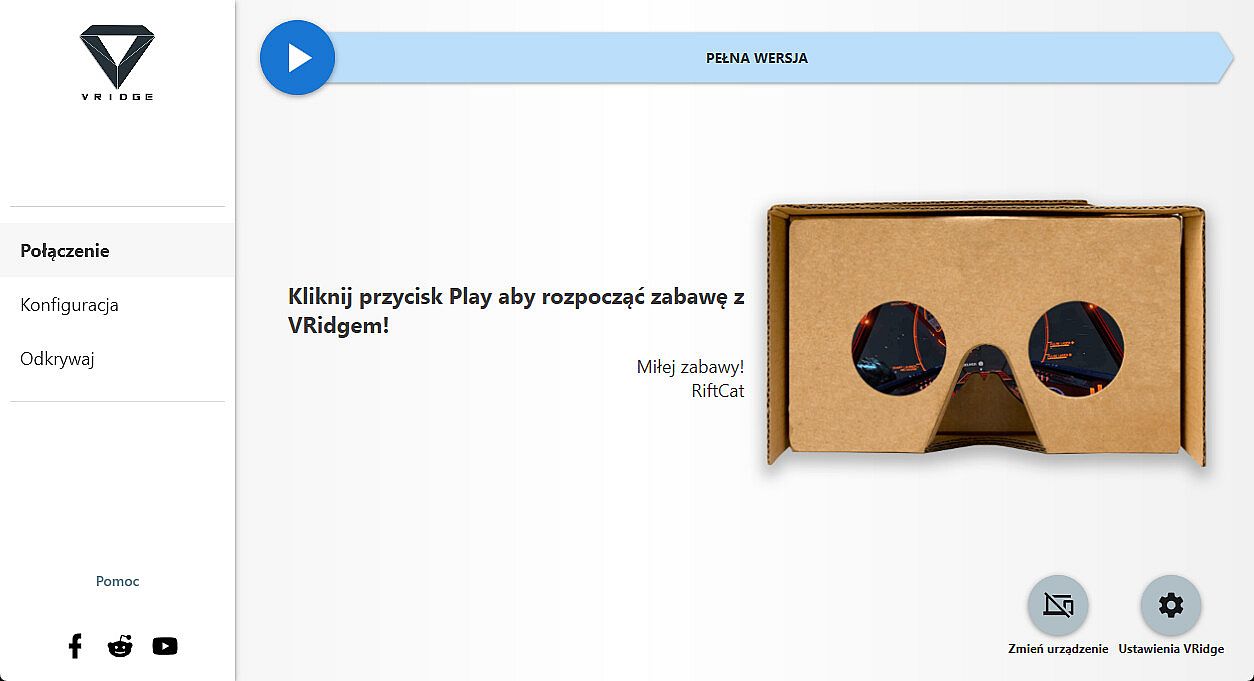
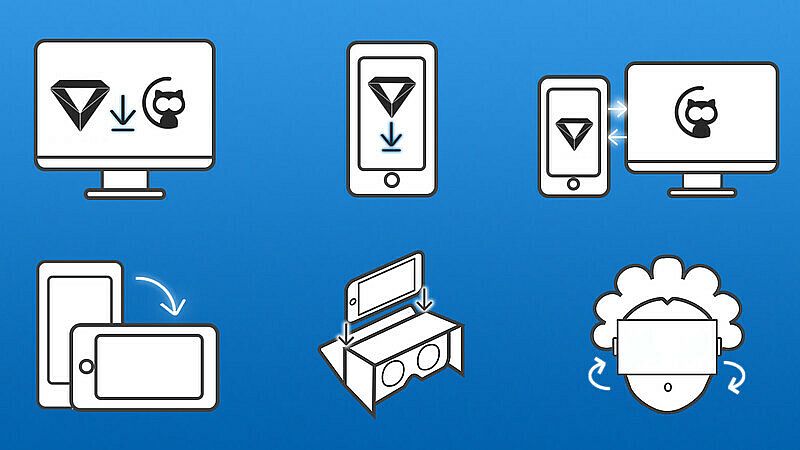
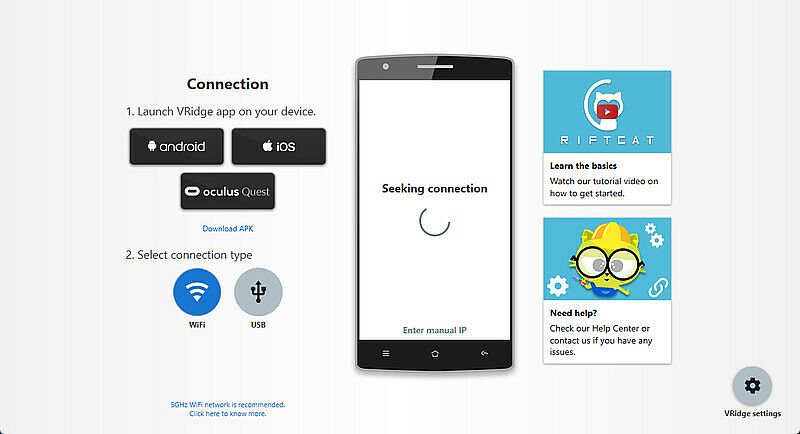
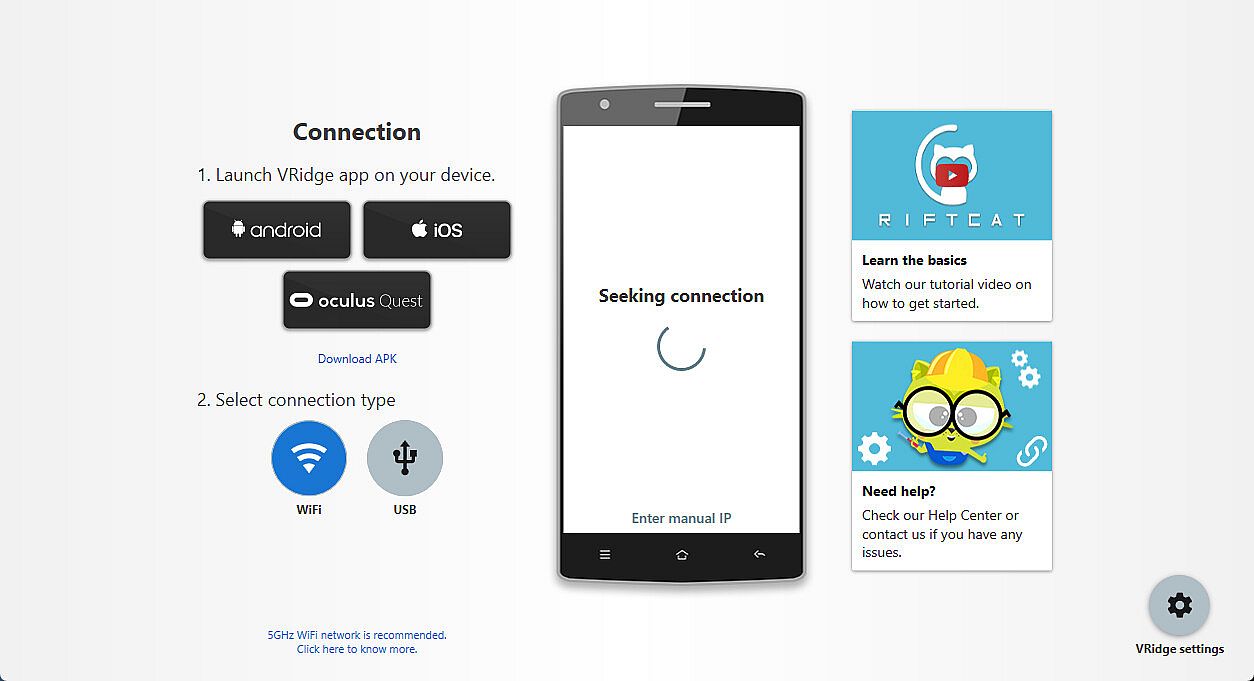
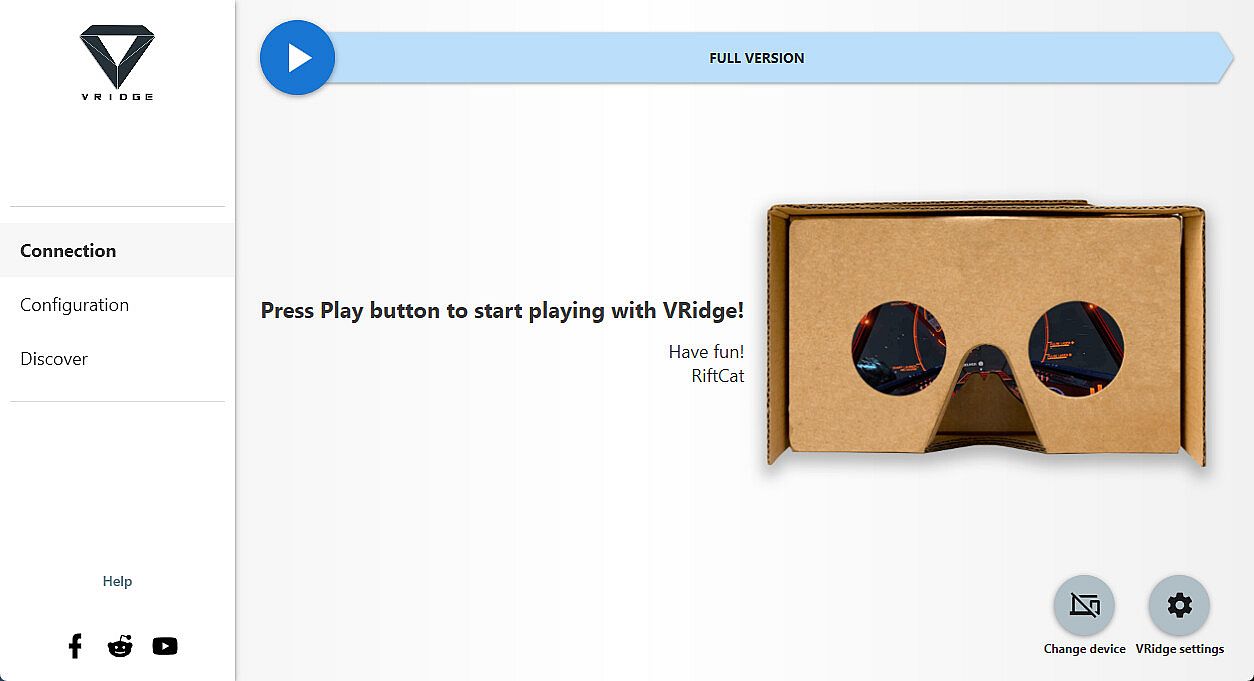
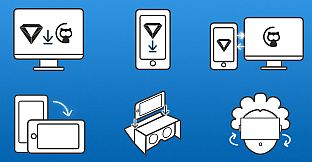
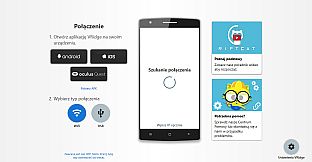
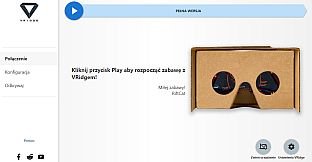
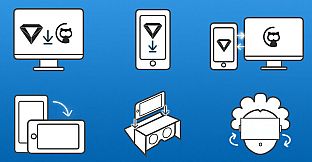
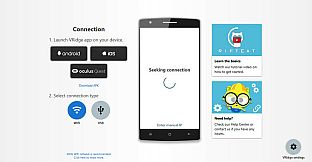
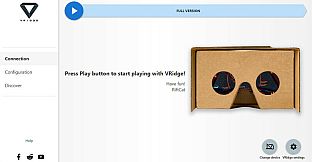
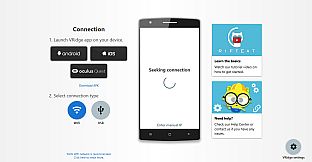
Zainstaluj klienta RiftCat na PC przez Steam, a potem uruchom VRidge na smartfonie w viewerze. Uruchom oba programy, połącz się przez WiFi za pomocą poradników w aplikacji i graj. Najpierw przetestuj konfigurację na dema, by sprawdzić płynność. Takie narzędzia VR idealnie pasują do właścicieli PC, którzy chcą mobilnego VR bez dodatkowego sprzętu.
VRidge connects your mobile device to your PC, transforming it into a powerful SteamVR-compatible virtual reality headset. It will then stream SteamVR apps to your mobile device as a high-performance video with full head and controller tracking. All you need is a mobile or cardboard VR viewer to enjoy the experience!
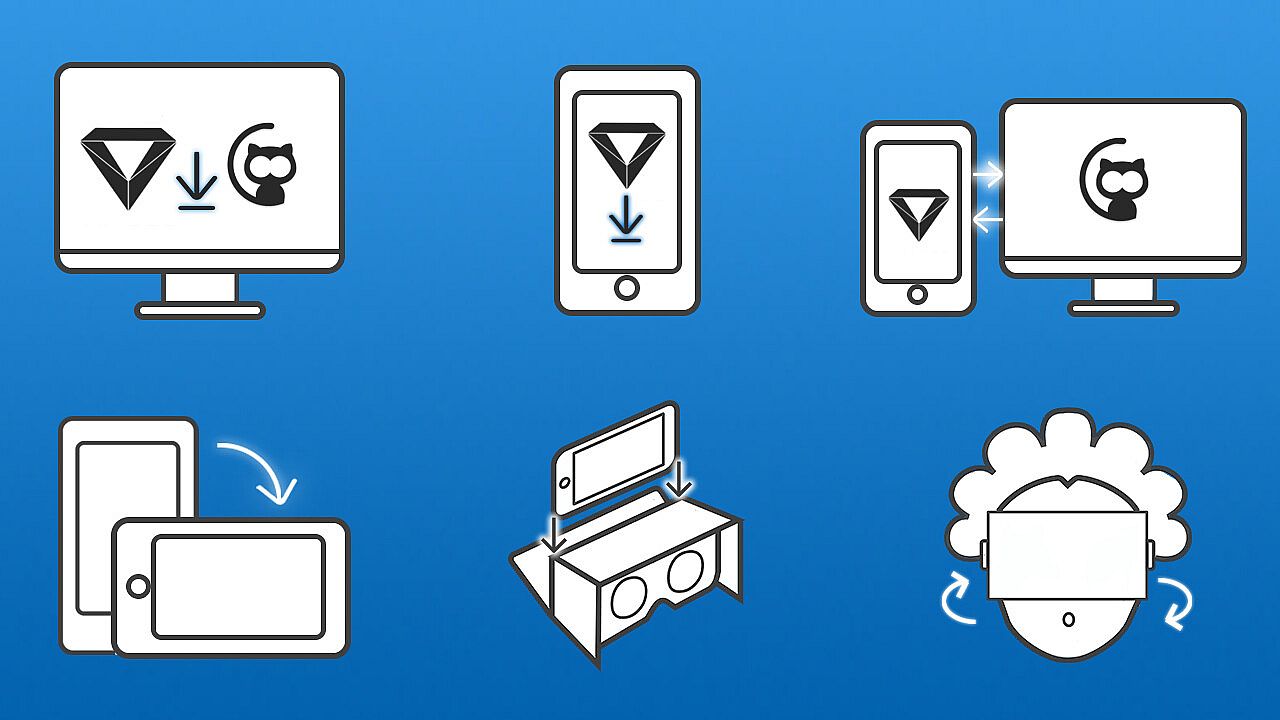
Getting started
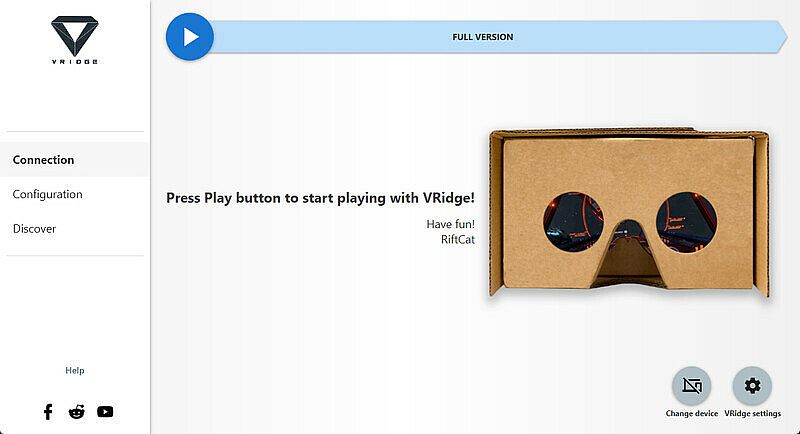
- Install RiftCat client application on your computer via Steam.
- Install VRidge on your mobile device and place it inside your mobile VR viewer.
- Launch both apps.
- Follow the built-in instructions in the RiftCat application to connect them via WiFi.
- Enjoy!
Test your setup first
Try out your
VRidge hardware setup with the
Demo version to ensure everything works correctly before making a purchase.