








Zoom Player : Steam Edition PC

Gdzie znale藕膰 najlepsz膮 ofert臋 na Zoom Player : Steam Edition na {6}? Por贸wnaj ceny z 1 sklep贸w i wybierz najlepsz膮 opcj臋 spo艣r贸d 1 ofert dost臋pnych na XD.deals. Obecnie najni偶sza cena Zoom Player : Steam Edition w keyshopach jest na 137,49聽z艂 (50% taniej).

Premiera: 04 kwi 2014
Steam:
Mixed (56)
Keyshops
Brak dost臋pno艣ci
Kup w oficjalnym sklepie:
-50%
137,49聽z艂
Kup w keyshopach:
Zobacz histori臋 cen

Sklepy oficjalne (1)

DRM:
Steam
Steam
Steam
Zoom Player : Steam Edition
Windows
+1
1l temu
DRM:
Steam
Steam
274,99聽z艂 137,49聽z艂
Historical Low Deal
Historical low
-50%

O Zoom Player : Steam Edition

Zoom Player : Steam Edition - o grze
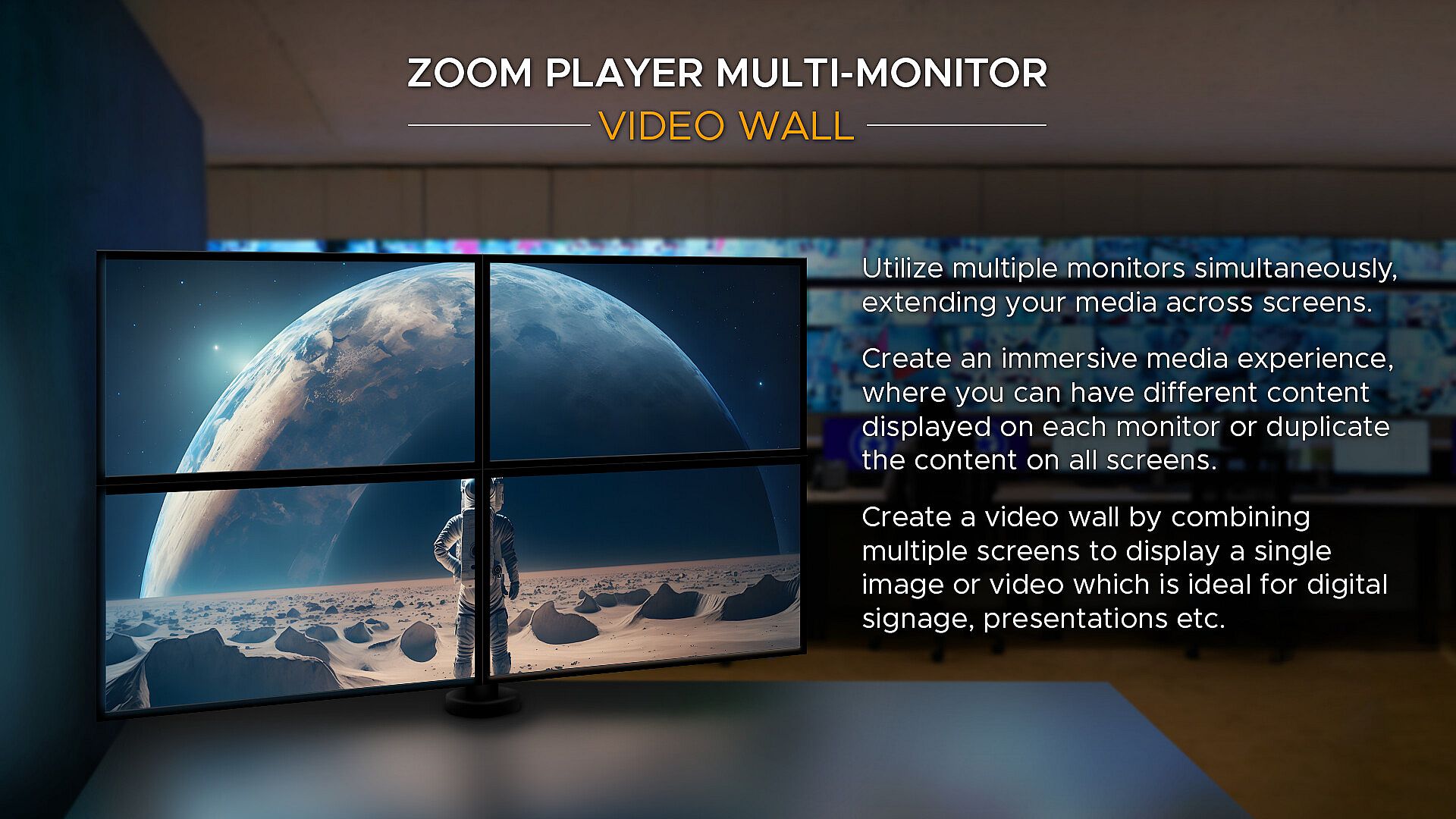
Zoom Player to wszechstronny odtwarzacz multimedialny i konfiguracja domowego kina dla komputer贸w z Windows, oparta na konfigurowalnych interfejsach u偶ytkownika i zaawansowanym dostrajaniu odtwarzania. Wykorzystuje wiod膮ce technologie dekodowania, takie jak DirectShow, FFMPEG, LAV Filters, libVLC i Chromium, zapewniaj膮c obs艂ug臋 r贸偶norodnych format贸w z maksymaln膮 jako艣ci膮 sprz臋tow膮. Opcje sterowania obejmuj膮 aplikacje zdalnego dost臋pu, kontrolery Xbox, klawiatury, myszy, skrypty PowerShell, TCP/IP oraz przegl膮darki internetowe - wszystkie w pe艂ni konfigurowalne. U偶ytkownicy tworz膮 elementy ekranowe, takie jak przyciski, paski g艂o艣no艣ci czy osie czasu, dostosowuj膮c ich rozmiar, kolor i przezroczysto艣膰 do dowolnej wielko艣ci wy艣wietlacza. Narz臋dzia kina domowego oferuj膮 bibliotek臋 multimedi贸w z trybami jukeboxa TV i film贸w, wy艣wietlaj膮c膮 t艂a, plakaty oraz metadane. Streaming wspiera IPTV, kana艂y YouTube i serwery typu PLEX, Emby czy Jellyfin - idealne dla mi艂o艣nik贸w medi贸w ceni膮cych precyzyjn膮 kontrol臋 i porz膮dek.

Zoom Player represents my life-long quest as an indie developer to craft the most versatile media player and Home Theater experience for Windows.

What makes Zoom Player the best overall media player? It's the user interface, viewing experience and tweaking options. Lots and lots of tweaking options, tailoring the playback experience to your personal preferences without bloating up or slowing down.

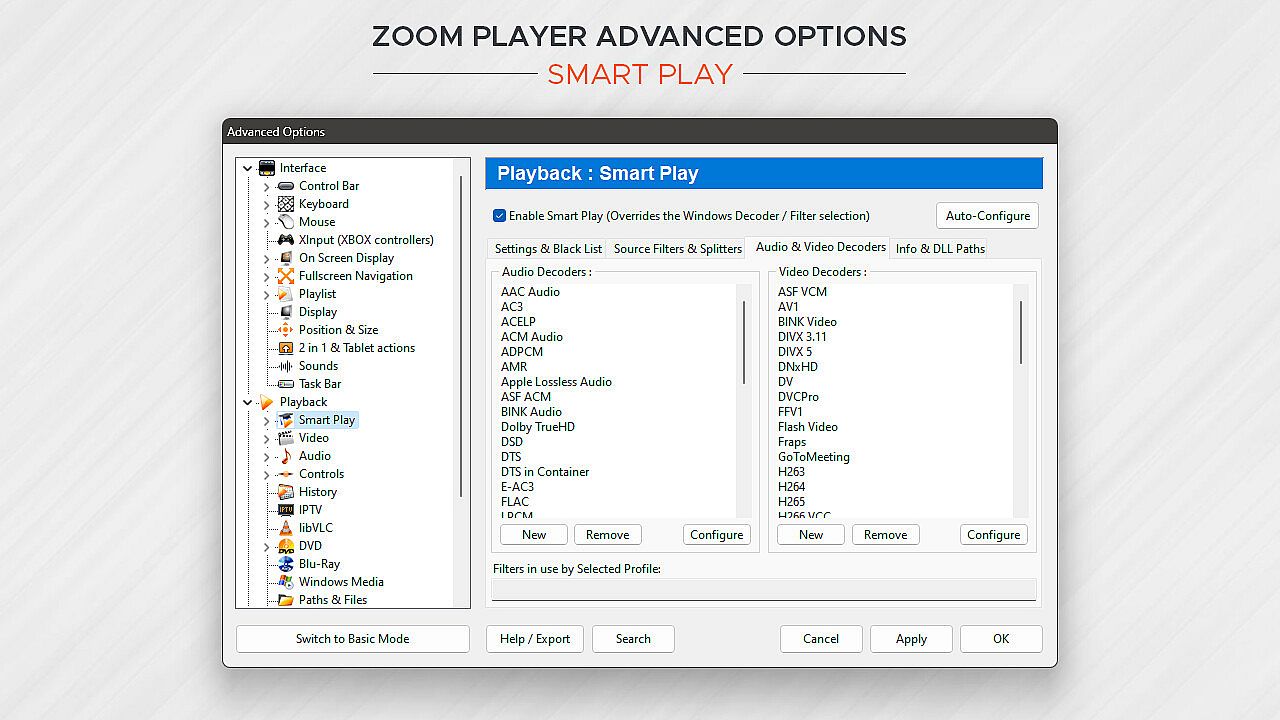
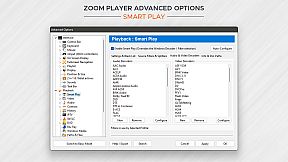
Under the hood, Zoom Player uses the best audio/video decoding and rendering technologies available to get the job done. Whether it's Microsoft DirectShow framework, the FFMPEG project, LAV Filters, libVLC or the Chromium browser, Zoom Player uses the best playback engine for the task. The flexibility of picking the right media engine for the task means that pretty much every media format can play at the highest quality your hardware can muster. And if it doesn't, I will do my best to resolve any issues in the discussions area.

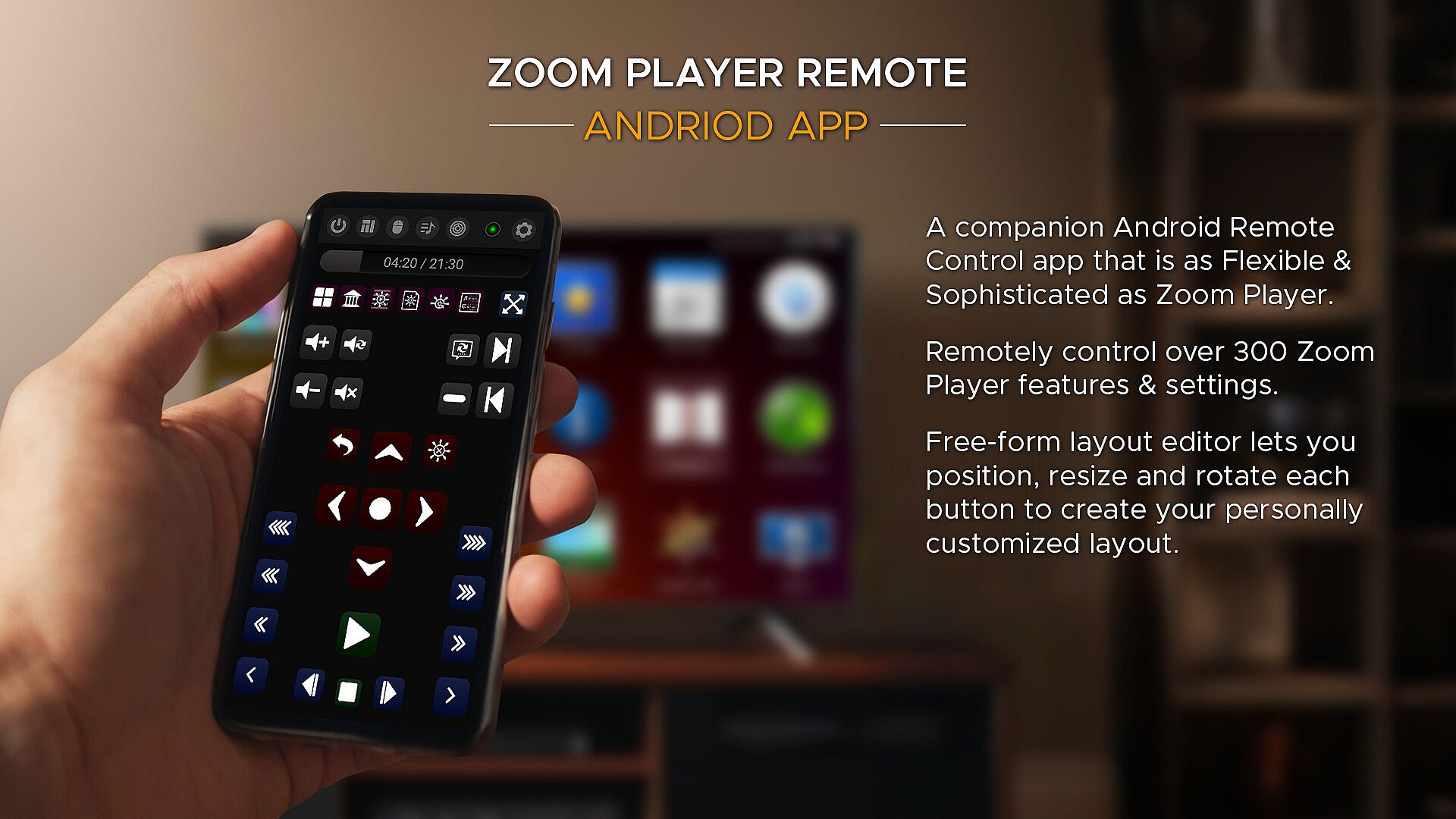
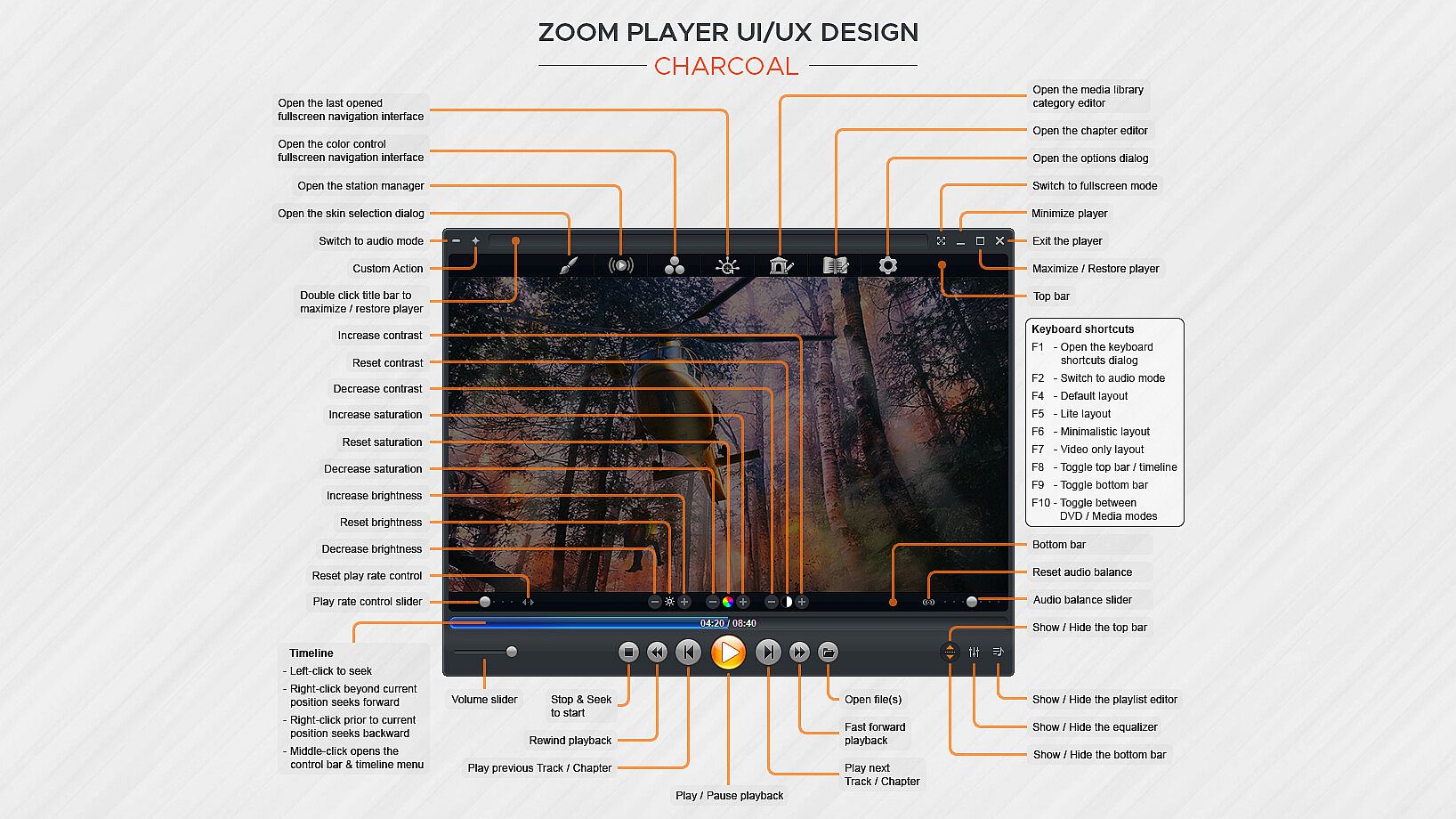
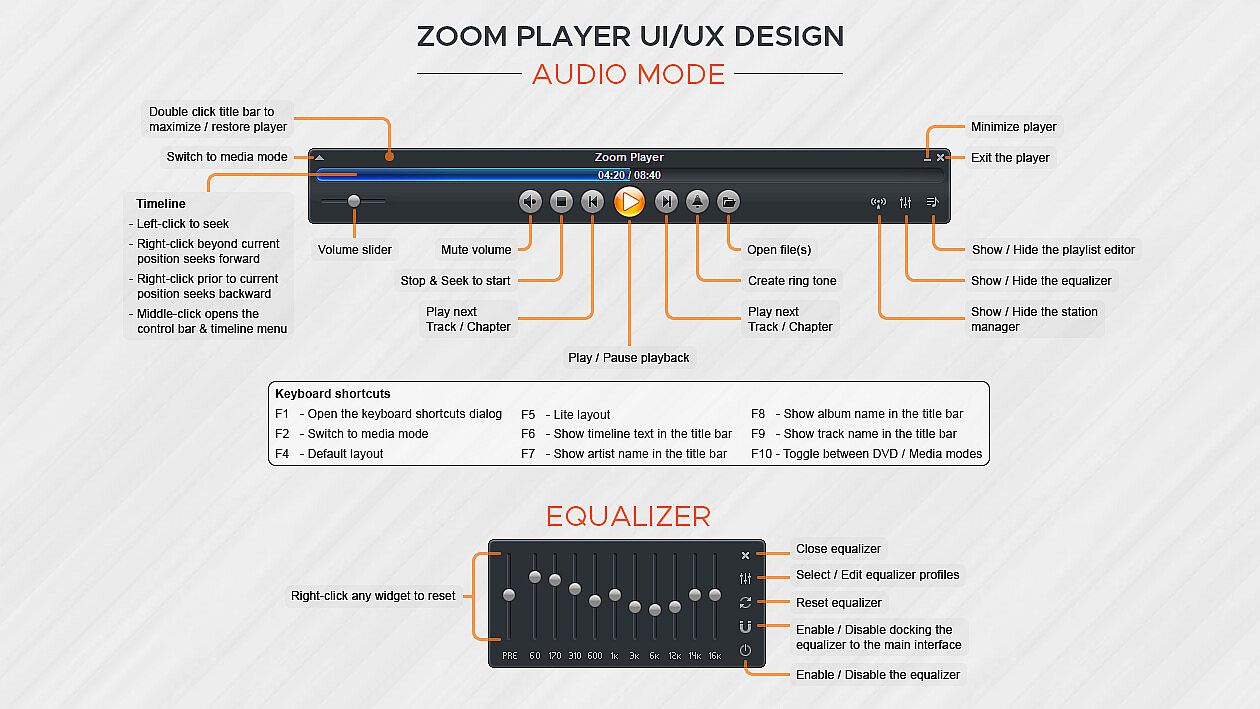
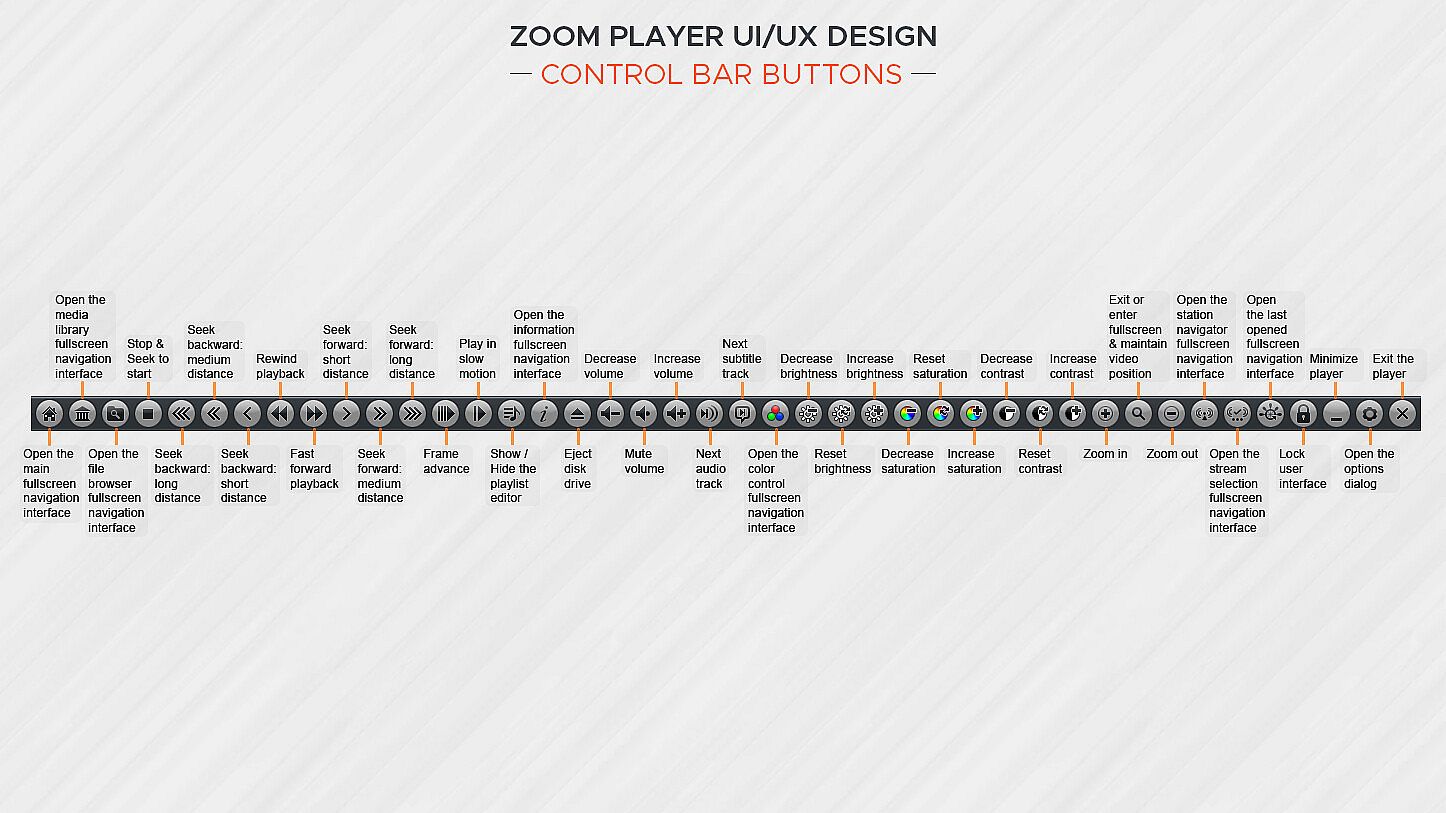
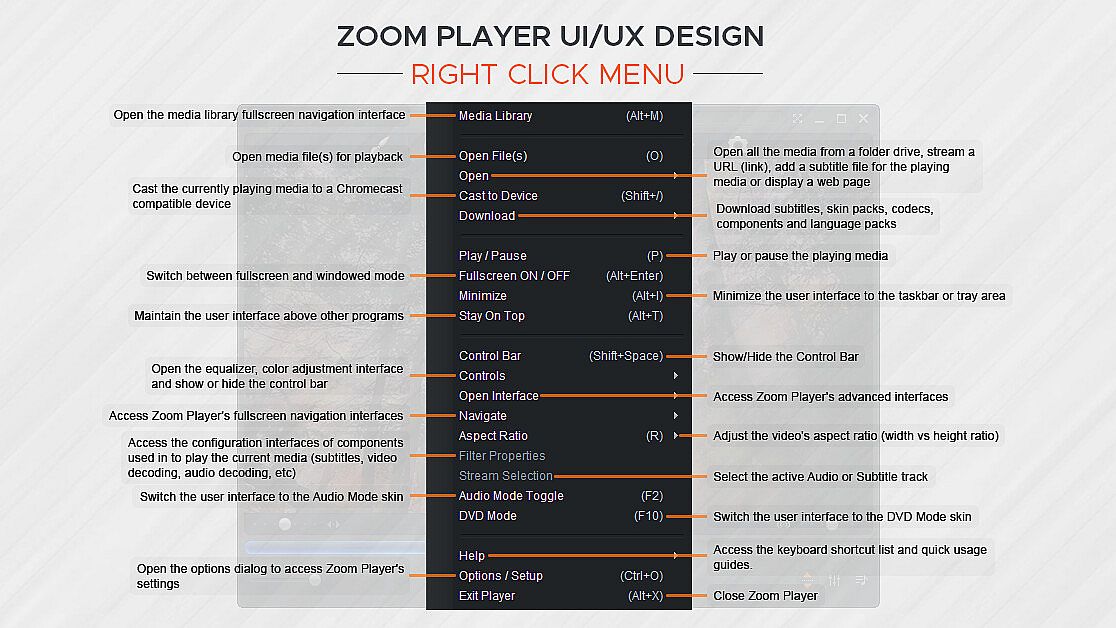
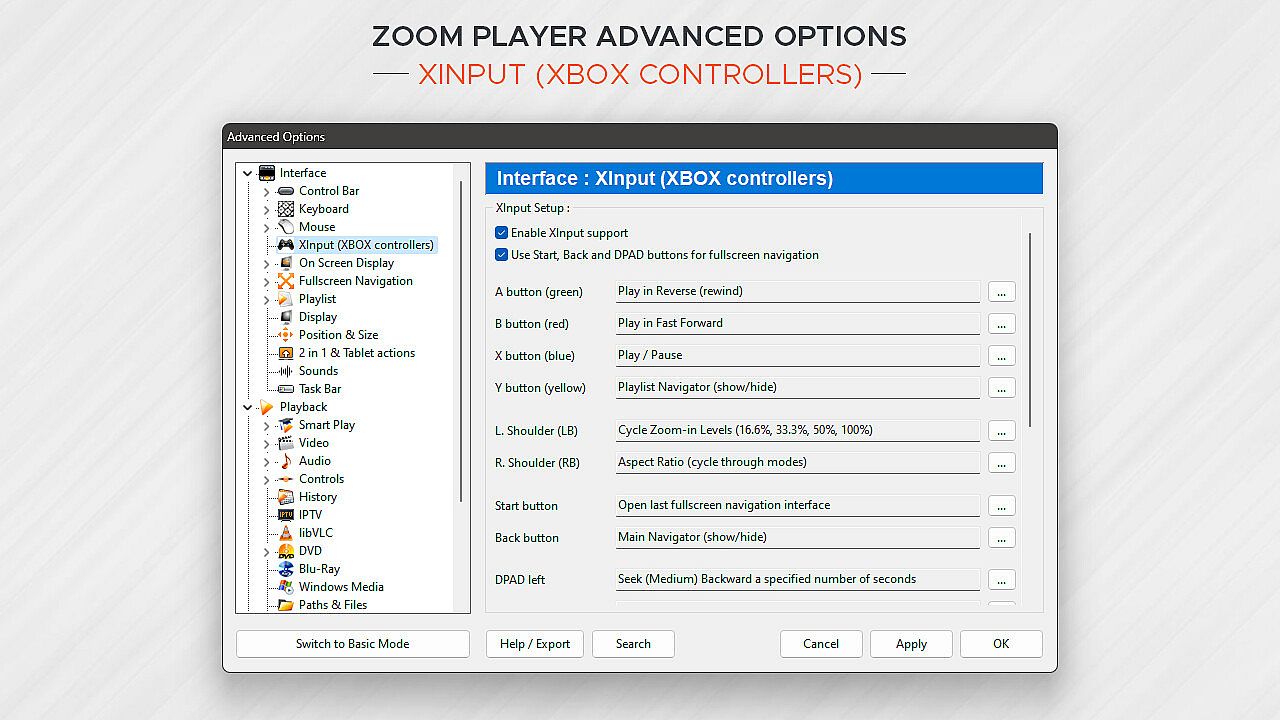
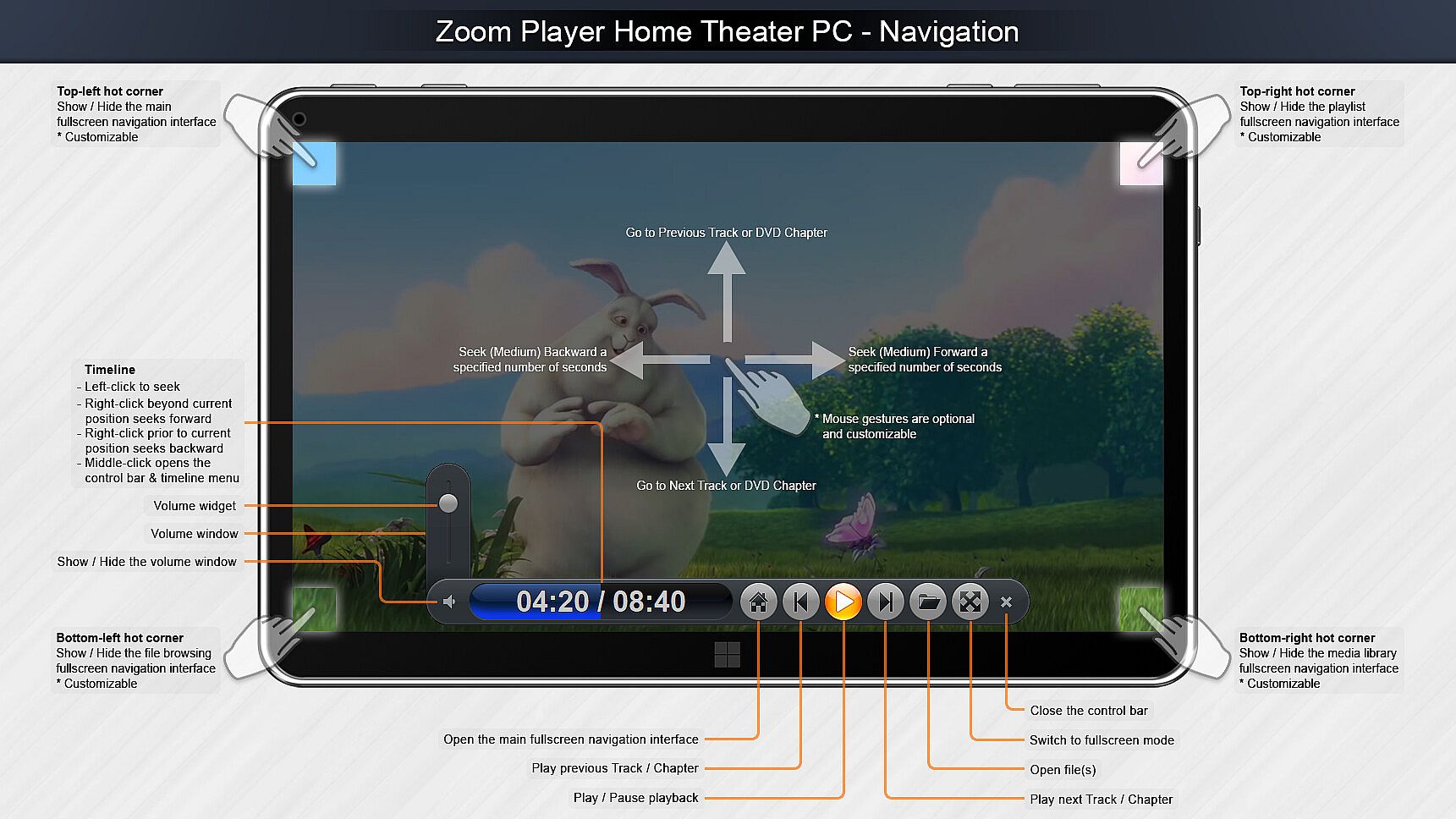
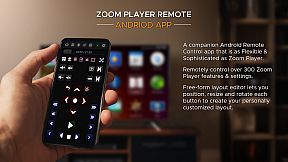
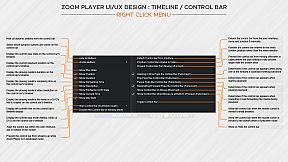
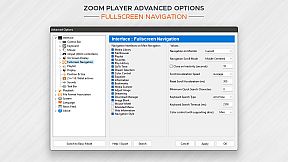
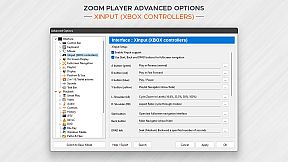
What about Control? If you're scared by long lists, skip to the next paragraph, otherwise know that Zoom Player can be controlled with a Remote Control app; a physical Remote Control; an XBOX controller; a mouse; the keyboard; using a PowerShell Script; Home Automation apps; over TCP/IP; WinAPI; through the Command line; and even with a web browser. Sorry for the long list, but the level of control and attention to detail I designed into Zoom Player is unmatched! Every key, click, swipe, roll and button can be customized to your preferences.

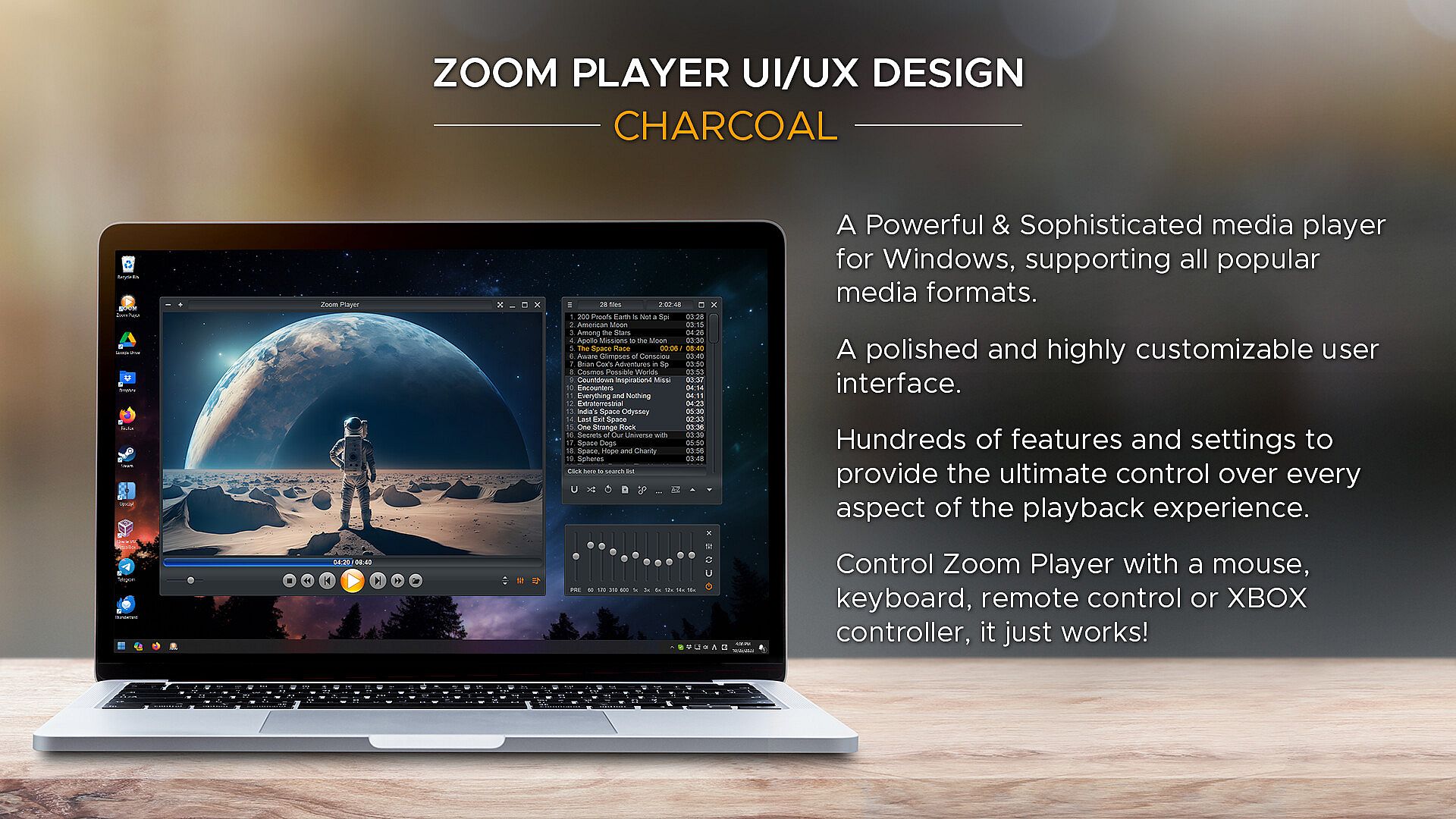
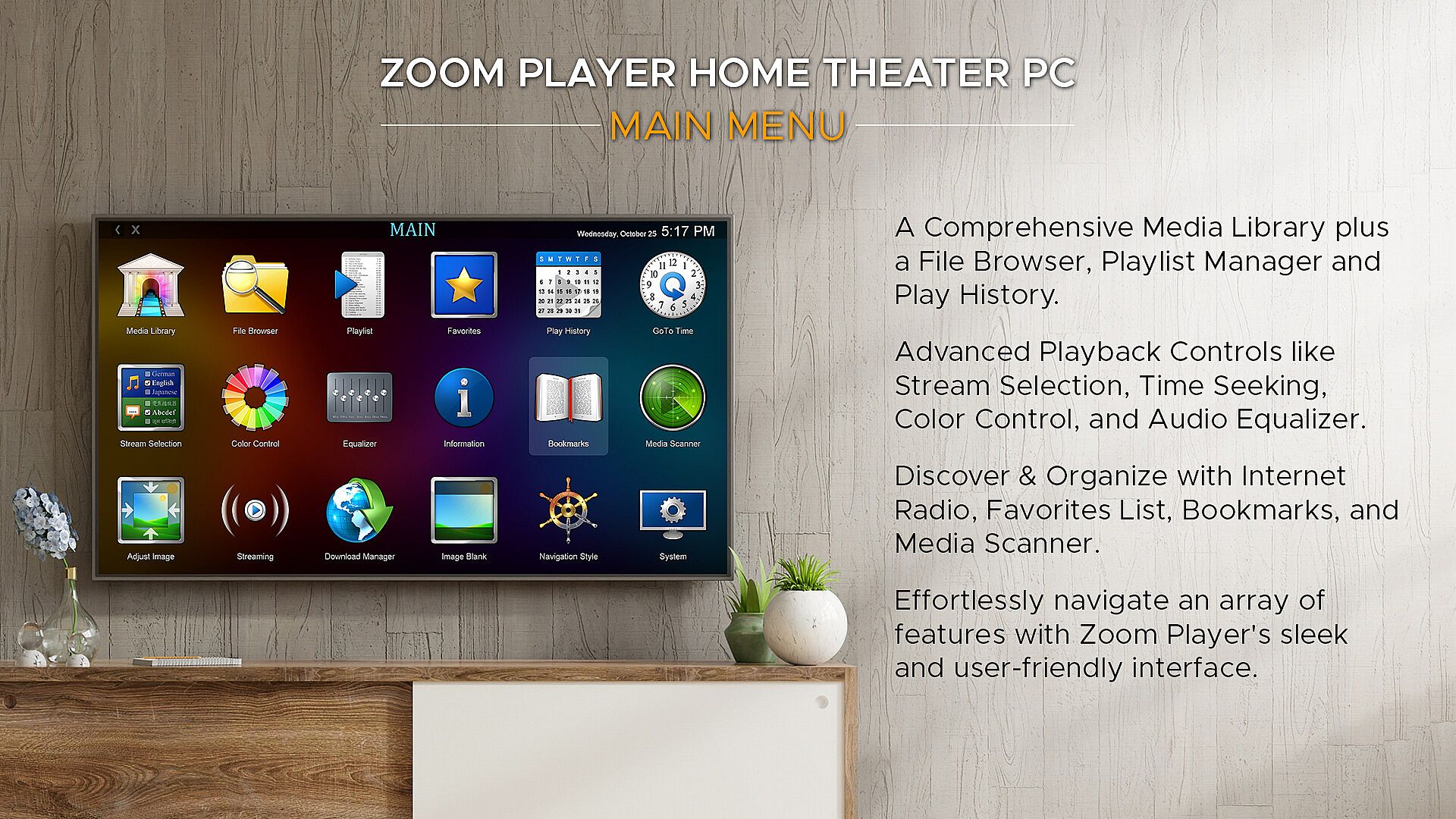
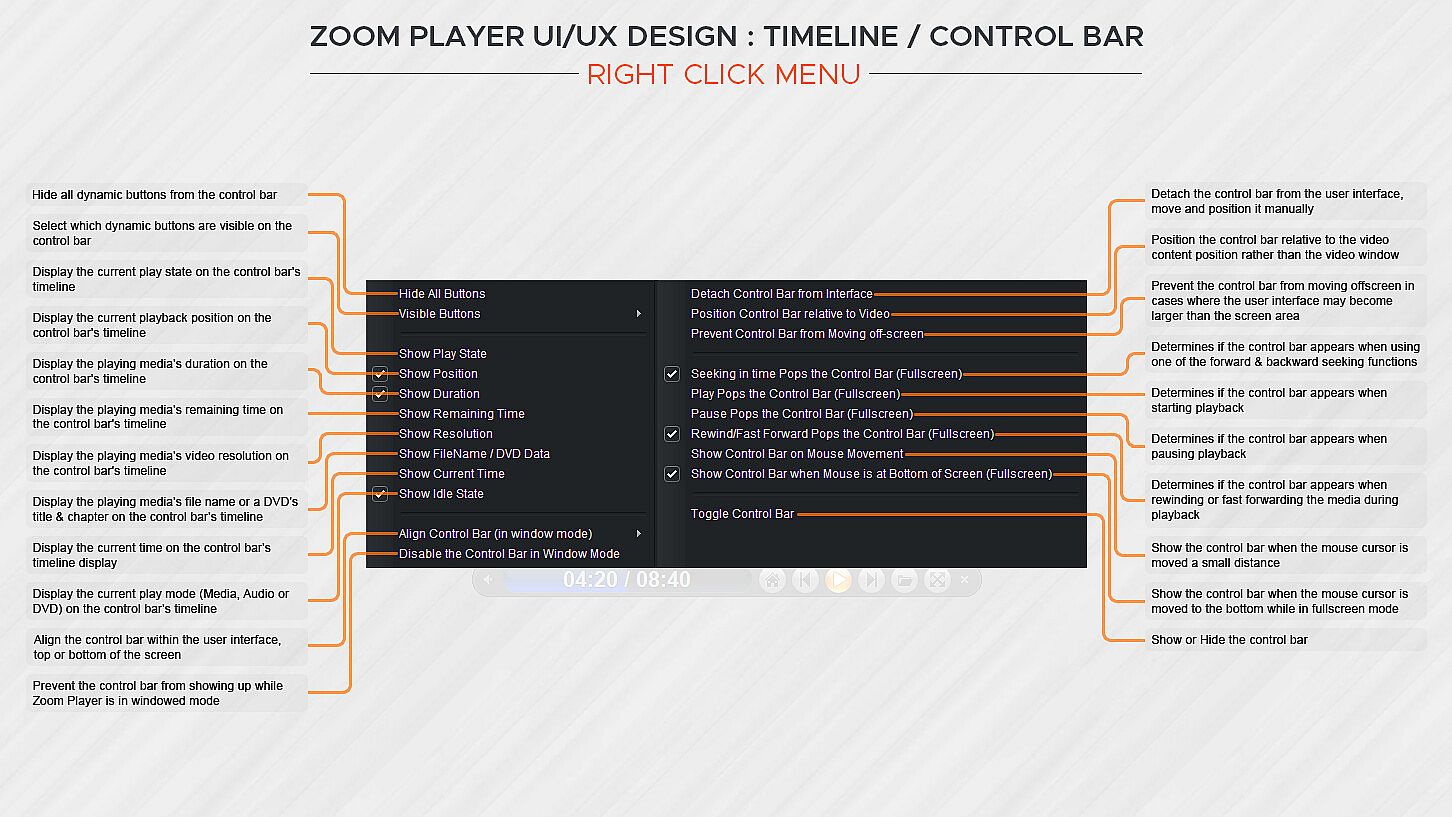
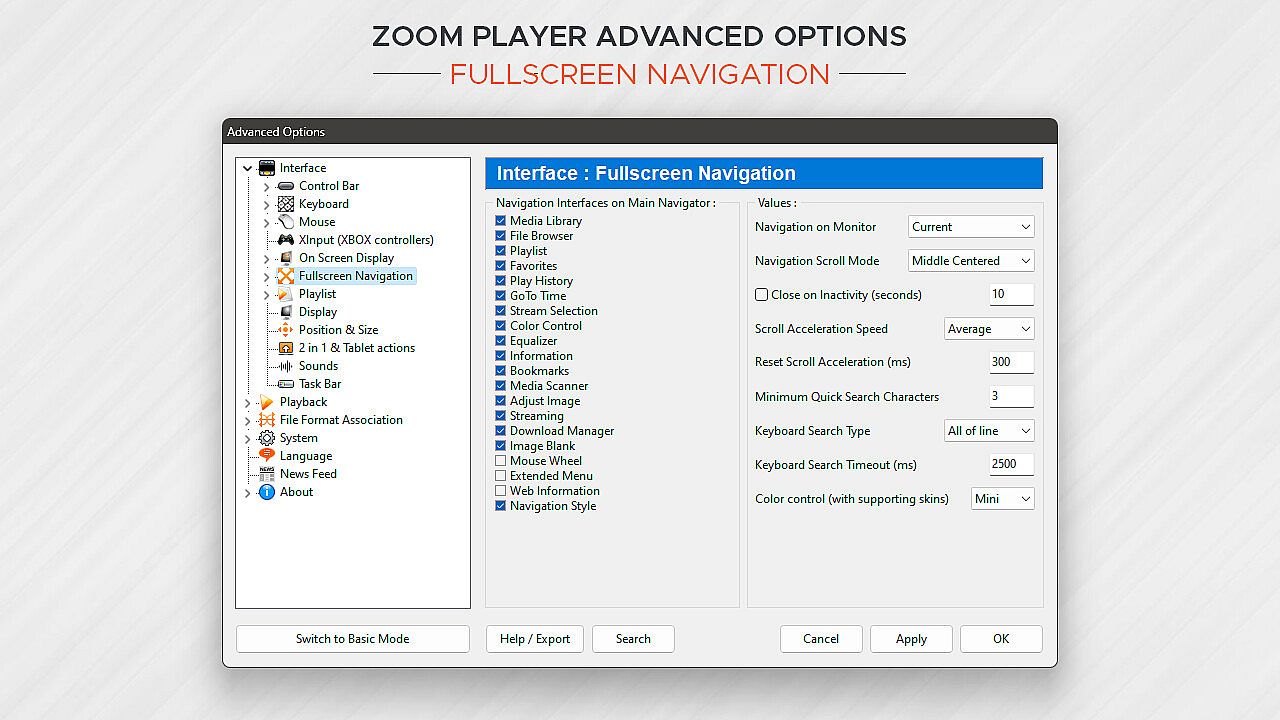
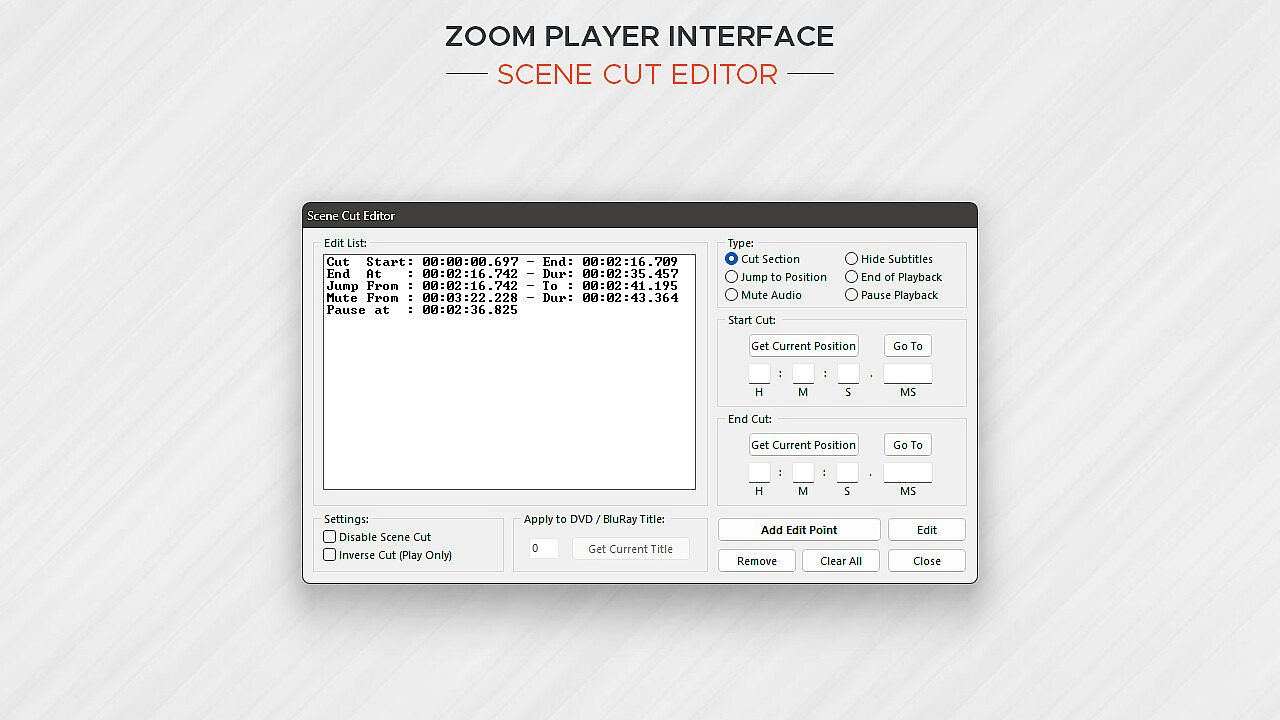
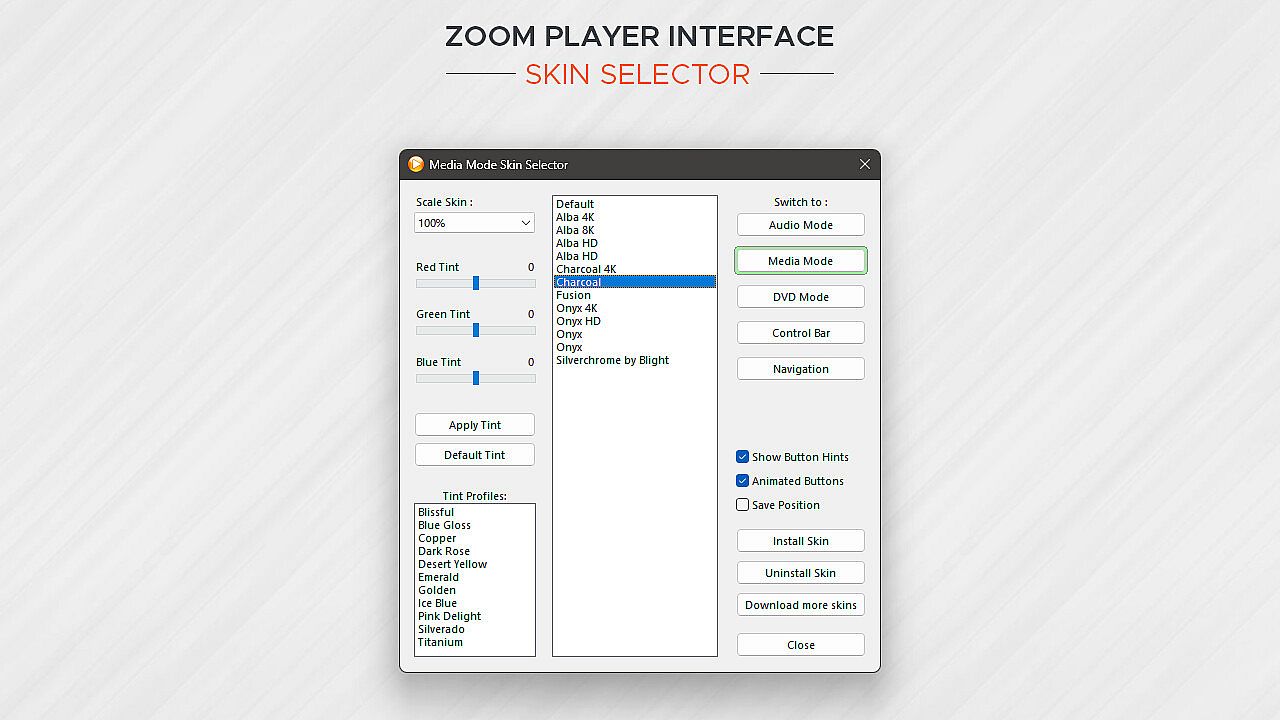
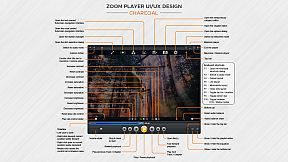
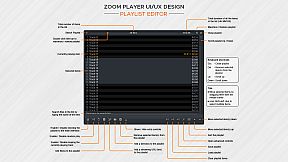
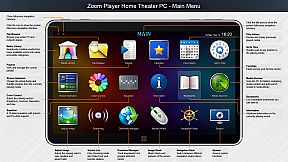
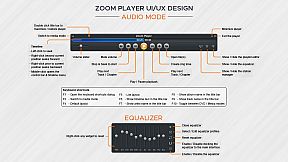
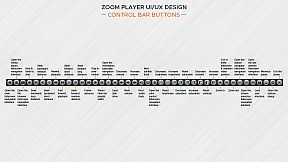
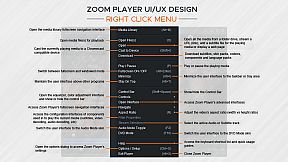
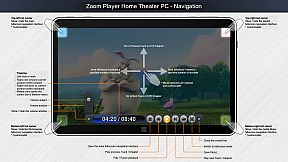
How does Zoom Player look? Amazing. The screenshots only tell half the story. With Zoom Player's powerful control overlay customization features, you can easily pick and choose which user interface elements appear on screen (buttons, volume bar, timeline bar, title text, etc), their size, color, transparency and much more.

Zoom Player's user interface is designed to look good on any display, regardless of the screen size or resolution and is ideal for the visually impaired. You no longer need to be an artist or coder to craft a beautiful user interface tailored to your exact requirements, you can do it yourself with a few simple clicks.

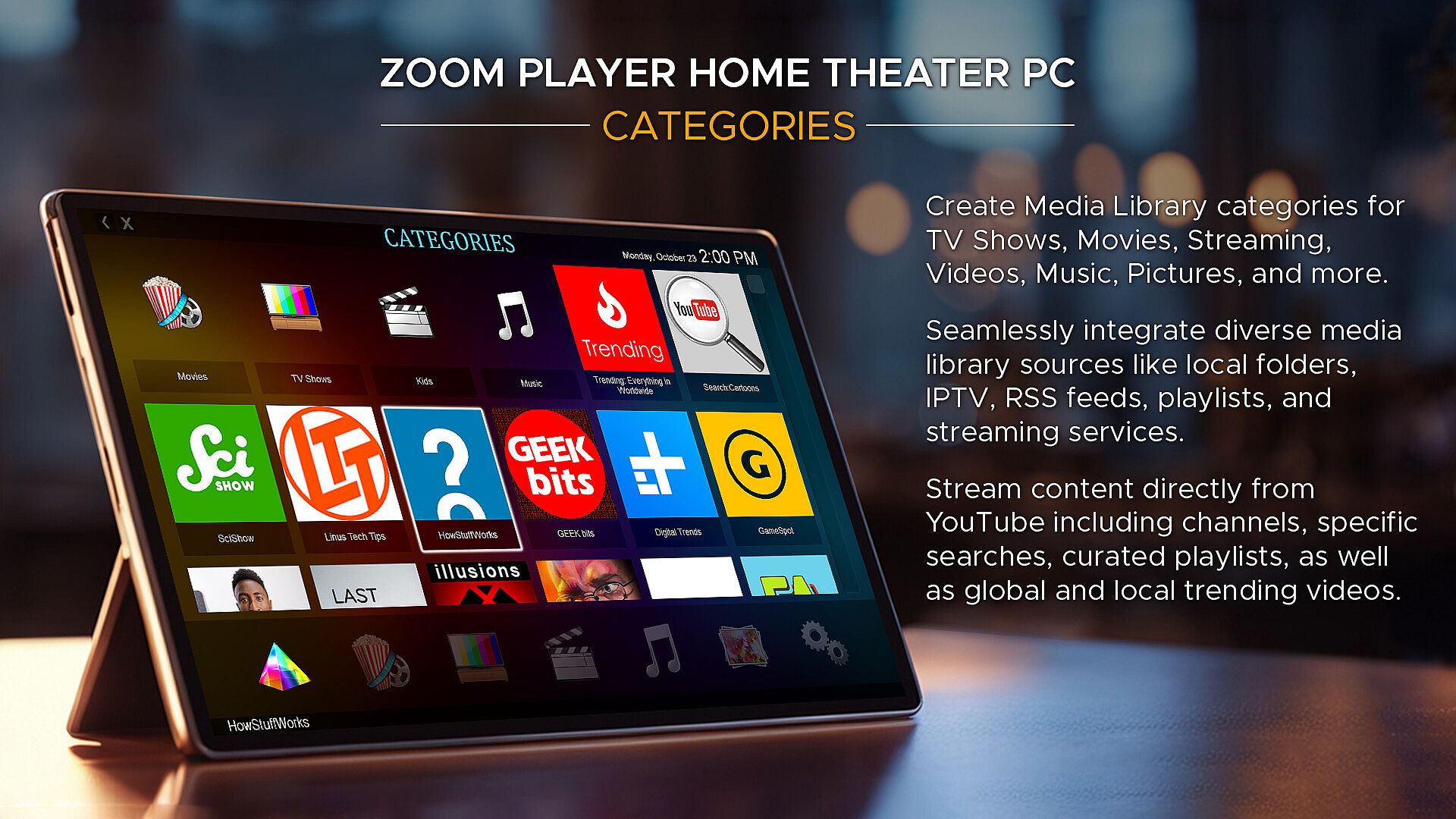
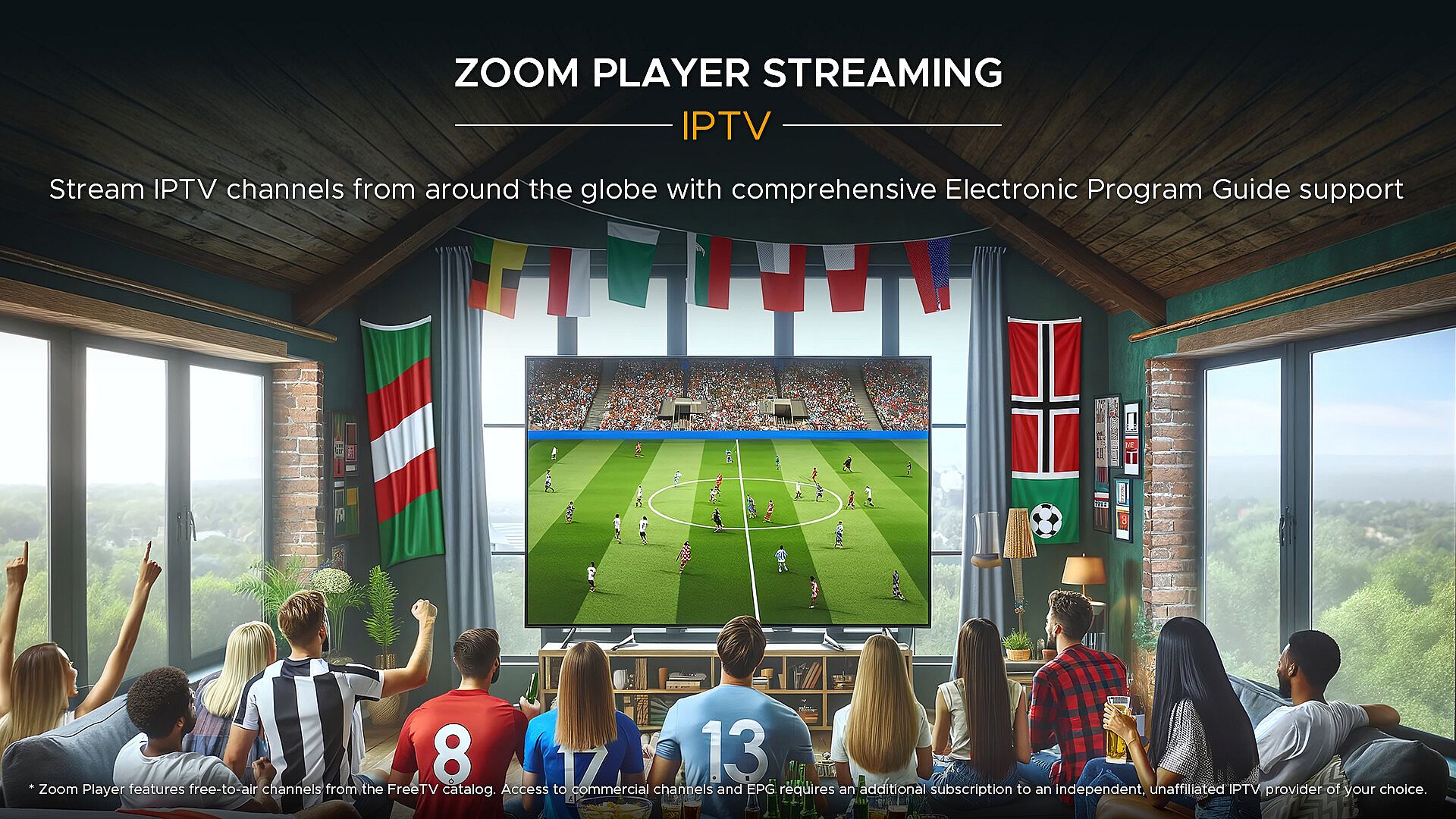
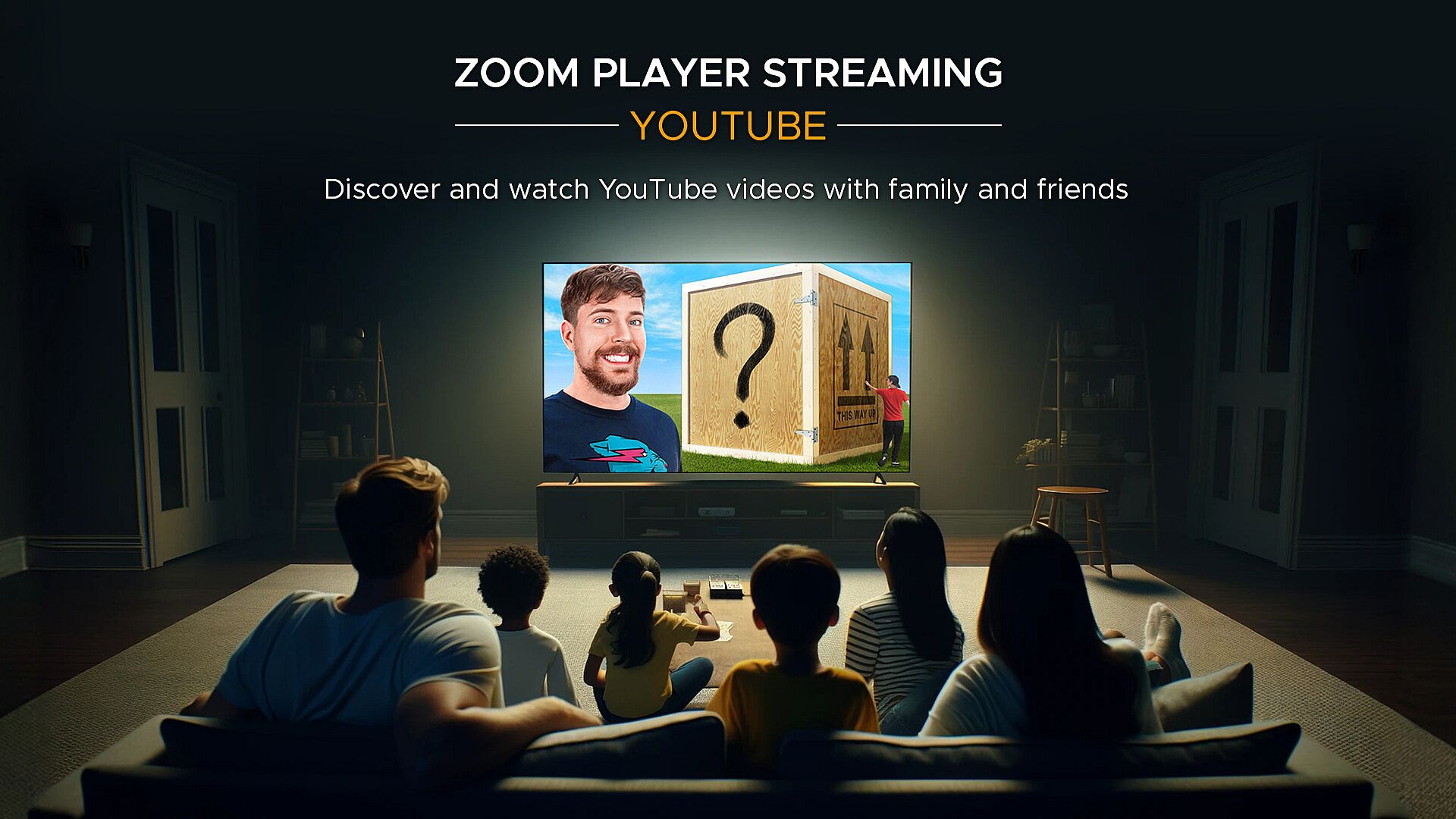
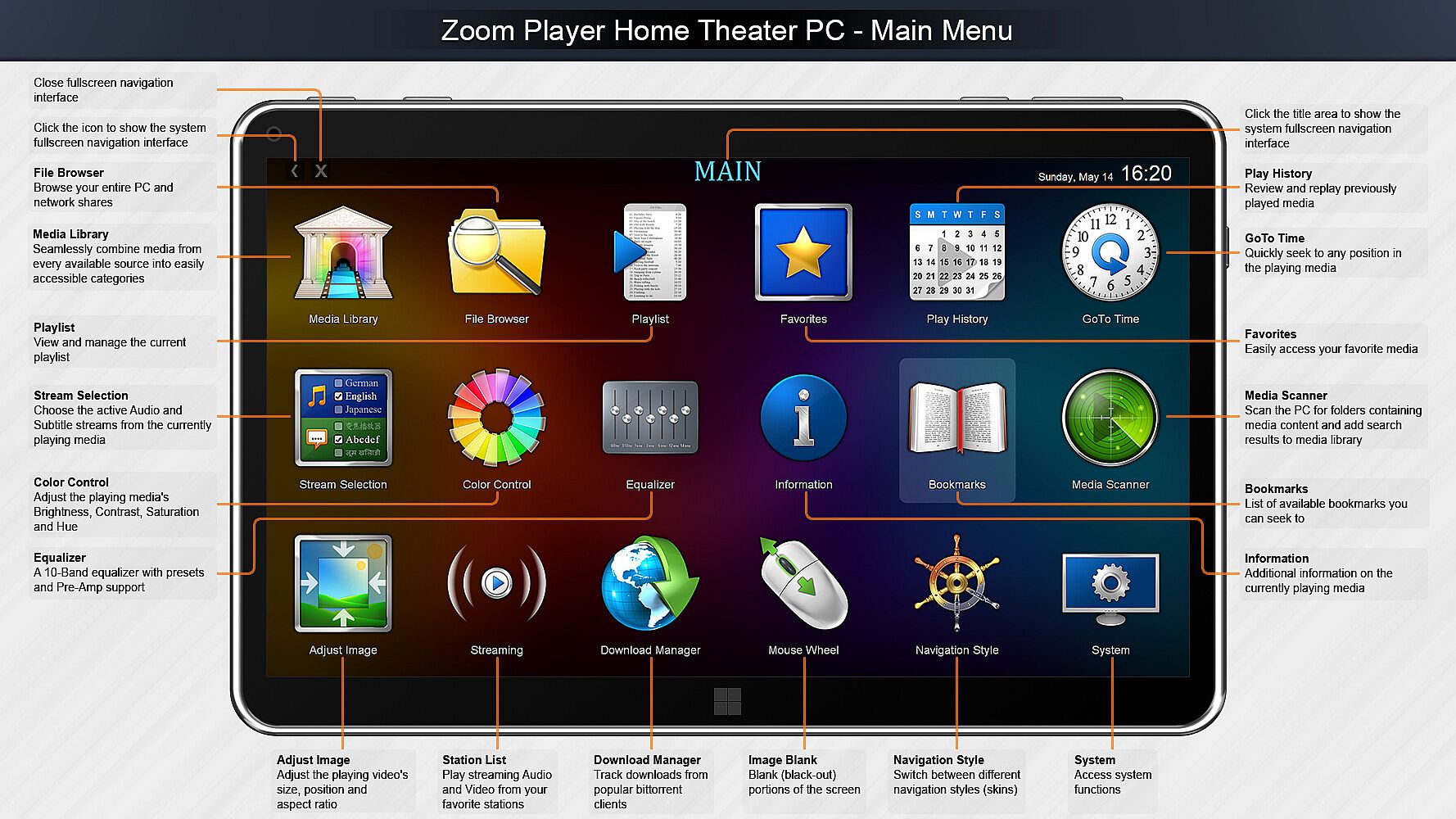
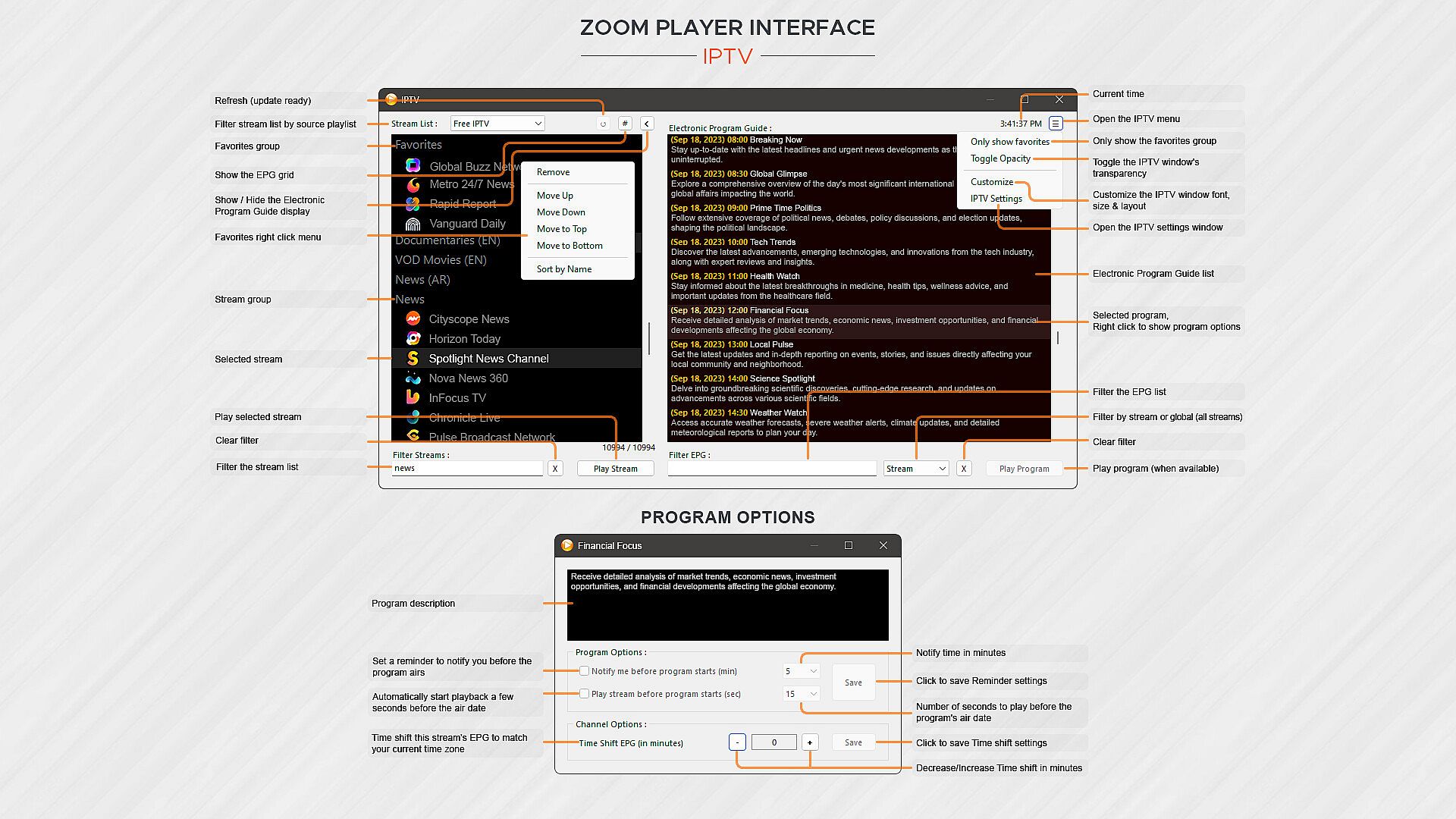
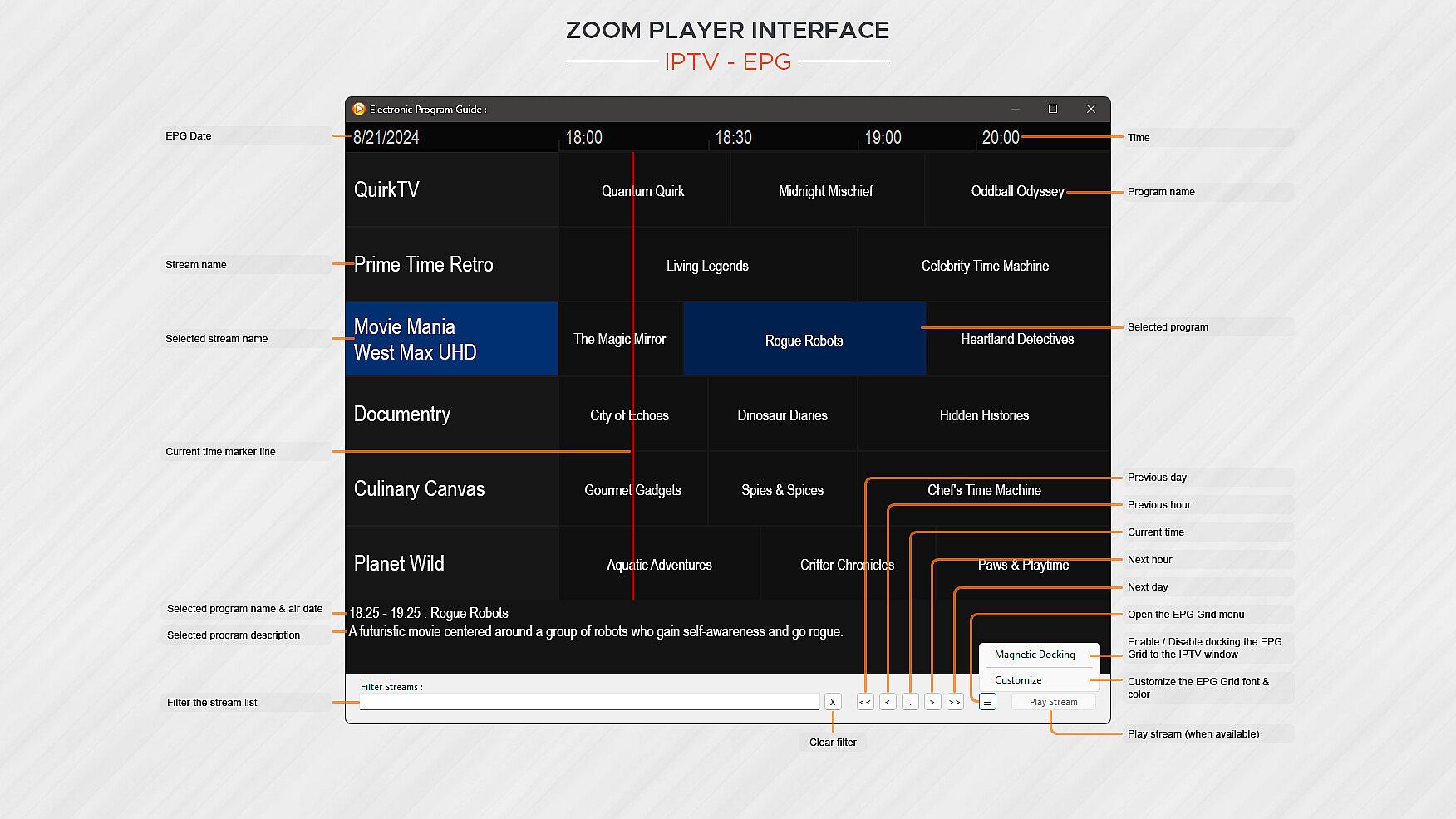
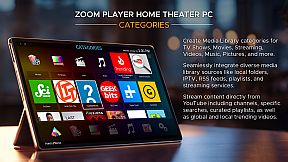
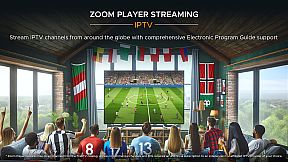
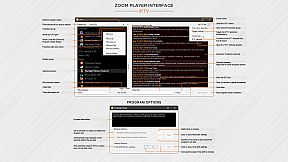
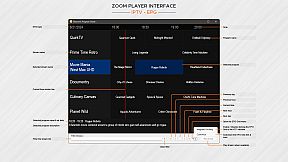
What about Streaming? Zoom Player has the best IPTV implementation on Windows, providing access to live TV from across the world (caveat below). YouTube channels, trends, searches and playlists can be added into the Media Library with ease. Stream content from multiple media servers such as PLEX, Emby and Jellyfin. Other streaming sites either work automatically or can be supported through 3rd party plug-ins.

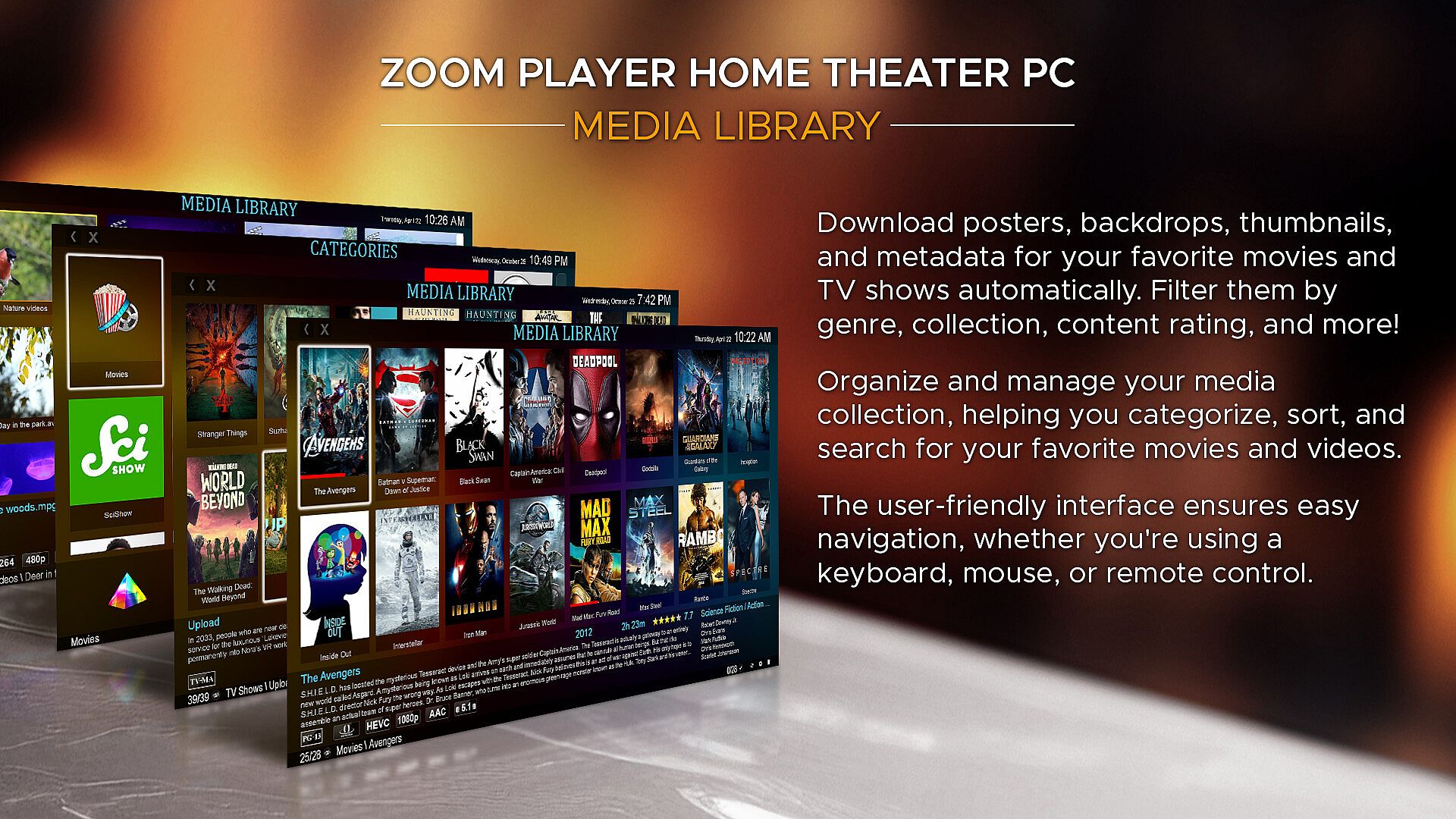
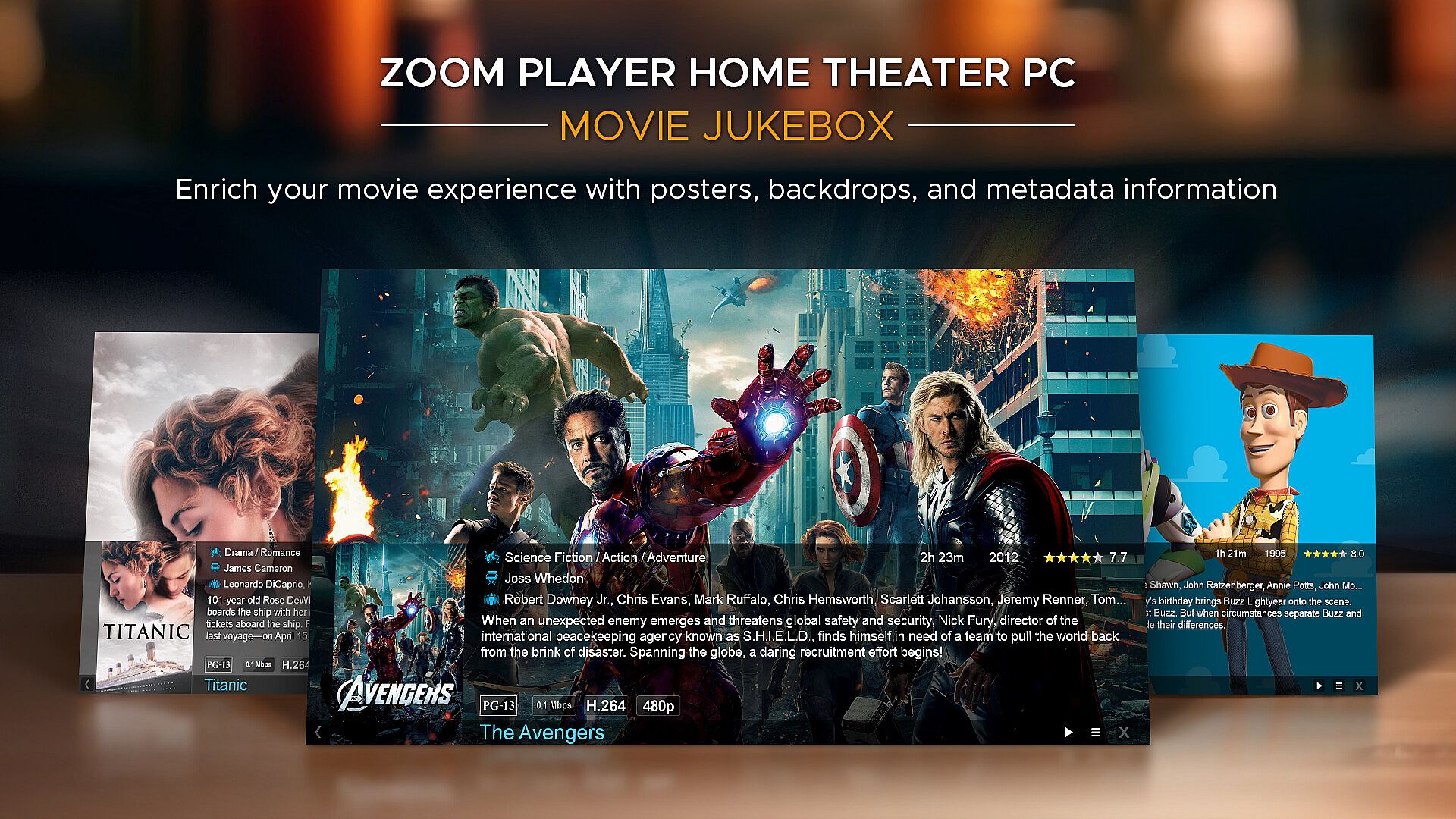
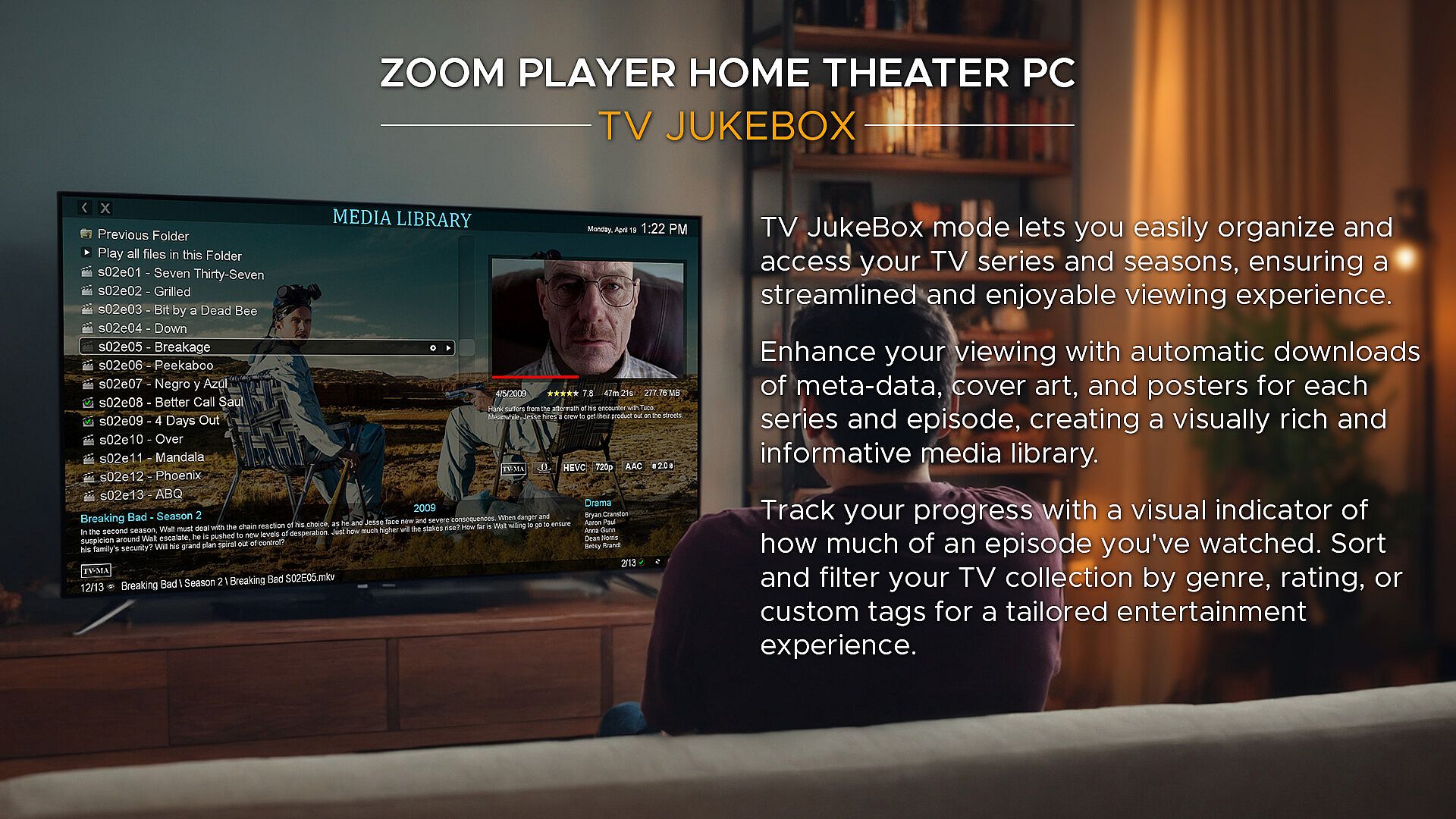
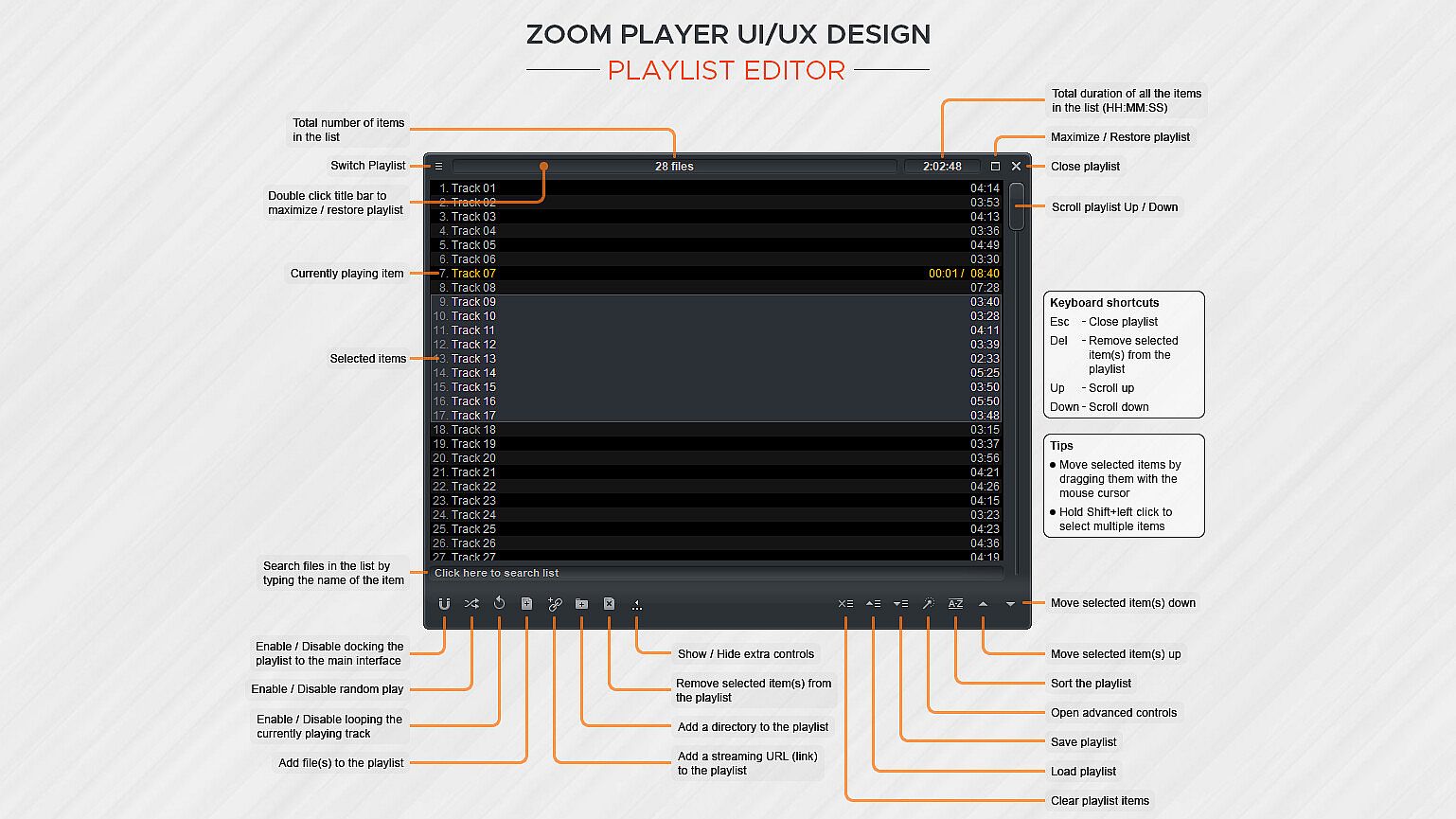
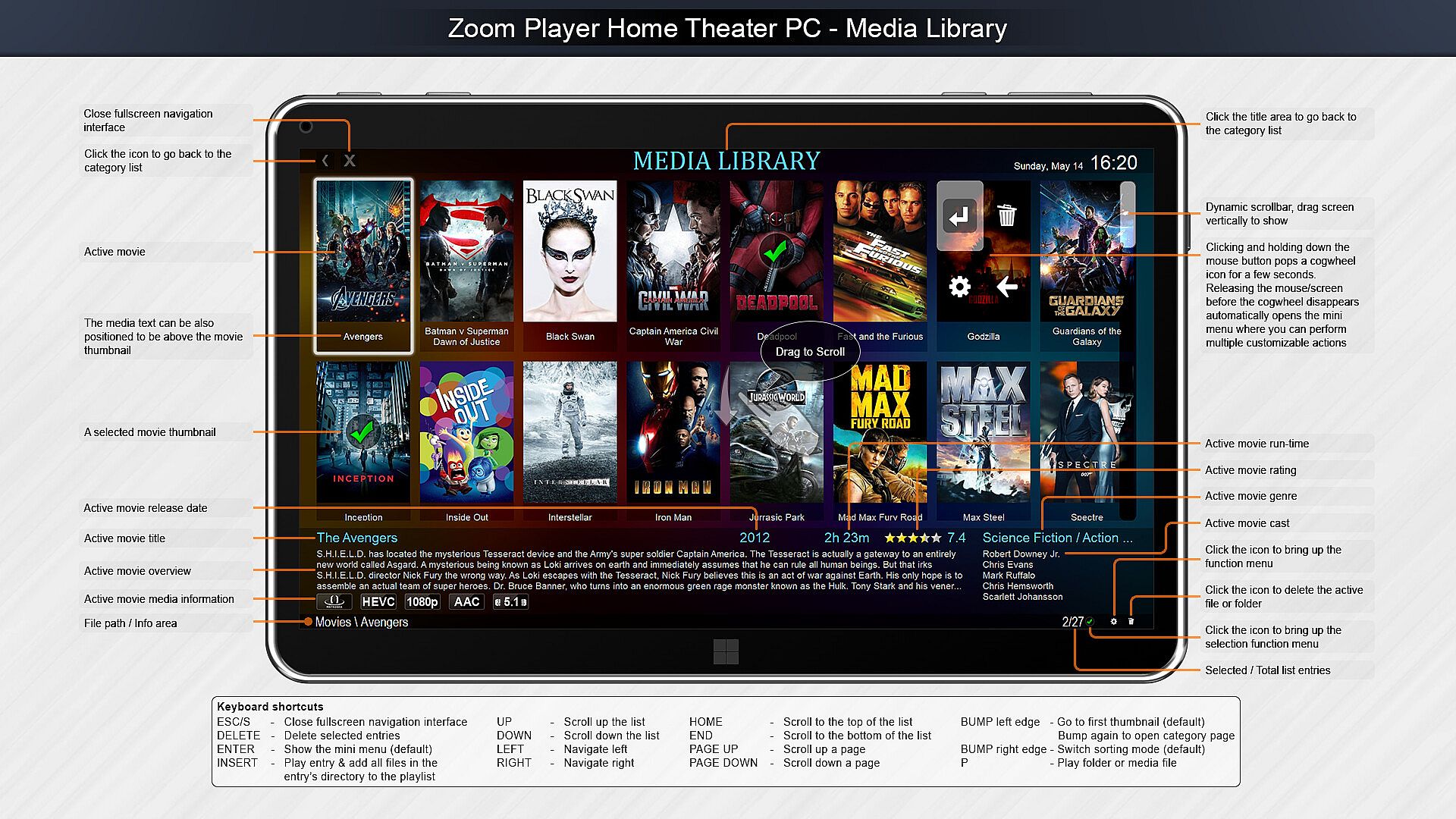
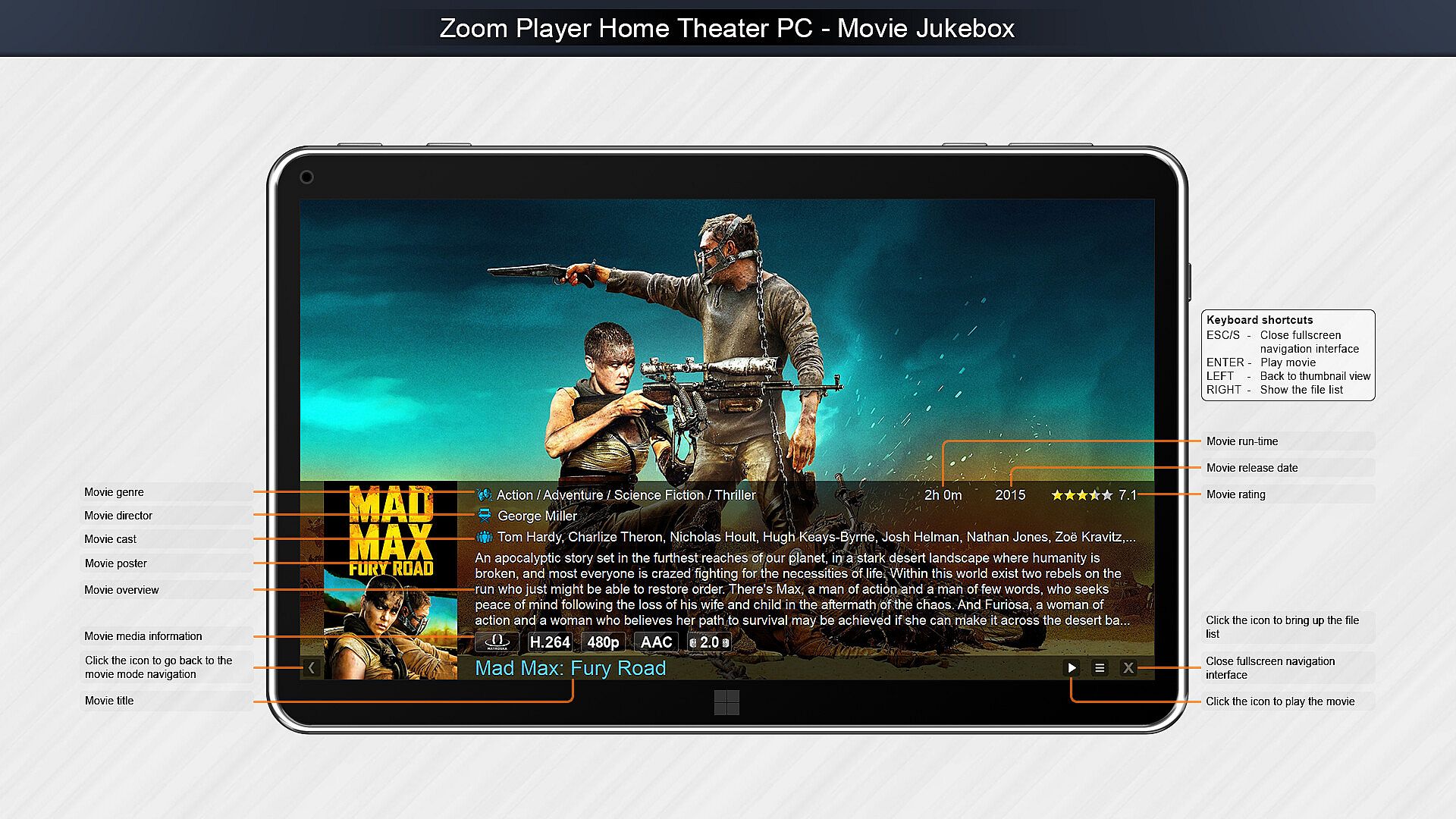
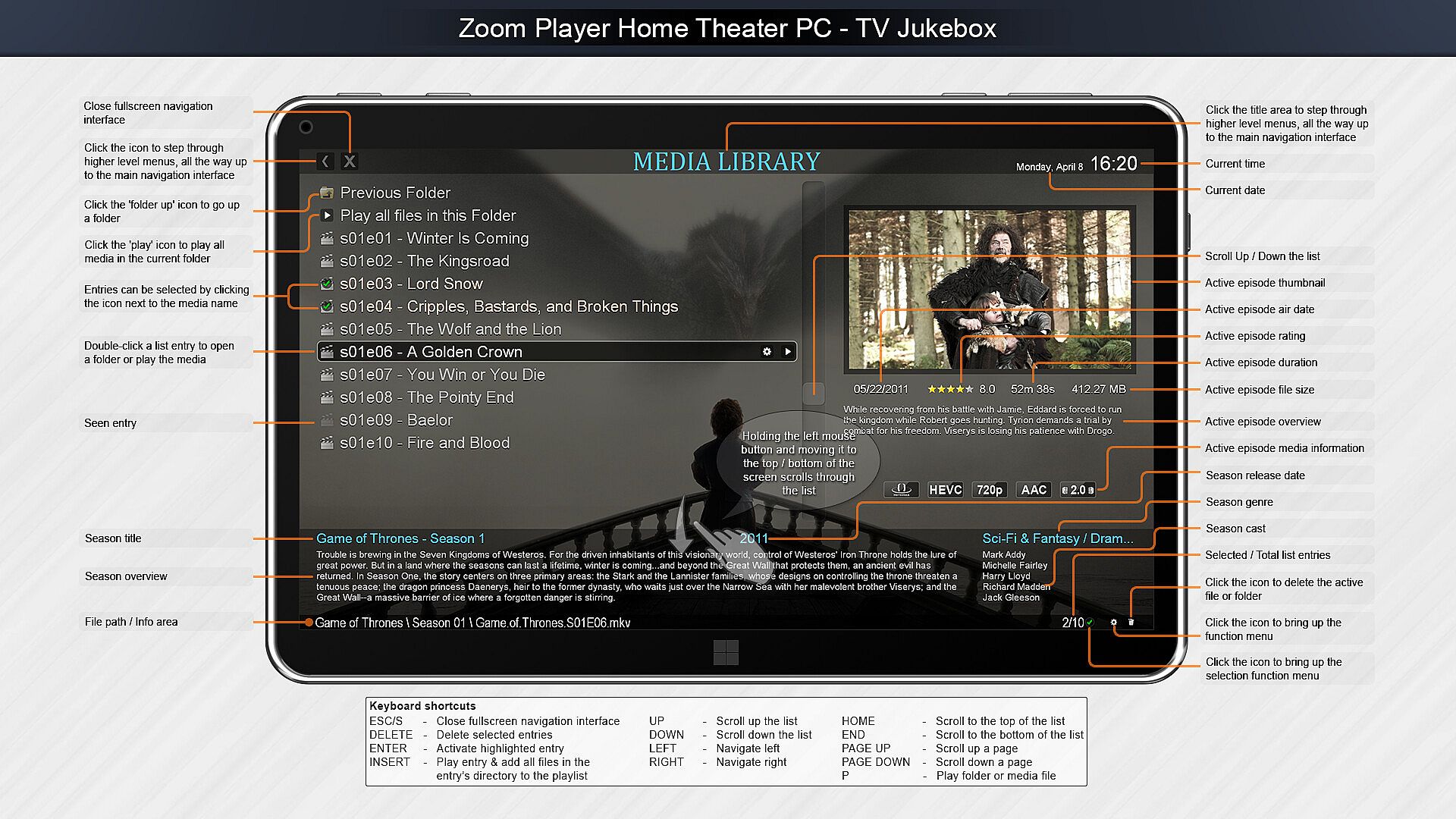
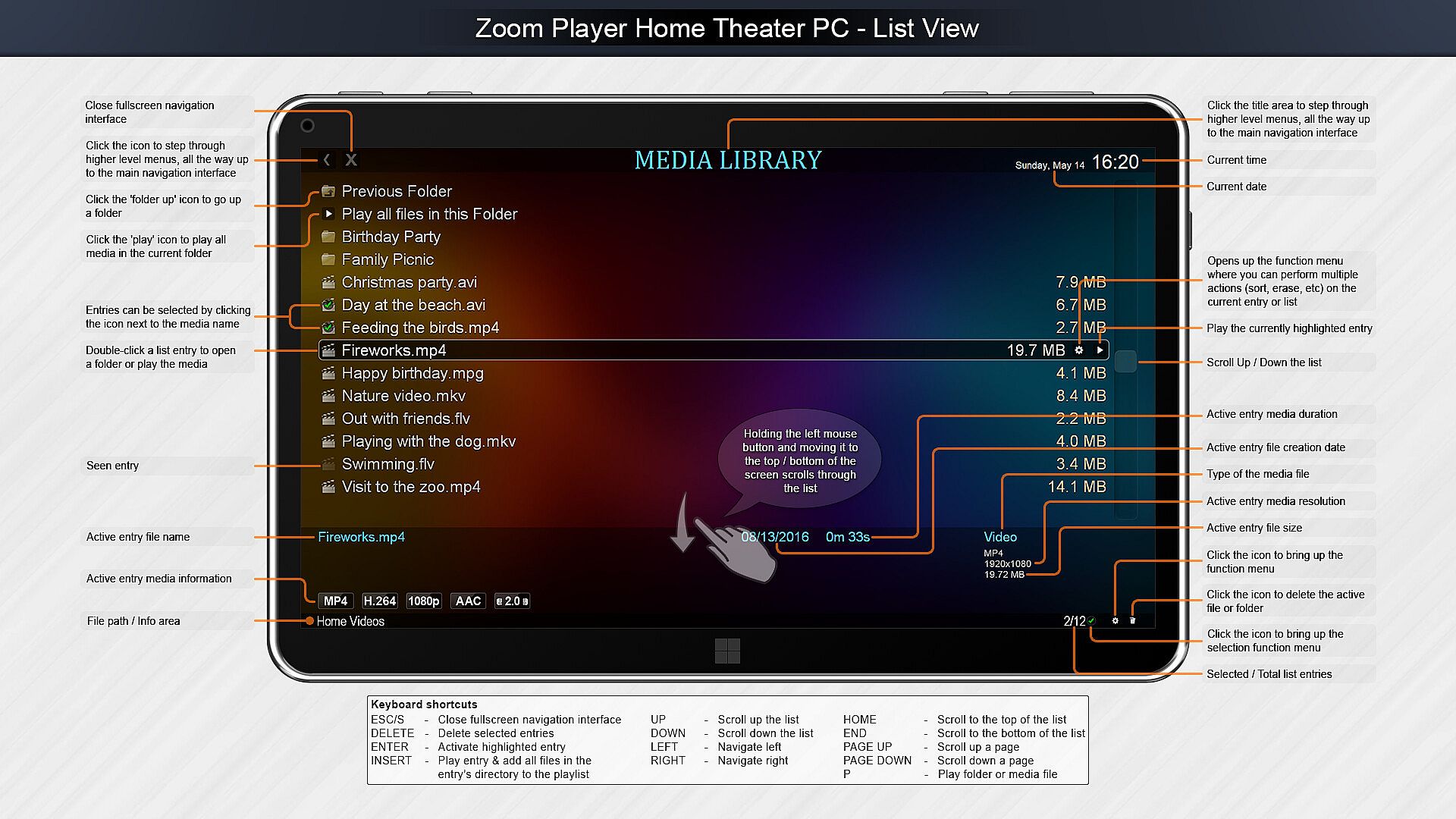
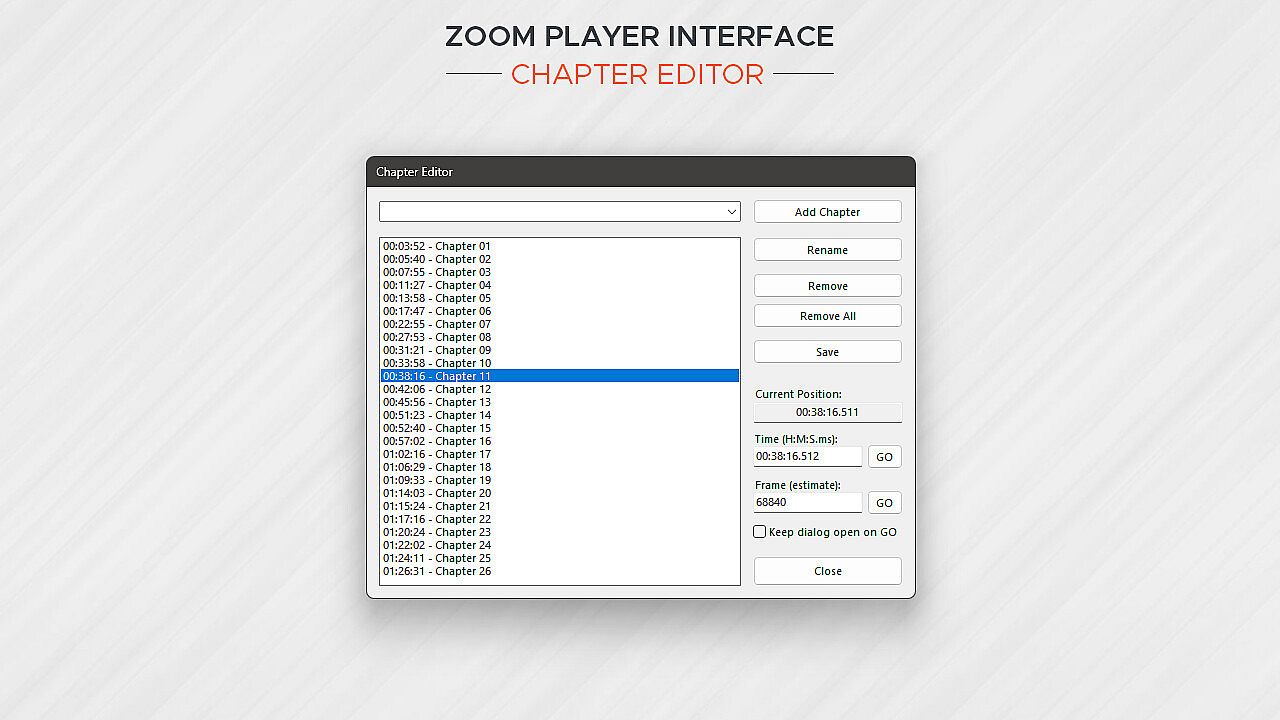
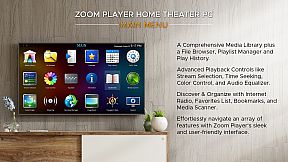
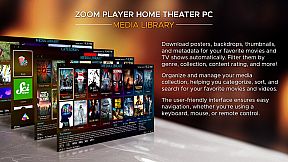
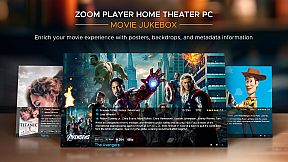
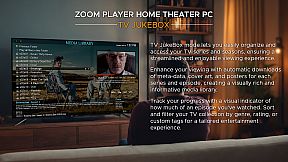
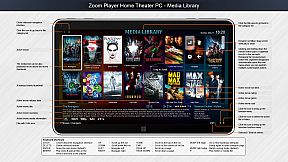
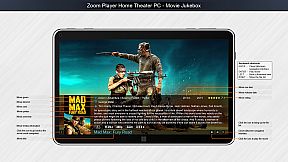
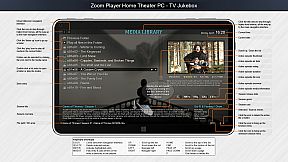
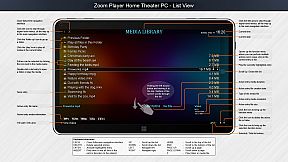
Home Theater? Zoom Player includes an extensive list of Home Theater features backed up by a powerful media library that can help organize your collection and content sources (see screenshots), including a TV and Movie JukeBox modes that displays Backdrop and Poster images along with meta-data such as description, actors, genre, content-rating, etc.

Support? The quick usage guides are the first line of support, clear and concise. Next I wrote the most in-depth documentation for a media player, ever. Every checkbox or setting is explained in great detail. I personally provide support and take requests on Zoom Player's reddit community and review the Steam discussion area often. Every question is answered respectfully and thoughtfully. Did you come up with a cool new feature you would like me to add? Let me know and I'll see if I can get it done.

Caveats:
  • Some of the Steam reviews are old and do not really represent Zoom Player's current potential, please try the demo version and see for yourself.

  • HDR playback requires that the Video Renderer is set to either MadVR or MPC-VR. You may need to configure the selected video renderer with your choice of HDR settings.

  • BluRay playback only works on decrypted content, encrypted discs will not play.

  • To play BluRay discs with menus, you need to install libVLC and the JAVA runtime engine (Zoom Player v19 required).

  • DVD playback works but it's dependent on Microsoft's Framework which can have issues on some systems. Most issues are easily resolved by switching the audio/video decoders used for DVD, but if you are having issues, create a post on the discussions area and I will help you resolve it.

  • Zoom Player implements the IPTV playback standard but I did not include any commercial content. To access commercial IPTV, you must purchase a subscription from an IPTV service provider of your choice. I don't have a recommendation.

Interfejs:
ArabicCzechGermanEnglishSpanish - SpainFrenchHungarianItalianJapaneseKoreanPolishPortuguese - PortugalPortuguese - BrazilRussianSwedishThaiTurkishUkrainianSimplified ChineseTraditional Chinese

Klasyfikacja wiekowa

Brak informacji
Steam:
Mixed (56)

Minimalne:

  • System operacyjny: Windows 98
  • Pami臋膰: 512 MB RAM
  • Dysk: 80 MB available space
  • Dodatkowe uwagi: Be aware that browsers using hardware accelerated page rendering can interfere with the smoothness of media playback on lower end systems.

Zalecane:

  • System operacyjny: Windows 10
  • Pami臋膰: 2 GB RAM
  • Grafika: 6GB VRAM GPU
  • DirectX: Version 11
  • Dysk: 120 MB available space
  • Dodatkowe uwagi: For the best post-processing quality (scaling, smooth motion), a powerful GPU combined with the MadVR video rendering plug-in is recommended. For additional motion smoothness, use a monitor with a high refresh rate.
Historycznie najni偶sza cena
Historia cen ze sklep贸w oficjalnych
-
-
-
Historia cen z keyshop贸w
-
-
-

FAQ

8 pyta艅

Zanim zaczniesz szuka膰 taniego klucza Zoom Player : Steam Edition, sprawd藕 najwa偶niejsze informacje. Tw贸rcy: Inmatrix LTD. Wydawca: Inmatrix LTD. Data premiery na PC: 04 kwi 2014. Gatunki: Utilities, Audio Production, Video Production. Kategorie: Partial Controller Support.

Q

Gdzie kupi膰 tani klucz Steam do Zoom Player : Steam Edition?

Korzystaj膮c z naszej por贸wnywarki cen i zweryfikowanych kod贸w rabatowych, mo偶esz kupi膰 klucz do Zoom Player : Steam Edition ju偶 od 137,49聽z艂. Ta oferta jest dost臋pna w Steam i nale偶y do najta艅szych na rynku. Wszystkie klucze na XD.deals s膮 dostarczane cyfrowo z mo偶liwo艣ci膮 natychmiastowego pobrania po p艂atno艣ci. Ceny uwzgl臋dniaj膮 ju偶 prowizje i kody promocyjne, wi臋c zawsze widzisz najni偶sz膮 cen臋 Zoom Player : Steam Edition na PC. Sprawd藕 histori臋 cen Zoom Player : Steam Edition, aby kupi膰 w najlepszym momencie.

Przy ostatniej aktualizacji (od艣wie偶amy ceny Steam kilka razy dziennie) cena Zoom Player : Steam Edition na Steam wynosi艂a 137,49聽z艂. Mo偶esz zaoszcz臋dzi膰 dodatkowe ~6% p艂ac膮c zdyskontowan膮 kart膮 podarunkow膮 Steam.

Nasz tracker cen obejmuje oficjalne sklepy i keyshopy, wi臋c znajdziesz Zoom Player : Steam Edition w promocji nawet poza sezonowymi wyprzeda偶ami. Obecnie wykrywamy 1 aktywna oferta z oficjalnych sklep贸w i keyshop贸w. Sprawd藕 tabel臋 powy偶ej, por贸wnaj z historycznie najni偶sz膮 cen膮 i ustaw alert, aby nie przegapi膰 kolejnego spadku.

Wed艂ug naszych danych Zoom Player : Steam Edition nie jest obecnie dost臋pne na GeForce NOW. Musisz uruchomi膰 gr臋 lokalnie na swoim PC. Przegl膮daj gry dost臋pne na GeForce NOW.

Tak. Zoom Player : Steam Edition ma oficjaln膮 stron臋 w sklepie Steam. Mo偶esz te偶 kupi膰 klucz Steam do Zoom Player : Steam Edition od zewn臋trznych sprzedawc贸w. Nasza por贸wnywarka zawiera obecnie 1 oferta z DRM Steam. Wybierz jedn膮, aby mie膰 pewno艣膰, 偶e pobierzesz Zoom Player : Steam Edition na platformie Valve.

Tak. Zoom Player : Steam Edition jest zweryfikowane na Steam Deck (Verified) - gra uruchamia si臋 od razu, wy艣wietla prawid艂owe ikony kontrolera i dzia艂a stabilnie. Zoom Player : Steam Edition dzia艂a doskonale na Steam Deck.

Zoom Player : Steam Edition nie jest obecnie dost臋pne w PC Game Pass, EA Play, Ubisoft+ ani 偶adnej innej subskrypcji na PC. Jedyn膮 opcj膮 jest zakup gry - u偶yj XD.deals, aby znale藕膰 najlepsz膮 cen臋.

Nie - XD.deals nie jest sklepem. Jeste艣my por贸wnywark膮 cen, kt贸ra 艣ledzi najlepsze oferty na Zoom Player : Steam Edition w oficjalnych sklepach i zweryfikowanych keyshopach. Kliknij "Przejd藕 do sklepu" przy wybranej ofercie, a przekierujemy Ci臋 na stron臋 sprzedawcy.

Najlepsze ceny za Zoom Player : Steam Edition

1 Steam Steam Official
-50% 137,49聽z艂

Chcesz kupi膰 w najlepszym momencie? Ustaw alert cenowy na XD.deals i otrzymaj powiadomienie, gdy Zoom Player : Steam Edition osi膮gnie historycznie najni偶sz膮 cen臋.

Utw贸rz alert
Do艂膮cz do Discorda
Uzyskaj szybk膮 pomoc od spo艂eczno艣ci i b膮d藕 na bie偶膮co z promocjami
Ustaw alerty cenowe
Otrzymuj powiadomienia e-mail, gdy cena gry spadnie do Twojego poziomu
Za艂贸偶 darmowe konto
Odblokuj wishlisty, alerty cenowe i synchronizacj臋 ze Steam