


## Game overview
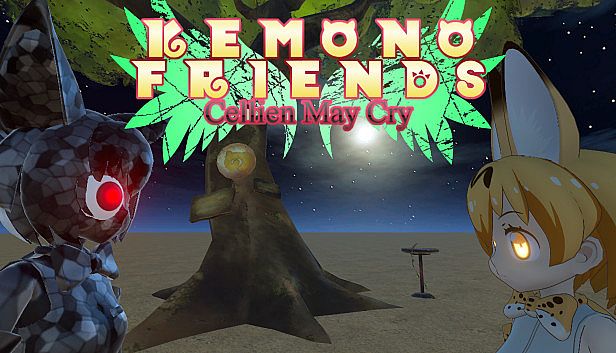
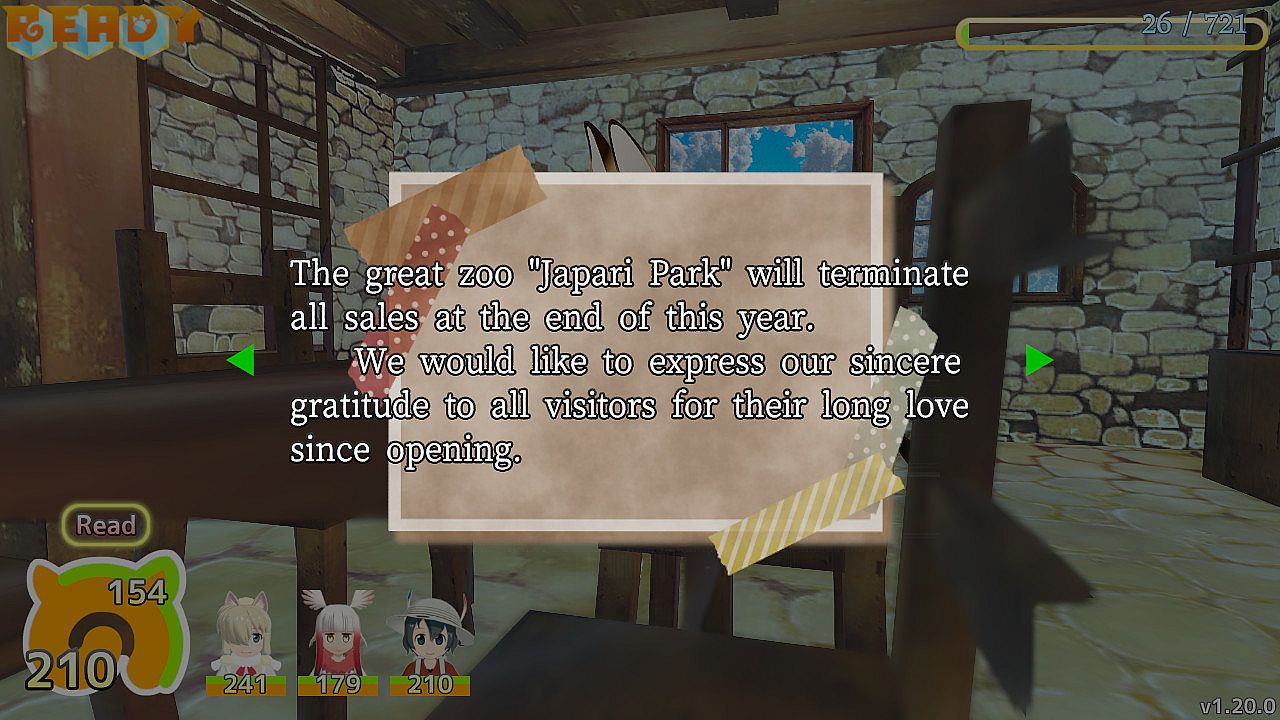
A great adventure with Friends in the vast Japari Park!
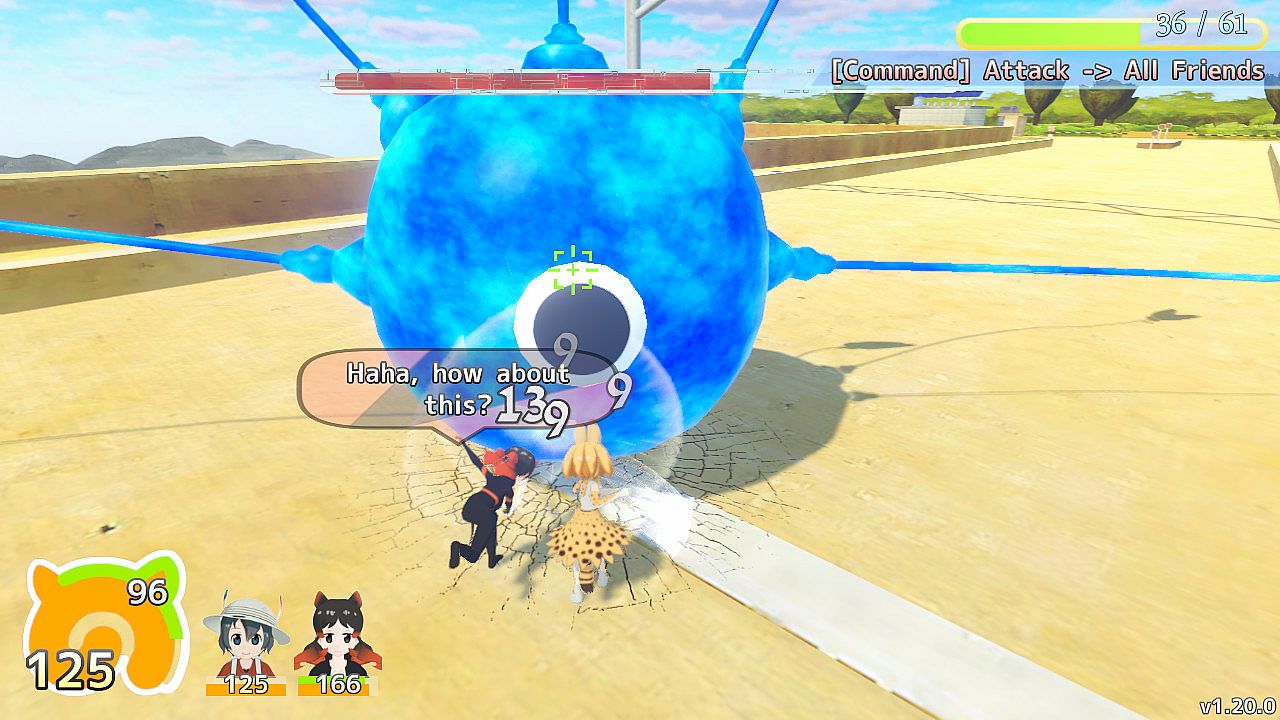
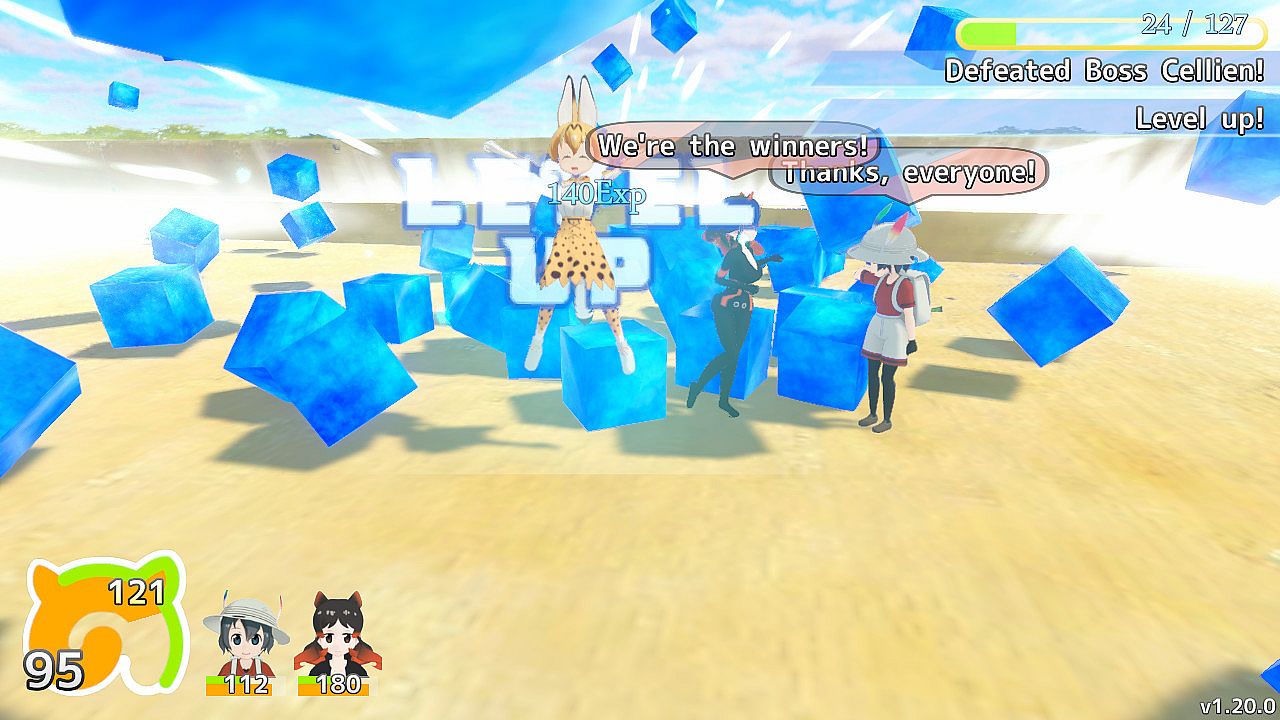
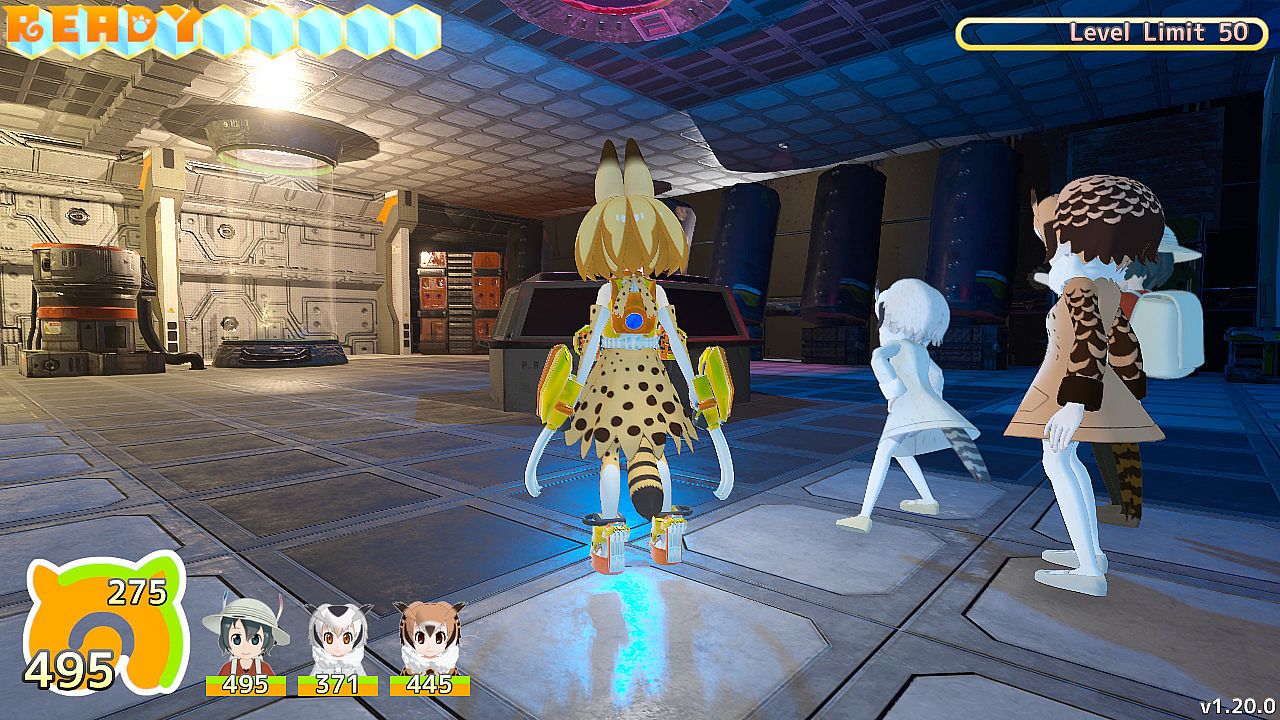
Exciting 3D Action Adventure!
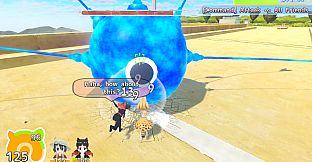
The park crisis will come again to "Kyoshu Area", which was the stage of a great adventure!
Many enemy characters "Cellien" have appeared!
A large gathering here across generations!
Defeat all Celliens with stylish 3D action!
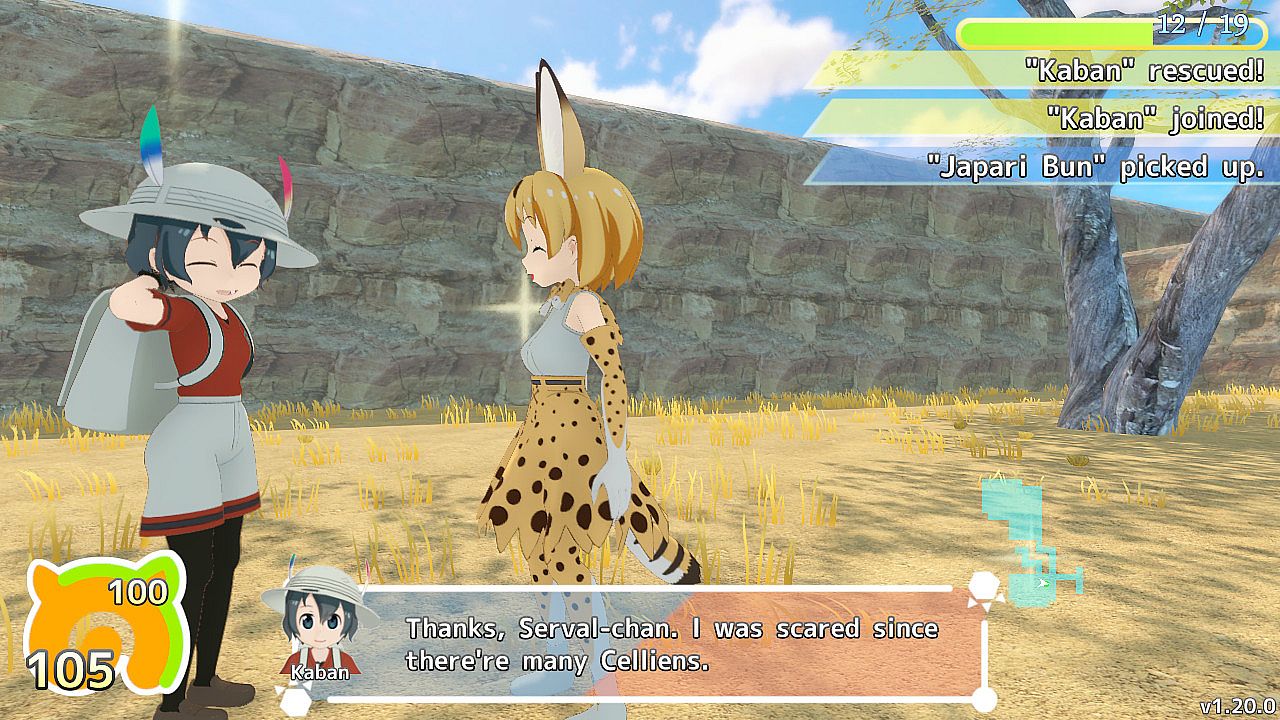
Friends are waiting for help in various places in the crisis of the park!
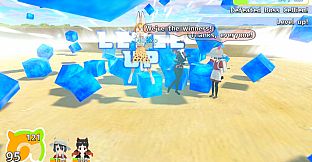
Let's rescue "Friends" while defeating Cellien!
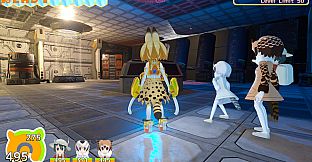
More than 30 Friends can adventure together!
Rescue a lot and join forces with a lot of Friends!
You can activate "Photo Mode" at any time!
Feel free to take screenshots whenever you want!
Save the moment of your hard work!
Take a lot of pictures and share "Fun!" and "Awesome!" moments!
You may find many other interesting ways to play?
Lots of secrets and Easter eggs are hidden!
An enjoyable 3D action adventure just by moving Friends!
## How to play
# Controls (Keyboard)
- Move: Arrow Keys
- Confirm: Z or Enter
- Cancel: X or ESC
- Attack: Z
- Special Attack: Hold down X and Attack
- Jump: Space
- Dodge: Hold down Left Shift and Move or Jump
- Wild Release: A ( It will become usable as you proceed with the game.)
- Enable/Disable lock-on: C
- Toggle between targets: V
- Pause menu: S
- Screen capture: P
- Move camera: Mouse
- Command: NumPad2, 4, 6, 8
# Controls (GamePad)
- Move: Left Stick
- Confirm: B
- Cancel: A
- Attack: Y
- Special Attack: Hold down R2 and Attack
- Jump: A
- Dodge: Hold down L2 and Move or Jump
- Enable/Disable lock-on: L1
- Toggle between targets: R1
- Pause menu: Center Right Button
- Wild Release: X ( It will become usable as you proceed with the game.)
- Screen capture: Center Left Button
- Move camera: Right Stick
- Command: D-Pad
# Basic knowledge
- You can remap controls by accessing "KEY CONFIG(キーコンフィグ)" menu from the title screen. "Input" tab on the startup menu does NOT work.
- This information is displayed on the save window.
(1) NT/VU/EN/CR Mark: Difficulty
(2) "LV" Mark: Serval's Level
(3) "の" Mark: Percentage of rescued Friends and Lucky Beasts
(4) Friends' face icons: Active Friends
(5) Amulet Mark: Cleared stages count
- There are two requirements for calling Friends.
(1) The number of Japari-buns needs to be bigger than the cost.
(2) The total cost needs to be smaller than the value of Friends limit.
- On the Park Map, when you touch the movement point to each area, the Recommended Level is displayed in the lower right corner of the screen.
For example, in the "Recommended Level 1-5" area, it is recommended to raise Serval's level to 5 before reaching the boss battle floor.
- Screenshots are stored in "KemonoFriendsCMC_Data/ScreenShot" folder.
- The update is completed by simply downloading and unzipping the new version of the game file.
Since the save data is automatically inherited, there is no problem even if you delete the old version of the game file.
# Advice
- When escaping from enemies, disabling lock-on will make it easy to control.
- Some enemies have a stone. Stone is a weak point, so aim for it aggressively.
- Escape and take a break so that Serval's stamina is not exhausted.
- Fight in cooperation with Friends. It is dangerous to go ahead alone.
- If Serval's level is below the recommended level, it is recommended to grinding.
- As the game progresses, you will be able to use Wild Release. It is a good idea to use Wild Release aggressively.
- If the application is slow to respond, apply "Config"-> "Change settings at once"-> "Medium (Low) Quality Settings".
- If you experience screen sickness, apply "Config"-> "Change settings at once"-> "Anti-Screen Sickness Settings".
- If Serval's running speed is too fast to control, change "Config"-> "Control & Battle"-> "Friends' running speed".
- If you want to use items continuously, turn on "Config"-> "Control & Battle"-> "Continuous use of items".
- If you are dissatisfied with the camera work, change "Config"-> "Camera"-> "Camera turning speed", "Camera FOV", and so on.
- If you find the action difficult, change "Config"-> "Accessibility"-> "Simplify dodge command", "Simplify skill command", and so on.
- If the screen becomes cluttered due to Friends, turn on "Config"-> "Accessibility"-> "Obscure Friends".
- If you find the game difficult even with NT difficulty, lower "Config"-> "Accessibility"-> "Game speed".
## Q&A
- Depending on the environment, you may not be able to start the game.
Approach (1): Add the game folder and files to the exception / exclusion list of the antivirus program.
Approach (2): Right-click the exe file and select [Run as administrator].
Approach (3): Update the video / graphics driver and Windows operating system.
Approach (4): Update DirectX.
- Depending on the PC's environment, the characters may become transparent.
Approach (1) Update graphics board driver.
Approach (2) Install "Microsoft Visual C++ Redistributable for Visual Studio 2017" at the following URL.
- Depending on the PC's environment, grass may not be displayed in the dungeon, and red purple plate may be displayed.
Approach: Move the floor while turning Off "Show grass" in Config/High-cost process.
- Depending on the PC's environment, the screen may turn all white or all black at a specific location.
Approach: Change the "Anti-aliasing" in Config/Effect.
- Depending on the PC's environment, the screen may temporarily stop when the camera goes behind a wall.
Approach: Change the "Hide obscuring walls" in Config/Show or Hide to Off or "ON (Low Cost)".
- The location of save data is
(for Windows)
C:/Users/[User Name]/AppData/LocalLow/KirisameZensen/KemonoFriendsCMC/KirisameZensen.KemonoFriendsCMC.savedata.json
(for Mac)
~/Library/Application Support/KirisameZensen/KemonoFriendsCMC/KirisameZensen.KemonoFriendsCMC.savedata.json
(The file may not be visible if the hidden attribute is enabled.)
- If you bring the save data from another computer, you may not be able to write the save data.
Approach: Cancel the read-only attribute of the save data.
- There are no restrictions on game introductions and live broadcasts.
## How to use MOD
# How to change music:
1. Create a "mods" folder in the "KemonoFriendsCMC_Data" folder.
2. Put the music files in the "mods" folder. Music files should be in Ogg format.
3. Create "music.csv" and put it in the "mods" folder. Use Tab as separator and Unicode as character codes.
"music.csv" can also be "music.txt".
"music.csv" format
MASTERVOLUME Between 0.0 and 3.0 (Default: 1)
INDEX Index of the music to be changed (write this just before FILENAME etc.)
FILENAME Path of the music file to be read (relative path from the "mods" folder)
TITLE Song title (Optional)
CAPTION Description of the song (Optional)
VOLUME Between 0.0 and 1.0 (Default: 1)
PITCH Between 0.1 and 3.0 (Default: 1)
LOOPTYPE INTROLOOP/LOOP/NONLOOPING (Default: LOOP)
INTROBOUNDARY Loop start point (seconds) for INTROLOOP
LOOPINGBOUNDARY Loop end point (seconds) for INTROLOOP
Example: To change the music of Japari Library to "Welcome to Japari Park.ogg" and the music of Savanna Boss Battle to "Cellien.ogg"
INDEX 5
FILENAME Welcome to Japari Park.ogg
INDEX 8
FILENAME Cellien.ogg
LOOPTYPE INTROLOOP
INTROBOUNDARY 31.5309
LOOPINGBOUNDARY 78.4057
# How to change stage settings:
1. Create a "mods" folder in the "KemonoFriendsCMC_Data" folder.
2. Create "stage.csv" and put it in the "mods" folder. Use Tab as separator and Unicode as character codes.
"stage.csv" can also be "stage.txt".
3. Turn on "System Information" in the Config to check music numbers and other information.
"stage.csv" format
STAGE Stage number to be changed ( write this just before FLOOR.)
FLOOR Floor number to be changed (write this just before MUSIC etc.)
MUSIC Music number to apply
BOSSMUSIC Music number played in boss battles
AMBIENT Ambient sound number to apply
SKY Sky number to apply
Example: To change the music for the Boss Battle in the Savanna Region to the same as the Japari Library and change the sky to night.
STAGE 1
FLOOR 6
BOSSMUSIC 5
SKY 0
## The following is prohibited
1. Impersonate the author.
2. Pull out materials and reuse them.
## About the original work
This game is a derivative work based on "Kemono Friends".
This game complies with the "Kemono Friends Project Derivative Work Guidelines".
Kemono Friends Project Derivative Work Guidelines
## About material
The materials used in the game are roughly divided into the following four types.
1. The one that the creator (SAKAMOTO Ryuu) made by himself.
2. Paid material purchased by the creator. (Unity Asset, sound effects, etc.)
3. Free material distributed on the Internet. (MMD model, image, music, sound effect, etc.)
4. This work is not intended for use in games, so it is used with the permission of the author individually.
Classifications 2, 3 and 4 are listed in the included "MaterialList.csv".
The materials that fall under Category 4 and their authors are as follows.
・ [MMD model] Tsuchinoko -- Akushio
・ [MMD model] Campo Flicker / Gray Wolf / Reticulated Giraffe / Nana-chan / Oinarisama -- Hena Hitsuji
・ [MMD model] Level 4 Cellien "Hashirian (provisional)" -- Munaroku
・ [Music] Cellien (Nemesis Arrange) -- Iwakami Crescent
・ [Music] Aurora -- Ryo Lion
## Credits
Author: Ryu Sakamoto
English translation cooperation: SDS_Koutou, FionaKaenbyou
Chinese translation cooperation: mazeyun, owenliu66, HazelLeaf
Korean translation: 영길(Yeonggill) special thanks to 케모노 프렌즈 갤러리
Parkman original work: Seedmanc
Original work: Kemono Friends