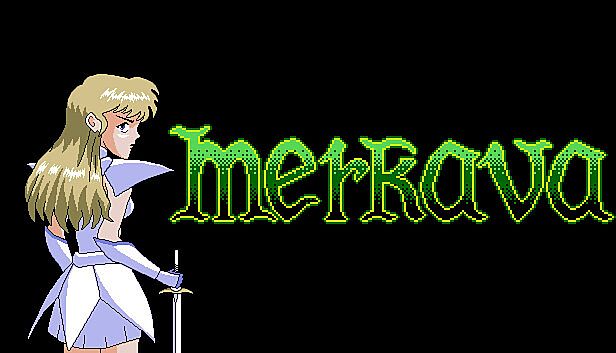



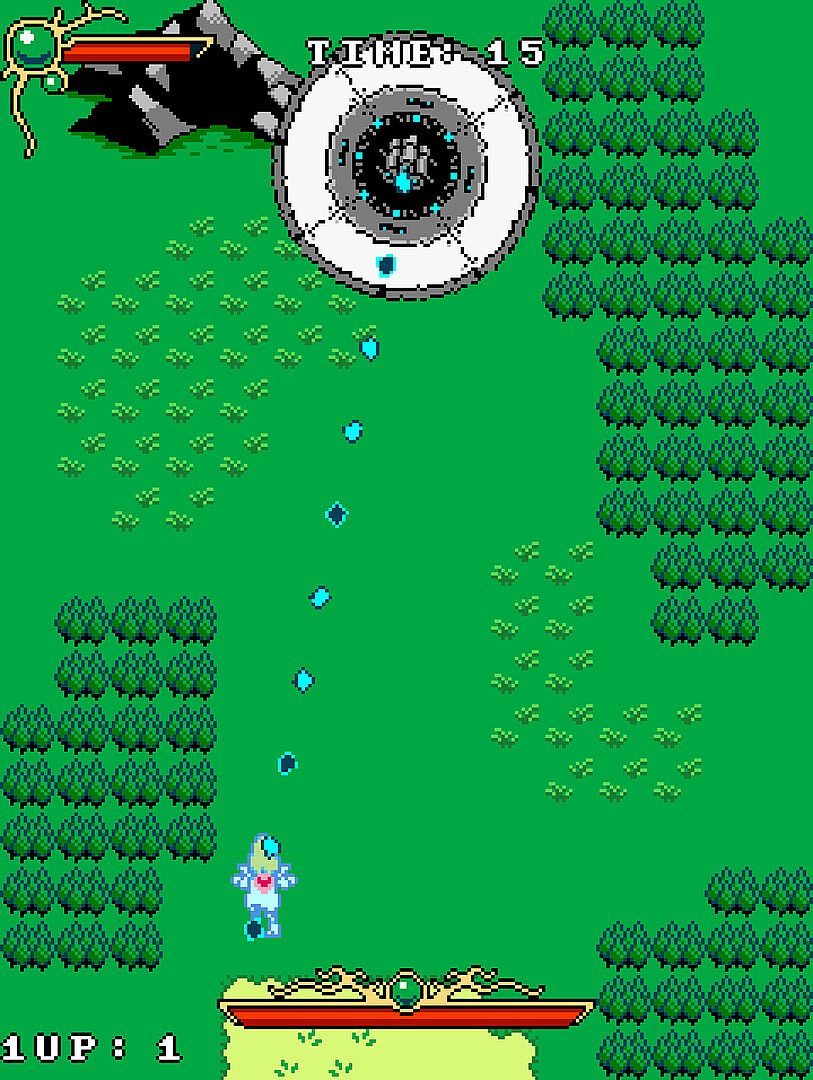
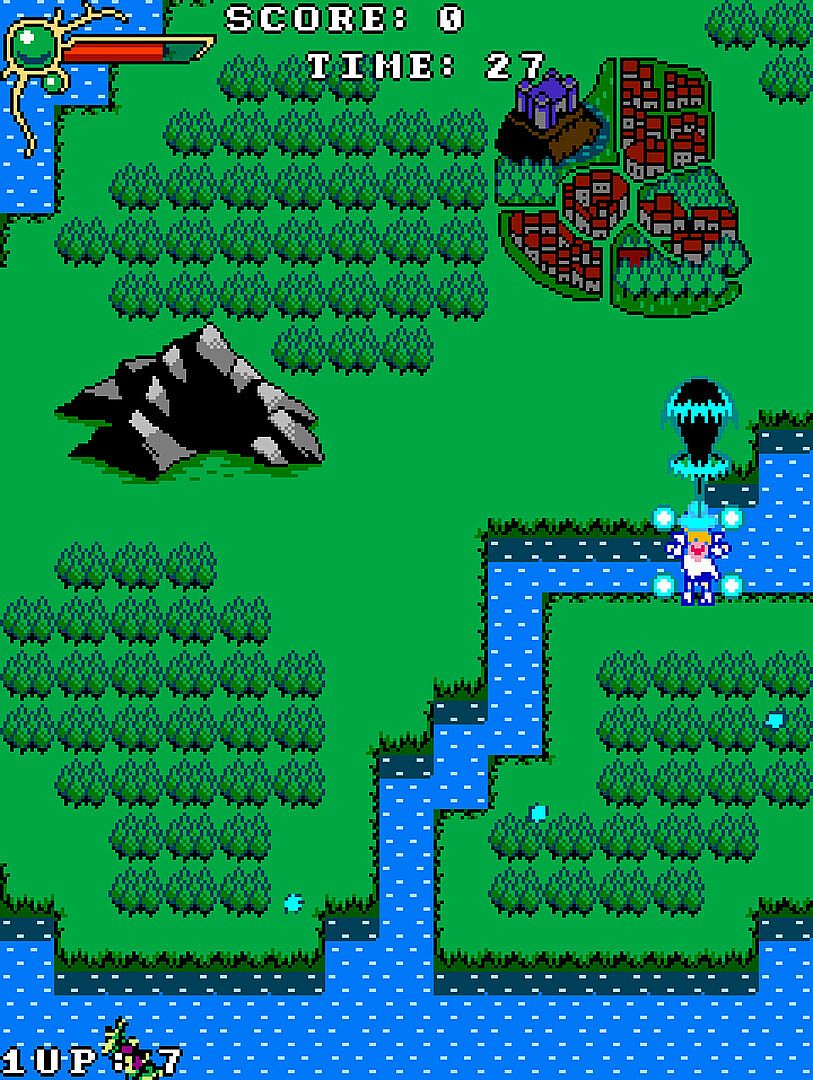
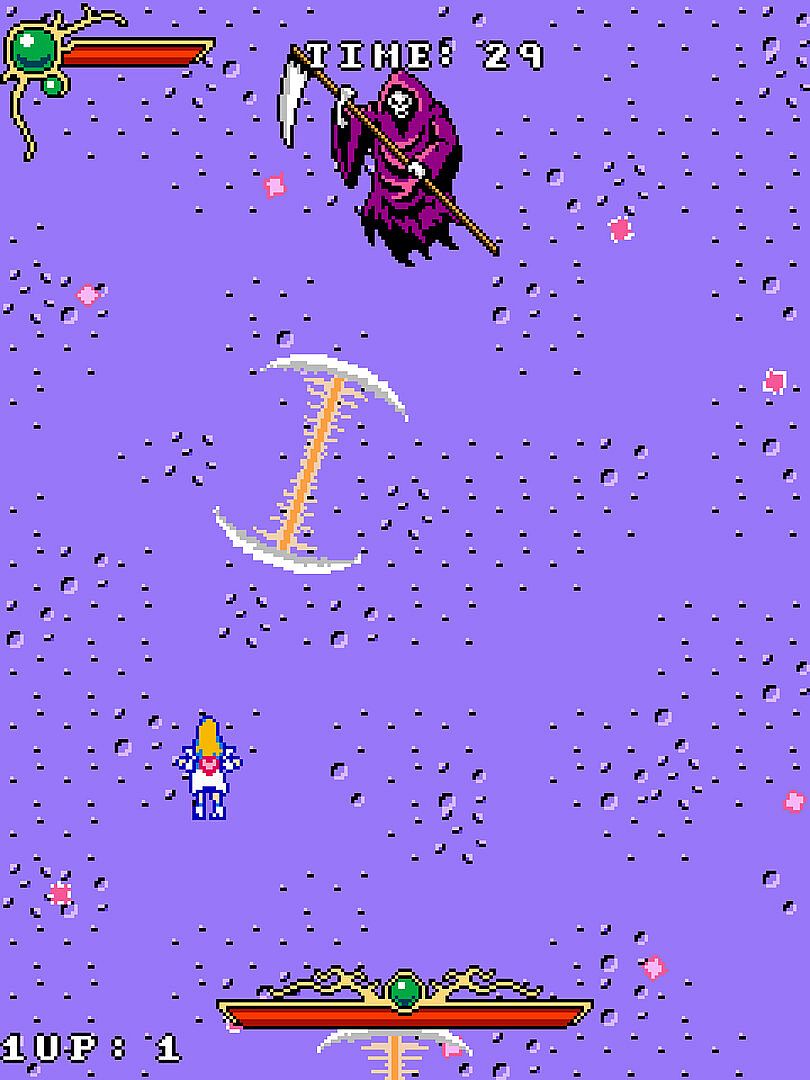
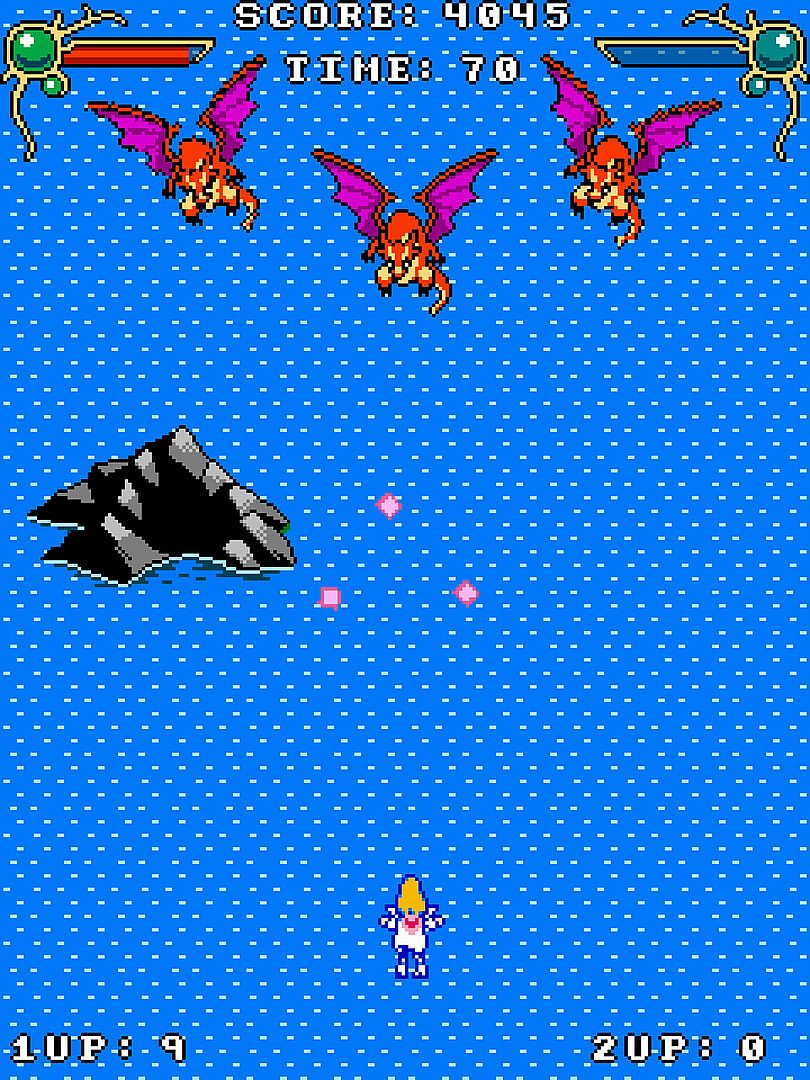
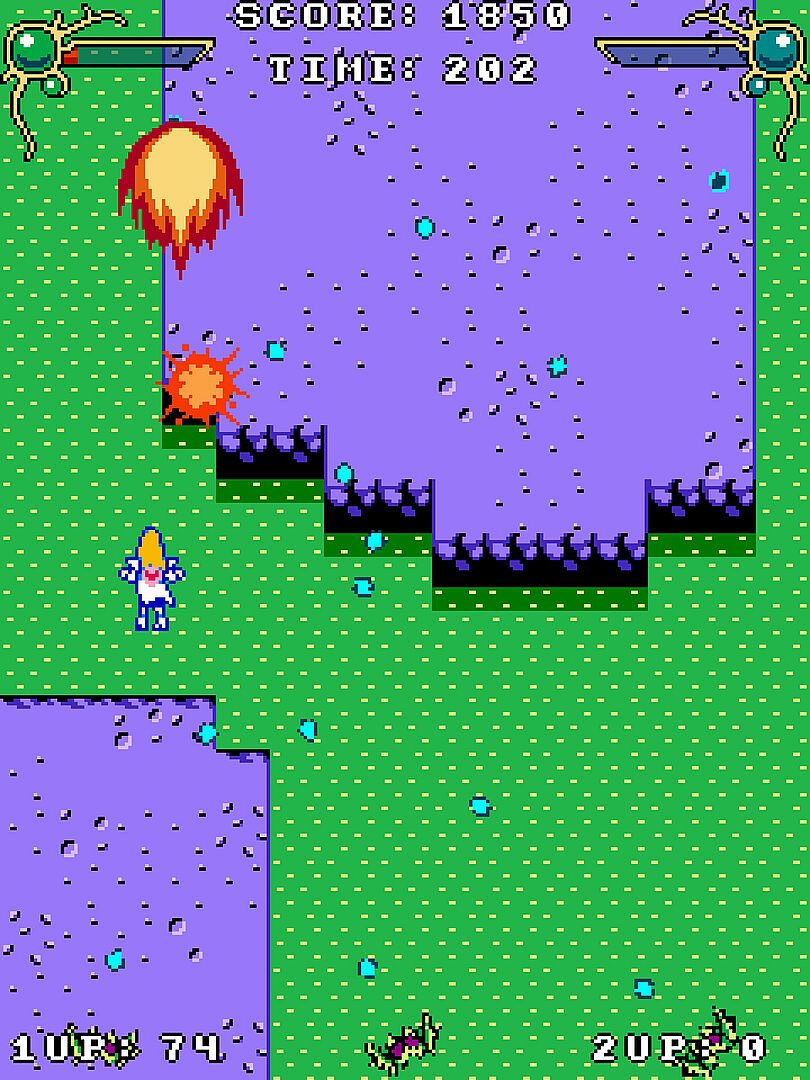
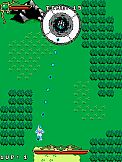
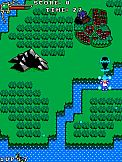
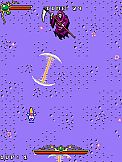
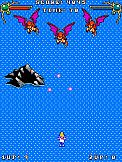
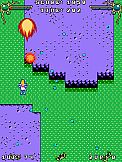
Simple lightweight shmup.
Save the world from Dinah's threat by defeating angels, demons, beasts, and aliens.
Game Info: Gamepad support | Approximately 50 minutes of playtime | Local co-op multiplayer | 4 stages | 3 game modes
Platform: PC (Linux 64-bit, Windows 10/11 64-bit)
Available Languages: English, Spanish
This game contains some flashing projectiles and enemies, which may be unsuitable for people with photosensitive conditions.
Game Modes
Arcade Mode: Blast through 4 action-packed stages, each with unique enemies and a powerful boss to defeat. Reach the final battle and stop the apocalypse. You can also go for a high score or race the clock in a Time Attack!
* Extra credits/lives can only be added in Arcade and Practice Modes.
Boss Rush Mode: Face off against all 4 bosses back-to-back in an intense Time Attack.
Survival Mode: How long can you last? Enemies spawn endlessly in this escalating challenge. The longer you survive, the more relentless they become. Push your reflexes to the limit!
Practice: Here you can practice in any of the four stages or fight directly against any of the five bosses. Perfect for mastering each boss’s attack patterns and every level's composition
Game Mechanics
Movement: Grants full directional control of your character. Diagonal movement incurs a speed penalty.
Rotation: Allows the player to adjust their firing angle by rotating the character independently of movement. You obtain this power-up after clearing Stage 3.
Autofire: Hold down the shoot button to fire automatically—you don’t need to press it repeatedly. Each shot deals 100 damage.
Focused Shooting: While holding the shoot button, your character's movement slows down so you can move more precisely. It's useful for aiming, but even more so for precise evasion.
Shield: This is Merkava’s main mechanic. It lets you reflect all blue-coloured projectiles
Laser: Deals 1 point of damage per frame. Useful when facing groups of popcorn enemies. You obtain this power-up after clearing Stage 1.
Charge Beam: It has 3 charge levels. It deals 180 damage at level 1, 350 at level 2, and 750 at level 3. It doesn't disappear on contact, so it can destroy everything in its path. You obtain this power-up after clearing Stage 2.
Sword: Deals 350 damage and can be used with a very high attack rate, allowing for huge damage if you’re well-coordinated. You can use it once every 10 frames. You obtain this power-up after clearing Stage 3.
Controls
It is recommended to play with controllers, but you can also play with a keyboard. Both players share "the same" keyboard (even if you connect two keyboards, the game will treat them as the same one).
Player 1 - Keyboard: Player 2 - Keyboard:
Movement: W, A, S, D Numpad 8, 4, 5, 6
Pause: Enter
Shoot and Select: O C
Sword: P V
Laser: U Z
Charge: H Space
Shield: I X
Rotation: Q, E Numpad 7, 9
Credits: Backspace Numpad 1
Controller:
Settings ⚙️
Audio and Video Options, 2 Languages (English / Spanish)
2 Filters
Bezels
And Local Achievements
Tips ⭐️
You can take screenshots with the R3 button, they will be saved in
Linux: ~/.local/share/godot/app_userdata/Merkava - The Sacred Armour of Meirav/Screenshots
Windows: C:\Users\<YourUser>\AppData\Roaming\Godot\app_userdata\Merkava - The Sacred Armour of Meirav\Screenshots
You can close the game using the controller with the button combination C + D + L + R + LT + RT + D-Pad Left + D-Pad Up
You can soft reset the game using the controller with the button combination L + R + B + Z (Select)
Total Playtime and Enemies Defeated are saved when returning to the Main Menu or when exiting the game from any menu or via ControllerQuit
If for some reason your game stops working properly, it's most likely because the save file got corrupted. To fix this, simply delete the file named SaveFile.save
Save File Info: Your save file is called SaveFile.save and it's located...
On Linux: ~/.local/share/godot/app_userdata/Merkava - The Sacred Armour of Meirav/SaveFile.save
On Windows: C:\Users\<YourUser>\AppData\Roaming\Godot\app_userdata\Merkava - The Sacred Armour of Meirav\SaveFile.save
Enjoy the game. If you experience any issues, contact us and we'll fix them as soon as possible