



Multiworlds PC

Multiworlds pojawi si臋 wkr贸tce! Dodaj do wishlisty, a powiadomimy Ci臋 gdy gra b臋dzie dost臋pna.

Premiera: Coming Soon
Official
Brak dost臋pno艣ci
Keyshops
Brak dost臋pno艣ci
Kup w oficjalnym sklepie:
Brak dost臋pno艣ci
Kup w keyshopach:
Brak dost臋pno艣ci

Brak ofert, ale spokojnie - damy zna膰, gdy pojawi si臋 nowa.

Create Alert Create deal Alert

O Multiworlds

Multiworlds - o grze

You made one mistake, of touching the untouchable A magical artifact that was buried deep in the depths.

The world tore into multiple worlds, in each timeline, running parallel, but with minor differences. Now strive to fix the world, merging them back into one.

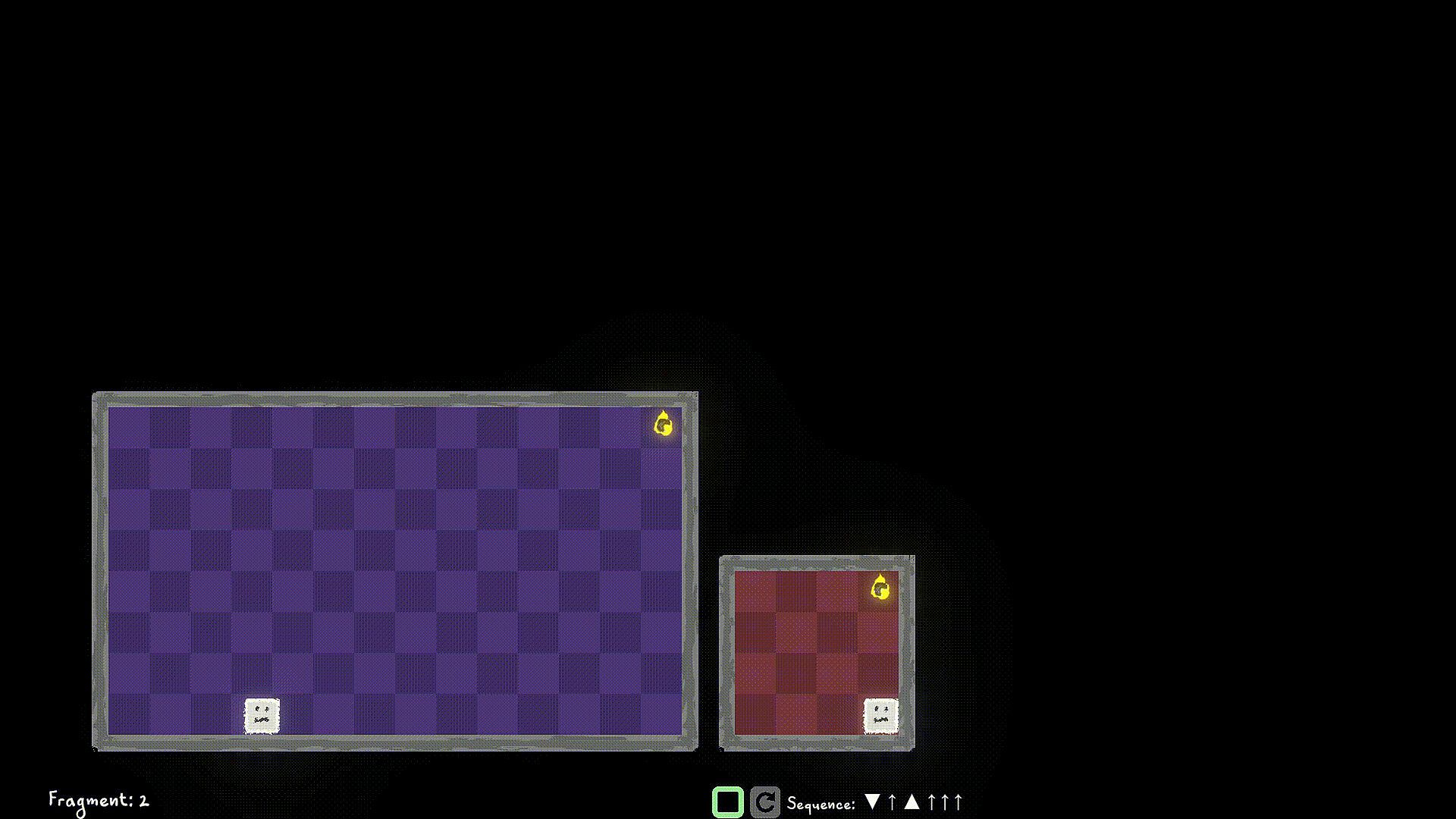
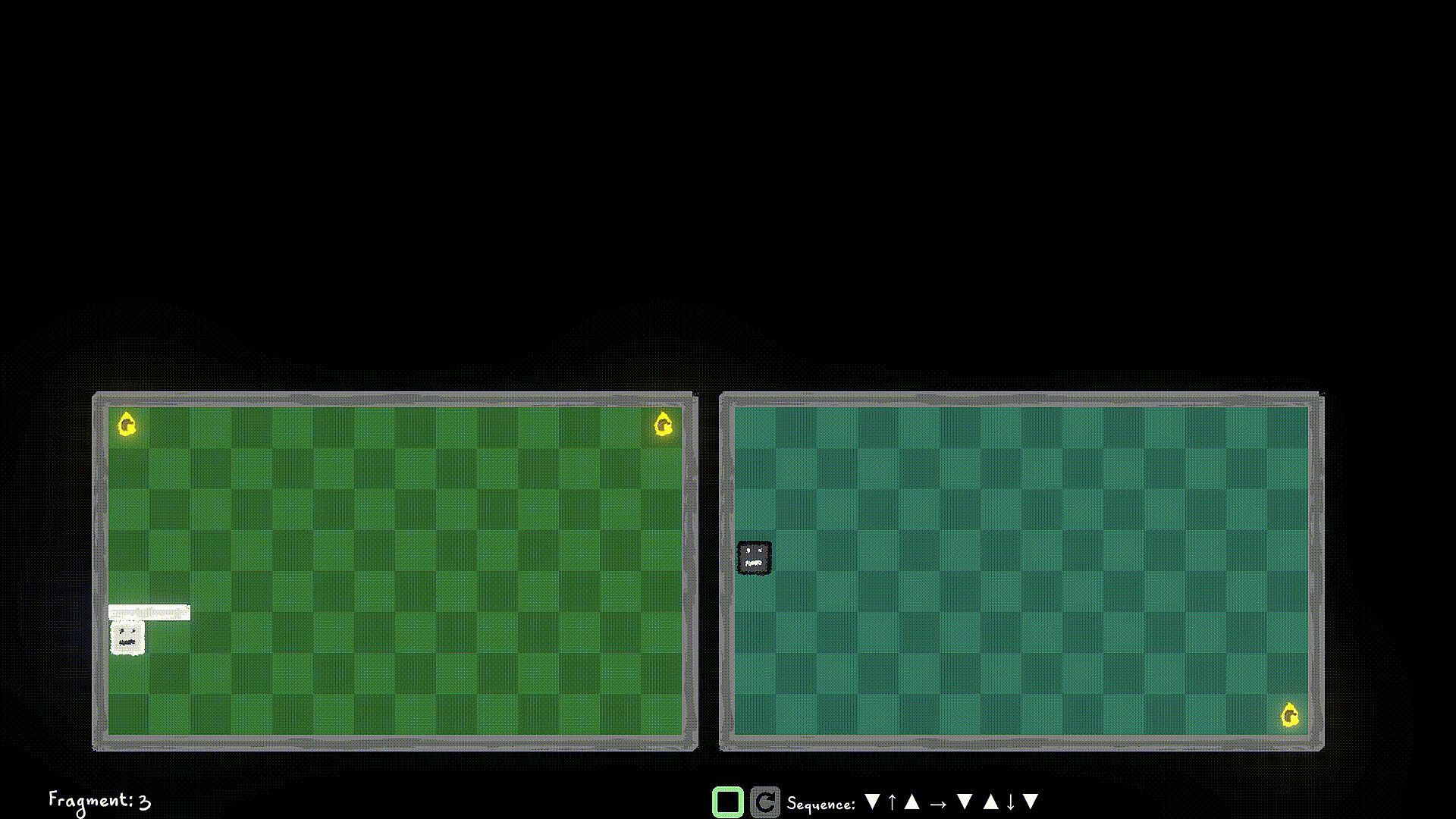
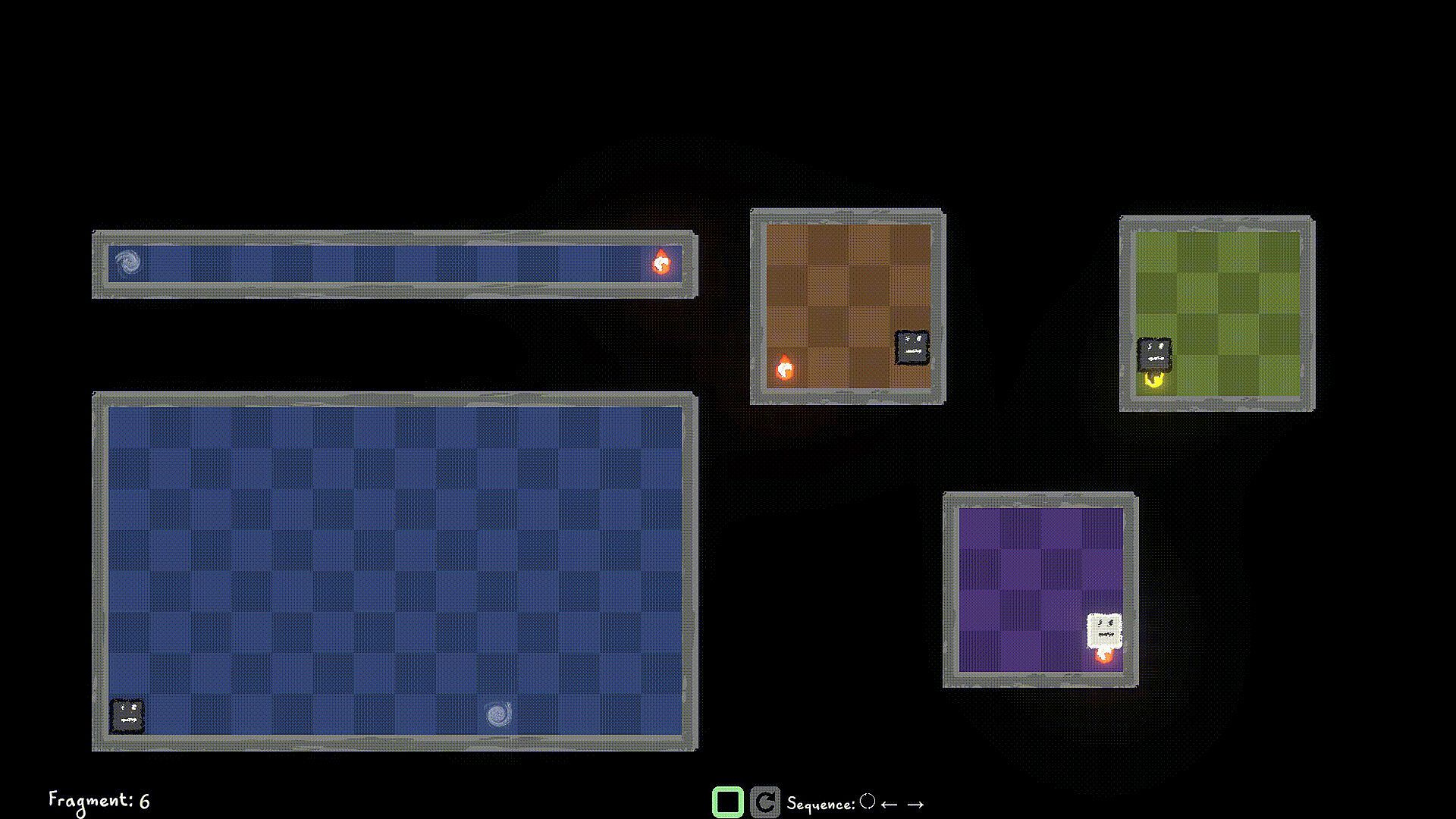
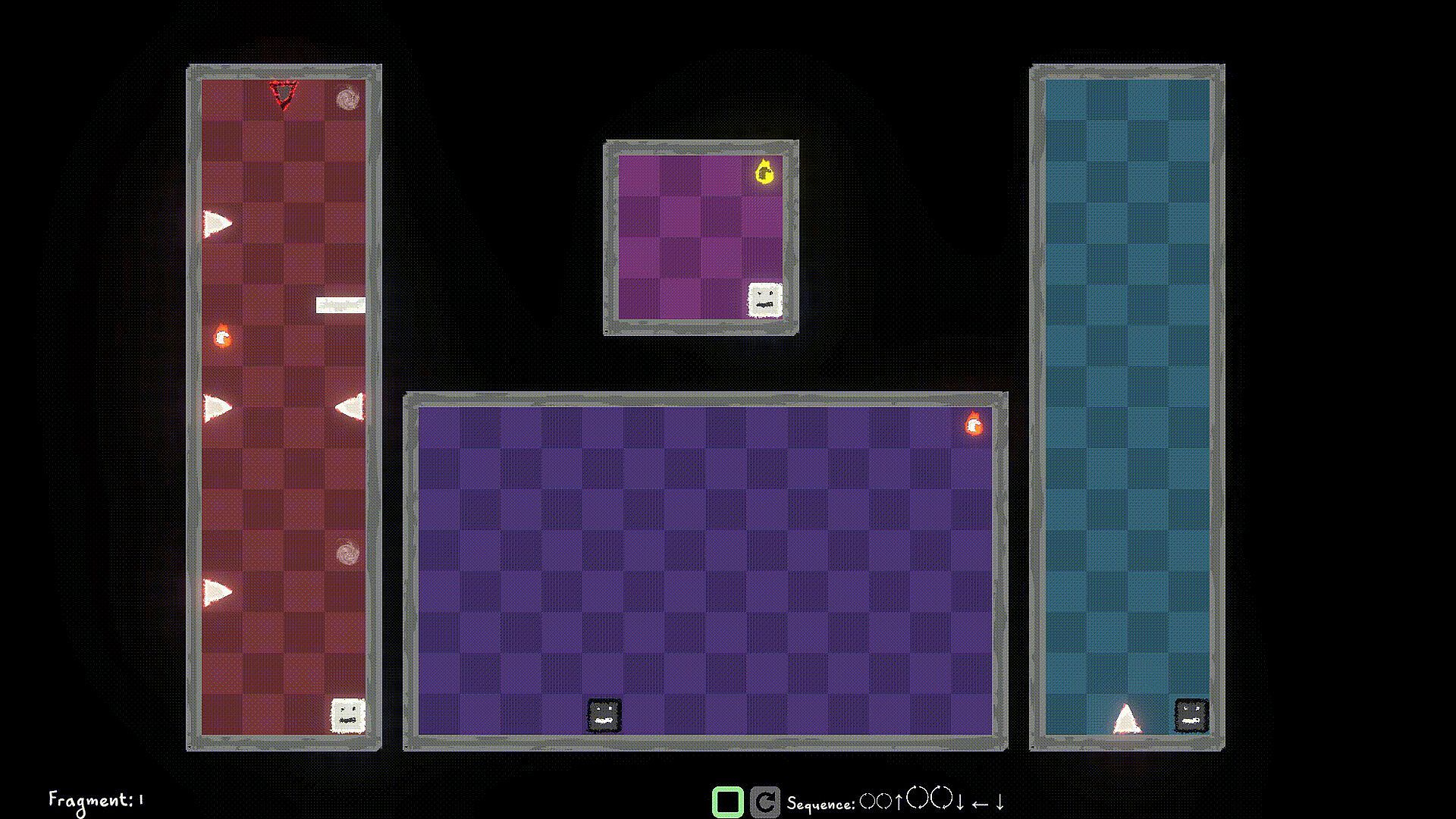
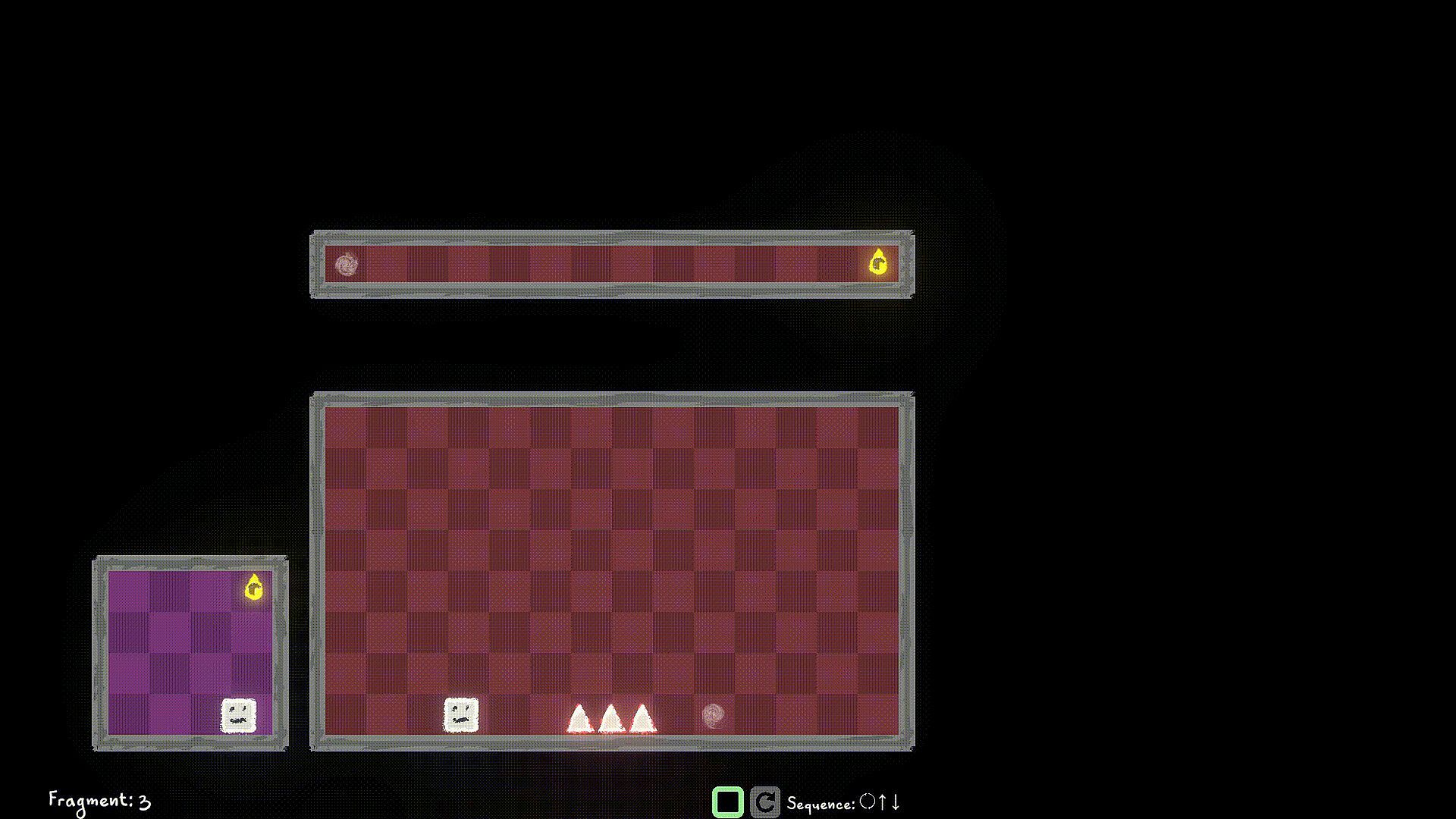
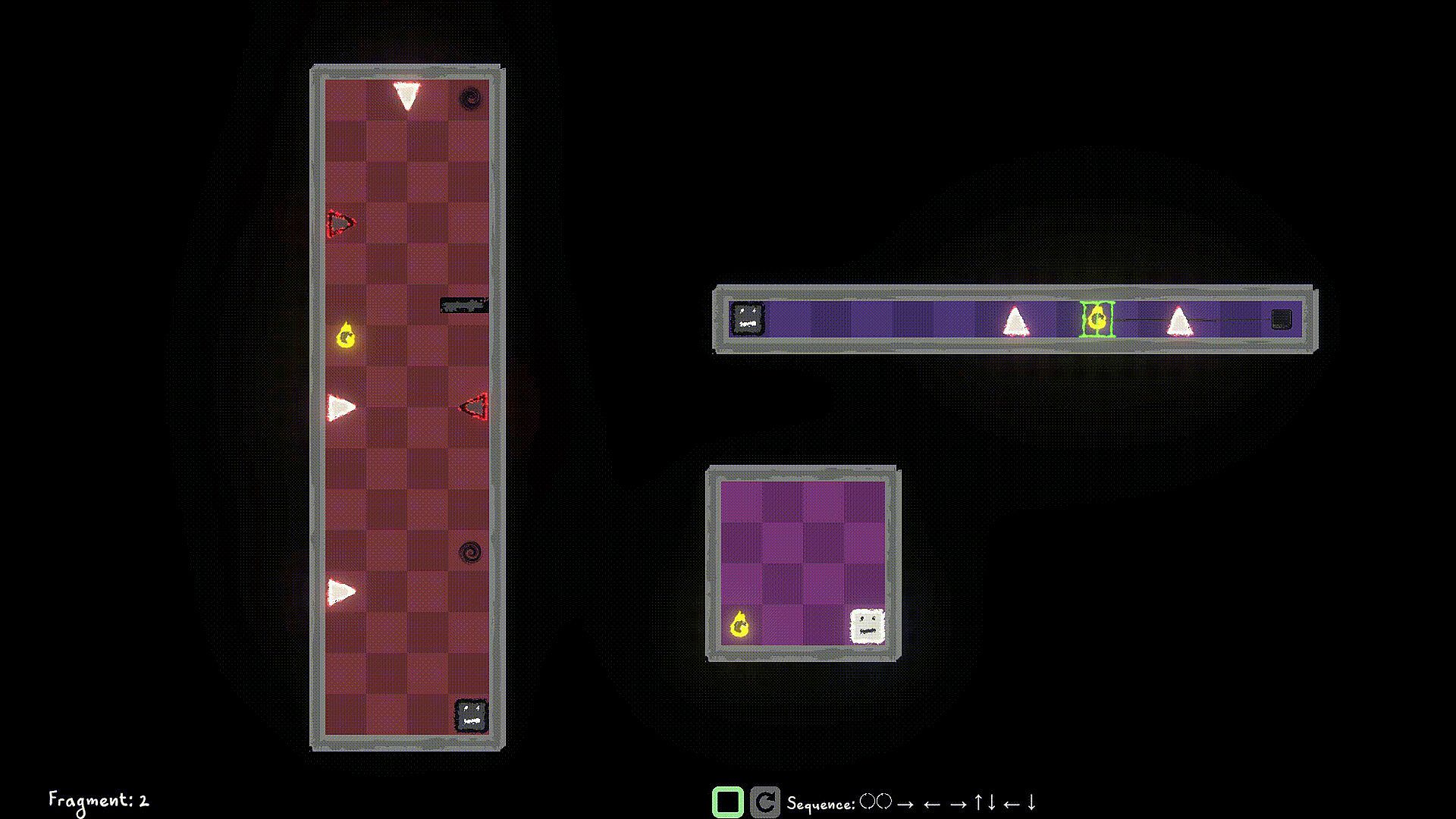
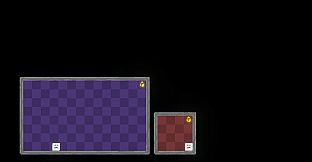
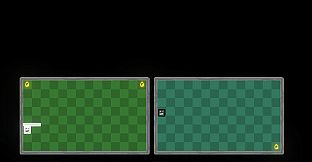
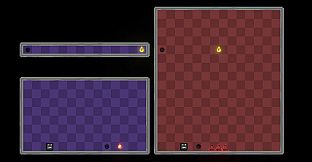
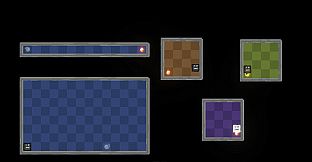
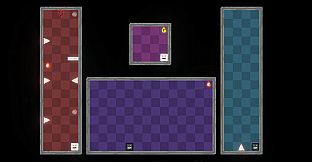
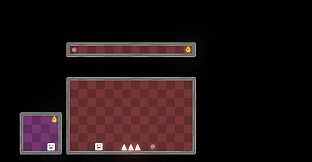
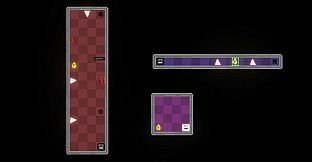
Control the player in multiple worlds, all working parallel. Collect World Pieces of the original world which are scattered around the parallel worlds, and help put back the original world.

Jump into different Dimensions of each world to avoid obstacles blocking your path. Collect the world pieces to protect your original world.

Game Mechanics:

Use W/A/S/D to move the player left/right/up/down and Q/E to move the player to Light Dimension and Dark Dimension. You can interact with items like walls/spikes/collectibles of the same Dimension as a Player Remnant. Use F to Flip the the current Dimension that the Player Remnant is in. If you're in the Dark Dimension, jump into the Light Dimension, If you're in the Light Dimension, jump into the Dark Dimension. Hit the world edge (wall), and the player stops walking.

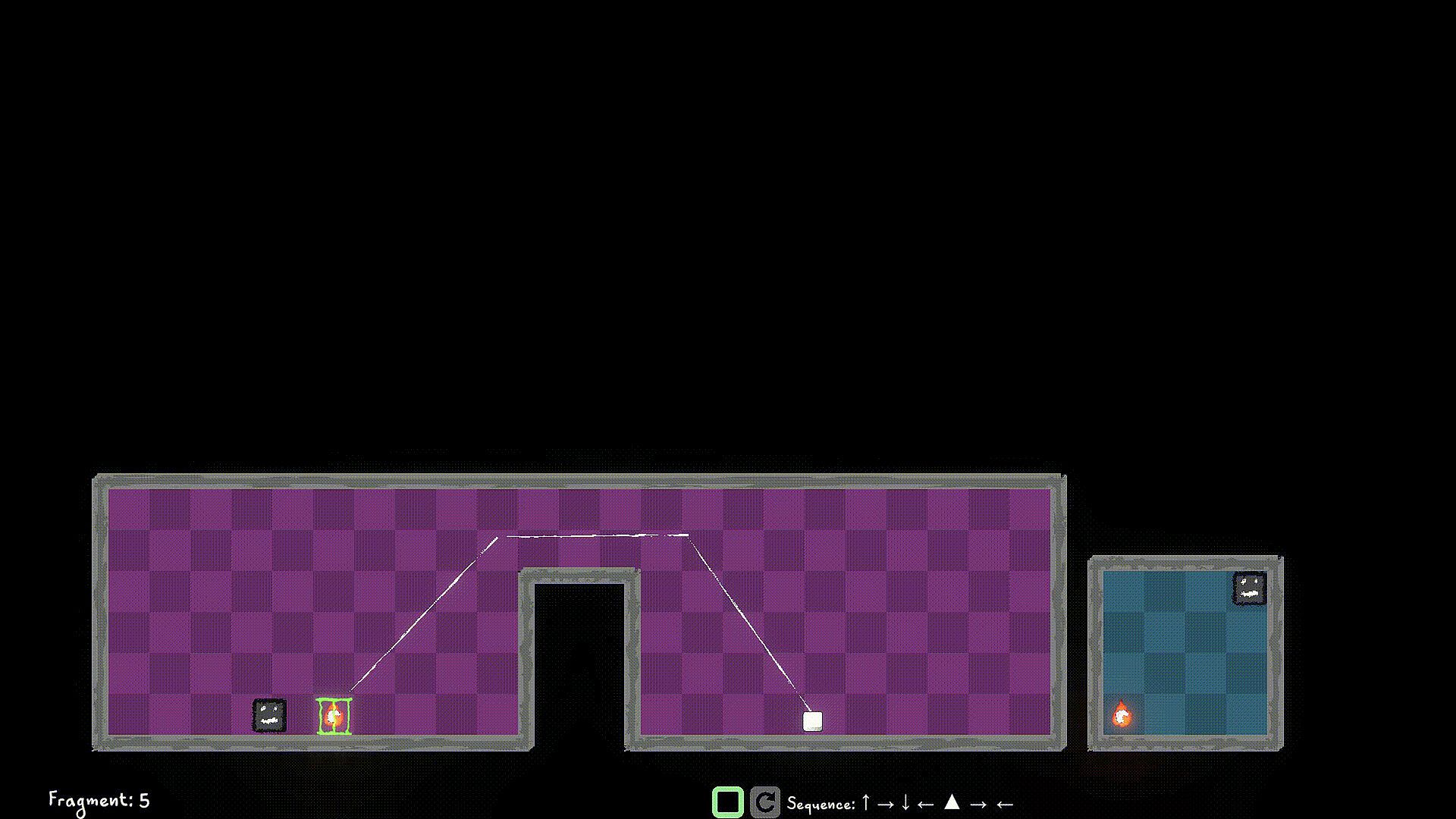
You start a level by queuing up actions using the W/A/S/D/Q/E/F buttons, and then hit the Simulate button to simulate the sequence. If you have collected all the World Pieces in the level, you will have stitched the fragment in the timeline, and you move on to the next fragment. Else? Fragment Reset. So strategize well, before you start the simulation. You can stop the simulation manually as well, but you still lose those points ;)

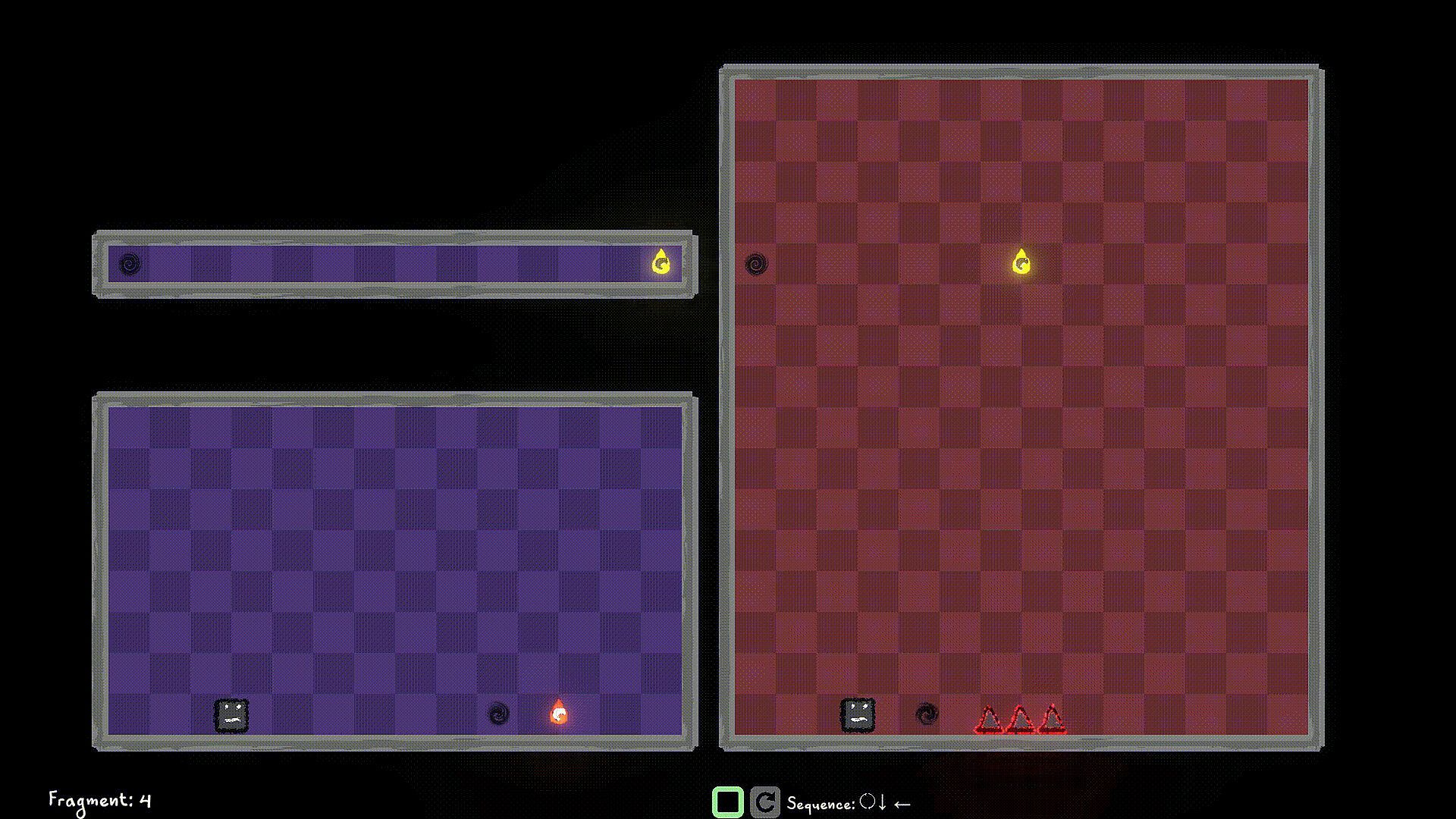
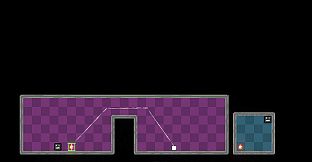
Look out for portals, you can use them strategically to jump through, and your walk continues. You can only use portals that are in the same Dimension as the player.

Use switches in the same Dimension to unlock/toggle the locks for certain World Pieces, or Obstacles.


Interfejs:
English

Klasyfikacja wiekowa

Brak informacji

Minimalne:

  • System operacyjny: Windows 10
  • Procesor: Dual-core 2.0 GHz
  • Pami臋膰: 2 GB RAM
  • Grafika: Intel HD 4000 / NVIDIA GeForce 600 series or equivalent
  • Dysk: 500 MB available space

Zalecane:

  • System operacyjny: Windows 11
  • Procesor: Intel i5 or better (or AMD equivalent)
  • Pami臋膰: 2 GB RAM
  • Grafika: NVIDIA GeForce 600 series or equivalent
  • Dysk: 1 GB available space

Minimalne:

  • System operacyjny: macOS 10.13 High Sierra or later
  • Procesor: Apple M1 or Intel Core M
  • Pami臋膰: 2 GB RAM
  • Grafika: Metal-compatible GPU
  • Dysk: 1 GB available space

Zalecane:

Minimalne:

  • System operacyjny: Ubuntu 20.04 LTS or compatible distro
  • Procesor: Dual-core 2.0 GHz
  • Pami臋膰: 2 GB RAM
  • Grafika: OpenGL 3.2+ compatible GPU
  • Dysk: 1 GB available space

Zalecane:

  • System operacyjny: Ubuntu 20.04 LTS or compatible distro
  • Procesor: Intel i5 or better (or AMD equivalent)
  • Grafika: OpenGL 3.2+ compatible GPU
Historycznie najni偶sza cena
Historia cen ze sklep贸w oficjalnych
-
-
-
Historia cen z keyshop贸w
-
-
-

FAQ

8 pyta艅

Zanim zaczniesz szuka膰 taniego klucza Multiworlds, sprawd藕 najwa偶niejsze informacje. Tw贸rcy: FMF Games. Wydawca: FMF Games. Gatunki: Strategy, Indie, Casual, Simulation, Early Access. Kategorie: Family Sharing, Single-player, Playable without Timed Input.

Q

Gdzie kupi膰 tani klucz Steam do Multiworlds?

Multiworlds jest darmowe! Pobierz gr臋 na Steam i zacznij gra膰 od razu.

Multiworlds jest ca艂kowicie darmowe na Steam. Nie musisz nic kupowa膰 - po prostu pobierz i graj. Szukasz premium DLC lub przedmiot贸w w grze? Sprawd藕 tabel臋 ofert powy偶ej.

Nasz tracker cen obejmuje oficjalne sklepy i keyshopy, wi臋c znajdziesz Multiworlds w promocji nawet poza sezonowymi wyprzeda偶ami. Obecnie wykrywamy 0 aktywnych ofert z oficjalnych sklep贸w i keyshop贸w. Sprawd藕 tabel臋 powy偶ej, por贸wnaj z historycznie najni偶sz膮 cen膮 i ustaw alert, aby nie przegapi膰 kolejnego spadku.

Wed艂ug naszych danych Multiworlds nie jest obecnie dost臋pne na GeForce NOW. Musisz uruchomi膰 gr臋 lokalnie na swoim PC. Przegl膮daj gry dost臋pne na GeForce NOW.

Tak. Multiworlds ma oficjaln膮 stron臋 w sklepie Steam, ale obecnie nie 艣ledzimy 偶adnych ofert z DRM Steam od zewn臋trznych sprzedawc贸w. Sprawd藕 ponownie p贸藕niej lub ustaw alert cenowy.

Nie w tym momencie. Valve oznacza Multiworlds jako niewspierane na Steam Deck. 艢led藕 XD.deals - monitorujemy aktualizacje Proton i poprawki spo艂eczno艣ci. Przegl膮daj gry zweryfikowane na Steam Deck lub grywalne na Steam Deck.

Multiworlds nie jest obecnie dost臋pne w PC Game Pass, EA Play, Ubisoft+ ani 偶adnej innej subskrypcji na PC. Jedyn膮 opcj膮 jest zakup gry - u偶yj XD.deals, aby znale藕膰 najlepsz膮 cen臋.

Nie - XD.deals nie jest sklepem. Jeste艣my por贸wnywark膮 cen, kt贸ra 艣ledzi najlepsze oferty na Multiworlds w oficjalnych sklepach i zweryfikowanych keyshopach. Kliknij "Przejd藕 do sklepu" przy wybranej ofercie, a przekierujemy Ci臋 na stron臋 sprzedawcy.

Chcesz kupi膰 w najlepszym momencie? Ustaw alert cenowy na XD.deals i otrzymaj powiadomienie, gdy Multiworlds osi膮gnie historycznie najni偶sz膮 cen臋.

Utw贸rz alert
Do艂膮cz do Discorda
Uzyskaj szybk膮 pomoc od spo艂eczno艣ci i b膮d藕 na bie偶膮co z promocjami
Ustaw alerty cenowe
Otrzymuj powiadomienia e-mail, gdy cena gry spadnie do Twojego poziomu
Za艂贸偶 darmowe konto
Odblokuj wishlisty, alerty cenowe i synchronizacj臋 ze Steam









